Follow the steps below to learn how to navigate and submit filings using this module.
Step-by-Step Guideline
Step 1: Access the File on Behalf Module
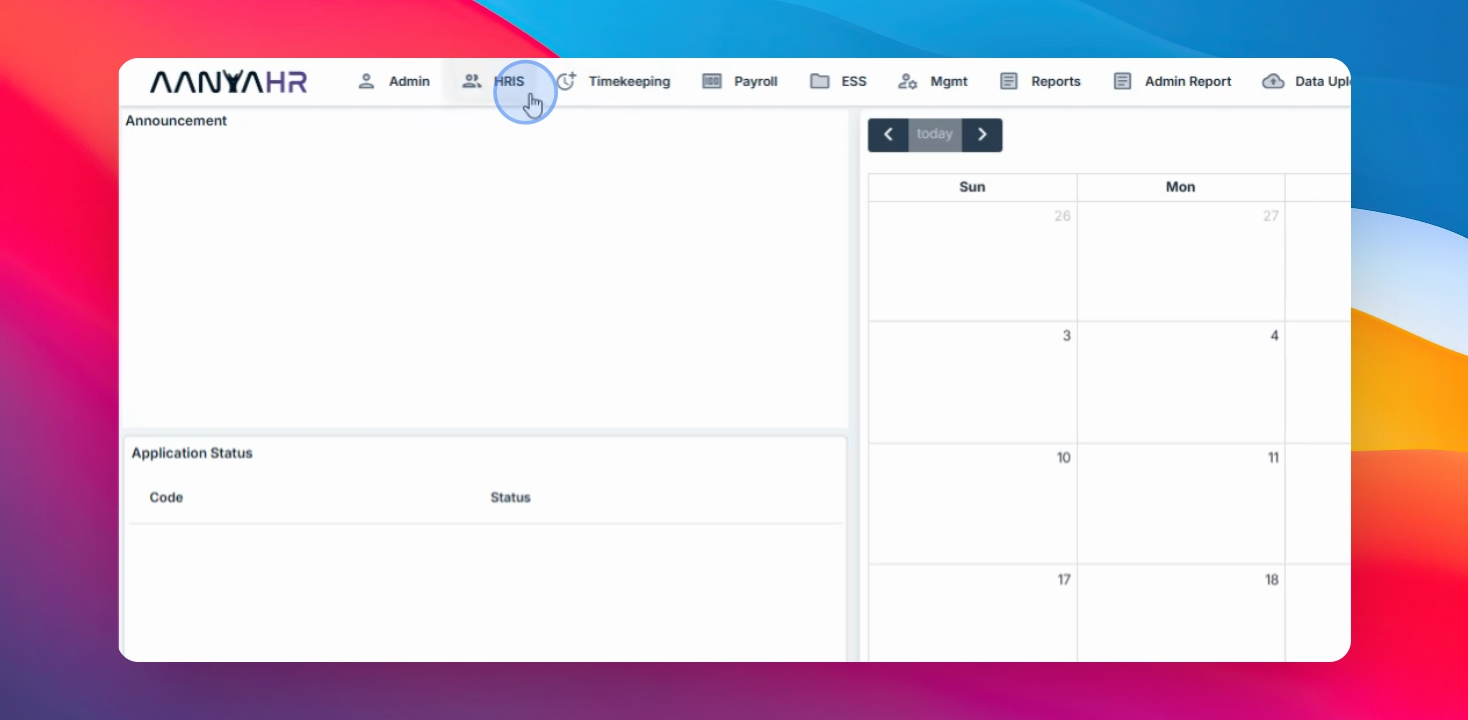
Navigate to the HRIS menu, select Admin Filing, then click File on Behalf.
Step 2: Search Existing Filings
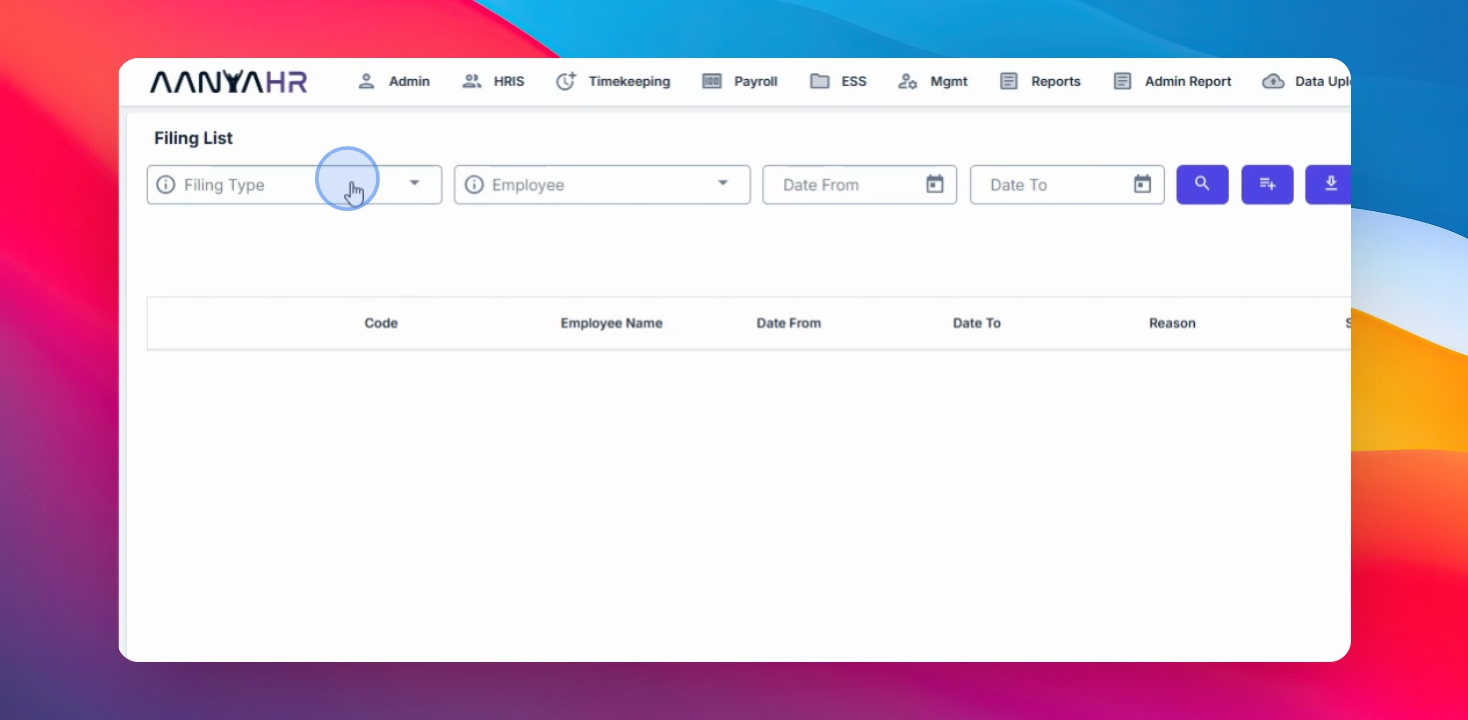
Select the desired filing type to search for existing employee filings.
Step 3: Filter by Employee and Date Range
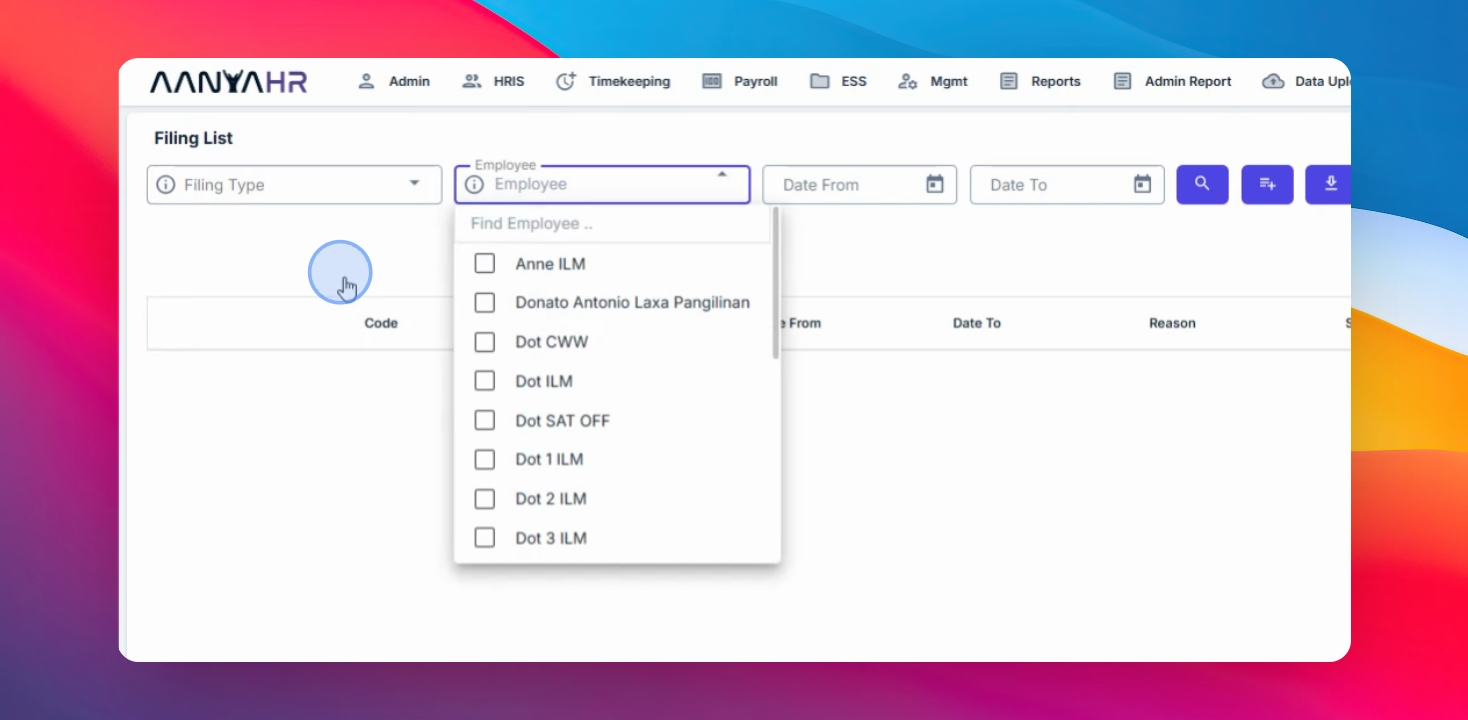
Use the available filters to search by:
Employee
Date Range
After setting the filters, click the Search button.
Step 4: Create a New Filing
Click the Create button, select the employee you wish to file for, and choose the filing type.
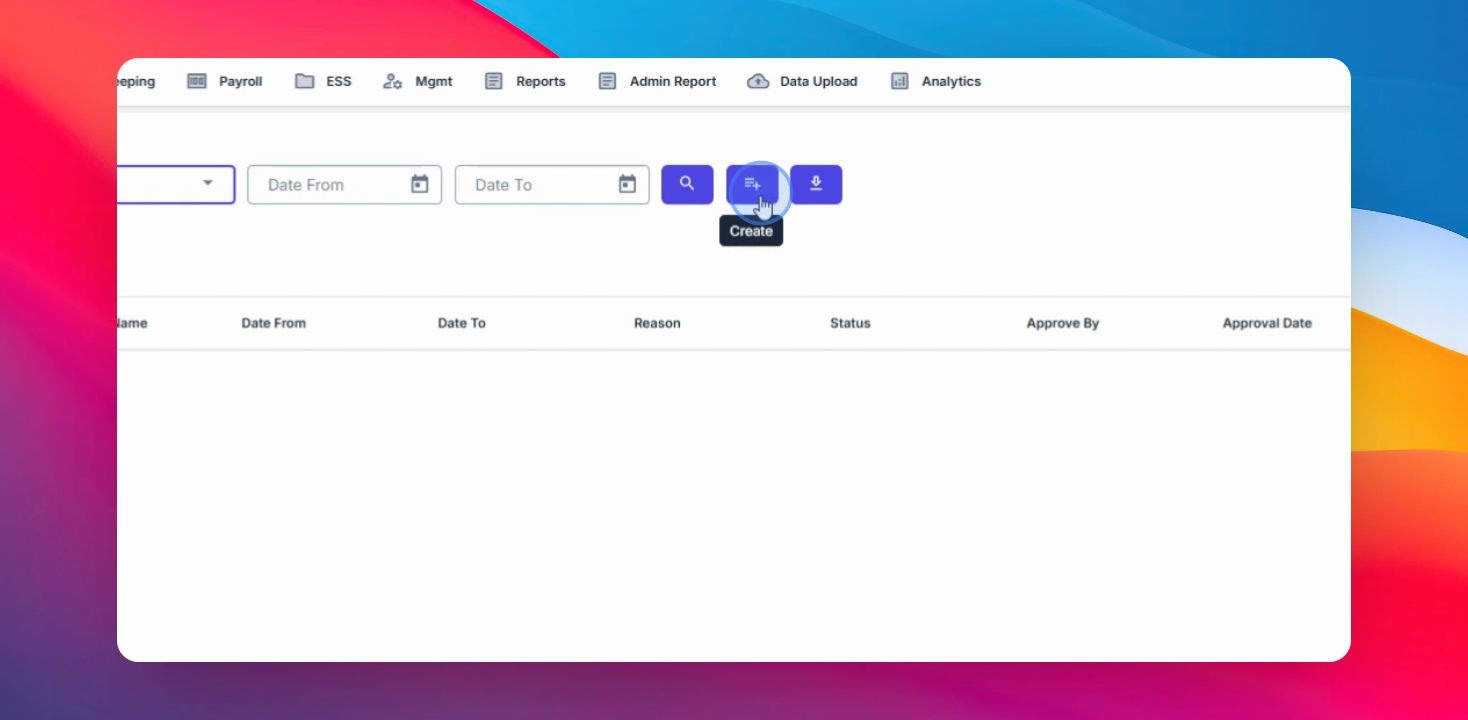
Step 5: Enter Filing Details
Select the date range or date of the request and fill out the required details.

Step 6: Save the Filing
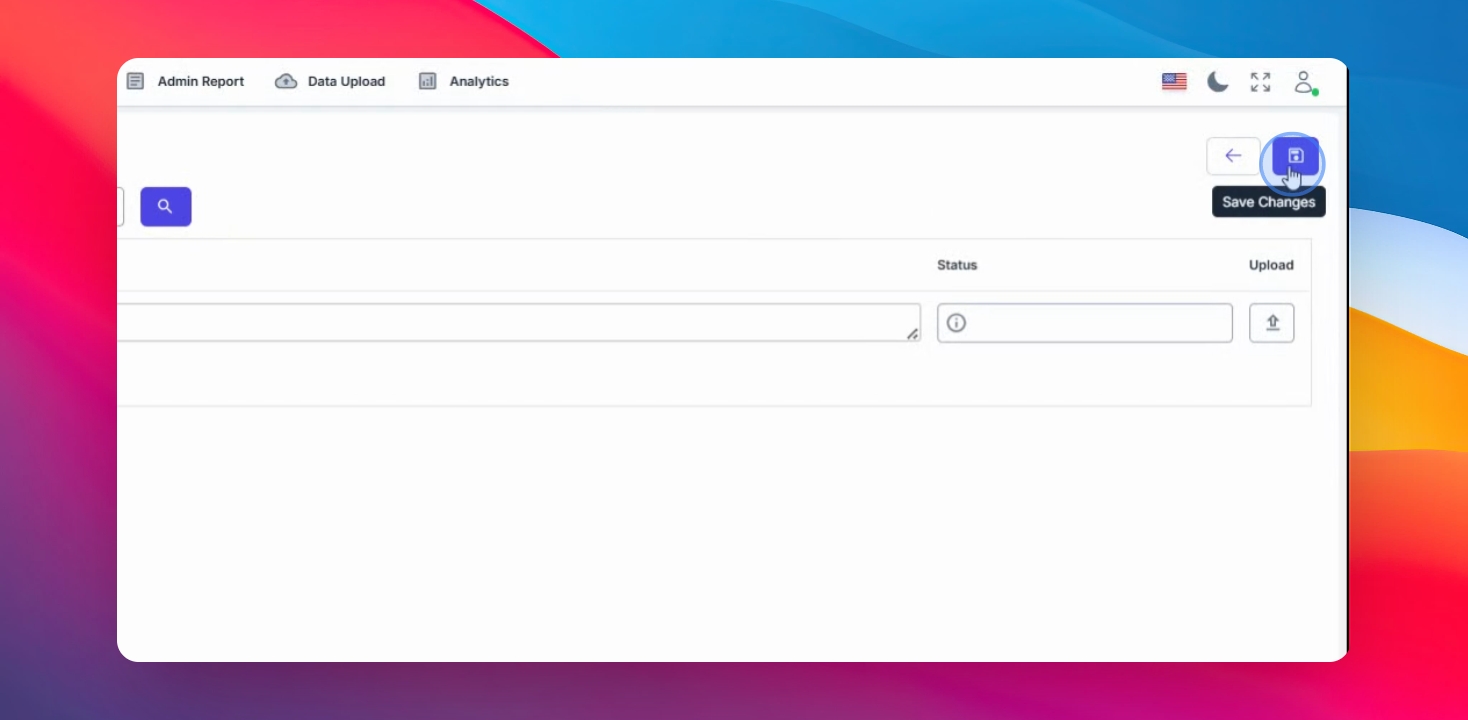
Click Save Changes to complete the filing process.