

Introduction
Have a question or concern regarding your account? In this tutorial, we will guide you step-by-step on how to efficiently send inquiries related to Payroll or Non-Payroll issues using the Help menu on your dashboard. By following these instructions, you'll ensure that your concerns are recorded and addressed promptly by our support team.
How to Instructions
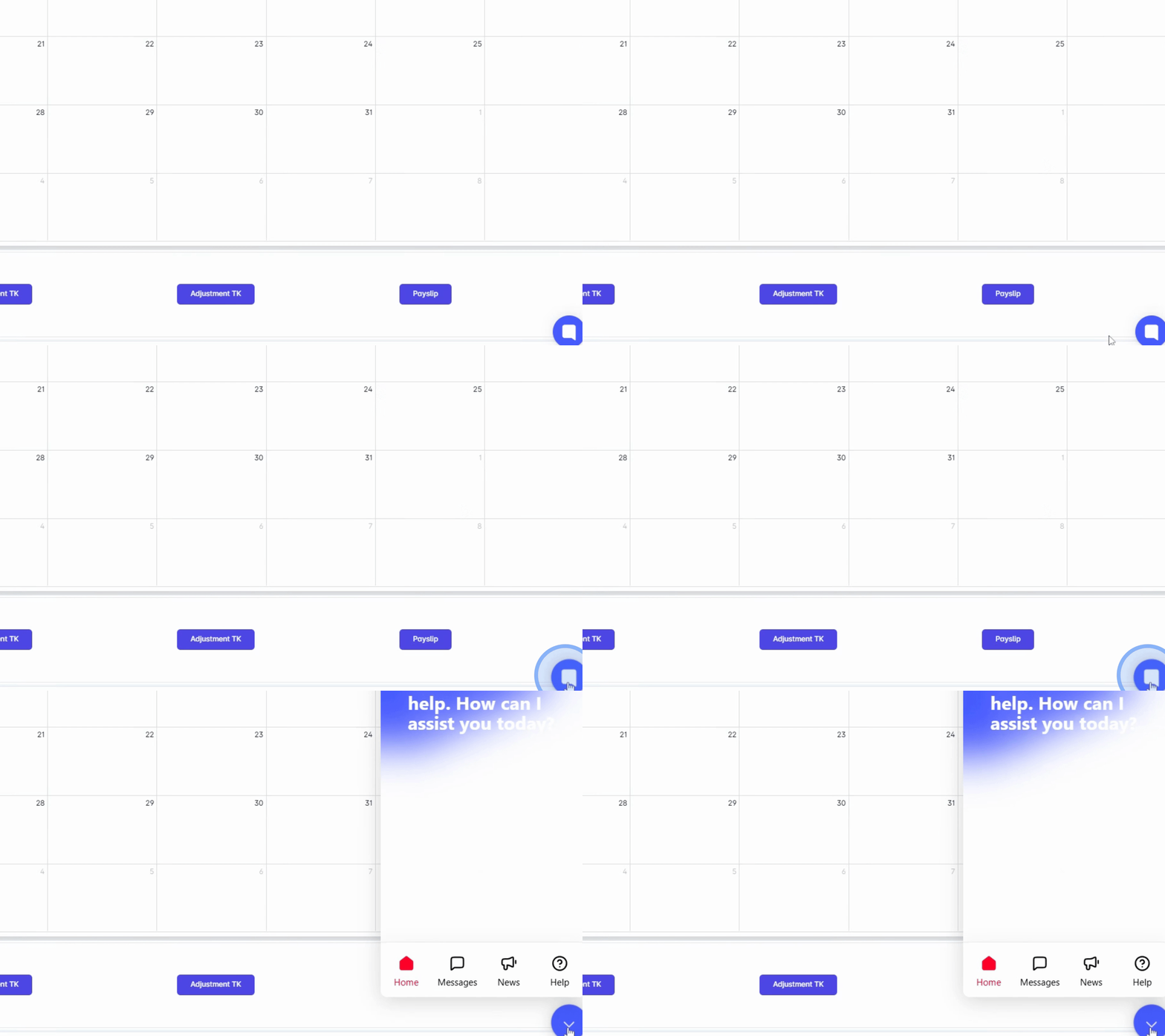
1. Access the Help Menu
Go to the bottom right of your dashboard and click the Help menu button.
2. Select Inquiry Option
Select the Ask a Question option from the menu.
3. Choose Inquiry Type
Choose whether your inquiry is related to Payroll or Non-Payroll.
4. Specify Non-Payroll Inquiry
In this example, click on Non Payroll Related.
5. Enter Inquiry Details
A text field will appear for you to enter your question or concern.
6. Provide a Clear Description
Provide a short description to explain your inquiry clearly.
7. Attach Supporting Documents
You may also attach a screenshot, recording, or a file to support your message.
8. Adding a Screenshot
For a screenshot, you can simply copy and paste it here in the text box.
9. Adding a Screen Recording
For screen recording, simply click the attachment icon.
10. Submit Your Inquiry
Once submitted, your inquiry is automatically routed to customer service for immediate assistance.
11. Await Response
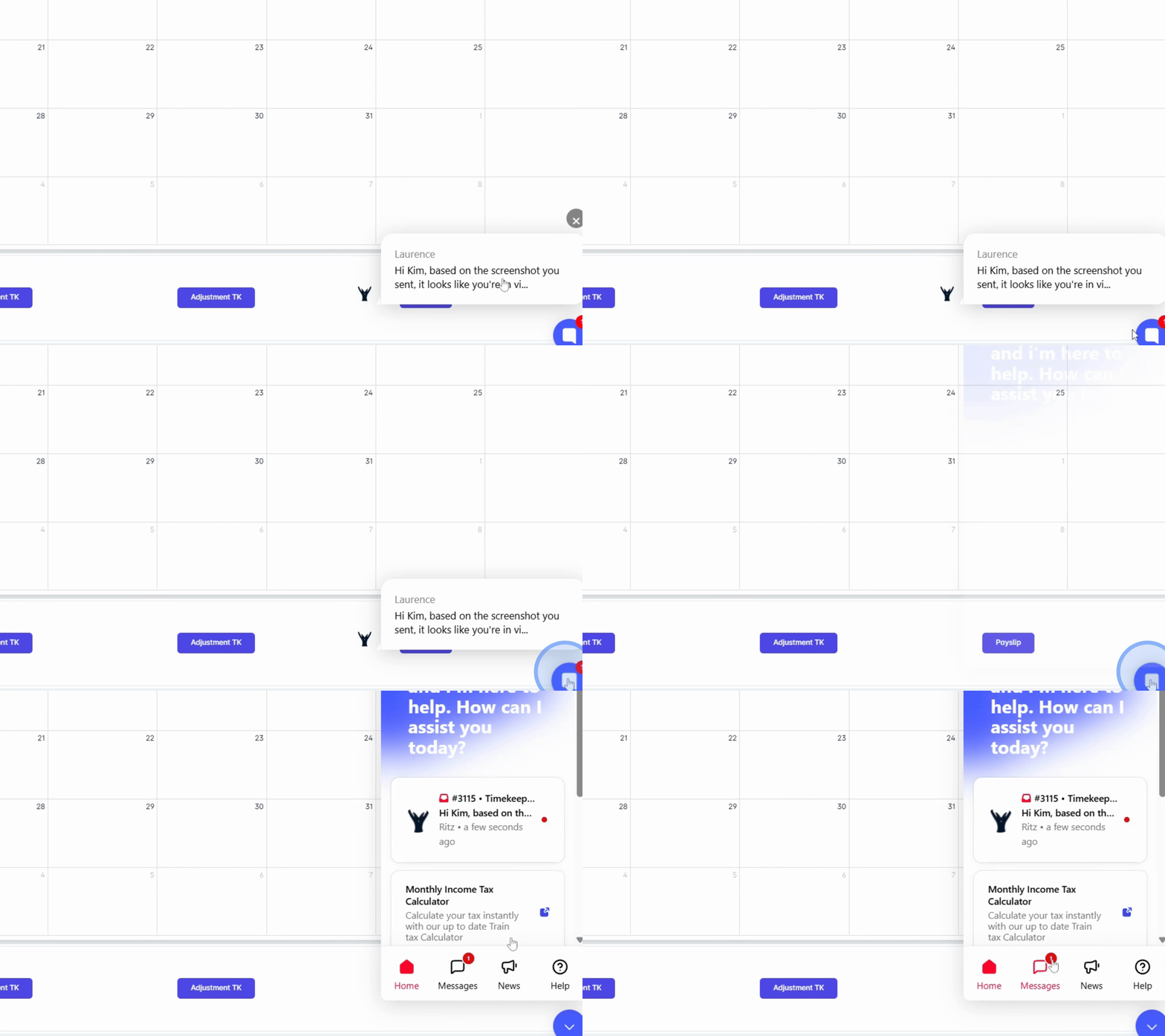
You will be notified through the Help menu button on your dashboard when the support team responds to your inquiry.
Conclusion
By following these steps, you can efficiently send an inquiry through the Ask Questions section to ensure your concerns are addressed in a timely manner by our support team.