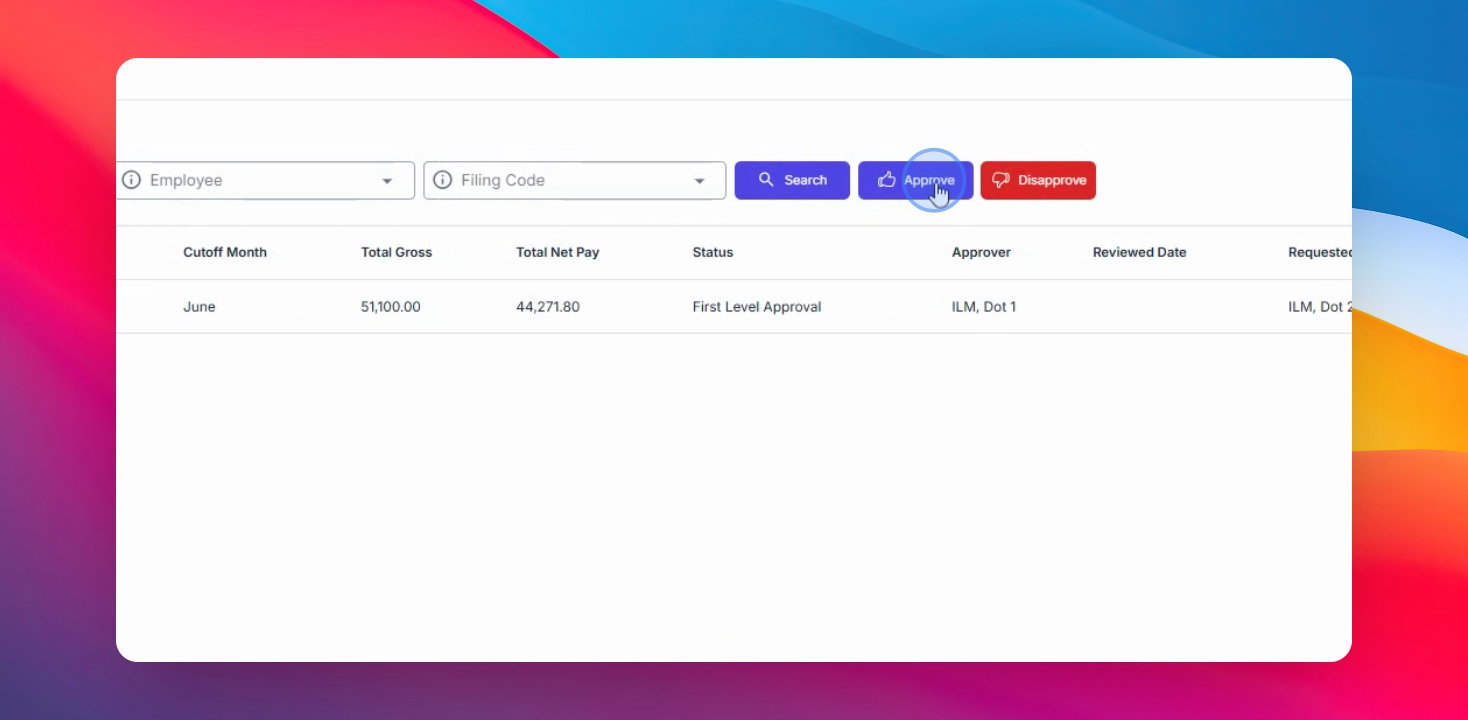
As an approver, you can review payroll details, download supporting documents, and either approve or return the payroll request for revision.
Step 1: Open Approval Section
Navigate to the Management menu and select Approval.
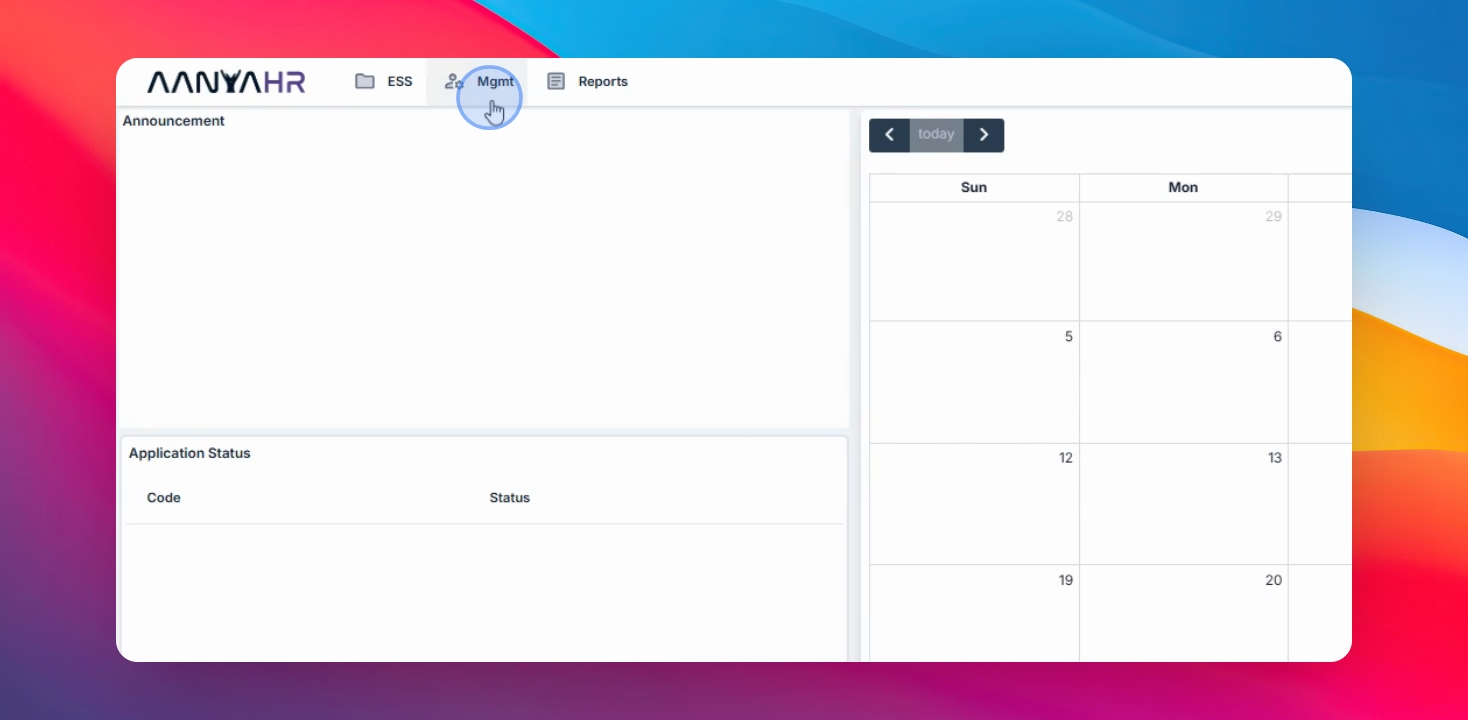
Step 2: Review Payroll Requests
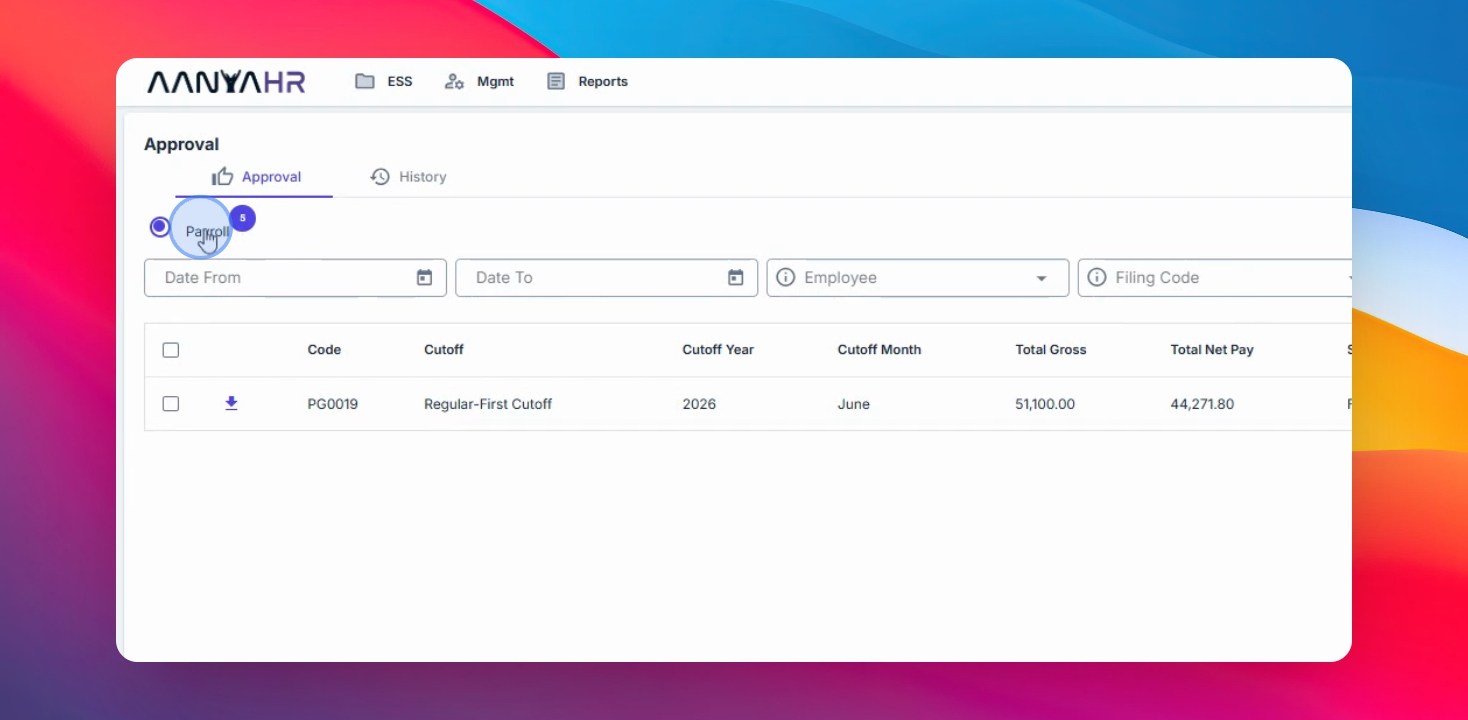
In the Payroll tab, review the details of each payroll request, including payroll code, cutoff year and month, total gross, total deductions, pay status, approver review date, processor, and requested date.
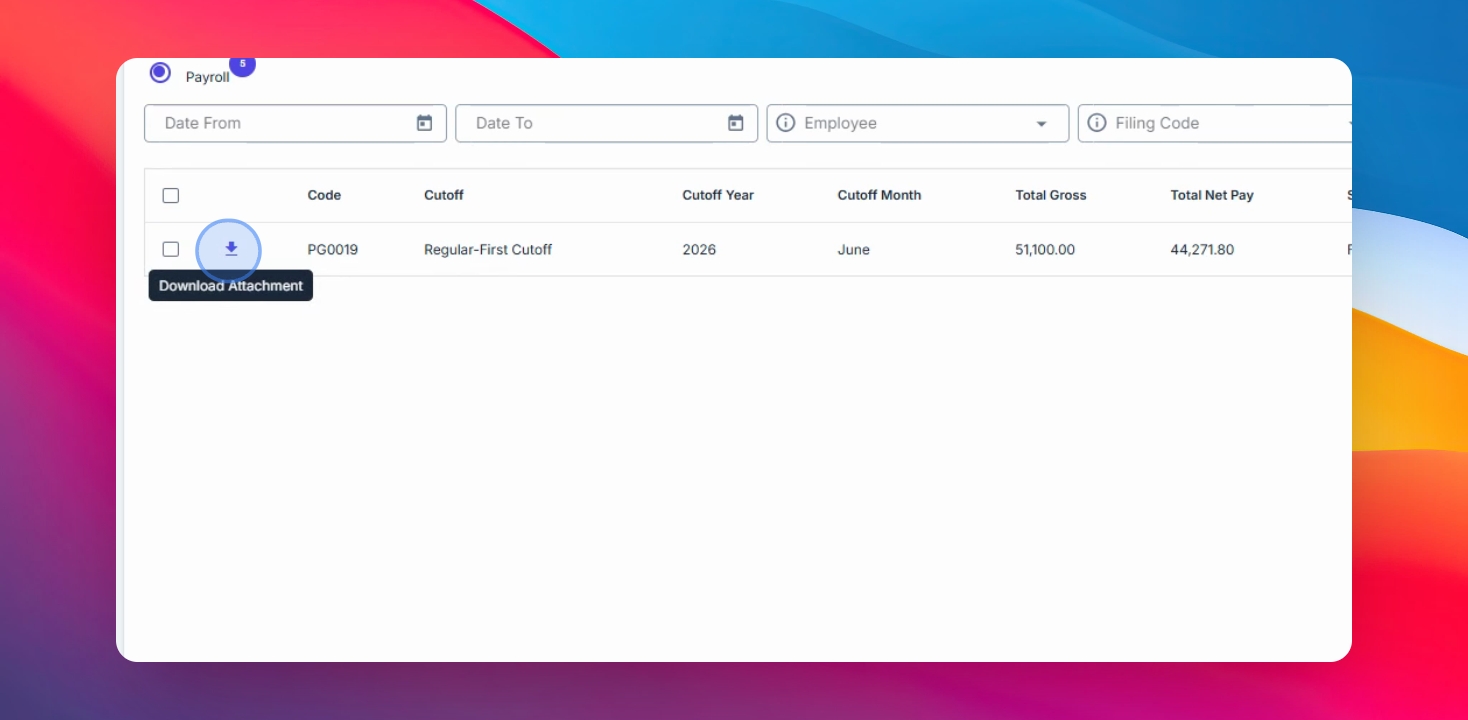
Step 3: Download Payroll Register (Optional)
Click the Download attachment button to download the payroll register for easier review.
Step 4: Approve Payroll
Select the checkbox beside the payroll code and click Approve to approve the payroll.
Step 5: Disapprove Payroll
If you wish to disapprove, click Approved, enter the reason for disapproval, and click Confirm.
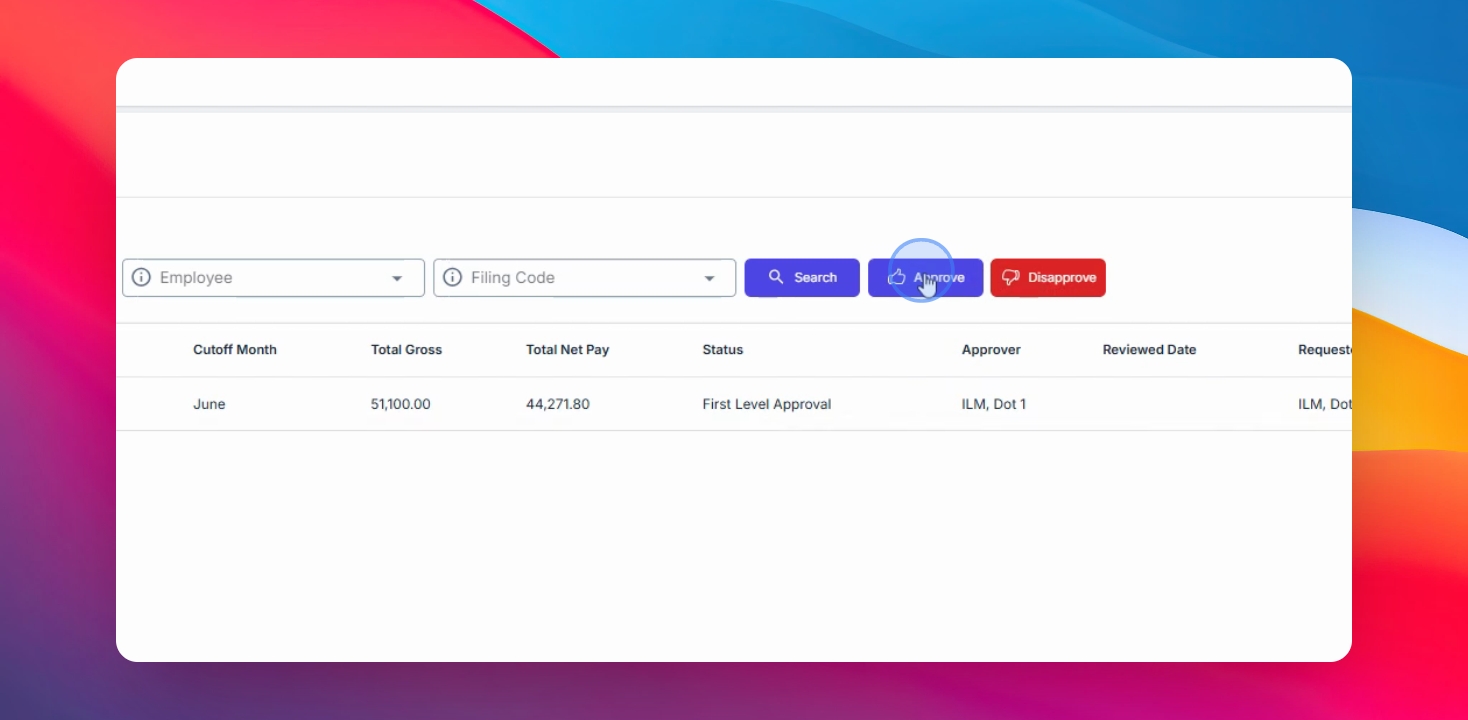
Step 6: Confirm Approval
To approve, click the Approve button. The payroll will be automatically locked and approved.