

This tutorial provides an overview of organization charts, detailing their purpose and significance within a company.
1In Anya HR, you can access the Organization Chart using Super Admin Access and Supervisor Access.
Below are the steps to access the Organization Chart using Admin access.
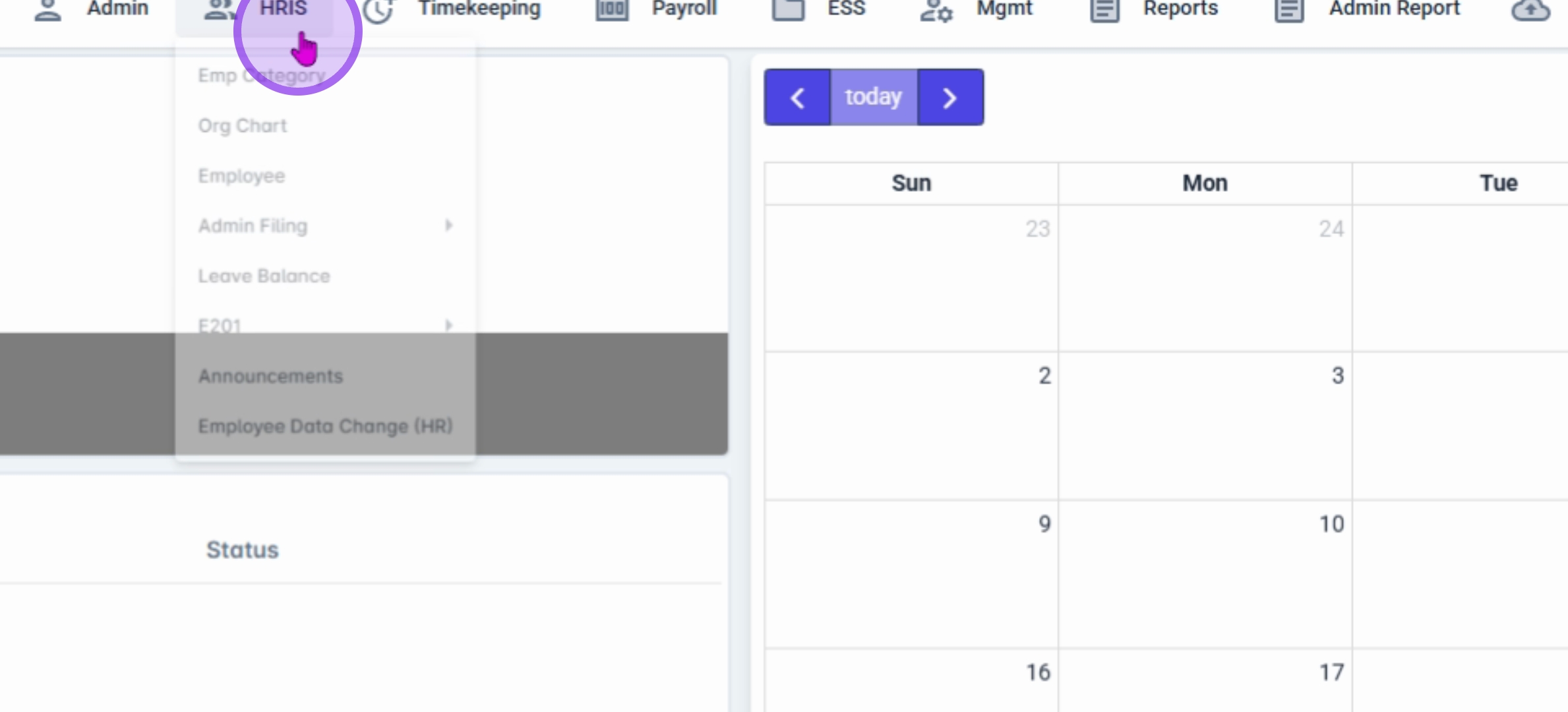
2First, navigate to the HRIS module and select Org Chart under Admin access.
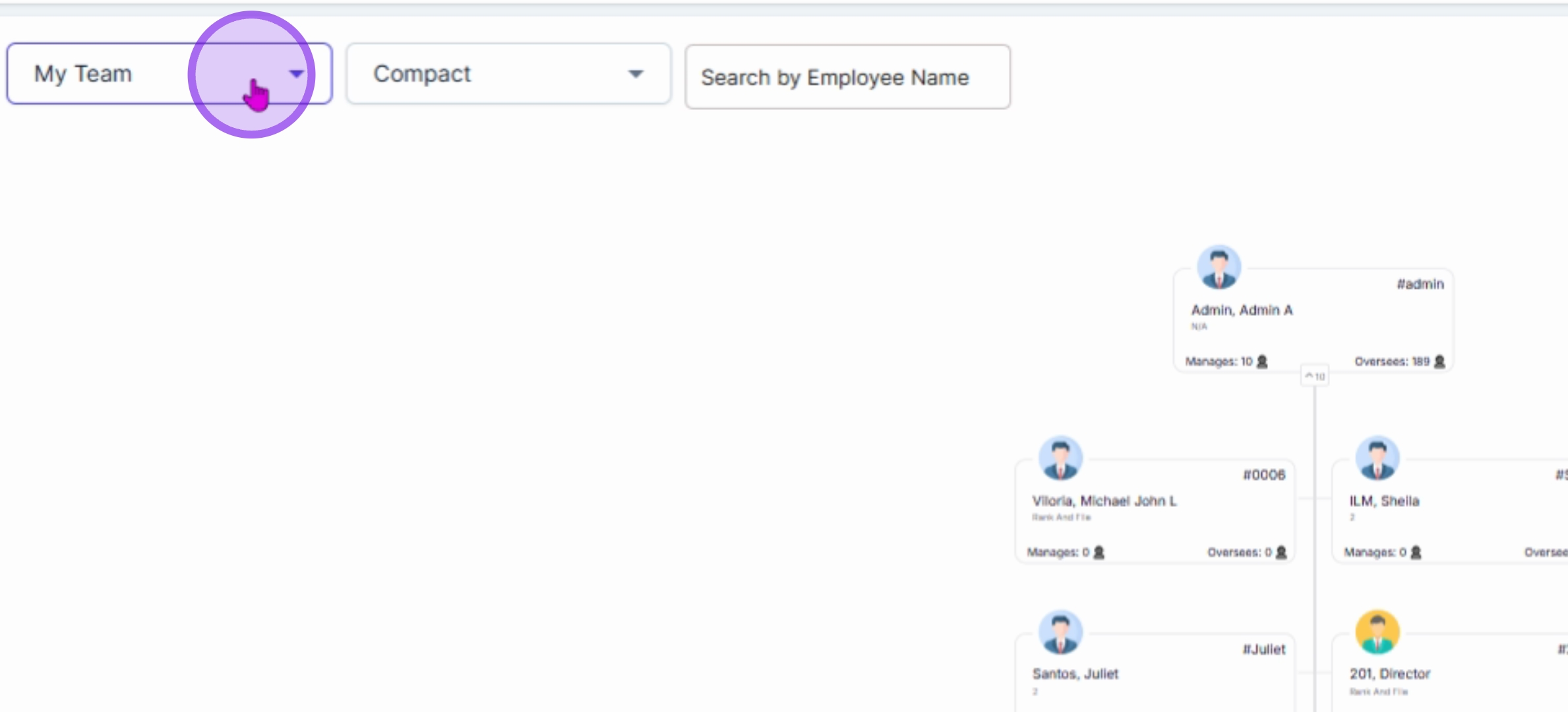
3The default hierarchy filter is set to My Team, but you can modify the filtering by selecting different dropdown hierarchy filters such as My Company, My Branch, or My Department.
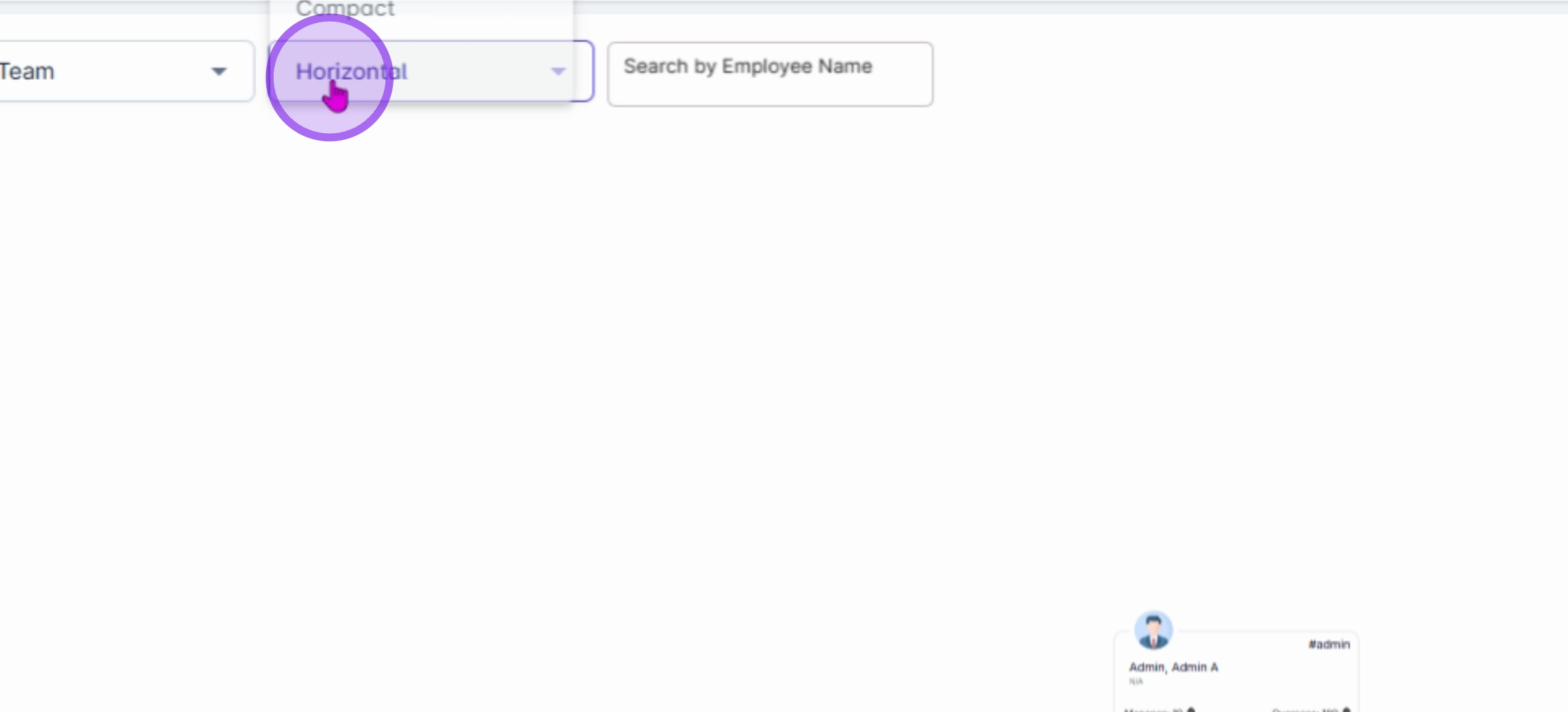
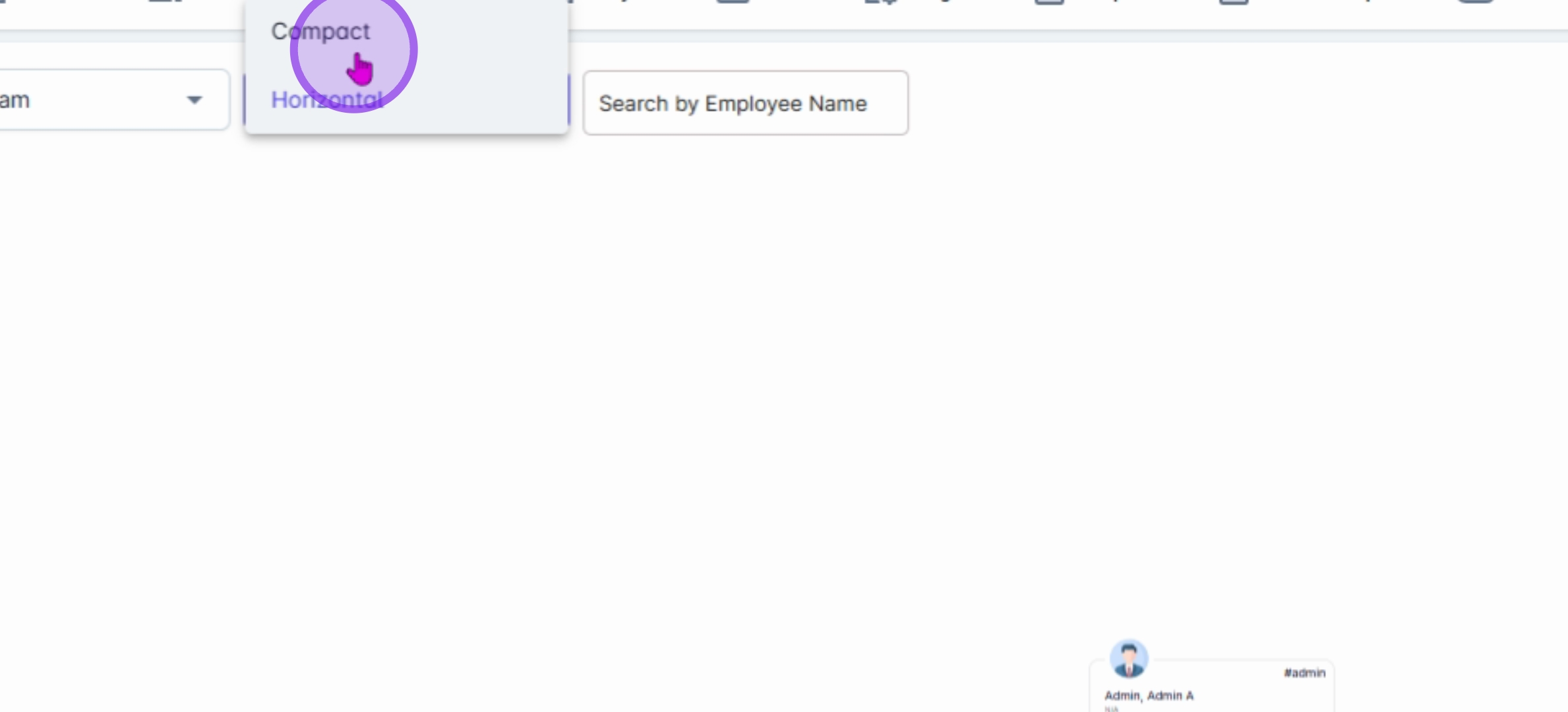
4You can also modify your viewing options such as Compact View and Horizontal.

5In Compact View, more information fits into a smaller space, displaying it in a top-down structure.
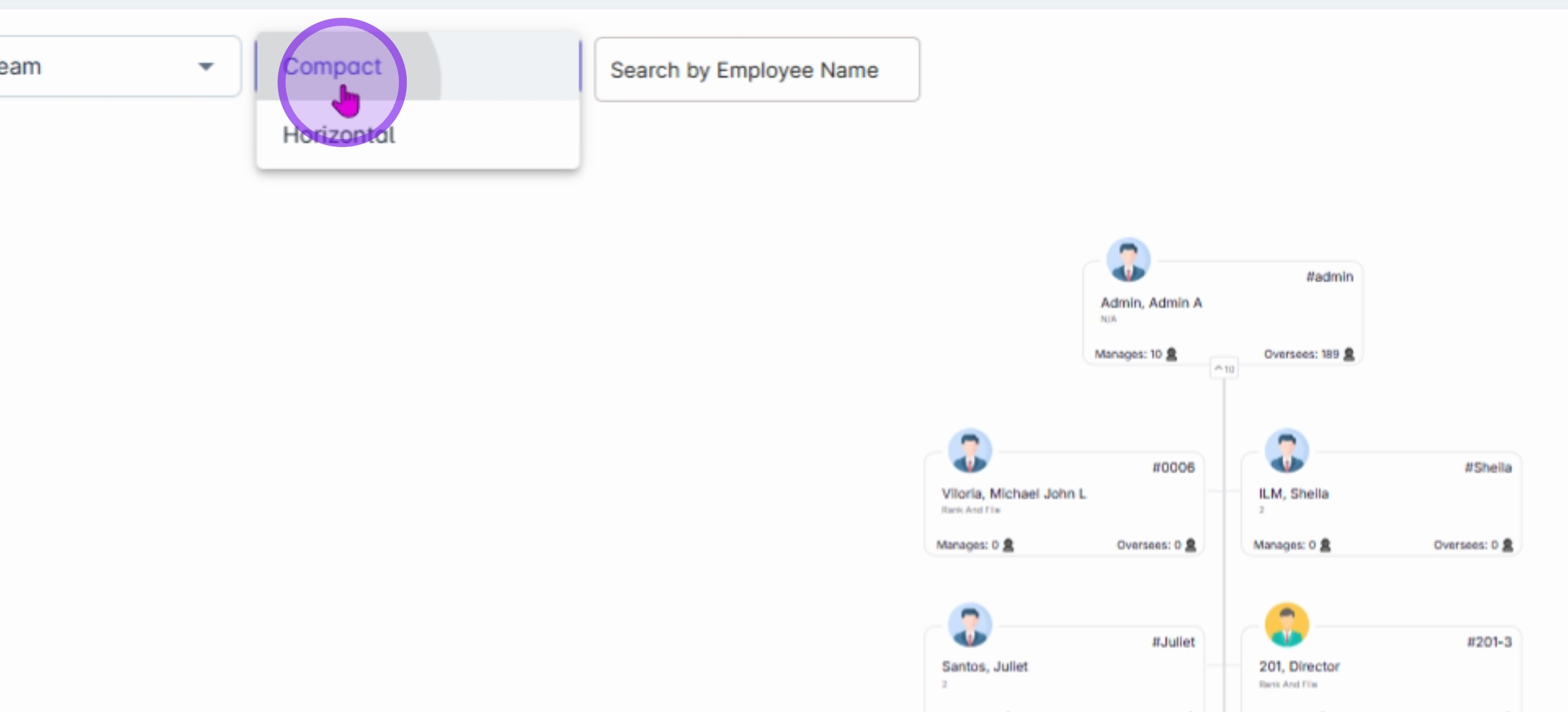
6In Horizontal View, the chart displays rows and different departments from a left-to-right structure.
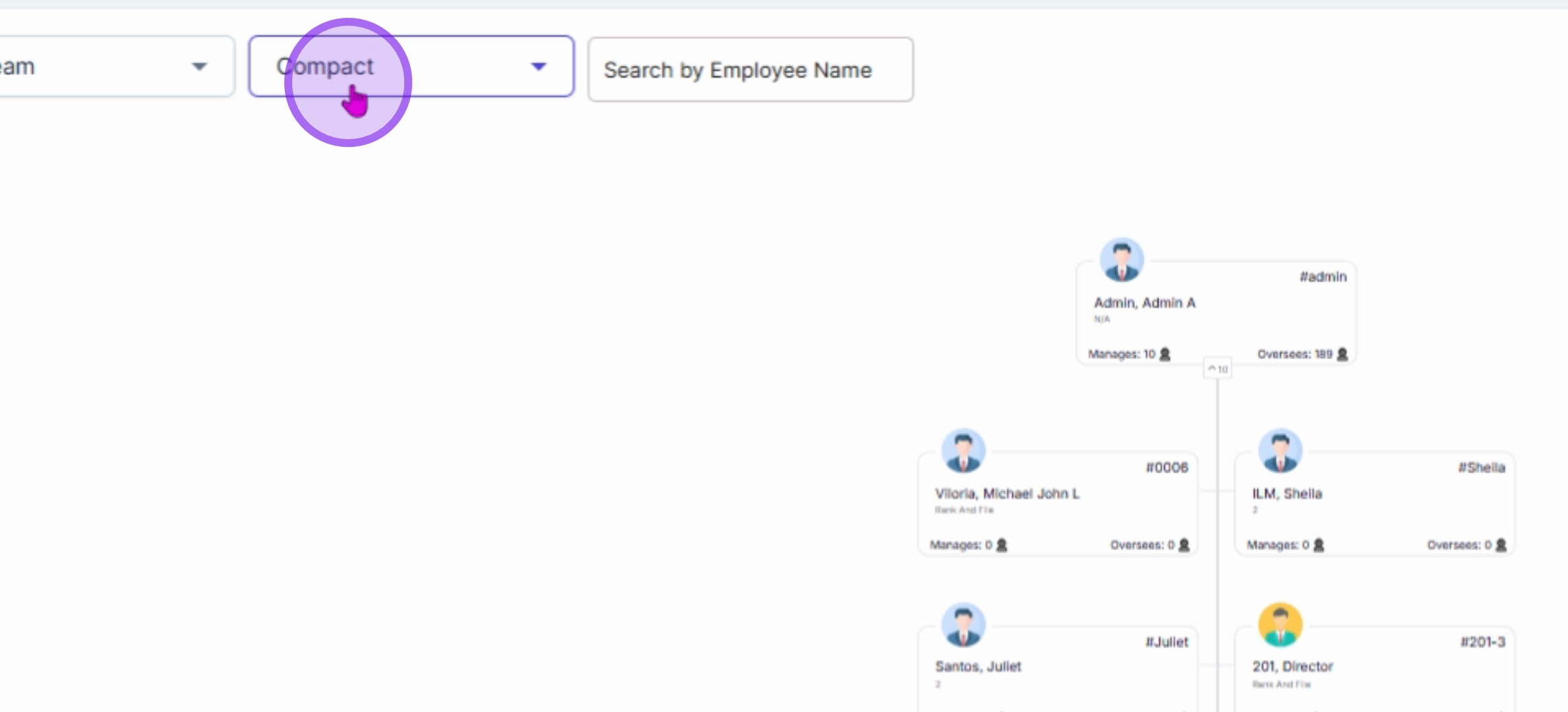
7You can also search for an employee's name if you want to check their downline.
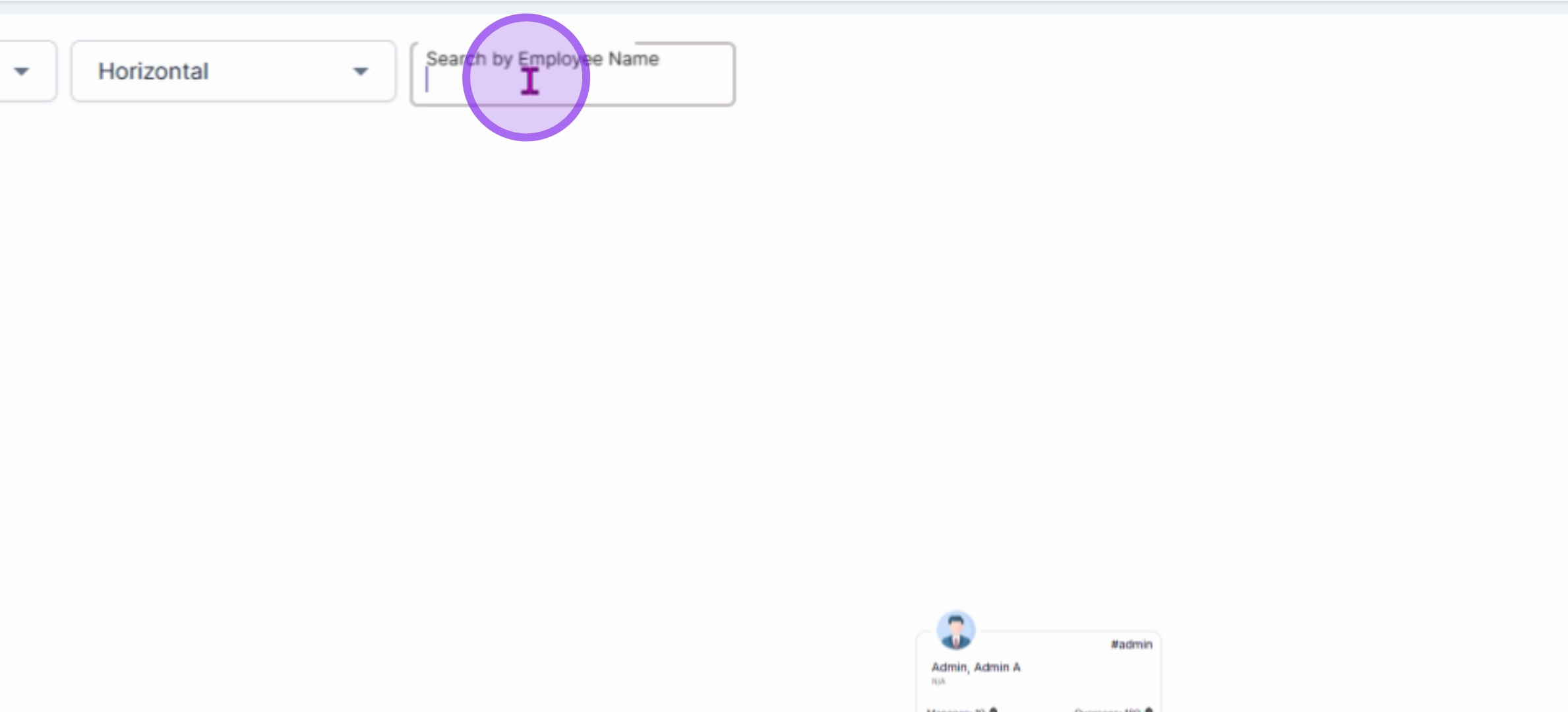
8Additionally, you can use your mouse scroll wheel to zoom in and zoom out.
9For example, when in Compact View, if you want to check the subordinates of Ms. Curtis Kim, click the plus button next to his name to view their downline.
10If you want to check the downline of Ms. Dorothy, click the plus icon next to her name to see all her subordinates.
11You can also check the subordinates of Ms. Azul and view their profiles for better clarity.
12This structured approach ensures a seamless experience in navigating and understanding your company's organizational structure.
By following these steps, you will have a clear understanding of how to access and utilize the Organization Chart effectively within Anya HR.