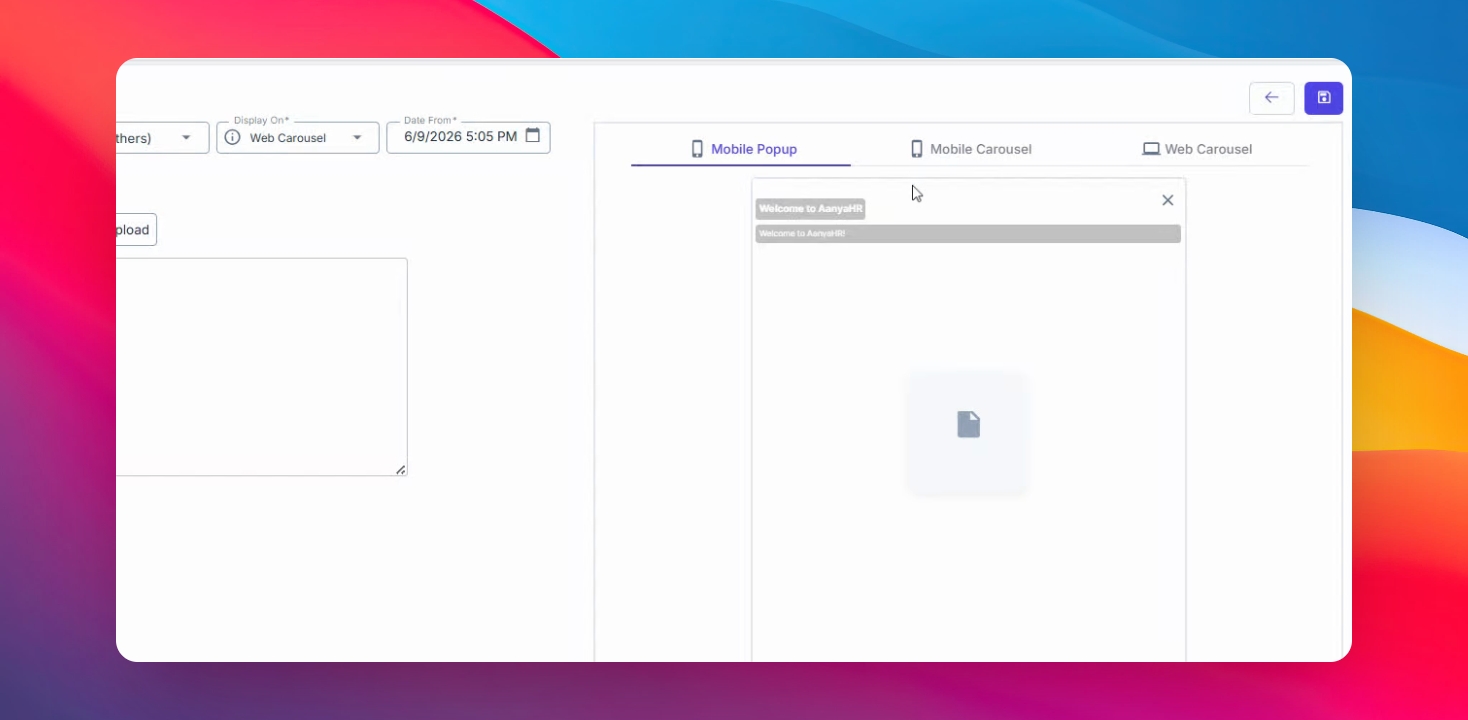
Follow the steps below to publish announcements and make them available to your employees through the web or mobile application.
Step 1: Open the Announcement Module
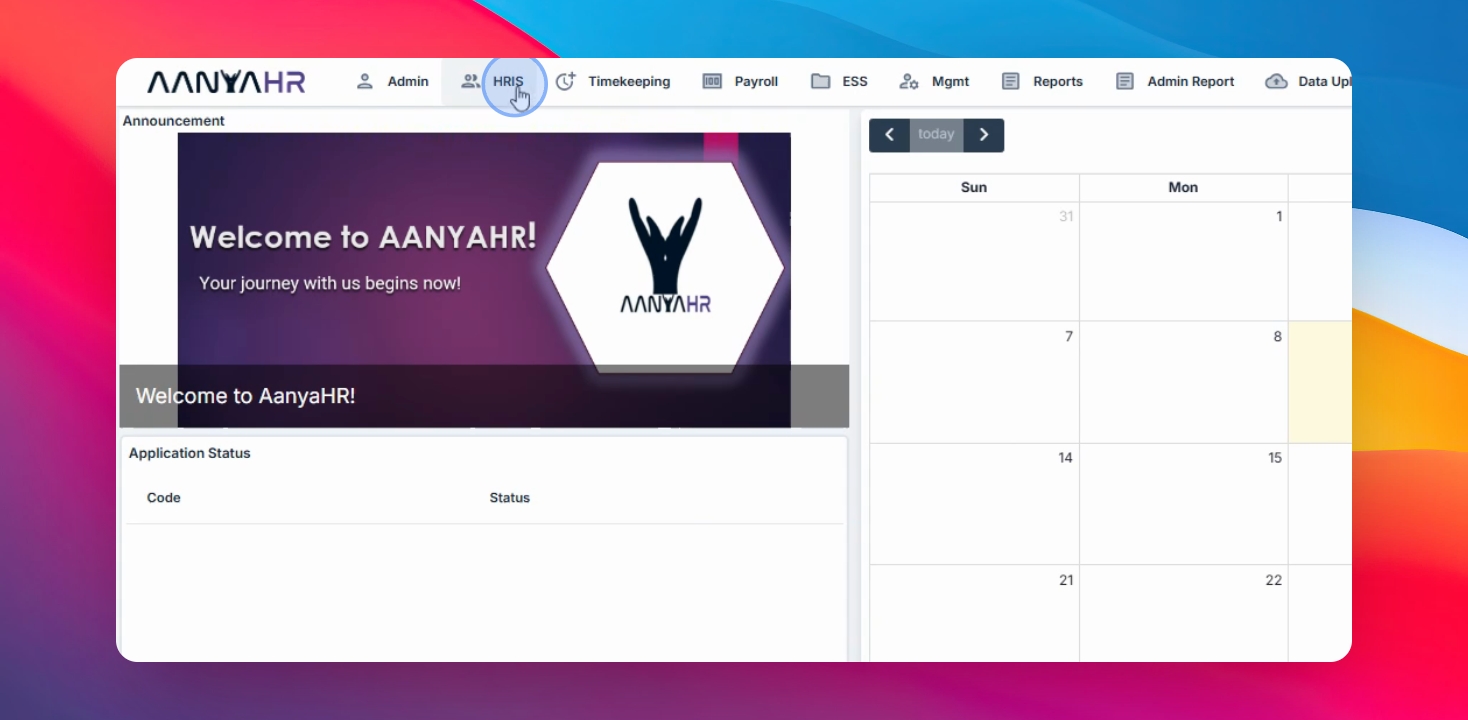
Navigate to HRIS and select Announcement from the menu.
Step 2: Create a New Announcement
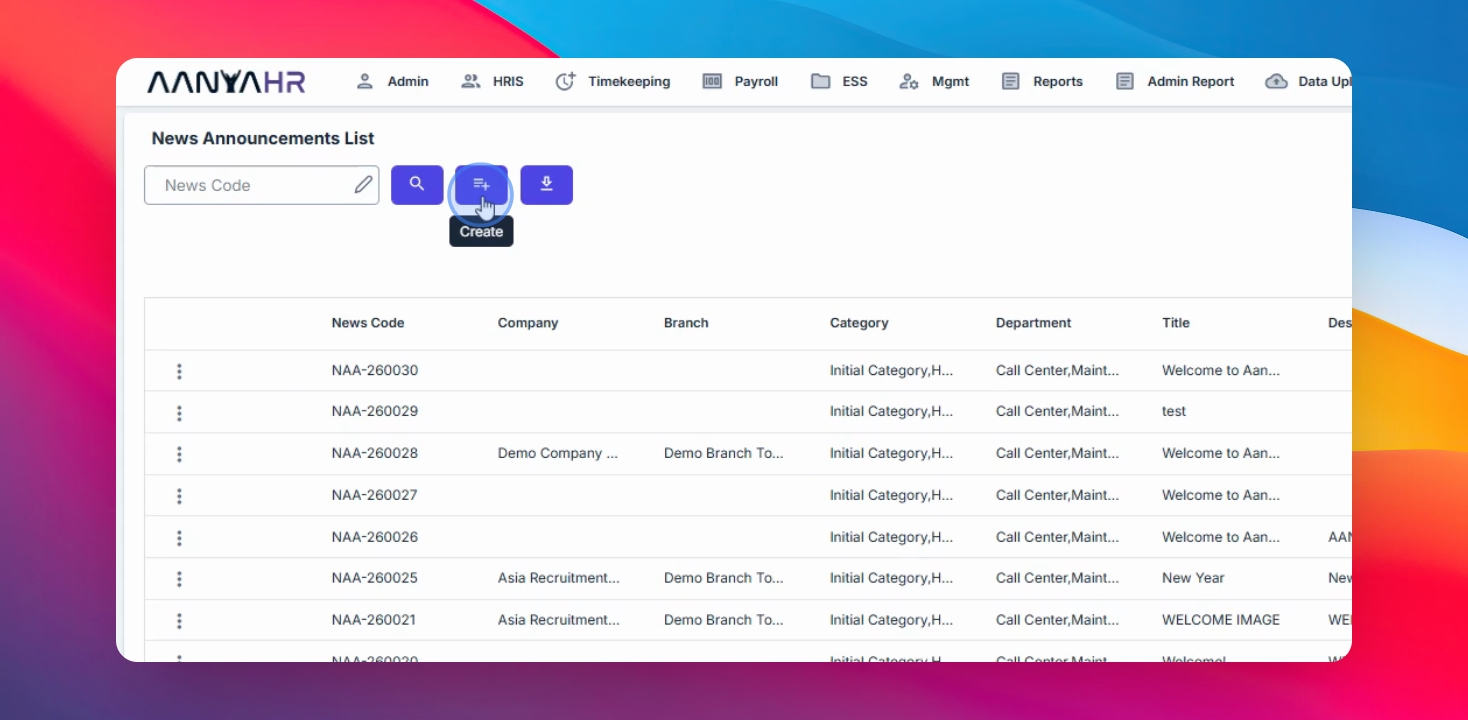
Click the Create button
Step 3: Choose Category and Department
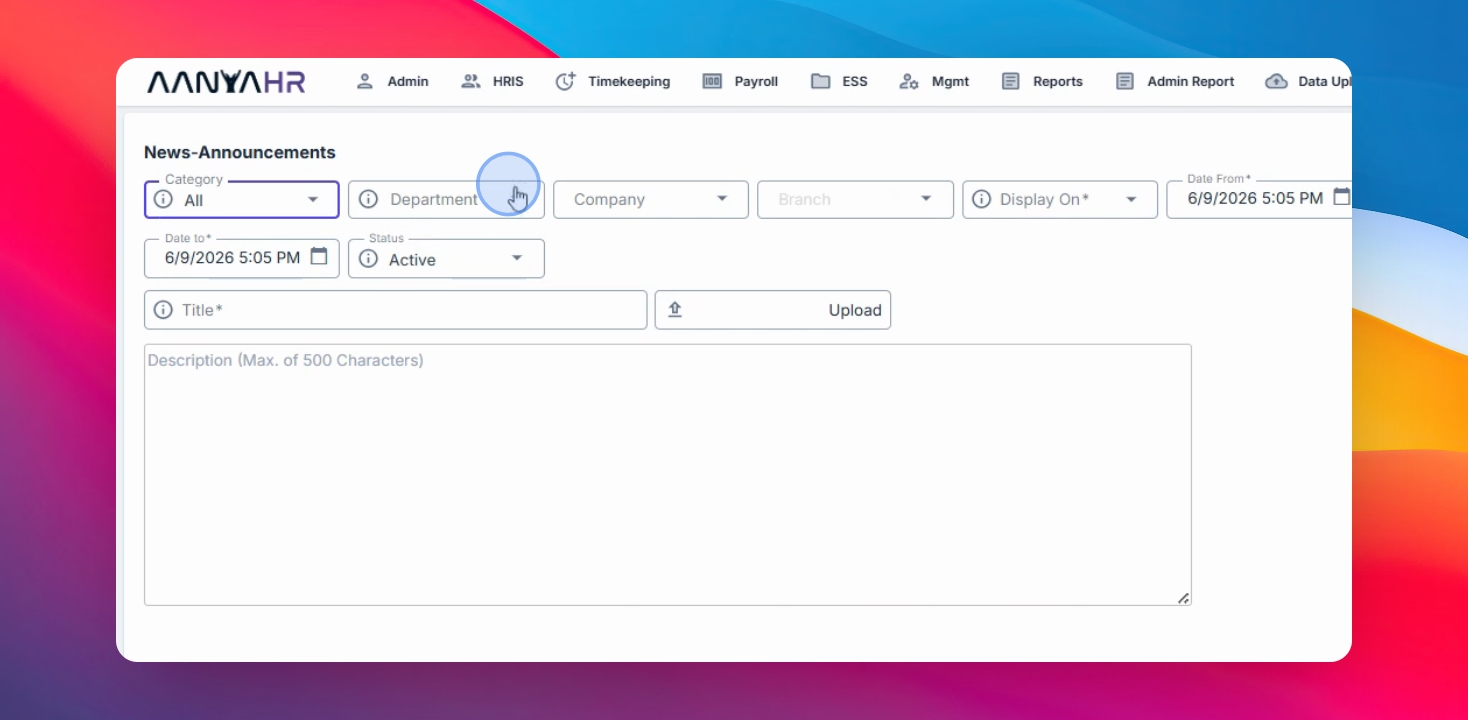
Choose the target audience for the announcement.
You may:
Select a specific Category
Choose All categories
Specify a Department, company, or branch
Step 4: Set Display Options and Schedule
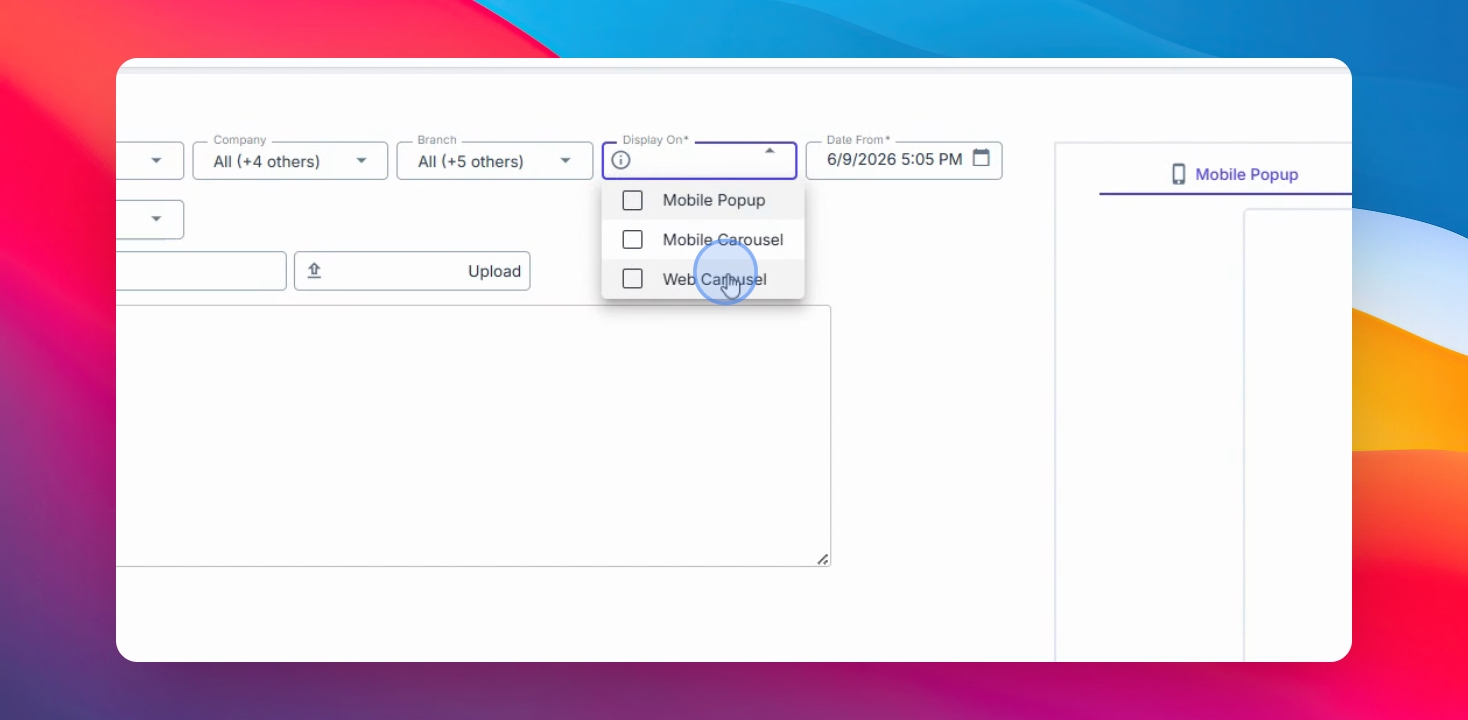
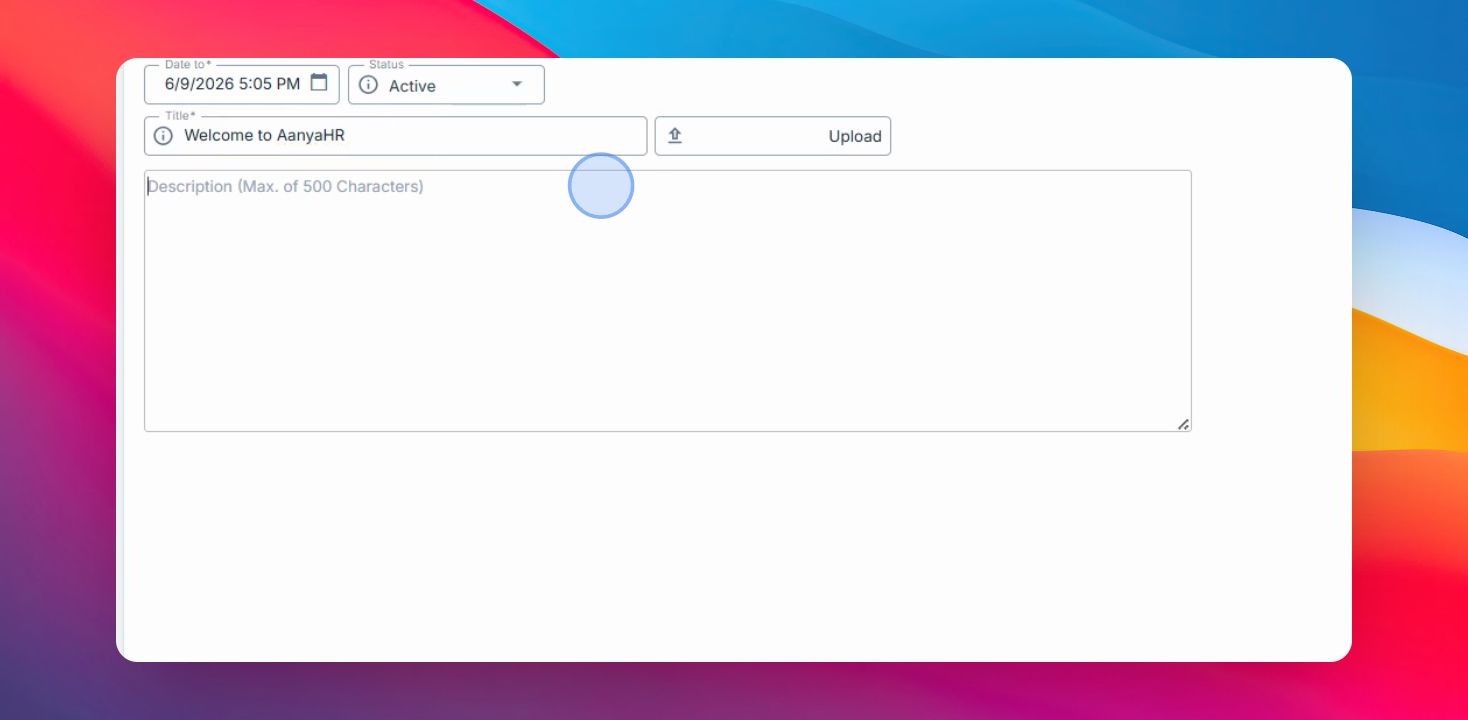
Select where the announcement will appear, such as Mobile Pop Up, Mobile Carousel, or Web Carousel. Set the start and end date and time for when the announcement will be visible. Enter the status and title.
Step 5: Add an Attachment and Description
Attach a supporting file if needed, such as:
An image
A document
Another supported file type
Then enter the announcement description or message.
Step 6: Preview and Save
Preview how the announcement will appear on:
The Mobile Application
The Mobile Carousel
The Web Browser
If necessary, you may also mark the announcement as Inactive.
Once everything is finalized, click Save to publish the announcement.