

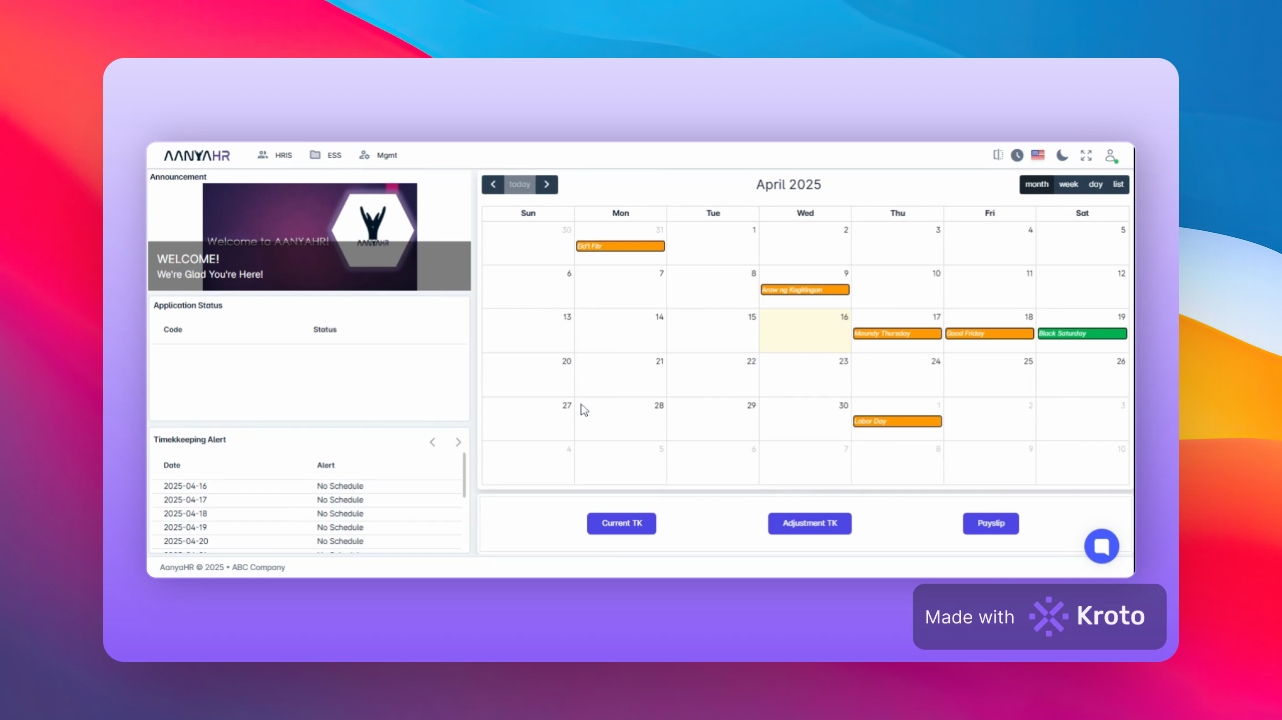
Begin by navigating to the HIS module. Then, select Admin Filing, followed by Pre Approved Overtime. Finally, click on Create.
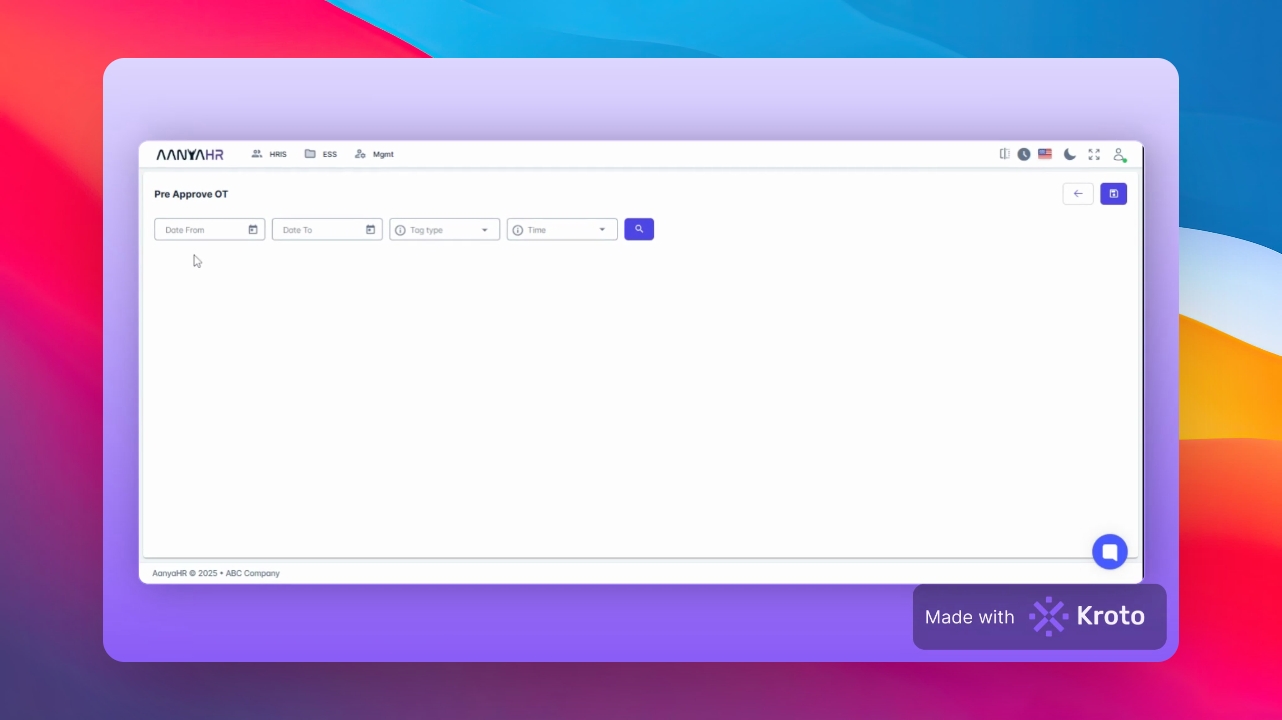
Select the Date from and Date to fields and choose the appropriate Date for the tab type.
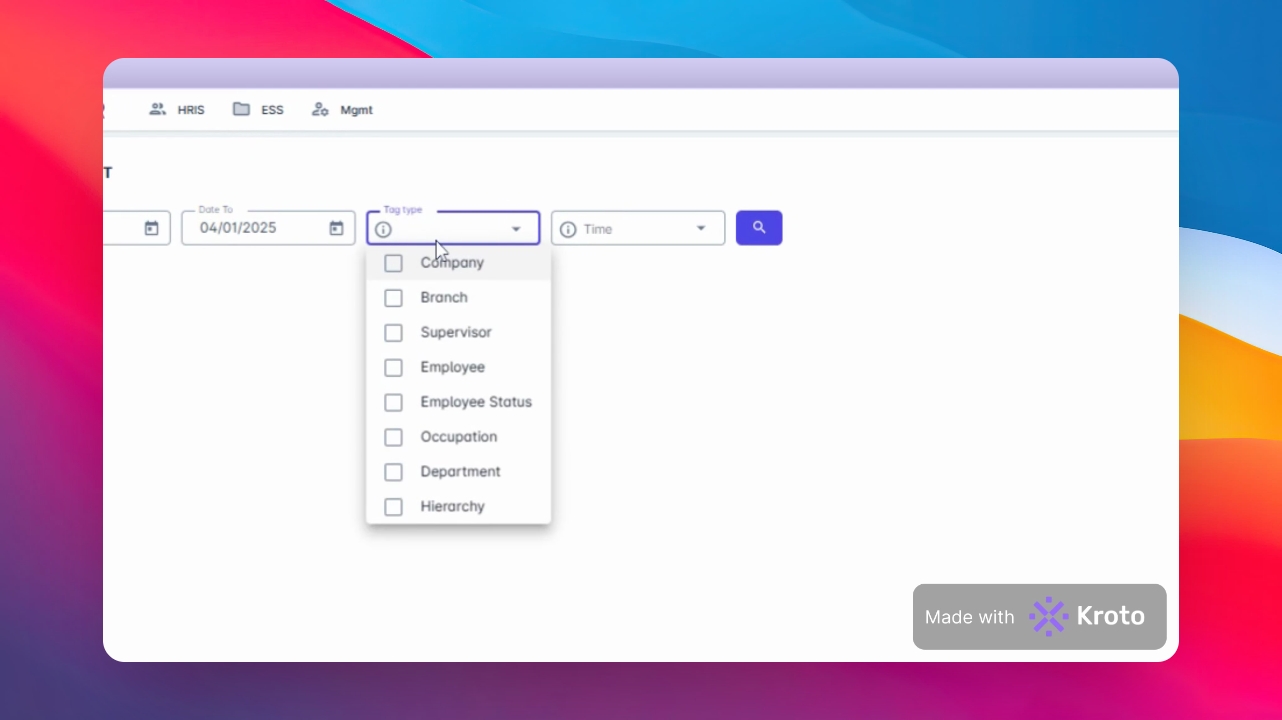
Next, select Employee. In the Employee tab, search for the Employee Name and select it from the results.
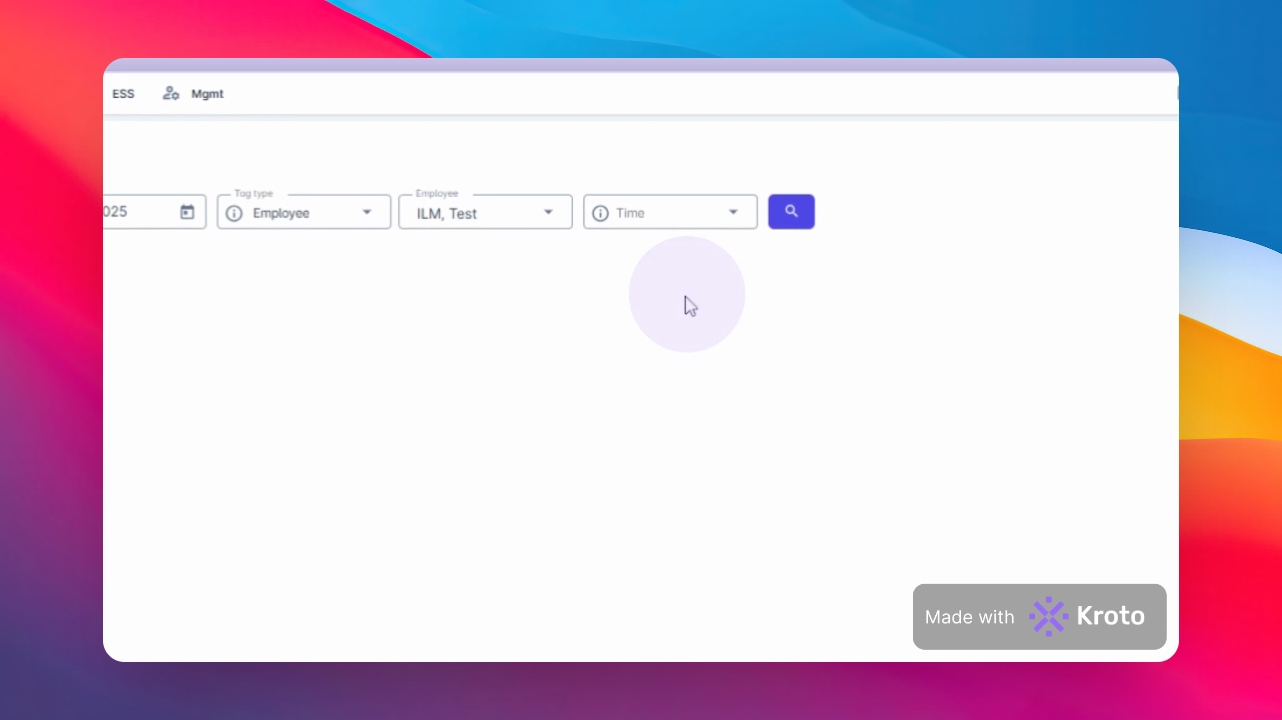
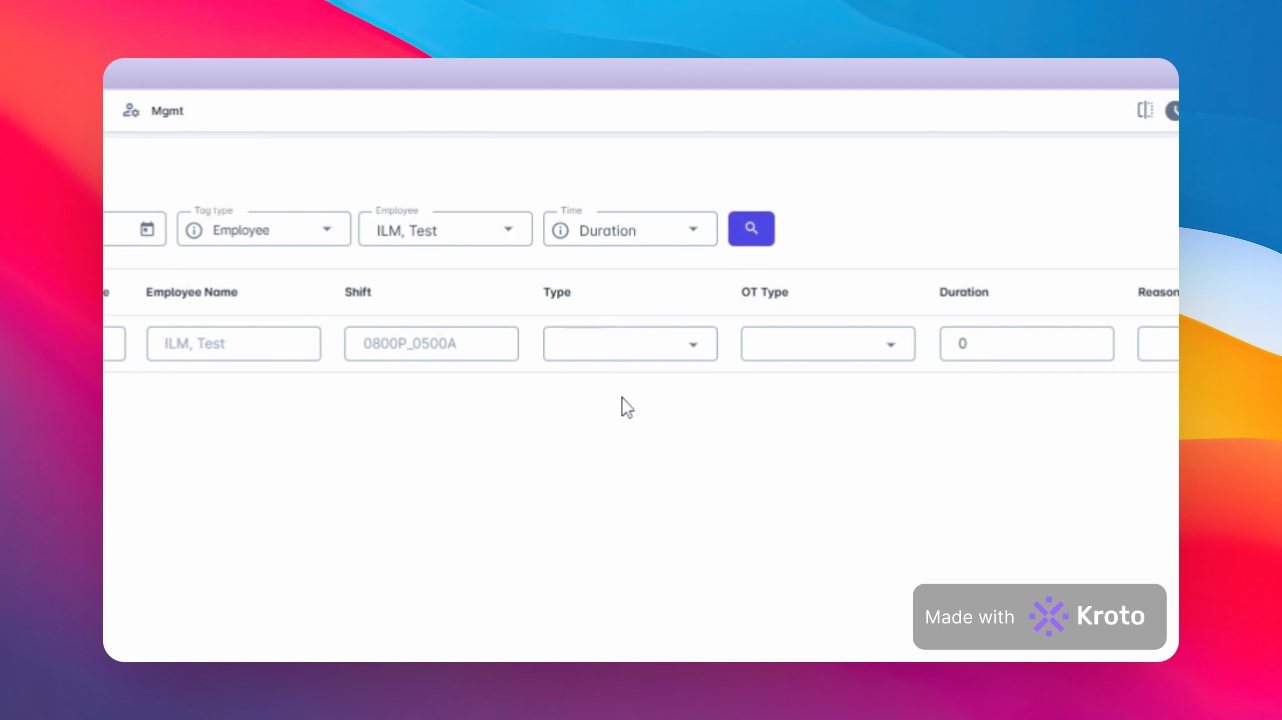
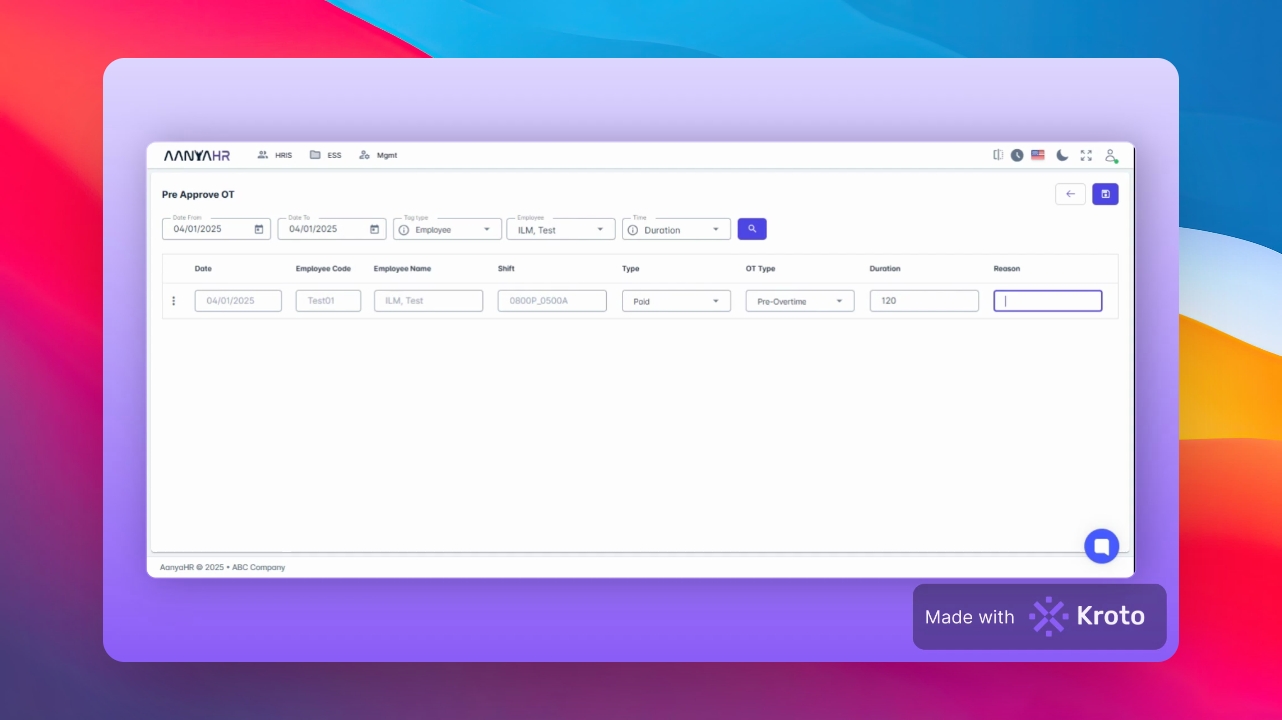
For the Time tab, you can choose either Duration or Range. If you choose Duration, click Search.
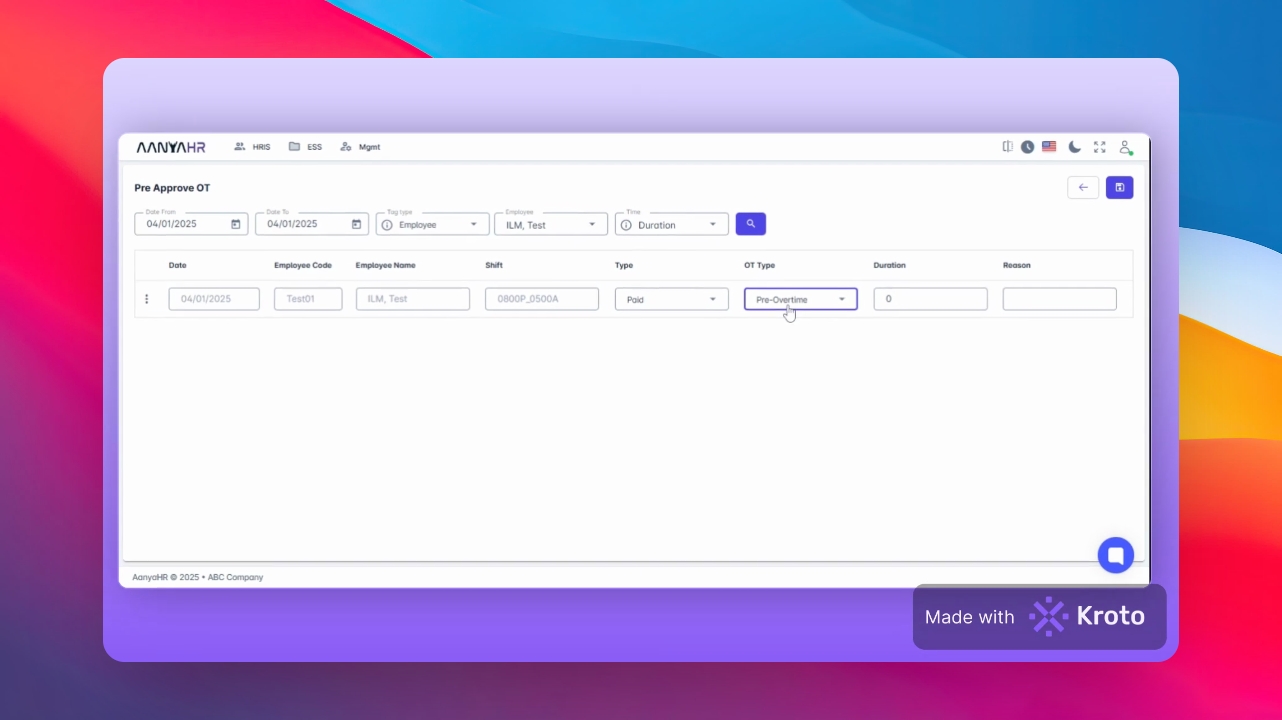
In the Type tab, you can select either Offset or Paid. For the OT type, choose between Post Overtime or Pre Overtime.
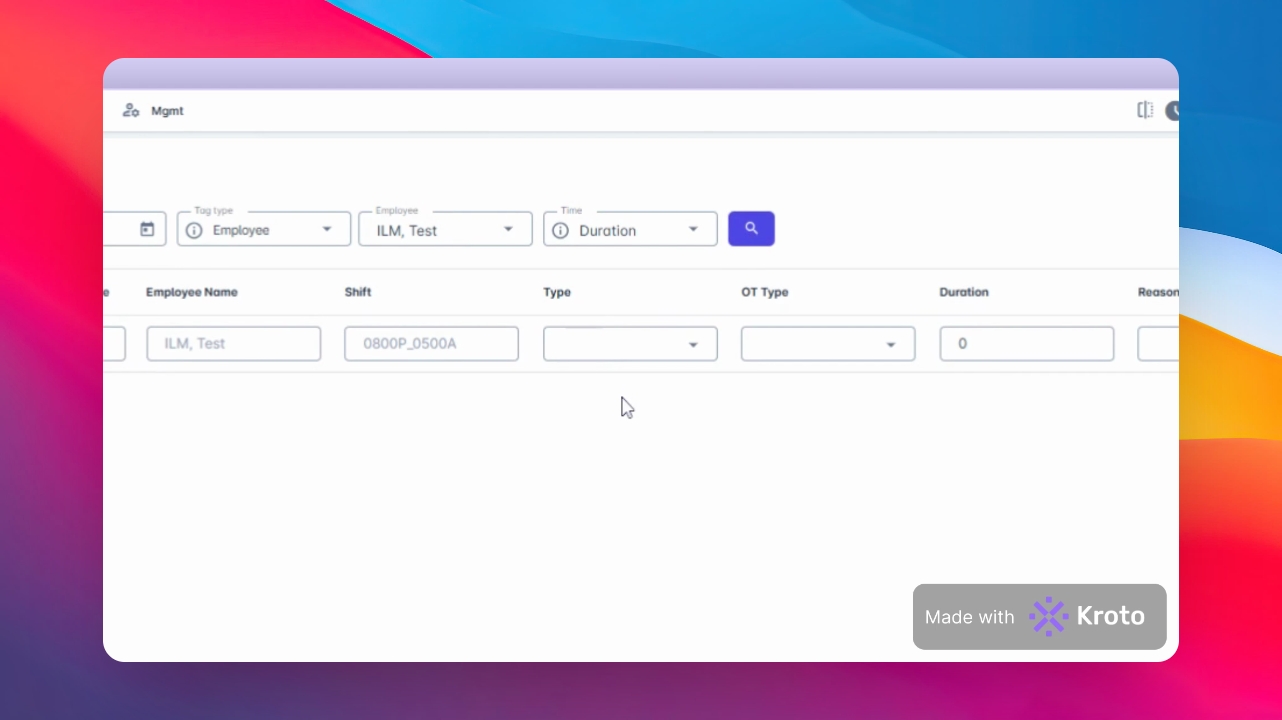
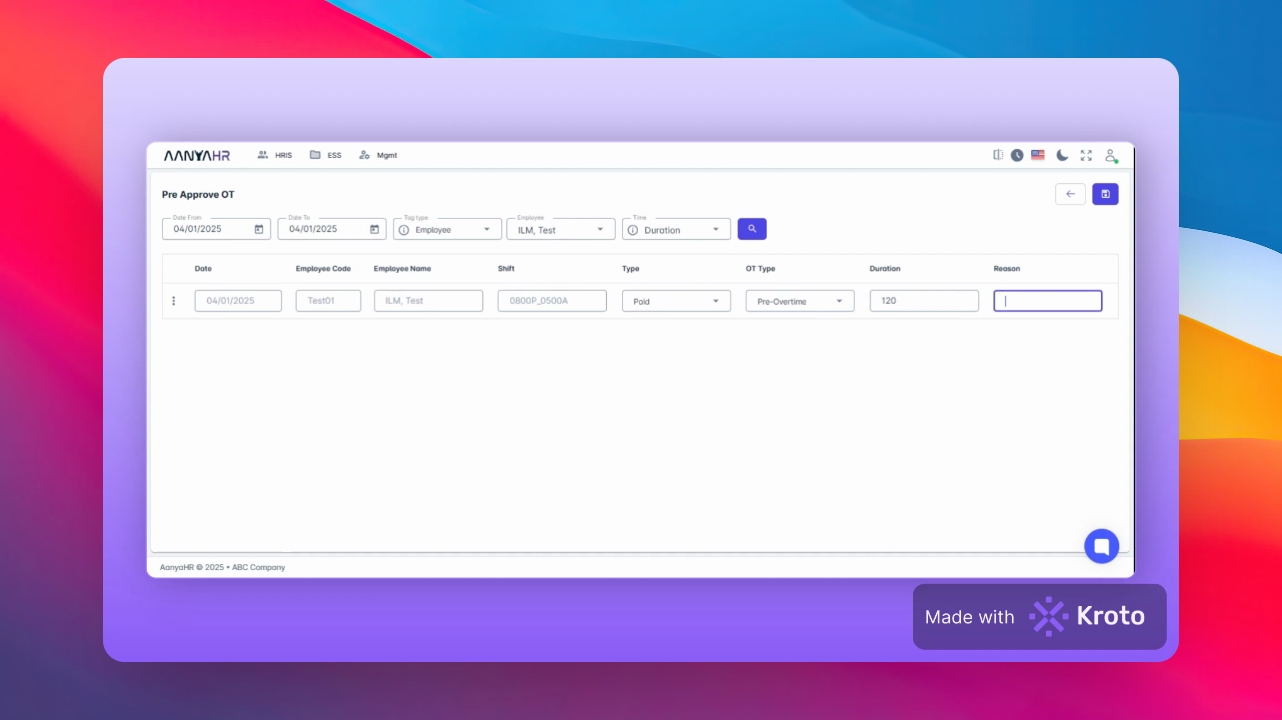
Input the total minutes of Pre approved Overtime and provide a Reason in the designated fields.
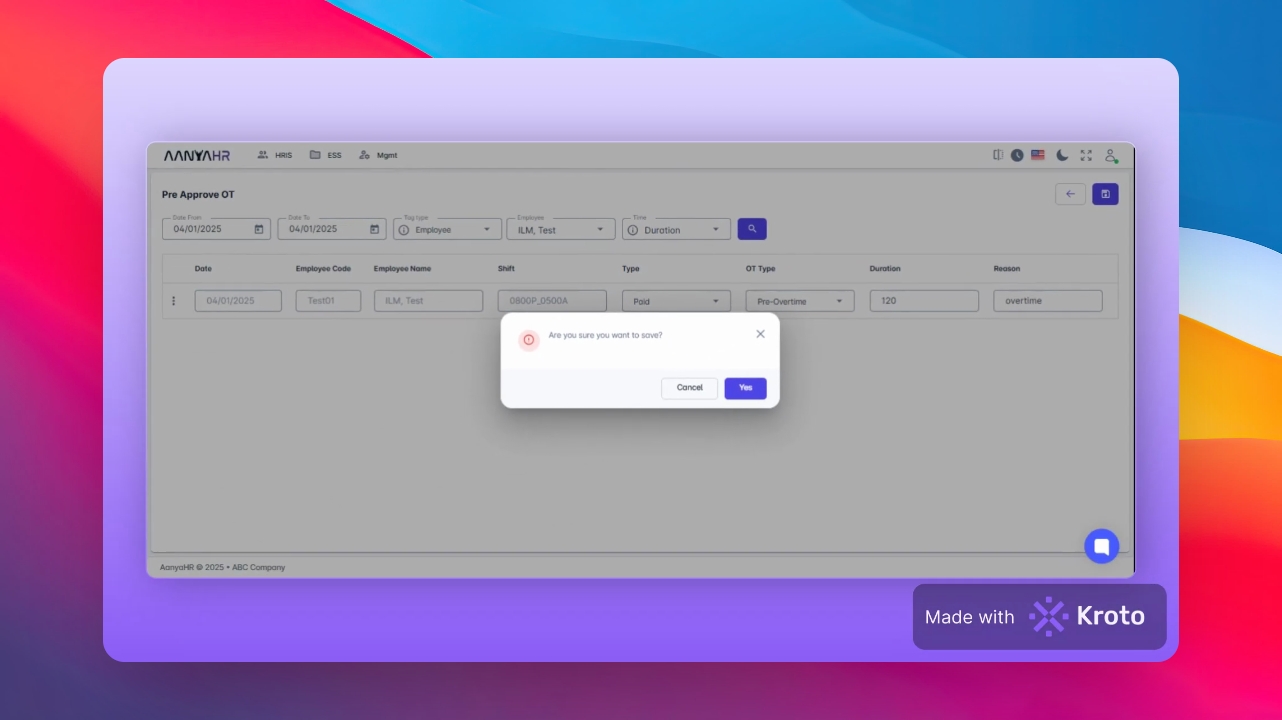
To finalize the entry, click on Save Changes. A prompt message will be displayed asking for confirmation.
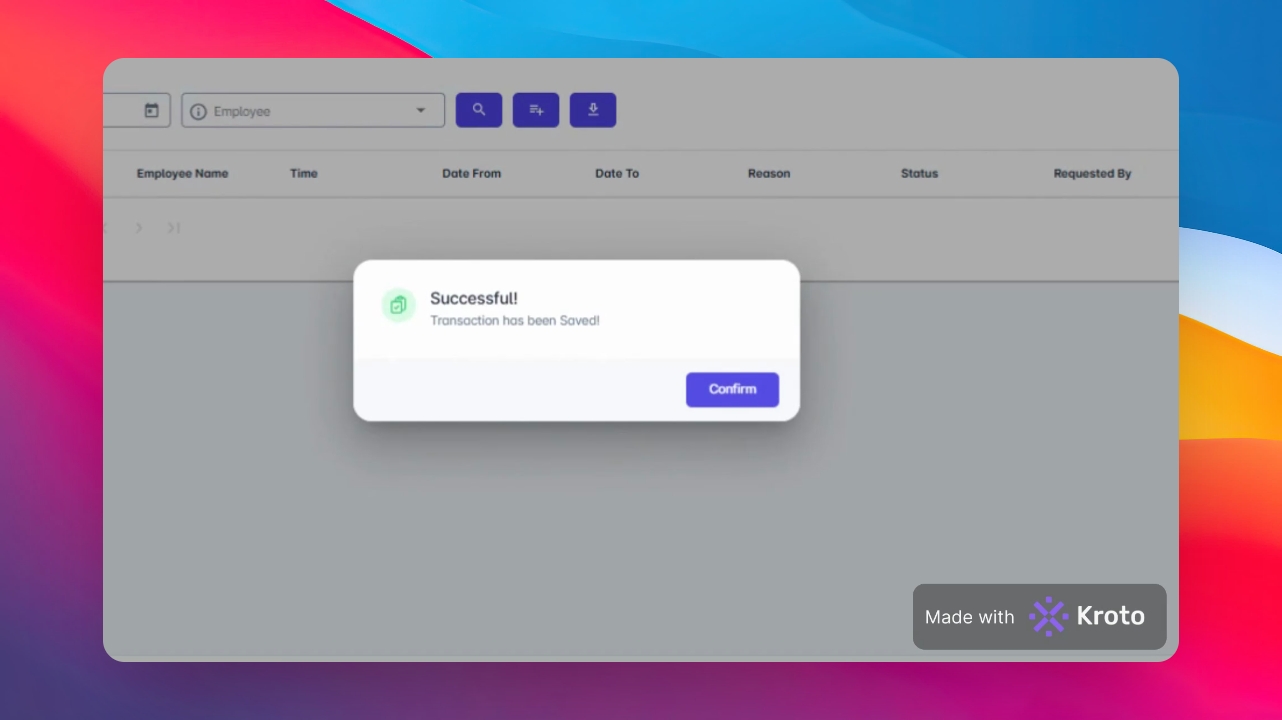
Click yes to proceed, and then Continue to confirm that the transaction has been saved.
You will receive a confirmation that the transaction has been successfully saved.
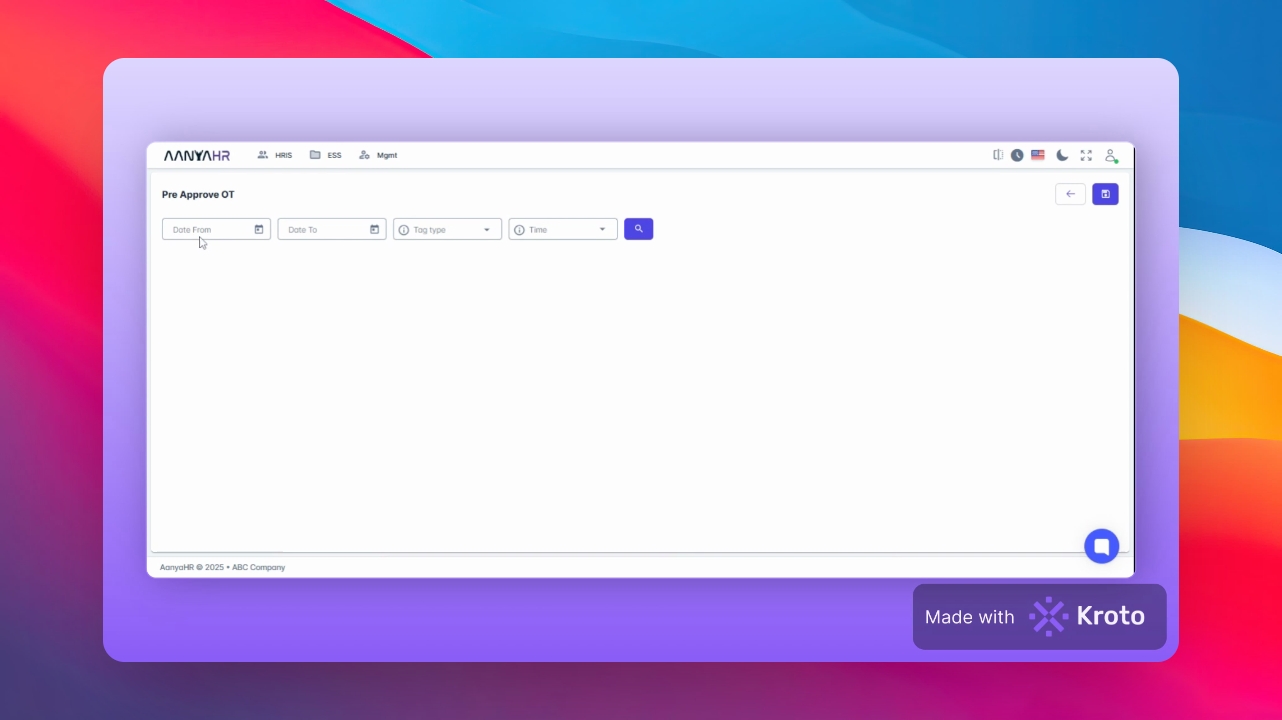
If you are filing a range, click Create and input the relevant Date.
Specify the range from Date from to Date.
For the tag type, select Employee. Search for the Employee Name again in the Employee tab.
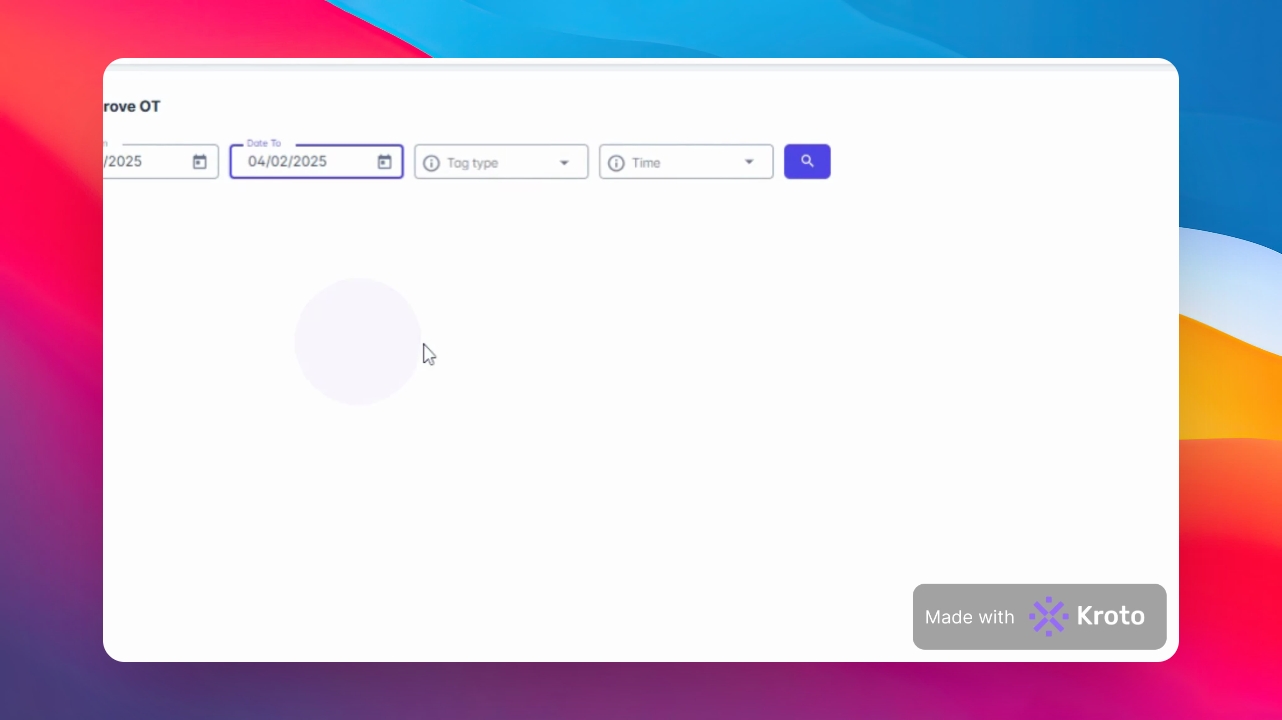
In the Time tab, choose Range and click Search.
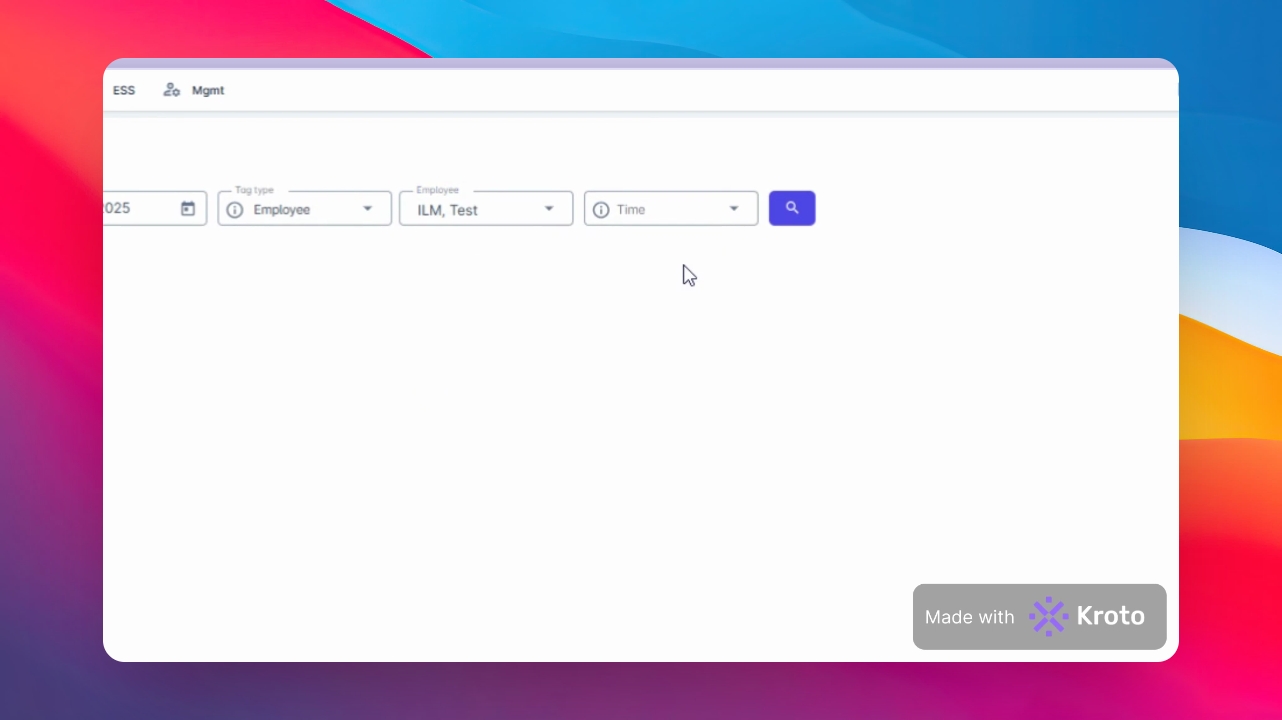
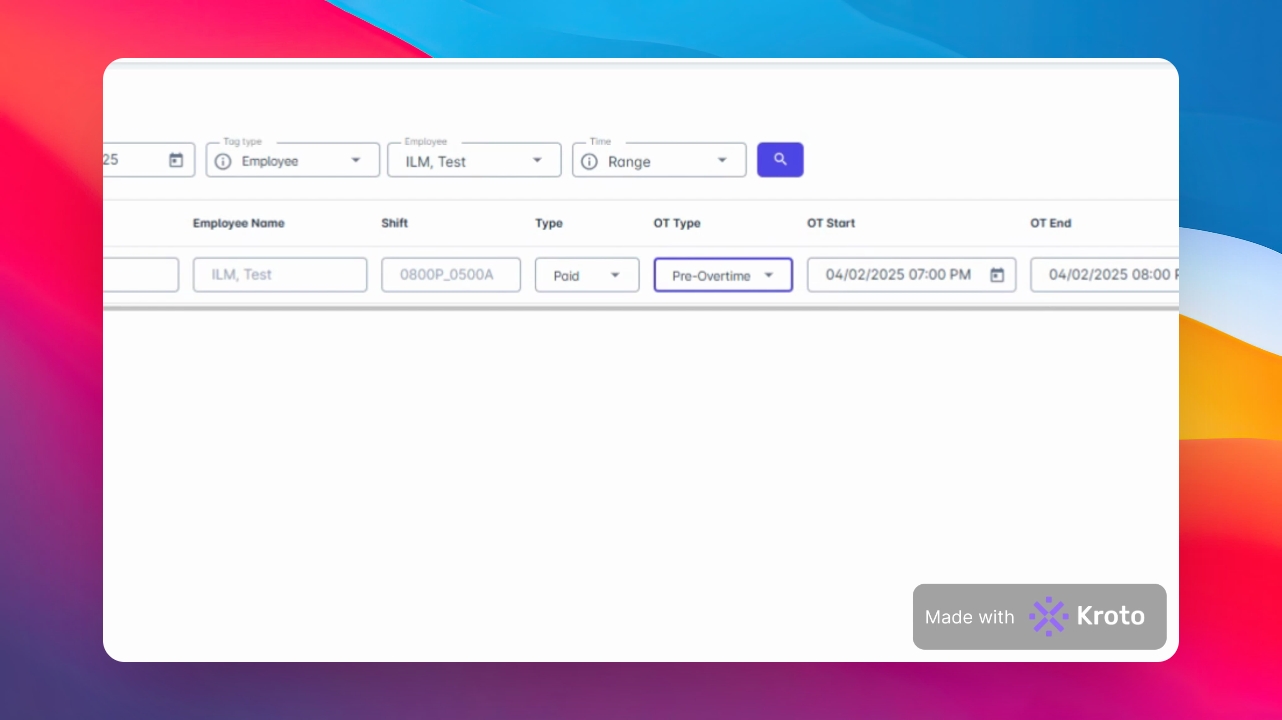
In the Type tab, choose Offset or Paid, and for the OT type, select Post Overtime or Pre Overtime.
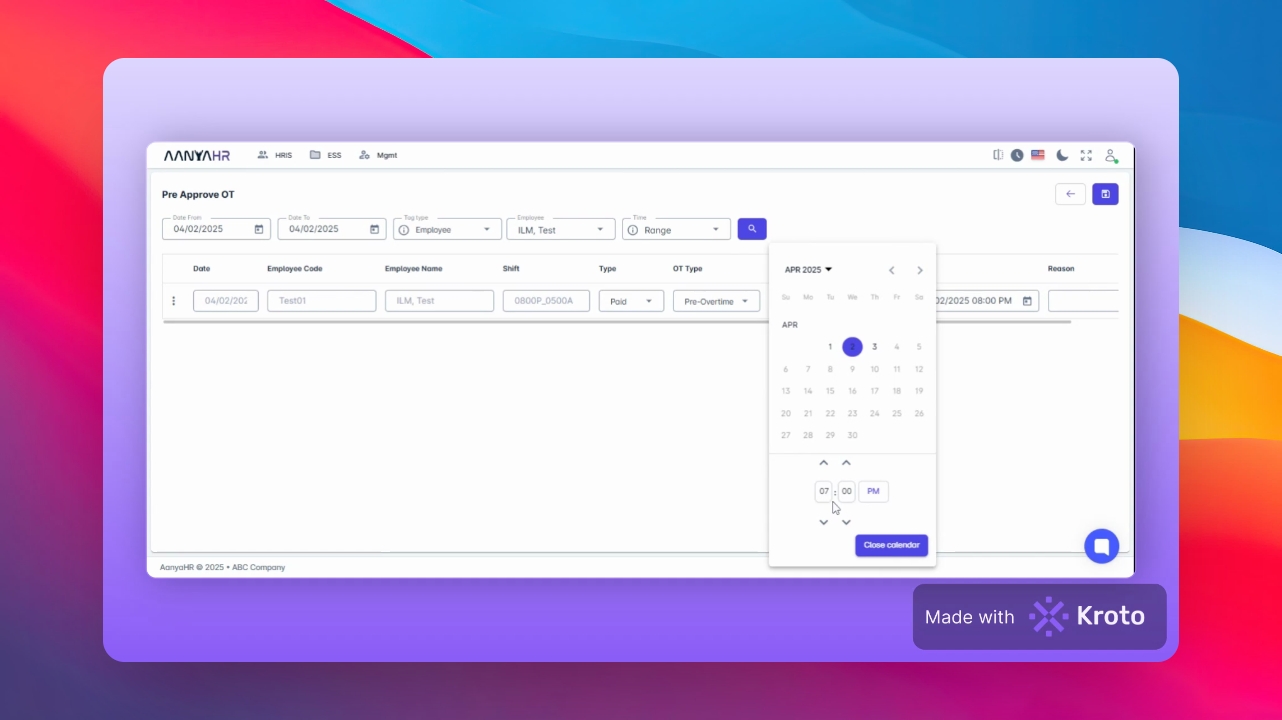
For the OT start, choose the appropriate Date and designate a Date Start.
Input the corresponding Time and close the Calendar.
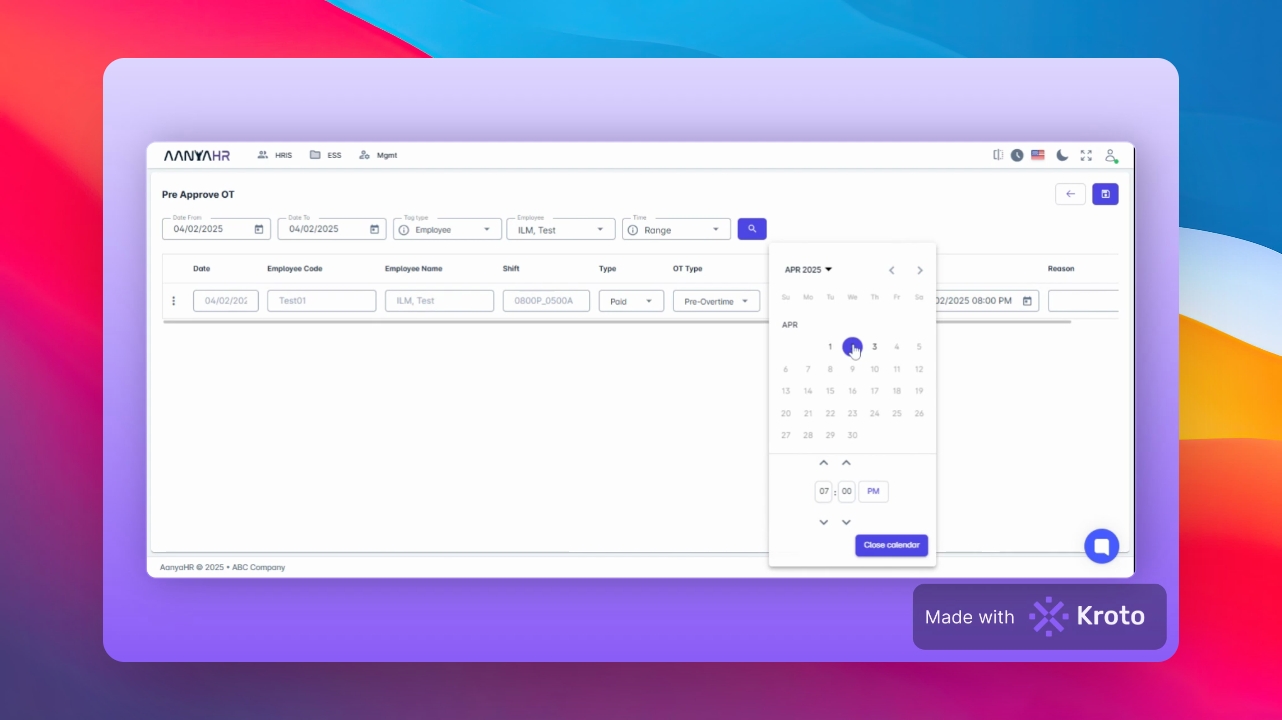
For the OT end, choose the Date again and close the Calendar.
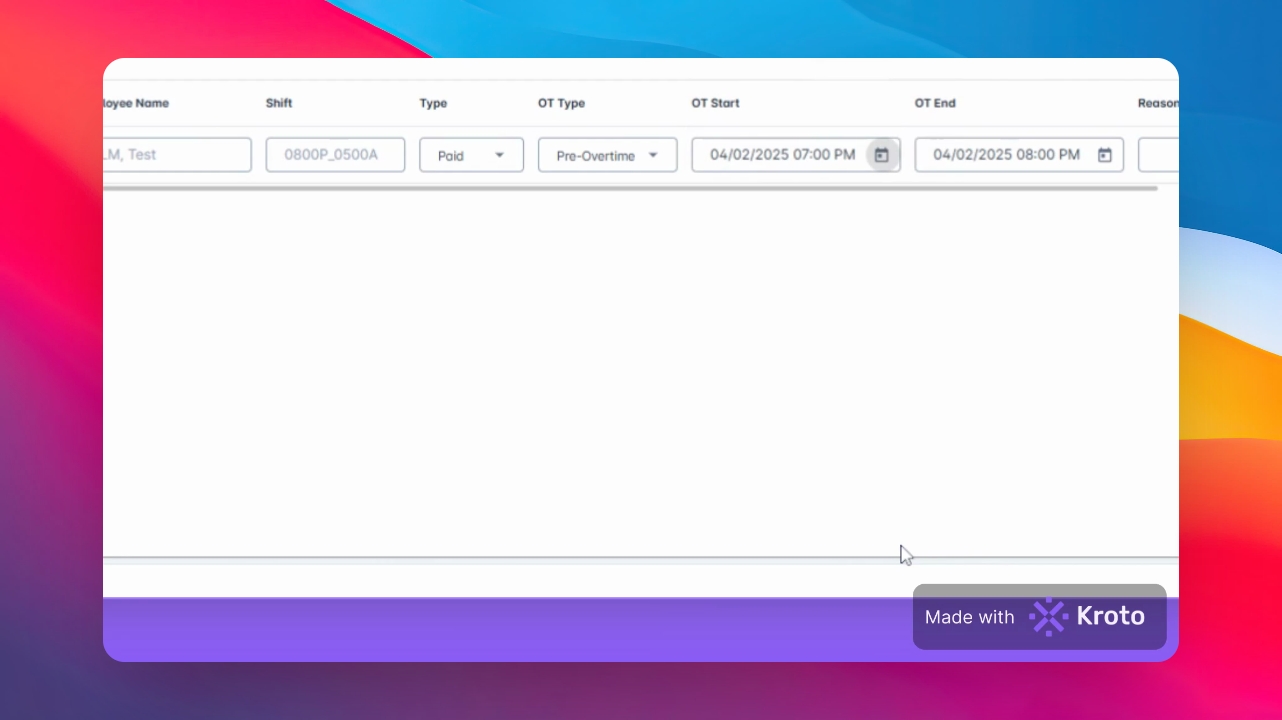
Input a Reason for the overtime.
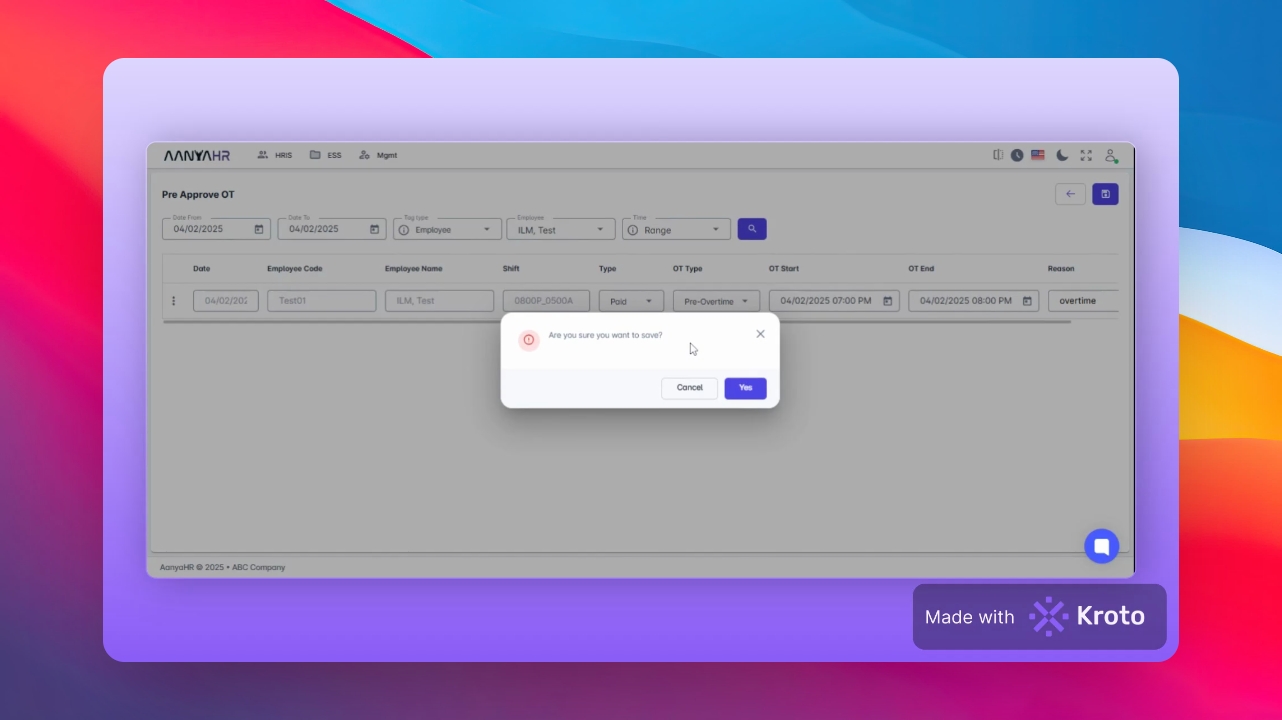
Click on Save Changes. A prompt message will be displayed again.
Click yes to confirm the changes and ensure the transaction has been saved.
To review, navigate back to assign Pre Approved Overtime.
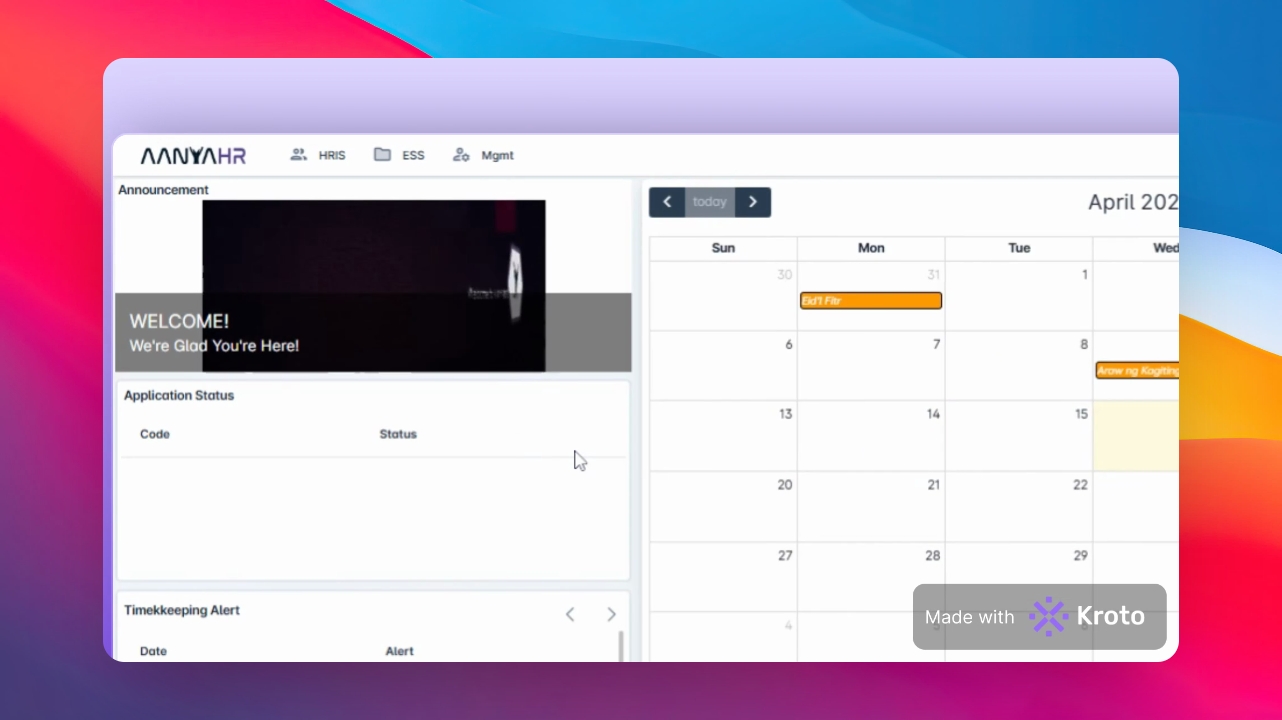
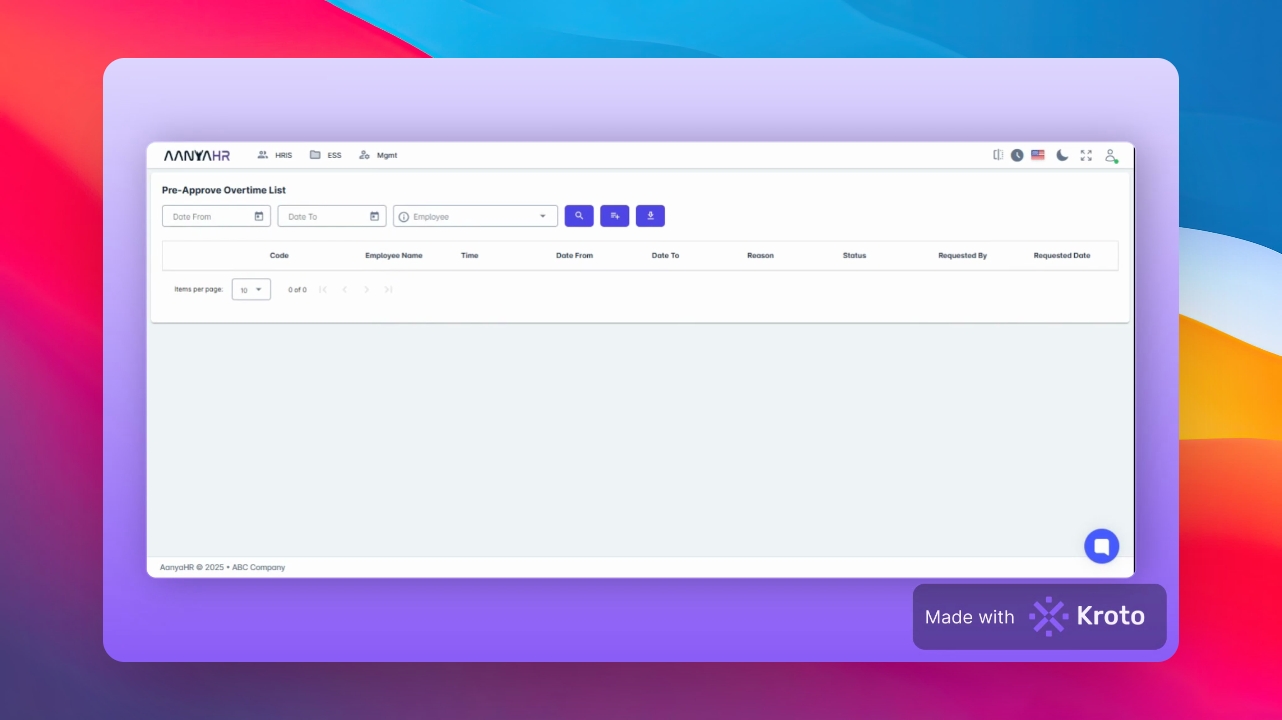
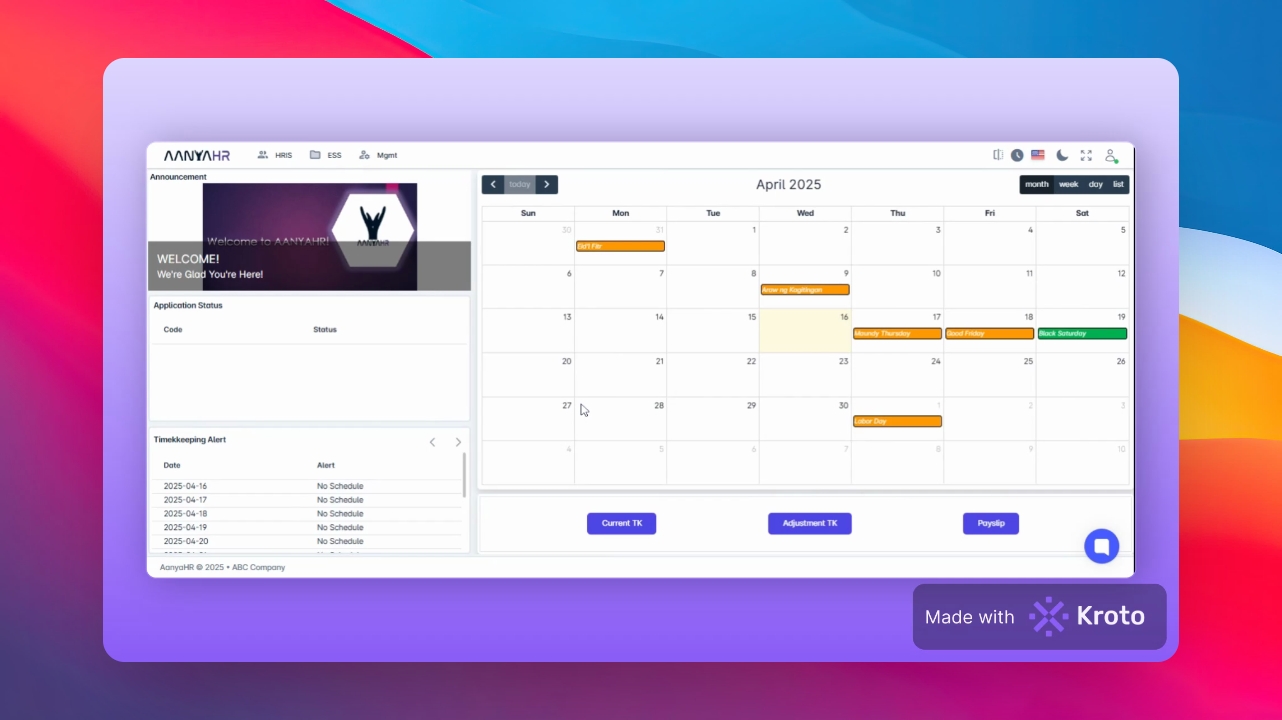
Go to the HIS module, click on Admin Filing, and choose Pre Approved Overtime.
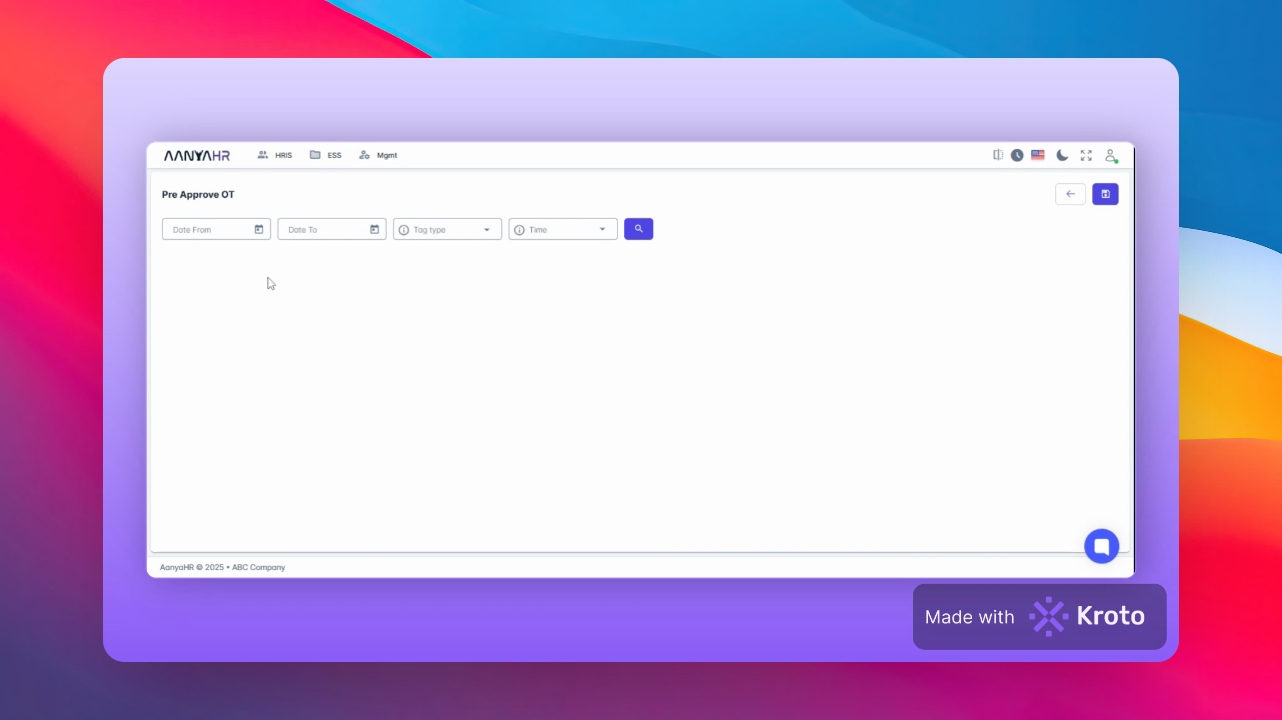
Input the relevant Date, arrange from and to dates for the filing. You can choose an Employee Name or select All.
Click Search to see the list of employees to whom you have assigned pre-approved overtime.
By following these detailed steps, you will successfully file for pre-approved overtime and manage your records efficiently.