

Introduction
Managing leave types and restrictions is crucial for effective HR operations. In this tutorial, we will guide you through the process of navigating to the Libs section within the HRIS Employee category, enabling leave codes, setting filing date restrictions, and defining additional leave requirements. By following these steps, you will ensure that your leave management system operates smoothly and efficiently.
How to Instructions
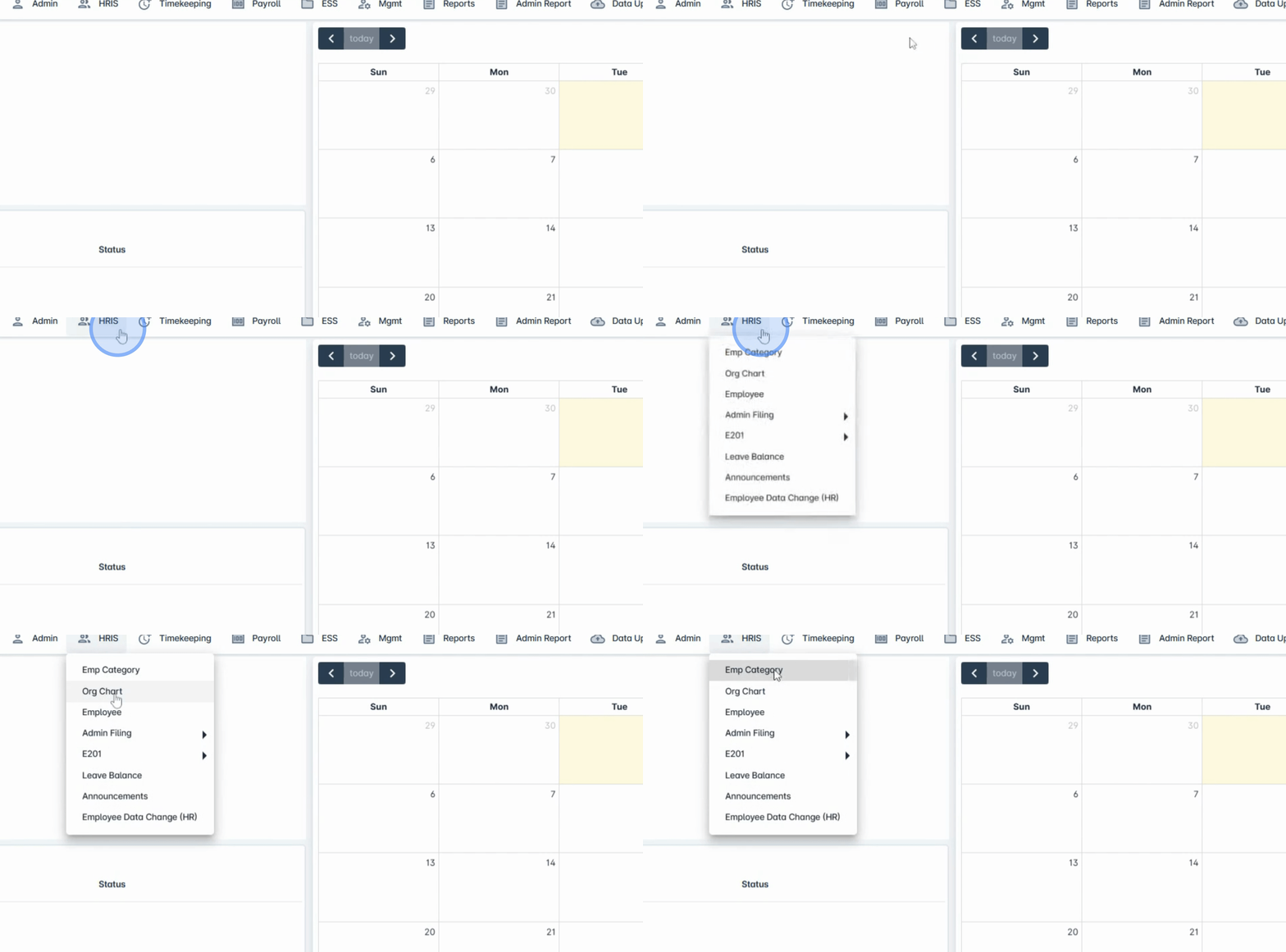
1. Navigate to HRIS Employee Category
Begin by navigating to the HRIS Employee category.
2. Access the Leave Tab
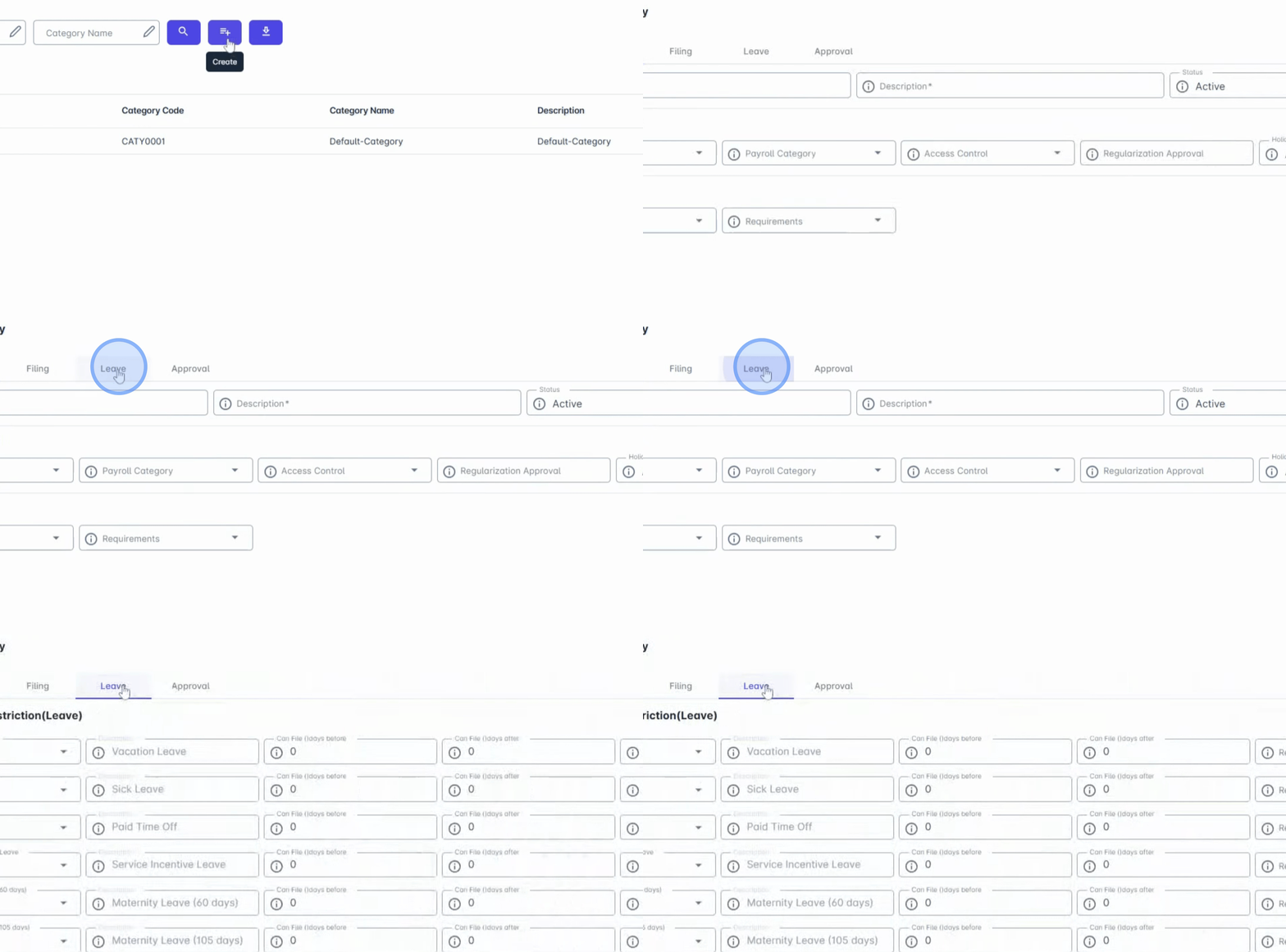
Next, move on to the Leave tab.
3. Manage Active Leave Types
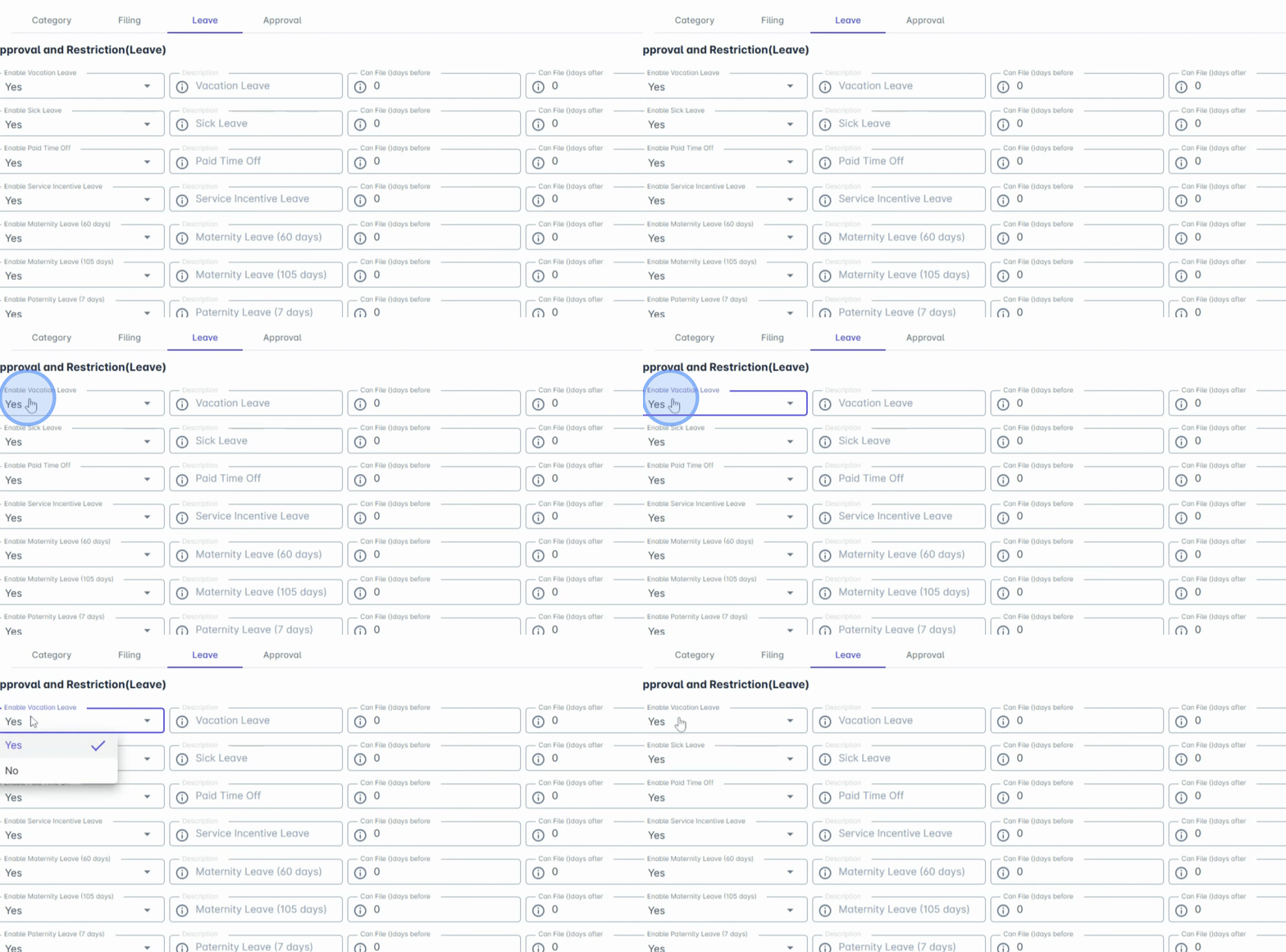
Here, you can see all active Leave types added via the admin menu for leaves.
Enable the leave codes that apply to the employee group.
4. Set Filing Date Restrictions
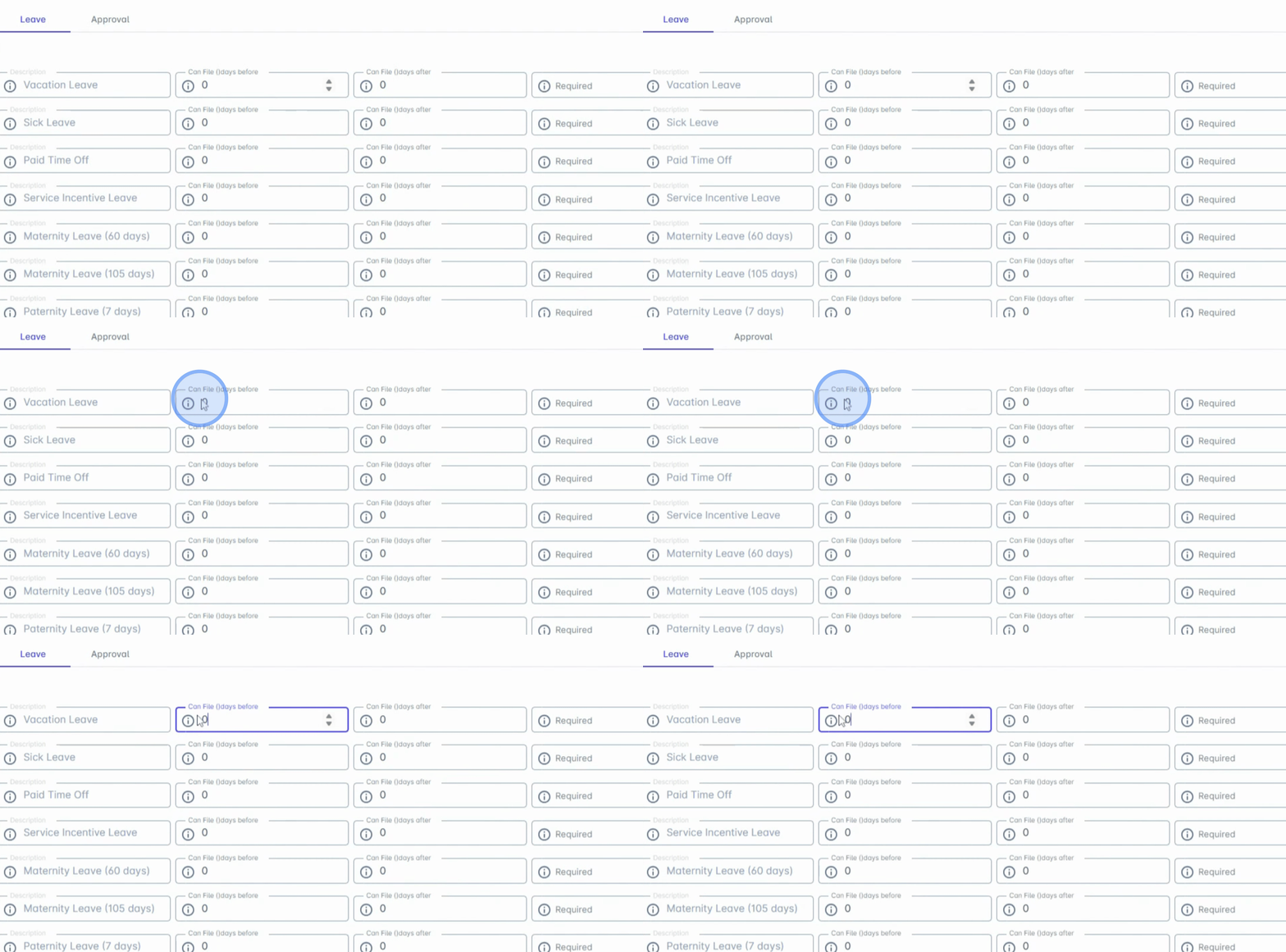
Set the Filing Date restriction.
5. Define Filing Timeframes
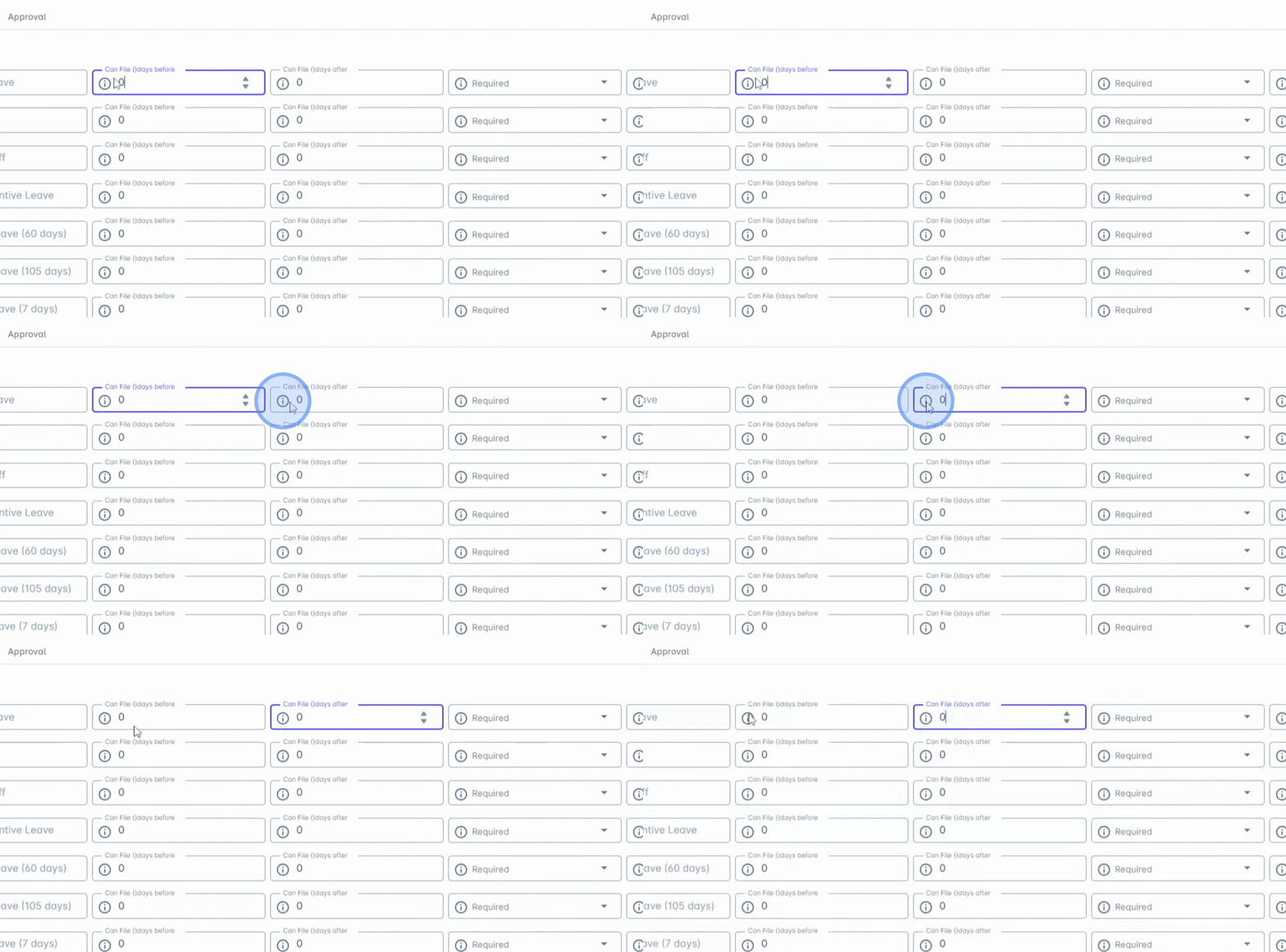
You have the option to configure Can file this before and Can file this after settings.
The Can file this before setting determines the maximum number of days before the requested leave date that an employee can file.
Conversely, Can file this after sets the maximum number of days after the requested leave date that an employee can file.
Any dates beyond this range will be automatically disabled in the date picker.
6. Define Requirements
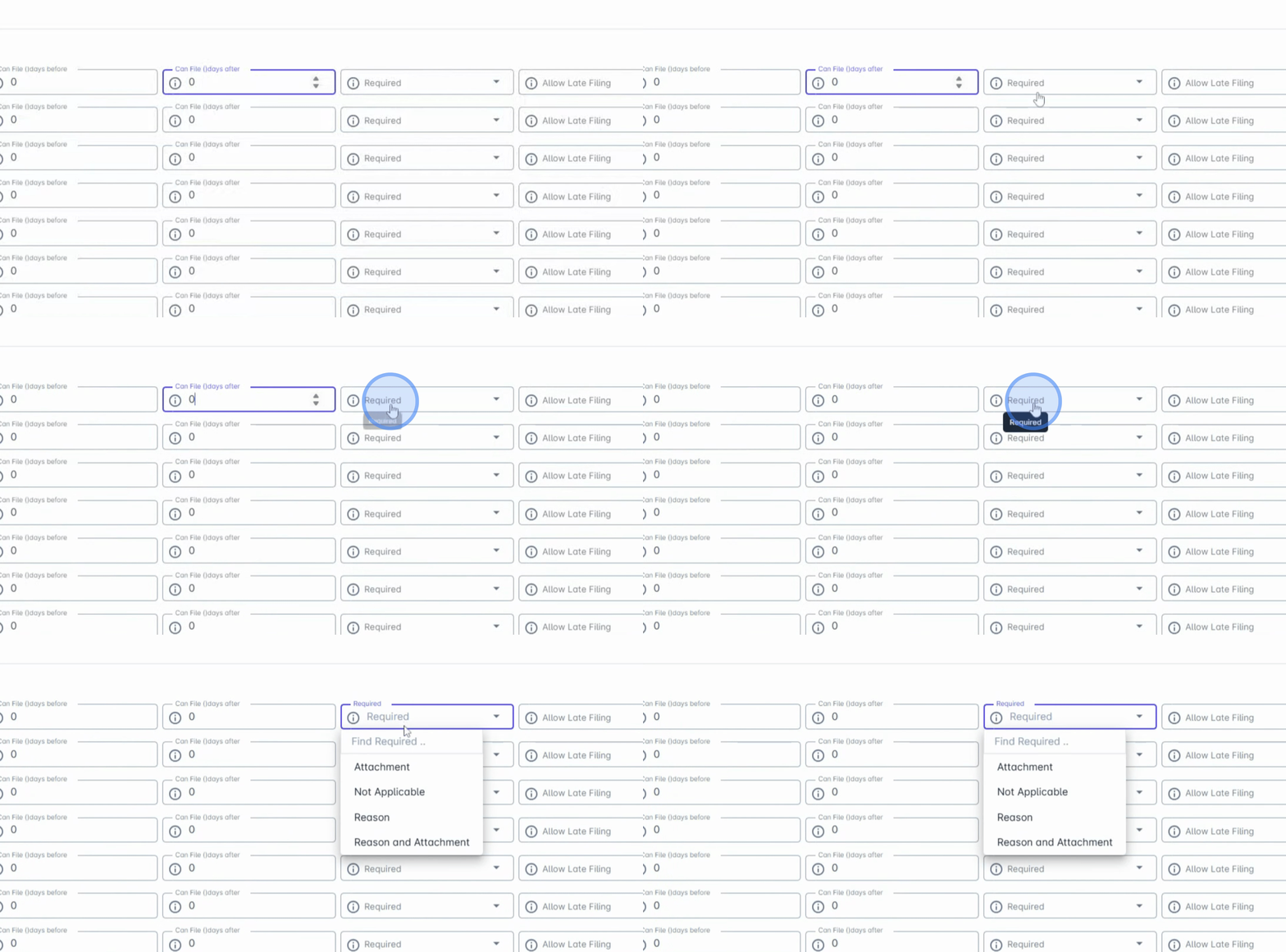
Next, define the requirements regarding whether the employee is required to provide an attachment.
This includes specifying the reason and attachment upon filing for leave.
7. Configure Late Filing Options
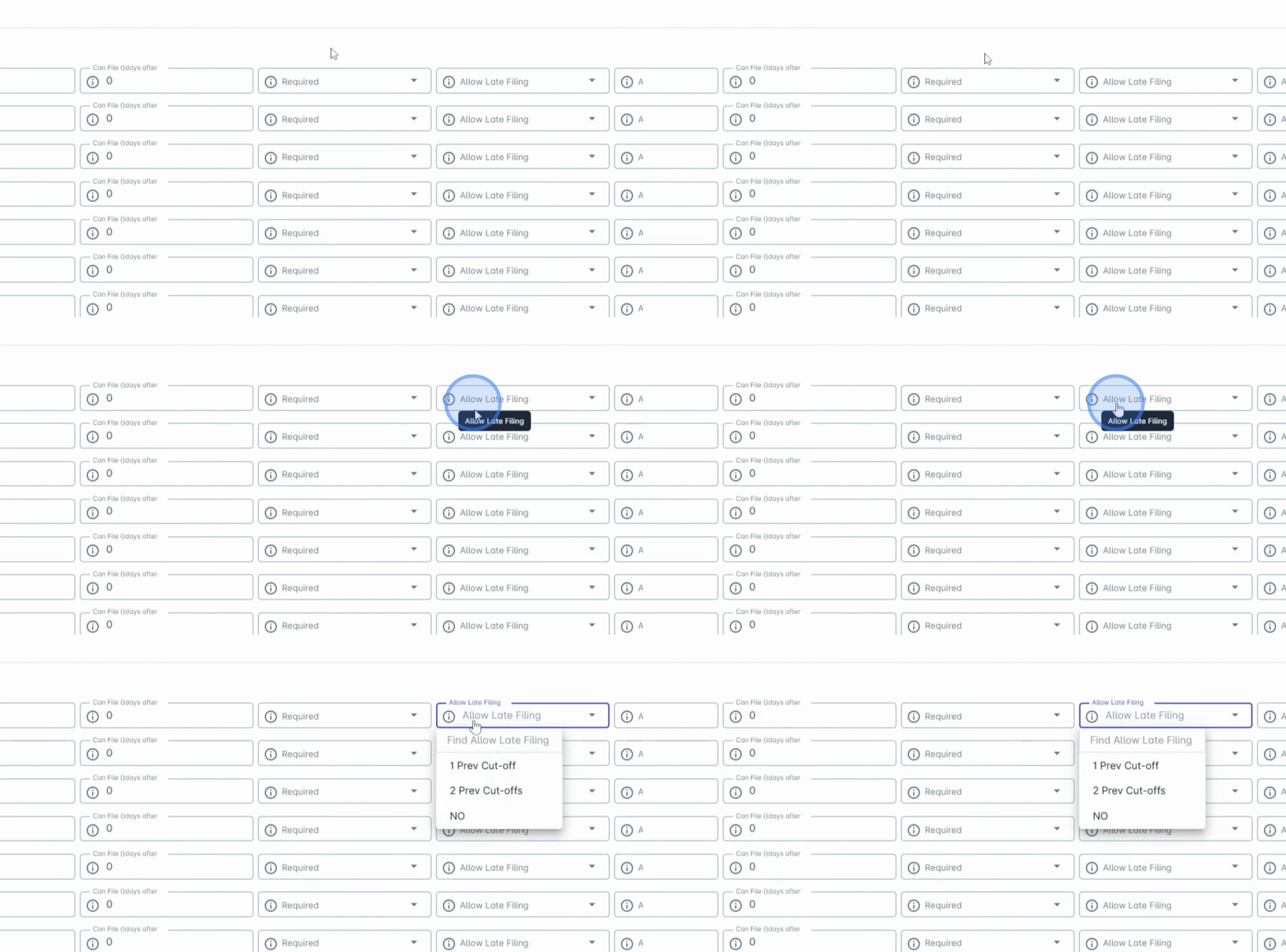
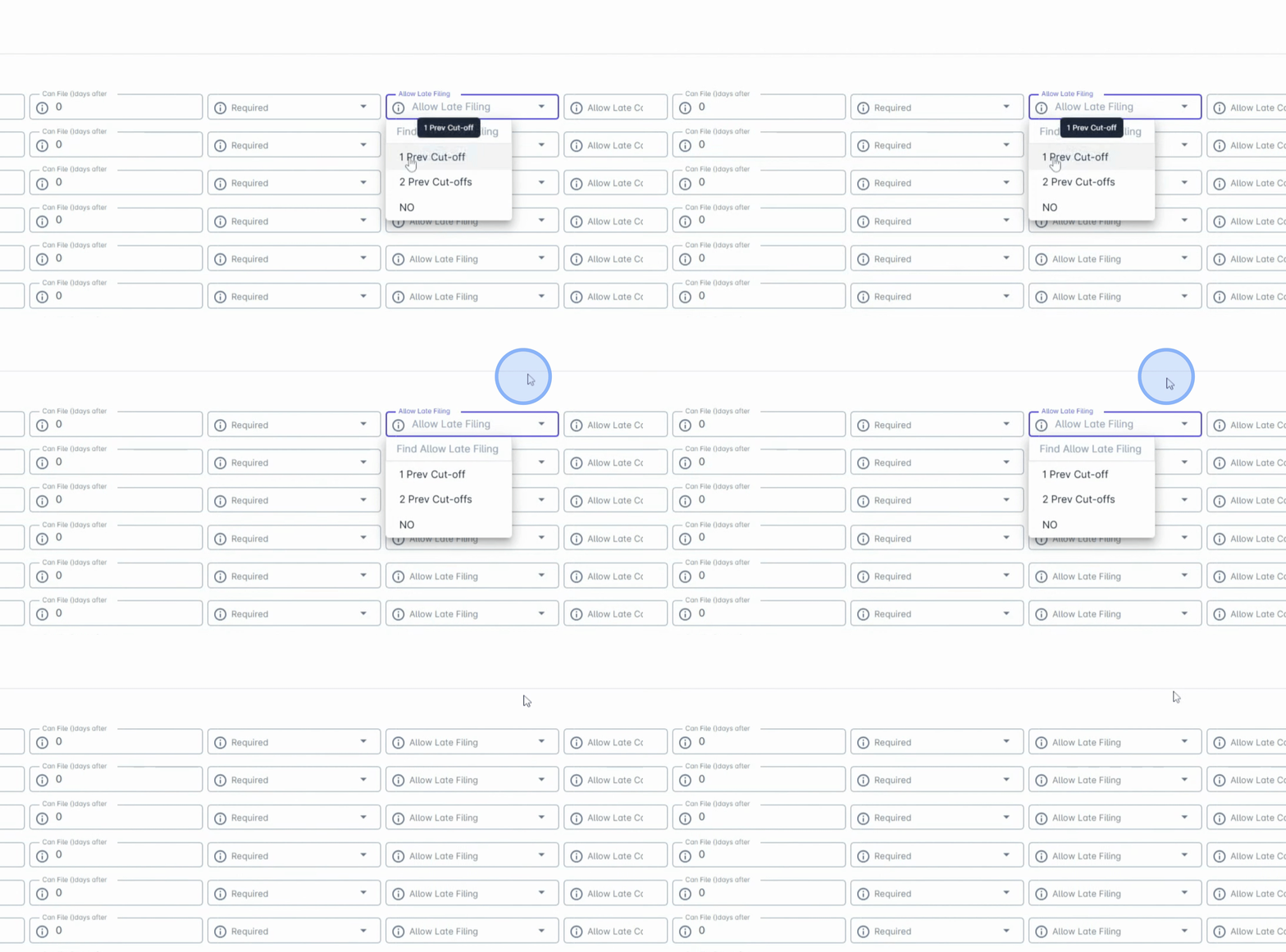
Under Allow late filing, you have options for one previous cutoff or two previous cutoffs.
This allows the employee to file within this period after the current cutoff.
8. Set Late Cancellation Policy
Utilize the Allow late cancellation option to define if employees can cancel approved leaves during this period.
By following these steps, you will have successfully configured Libs restrictions within the HRIS system, ensuring a smooth leave management process for your organization.