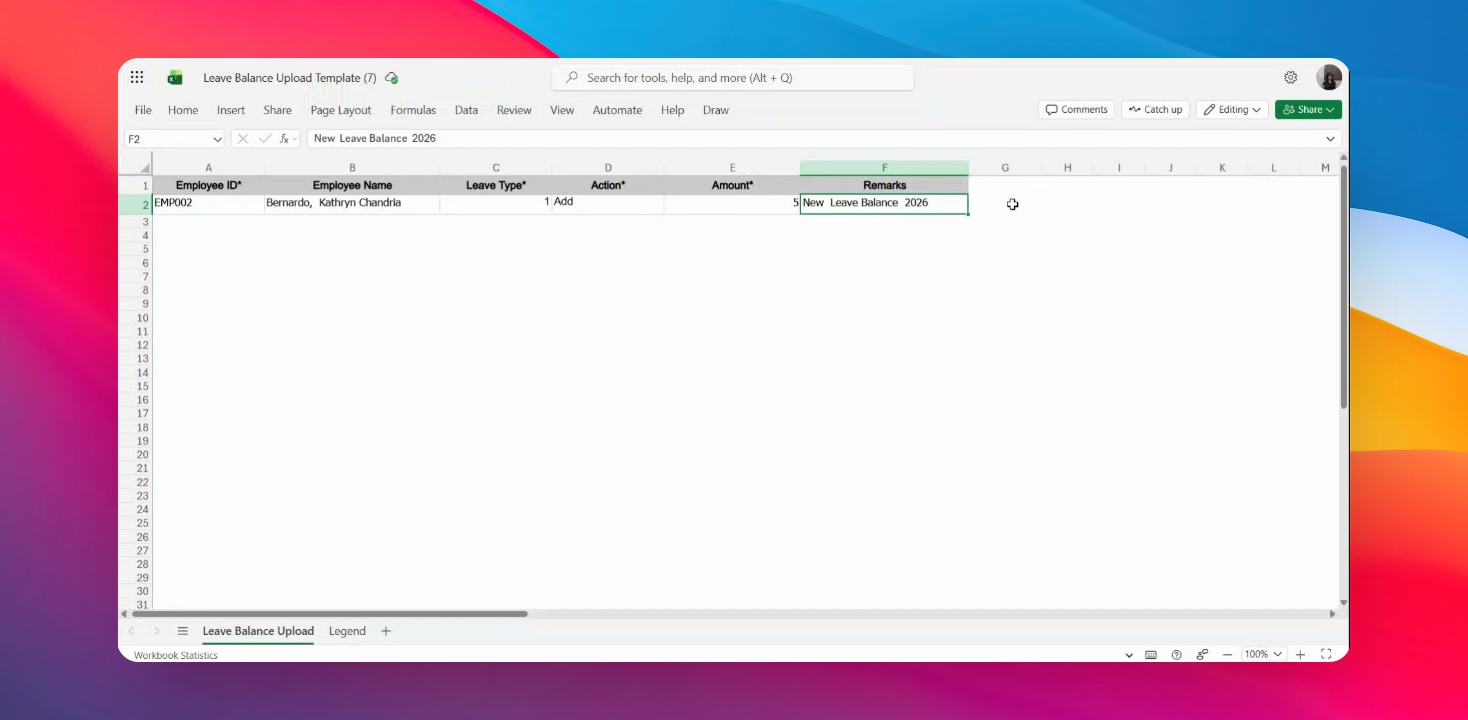
Let's do it together!
Step 1: Download Template
Access the HRIS module and click on Download Template to get the Leave Balance upload template.
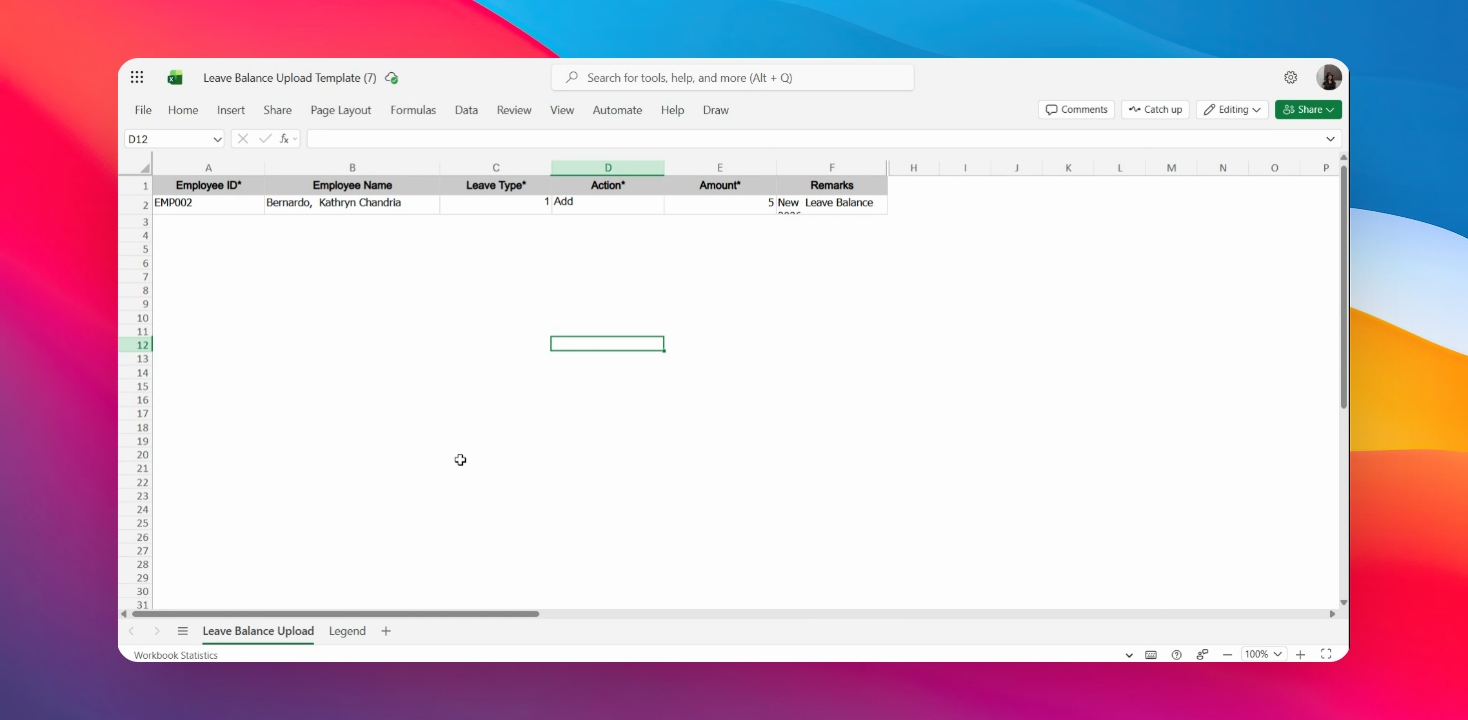
Step 2: Enter Employee ID
Fill in the employee's ID in the designated field.
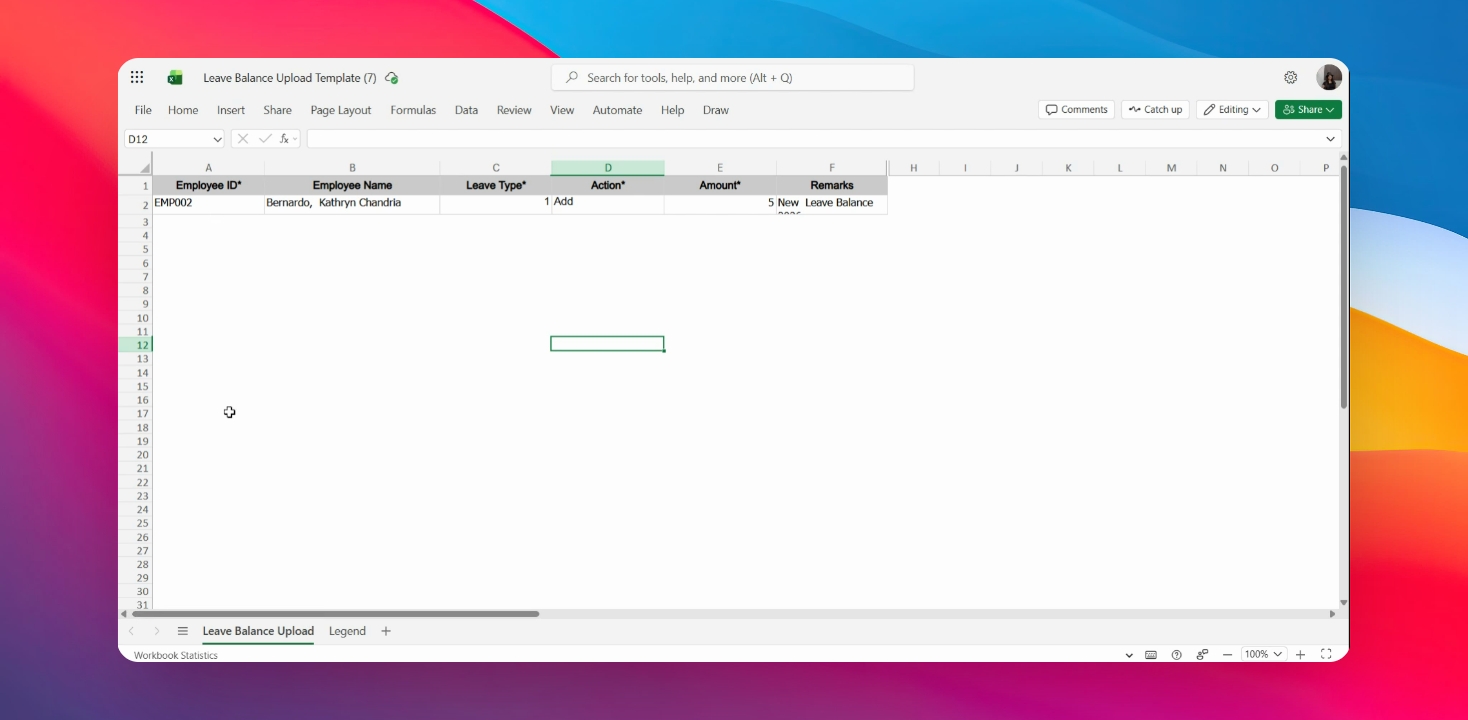
Step 3: Enter Employee Name
Input the employee's name in the corresponding field.
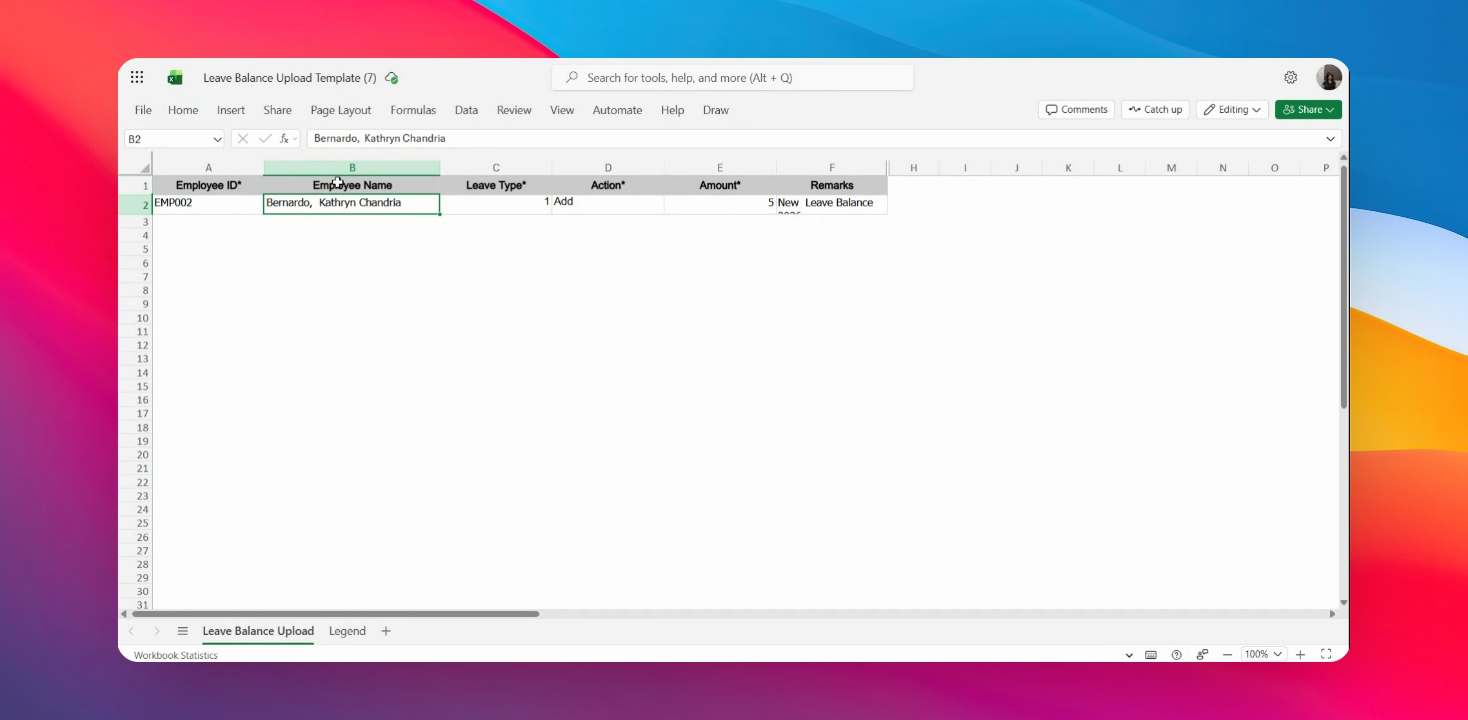
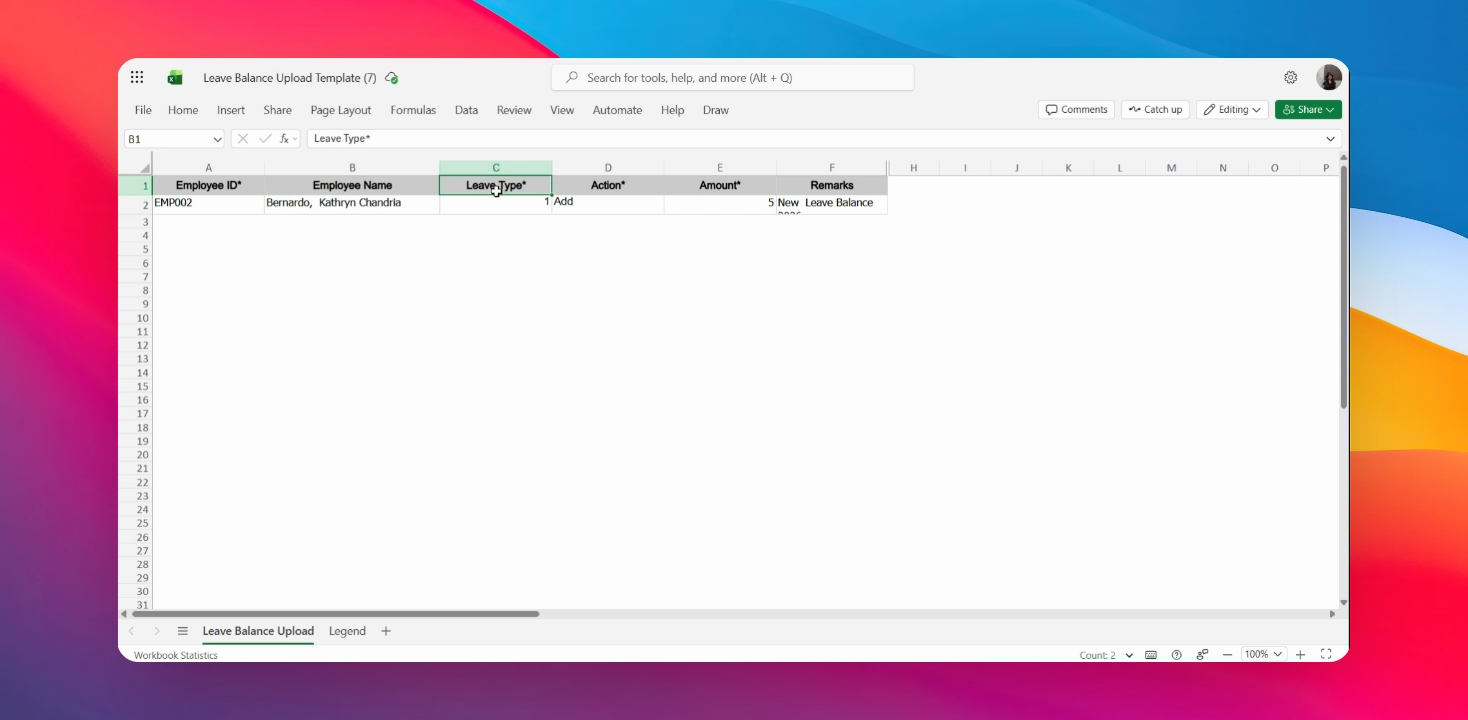
Step 4: Select Leave Type
Refer to the legend on the second sheet of the Excel file and enter the Leave type.
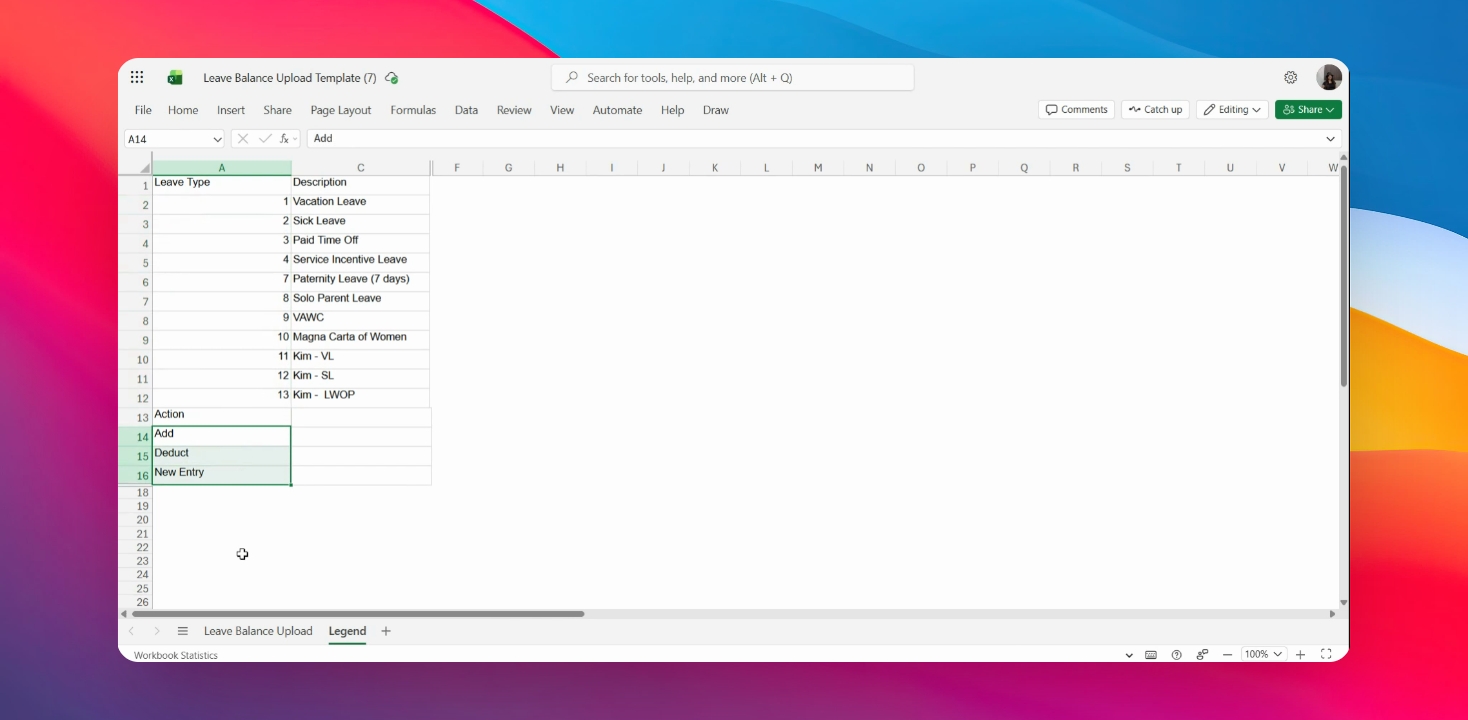
Step 5: Choose Action
Decide on the Action button to include: Add, Deduct, or New Entry.
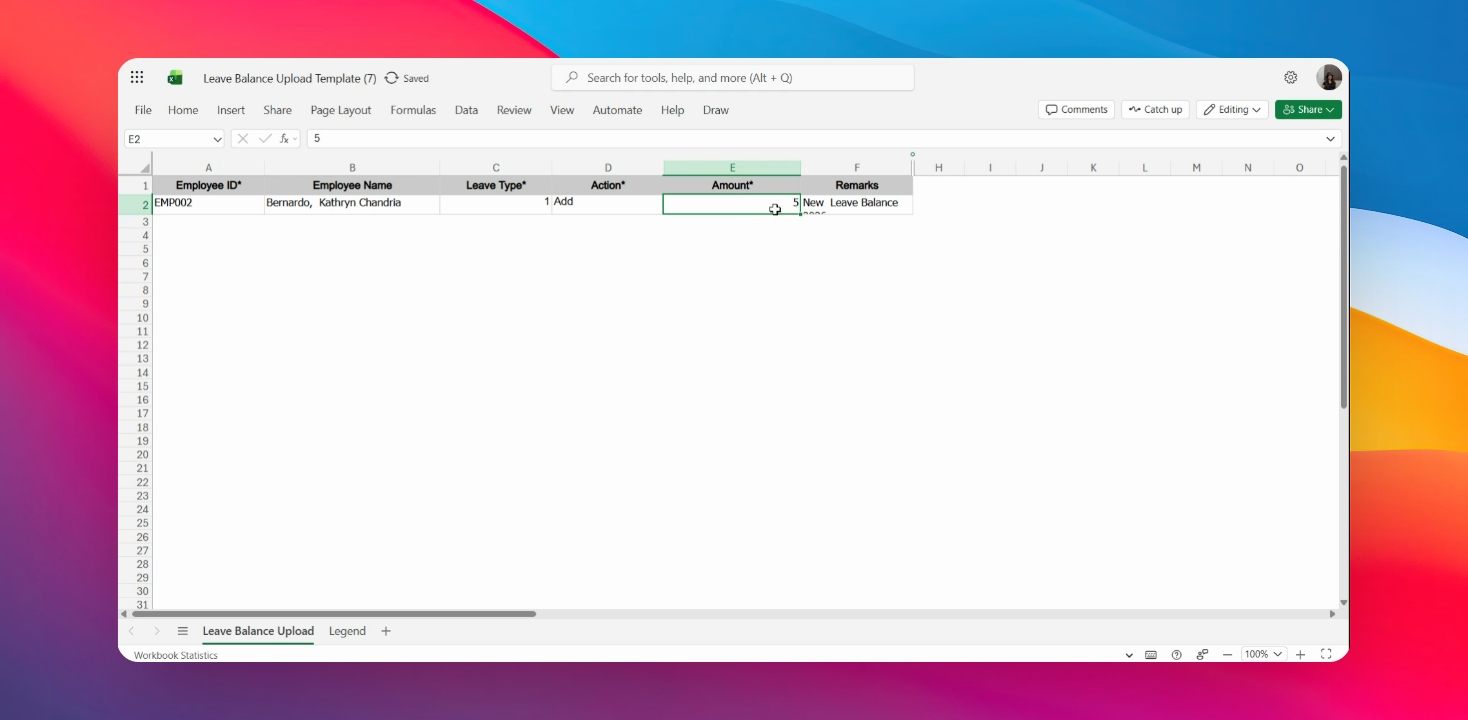
Step 6: Enter Leave Credits
Input the amount of Leave credits in the appropriate field.
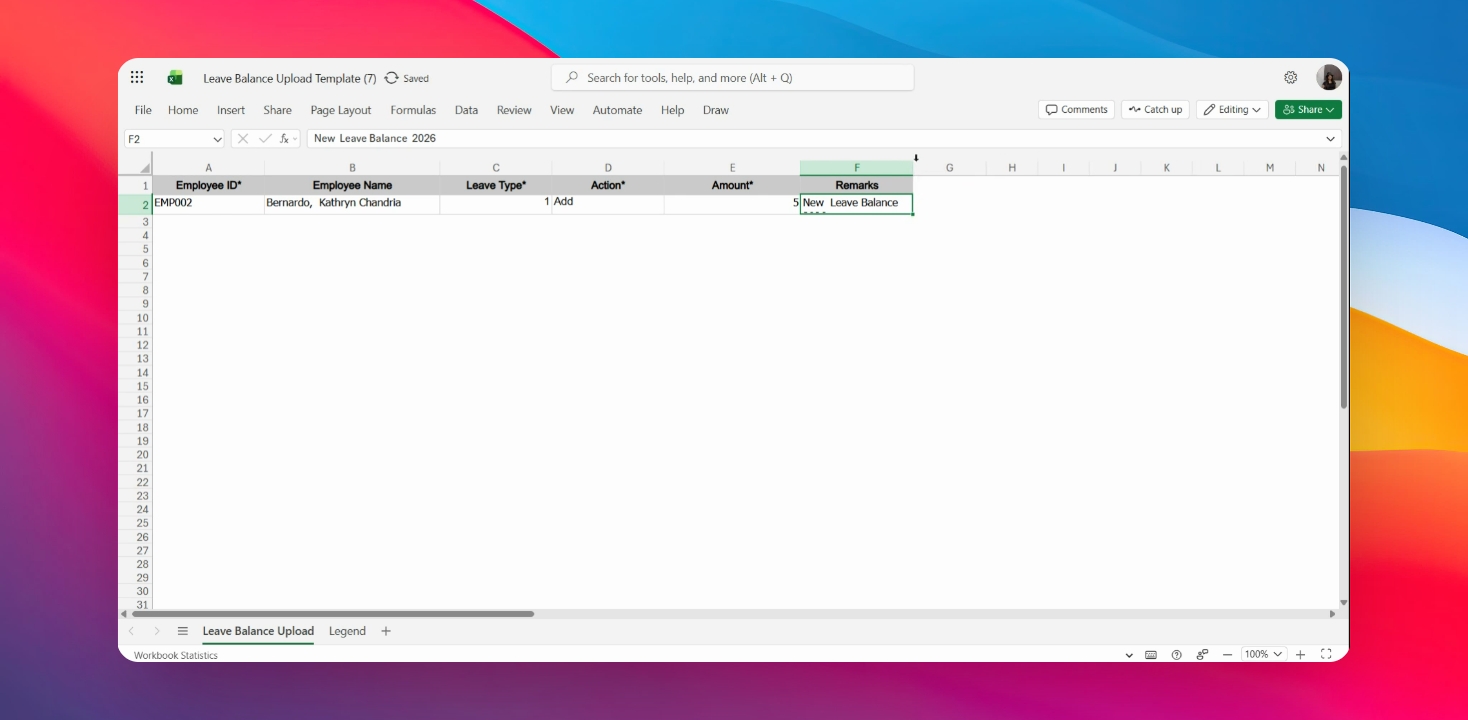
Step 7: Add Remarks
Include any remarks for your reference in the remarks field.
Step 8: Upload Template
Once all fields are completed, upload the filled template on the system.