

Introduction
Welcome to our tutorial on Approval Process Configuration in AnyHR. In this guide, we will walk you through the necessary steps to set up and customize the approval process effectively. Whether you're familiar with the system or new to it, this tutorial aims to simplify your configuration experience and help you leverage the full potential of employee approval management.
How to Instructions
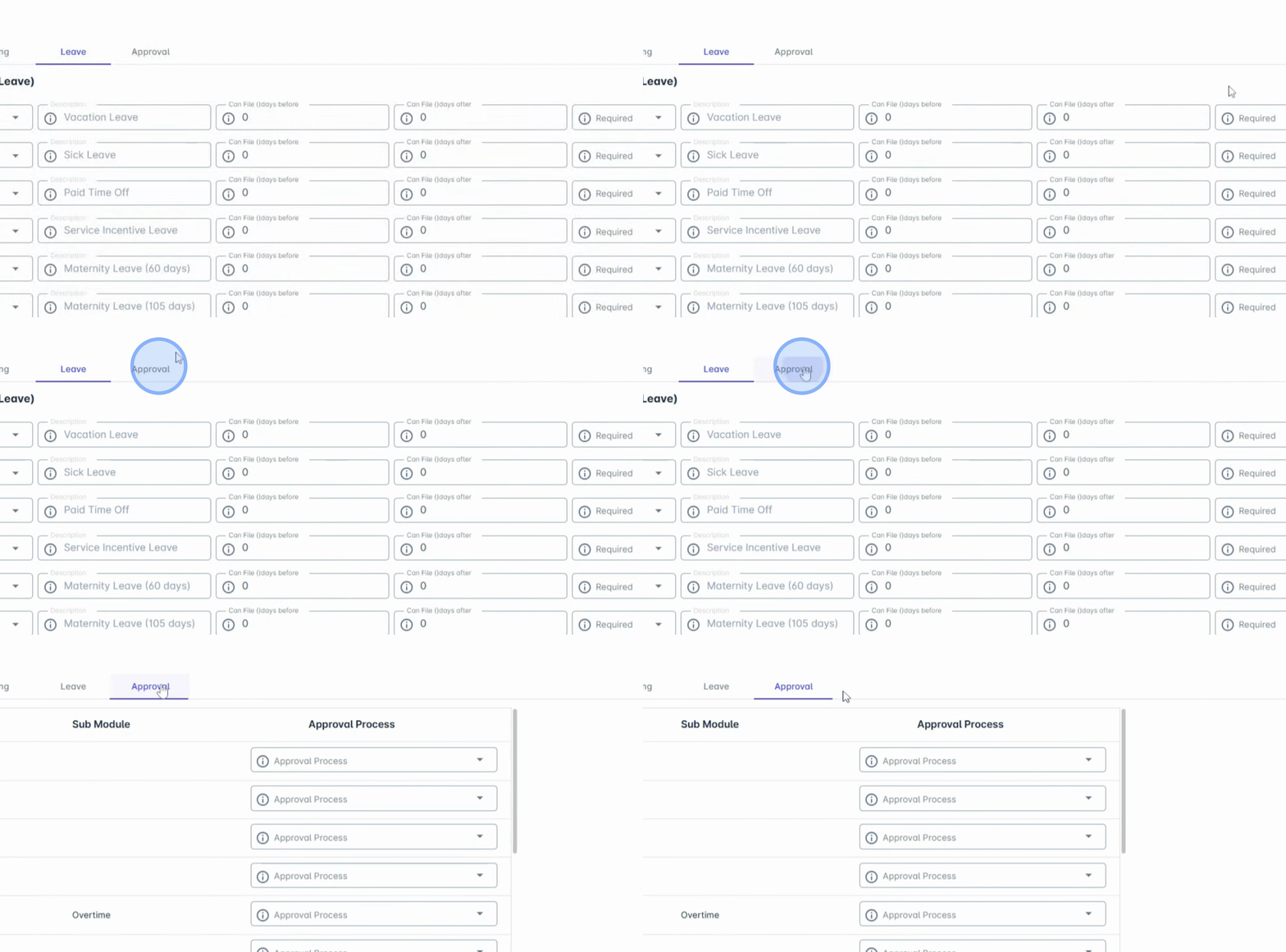
1. Navigate to the Approval Tab
Begin by navigating to the Approval tab in the AanyaHR interface.
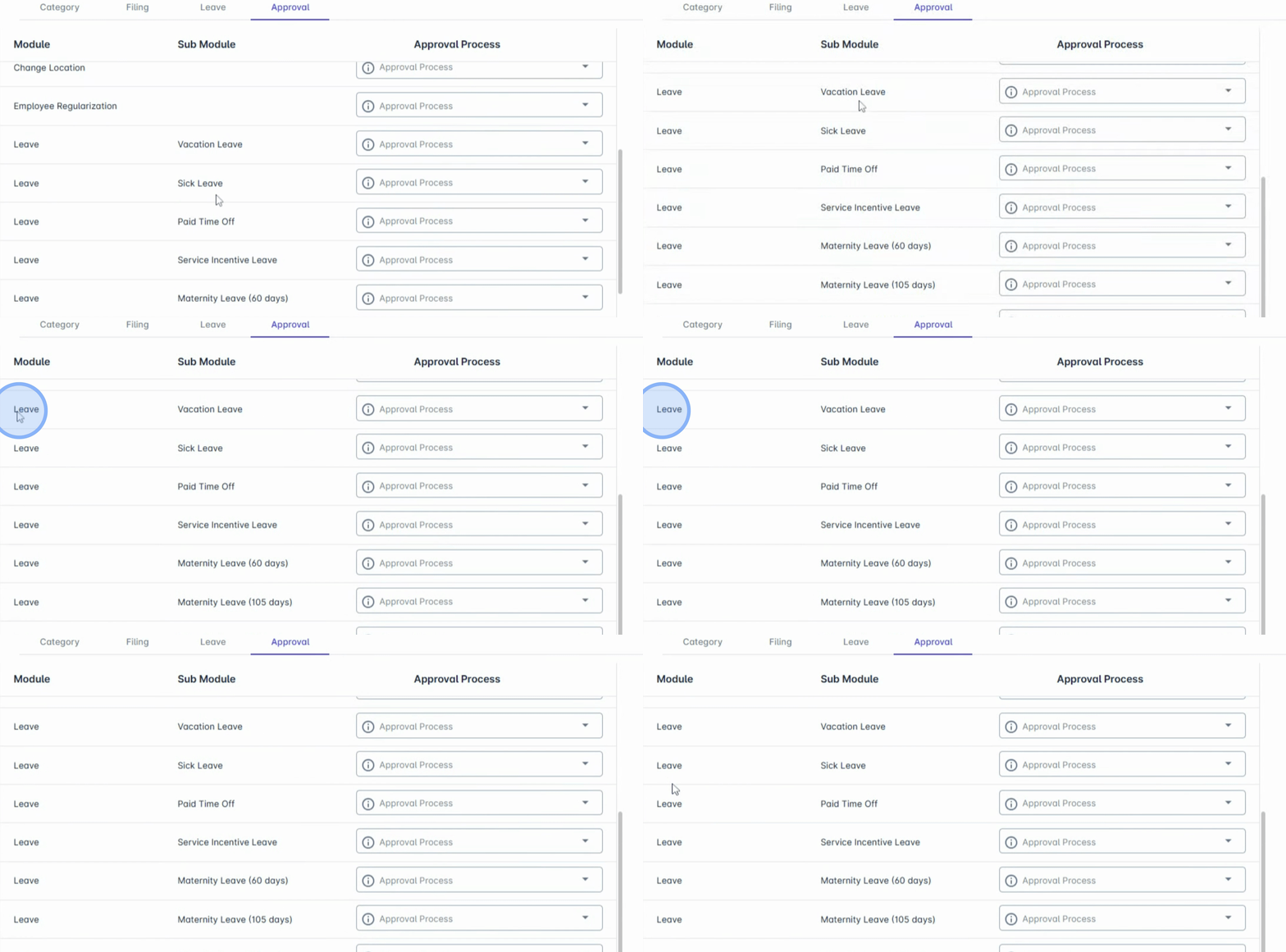
2. View Filing Options
Here, you will see all filing options available, including Leaves
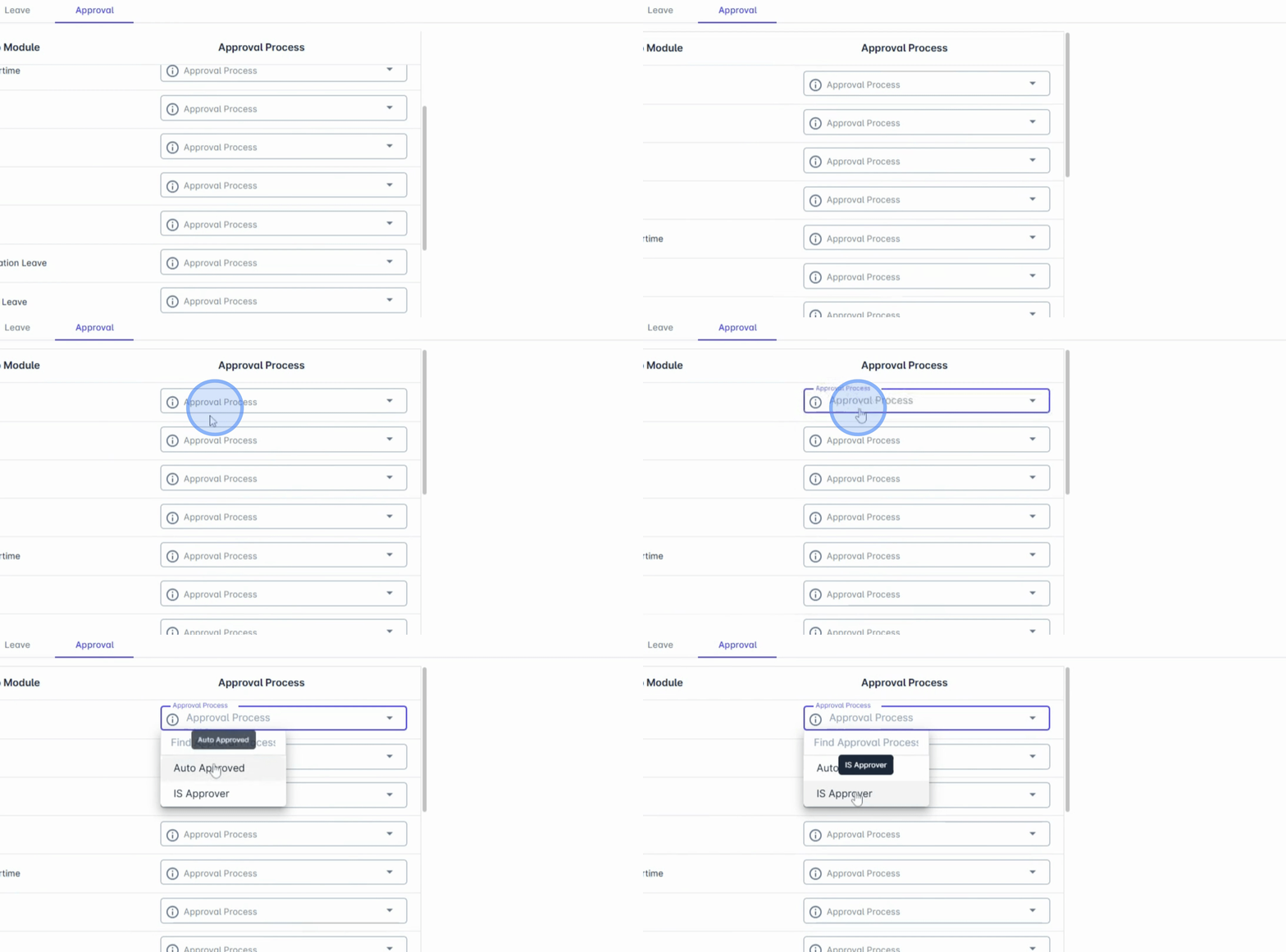
3. Access Approval Process
Locate the Approval Process under the Admin menu, where you will find an approval process displayed in the dropdown.
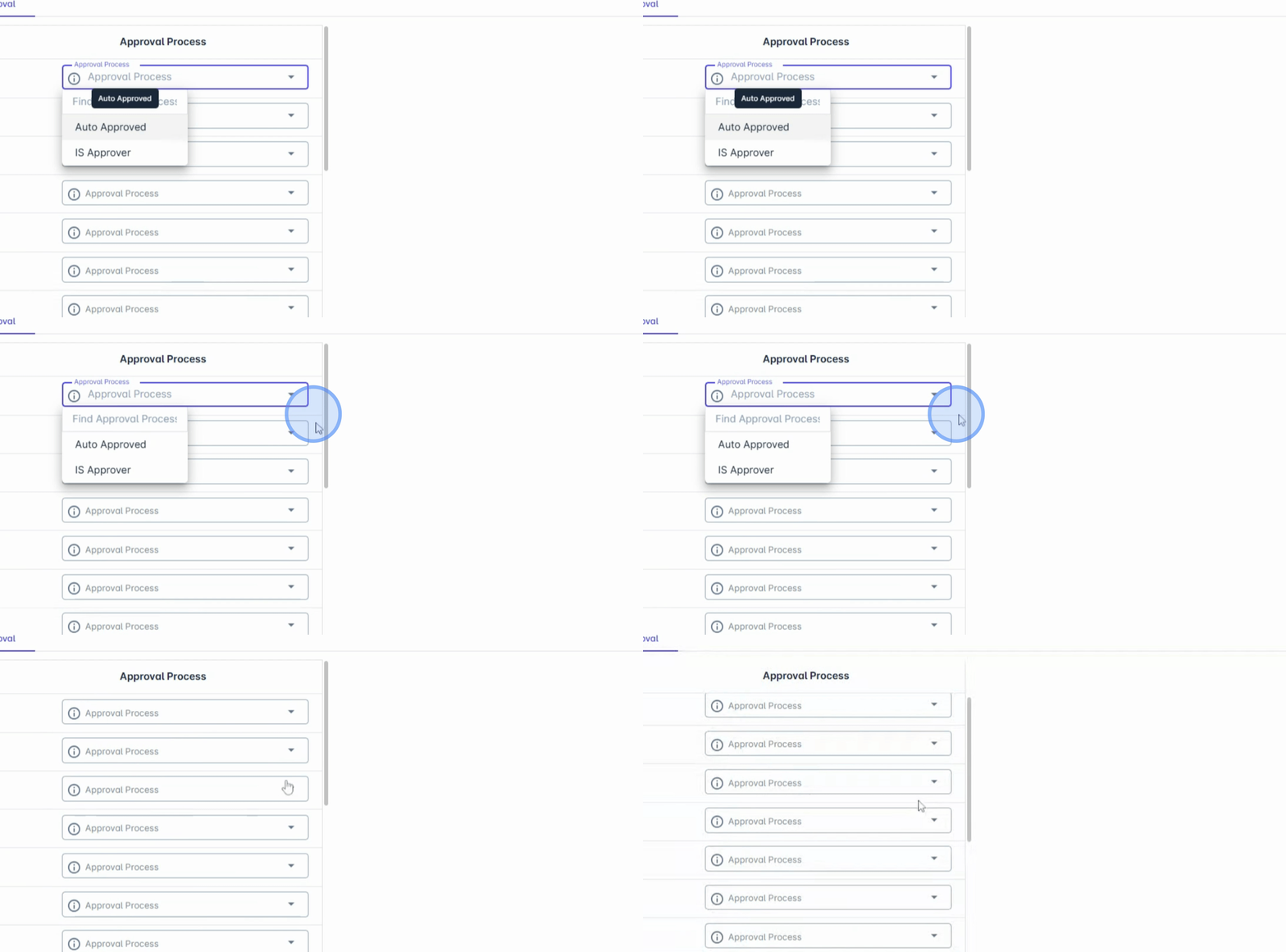
4. Select Auto Approve
To bypass the approval stage, select Auto Approve. This option allows requests to be approved instantly without requiring any reviewer action.
5. Save Changes
Once you finish setting up the configuration, ensure you click on Save Changes to apply your settings.
Following these steps will enable you to configure the Approval Process effectively in AnyHR, enhancing your HR workflows and ensuring compliance within your organization.