

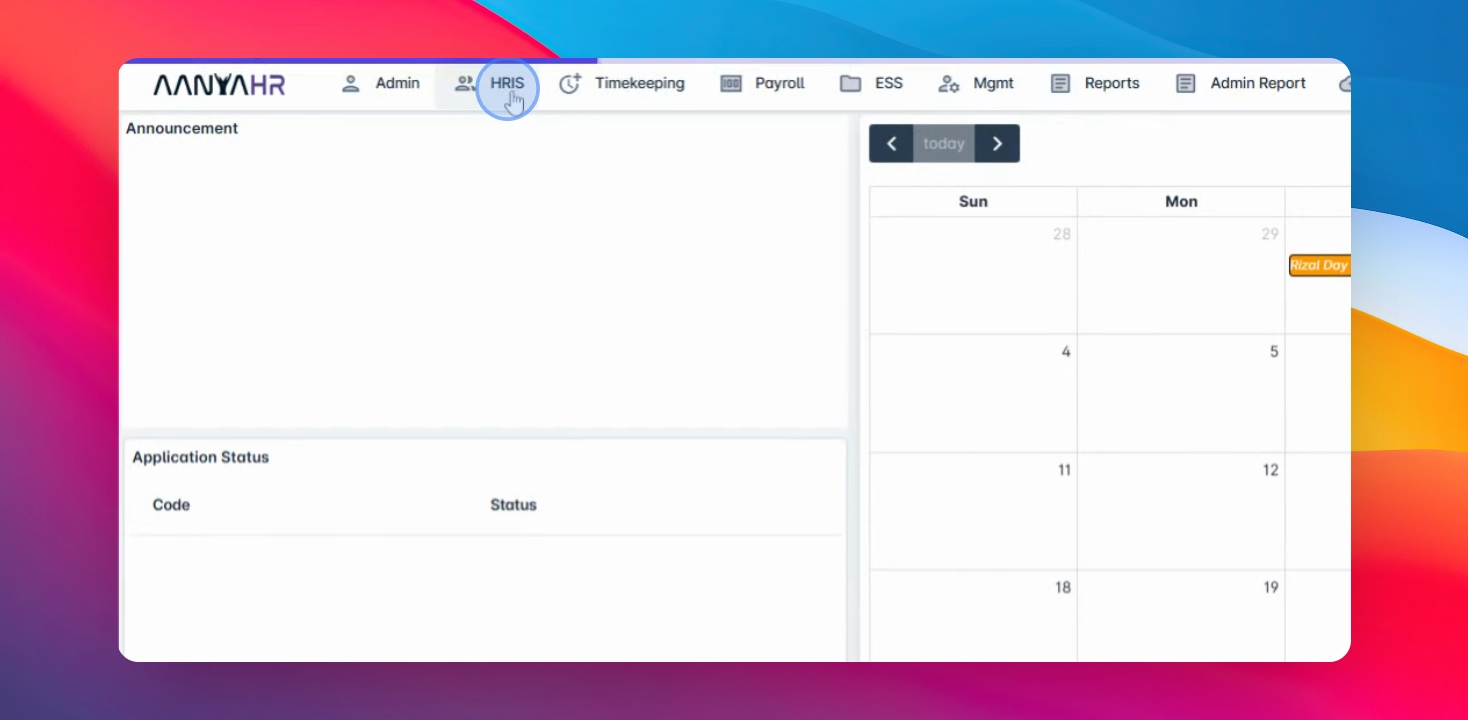
Step 1: Open HRIS
Go to the HRIS menu and select Employee.
Step 2: Search Employee
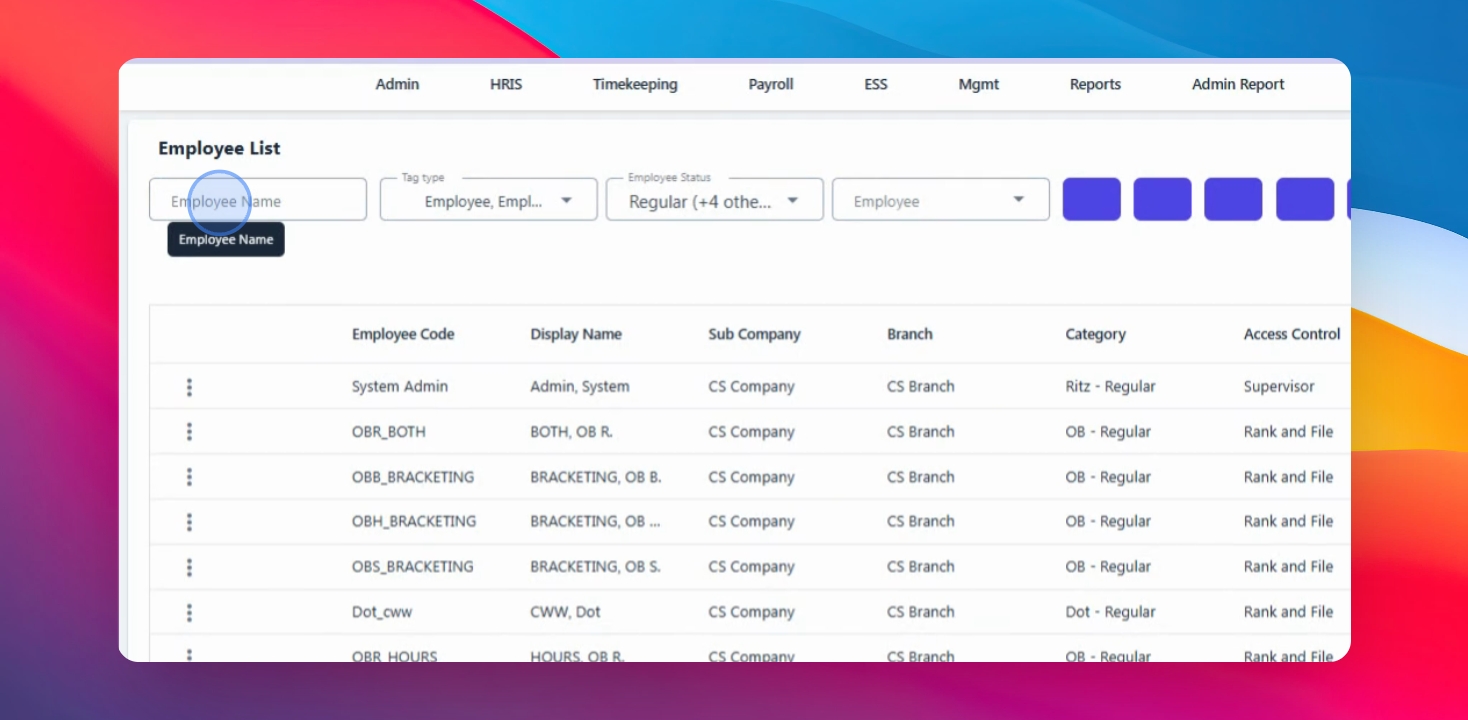
Use the Search function to find the employee by entering their name in the search field.
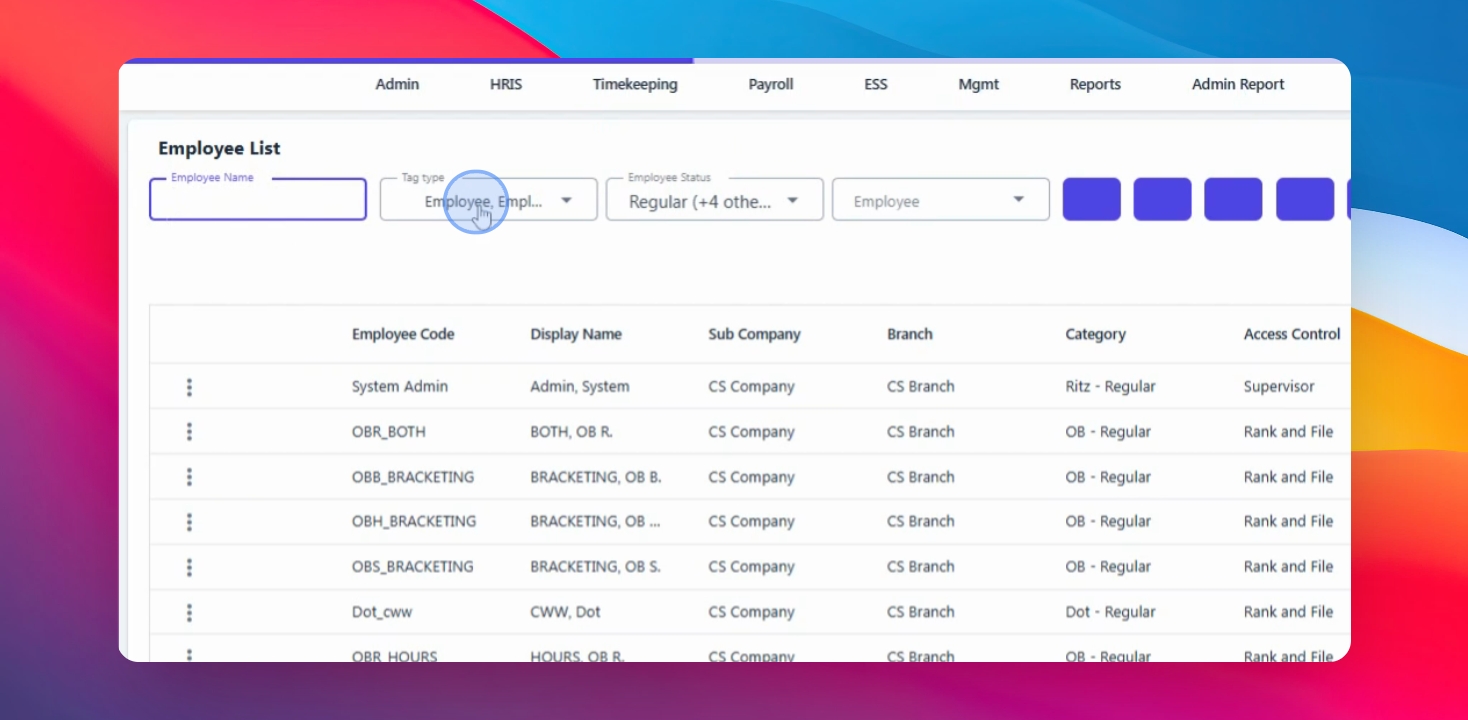
Step 3: Filter Results
Narrow down results using tag type or Employee Status.
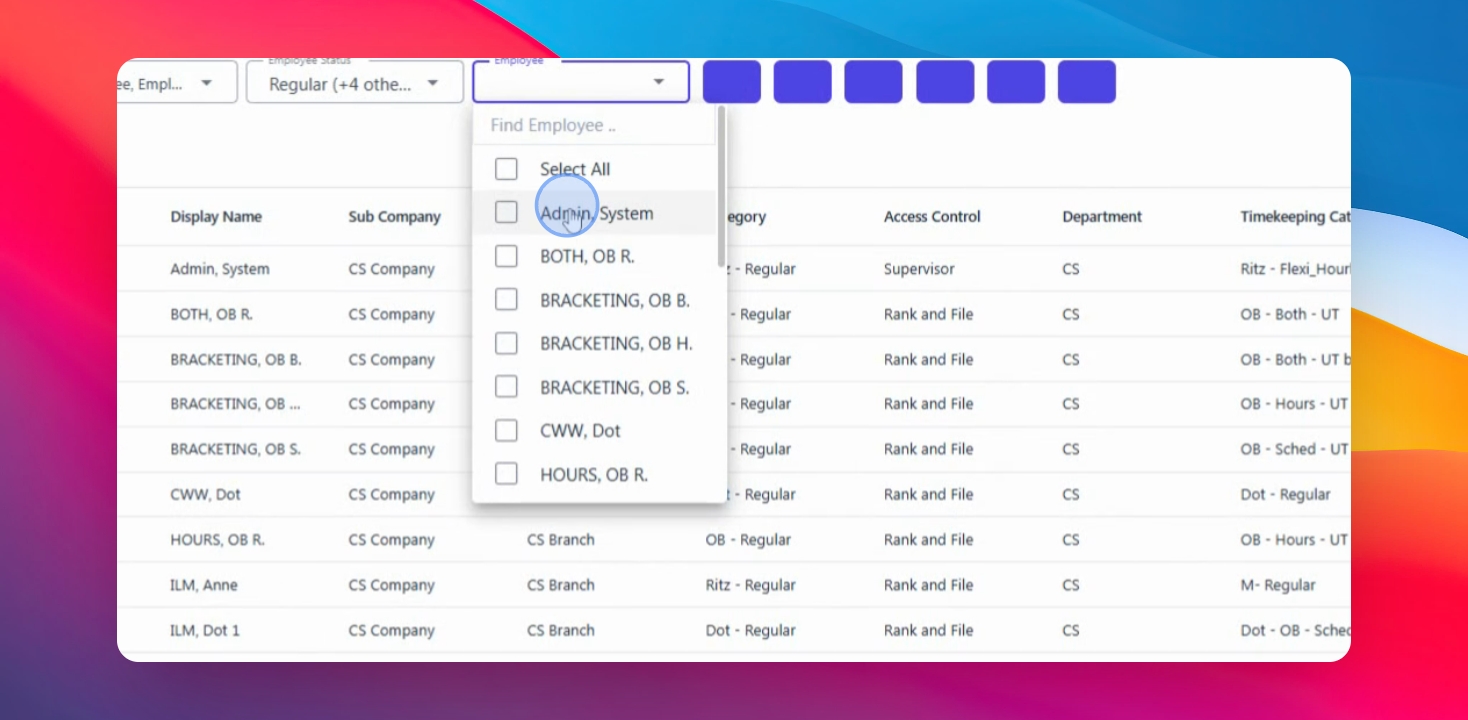
Step 4: Select Employee
Select the employee you wish to edit from the search results.
Step 5: Click Search
Click the Search button to display the results.
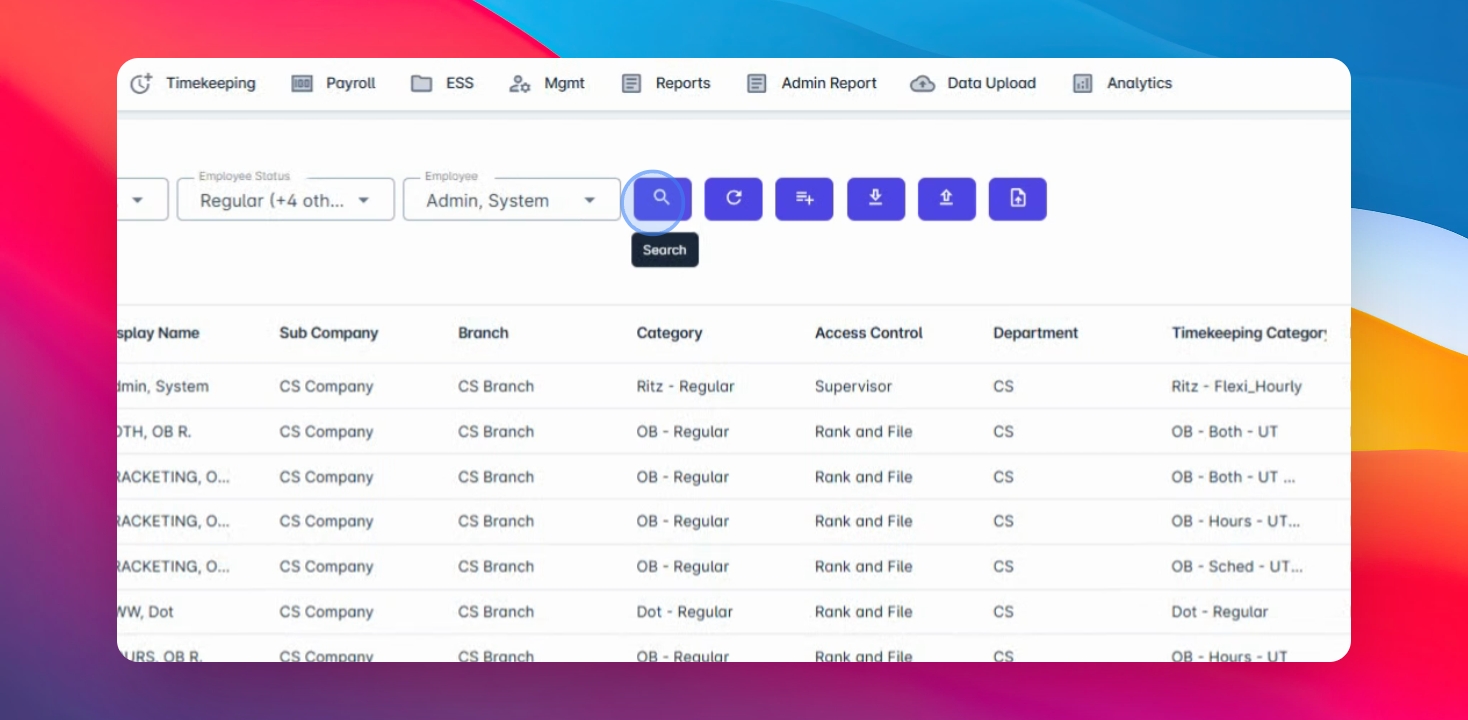
Step 6: Locate Employee
In the search results, locate the employee you wish to edit.
Step 7: Edit Employee
Click the three dots beside the employee code and select Edit.
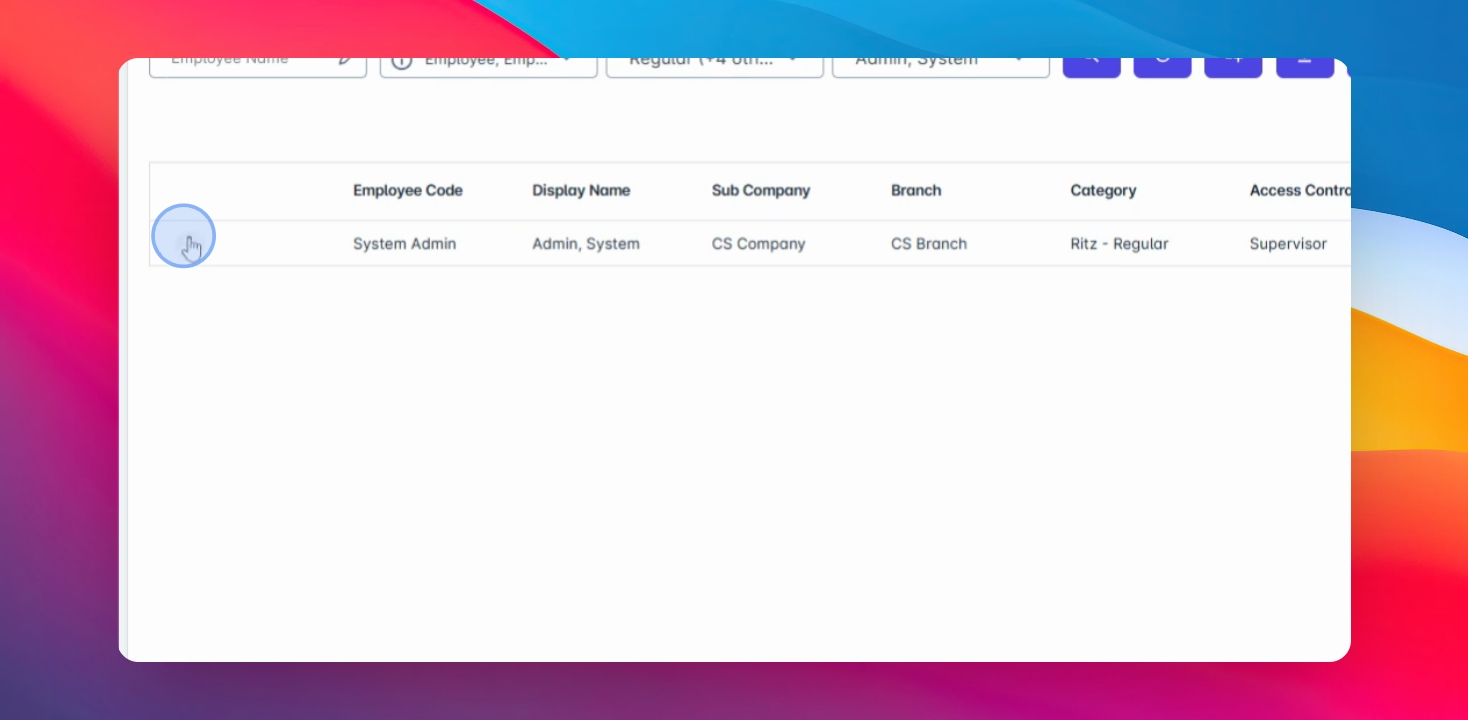
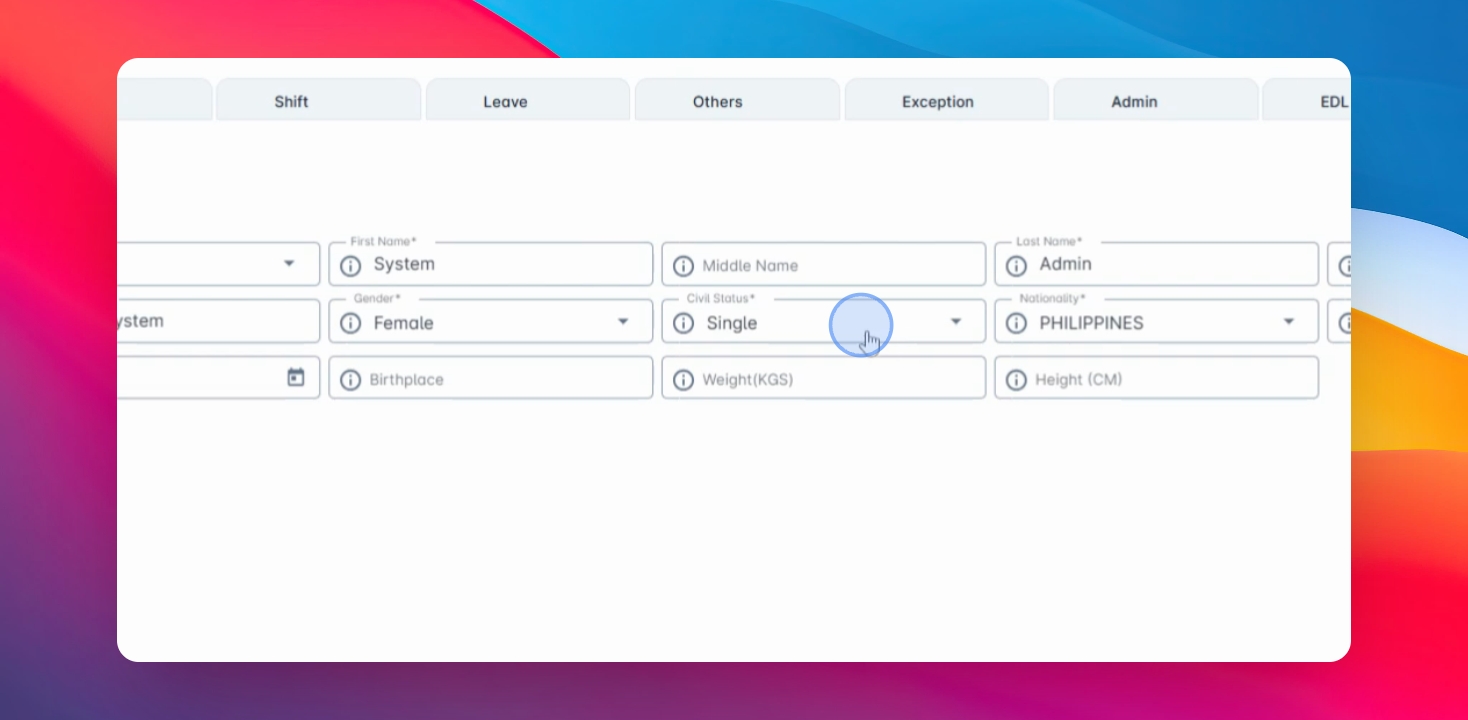
Step 8: Update Details
Make the necessary adjustments to the employee's details, ensuring all required fields marked with an asterisk are filled in.
Step 9: Save Changes
Once updated, click Save to apply the changes.
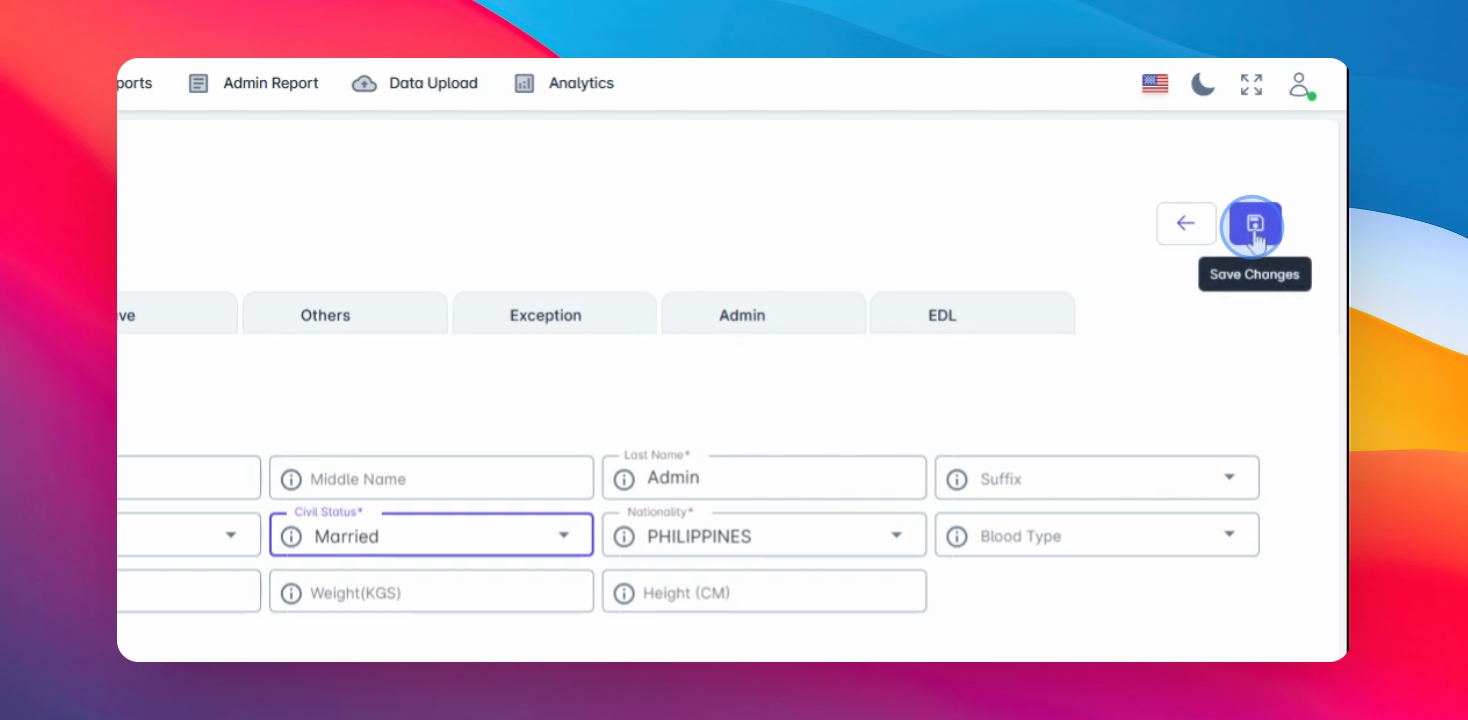
Step 10: Completion
You have successfully edited an employee record in AnyaaHR.