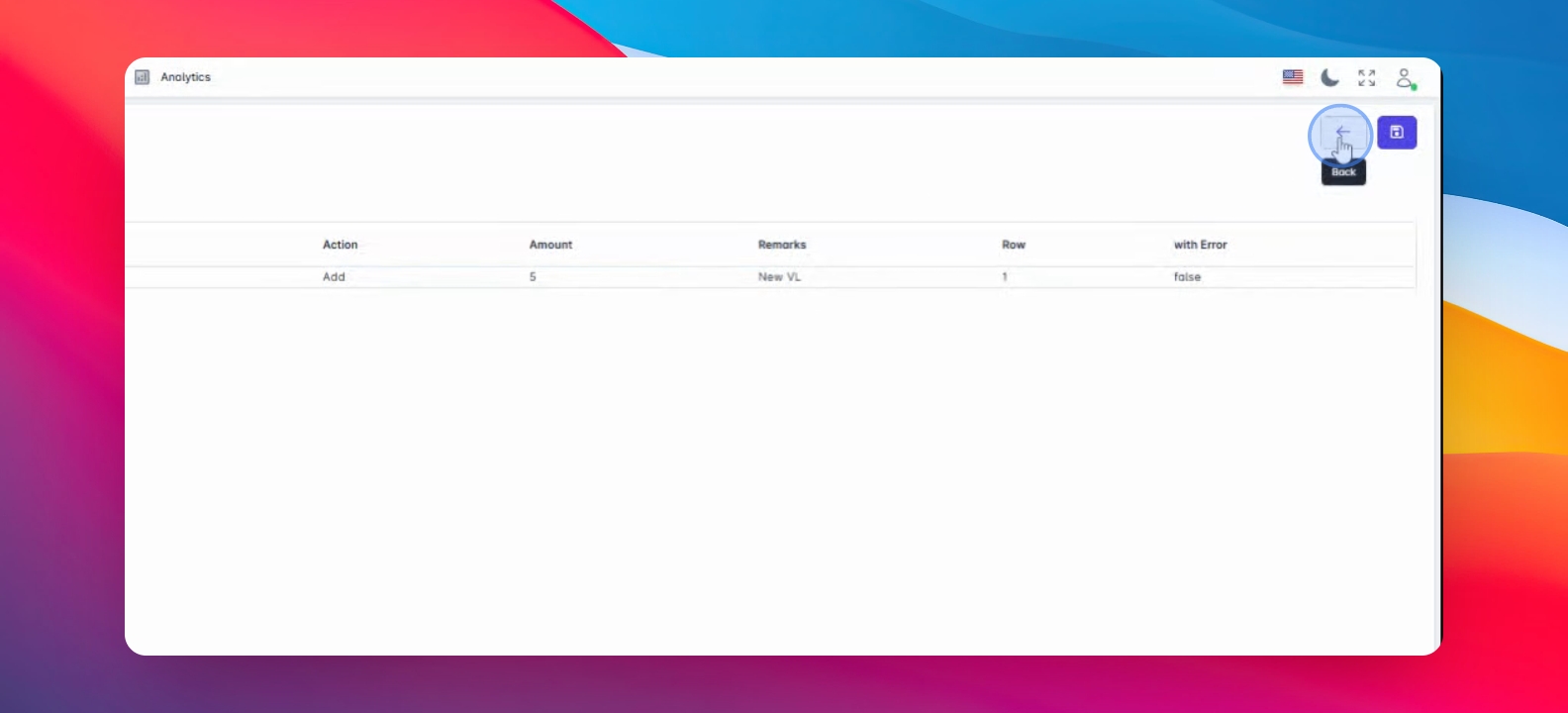
Let's do it together!
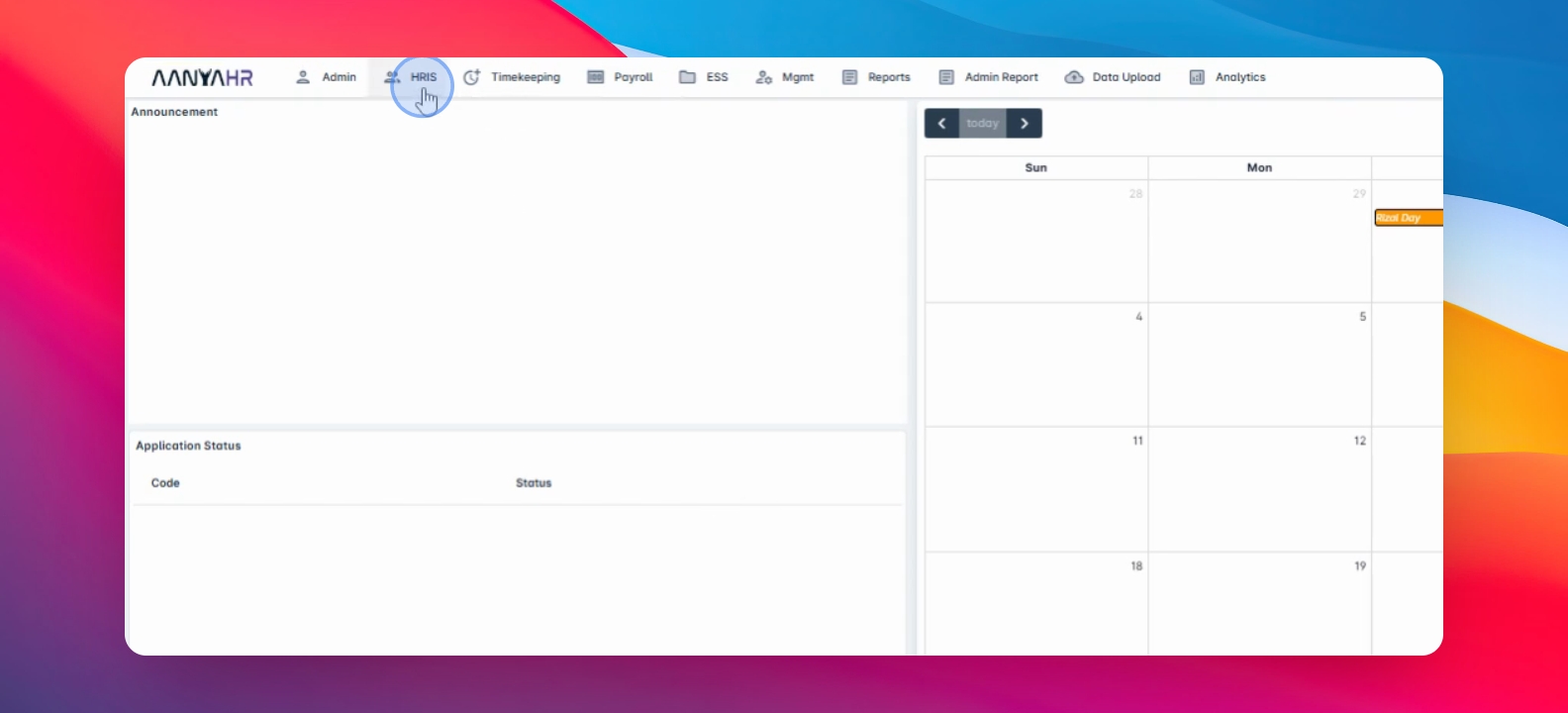
Step 1: Navigate to Balance
First, navigate to the balance section in the application.
Step 2: Download Template
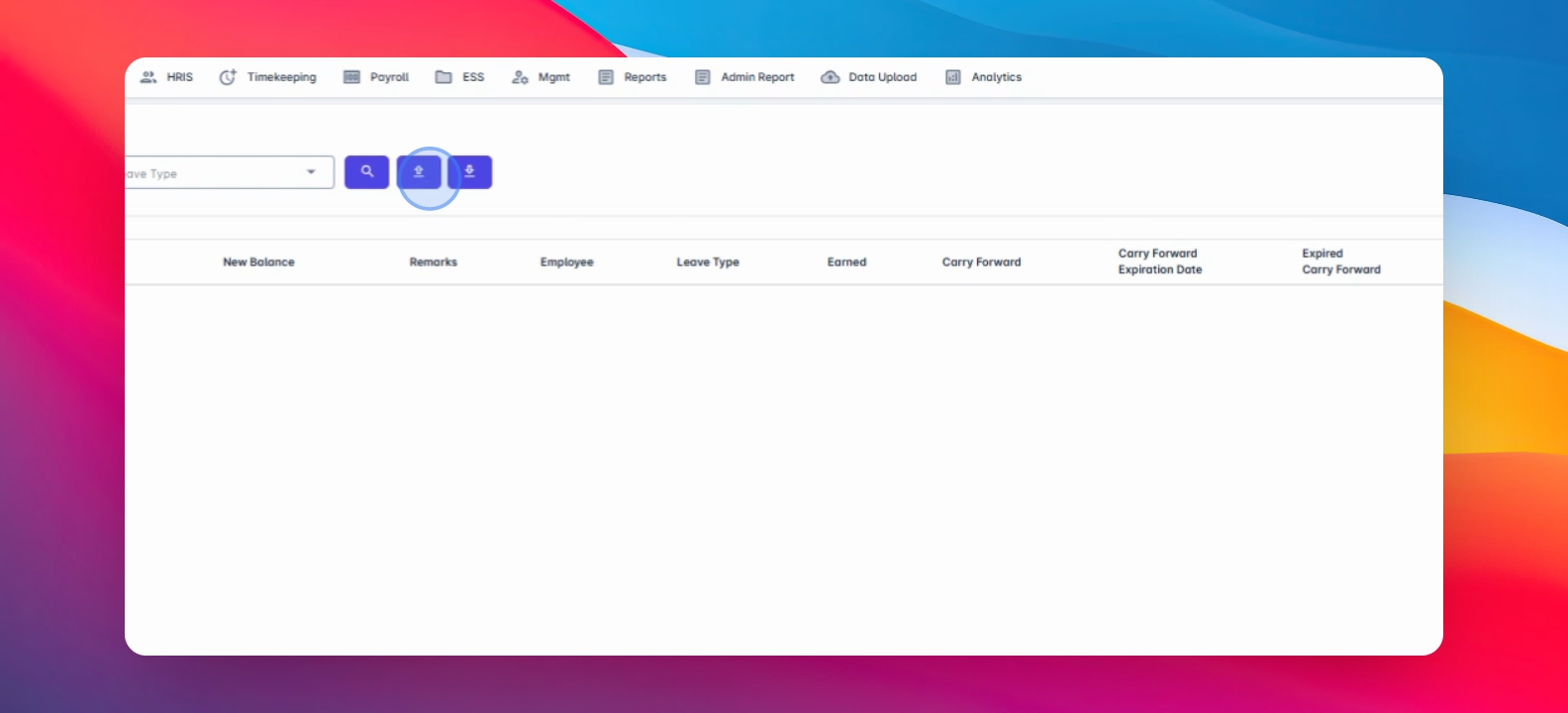
Click the button with the arrow up icon and select Leave Balance upload to access the template.
Step 3: Save Template
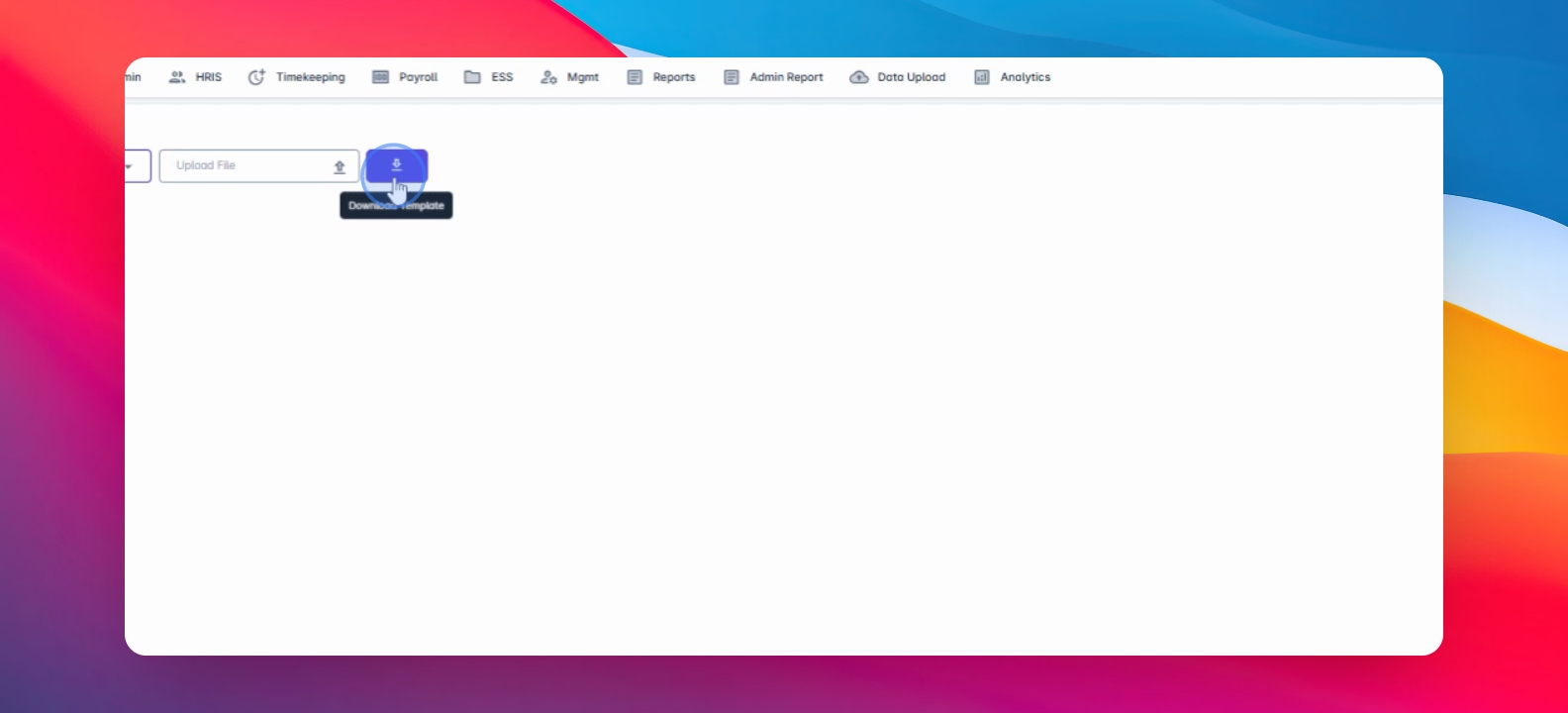
Click on Download template to save the file to your device.
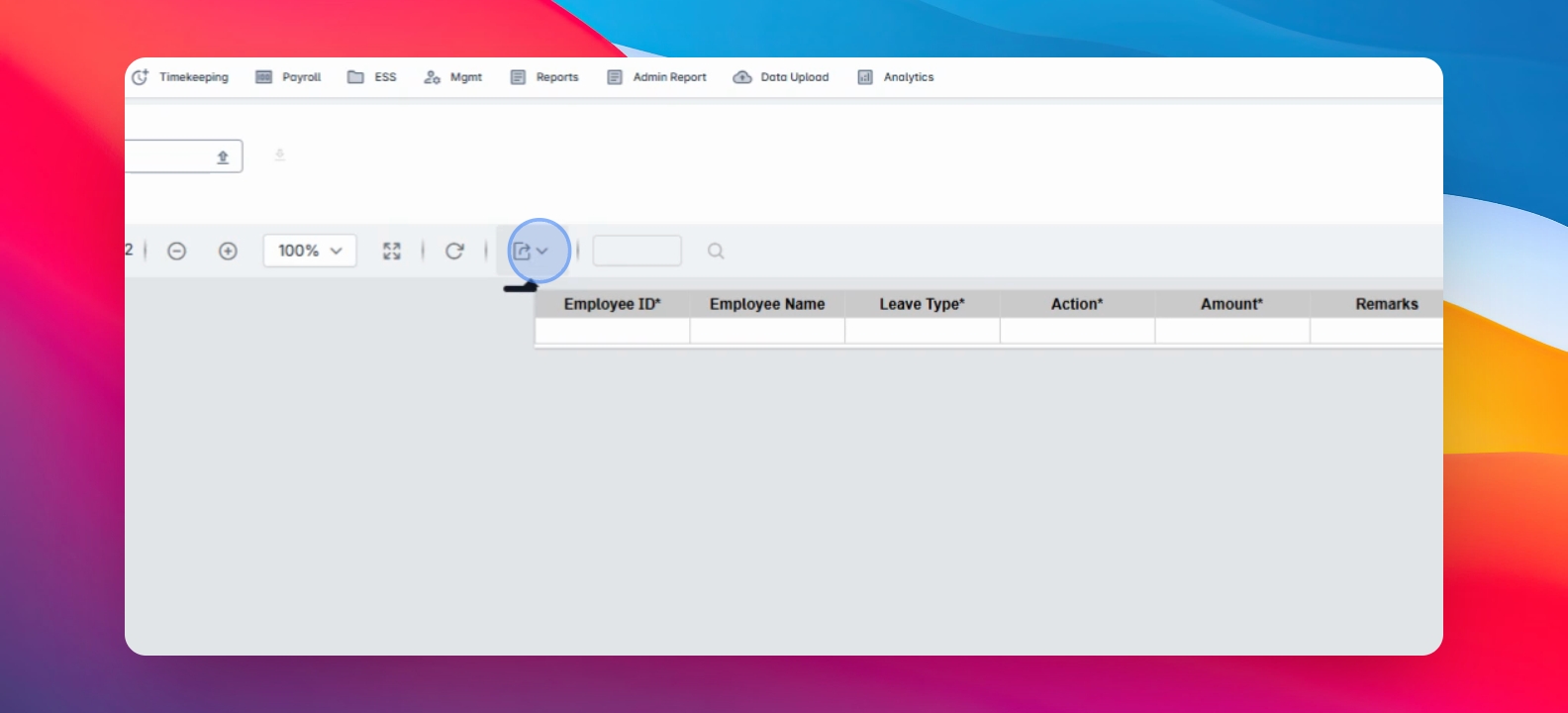
Step 4: Open Export
Click on the icon with the bottom arrow to access the export options.
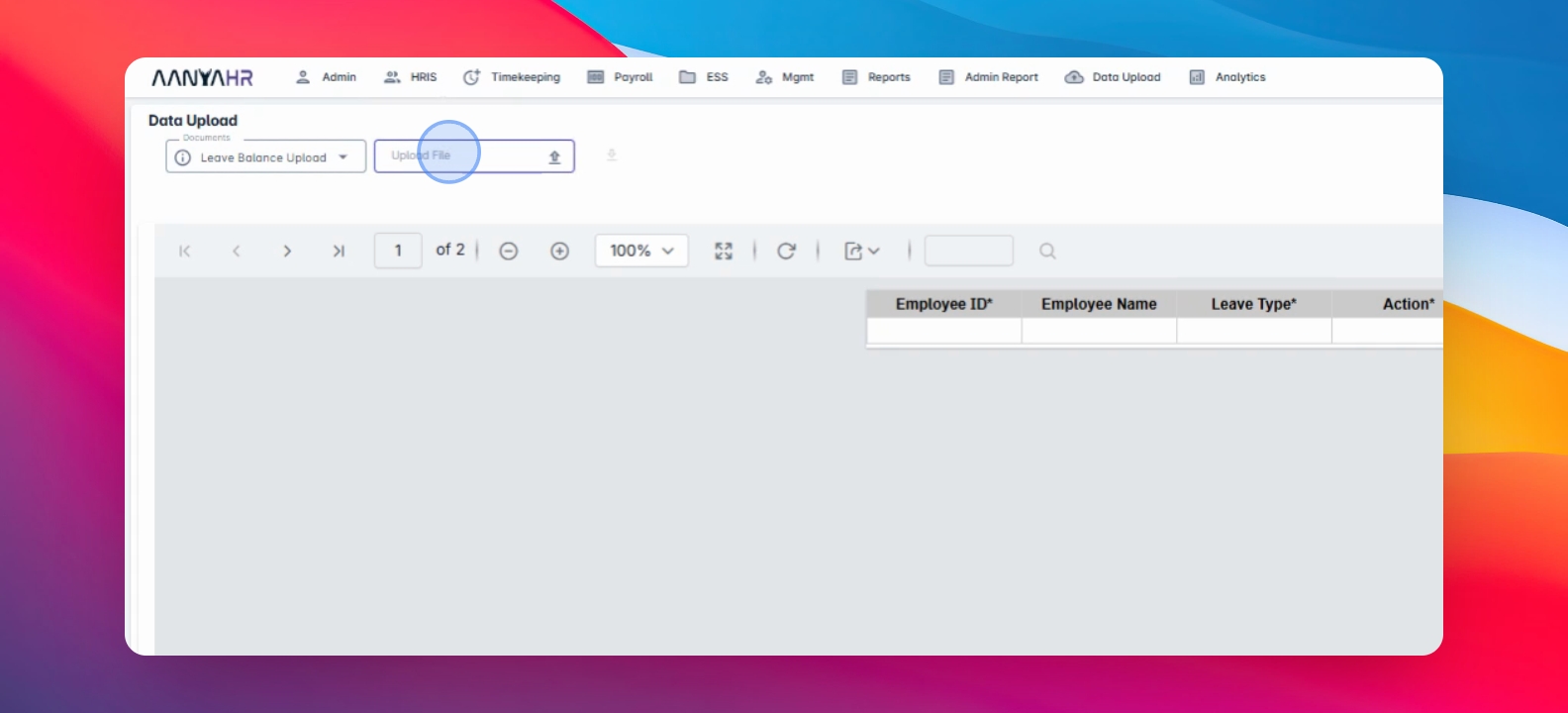
Step 5: Upload File
Click on the Upload file field to upload your completed file.
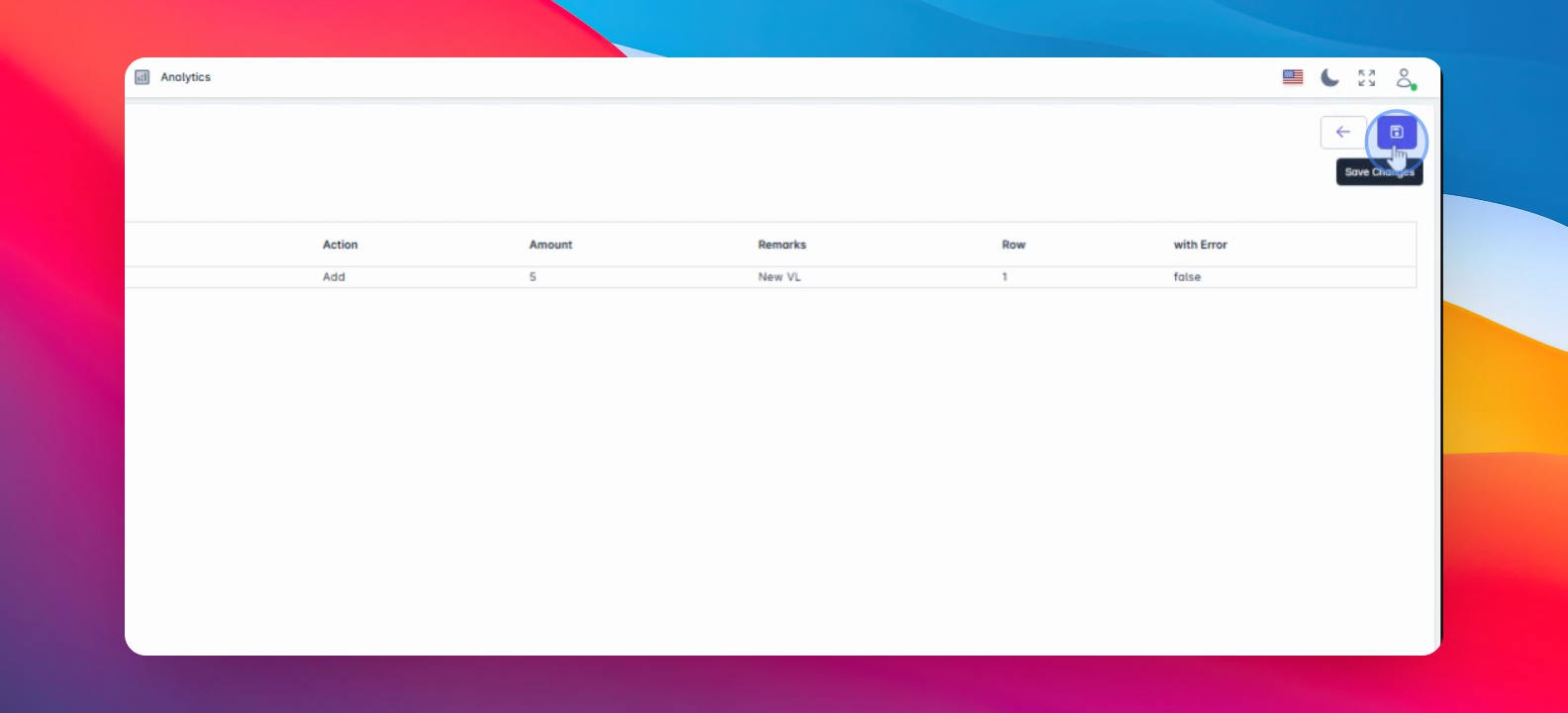
Step 6: Save Changes
After finalizing your upload, click on Save changes to submit.
Step 7: Confirm Upload
Once saved, double check to confirm that your file has been uploaded successfully.