

Introduction
This setup allows administrators to control how employees submit requests within the system. You can enable different request types, set filing deadlines, and define required information such as reasons or attachments.
Step-by-Step Instructions
1. Navigate to Employee Category
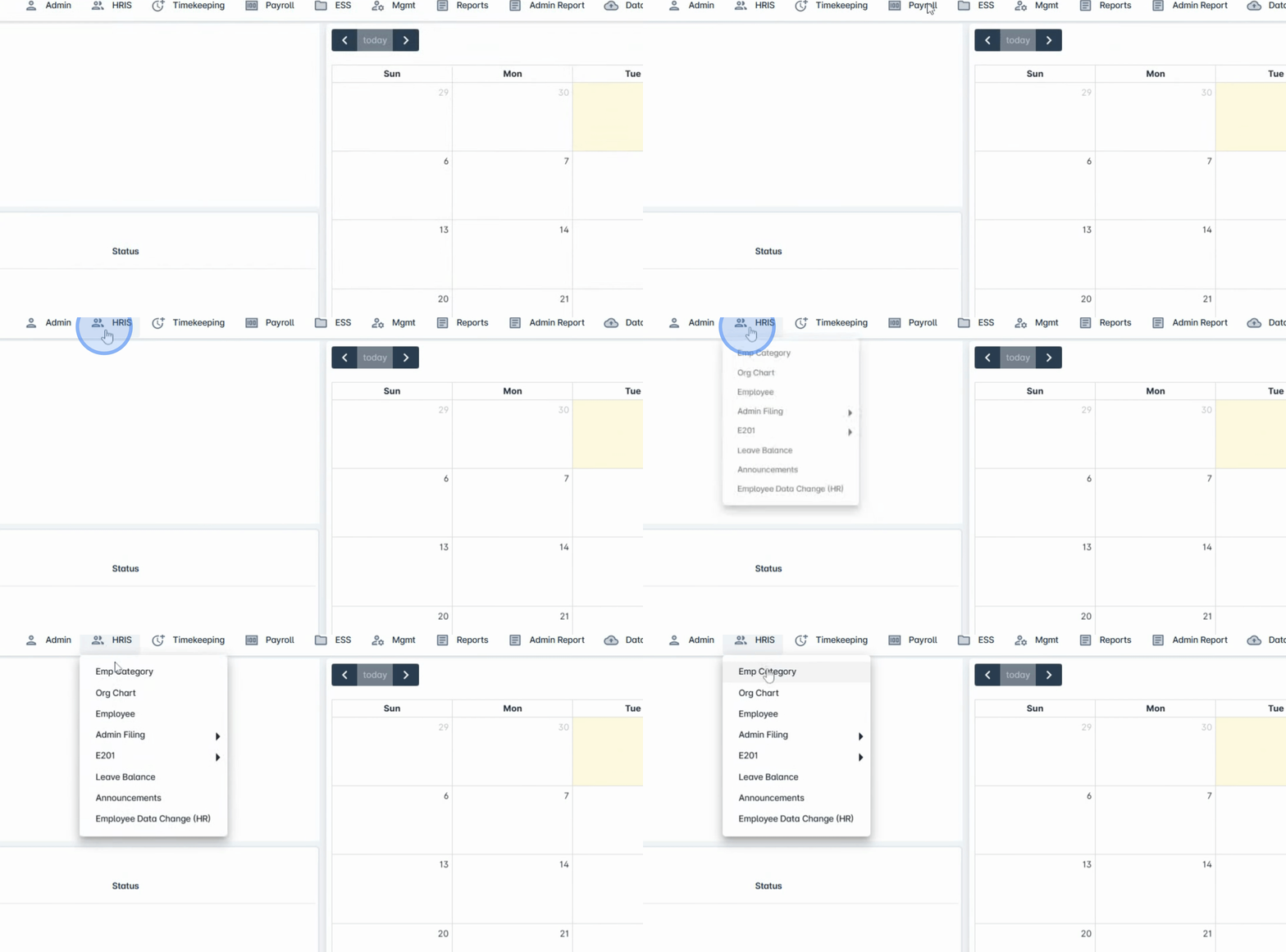
Go to the HRIS Menu and select Employee Category.
2. Open the Filing Tab
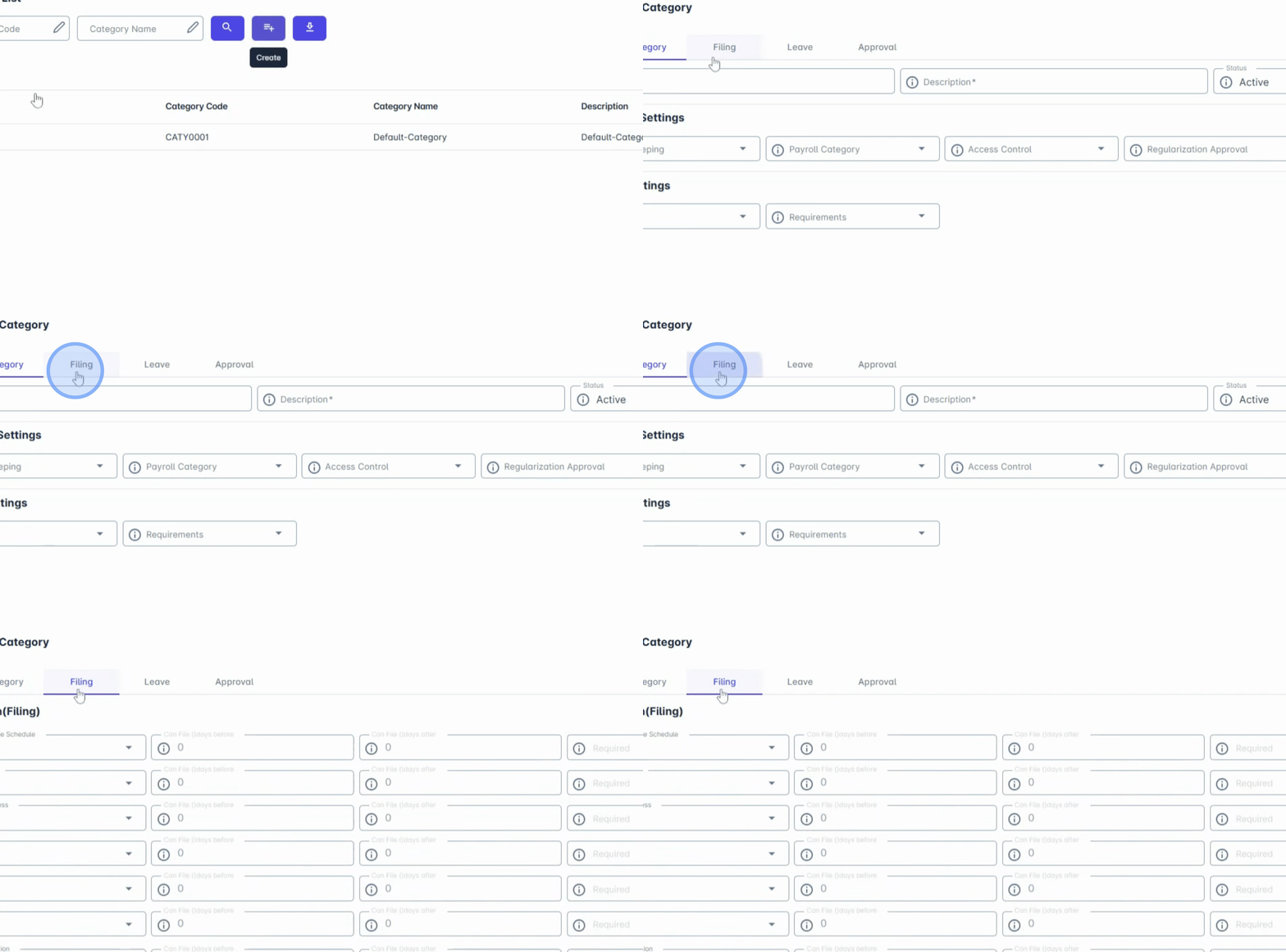
Proceed to the Filing tab.
3. Enable Employee Request Types
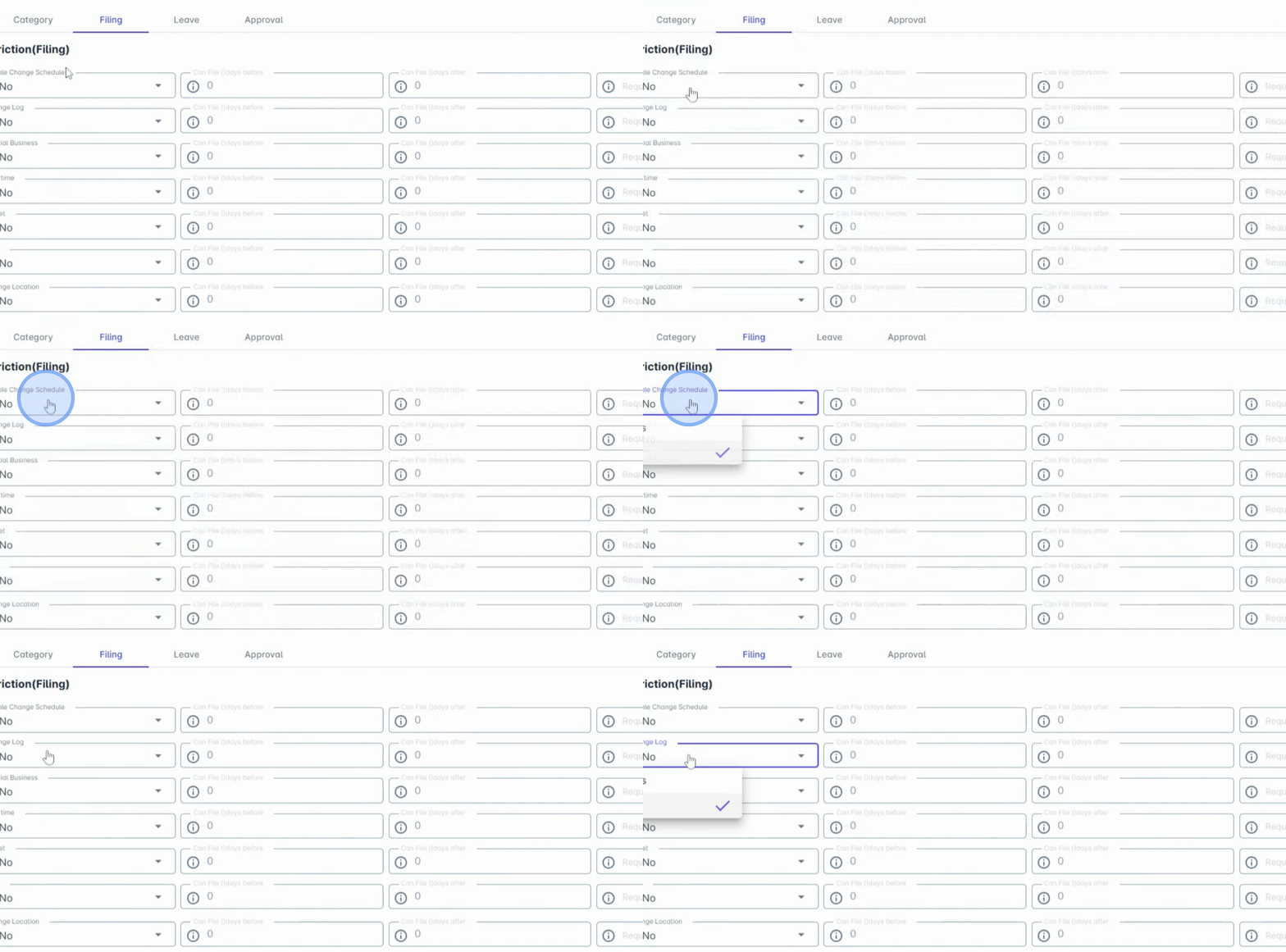
In this section, you can enable the types of employee requests allowed under the category, such as:
Change Schedule
Change Log
Official Business
Overtime Offset
Certificate of Employment
Change Location
Enable the requests that employees under this category are allowed to file.
4. Set Filing Days Restrictions
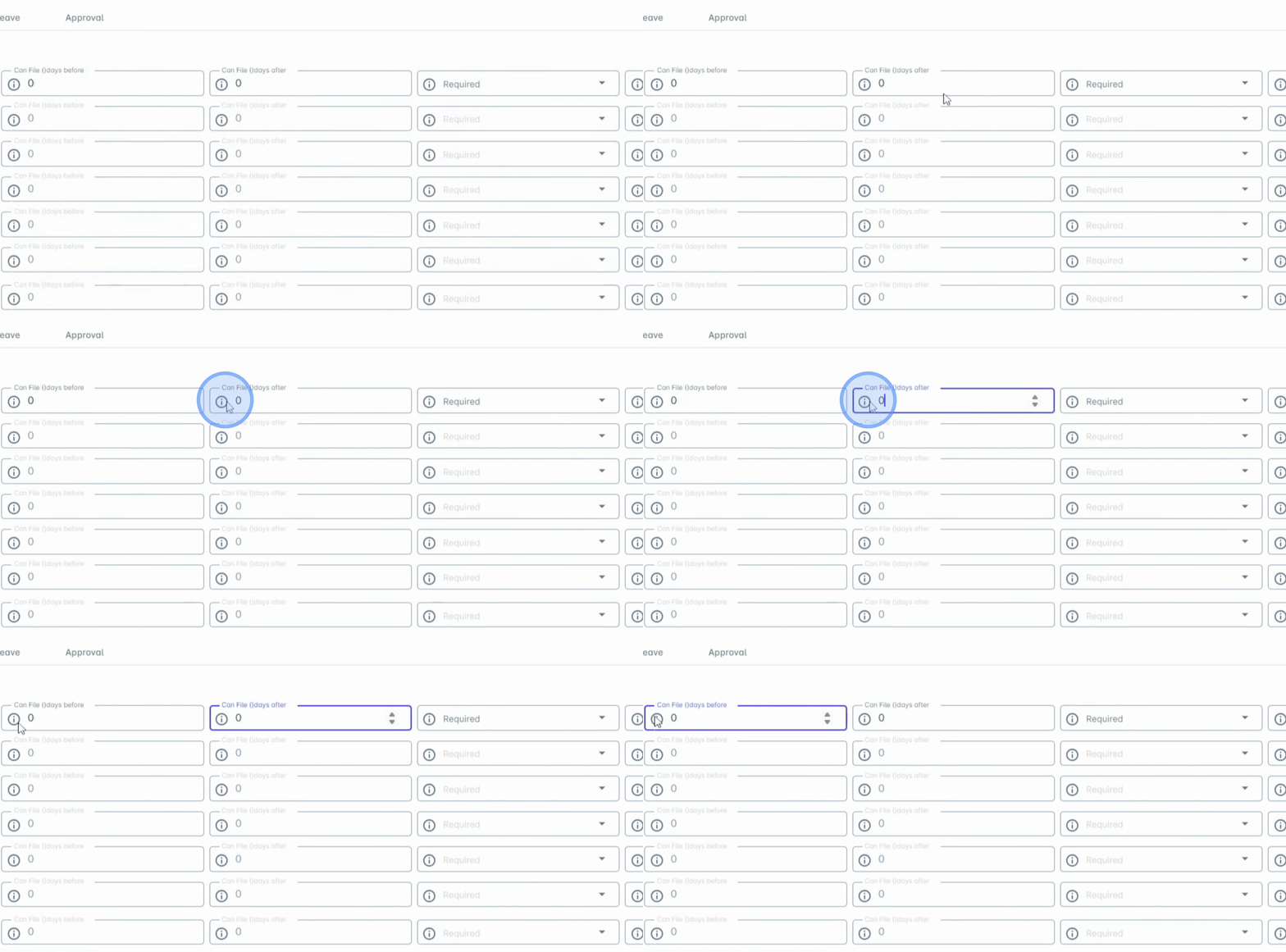
You can also restrict when employees are allowed to file requests by setting the allowed number of days before or after the requested date.
5. Define Can File Days Before
Configure Can File Days Before to define the maximum number of days before the requested date that employees can submit a request.
6. Define Can File Days After
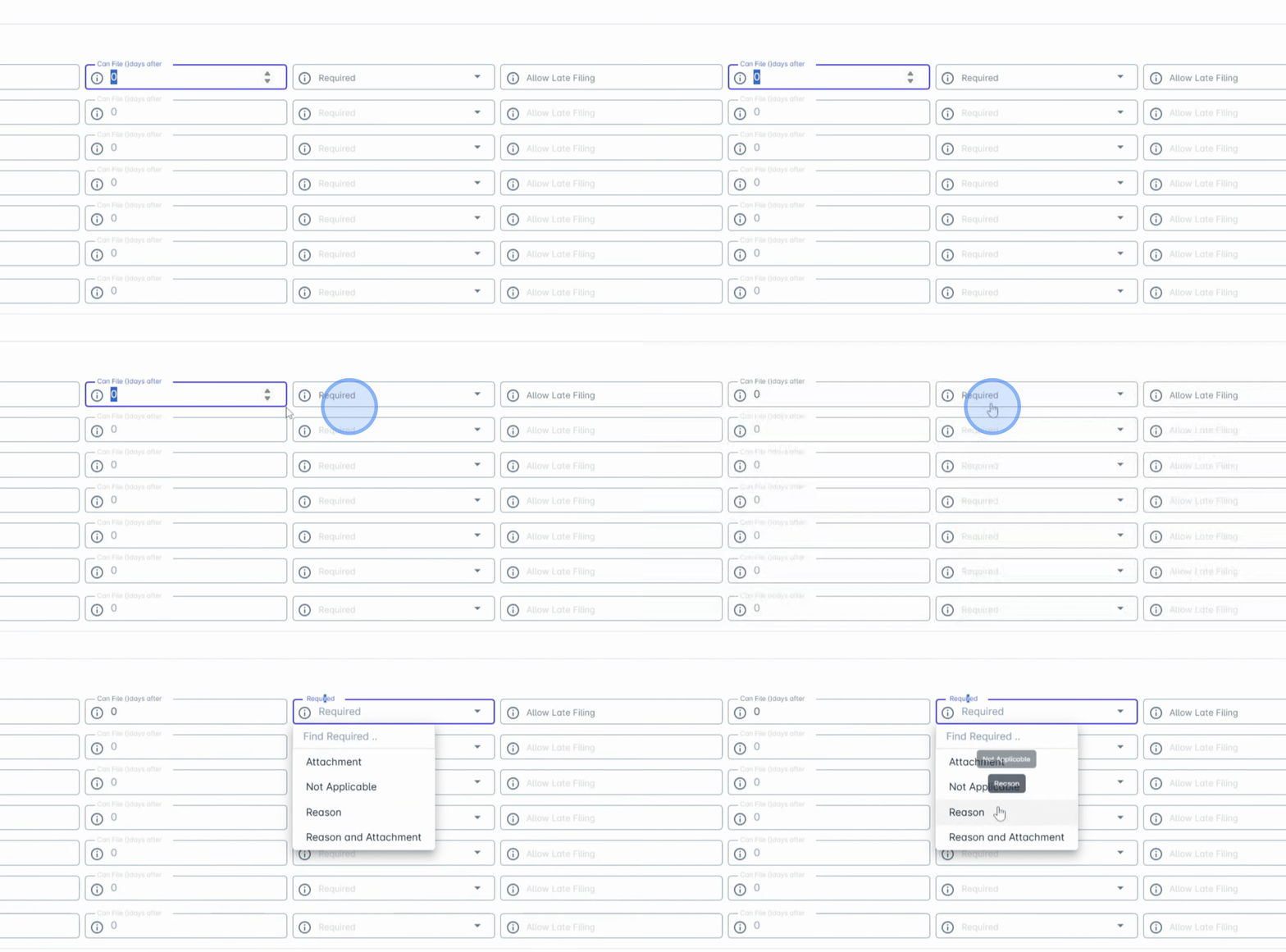
Similarly, configure Can File Days After to specify the maximum number of days after the requested date that employees are allowed to file.You can also require employees to provide additional information when submitting a request, such as:
Reason
Attachment
Both Reason and Attachment
This helps ensure proper documentation for employee requests.
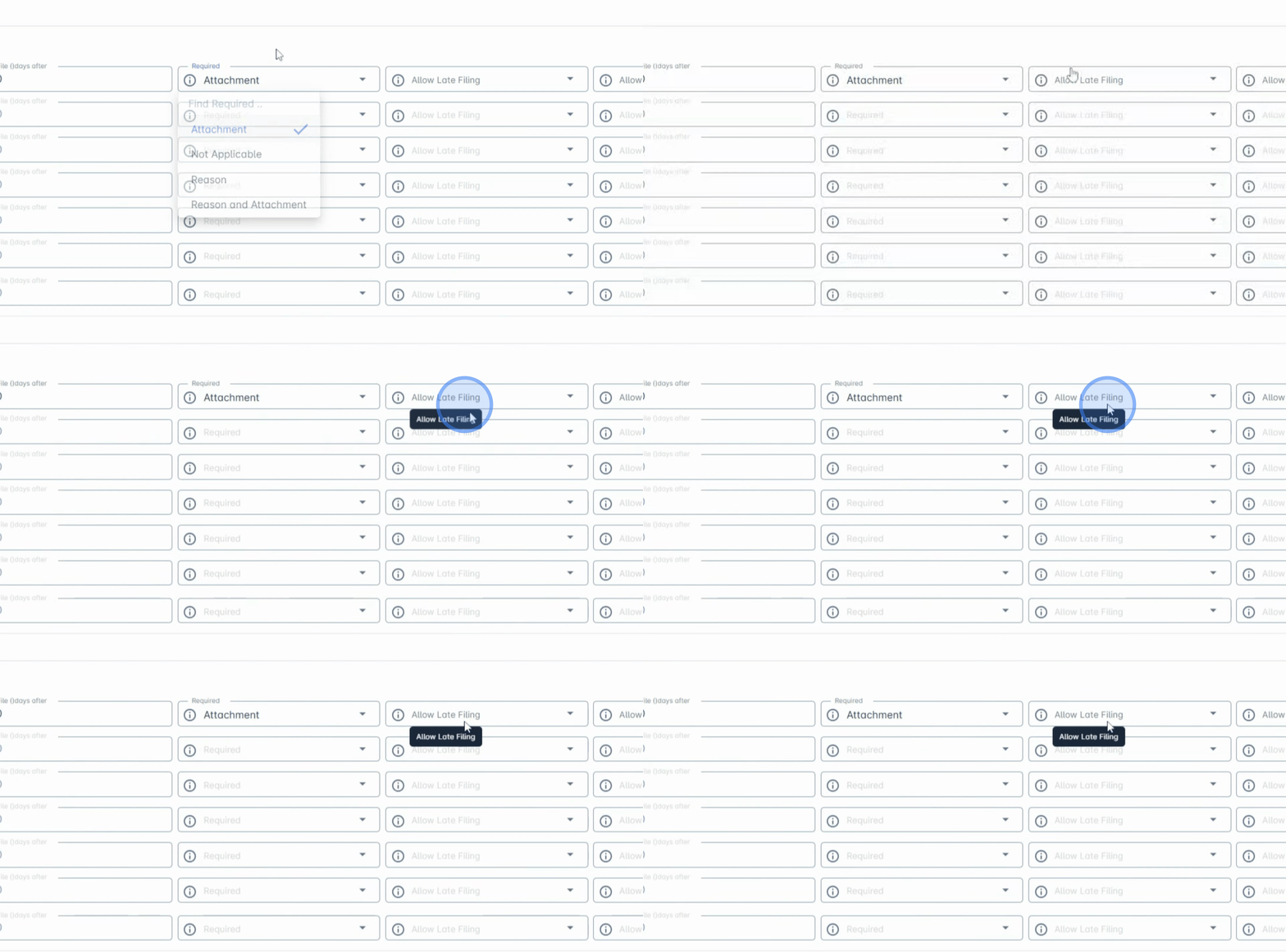
9. Allow Late Filing
Enable Allow Late Filing if employees should still be able to submit requests after the payroll cutoff or locking period.
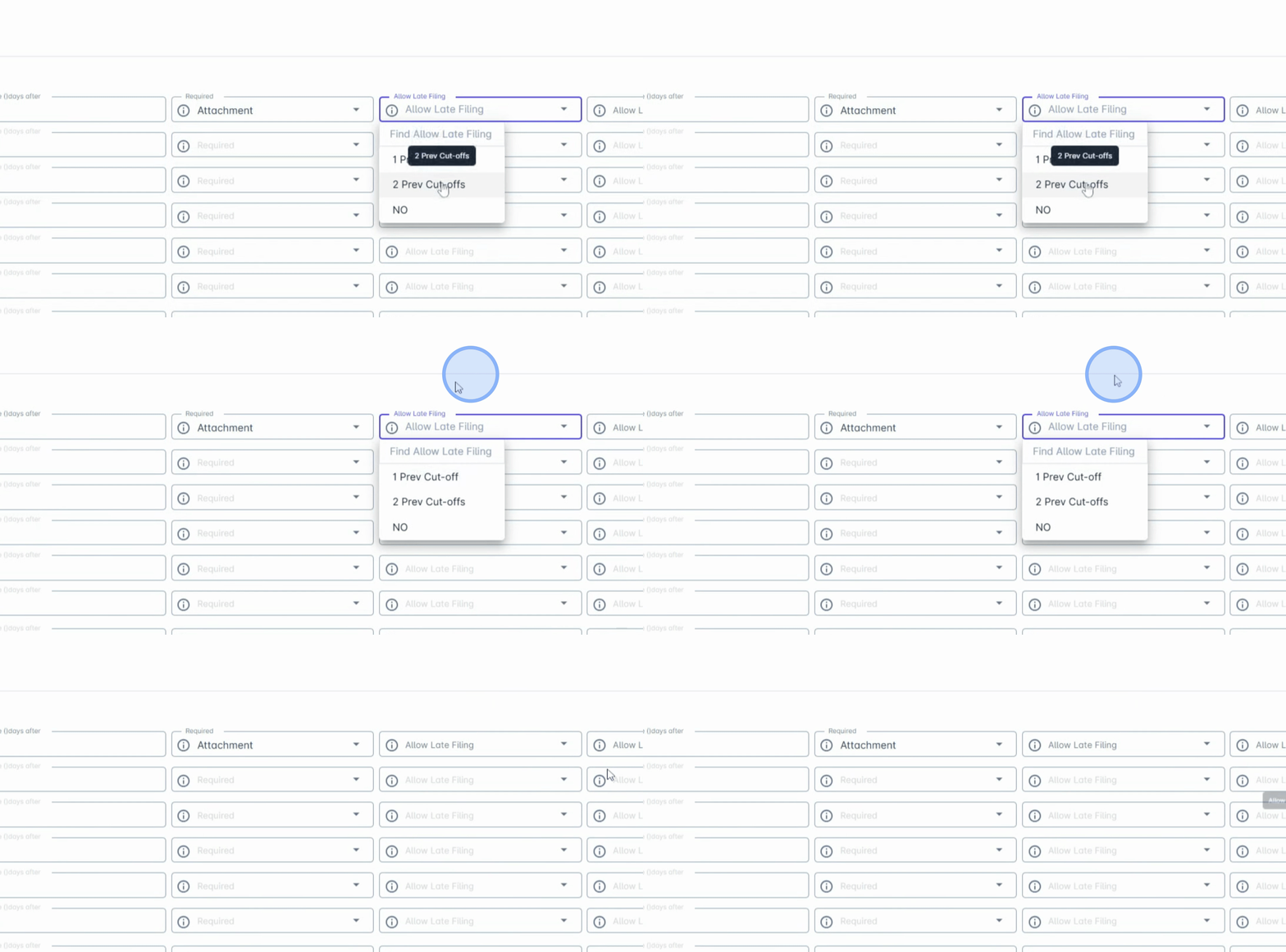
10. Set Cutoff Periods
You may define the cutoff period, such as One Previous Cutoff, which allows employees to file requests related to the previous payroll cutoff.
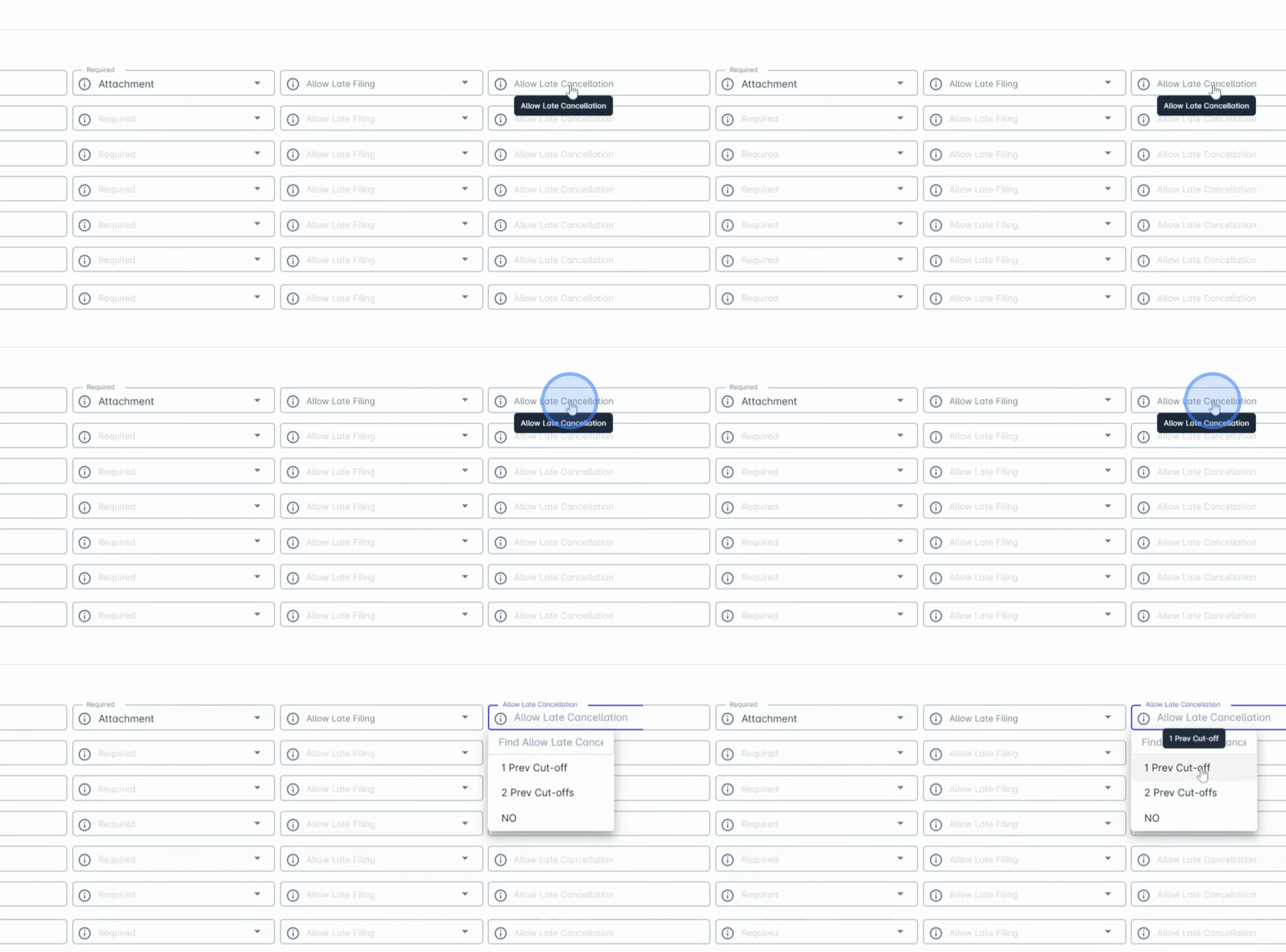
11. Allow Cancellation
Similarly, use Allow Cancellation to specify if employees can cancel requests within these periods.
By following these steps, you can successfully configure the Filing settings in Anya HR. These configurations help ensure that employee requests are submitted within the appropriate timeframes and include the necessary information required by your organization.