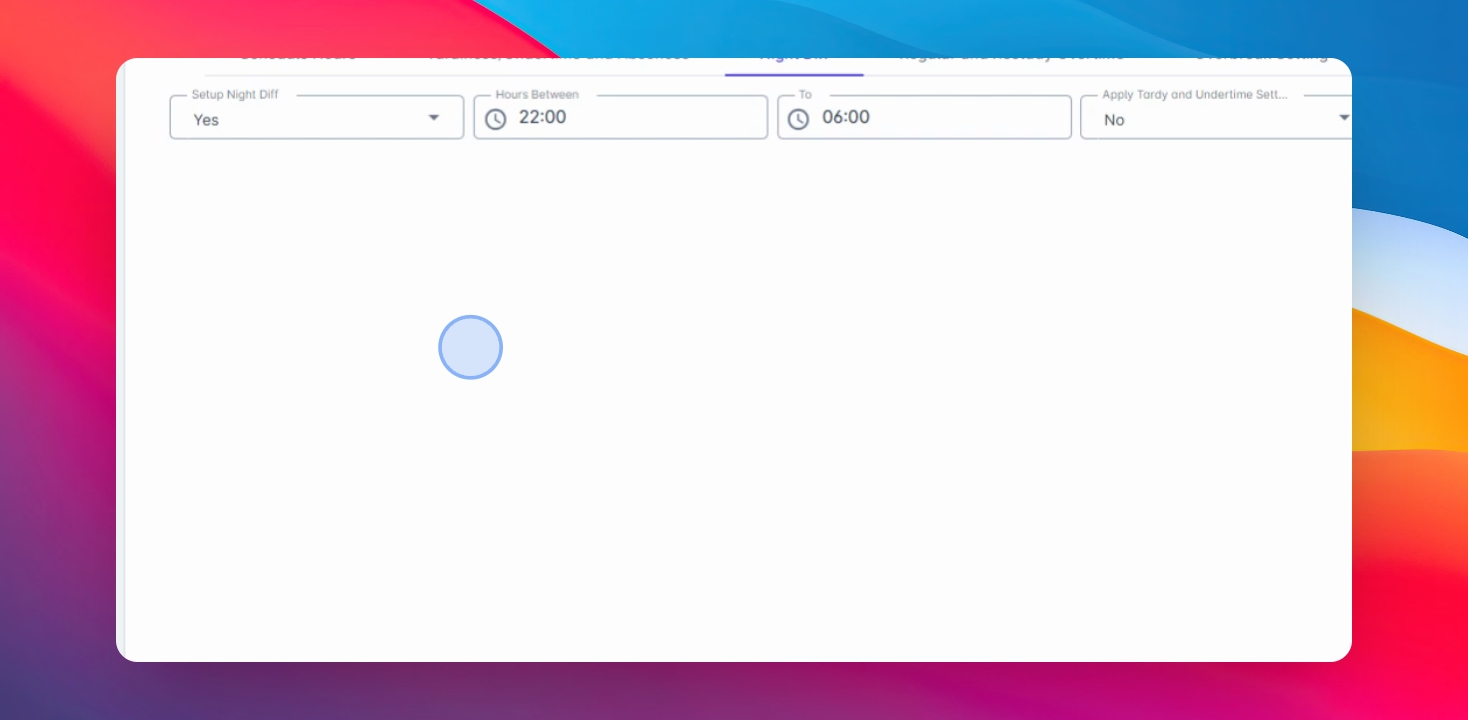
In this video, you will learn how to set up Net Differential policy in the Timekeeping category. Let's look at the steps:
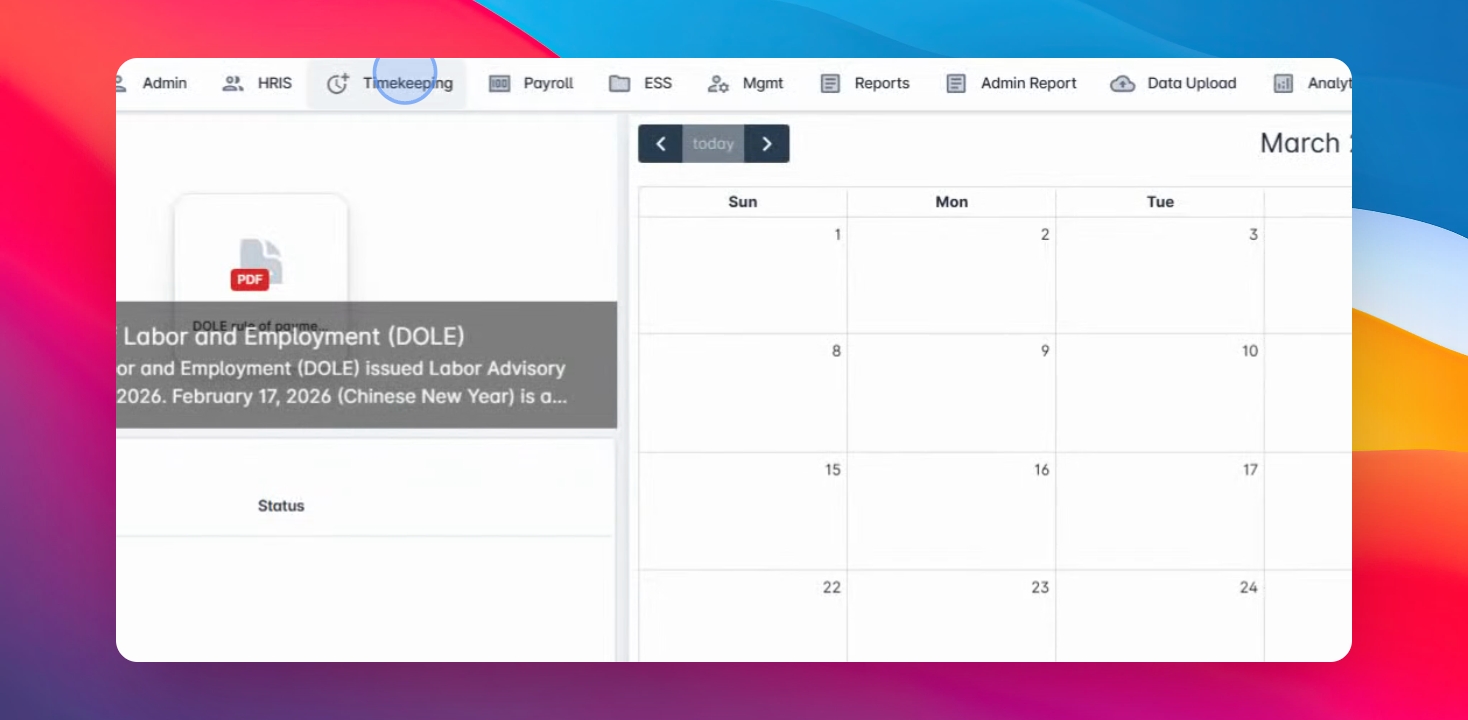
Step 1: Navigate to Timekeeping
First, navigate to Timekeeping menu, select All category and edit in Timekeeping category Goods or create a new one.
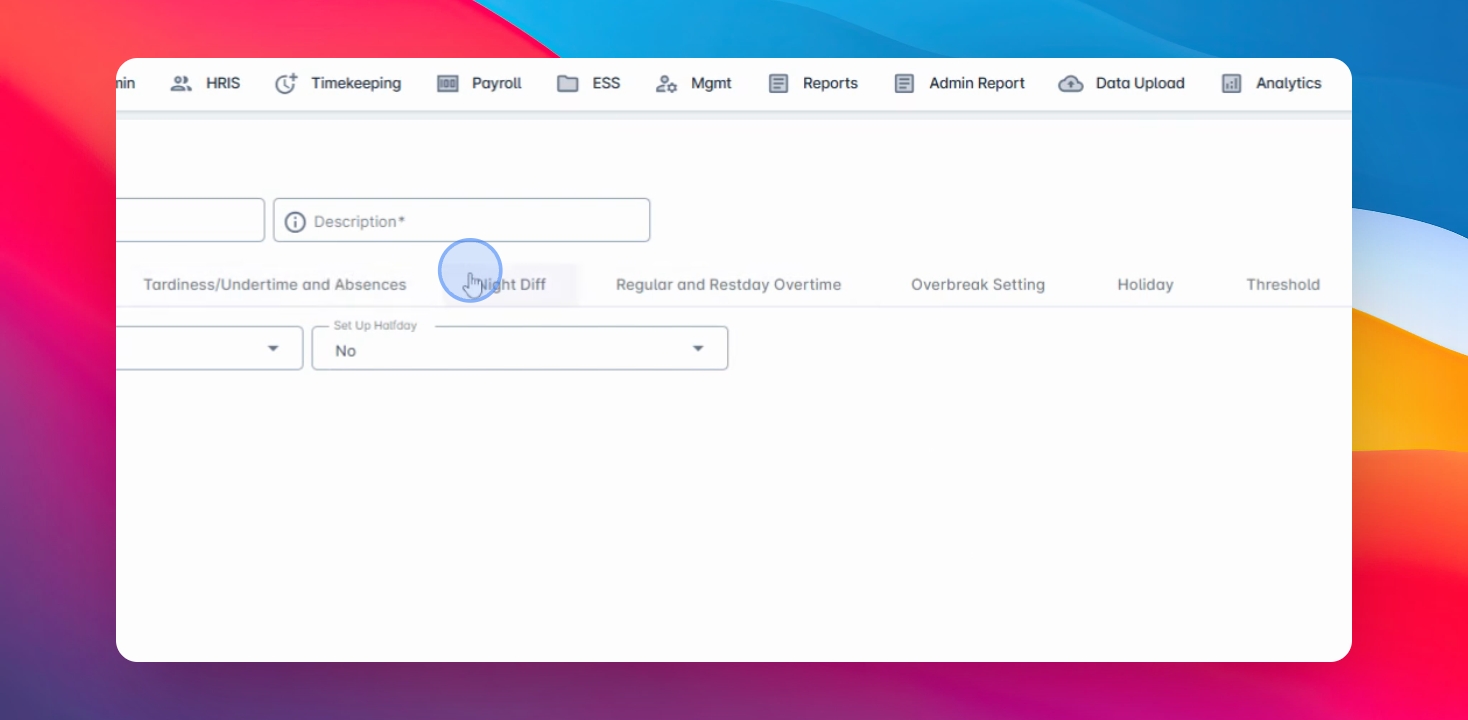
Step 2: Go to Net Differential Tab
Once you're in, go to Net Differential tab.
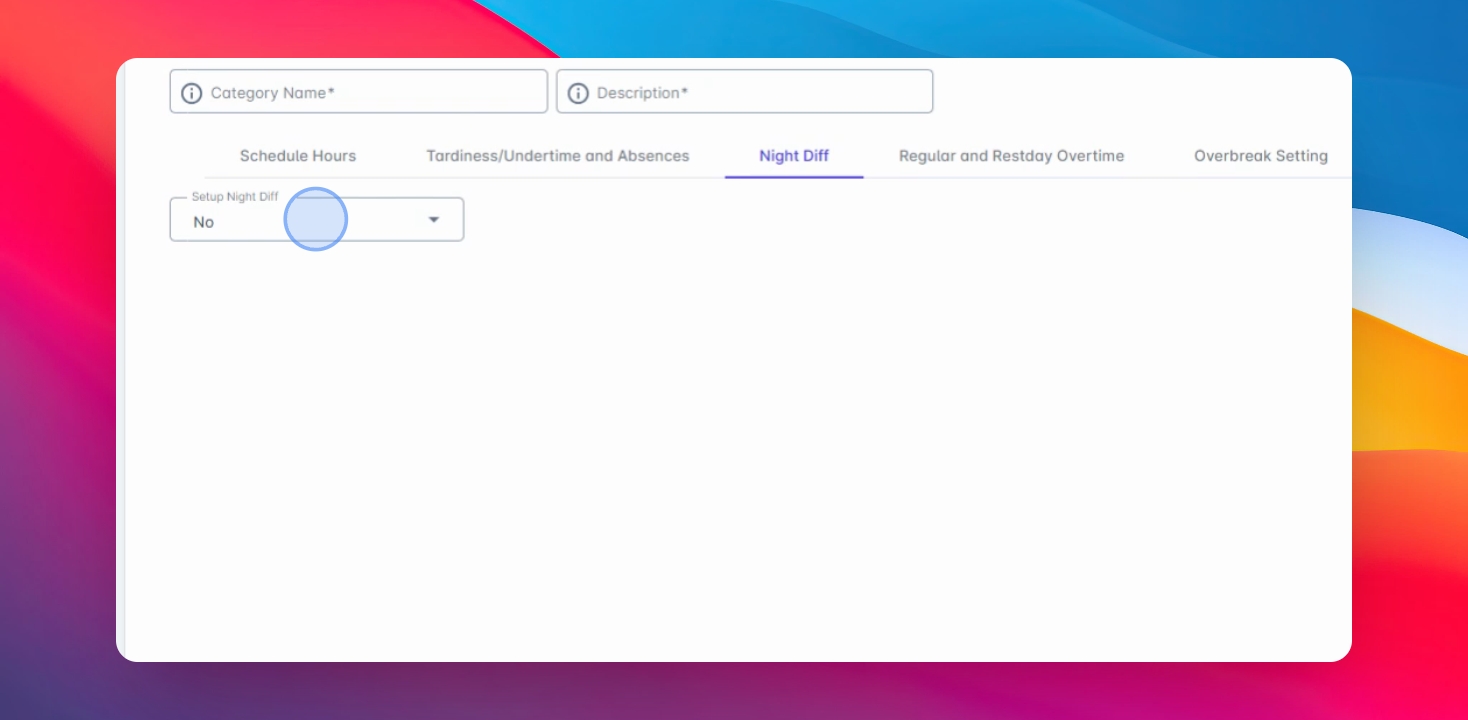
Step 3: Enable Net Differential
You will have an option to enable or disable Net Differential calculations. Select Yes to enable the setup.
Step 4: Modify Offer Speed Twin
The Offer Speed Twin field will display the system standard 9 differential range. You can also modify this based on your company setup.
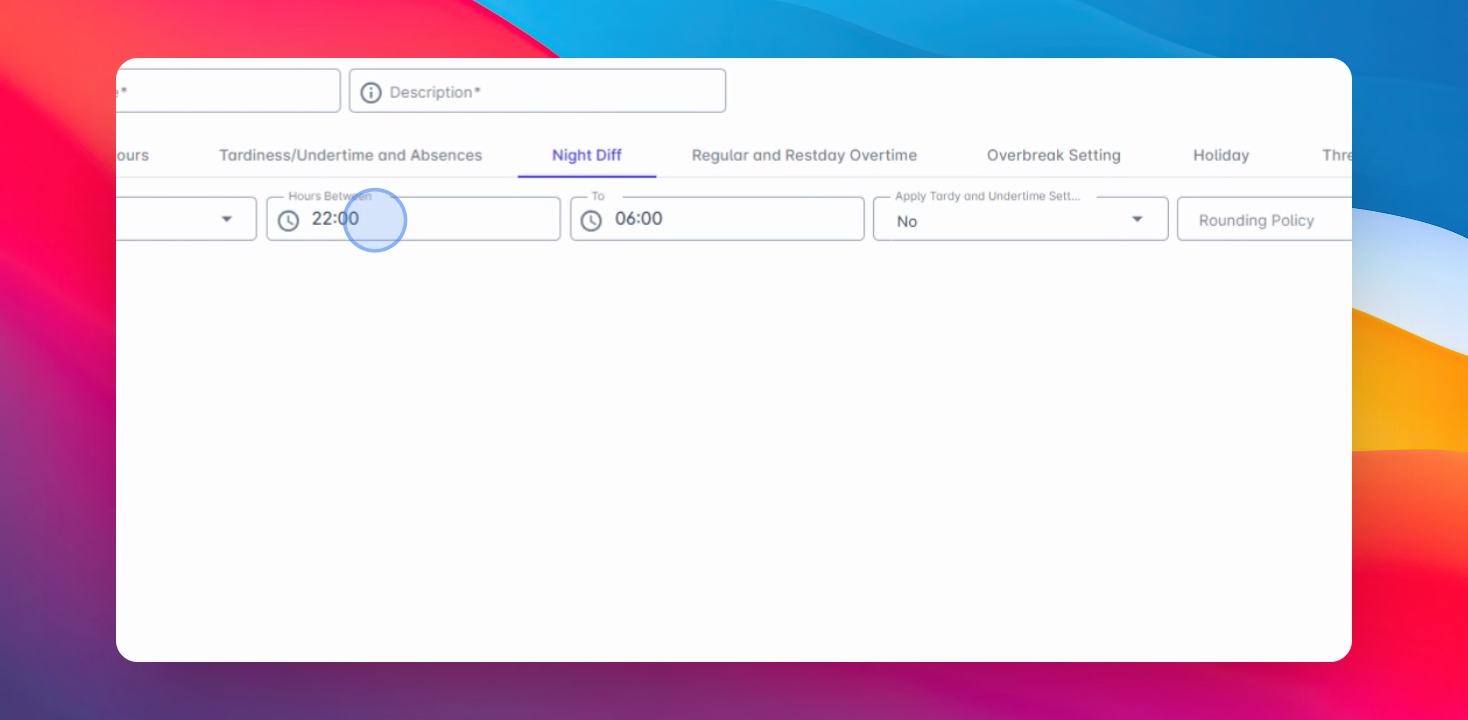
Step 5: Apply Time Settings
Apply Tardy and Other Time Settings if you wish to apply the tardiness and other time calculation in your Net Differential. Running policy must be set to none and also we have the minimum and maximum calculations.
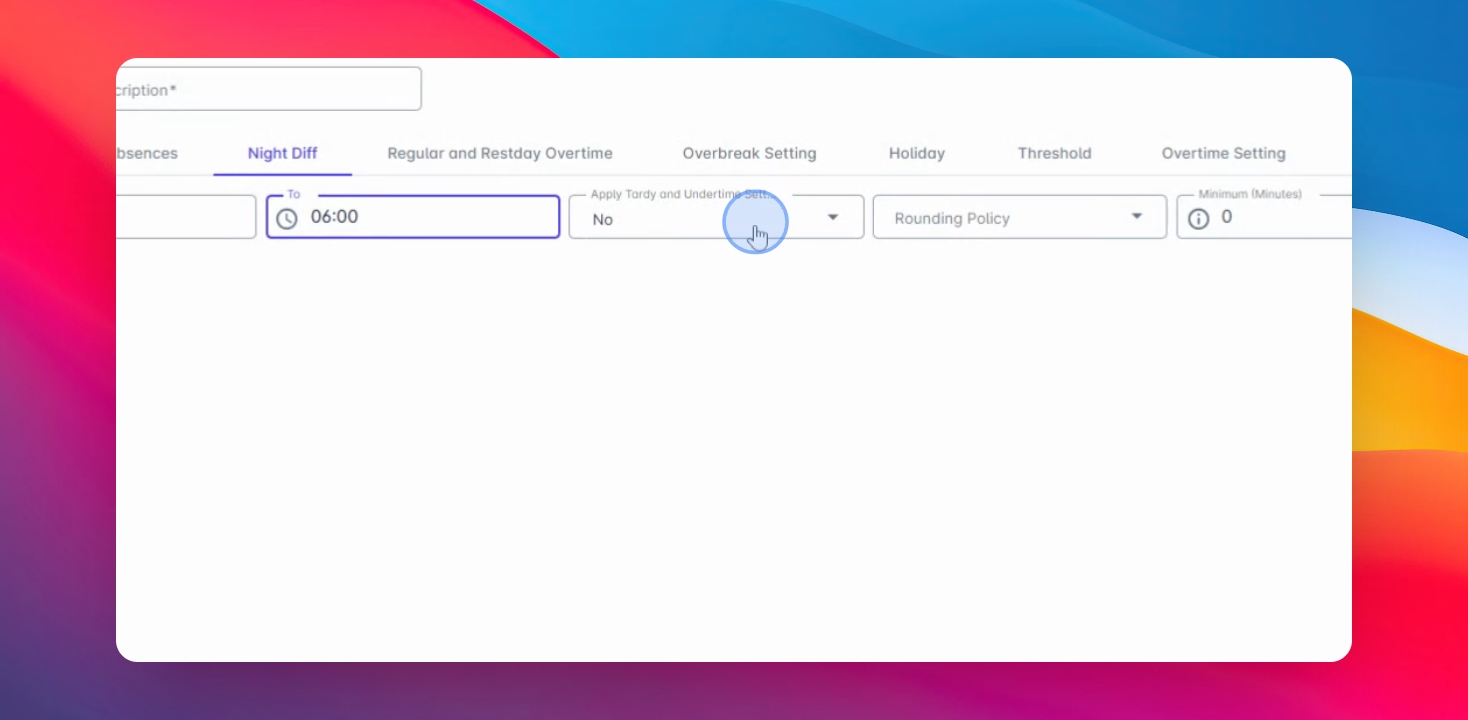
Step 6: Define Minimum or Maximum
You may define this if the employee is entitled for minimum or maximum ND calculation.