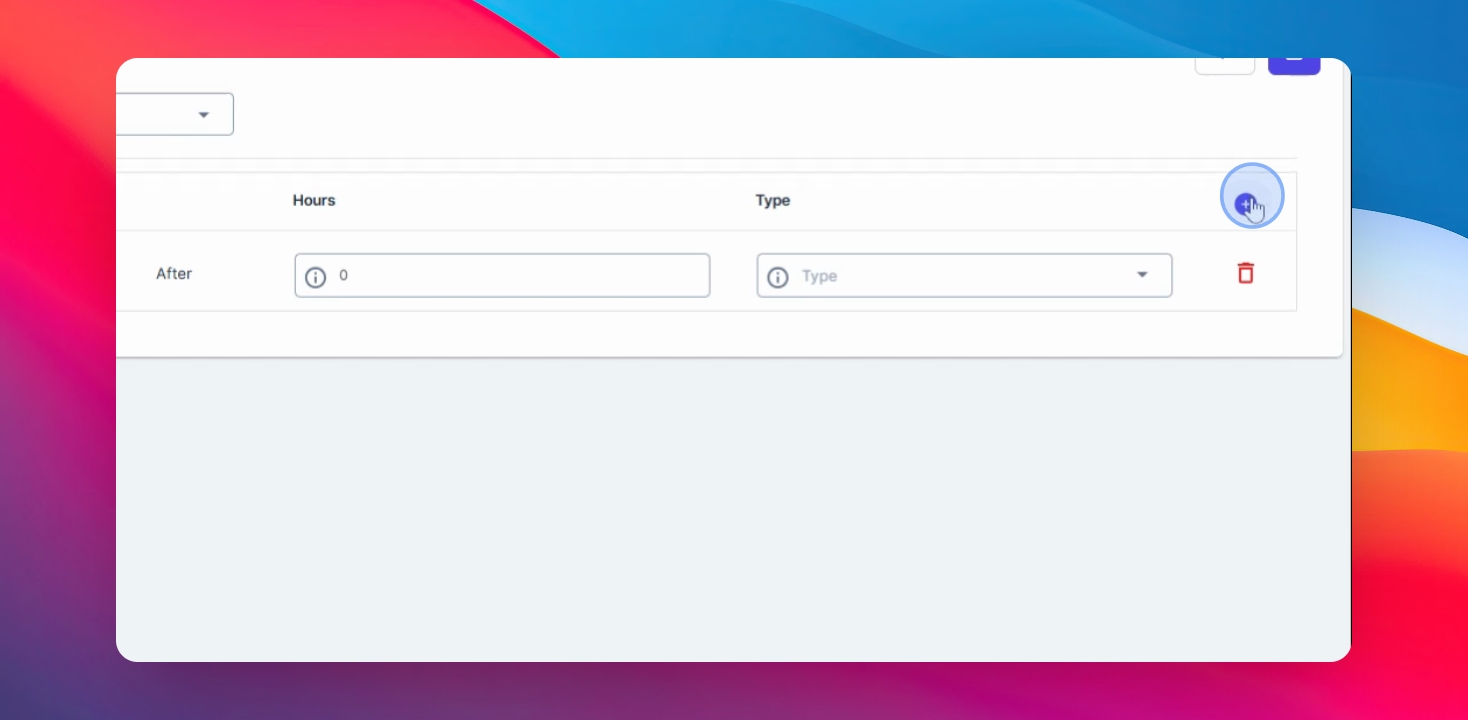
In this video, I will guide you on how to set up break on Anya Hr. Let's look at the steps:
Step 1: Navigate to Timekeeping
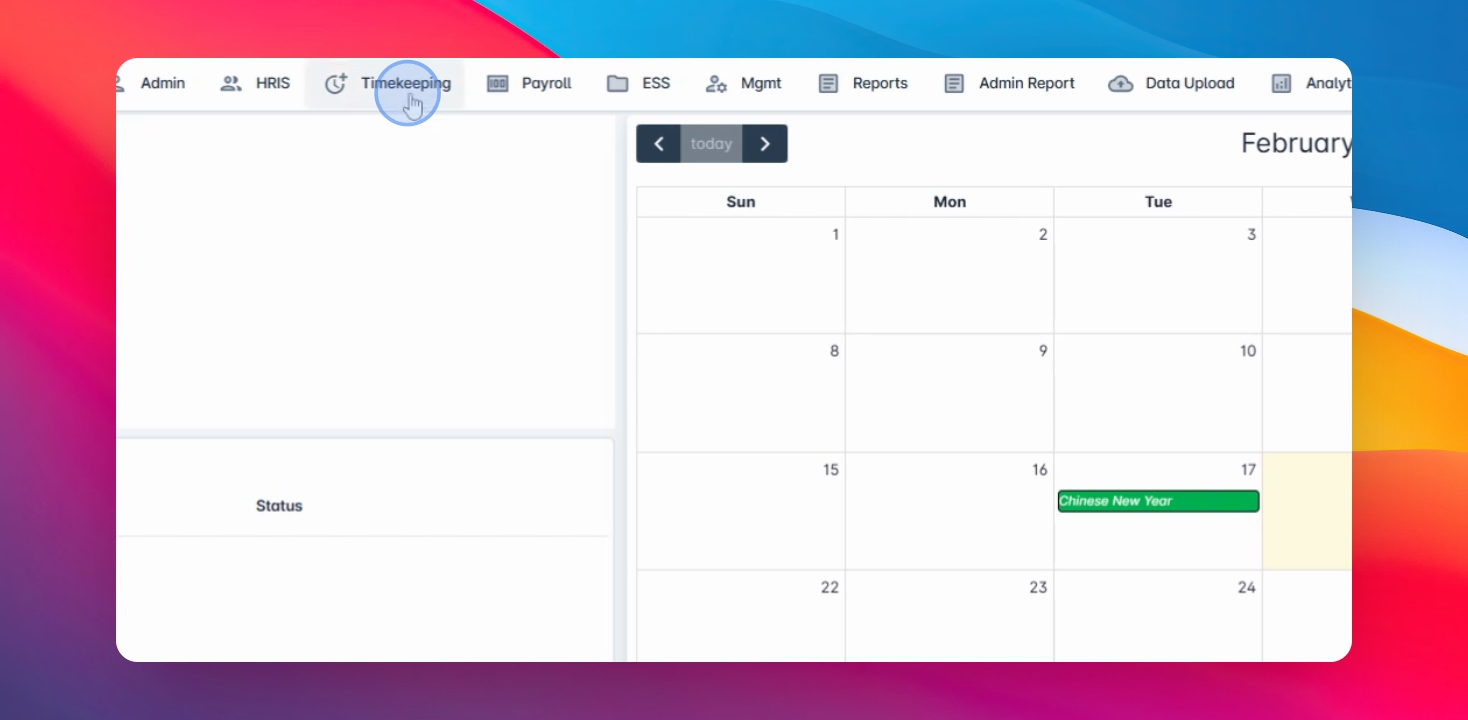
Navigate to the timekeeping module and click on Break type.
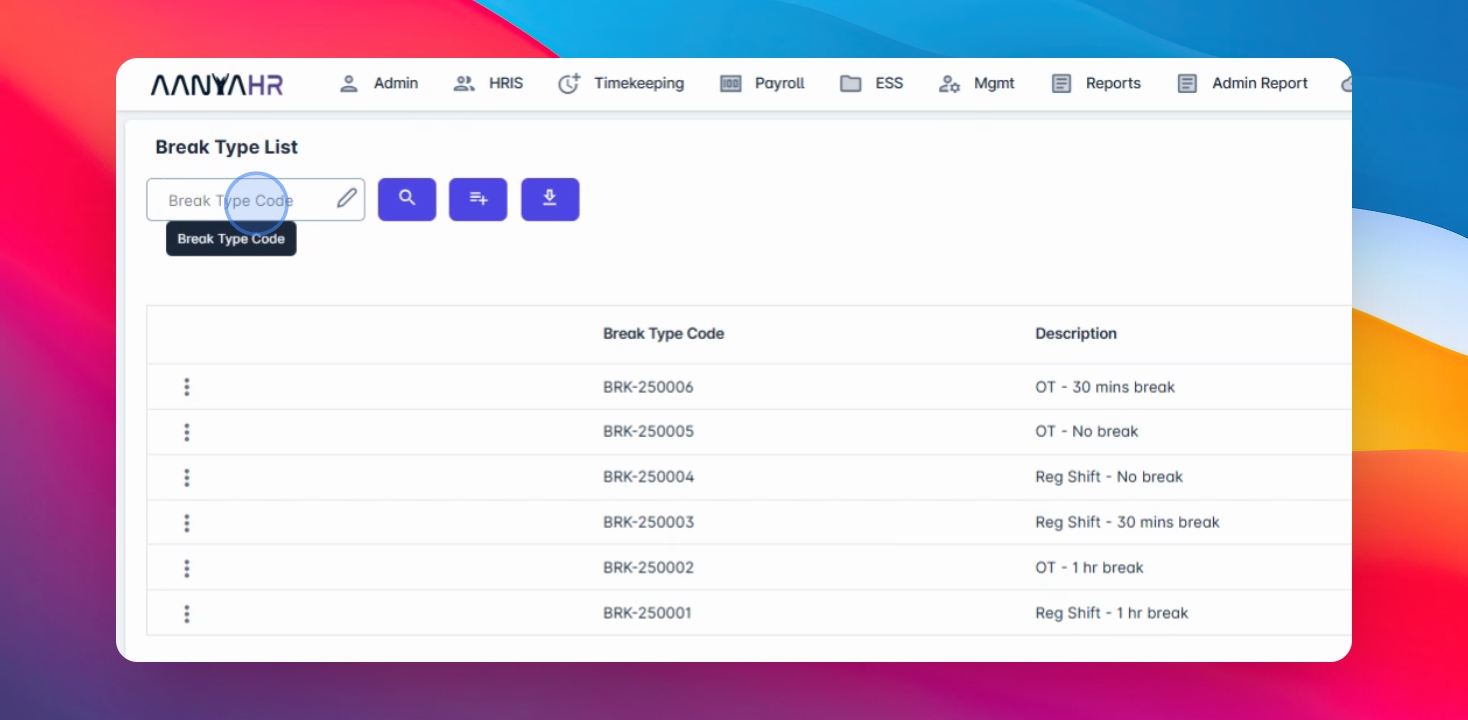
Step 2: Search Break Type Code
Enter the Break type code in the search field and click on Search button.
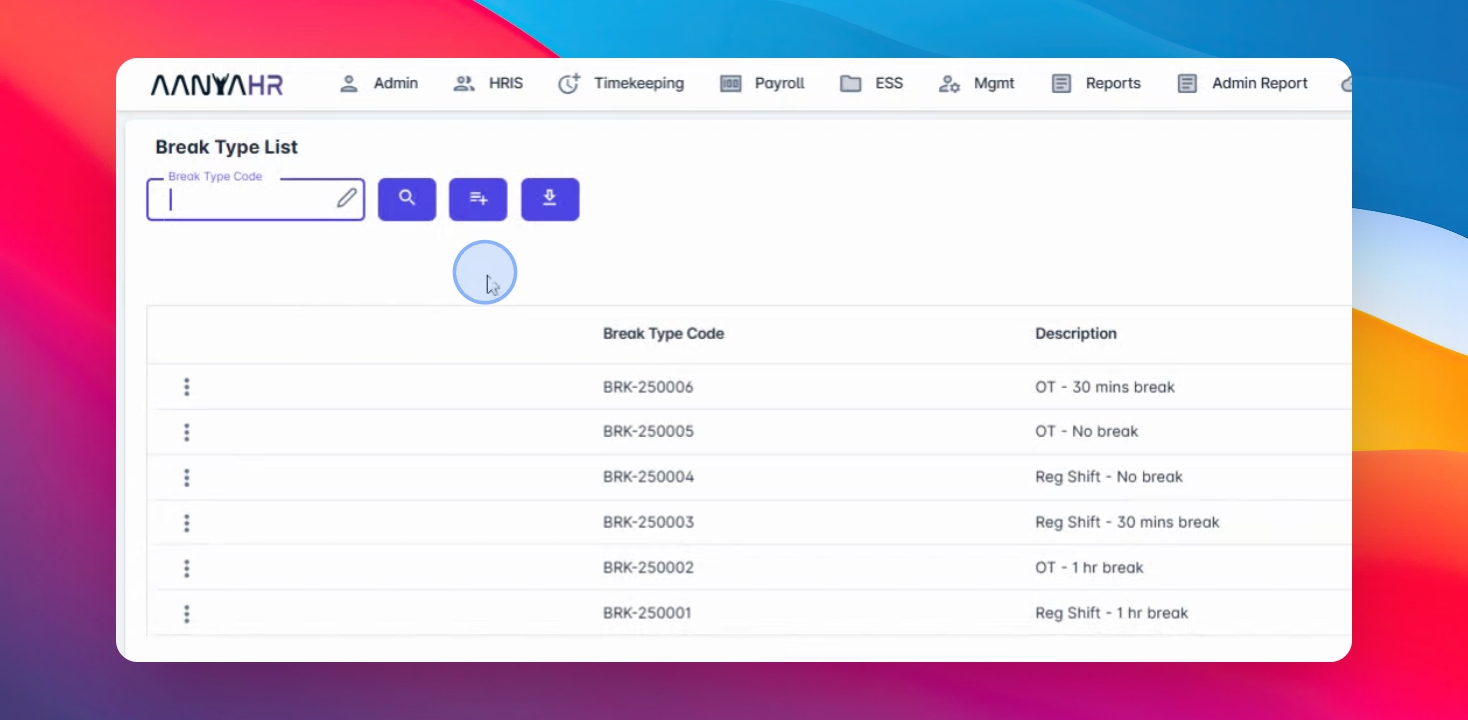
Step 3: Export Break Types
Click the export button to export existing break type codes.
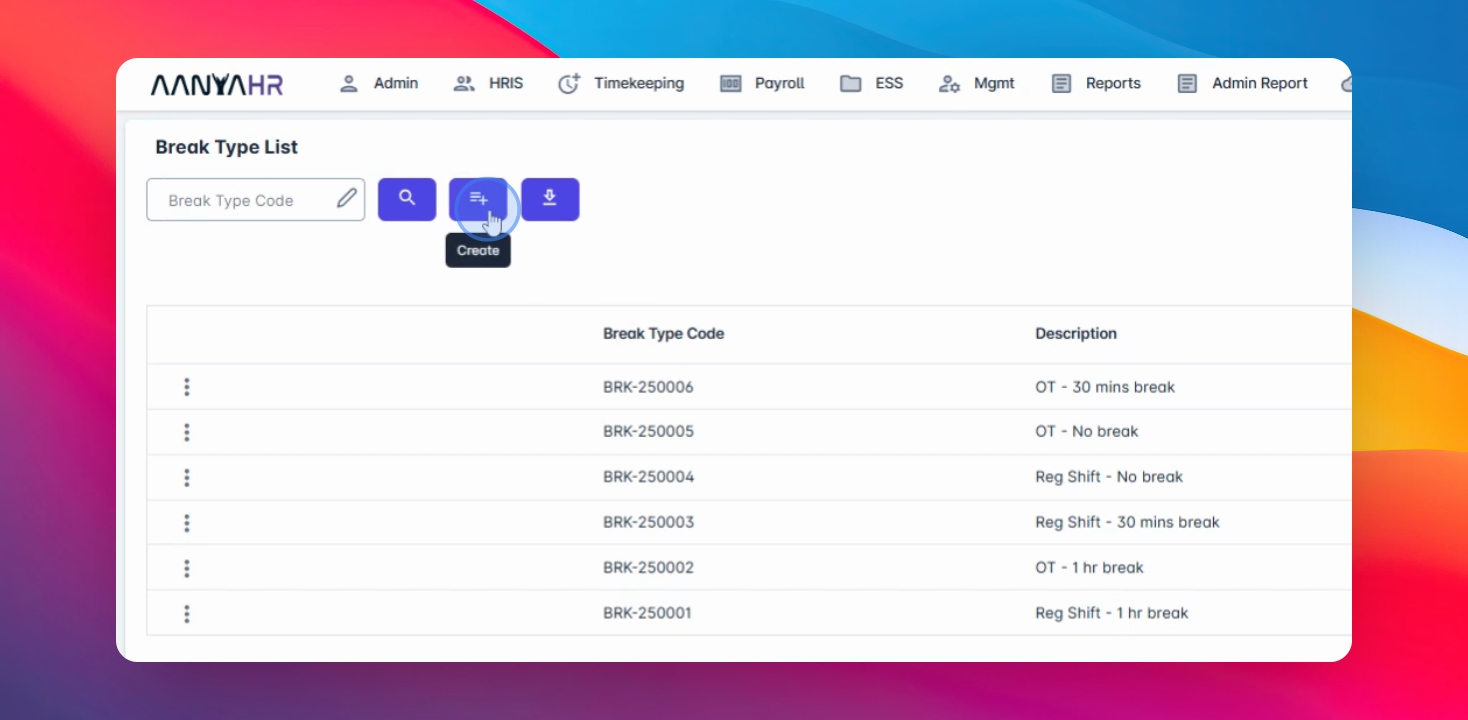
Step 4: Create New Break
Click the Create button to create a new break.
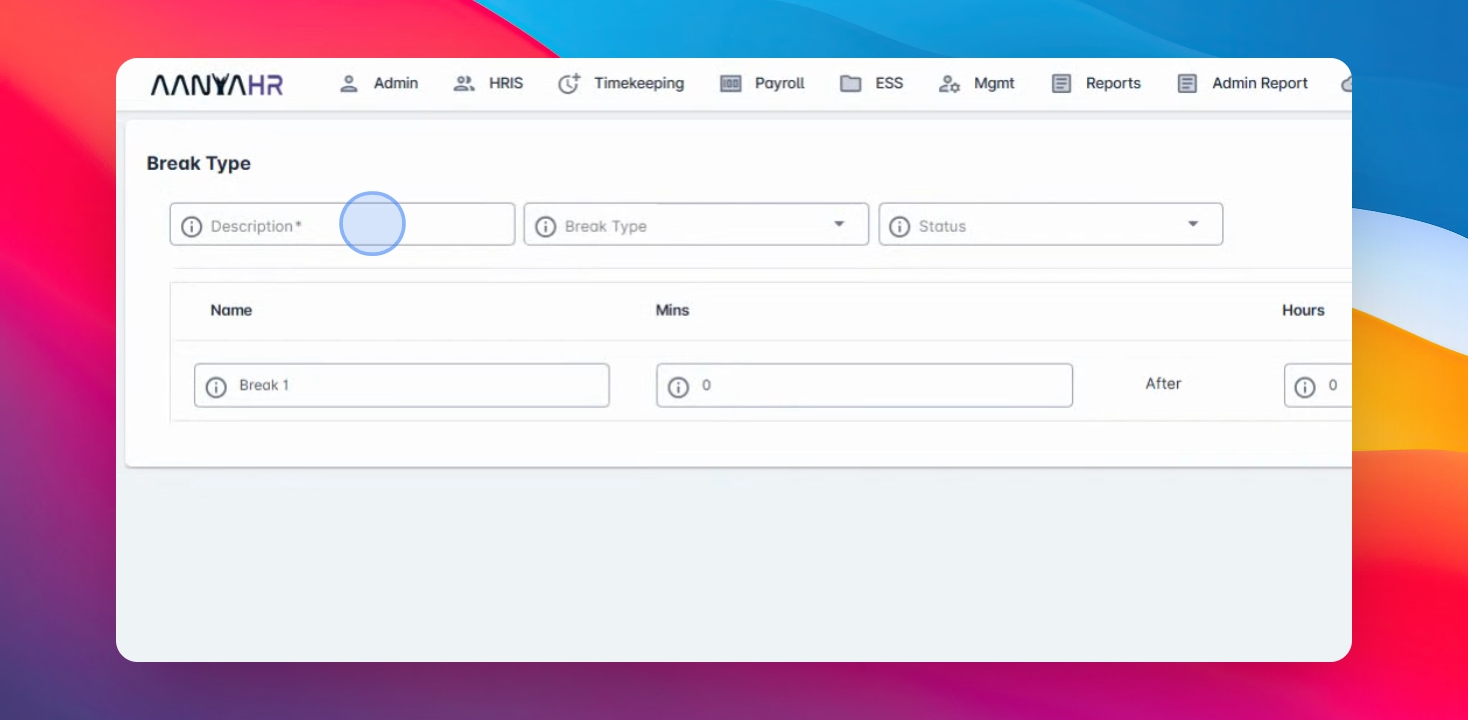
Step 5: Enter Break Code
Enter the break code that you wish to create.
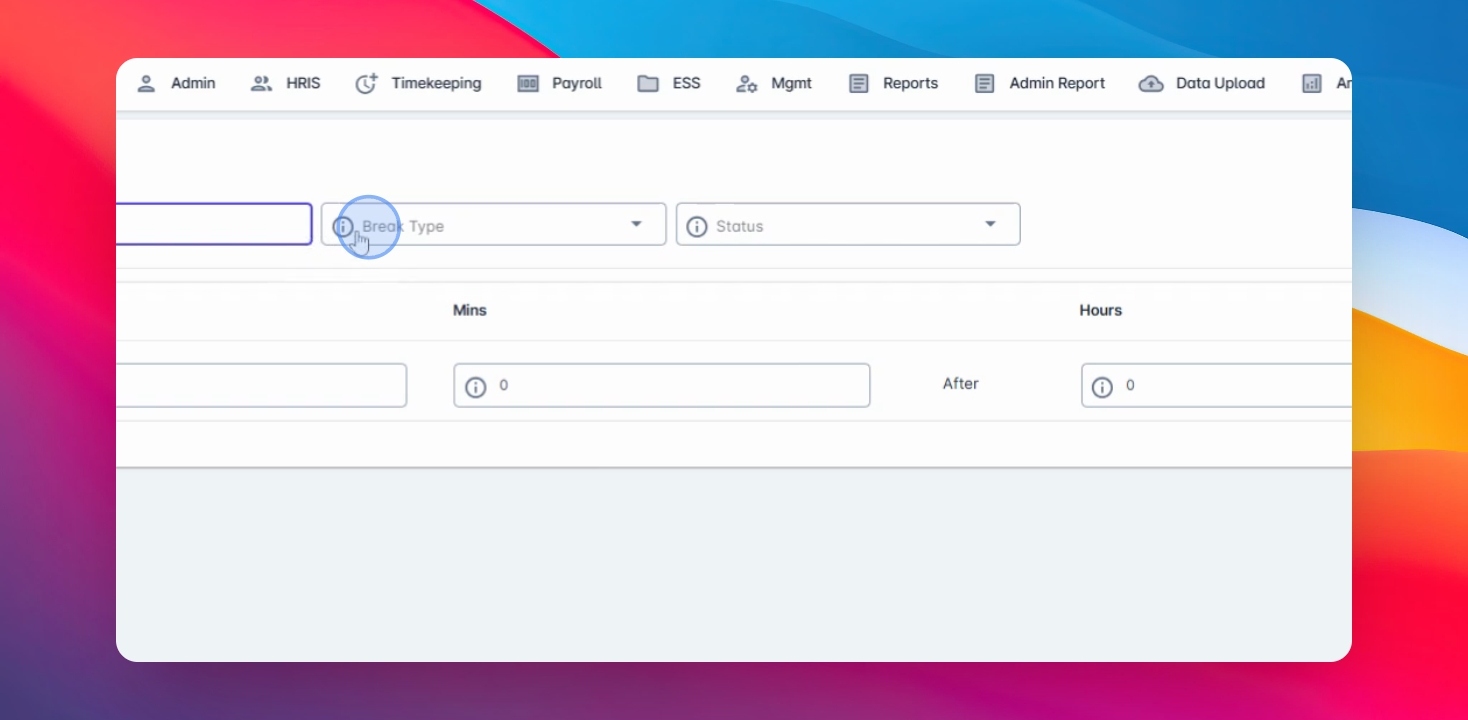
Step 6: Choose Break Options
Select between overtime and regular shift options for your break.
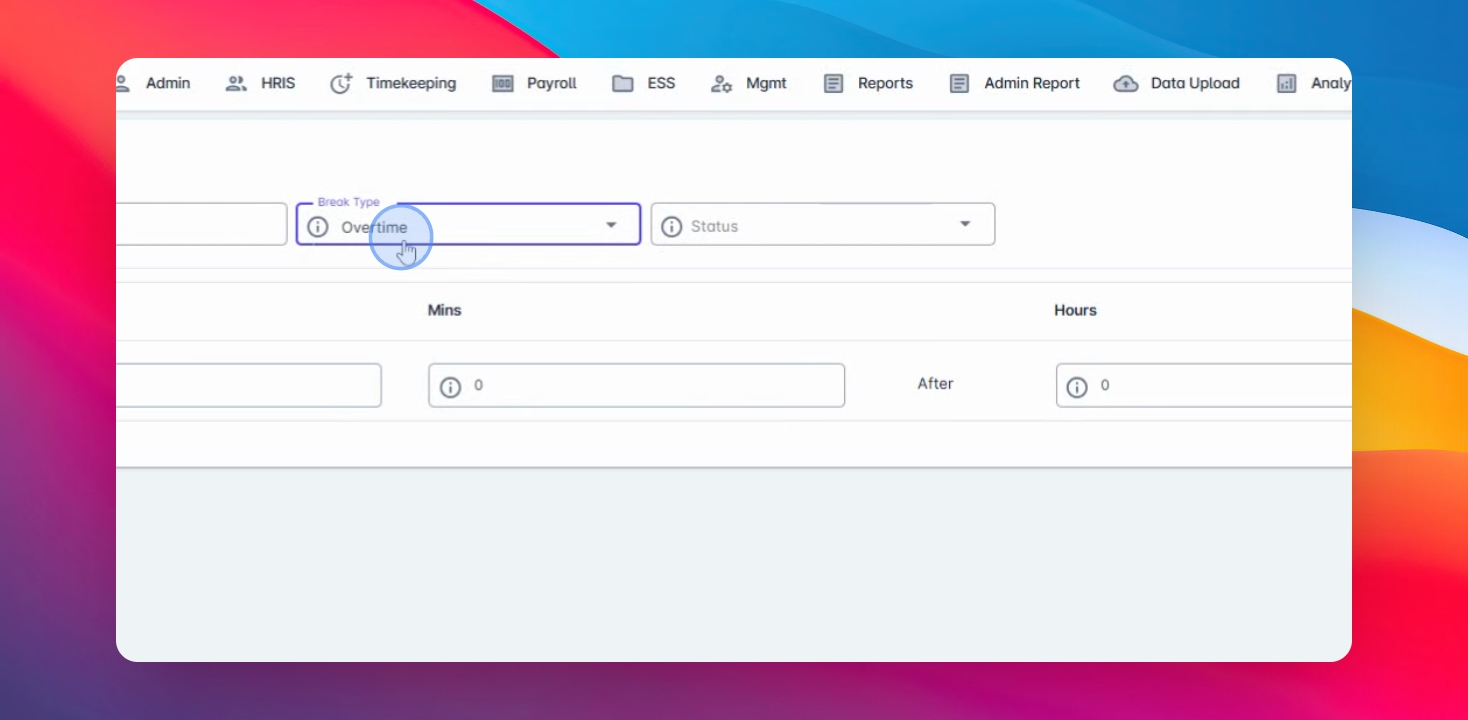
Step 7: Define Overtime Break
For overtime, this defines your break when you render overtime, useful for rest days and holidays.
Step 8: Define Regular Break
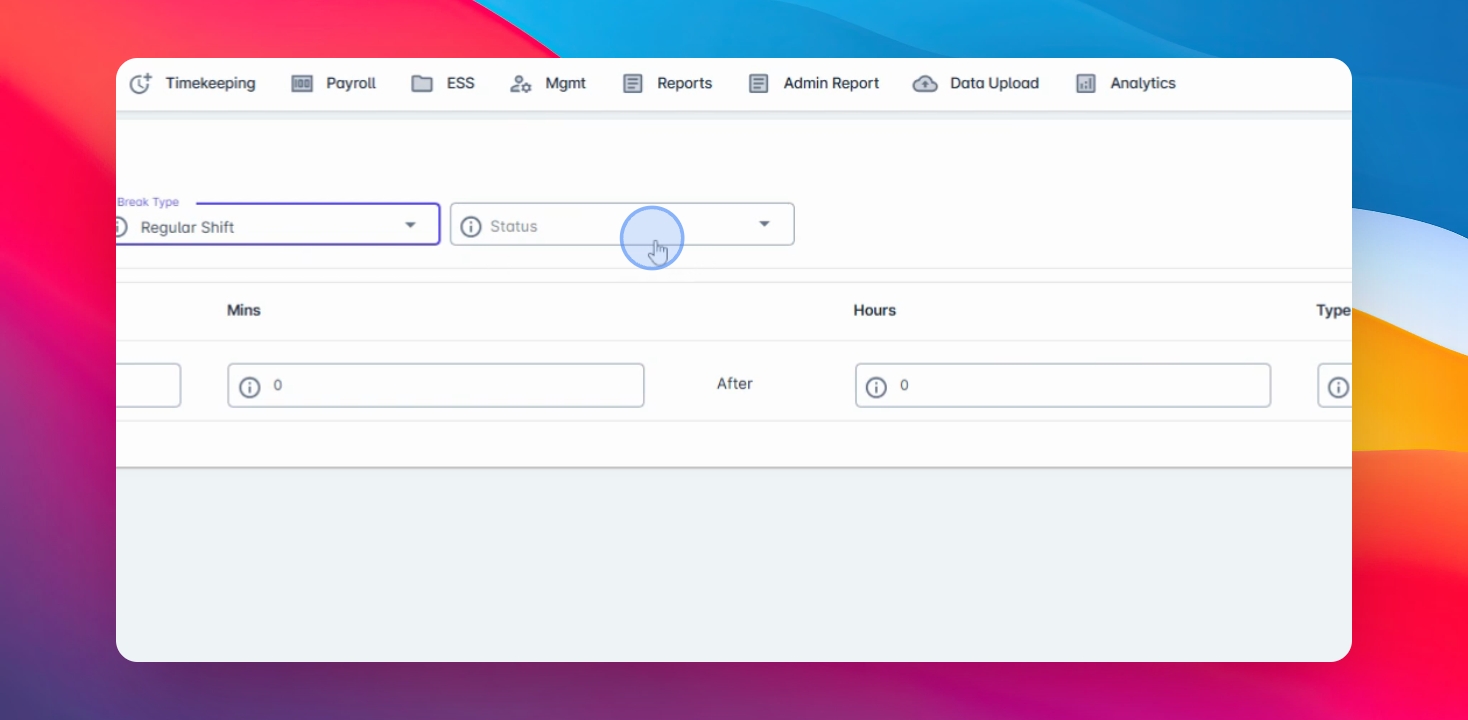
Set the status to active for breaks during your regular schedule.
Step 9: Enter Break Duration
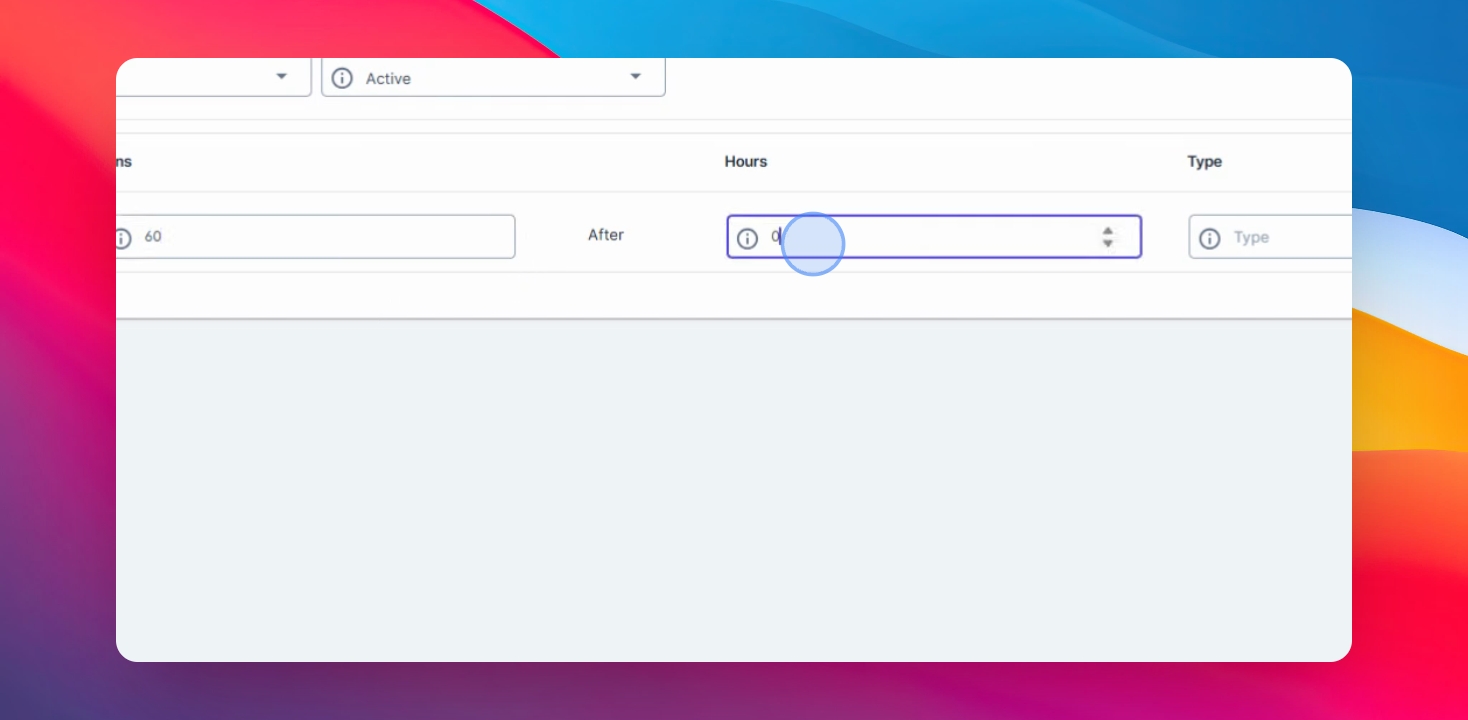
Enter the duration of your break in minutes.
Step 10: Set Break Condition
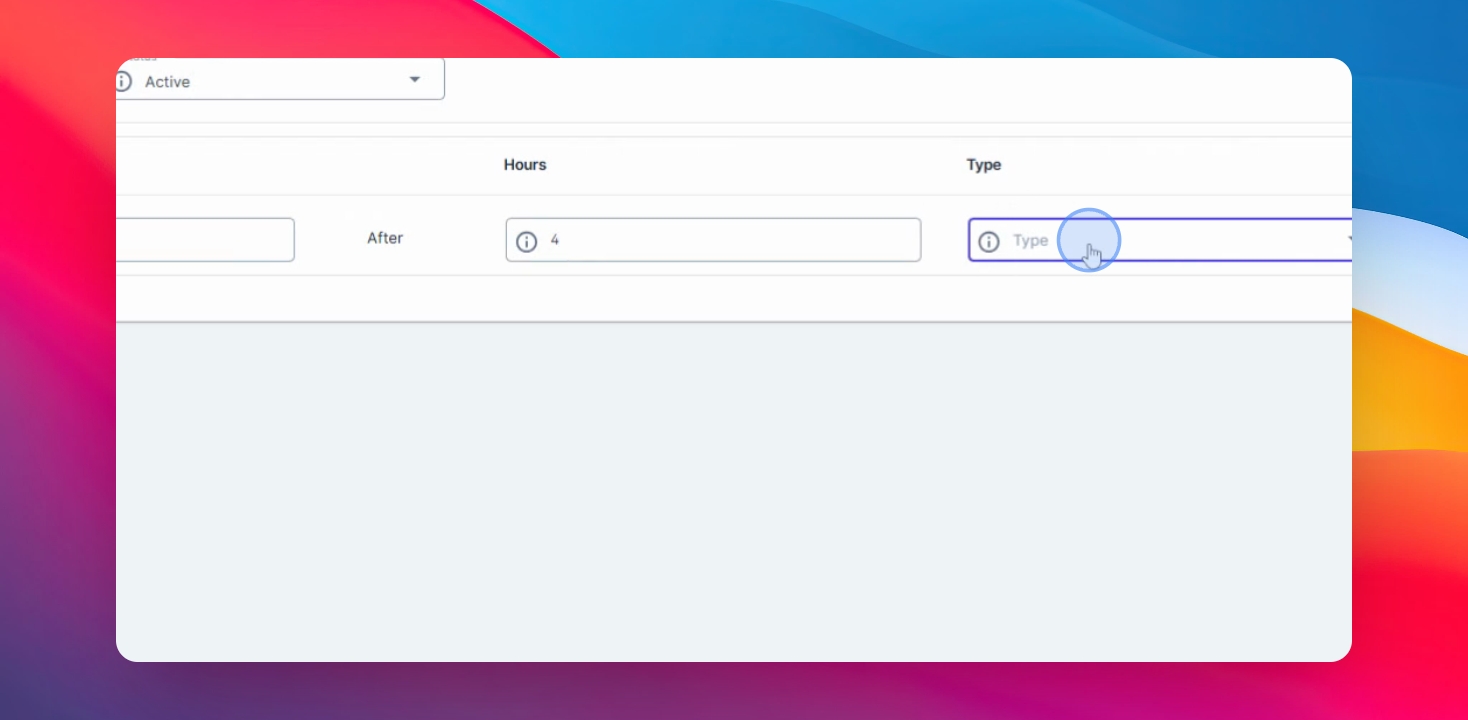
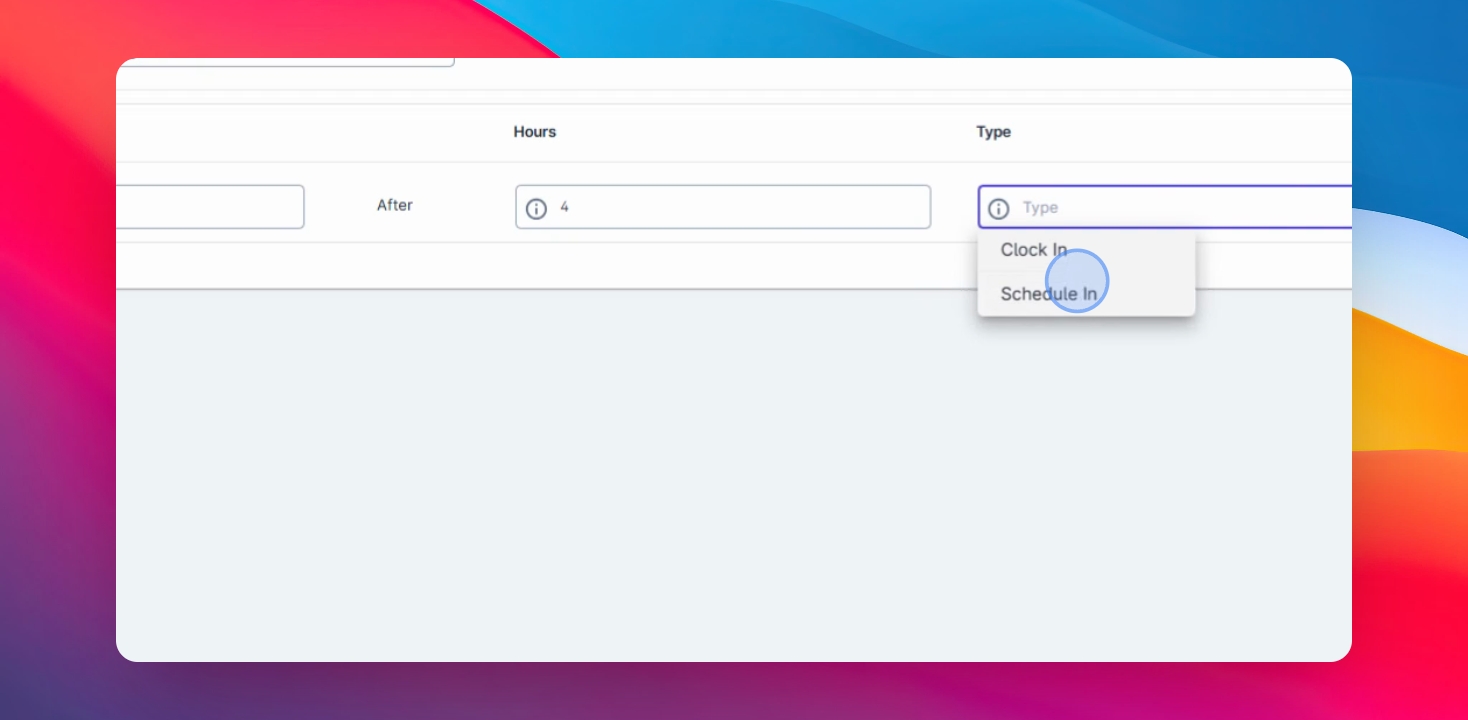
For example, enter a condition like one hour break after four hours of schedule.
Step 11: Save Changes
Click on save changes to proceed.
Step 12: Edit Existing Break
Edit an existing break by clicking the three dots beside the break type code and select edit.
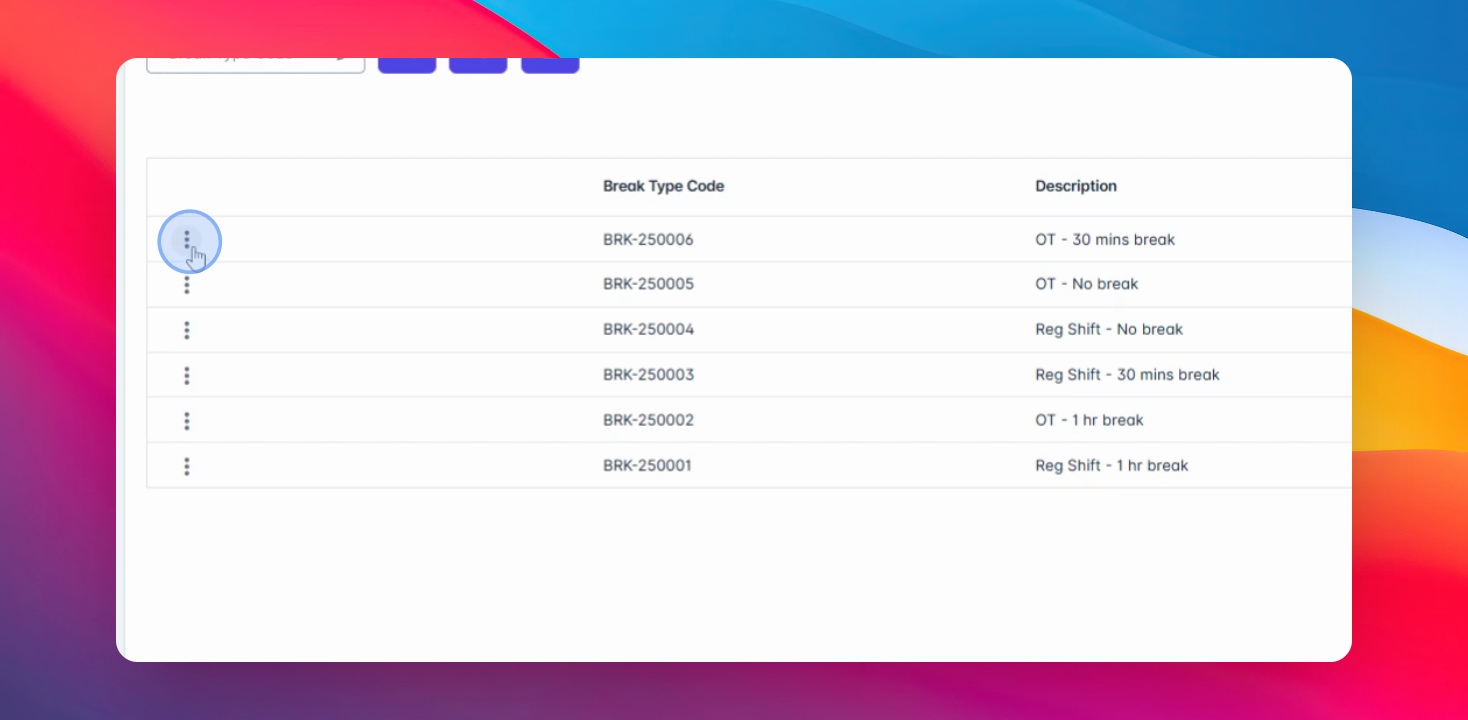
Step 13: Duplicate Break
Click the duplicate button if you have the same break and make necessary changes.
You can also create multiple breaks by clicking the Create button again.