

In this guide, you'll learn how to assign a Flexi window schedule to an employee in unhr. Let's look at the steps:
Step 1: Go to Assign Shift
Navigate to the Timekeeping menu, then go to Assign Shift/location and select Assign Shift.
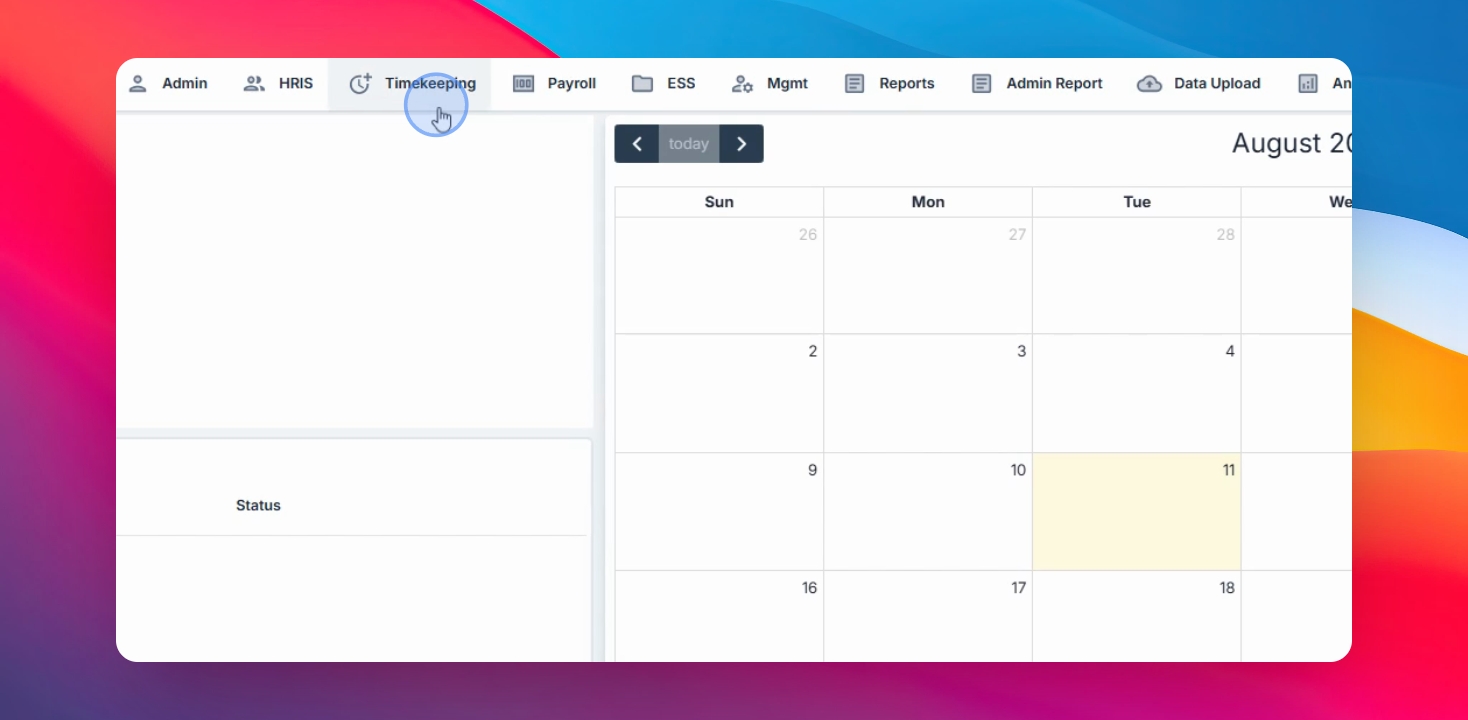
Step 2: Create a New Assignment
Click the Create button to start a new shift assignment.
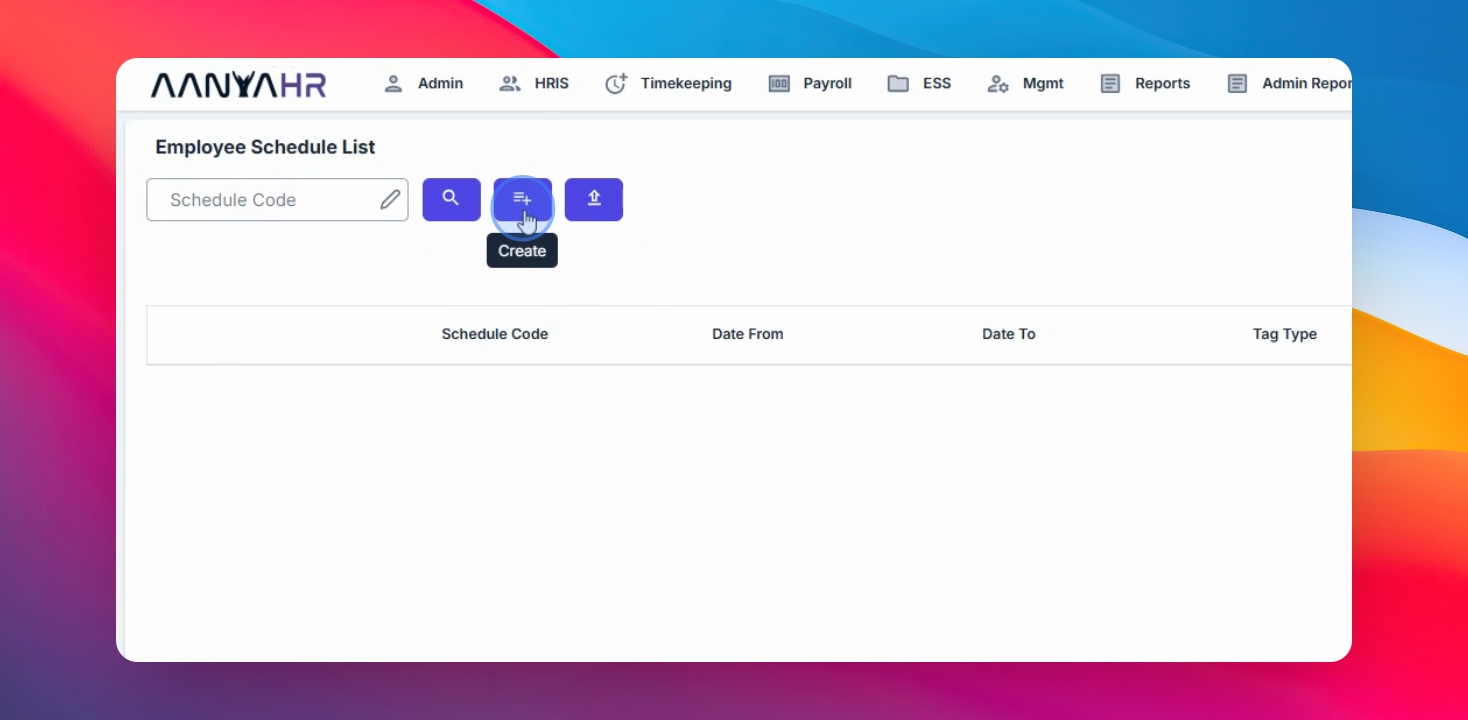
Step 3: Select Date Range
Select the preferred date range for the schedule assignment.
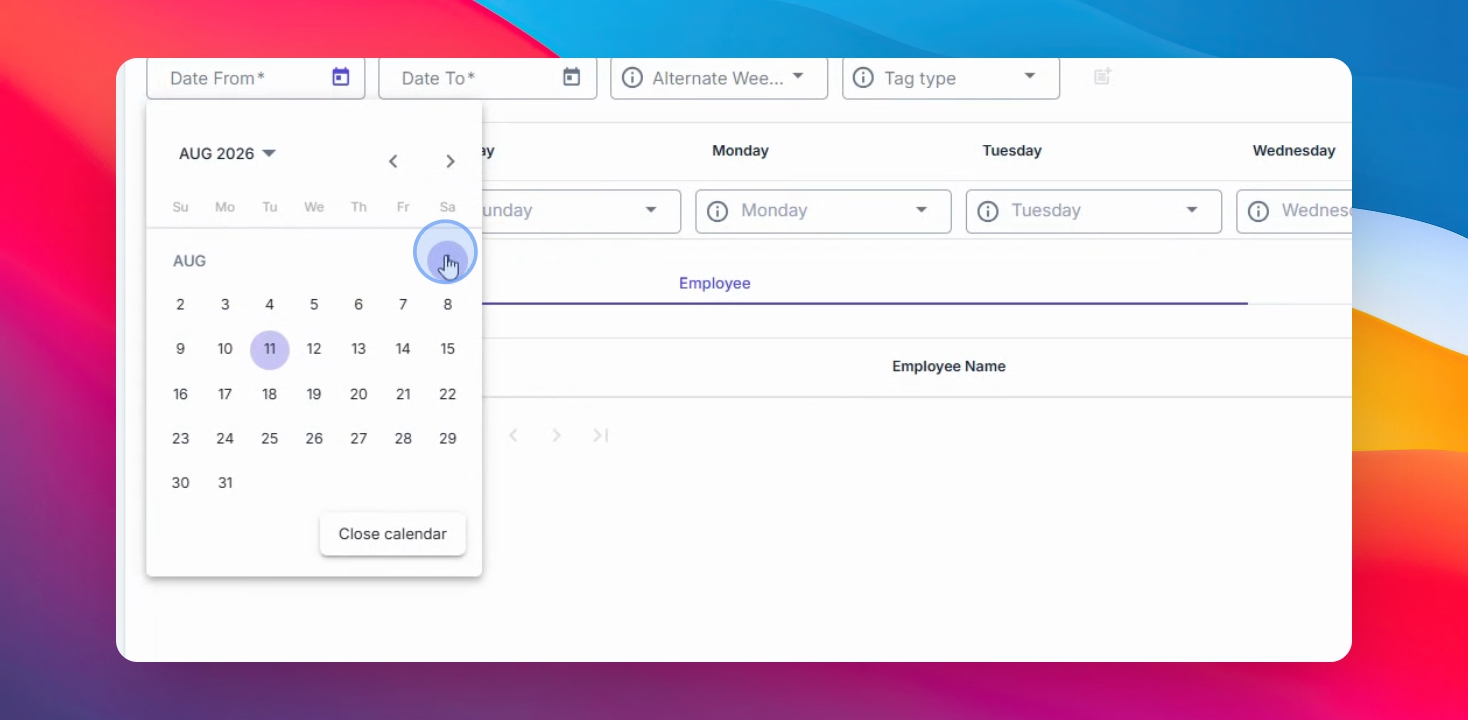
Step 4: Choose Assignment Method
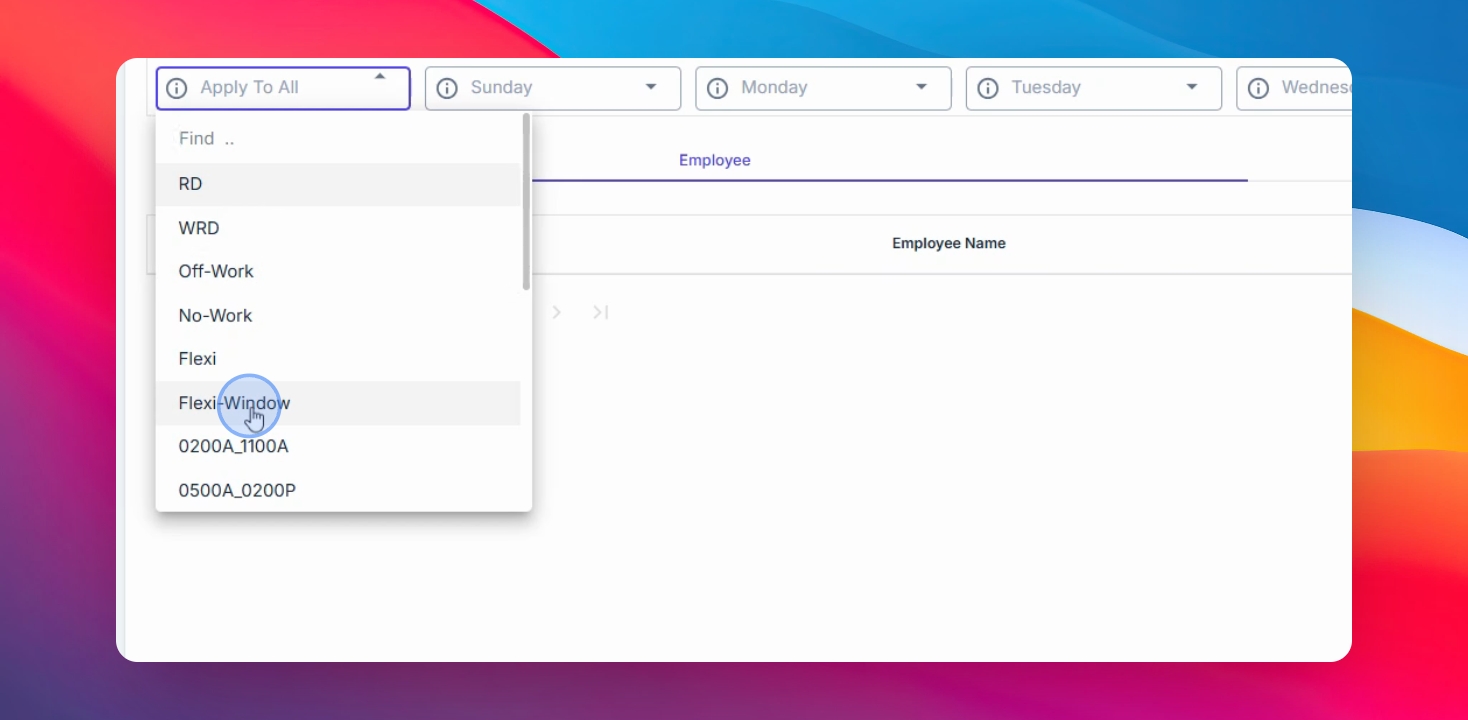
You can use the Apply all feature or select from the drop-down menu to assign the schedule.
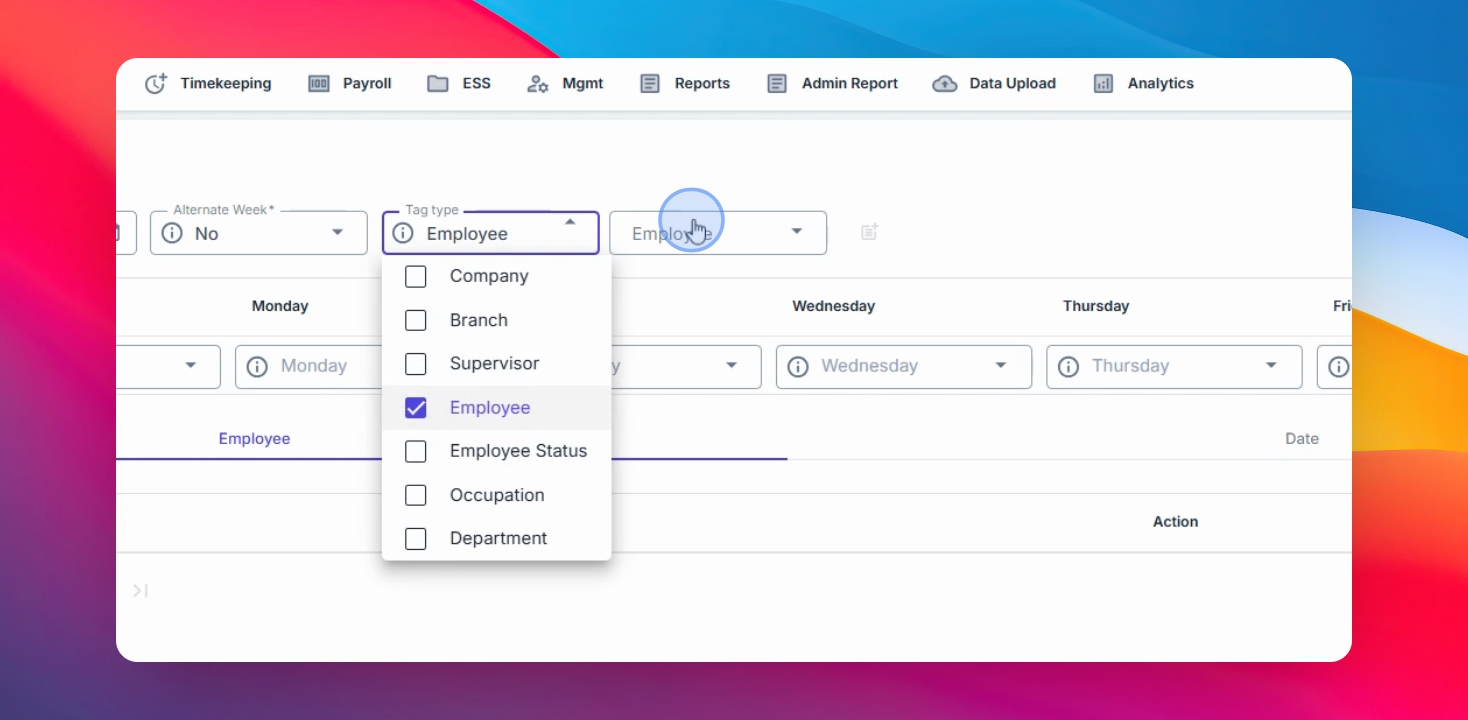
Step 5: Select Flexi Window Sub Shift
Select the Flexi window option and choose the sub shift you created for that Flexi window.
Step 7: Add and Save Changes
Click the Add button, then click Save Changes to complete the assignment.