Welcome to this video. In this tutorial, we will guide you on how to edit or set up the holiday calculations on AanyaHR. Let's look at the steps:
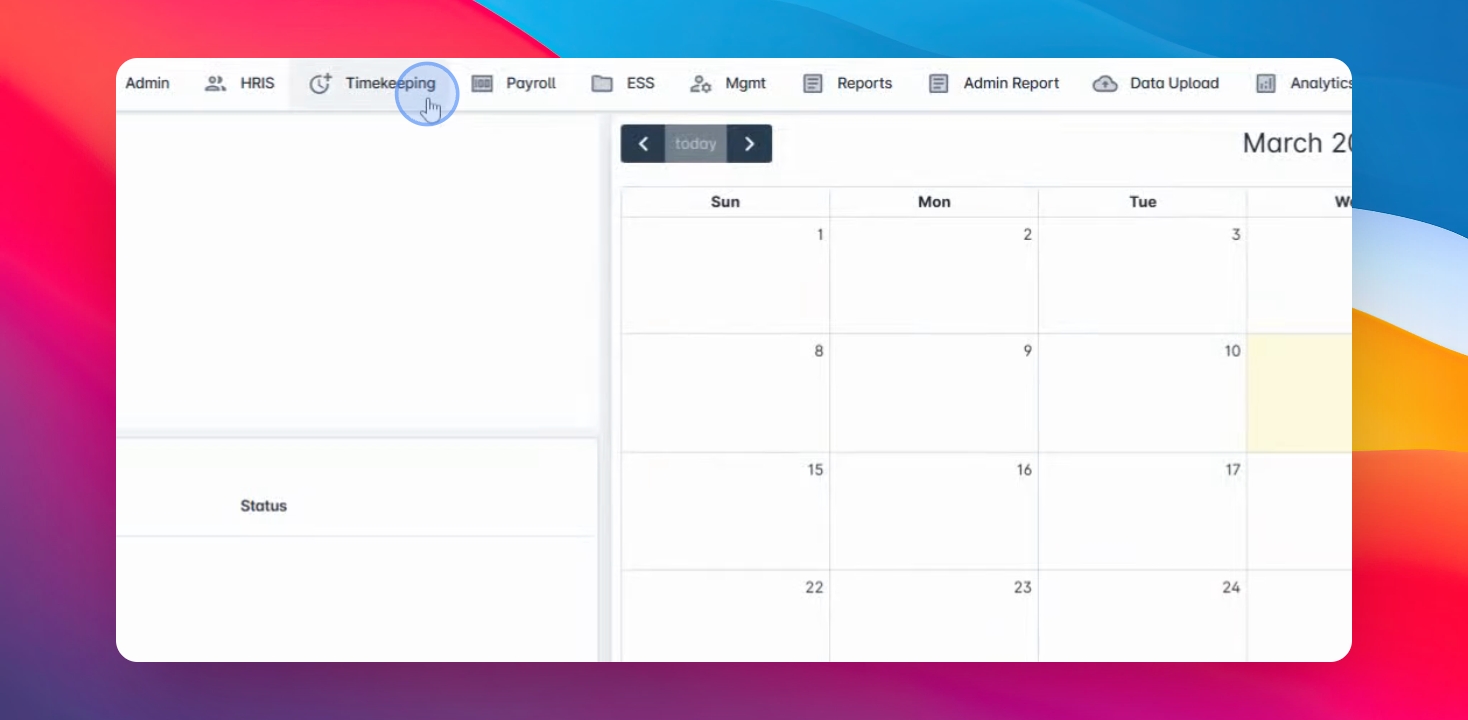
Step 1: Navigate to Timekeeping
Navigate the timekeeping menu and go to TK Category.
Step 2: Edit or Create
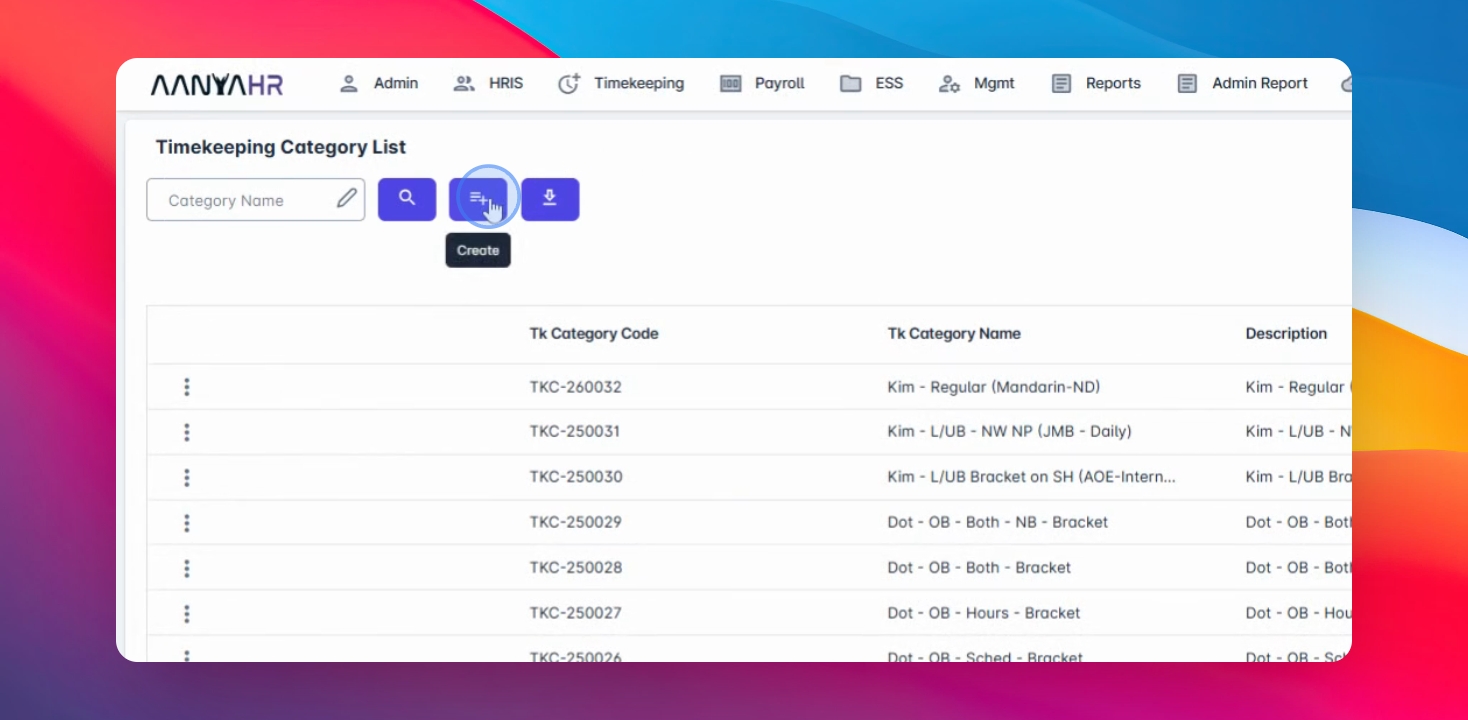
You can edit an existing TK category or create a new one.
Step 3: Set Up Holiday Types
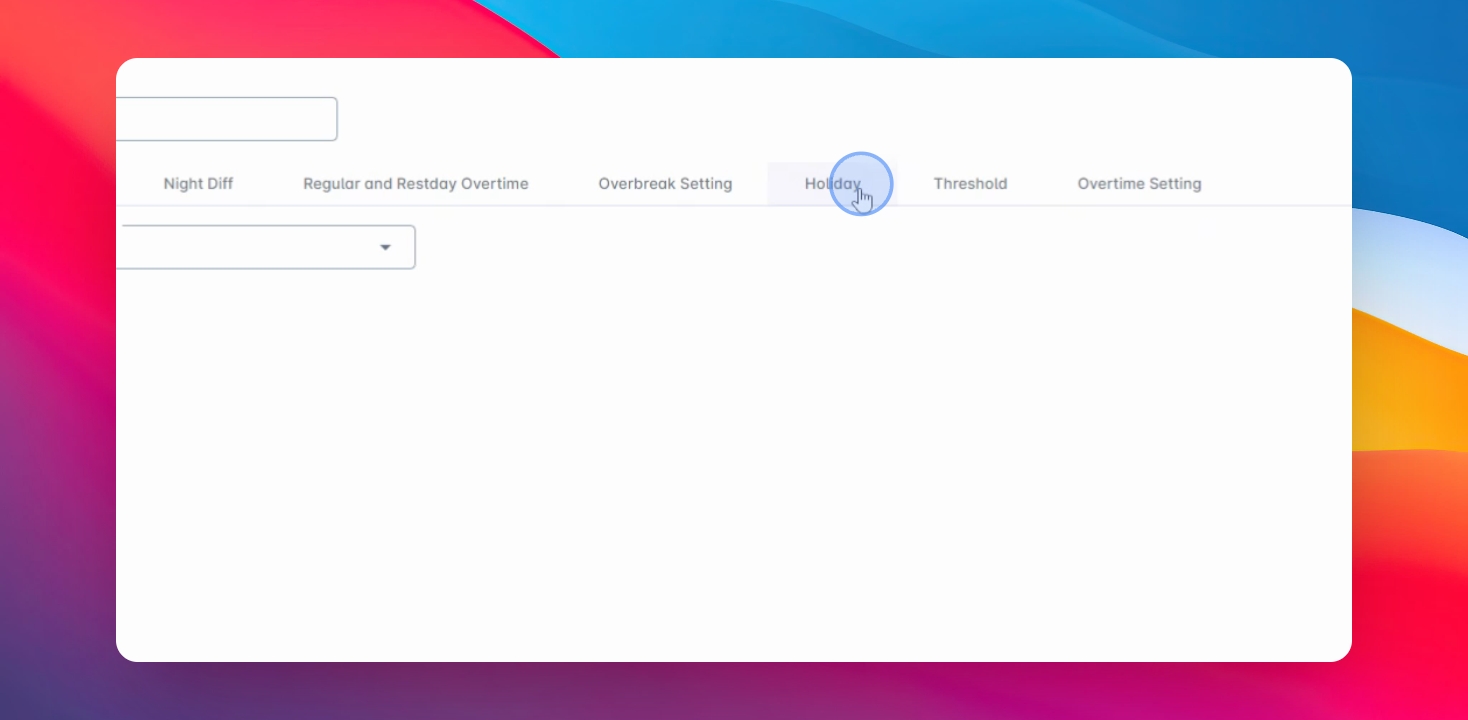
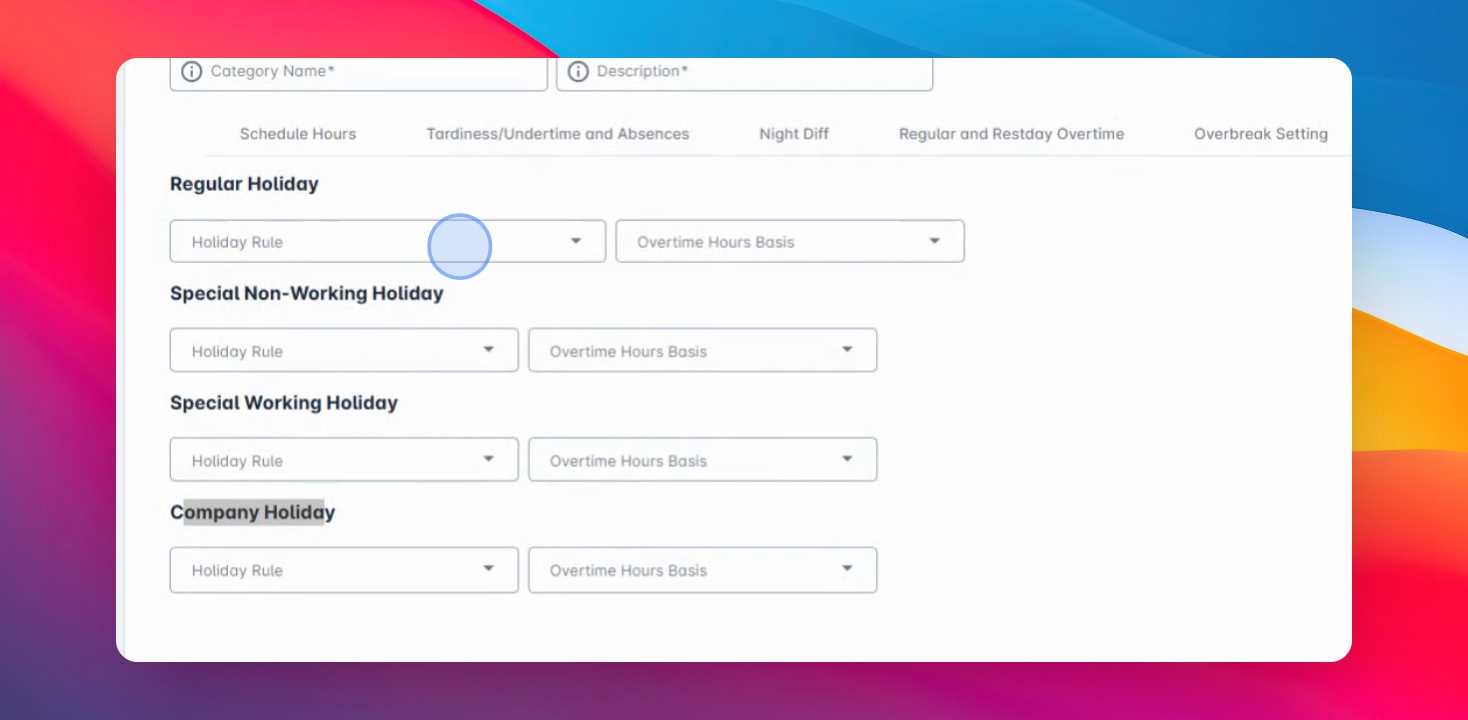
Hop on the Holiday tab and set up the four holiday types applicable to your company:
Regular Holiday
SP Special
Working Special
Company Holiday
Step 4: Define Holiday Pay Eligibility
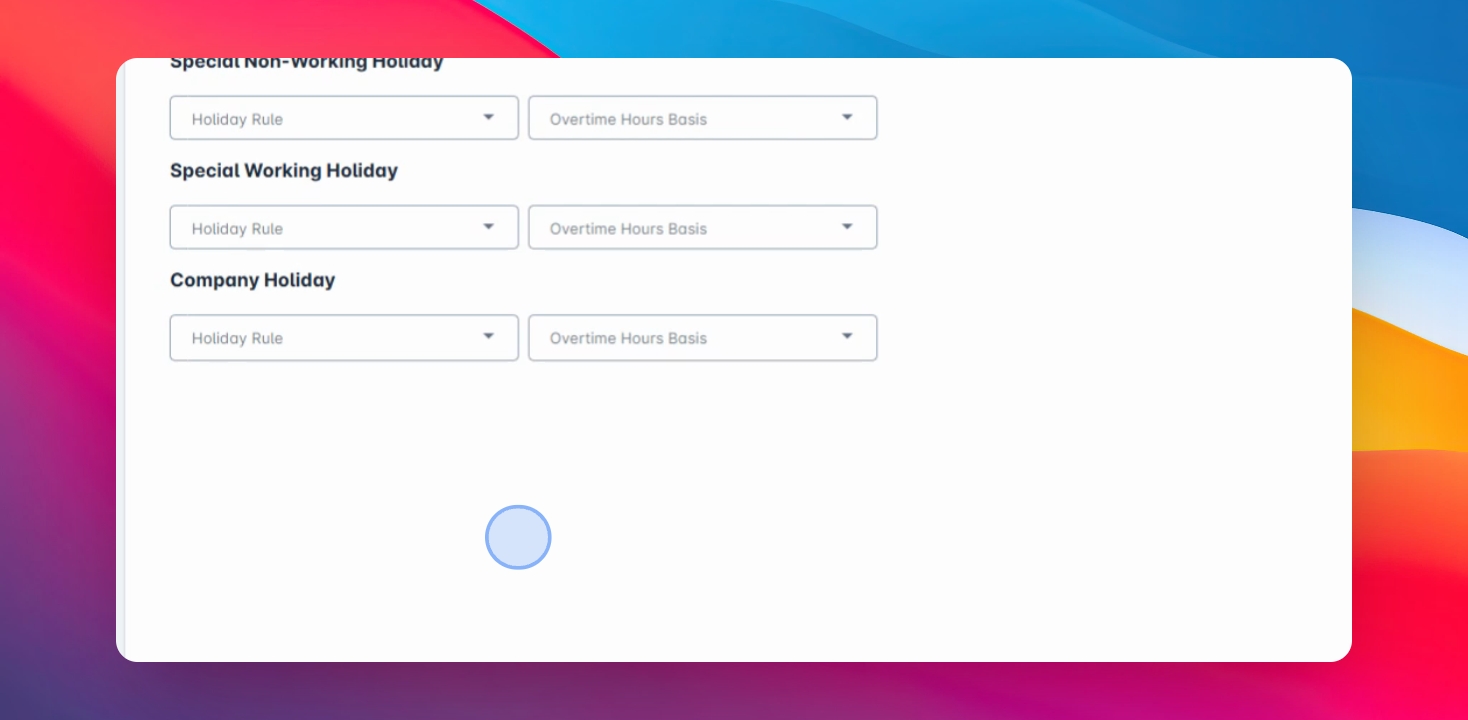
Under the Holiday rule column, you have three options:
No Work No Pay: If the employee does not work during the holiday, they are not entitled to holiday pay.
Paid if Present: Employees are entitled to holiday pay if they were present on the previous working day.
Step 5: Select Rest Day Option
If the No Work No Pay option is selected, you have to choose to consider a rest day as a working day prior to the holiday for eligibility purposes.
Step 6: Regular Rate Calculation
Employees are entitled to holiday pay even if there is no scheduled shift on the holiday, even if there are no actual tax docs.
Step 7: Overtime Settings
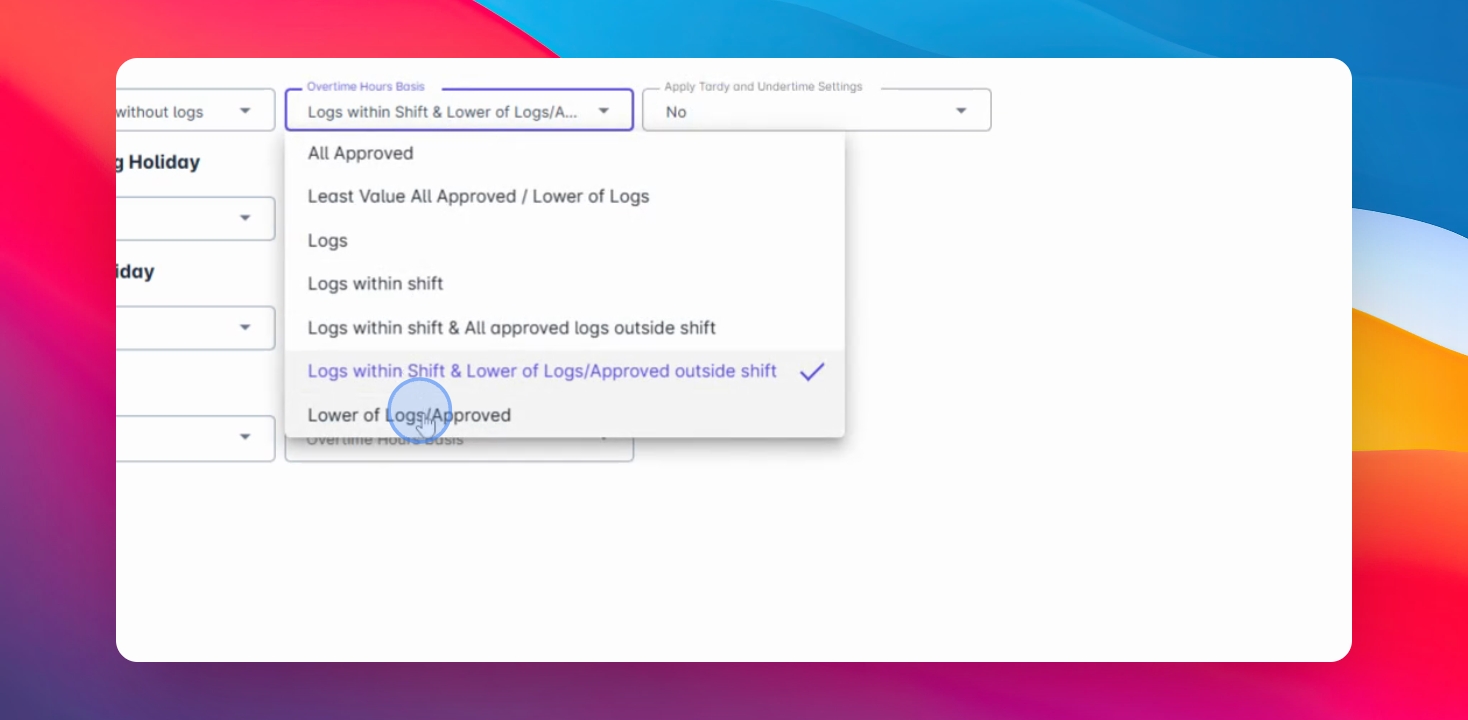
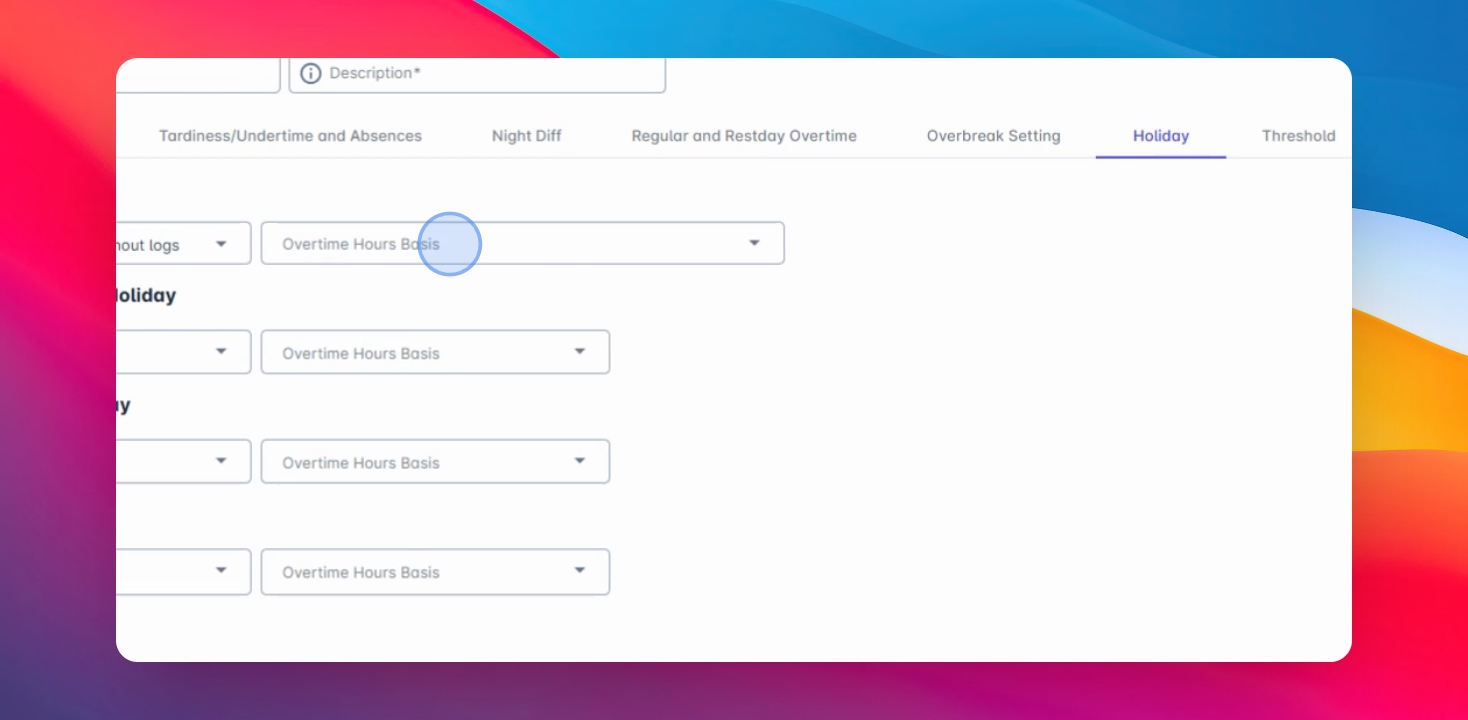
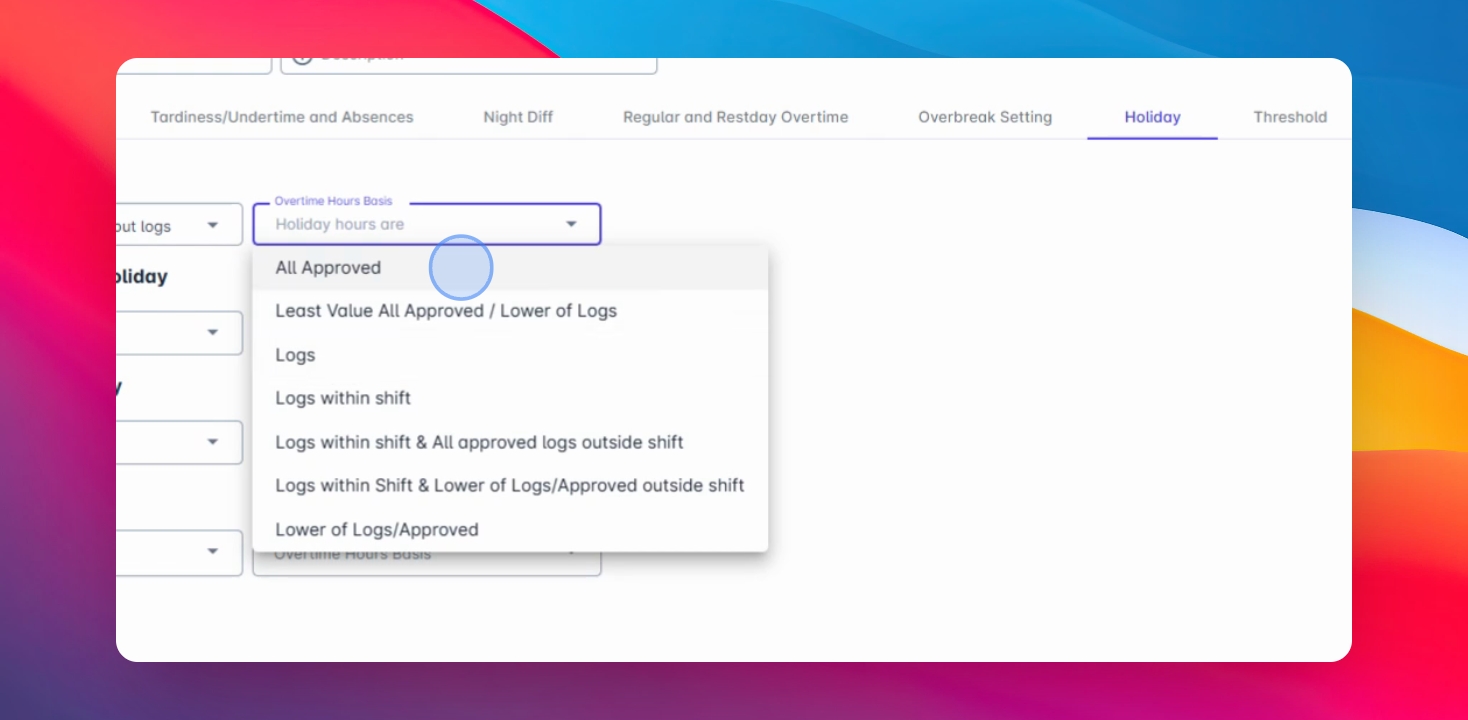
Define the basis of your calculation for overtime under the overtime settings.
Step 8: Approved Overtime
All approved overtime is calculated based solely on the approved overtime filing regardless of actual logs.
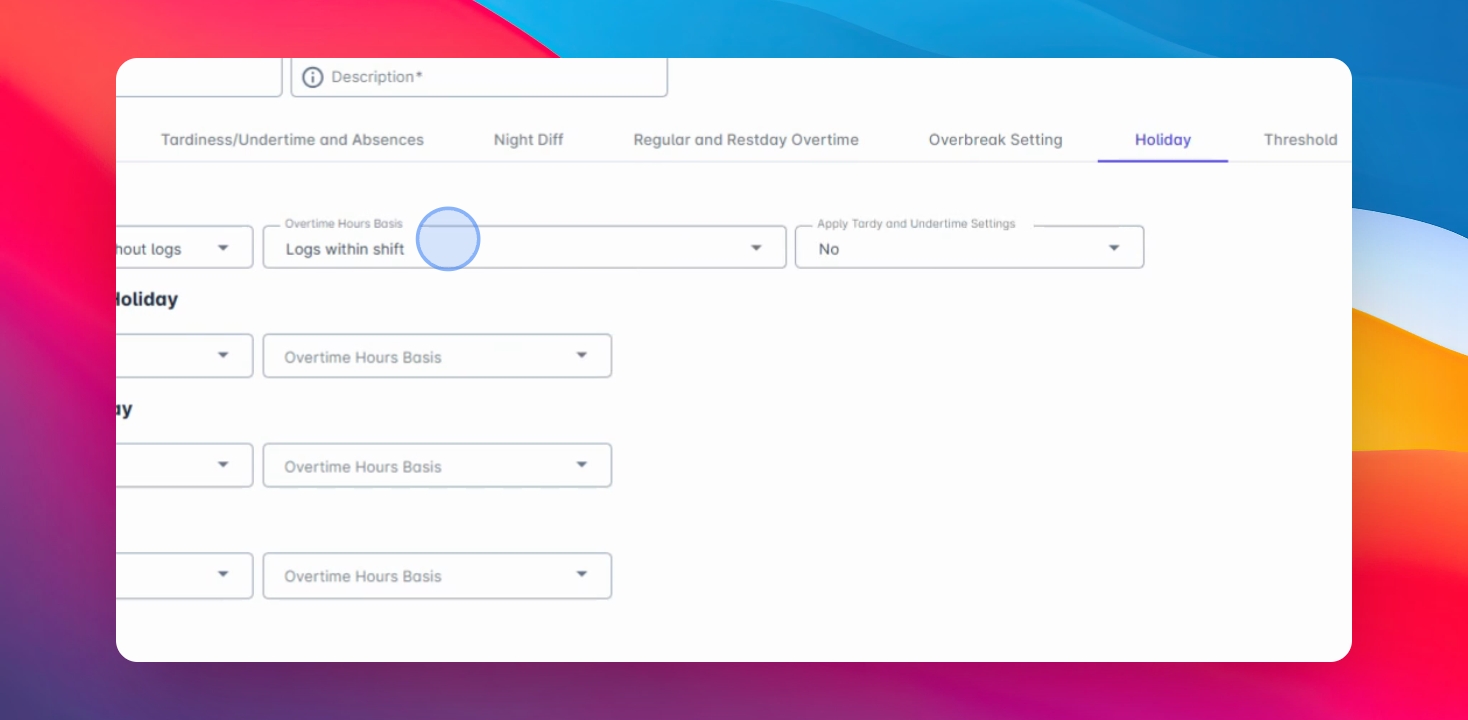
Step 9: Logs Within Shift
Only logs that fall within the employee's scheduled shift are considered for overtime calculation. Any logs outside the shift or schedule are excluded.
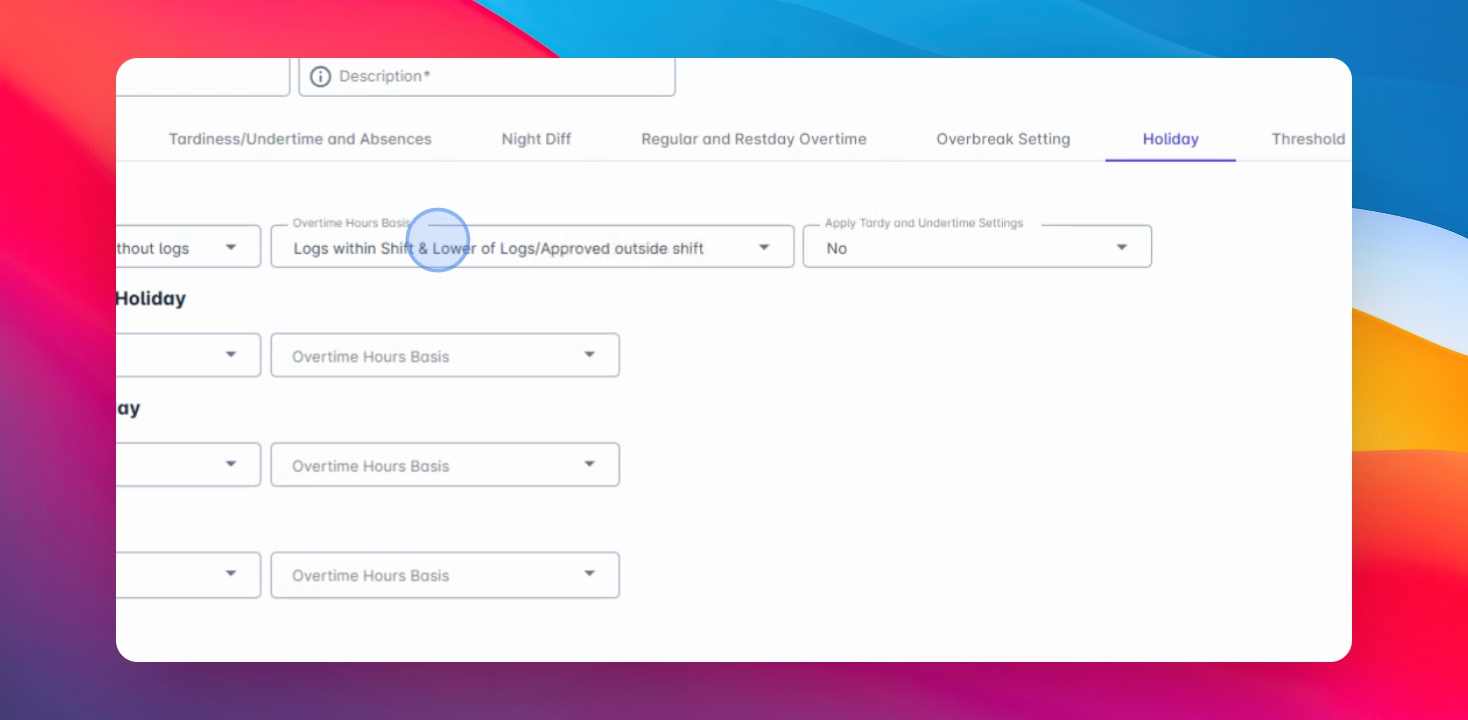
Step 10: Overtime Calculation
Calculate overtime based on the actual logs for logs within the scheduled shift and the lower of logs approved outside the shift.
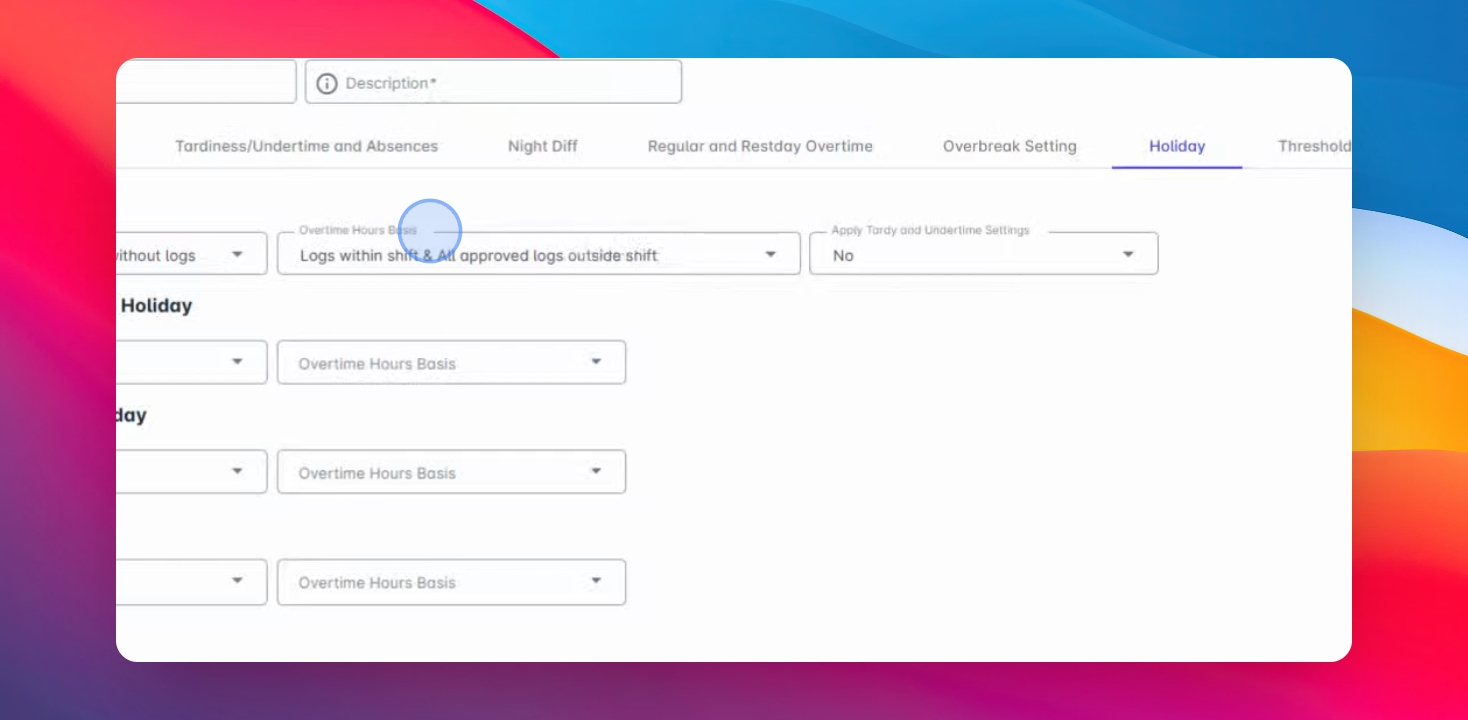
Step 11: Overtime Outside Schedule
For any overtime outside the schedule, the system will compute using the lower value between the actual logs and approved filing.
Step 12: Final Calculation Comparison
The system will compare the actual time logs and the approved overtime filing and calculate based on the lower value.