

Introduction
Editing your initial filed offset hours in the Anya HR Mobile application is a straightforward process that can be completed in just a few steps. In this tutorial, we will guide you through the entire procedure—from accessing the Filing module to saving your edits and tracking their status. Whether you need to adjust your filing for a single day or a date range, this guide will ensure you can easily manage your hours.
How to Instructions
1. Access the Filing Module
First, navigate to the Filing module within the Anya HR Mobile application.
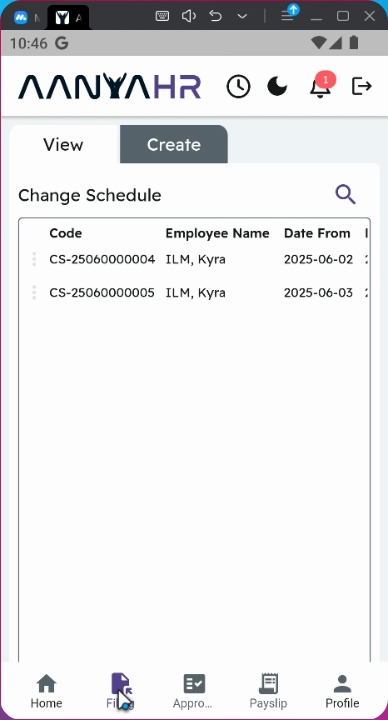
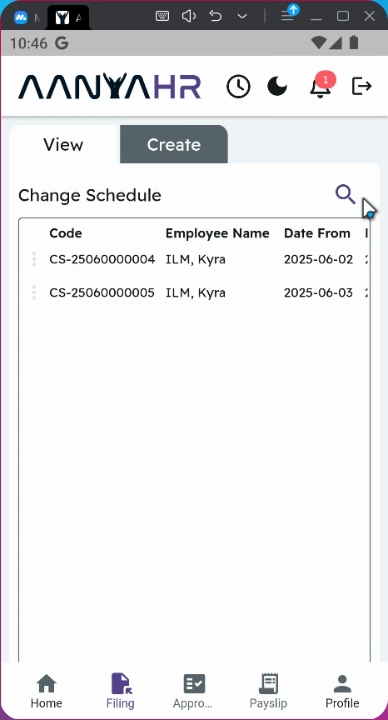
2. Initiate a Search
On the View panel, click the search button to begin the search process.
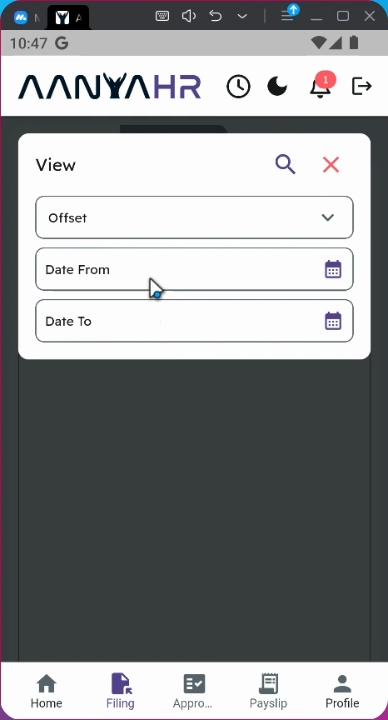
3. Set Filing Type
Ensure that the Filing type is set to offset.
4. Select Date Range
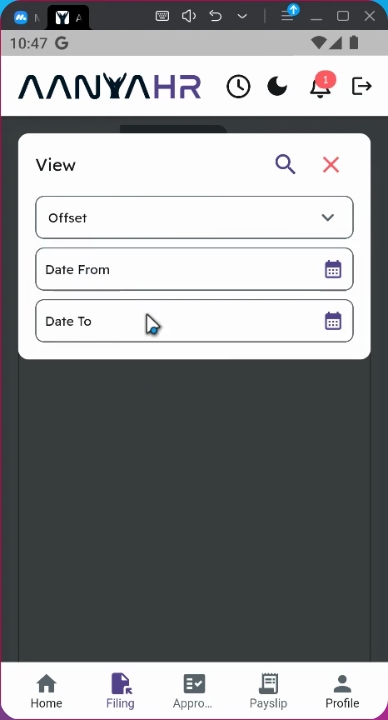
You may select a date range that you wish to edit. Alternatively, you can choose a single day or multiple days by adjusting the start and end dates.
5. Specify Dates
For example, if you wish to edit your initial filing on June 9th, set the Date from and Date to to June 9th.
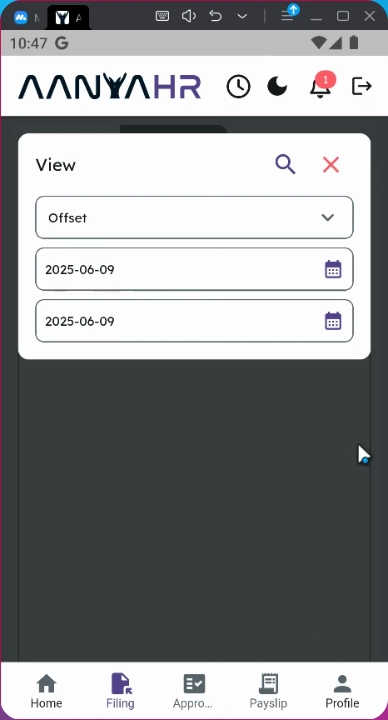
6. Proceed with Search
Click the search icon to proceed with the editing.
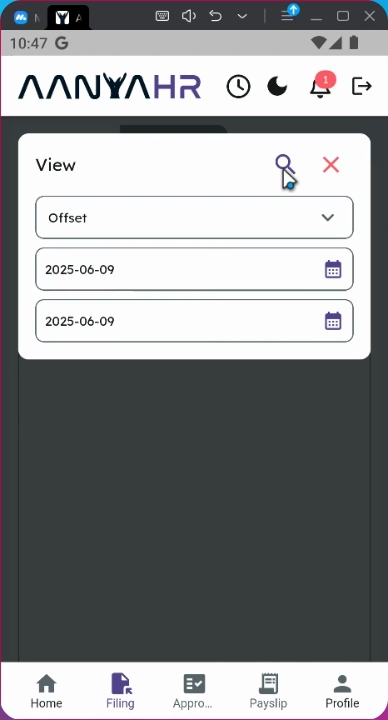
7. Locate Your Offset Code
Click the search icon beside your offset code.
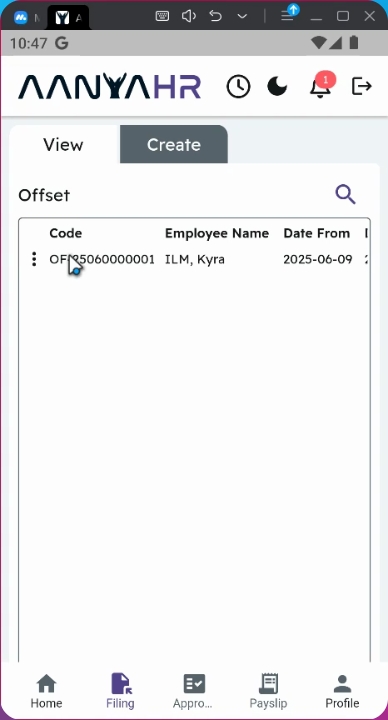
8. Access Editing Options
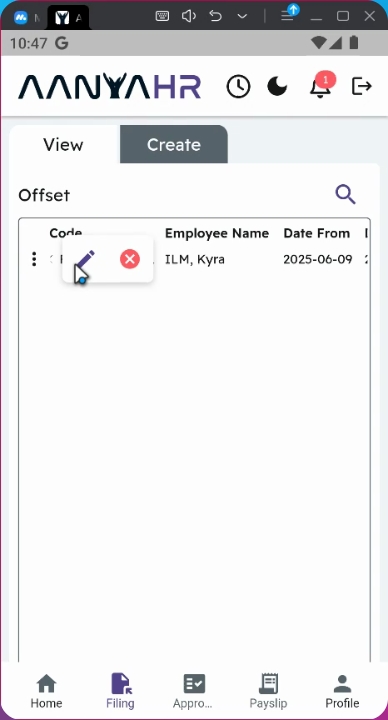
Tap the three dots to access additional options for editing your filing.
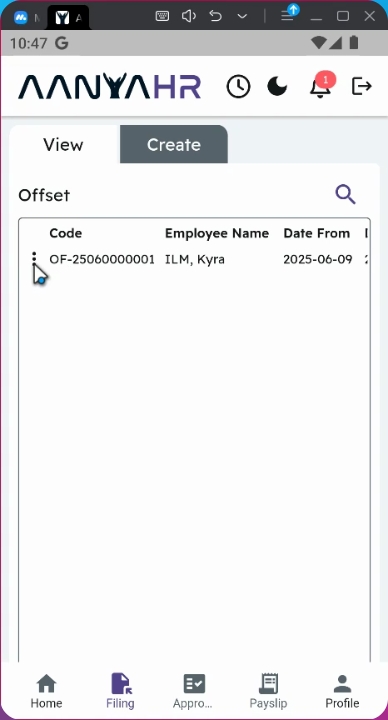
9. Edit Duration
Click the Edit icon on the Minutes column to modify the duration.
10. Update Duration
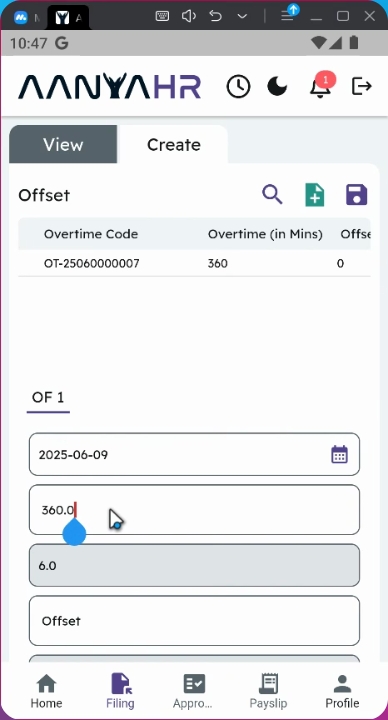
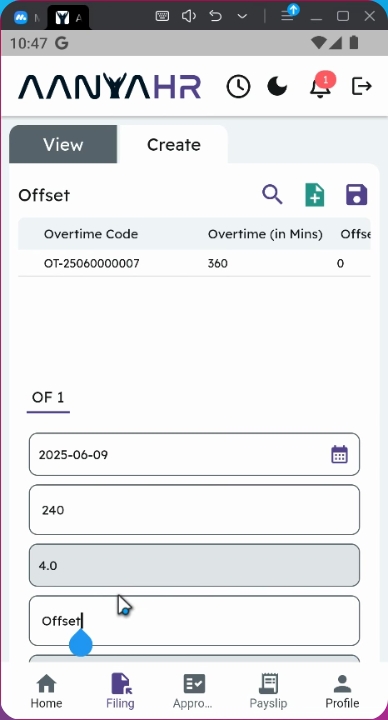
Change the Duration from 40 minutes or 360 minutes to 240 minutes.
11. Retain Initial Details
You may retain your initial input details such as remarks and uploaded files.
12. Review Filing Status
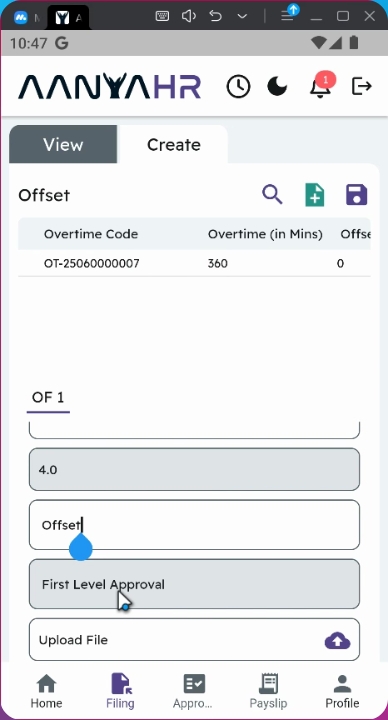
Note that the status of your filing will be tagged as first level of approval. All filings that are still in this stage can be edited. However, once the filing reaches the second level and is approved, editing will no longer be possible.
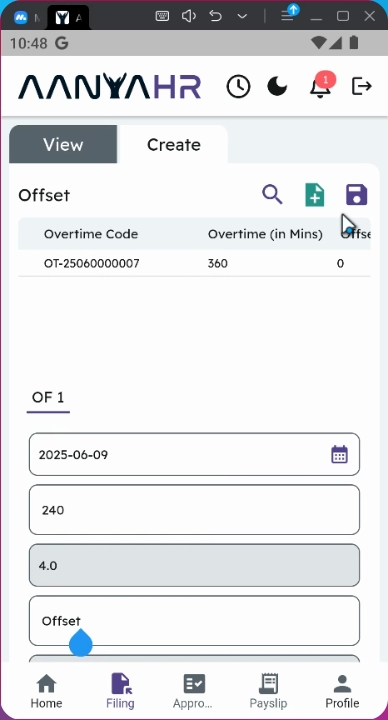
13. Save Changes
Once all the changes are made, tap the save button to finalize your edits.
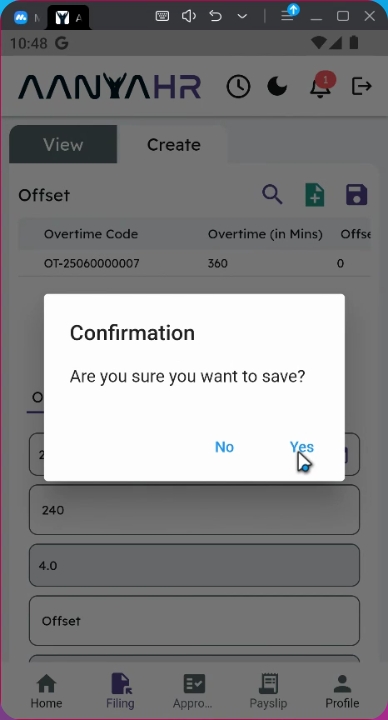
14. Confirm Changes
A confirmation prompt will appear. Click yes to proceed with saving your changes.
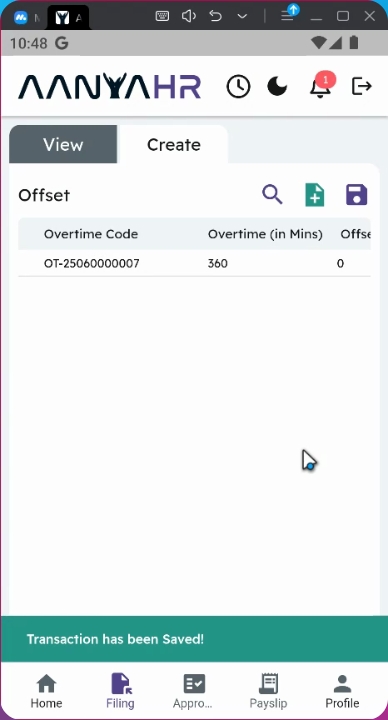
15. Track Approval Status
All edited filings will be automatically rerouted to your supervisor for approval.
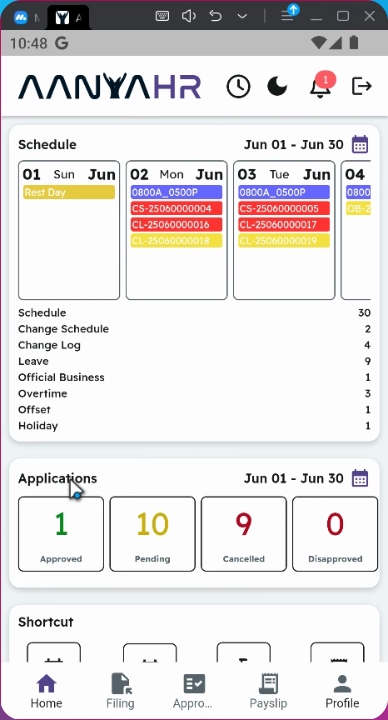
16. Monitor Application Status
You can track the status of your filing on the homepage under Application Status. It will be tagged as Pending.
Conclusion
By following these steps, you will successfully edit your initial filed offset hours in the Anya HR Mobile application and keep your records up to date.