

Introduction
Managing your filing schedule is crucial for maintaining an organized workflow. In this tutorial, we will guide you through the process of canceling your initial file changes schedule on the Anya HR Mobile application. Follow these steps to ensure a smooth cancellation process, from accessing the filing module to confirming your changes.
How to Instructions
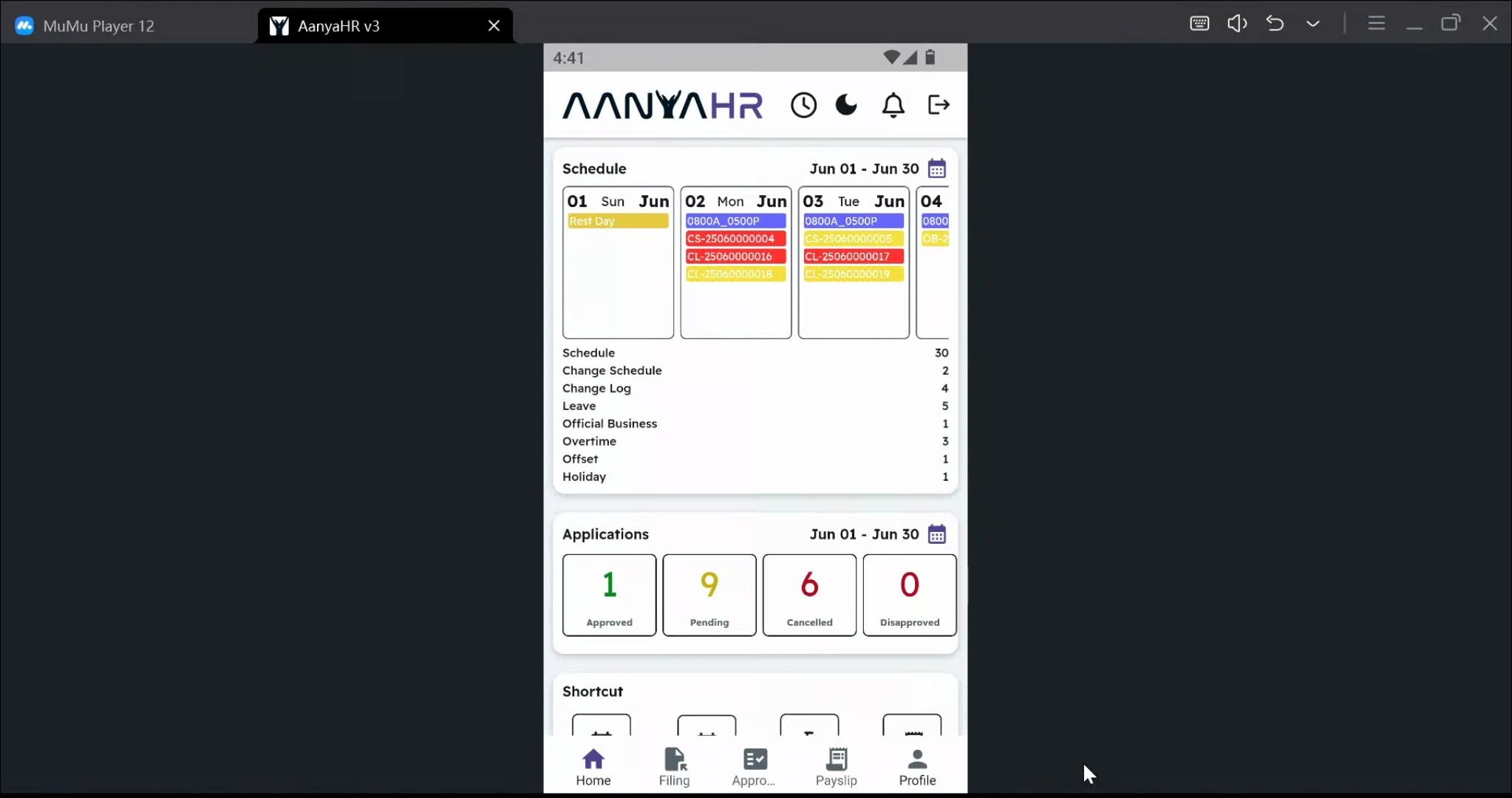
1. Access the Filing Module
Start by navigating to the filing module.
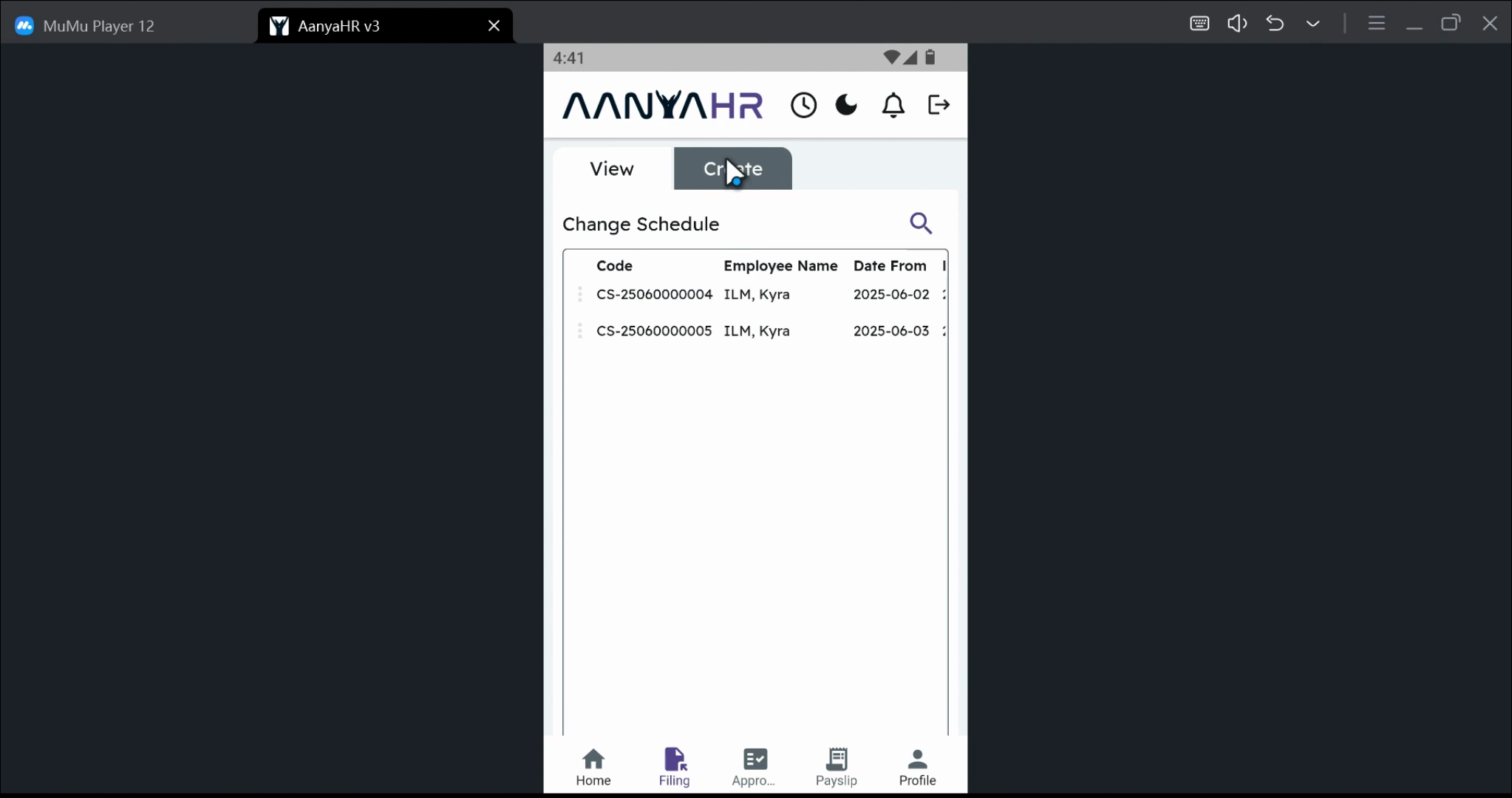
2. Open Create Panel
Next, tap on the Create Panel.
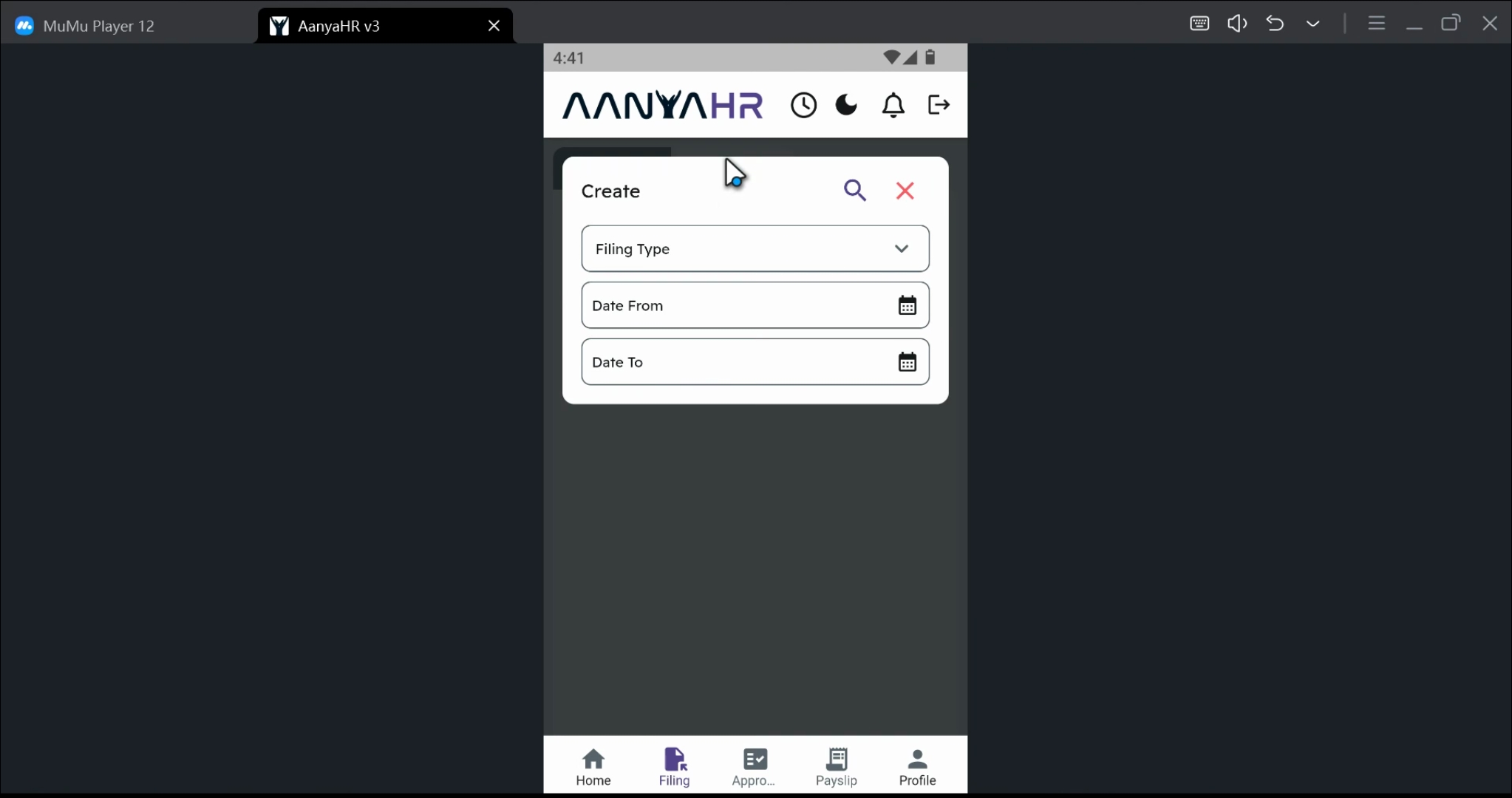
3. Select Filing Type
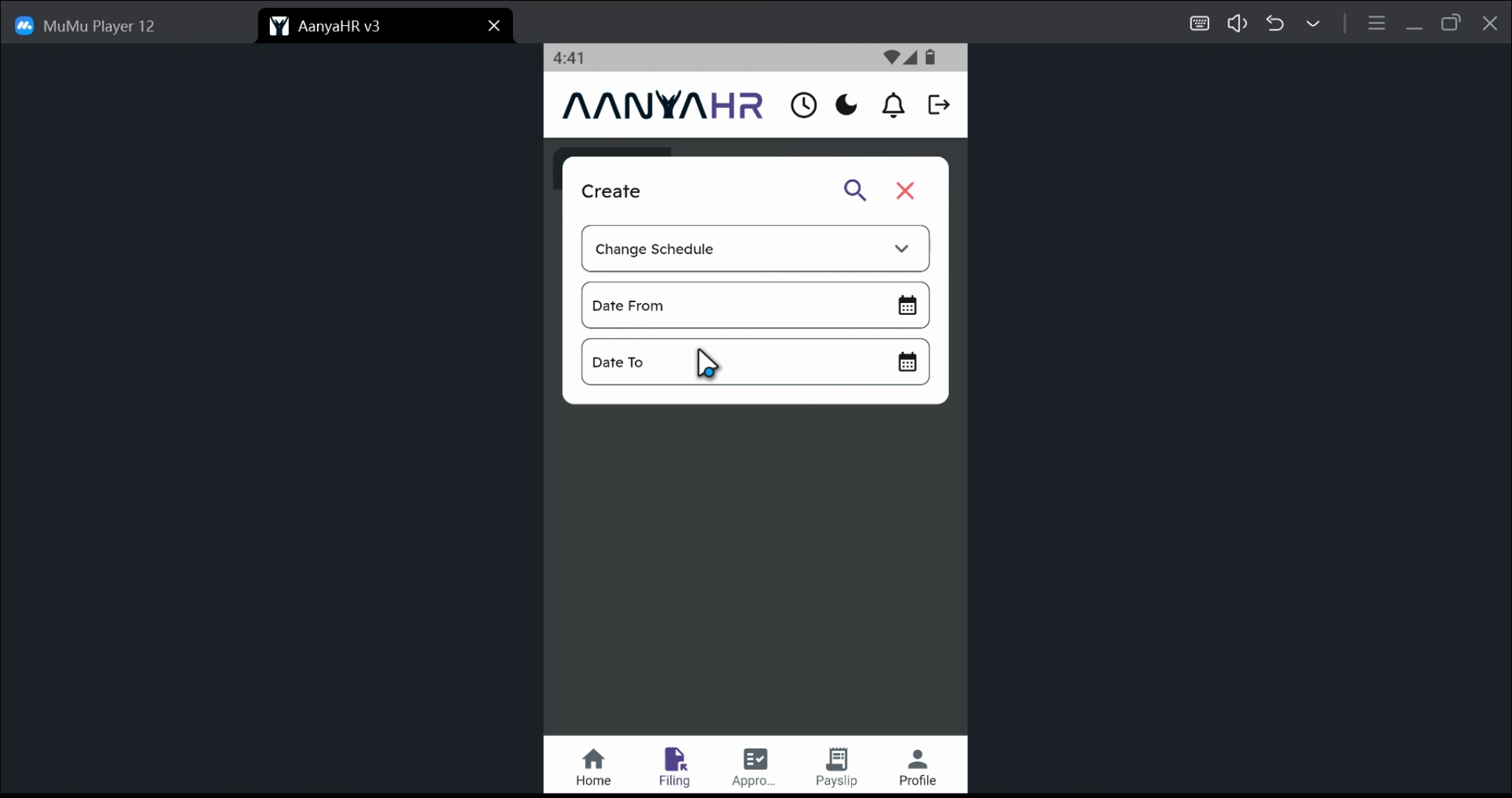
Make sure to set the filing type as Change schedule.
4. Choose Date Range
Select a date range that you want to edit. You can choose either a single day or multiple days by adjusting the start and end dates.
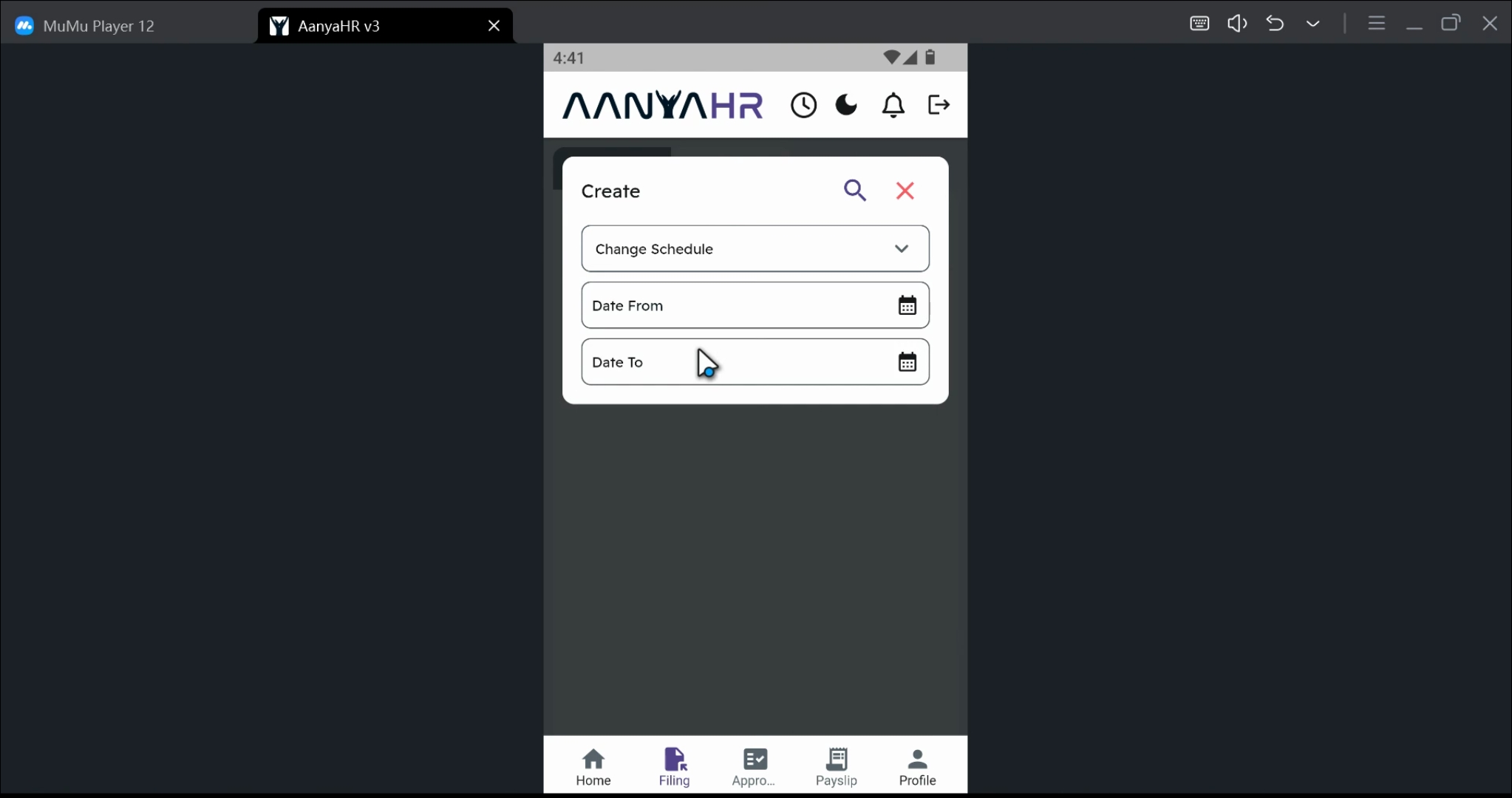
5. Specify Cancellation Date
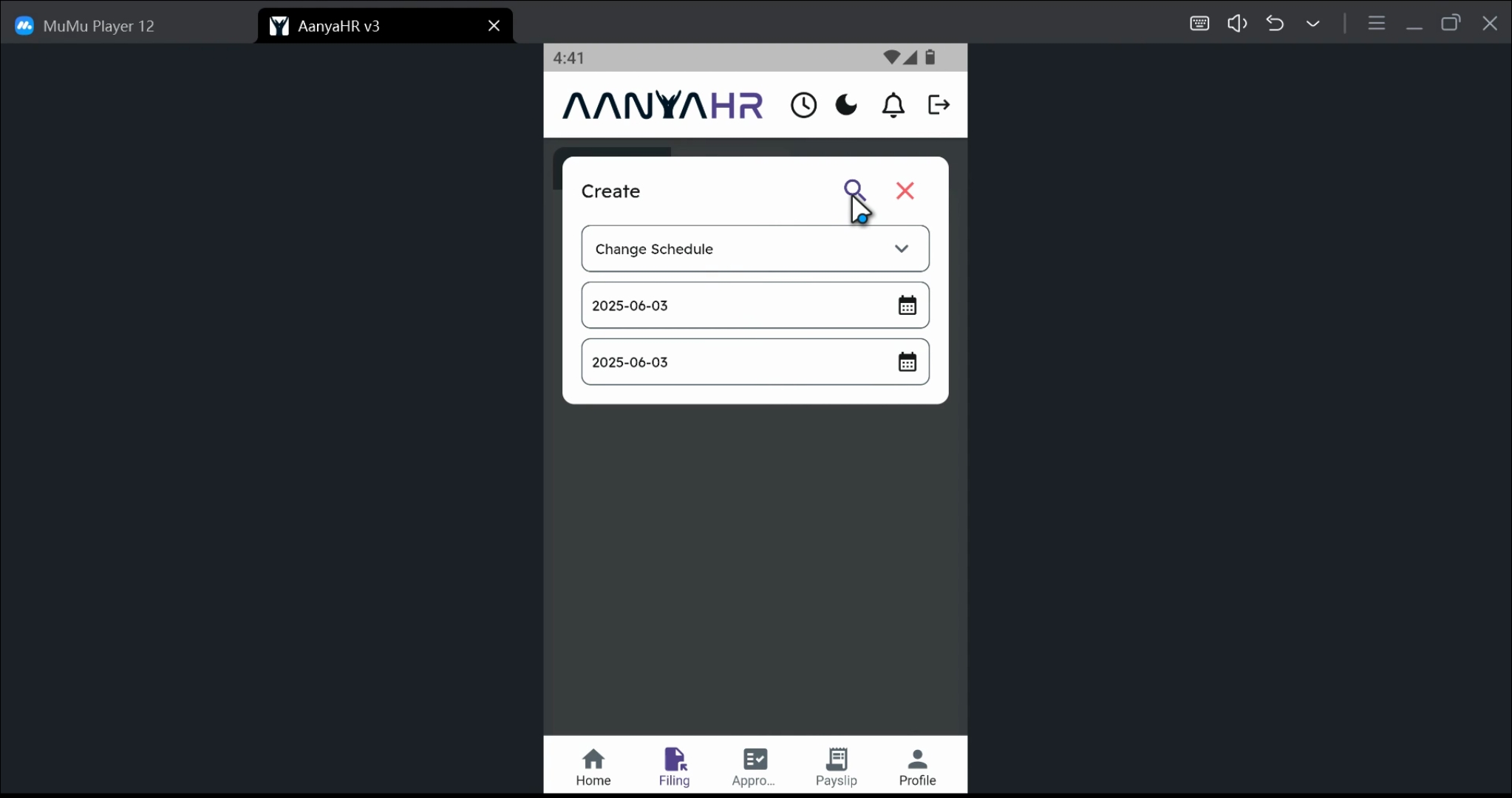
For example, if you want to cancel your filing on June 3rd, set the Date from and Date to both to June 3rd.
6. Proceed with Cancellation
Next, tap the search icon to proceed with the cancellation.
7. Access Cancellation Option
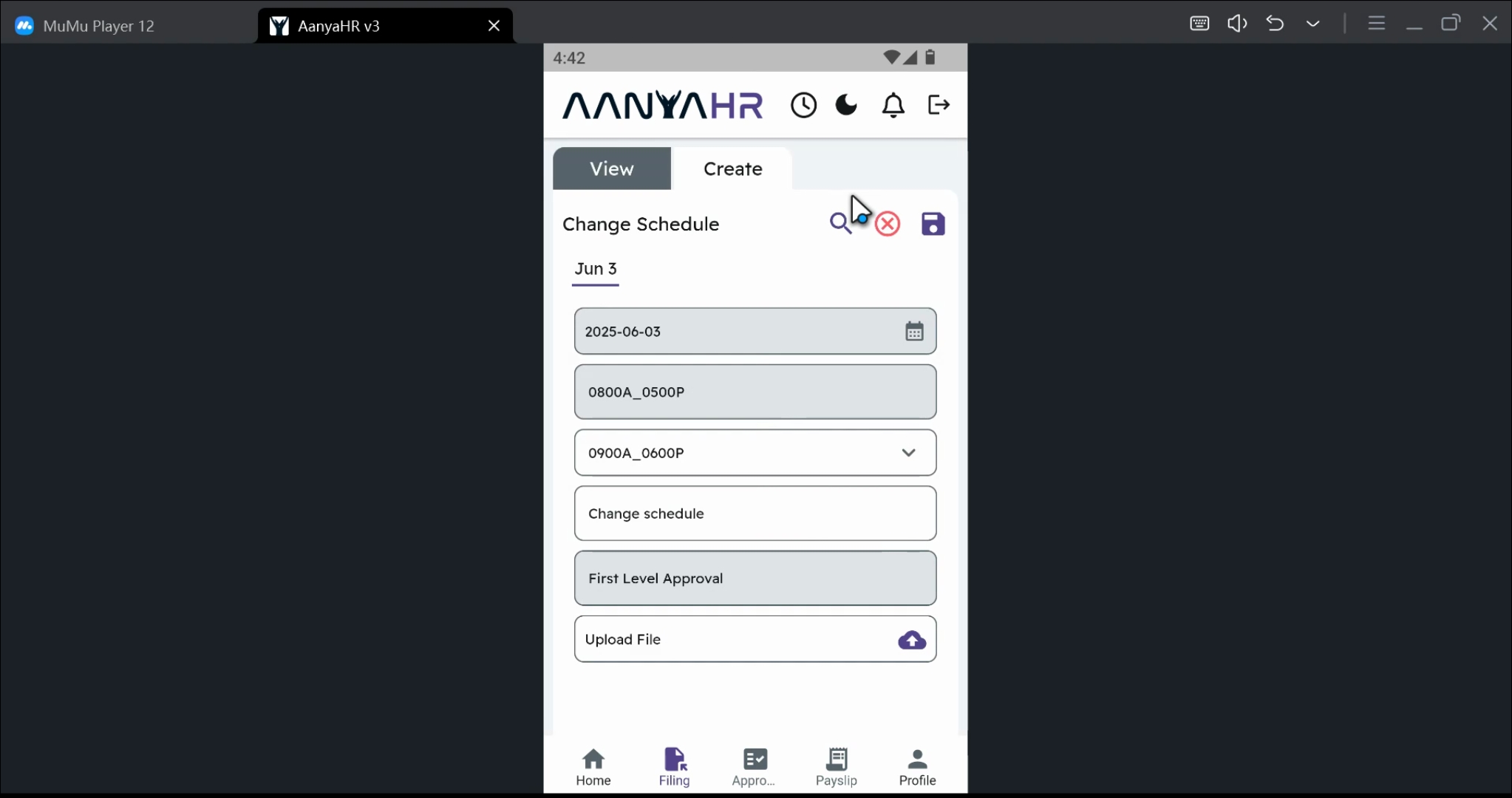
At the top of the screen, you will see the cancellation option. Click on the corresponding icon.
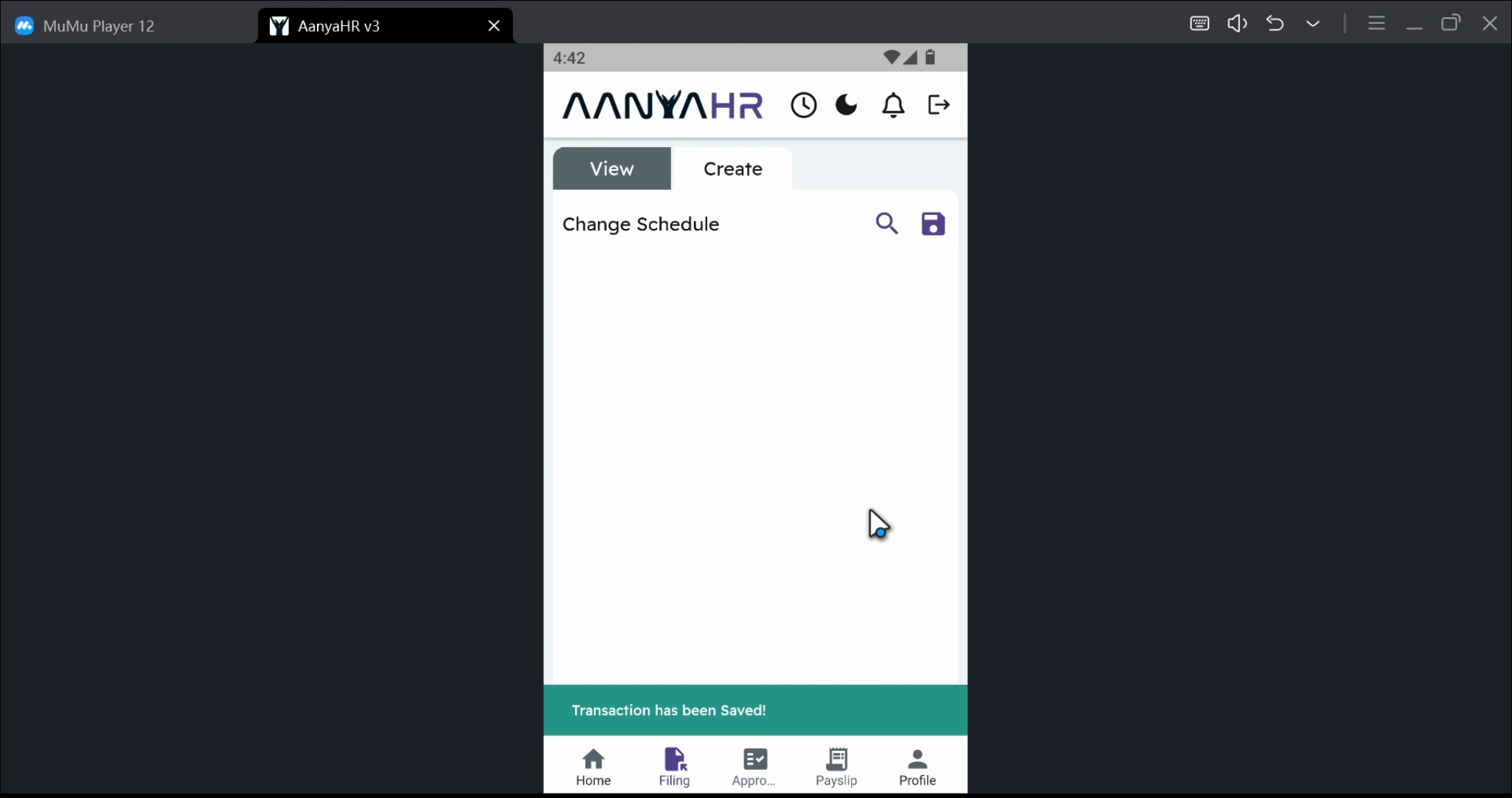
8. Confirm Cancellation
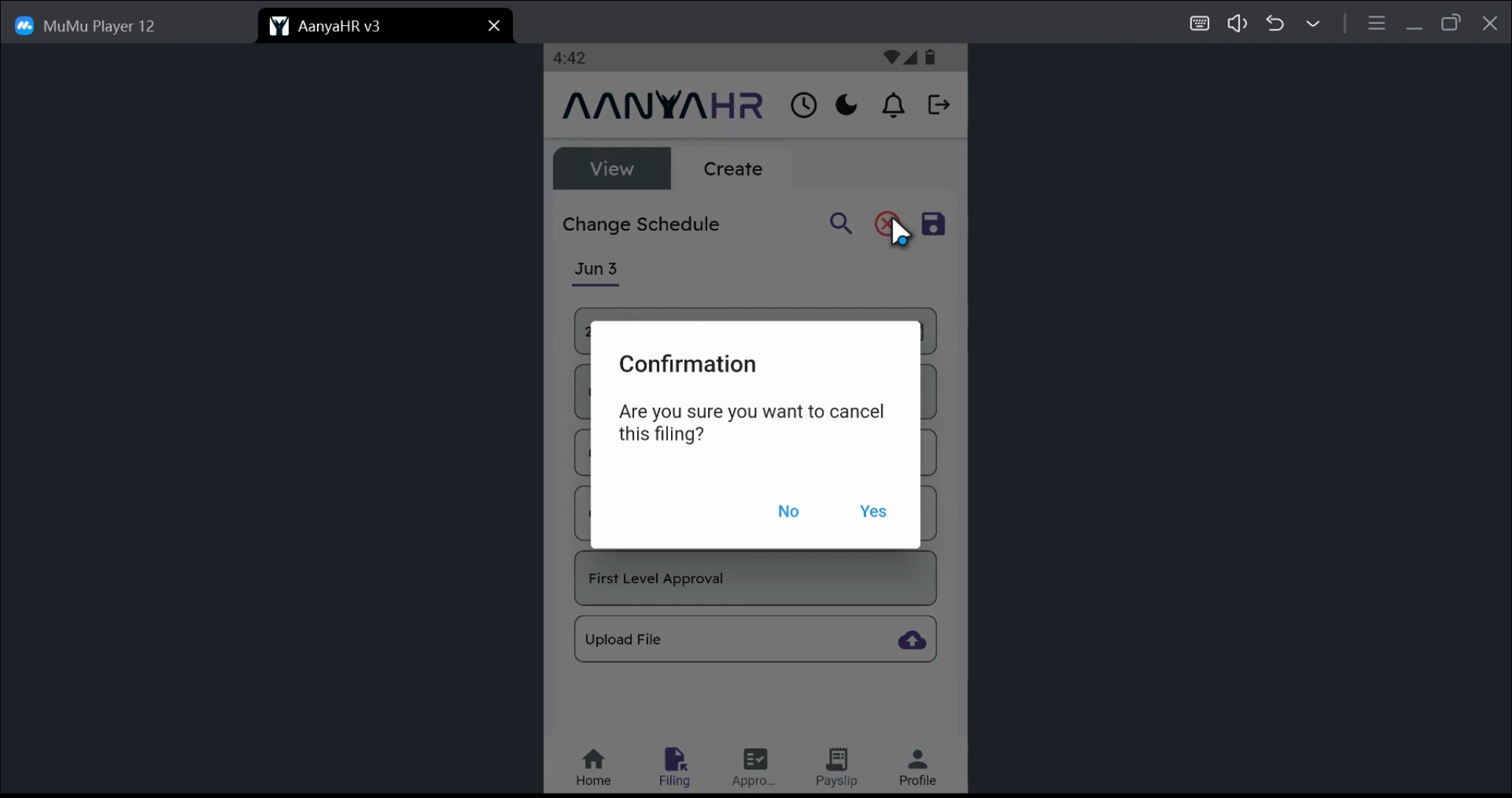
A confirmation prompt will appear. Click yes to proceed with the cancellation.
9. Review Canceled Transactions
All transactions that have been canceled will be tagged as canceled on the home page.
Conclusion
By following these steps, you can successfully cancel your initial file changes schedule using the AanyaHR Mobile application. This will help you maintain an organized filing system and ensure that your records are up-to-date.
This procedure can be used to cancel Change Logs, Official Business, and Overtime filings. Please select the appropriate filing type and specify the desired date range for the cancellation.