

Introduction
Filing for Offset Leave can seem complex, but this tutorial simplifies the process for you. We’ll guide you through each step, from accessing the ESS module to submitting your Offset Leave request. By the end of this tutorial, you will be well-equipped to navigate the filing process seamlessly and efficiently.
How to Instructions
1. Access the ESS Module
Begin by navigating to the ESS module.
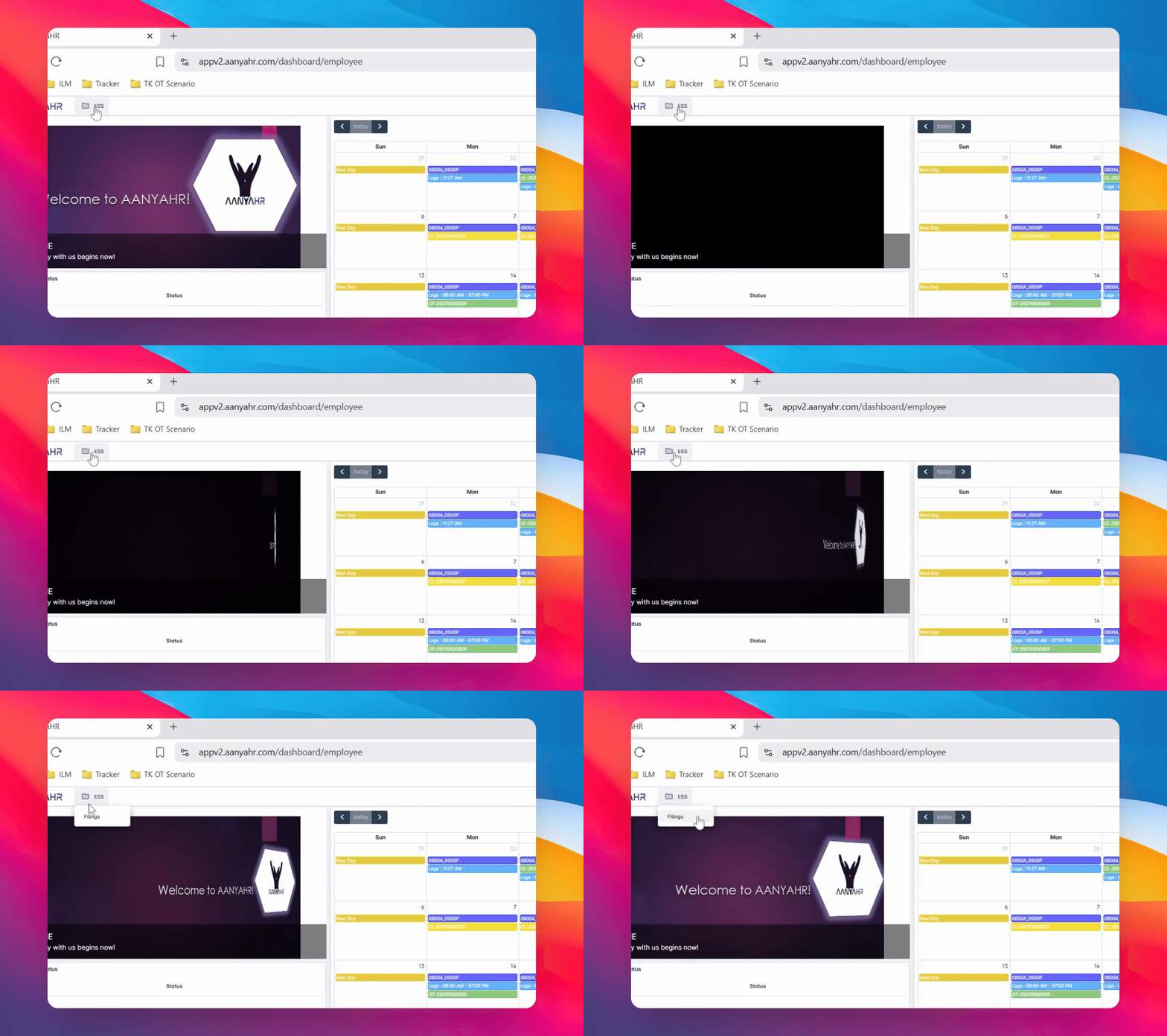
2. Click on Filings
Once in the ESS module, click on Filings.
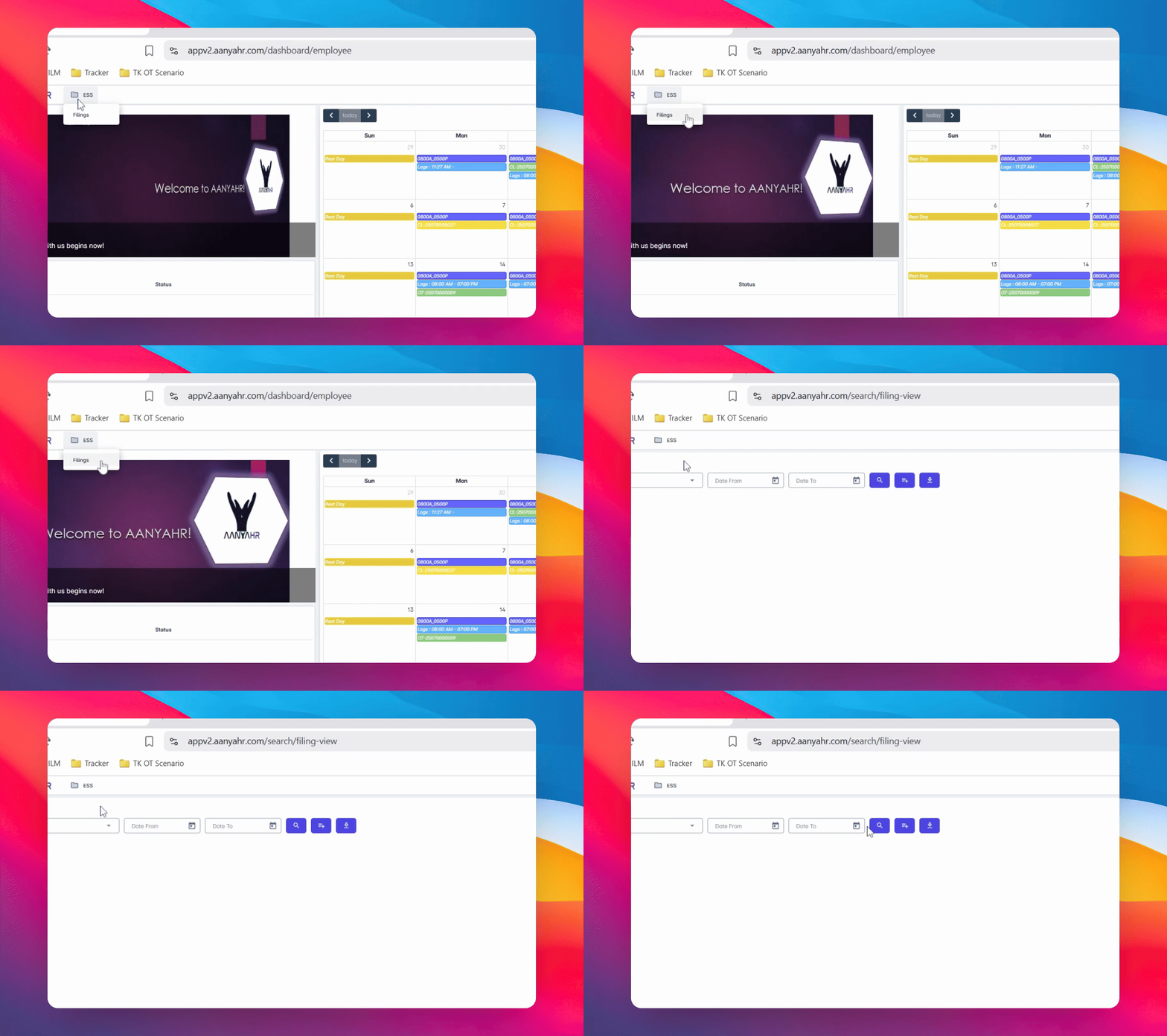
3. Create New Filing
Next, click the Create button.
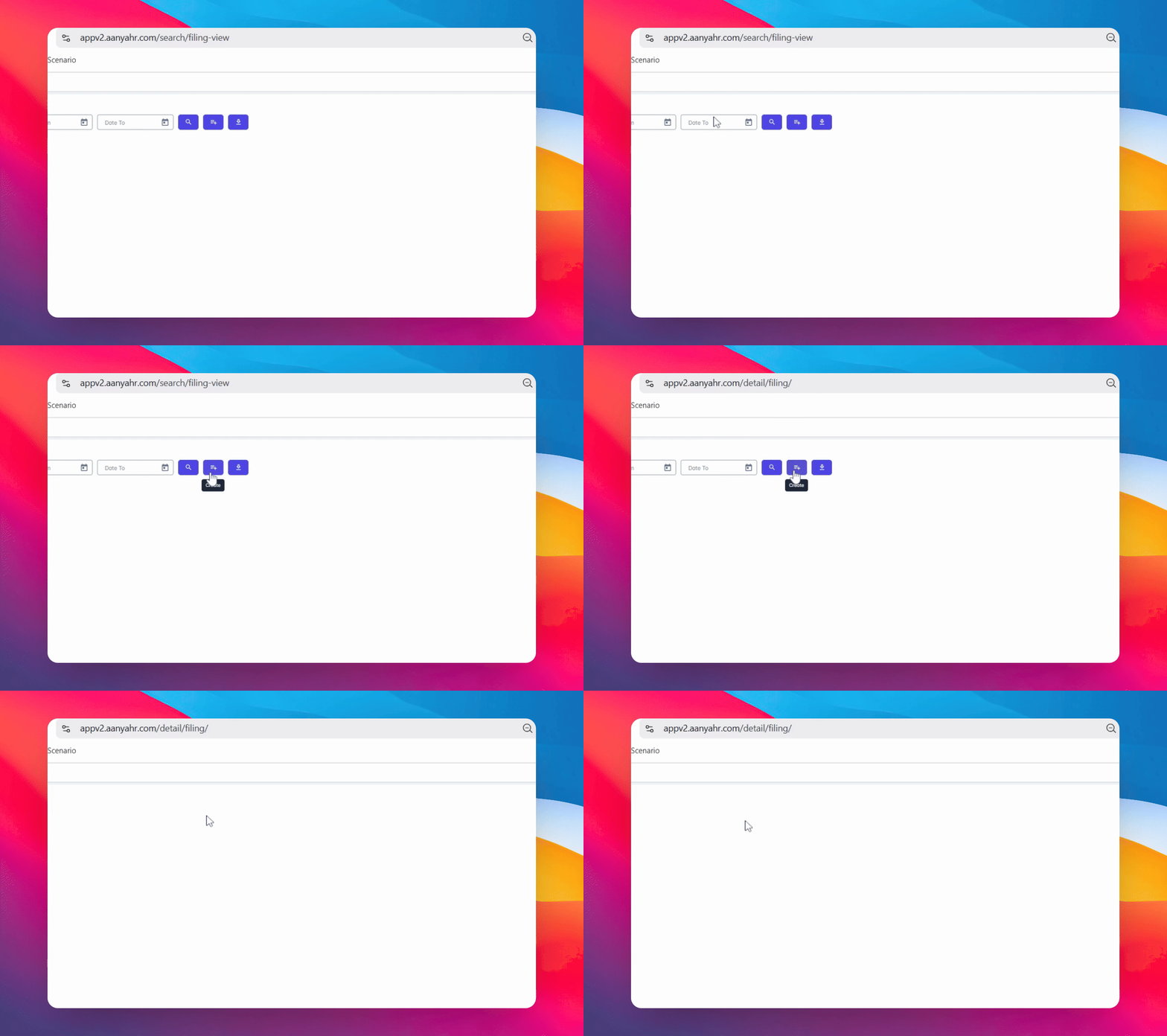
4. Choose Filing Type
From the Filing type dropdown, select Offset.
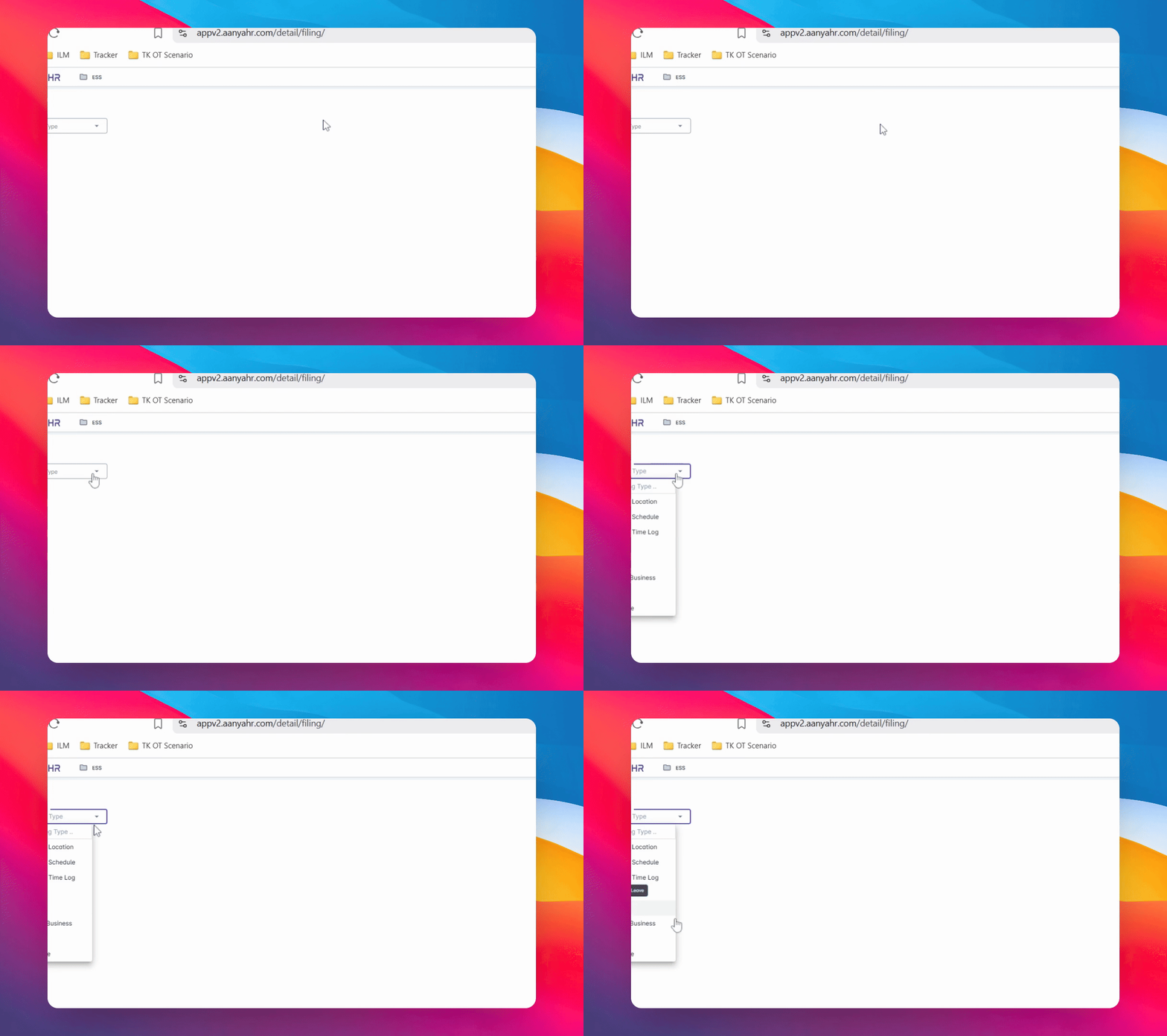
5. Review Offset Details
Once selected, offset details will appear in the Include dropdown. By default, the selection is set to yes for you.

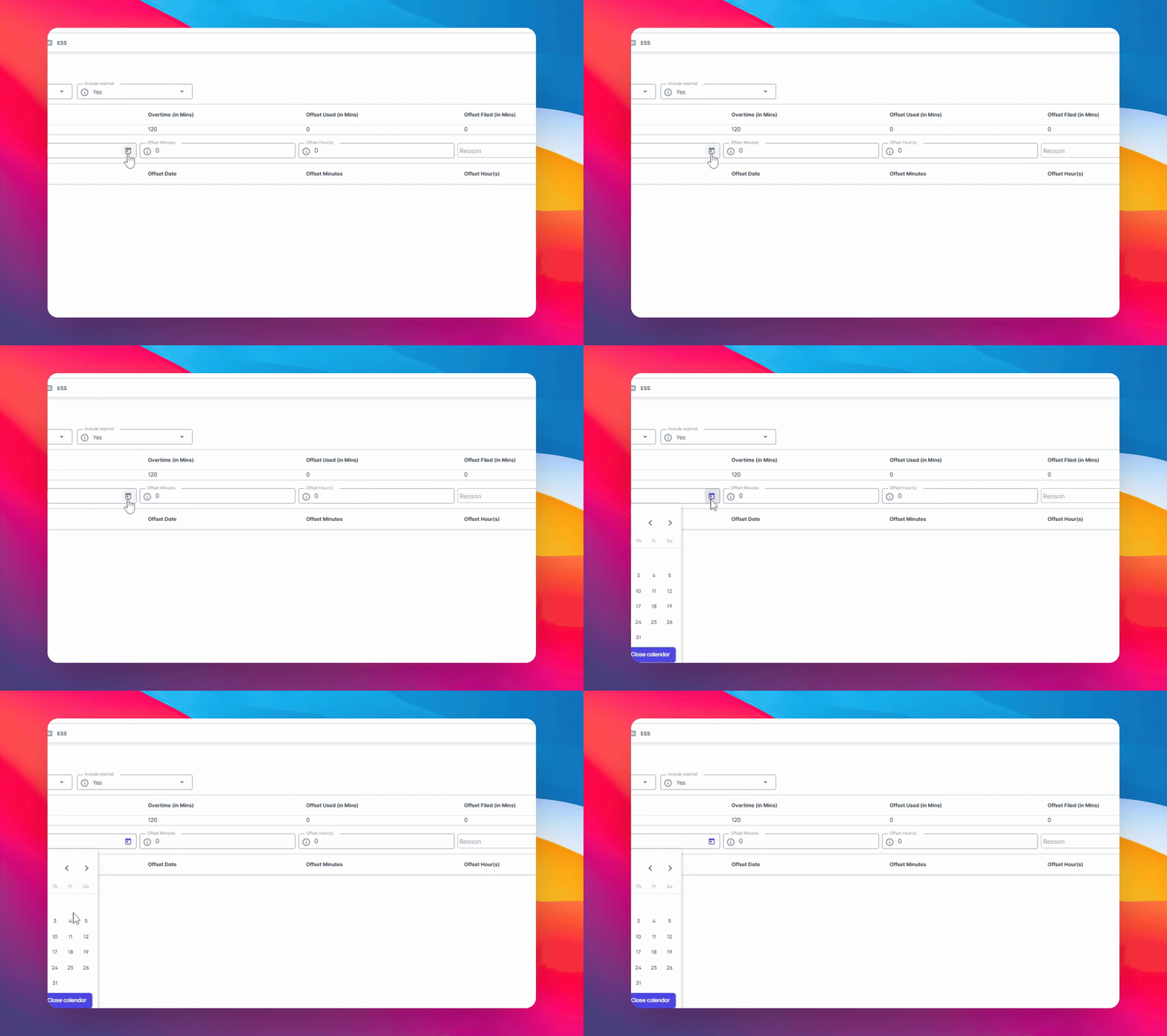
6. Select Offset Date
To begin with the filing, choose the offset date you want to apply for.
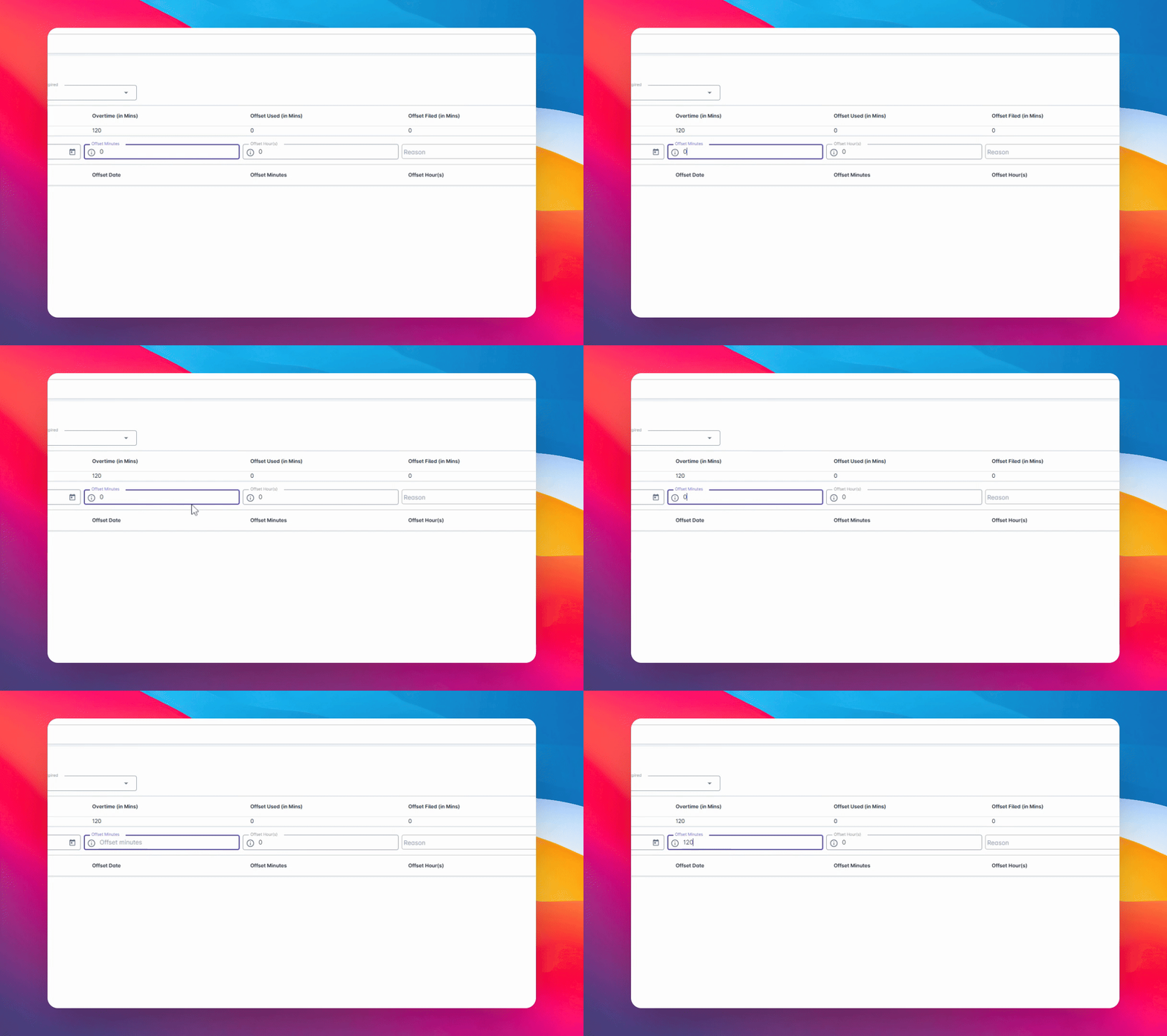
7. Enter Offset Minutes
In the Offset Minutes section, enter the number of minutes you wish to use for your offset.
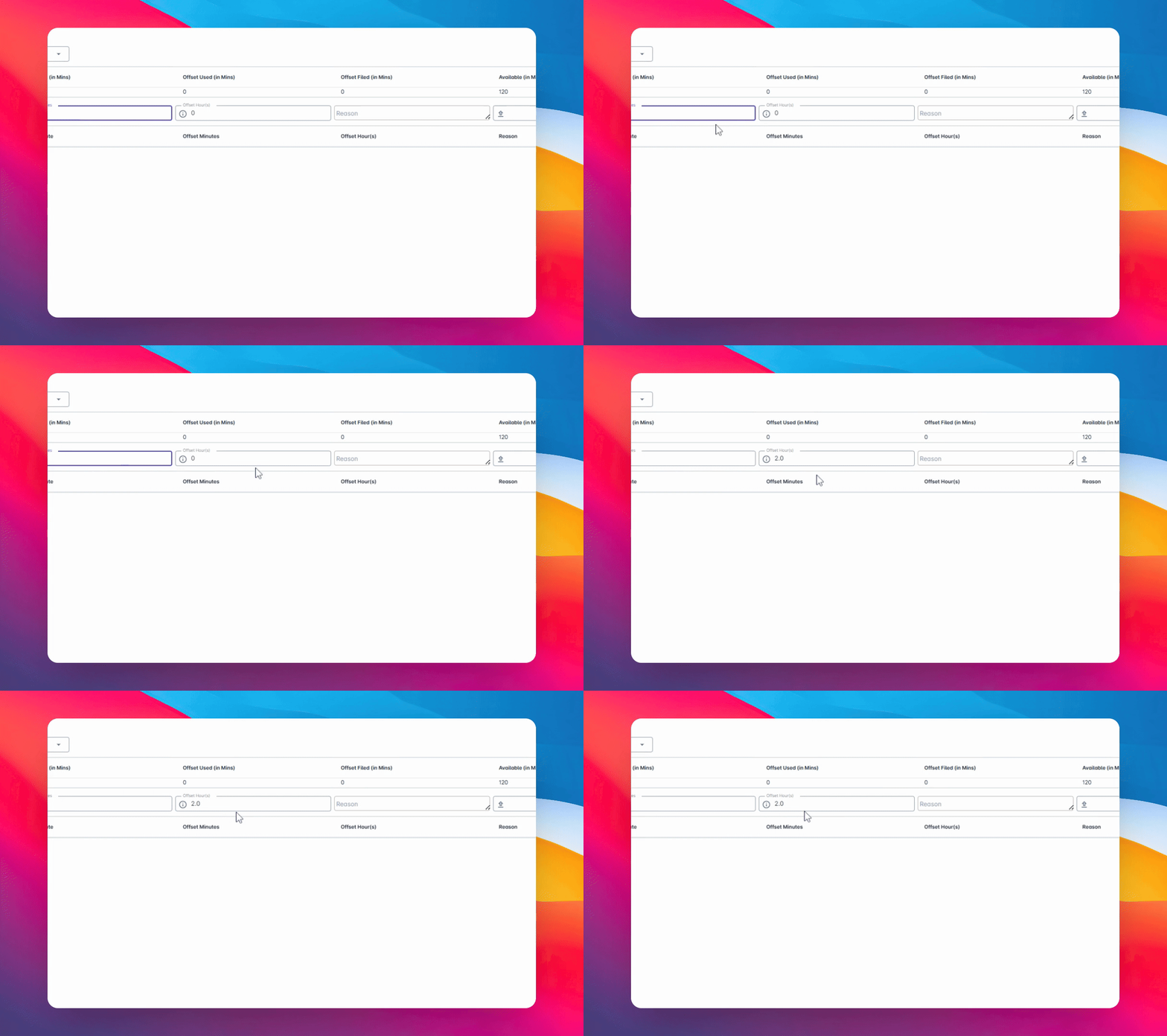
8. Review Automatically Converted Amount
The system will automatically convert this into Rs.
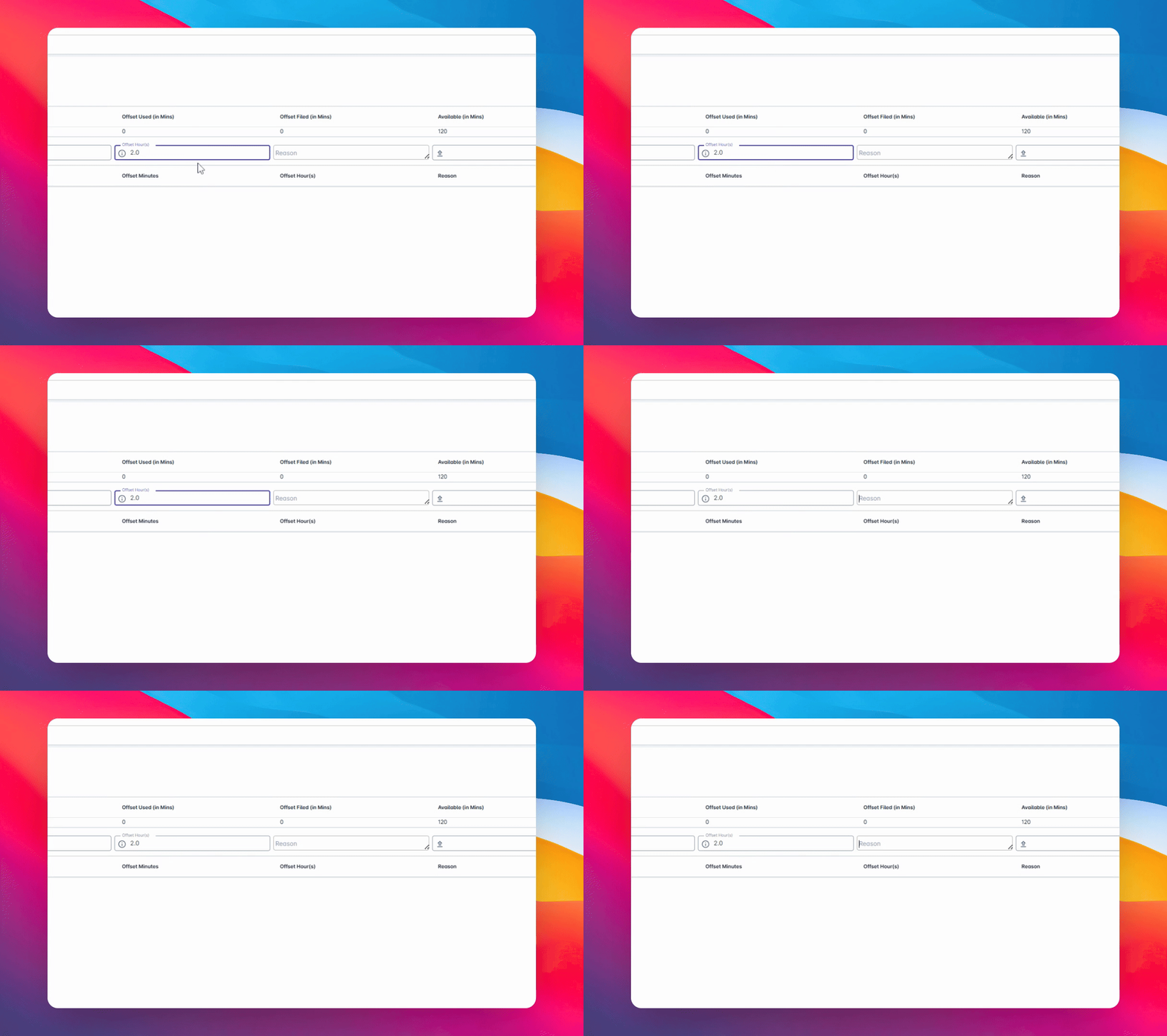
9. Add Reason
In the offset R section, provide a Reason for your offset leave.
10. Upload Supporting Documents
If needed, upload any supporting documents. If not required, you may leave it blank.
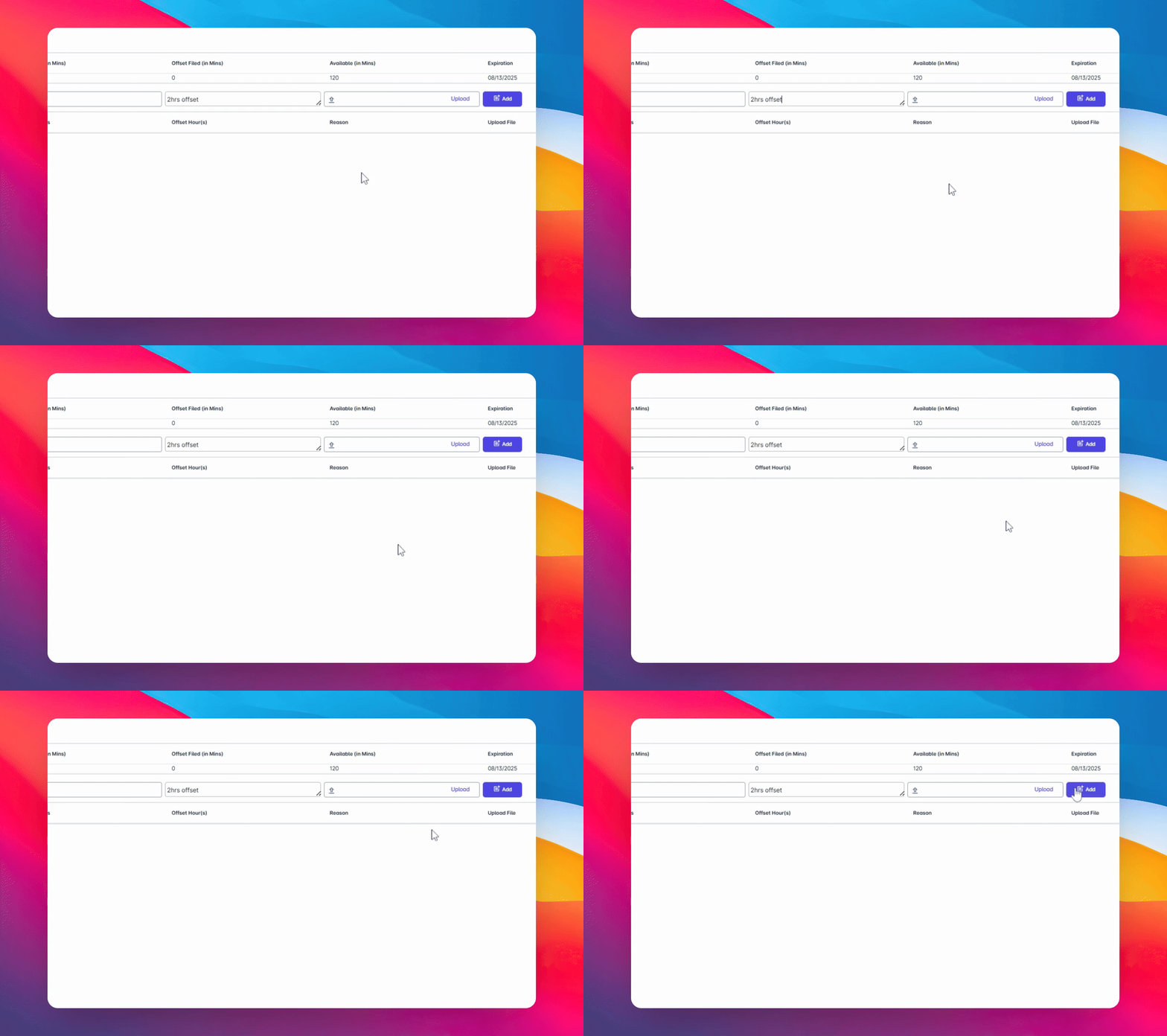
11. Add the Filing
Click the Add button to proceed.
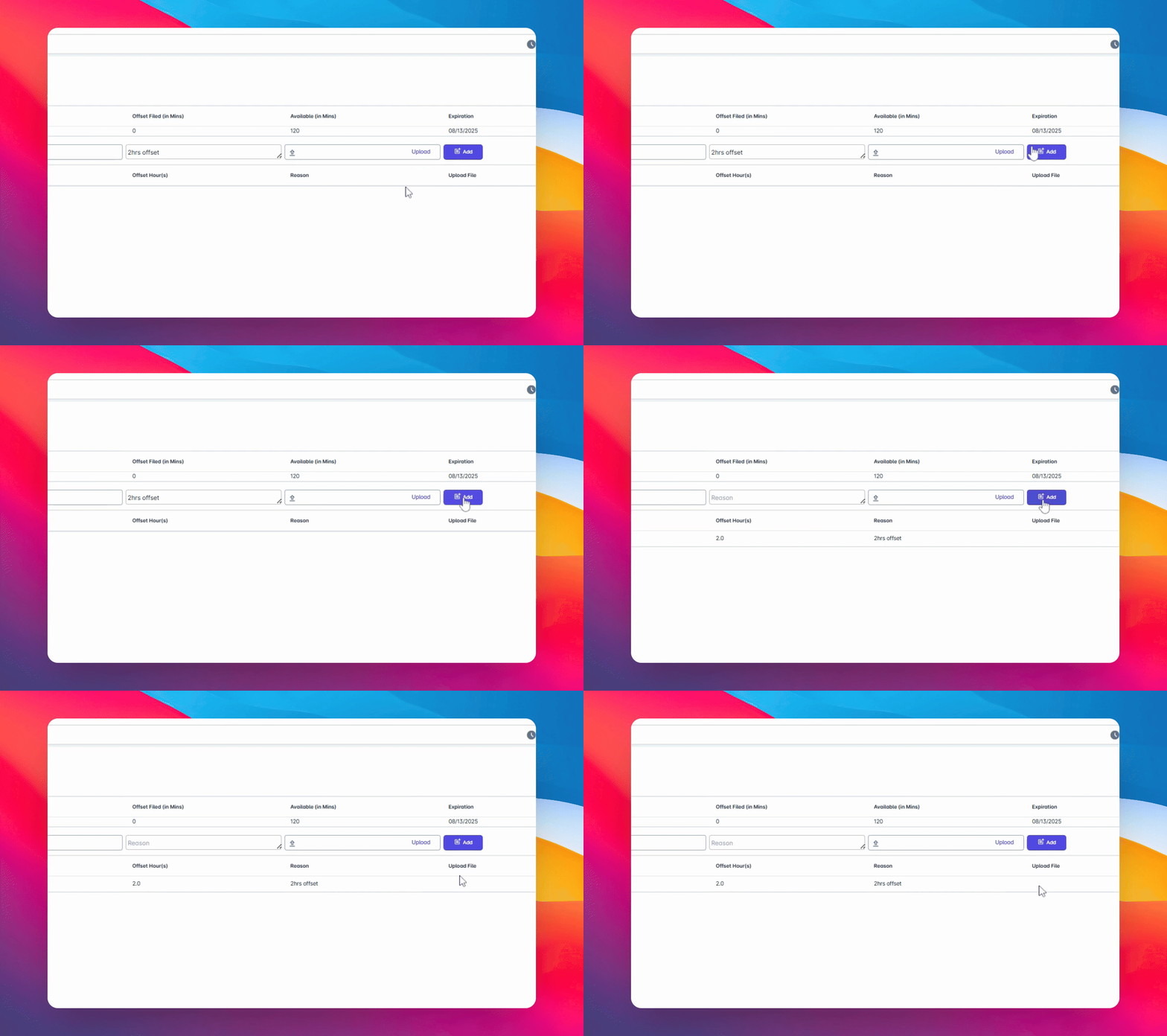
12. Review Your Submission
Once clicked, the details you selected will appear in the section below for your review.
13. Confirm Information
After reviewing, confirm that all information is correct.
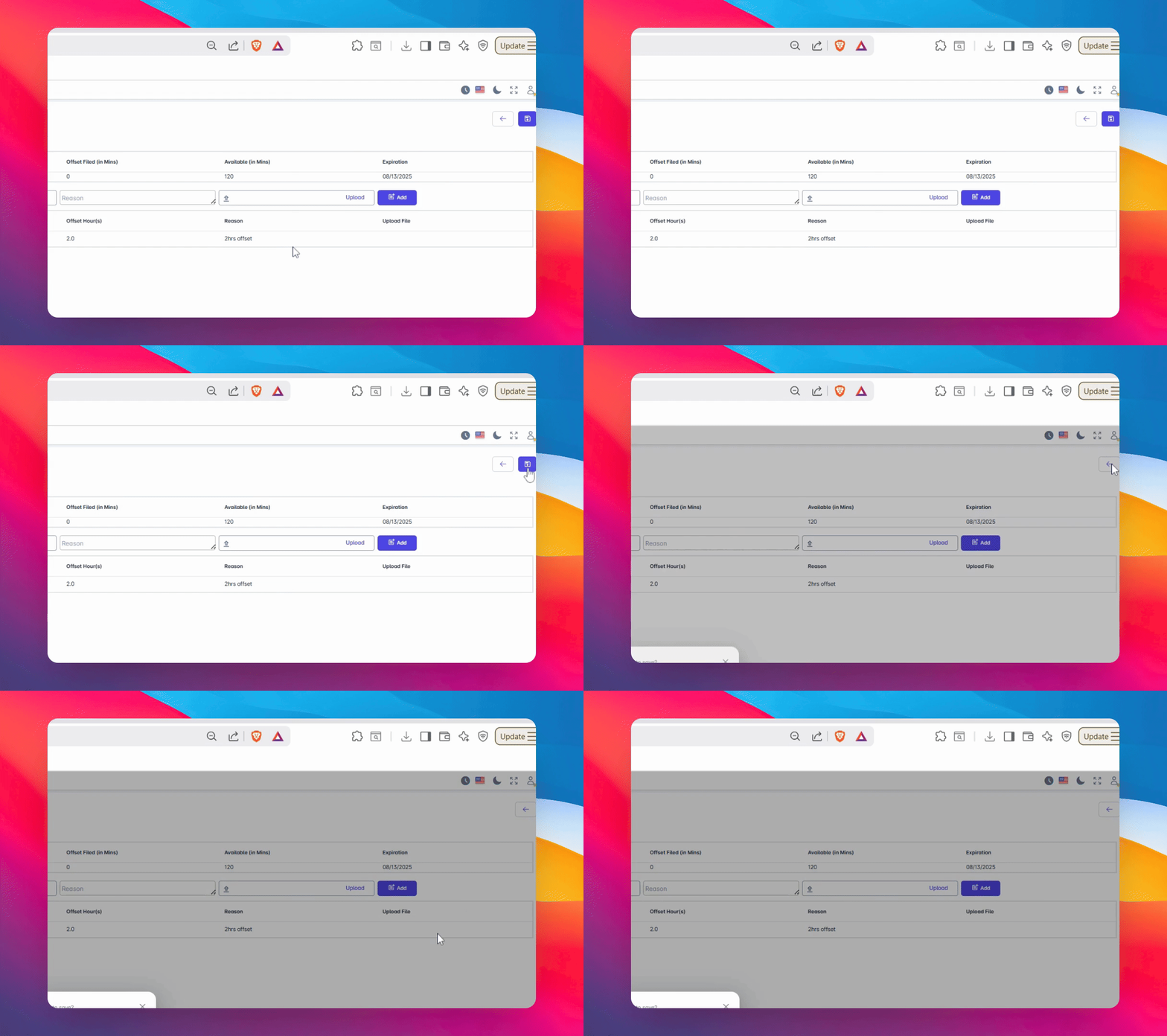
14. Save Your Filing
Click Save to complete the process.
15. Confirmation Message
A confirmation message will pop up once the save is successful.
16. Proceed with Confirmation
Click yes to proceed with the confirmation.
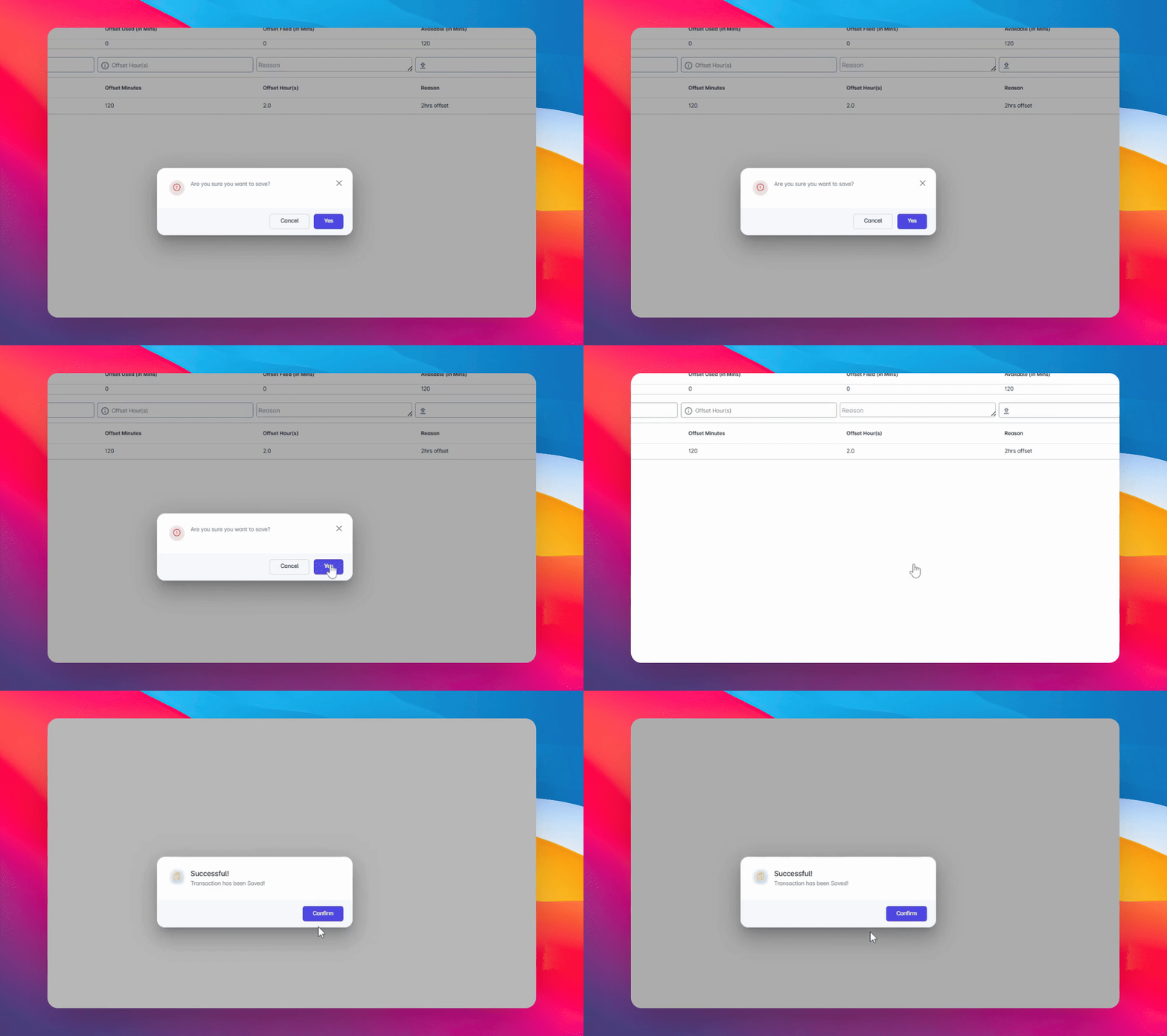
17. Final Confirmation
Once successful, click Confirm and that’s it!
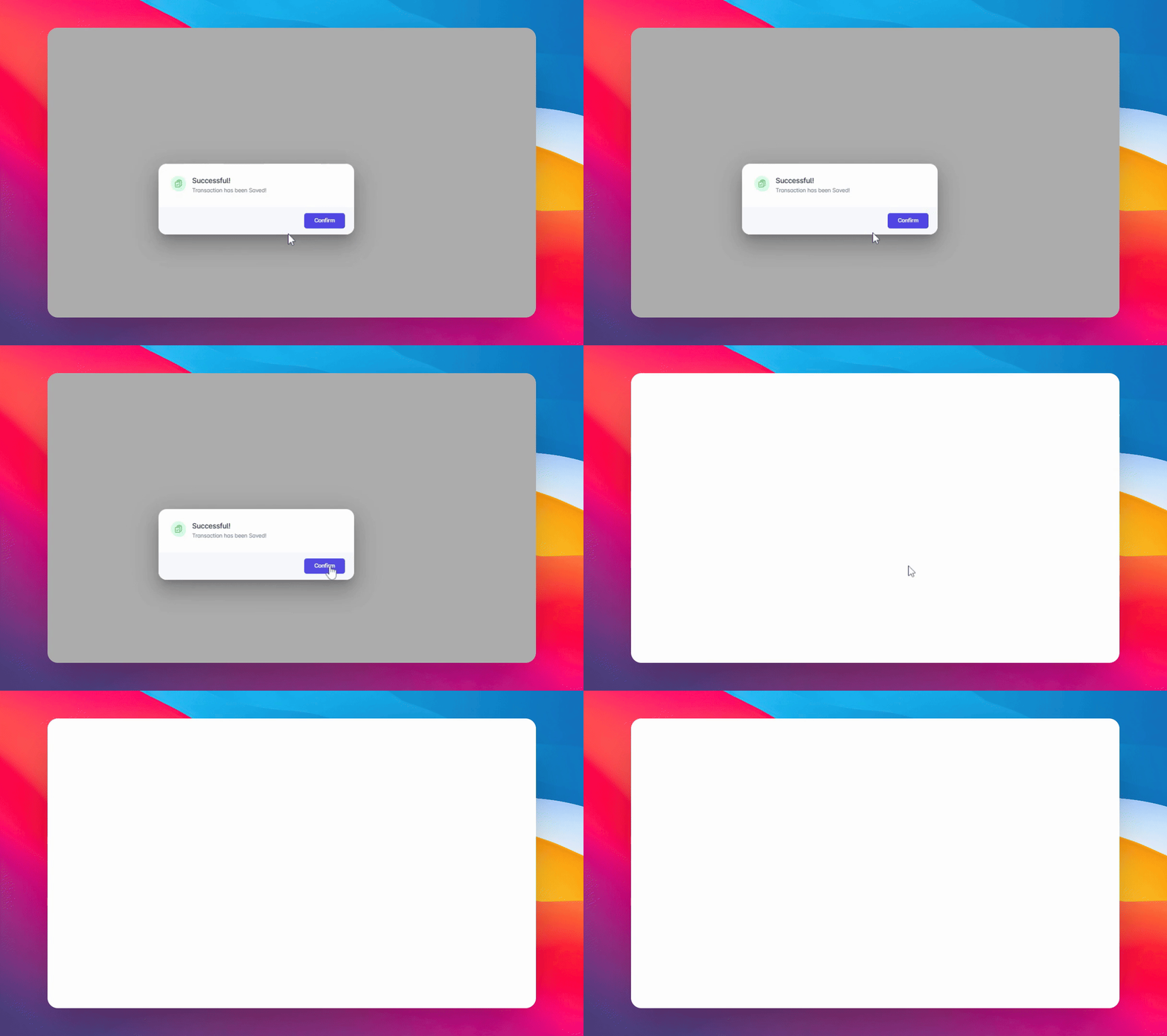
18. Submission Complete
Your Offset leave credits have now been submitted and are pending approval, depending on the setup approval process.
Conclusion
By following these steps, you can successfully file your Offset Leave. Make sure to double-check all information before submission to streamline the approval process.