

Sundin ang mga steps sa ibaba para ma-download at ma-save ang iyong CoE bilang PDF file.
Step 1: Hanapin ang Approved CoE
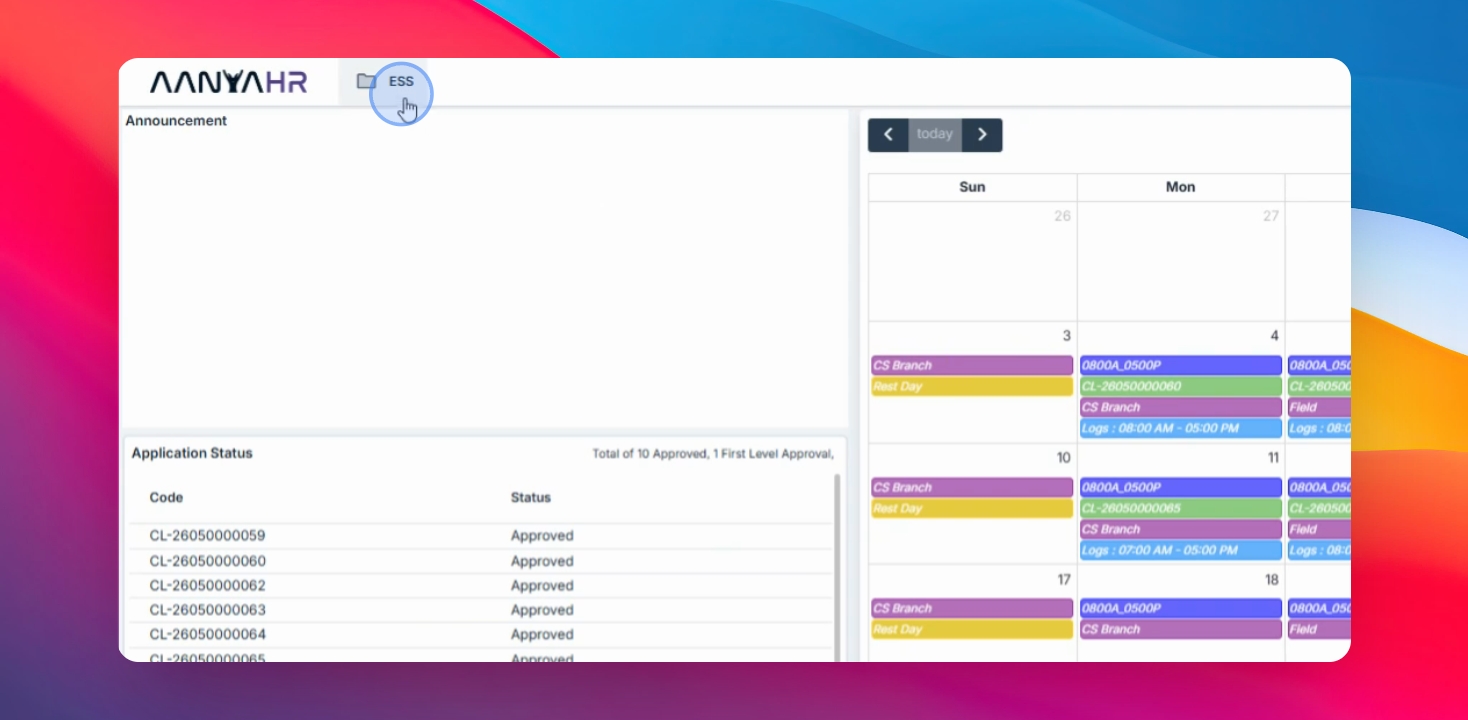
Pumunta sa iyong ESS menu, piliin ang Filings, piliin ang COE bilang filing type, at i-click ang Search button.
Step 2: I-download ang CoE PDF
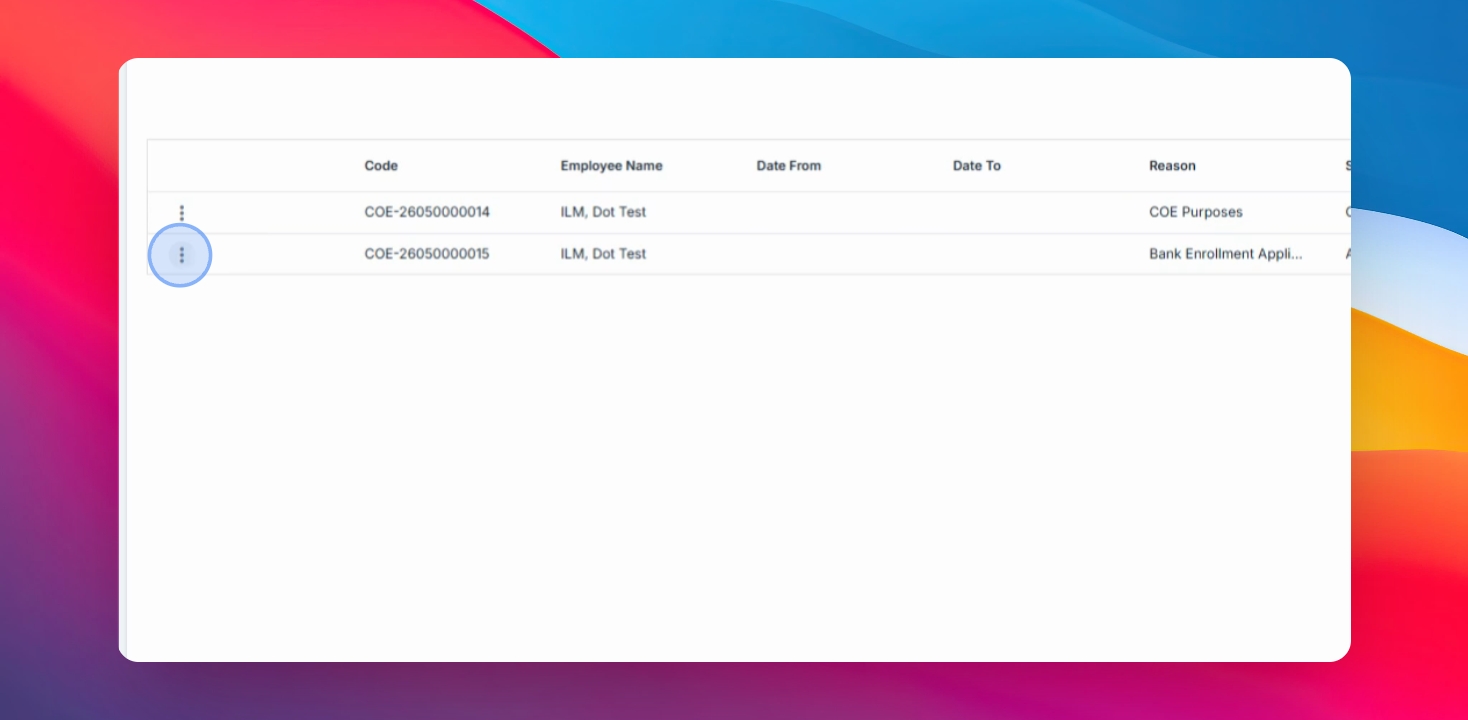
I-click ang tatlong tuldok sa tabi ng COE code ng iyong naaprubahang request. Piliin ang opsyon upang i-download ang PDF file o PDF copy ng iyong CoE at hintayin na makumpleto ang pag-download.
Step 3: I-save ang File
I-save ang na-download na CoE PDF sa iyong device.
Successfully mo nang na-download ang iyong Certificate of Employment (CoE) mula sa ESS system.