

Follow the steps below to view your loan details, payment records, and remaining balances.
Step-by-Step Guideline
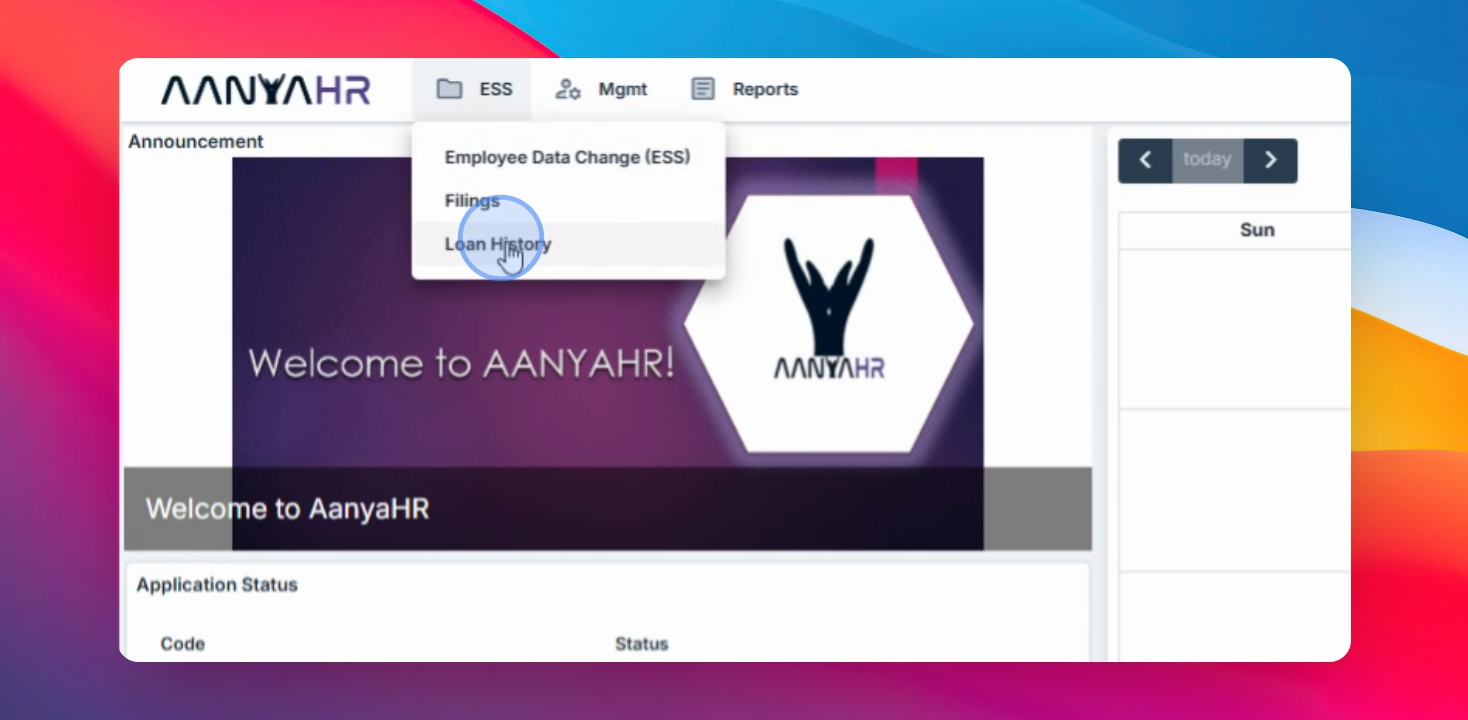
Step 1: Open Loan History
Go to your ESS menu and select Loan History.
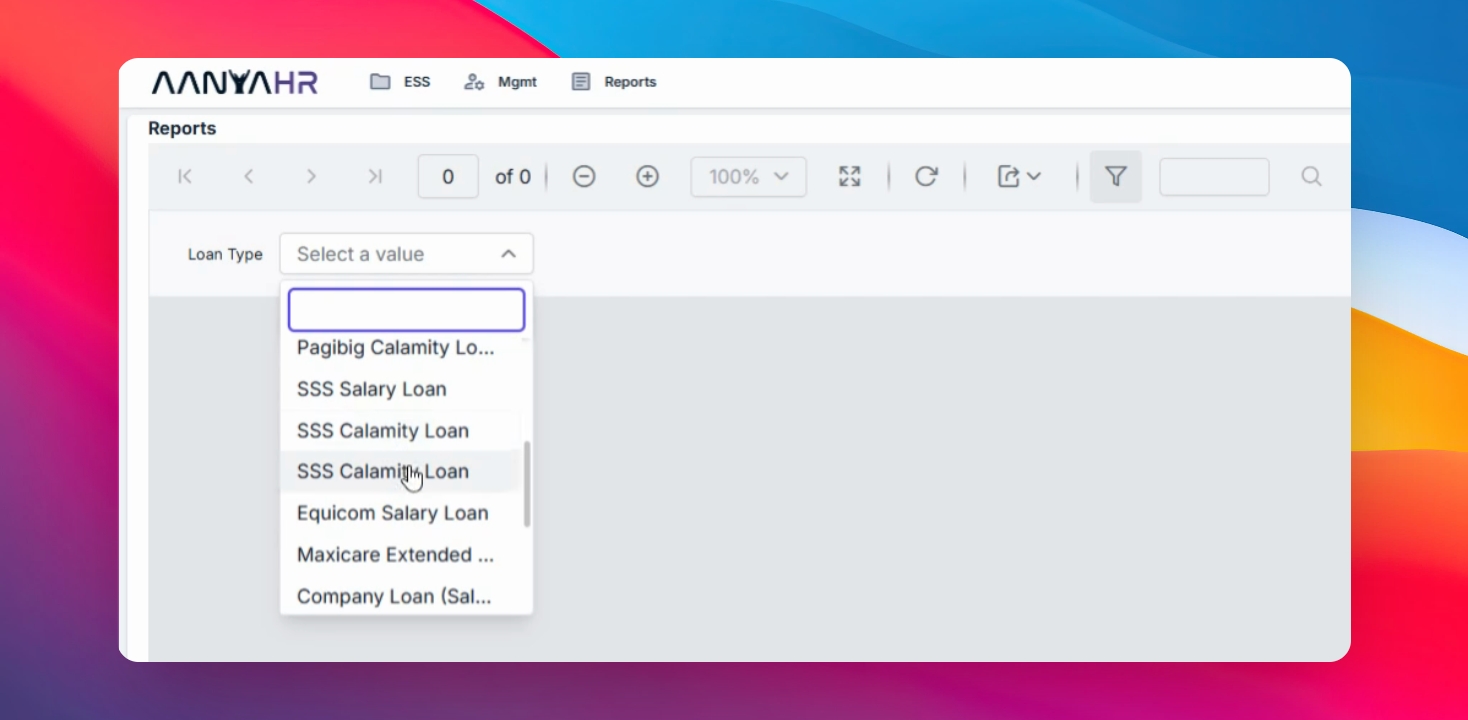
Step 2: Choose Loan Type
Choose the loan type you want to review from the available options.
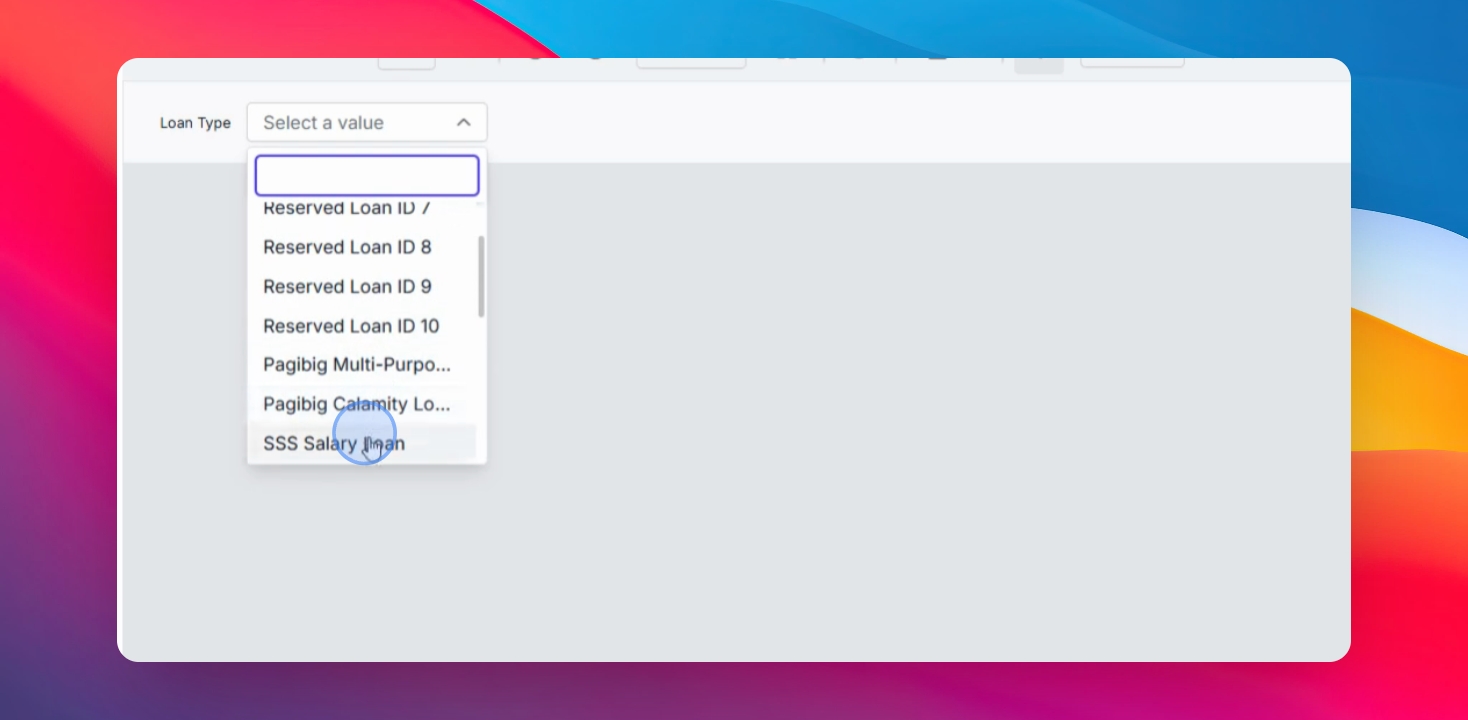
Step 3: Select Specific Loan
For example, if you want to review your SSS Salary Loan, simply click the loan entry.
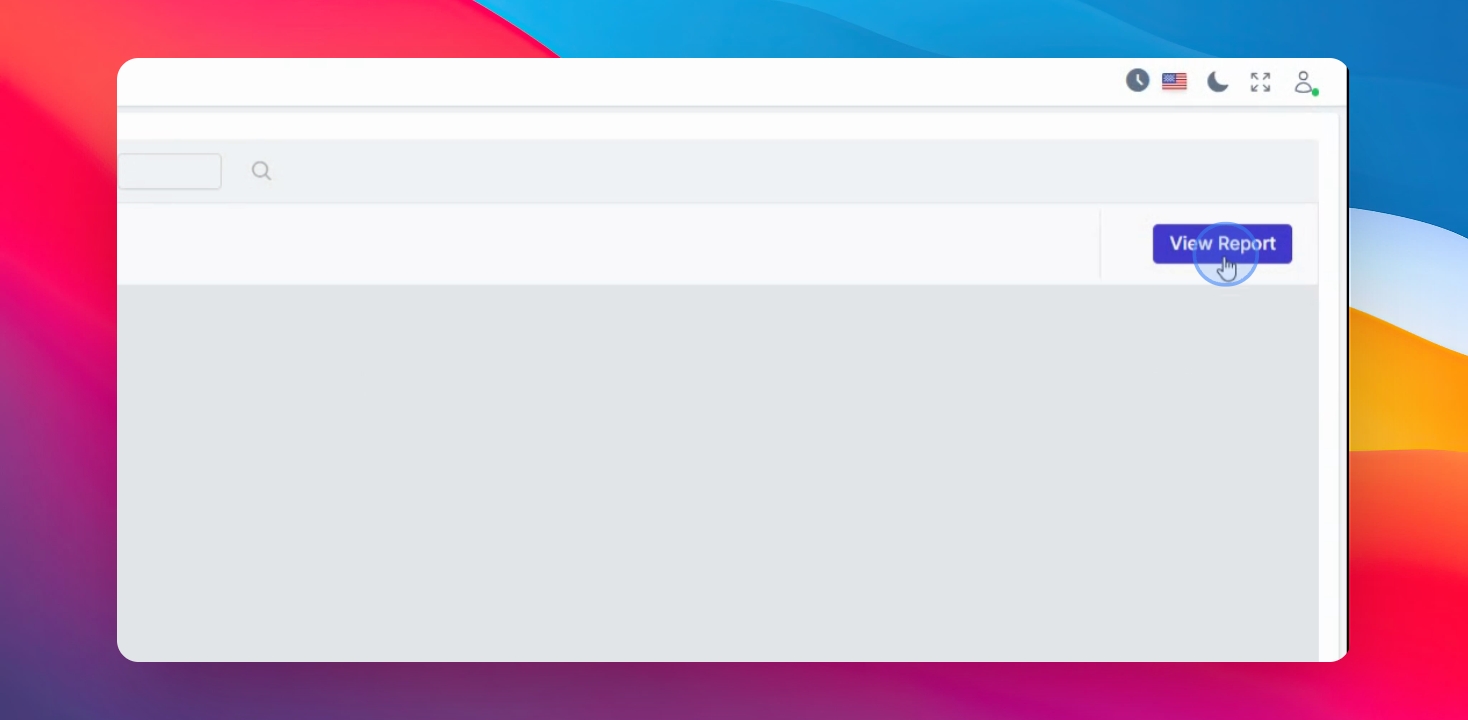
Step 4: View Loan Report
Click View Report to display the complete loan details.
The loan records shown in the system are based only on your payroll process.
If a loan was not processed through payroll on AanyaHR, it will not appear in the Loan History records.
You can view details such as loan status, principal amount, interest frequency, deduction frequency, amortization, total payments, remaining balance, and the start and end dates of your loan.
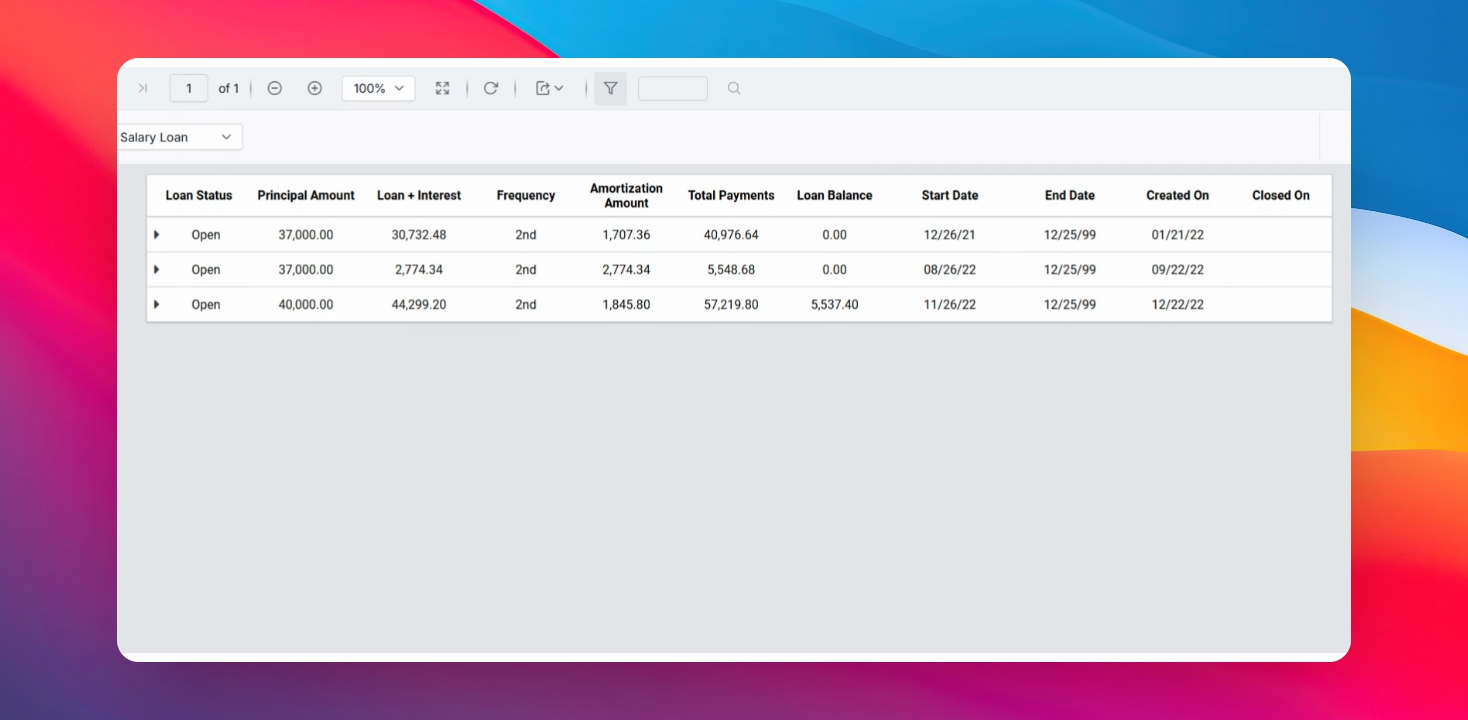
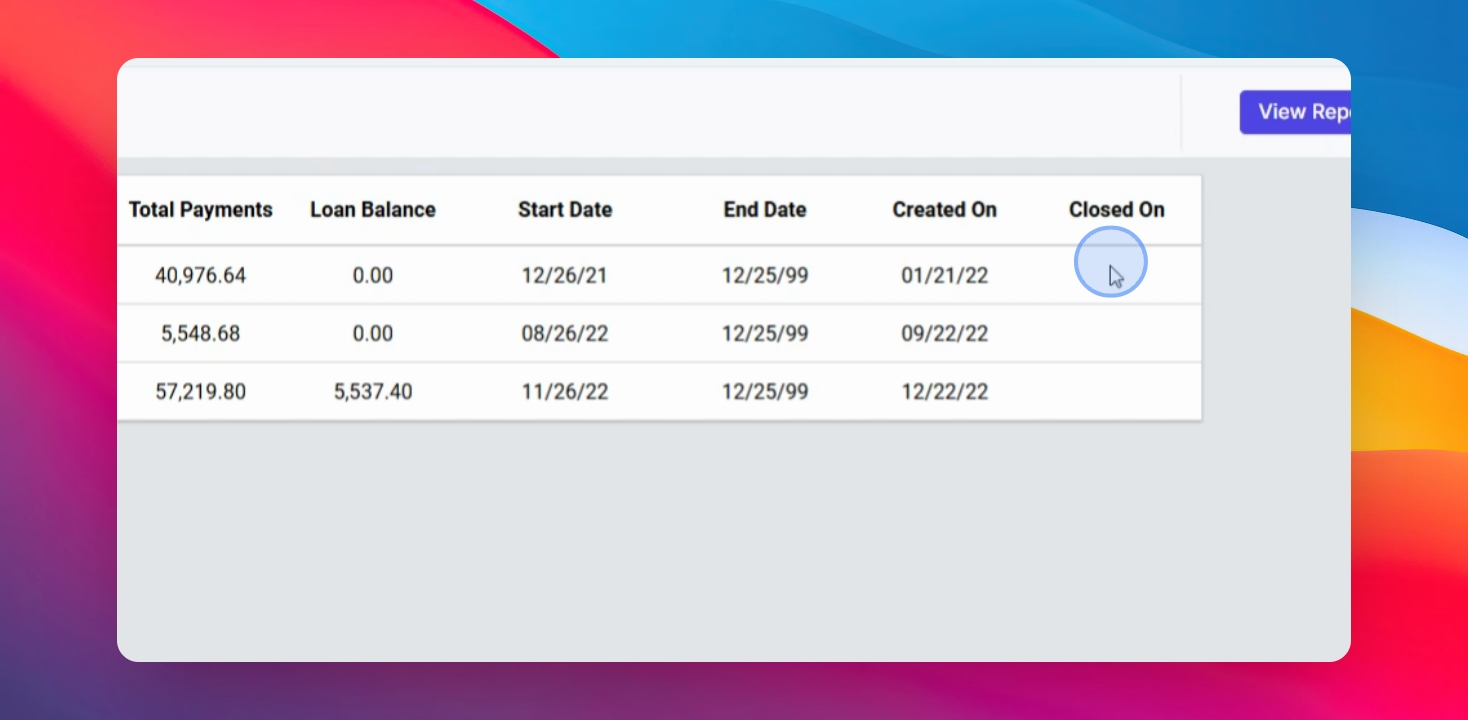
If the loan is already completed or closed, the closed date will also be reflected in the report.
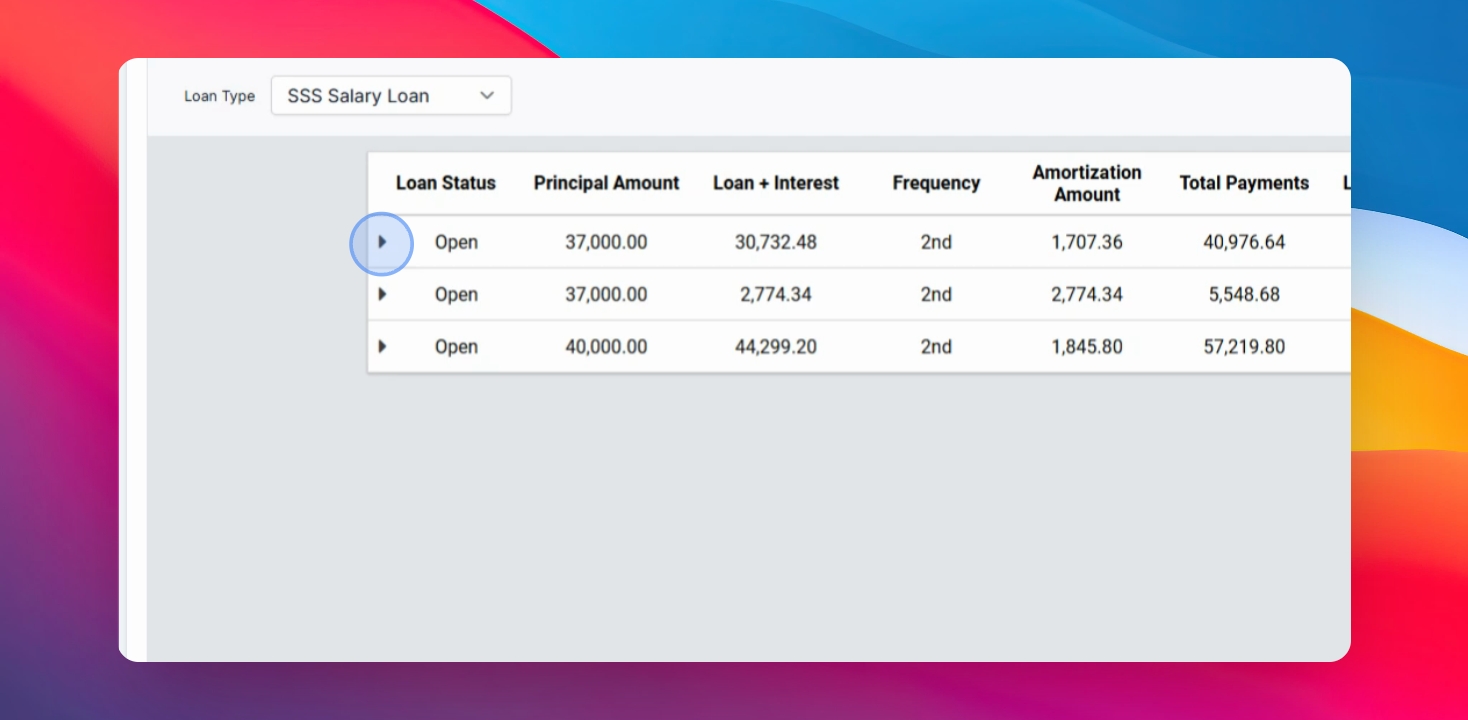
You may also click the arrow button to view more detailed information, including:
Deduction Start Date
Payout Dates
Deducted Payment Amounts
Step 5: Export Loan Report
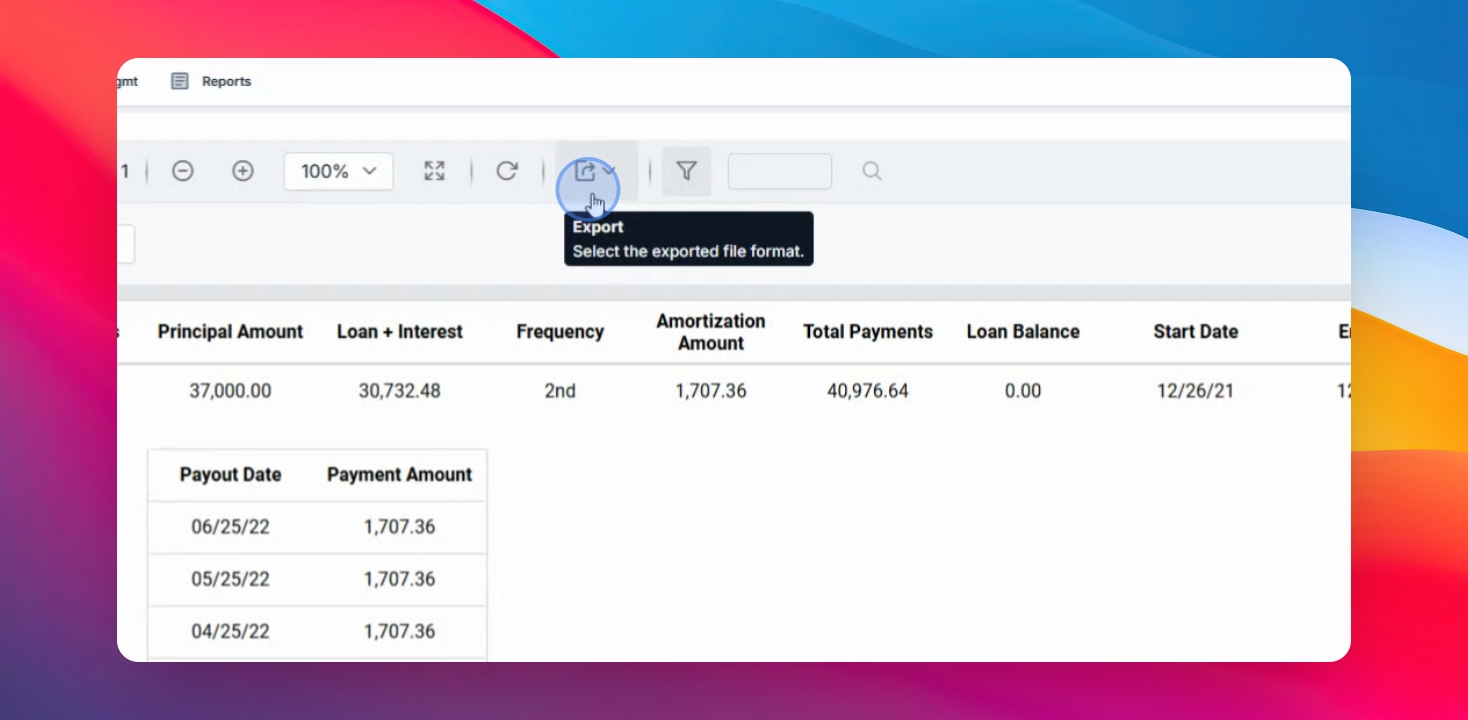
To download a copy of your loan report:
Click the Export button
Select Excel
The report will then be downloaded to your device
You have now learned how to view and export your Loan History using ESS. Reviewing your loan records regularly helps you monitor your balances, deductions, and payment history accurately.