

Introduction
Filing for Official Business is an essential process when you find yourself working outside the office for various work-related activities. In this tutorial, we will take you through the step-by-step procedure to file your Official Business request efficiently. Whether it's for attending meetings, client visits, or fieldwork, this guide will ensure your time logs are accurately recorded and submitted for approval.
How to Instructions
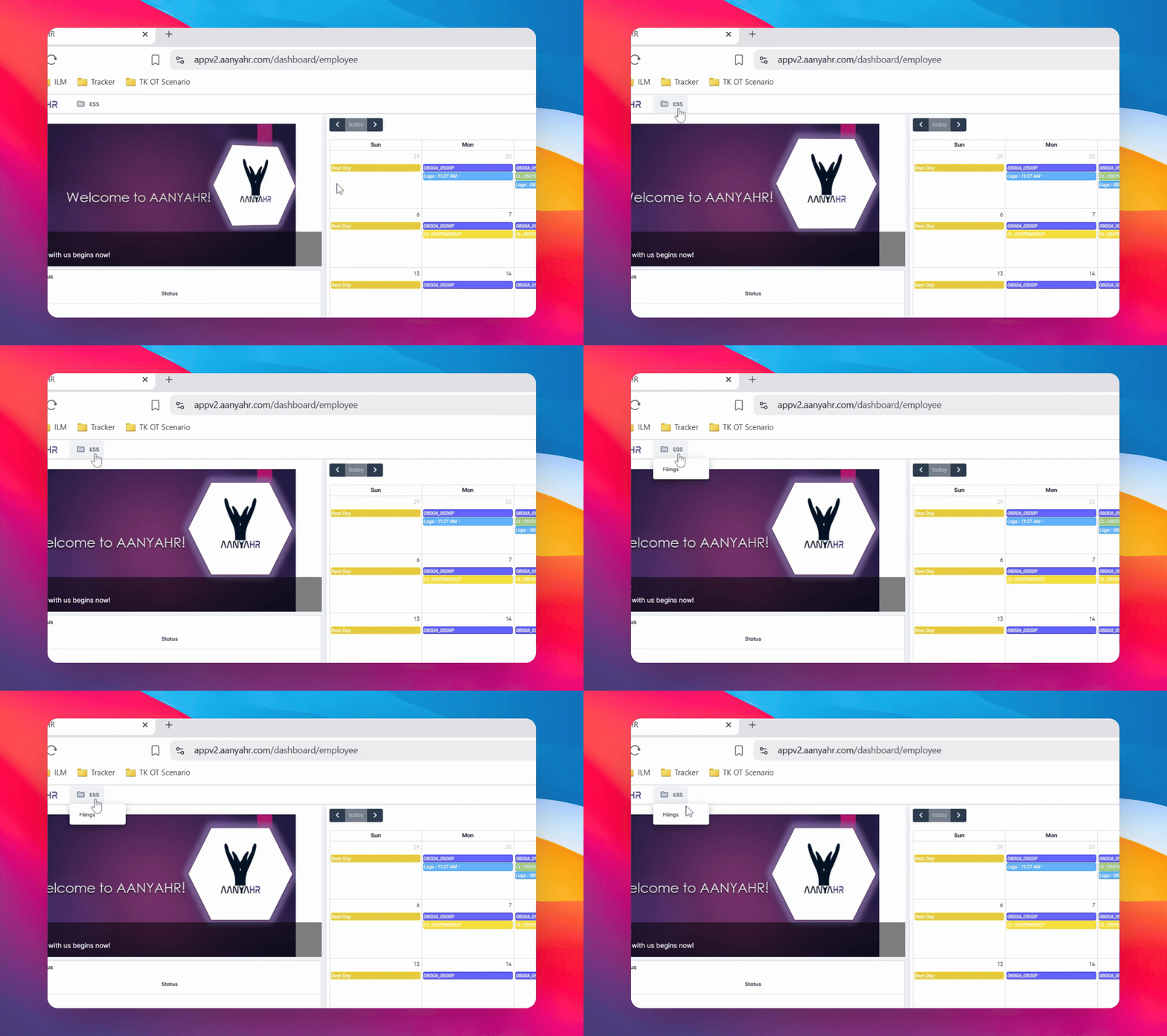
1. Access the ESS Module
Begin by navigating to the ESS Module.
Once there, click on Filings.
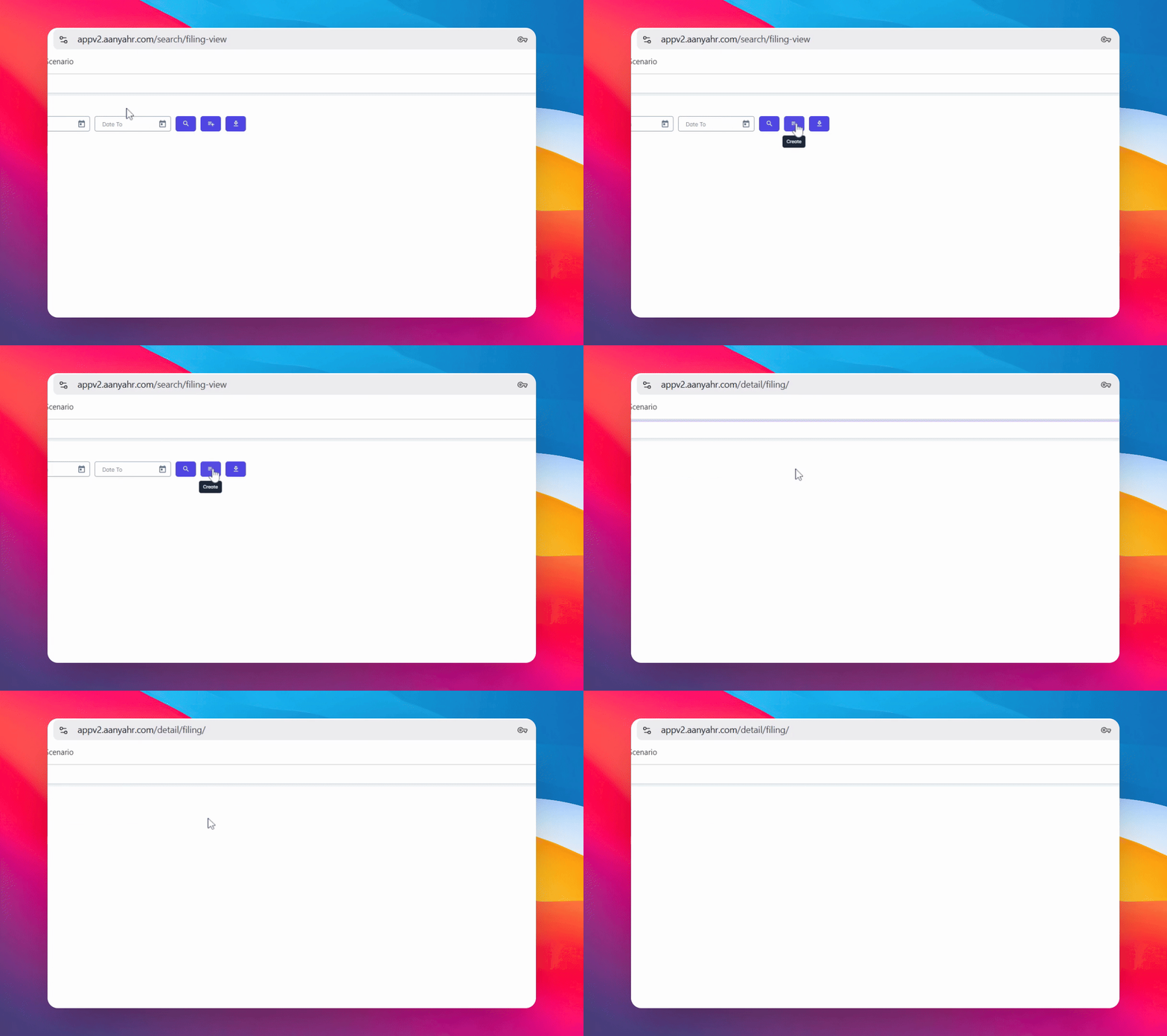
2. Create New Filing
Next, click the Create button to initiate a new filing.
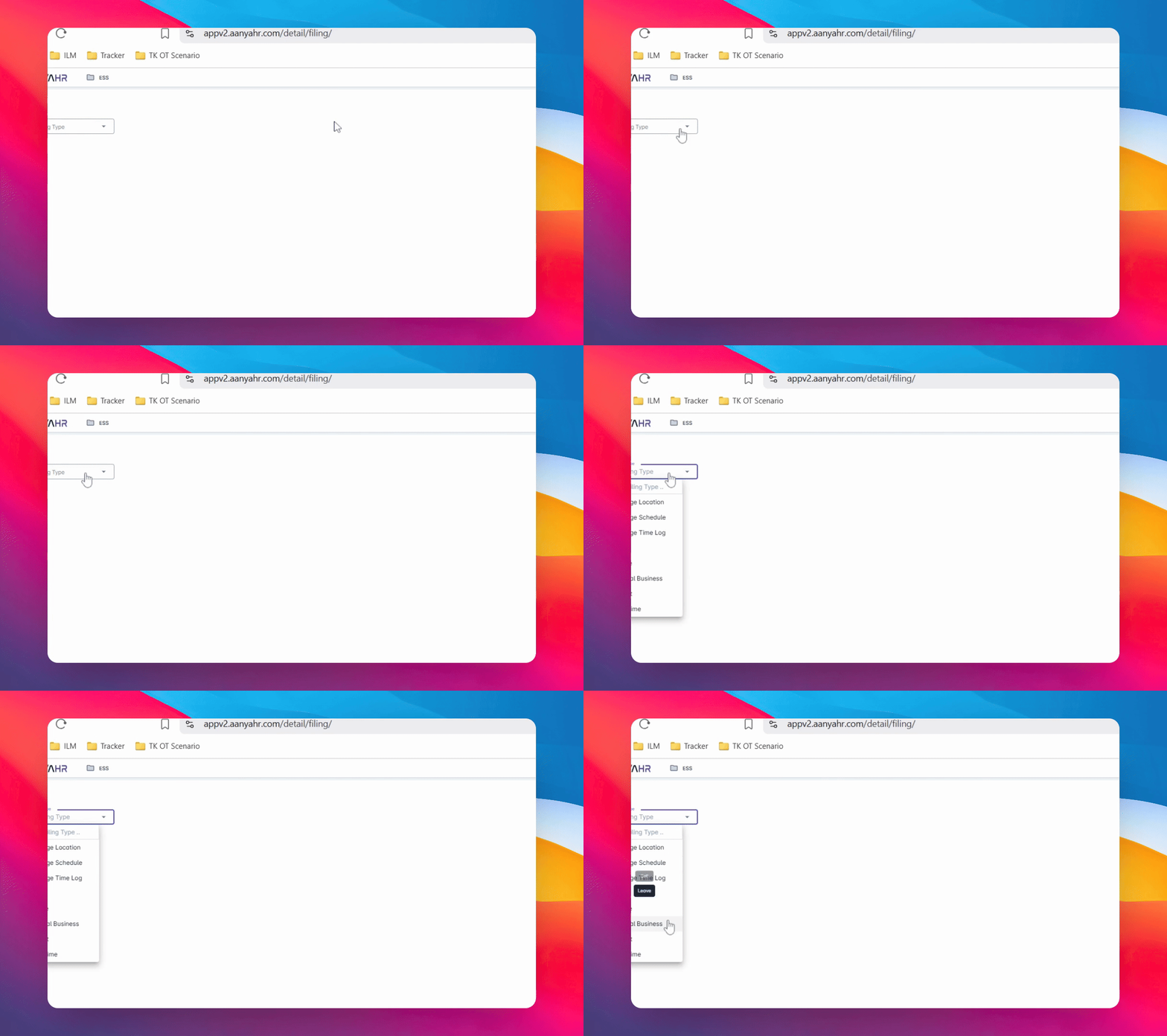
3. Select Filing Type
From the Filing type dropdown, choose Official Business.
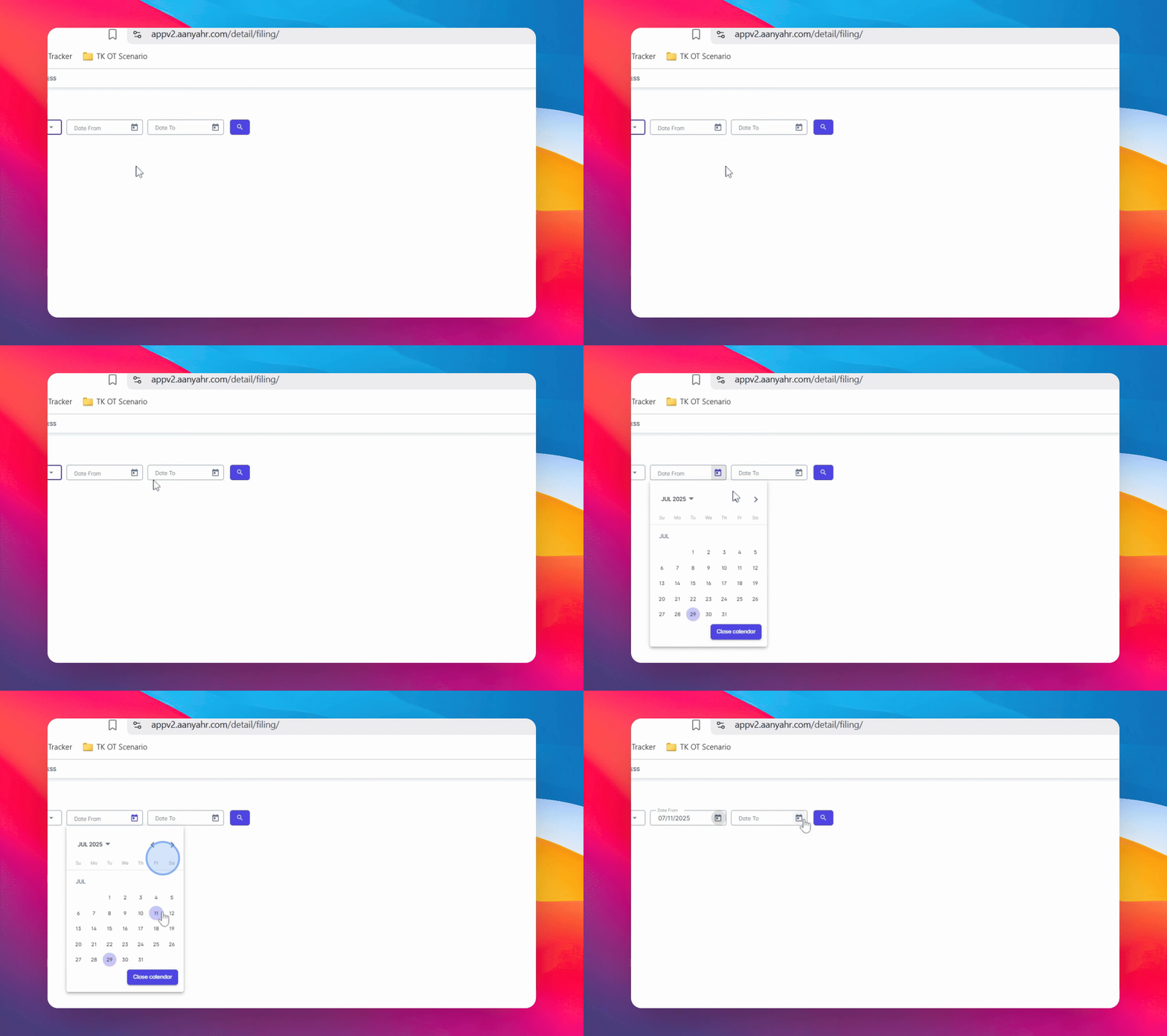
4. Choose Filing Dates
Select the dates you wish to file for your Official Business.
If the days are consecutive, you can choose Date Range. For a single day filing, ensure to select the same date in both the Date From and Date To fields. In this example, we are filing for just one day.
5. Search for Schedule Details
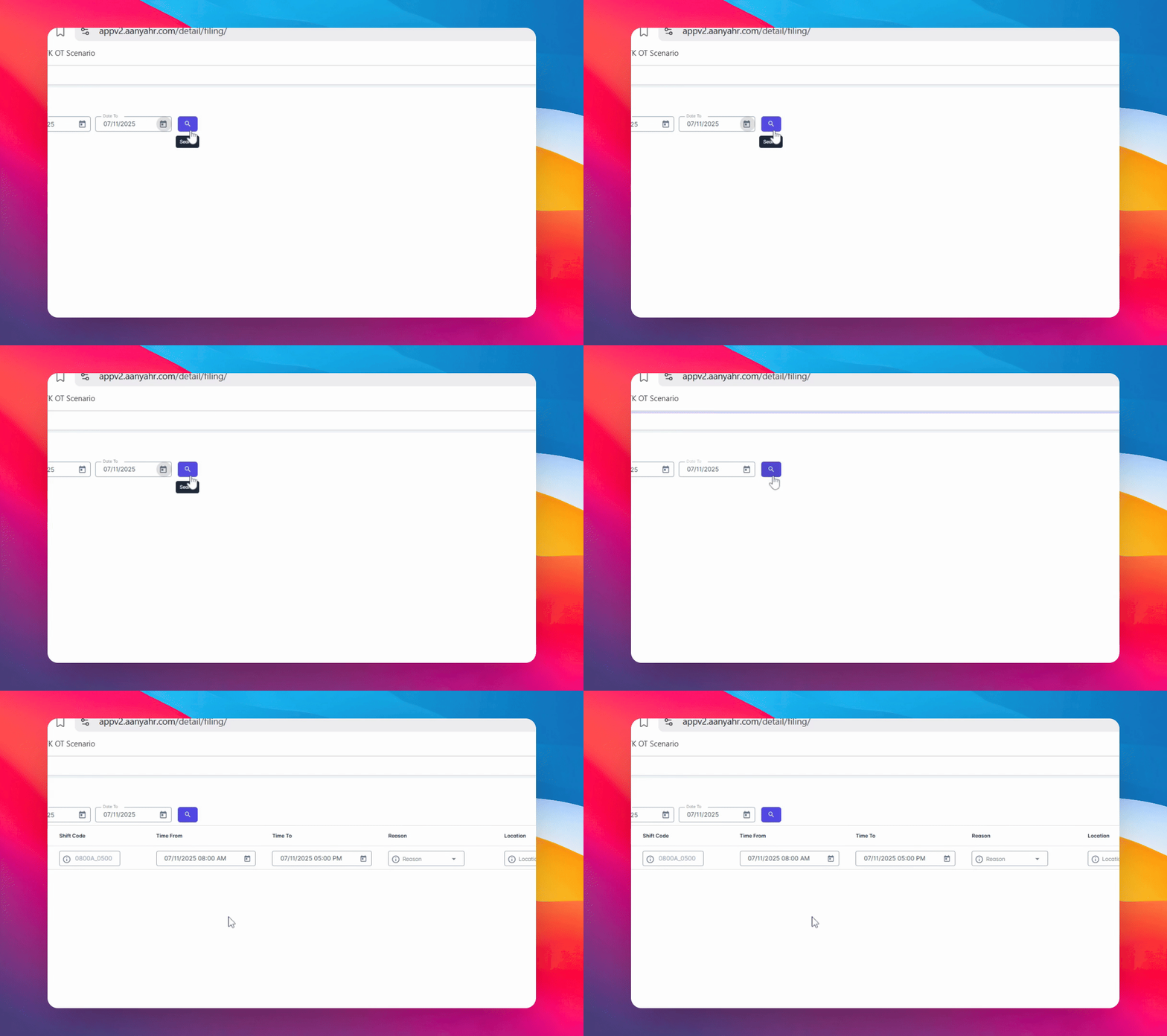
After choosing the dates, click the Search button.
Your schedule details will appear below. If no details appear, it indicates that you do not have an assigned schedule.
6. Coordinate if Necessary
Please note, if there are no details, you should coordinate with your supervisor or timekeeper to have an assigned schedule.
7. Enter Time Logs
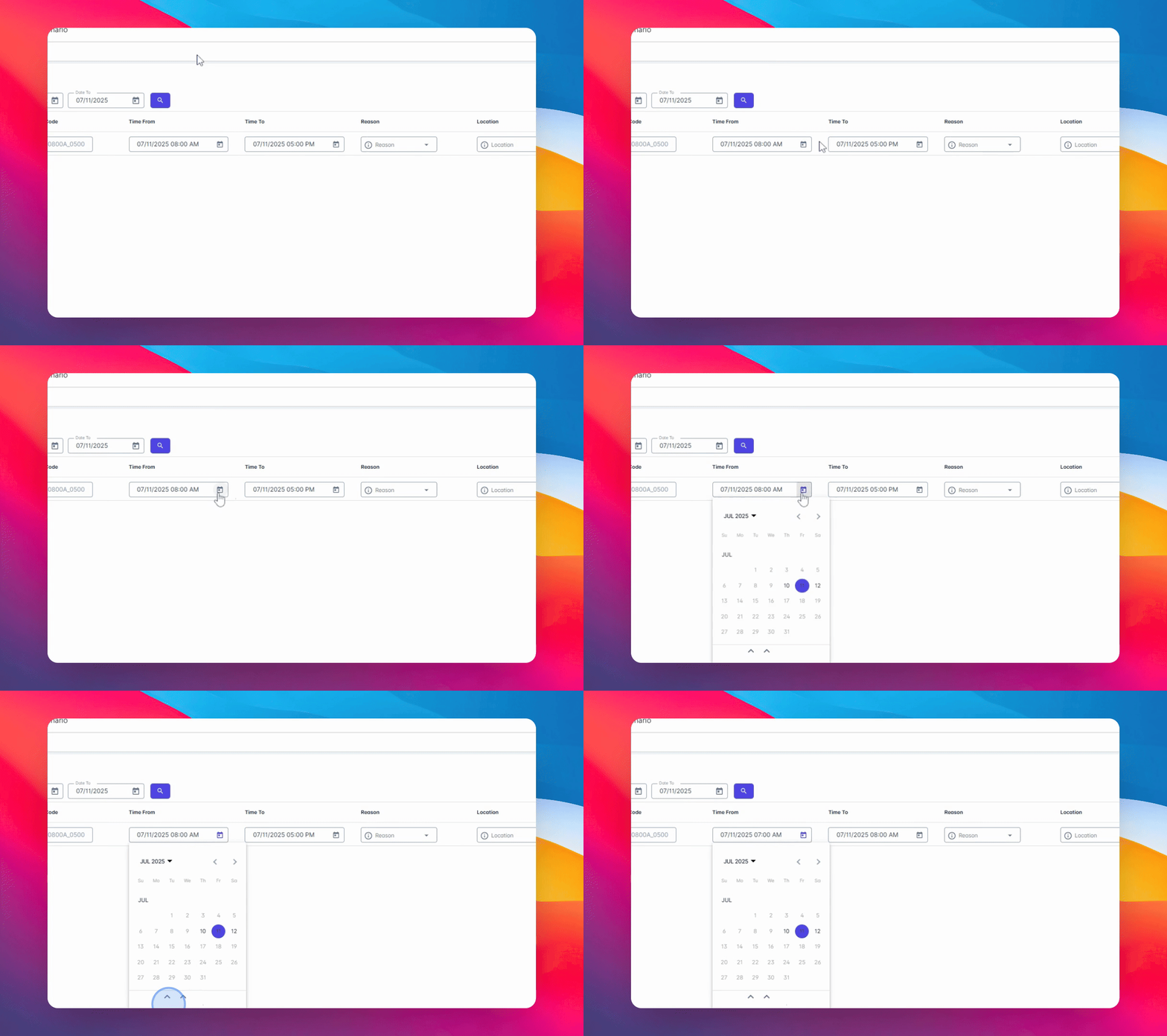
Proceed by entering the Time In and Time Out fields with the correct Official Business time logs.
8. Choose Reason
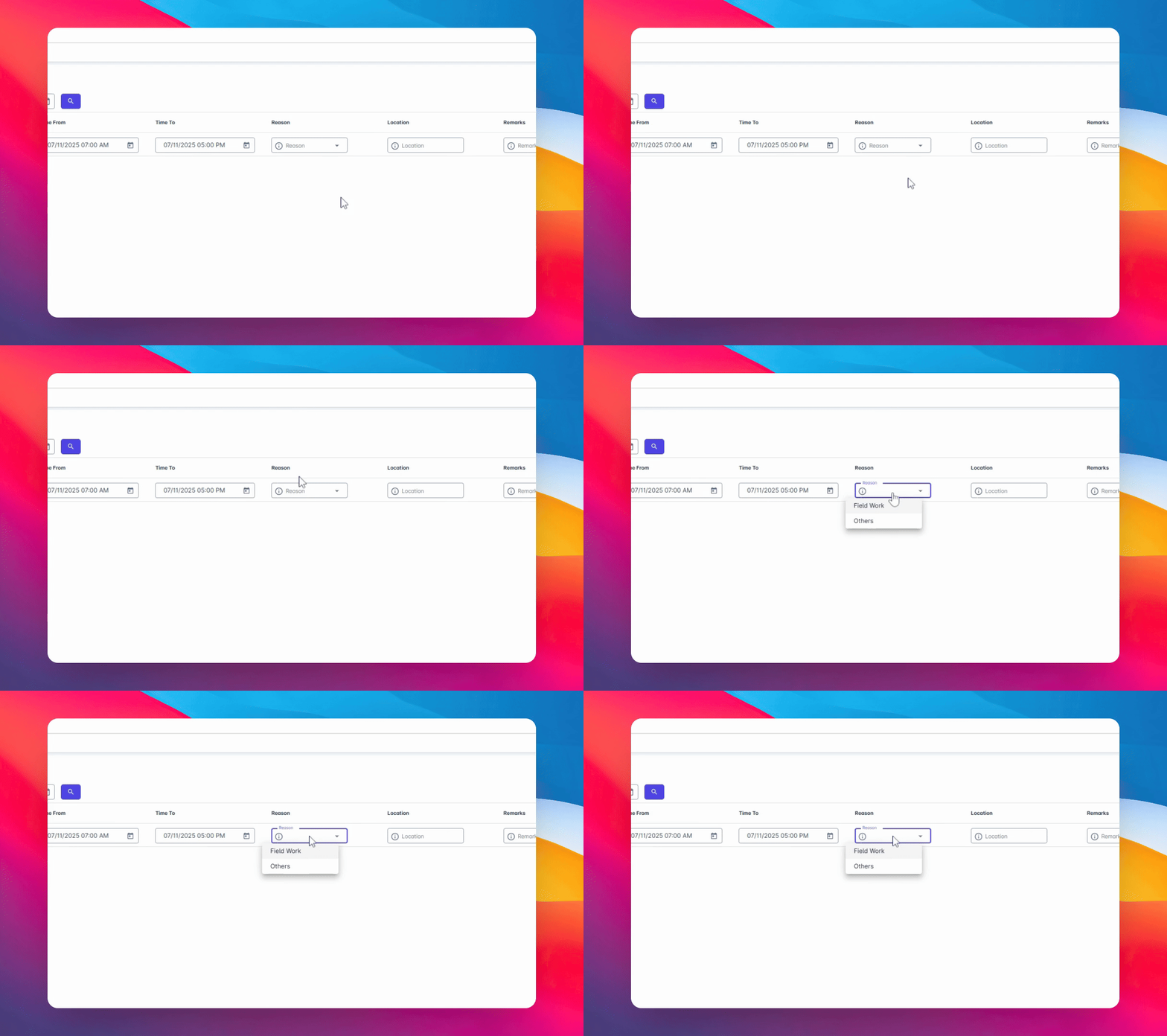
In the Reason dropdown, select the appropriate reason for your Official Business.
9. Fill in Additional Information
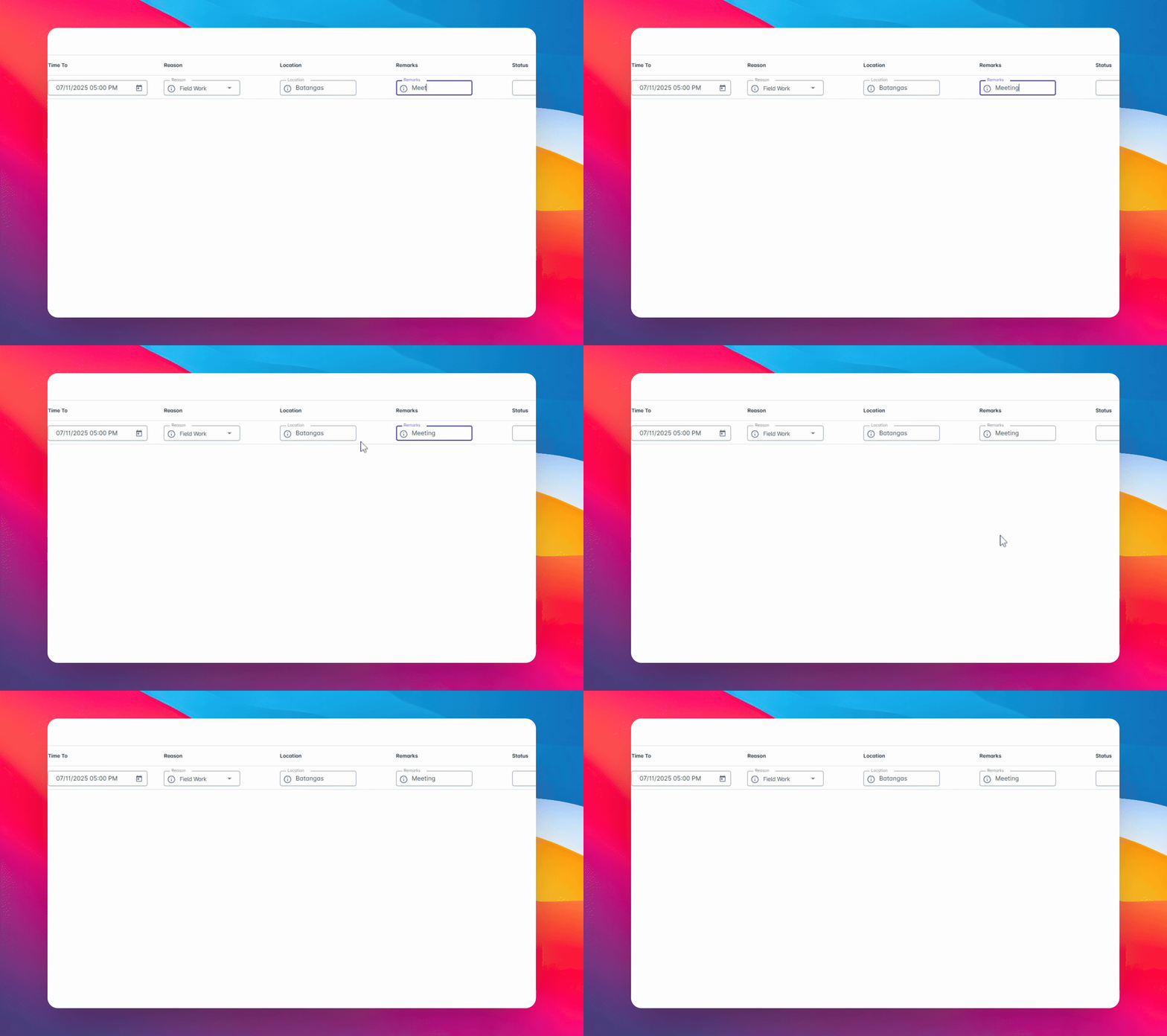
Provide the necessary details in the Location and Remarks fields.
If required, you can also upload any supporting documents. If not necessary, you may leave this blank.
10. Save Your Filing
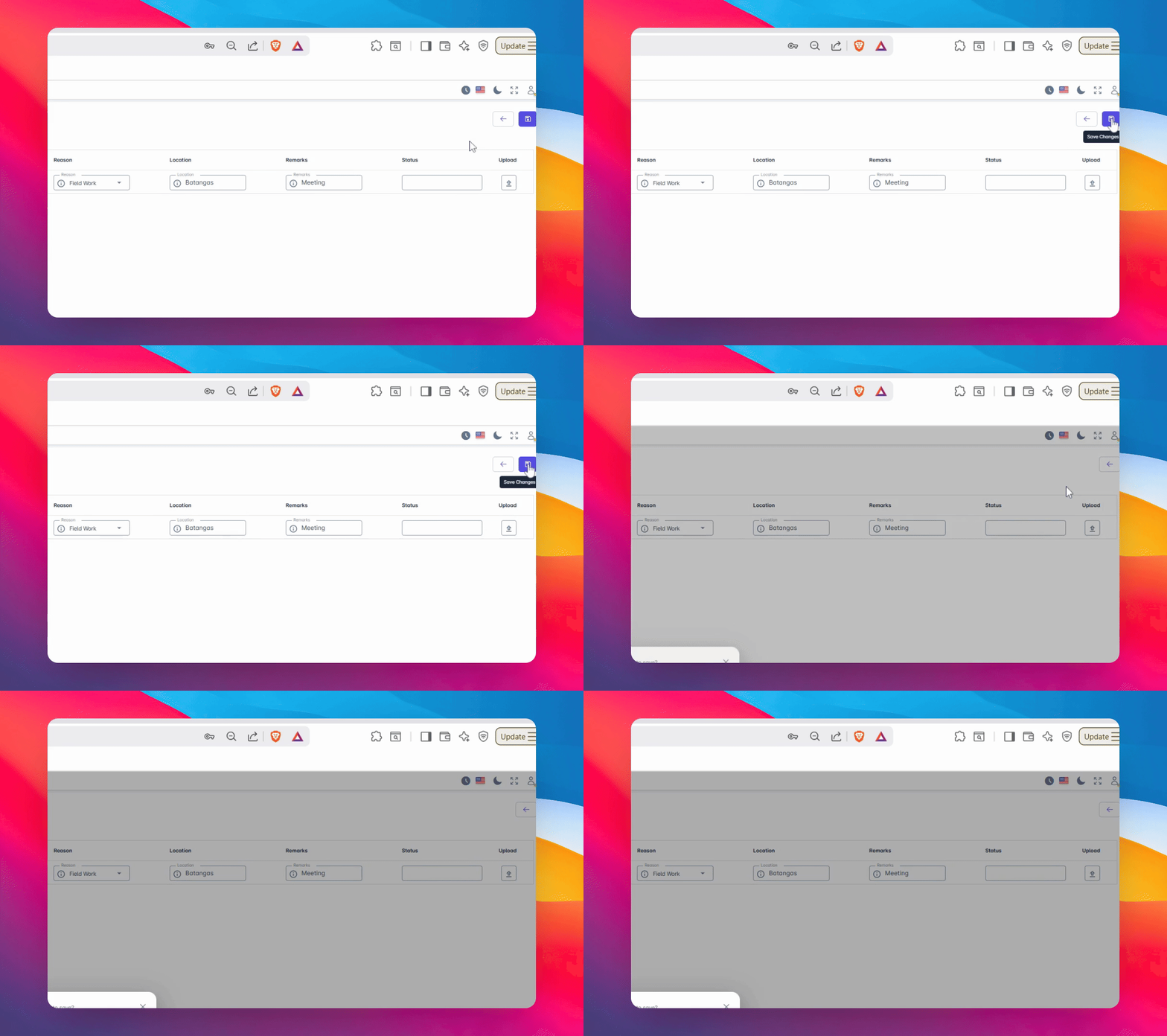
Once all fields are completed, click Save to submit your request.
11. Confirm Submission
When you're done, a confirmation message will pop up. Click Confirm to finalize your submission.
Once successful, you will see a confirmation that your Official Business has been submitted and is pending approval, depending on the set approval process.
Conclusion
Following these steps will ensure that your Official Business request is filed correctly and submitted for approval. Thank you for watching, and good luck with your Official Business filings!