

Welcome to this video when we will guide you on how to enable the Access for Analytics. Let's look at the steps:
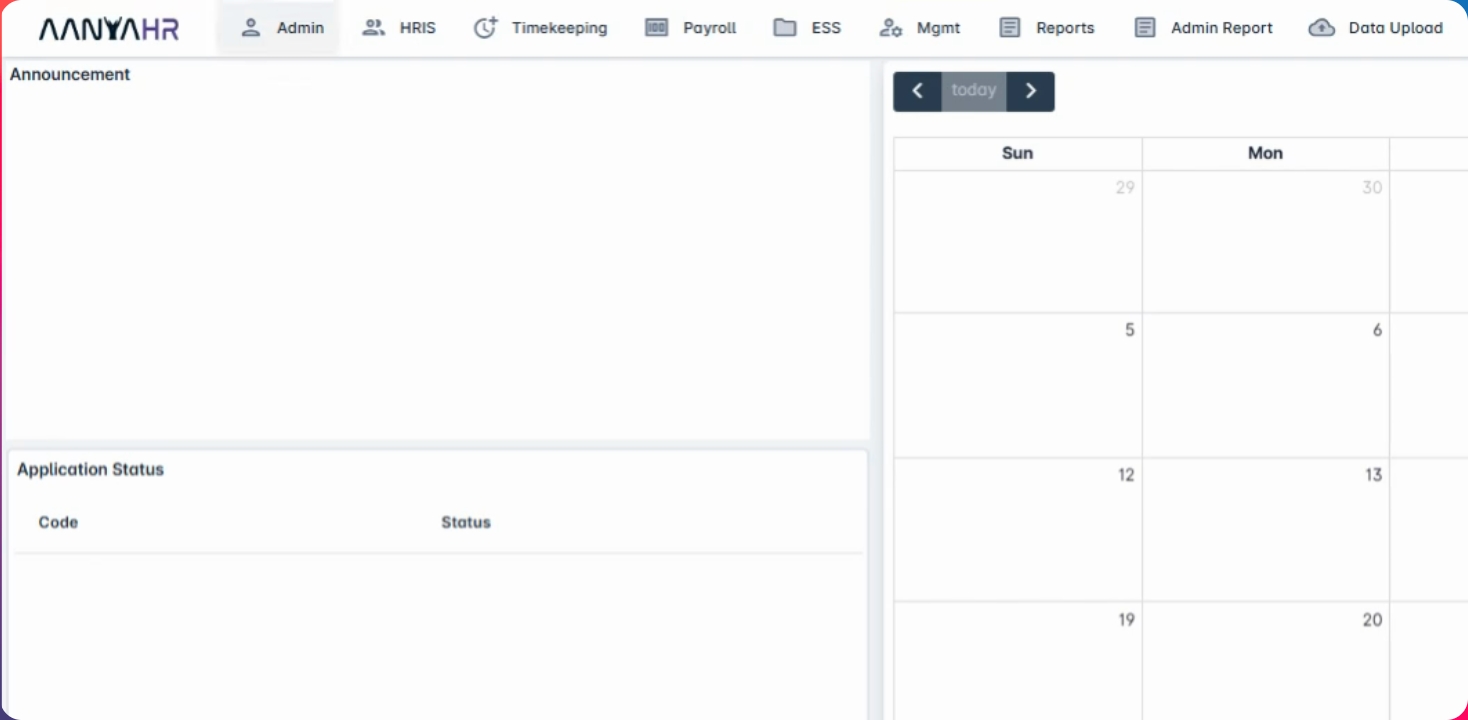
Step 1: Navigate to Admin Menu
First, navigate to admin menu and select Access Control.
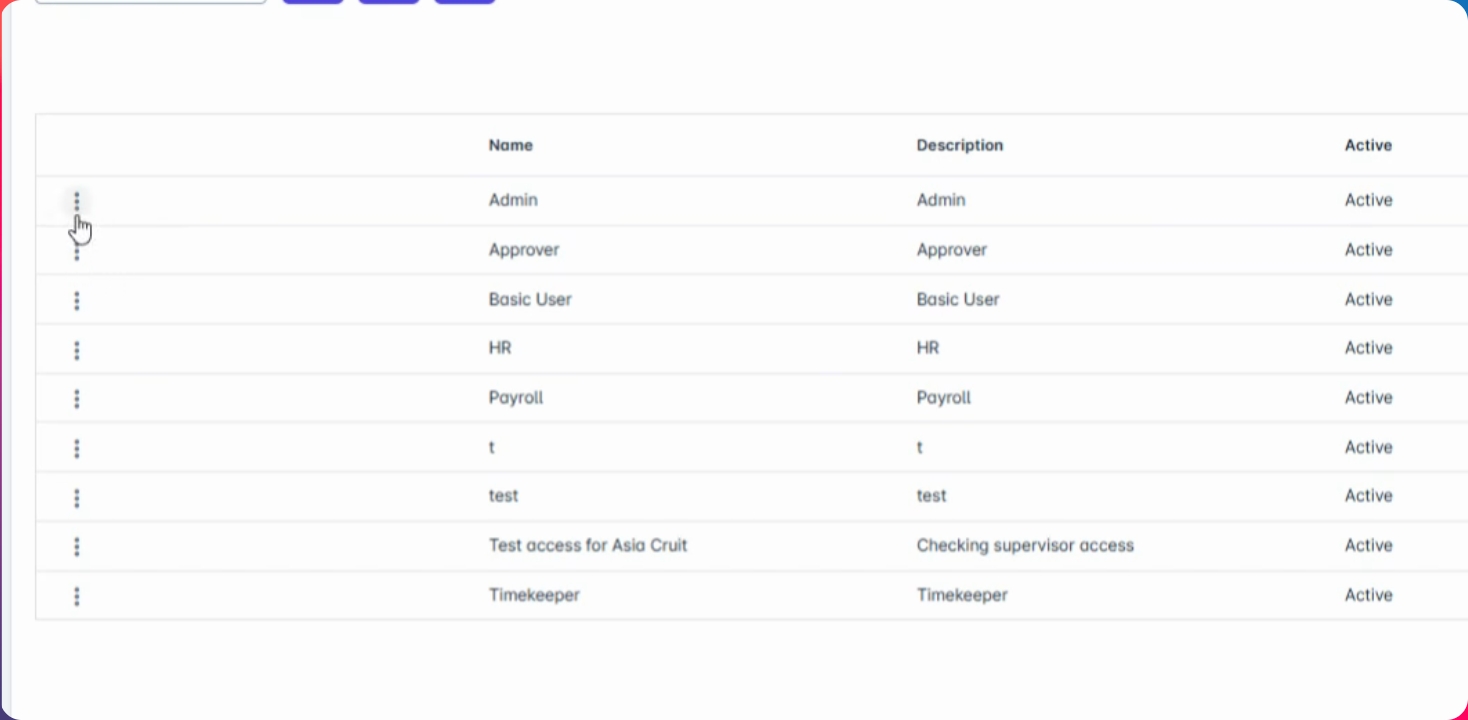
Step 2: Modify Access Control
Modify your existing Access control or you can create a new one.
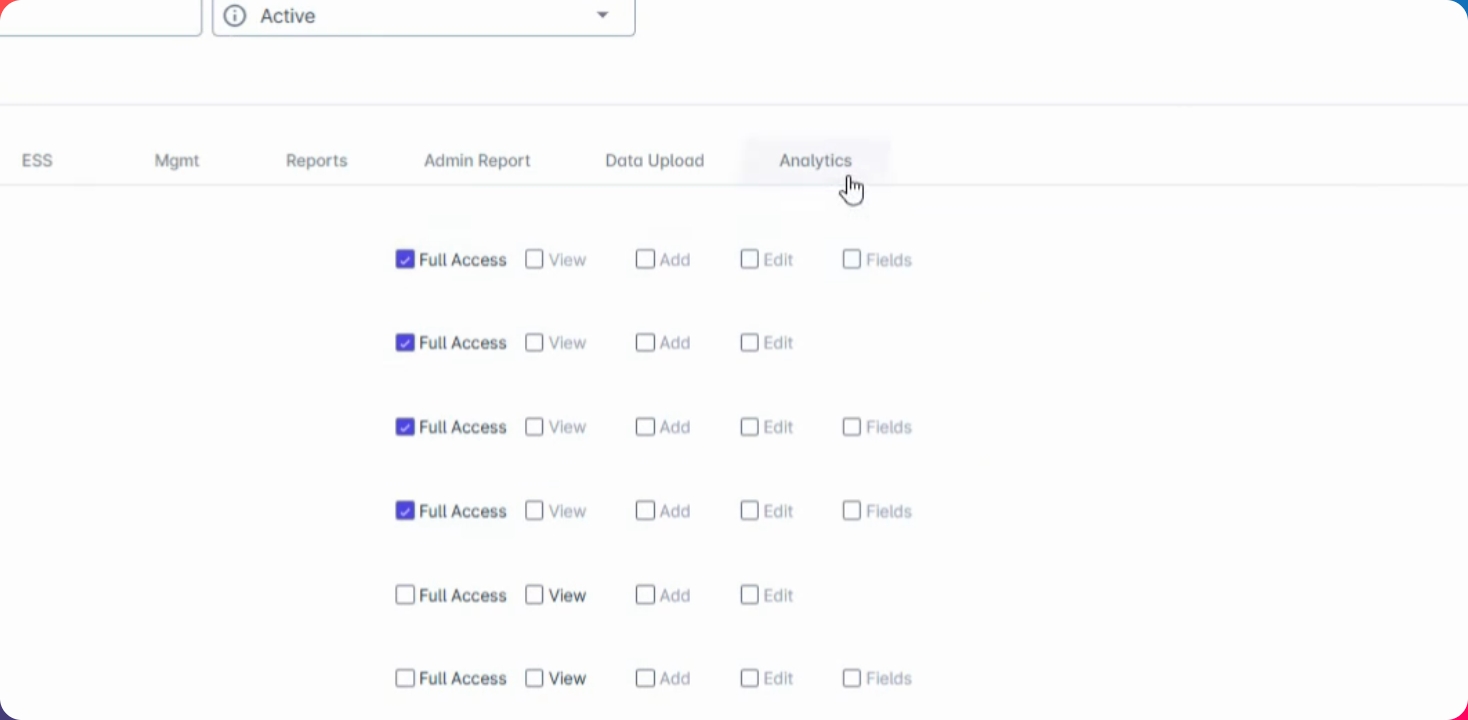
Step 3: Go to Analytics Tab
From here, go to the analytics tab and check or enable your preferred analytics report.
Step 4: Save Changes
Once done, just click Save Changes to apply.