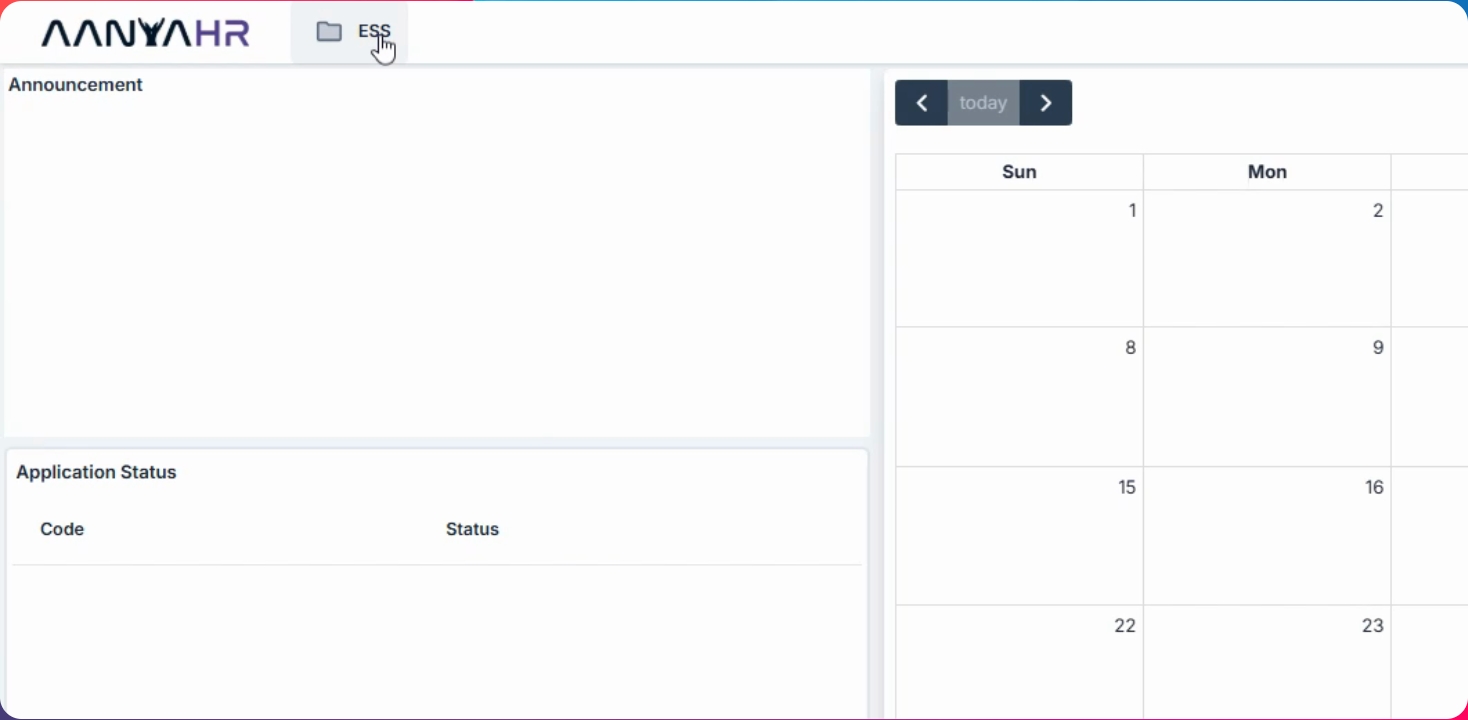
Step 1: Go to ESS Menu
Navigate to the ESS menu to begin accessing your documents.
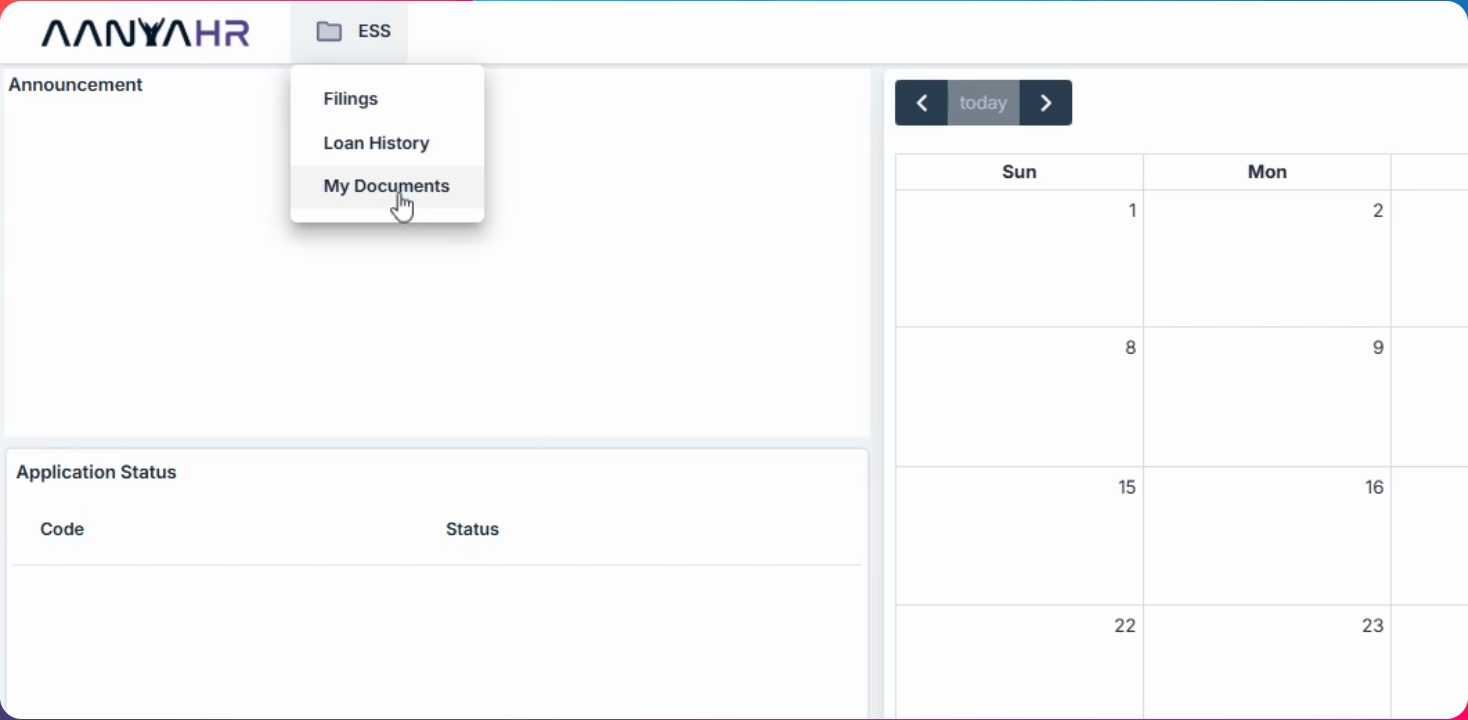
Step 2: Open My Documents
Hover over My Documents. Here, you can view documents submitted by HR, including their status, submission and issue dates, expiration dates, deadlines, and uploaded files.
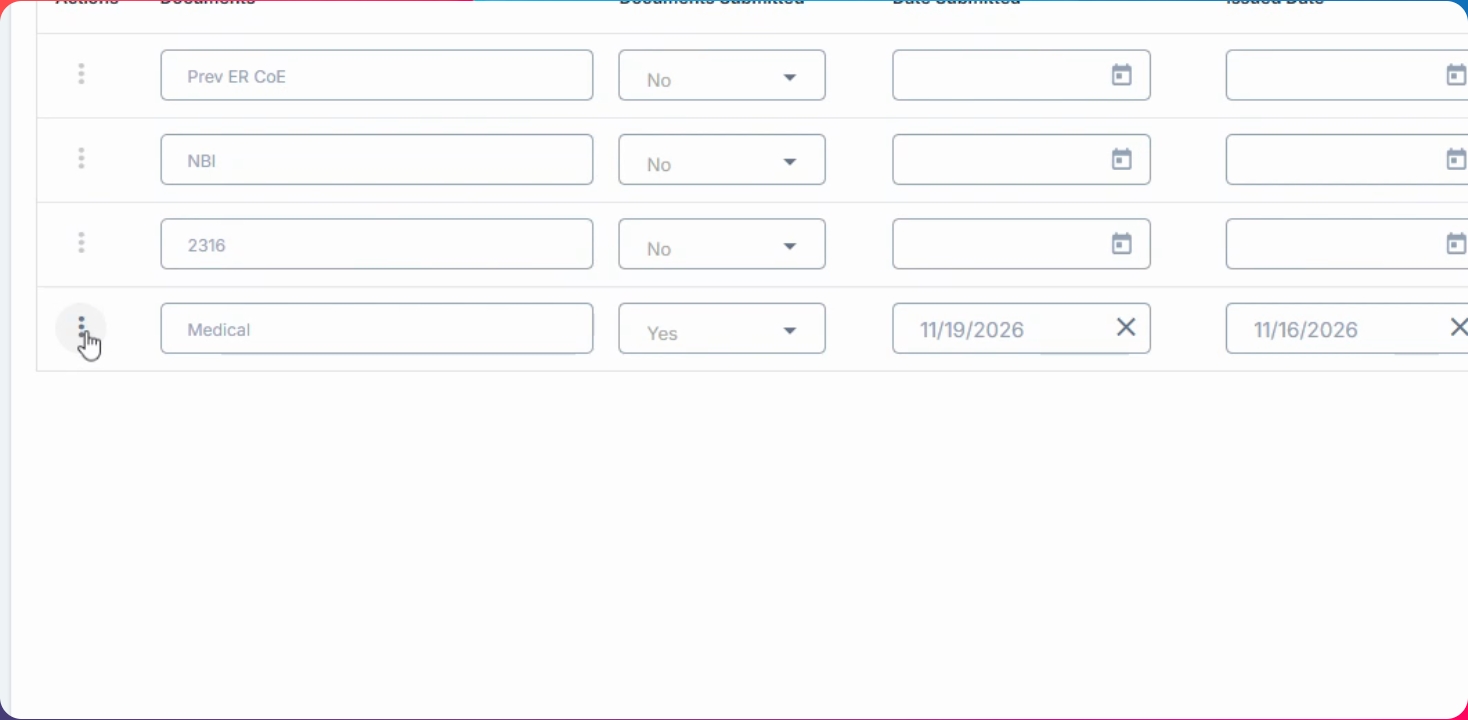
Step 3: Download the Document
Locate the document uploaded by HR. Drop down the options and click Download to save the file to your device.