

Introduction
In today's tutorial, we will guide you through the process of managing employee access within Anya HR. This feature is particularly beneficial for organizations that operate with various entities and require tailored access control. By the end of this guide, you will be equipped to restrict access to specific modules and company records for each user, enhancing security and workflow efficiency.
How to Instructions
1. Navigate to the Admin Menu
Start by navigating to the Admin Menu.
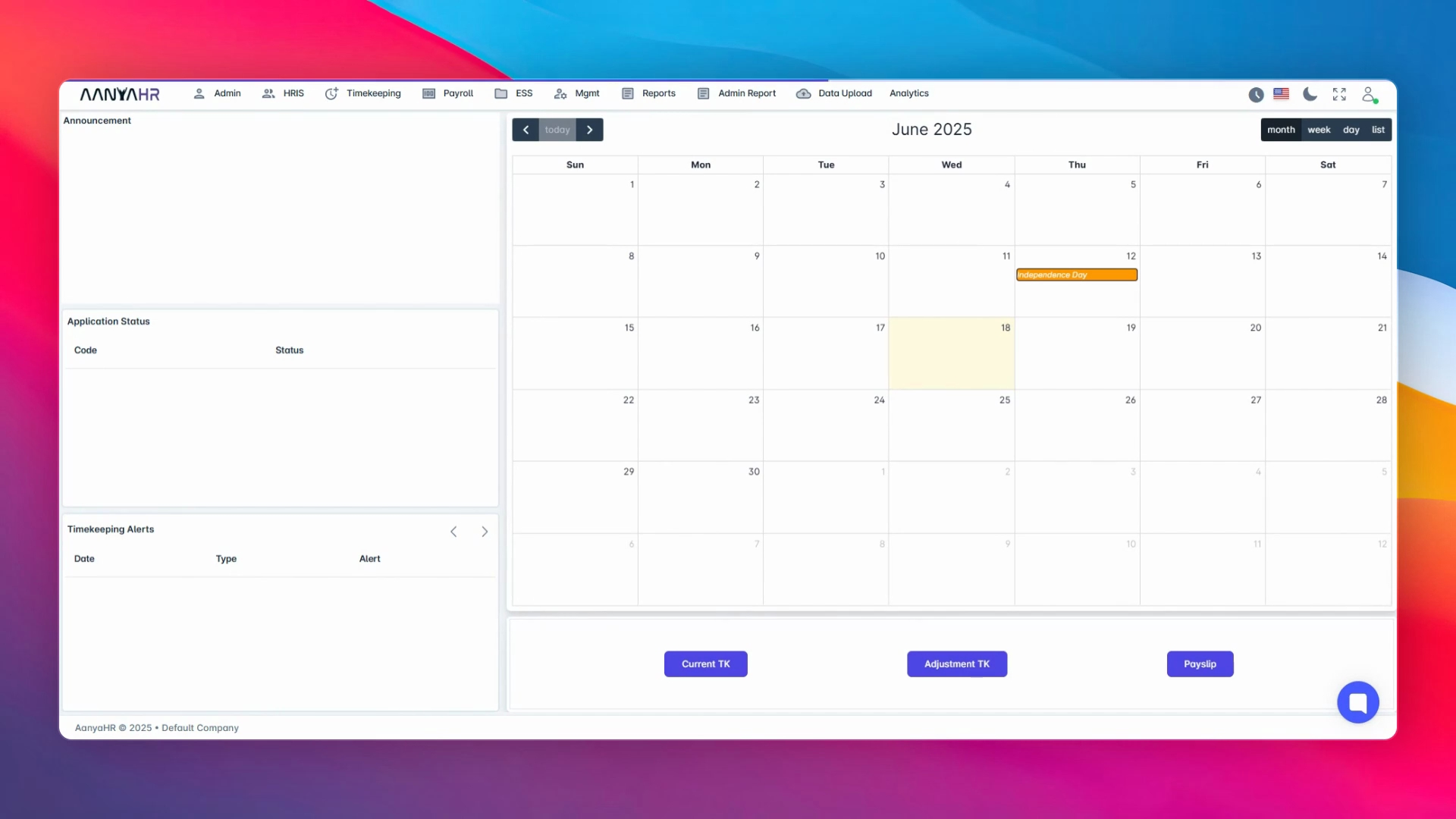
2. Access Control
Next, go to Access Control.
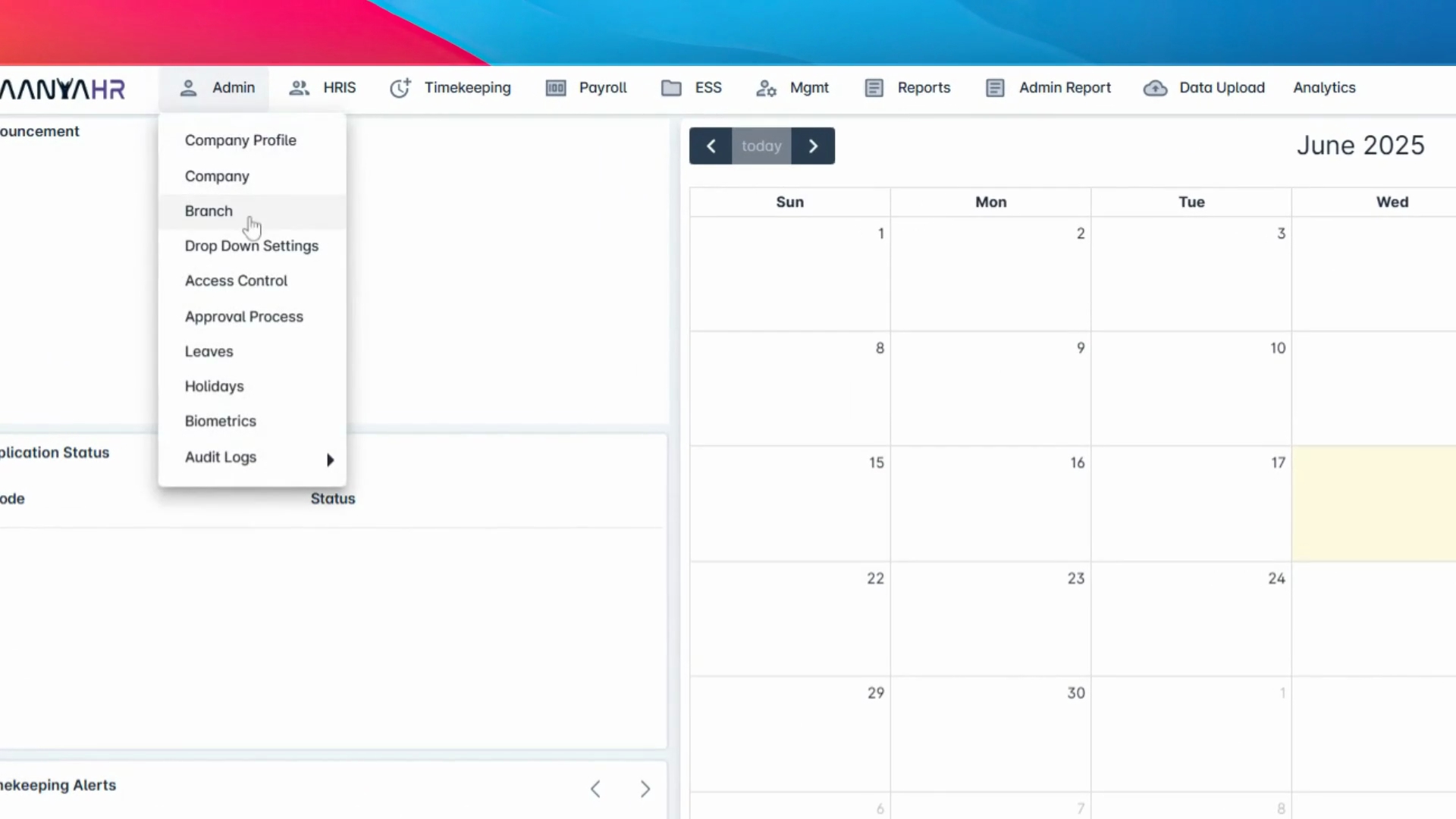
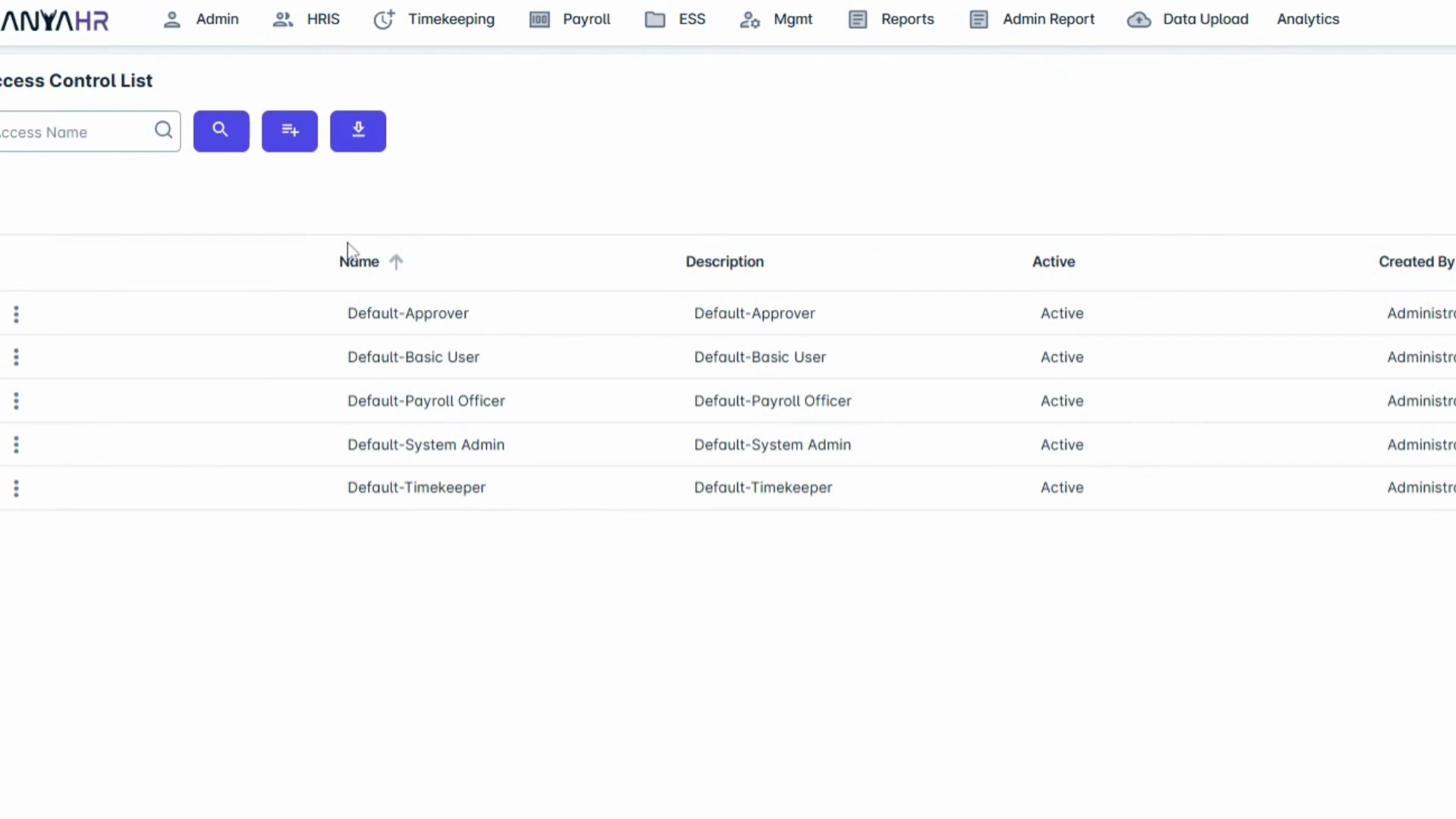
3. Modify or Create Access
Choose to either modify an existing access or create a new one.
4. Access Setup
Inside the Access Setup, proceed to the next step.
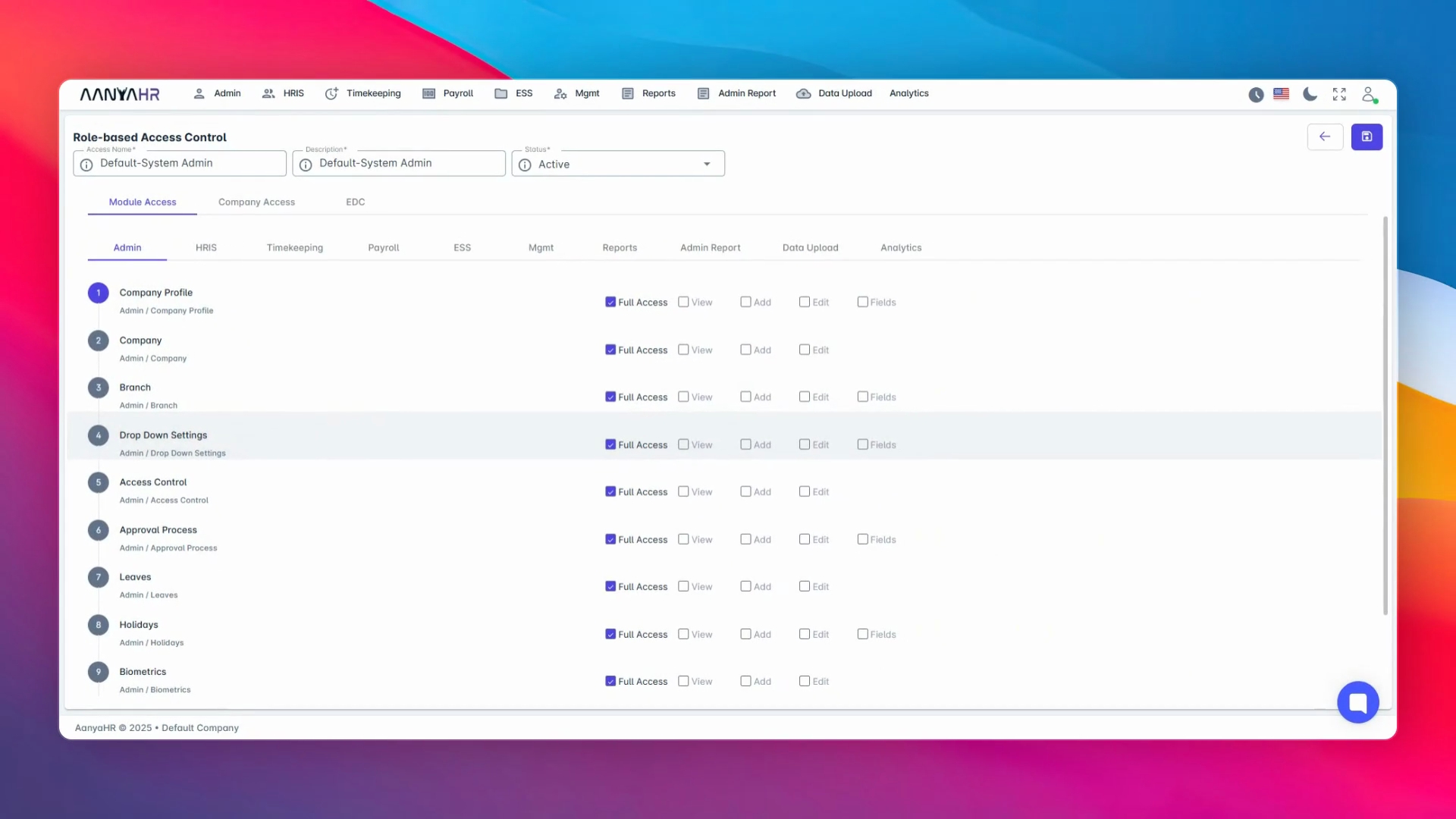
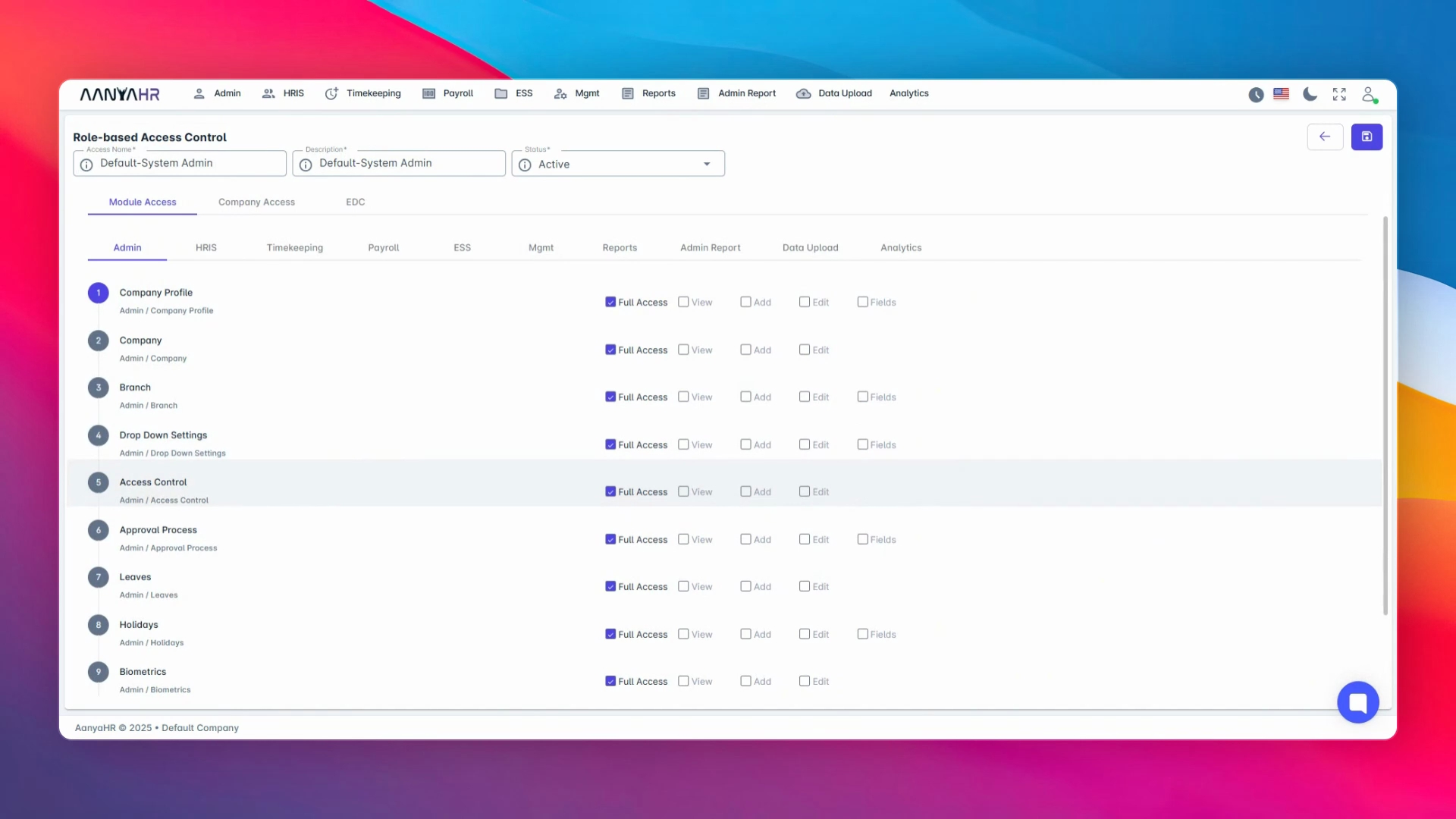
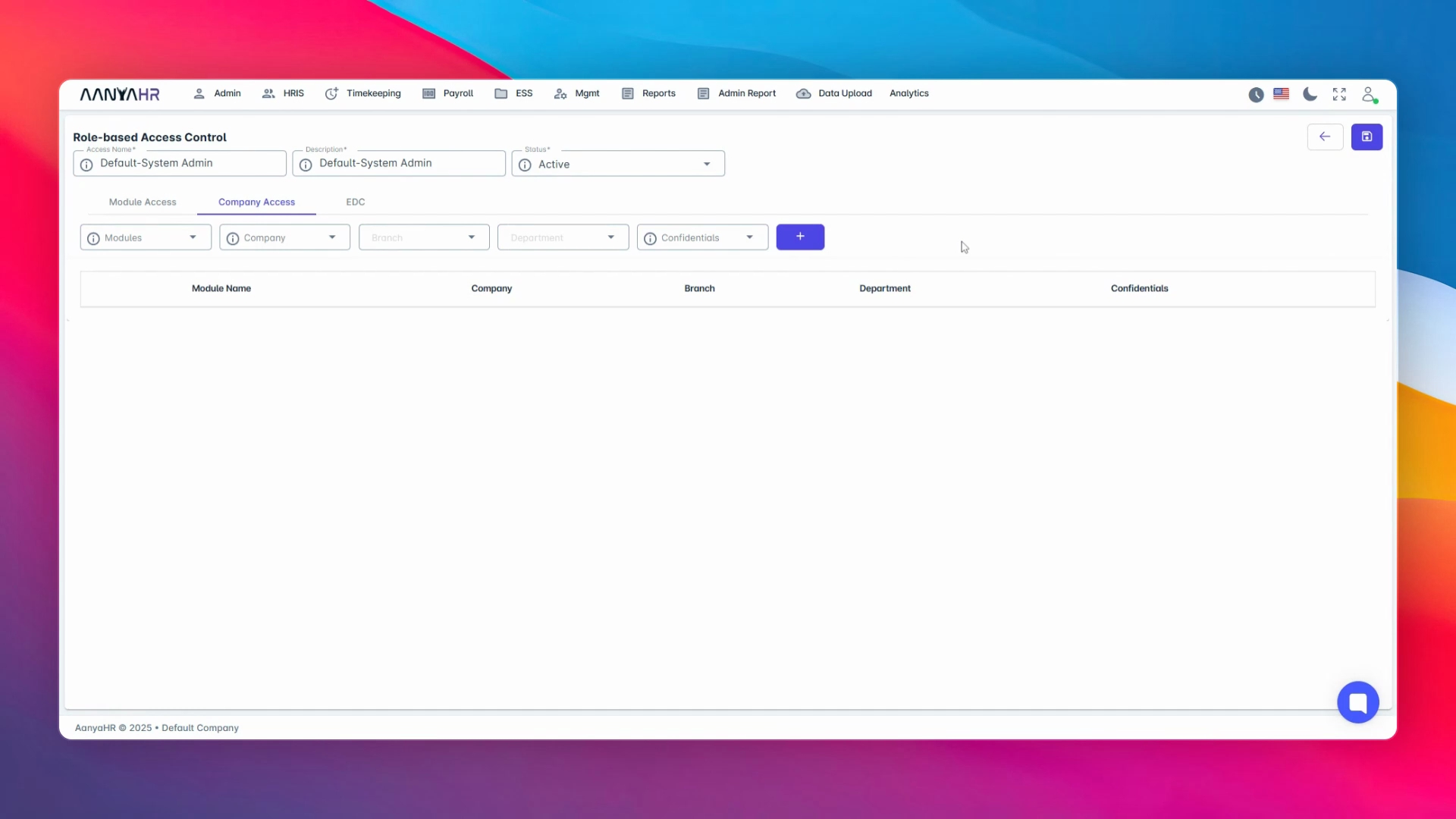
5. Switch to Company Access
Switch to the Company Access tab.
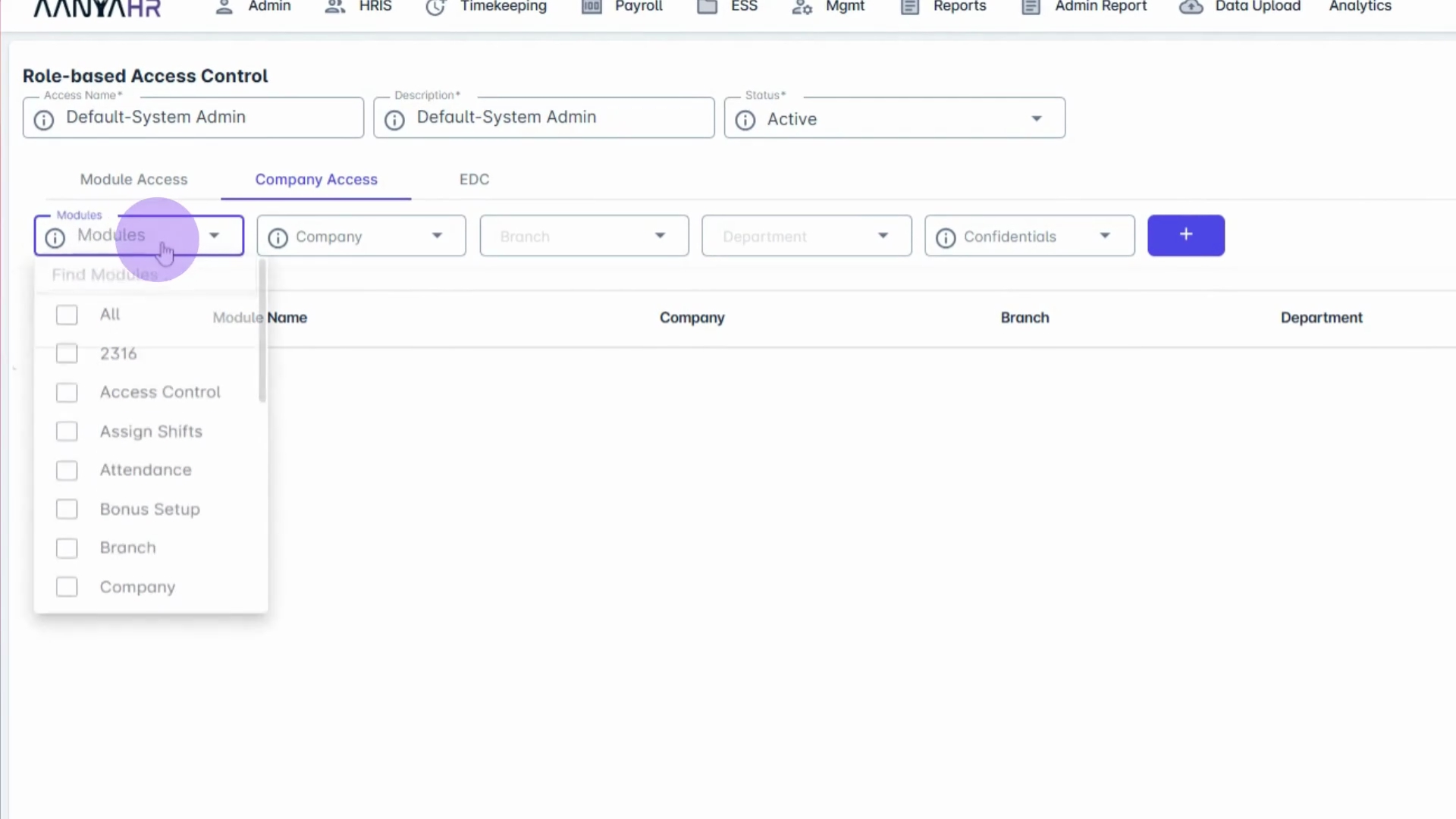
6. Select Modules
Select the Modules that the user should have access to.
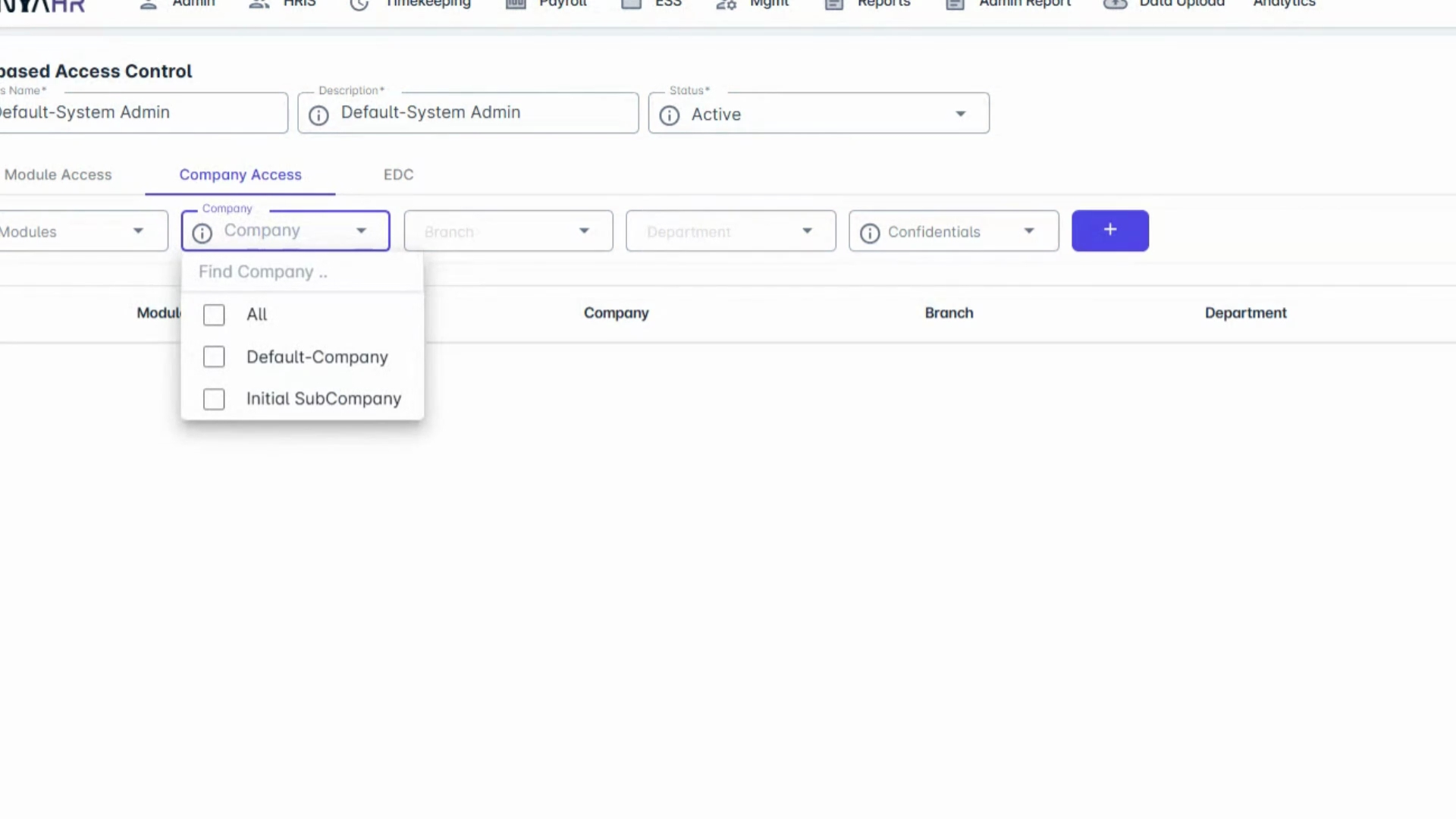
7. Choose Specific Company
Select the specific company or sub-company that the user should have access to.
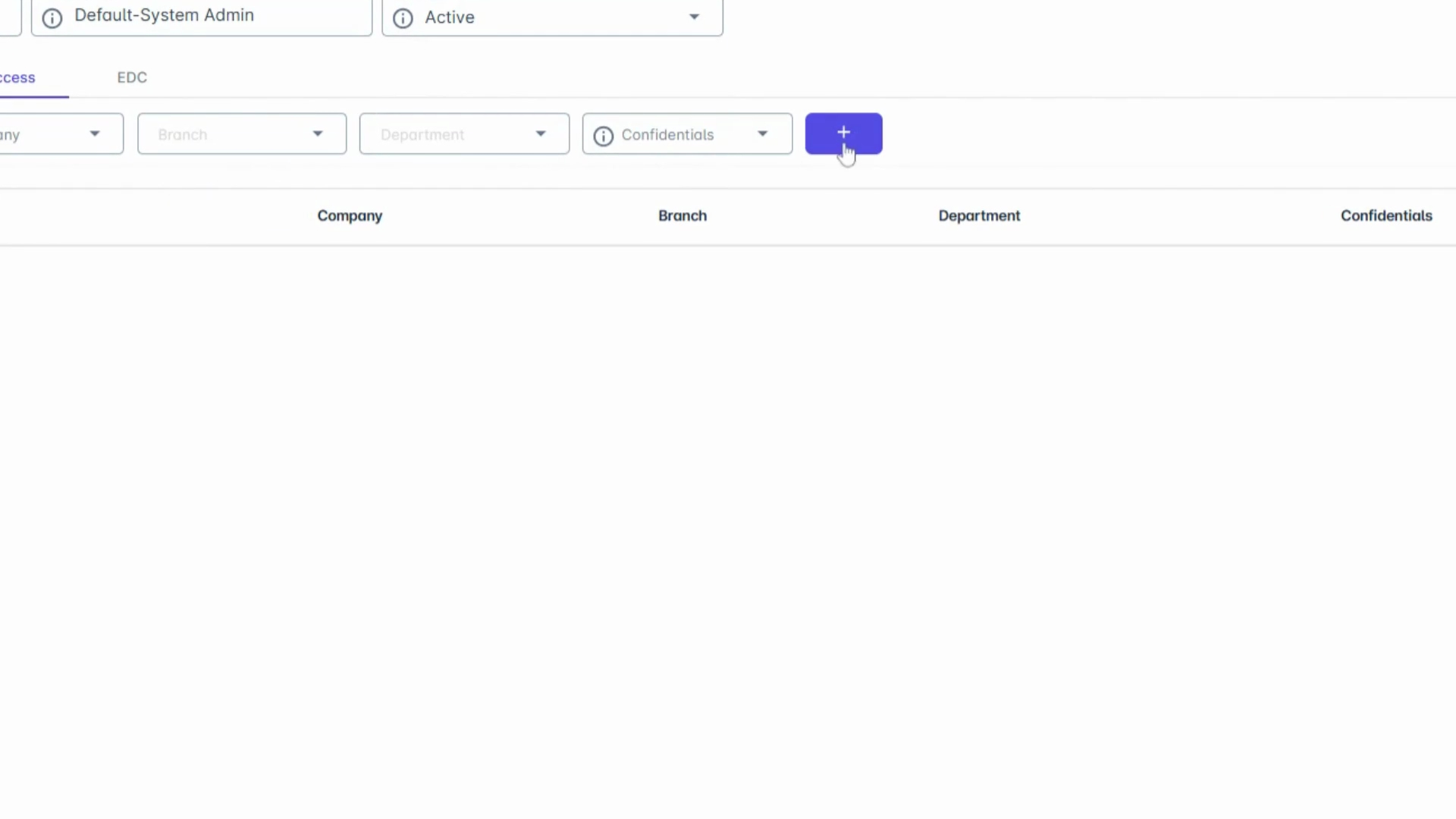
8. Add Access
Click the Add button to grant the selected access.
9. Confirm User Access
Once set, the user will only be able to access the modules and employee records under the selected company.
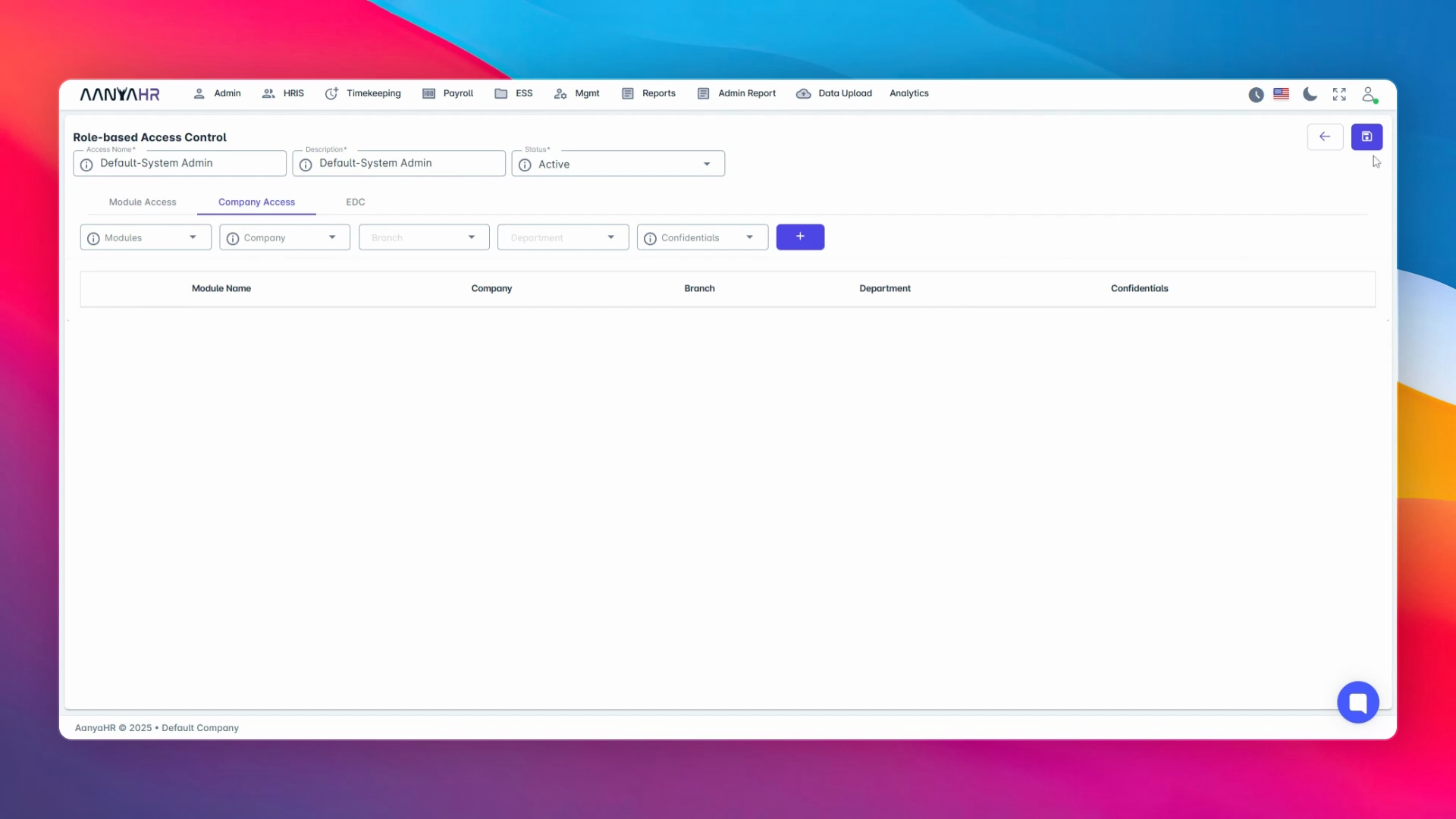
10. Save Changes
Finally, click Save Changes to apply the new access settings.
Conclusion
By following these steps, you can efficiently manage company-based access within Anya HR, ensuring data segregation and improved security across your HR, payroll, and timekeeping workflows.