

Introduction
In today's fast-paced work environment, managing approval processes efficiently is crucial. This tutorial will guide you through the steps to digitally manage approval workflows in Anya HR. From navigating the admin menu to creating custom approval processes, you will learn how to streamline requests and ensure timely approvals.
How to Instructions
1. Accessing the Approval Process
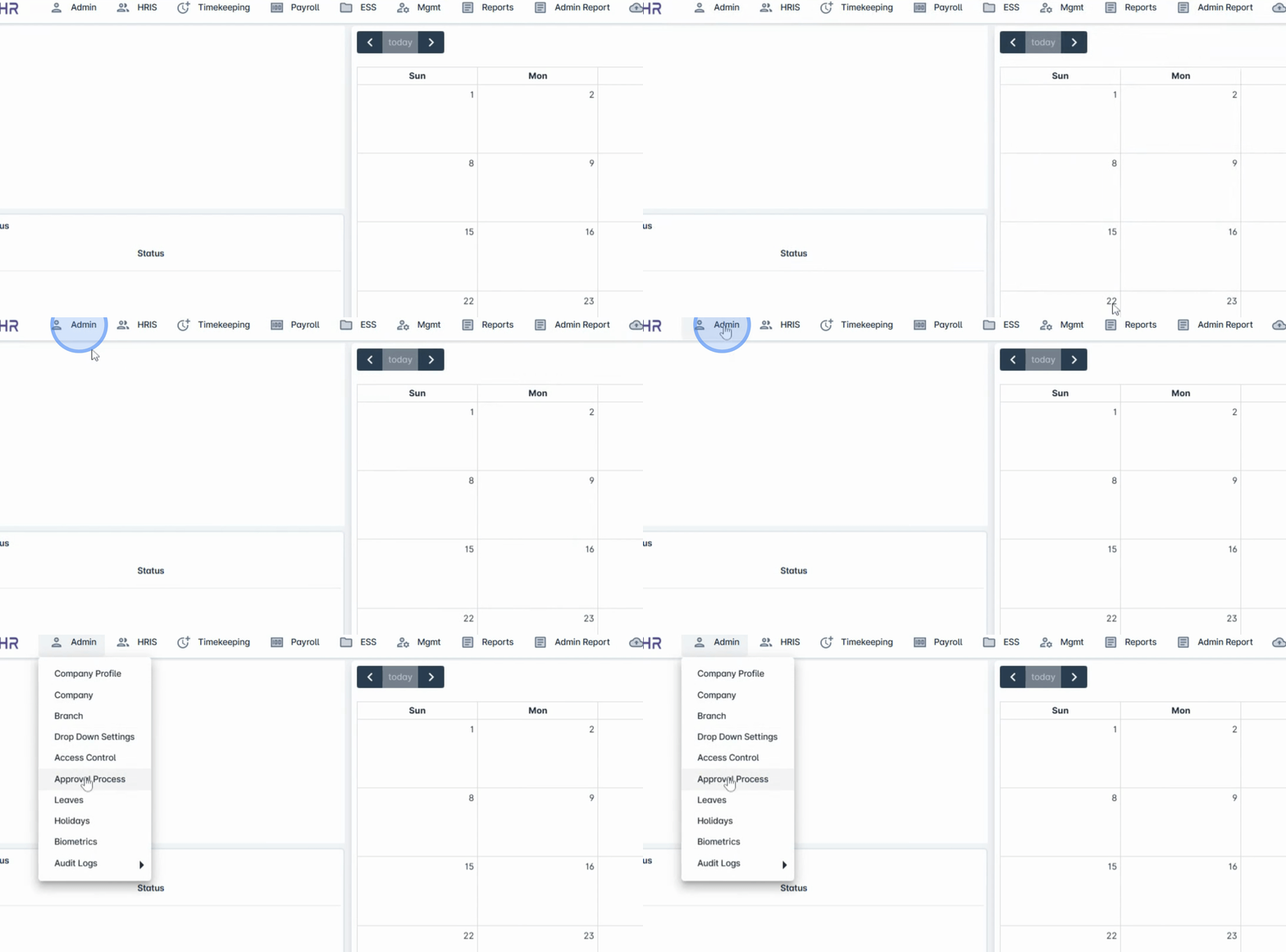
To begin, navigate to the admin menu and click on Approval Process.
2. Utilizing Default Workflows
Anya HR already includes some default approval workflows that you can use and assign to specific employee groups.
3. Creating a Custom Workflow
If your organization has a different setup or prefers a custom workflow, you can easily create a new one.
4. Initiating the Creation Process
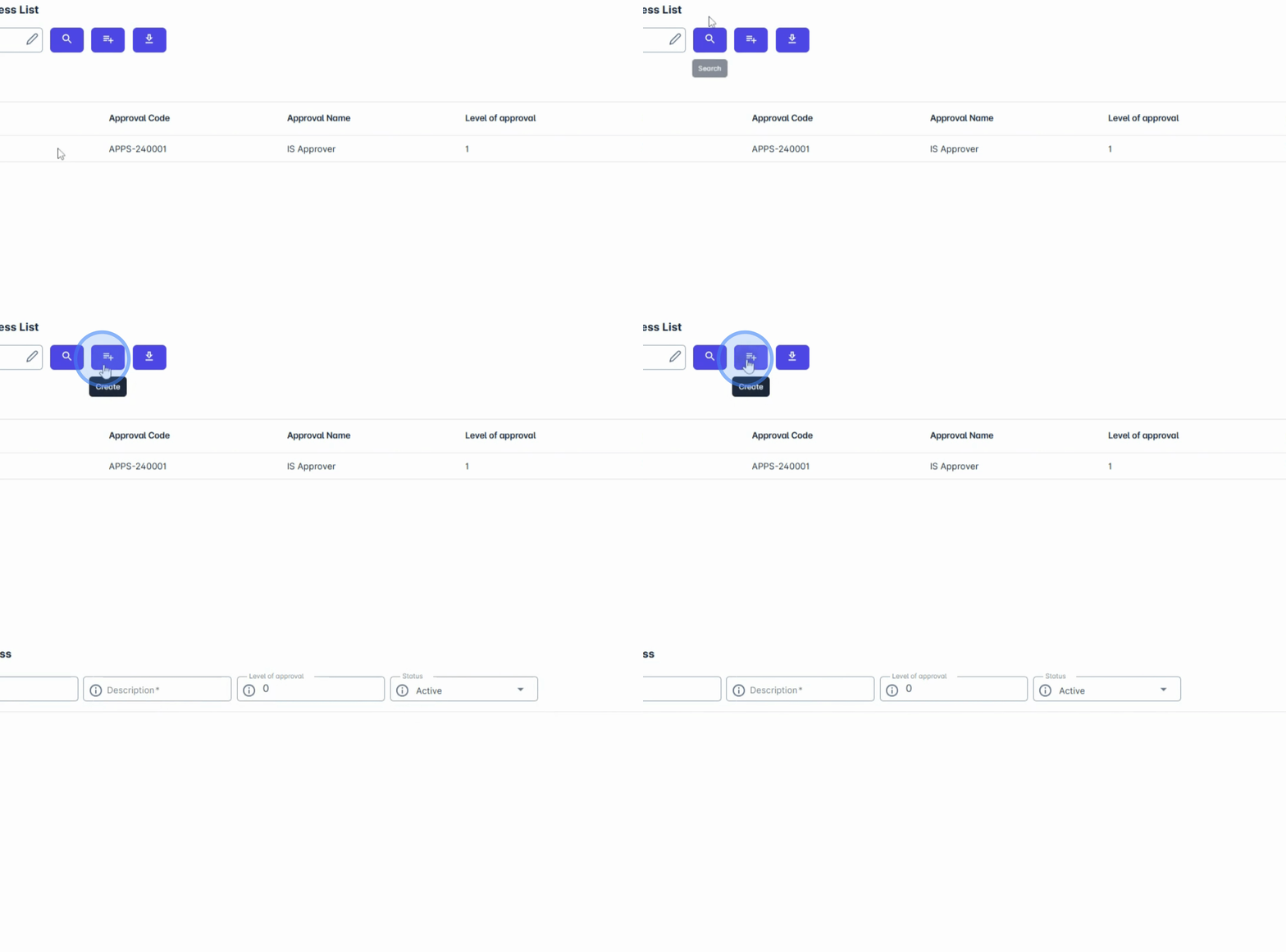
To create a new approval process, click the Create button.
5. Naming and Describing the Approval
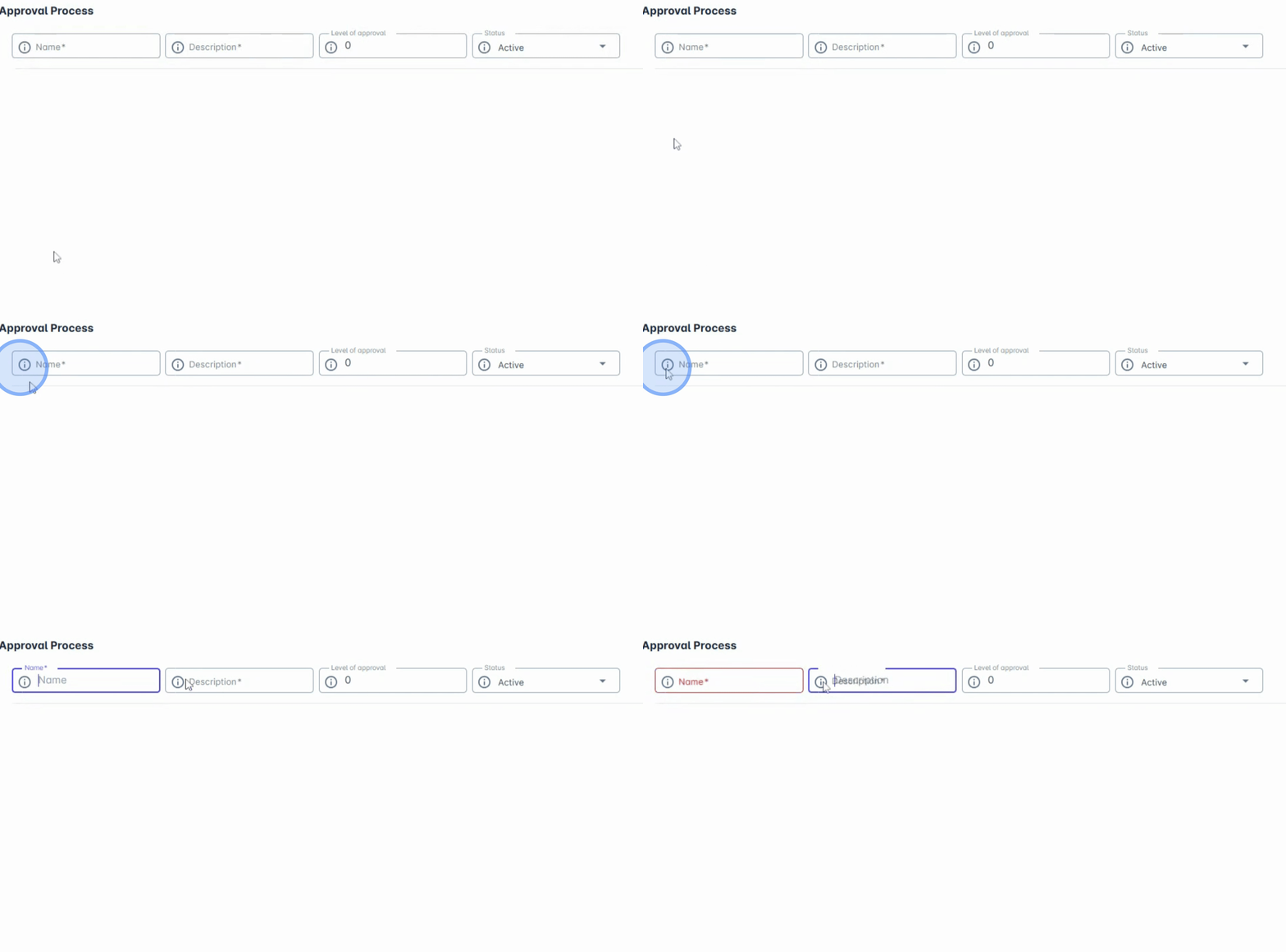
Enter the name and description of your approval.
6. Setting Approval Levels
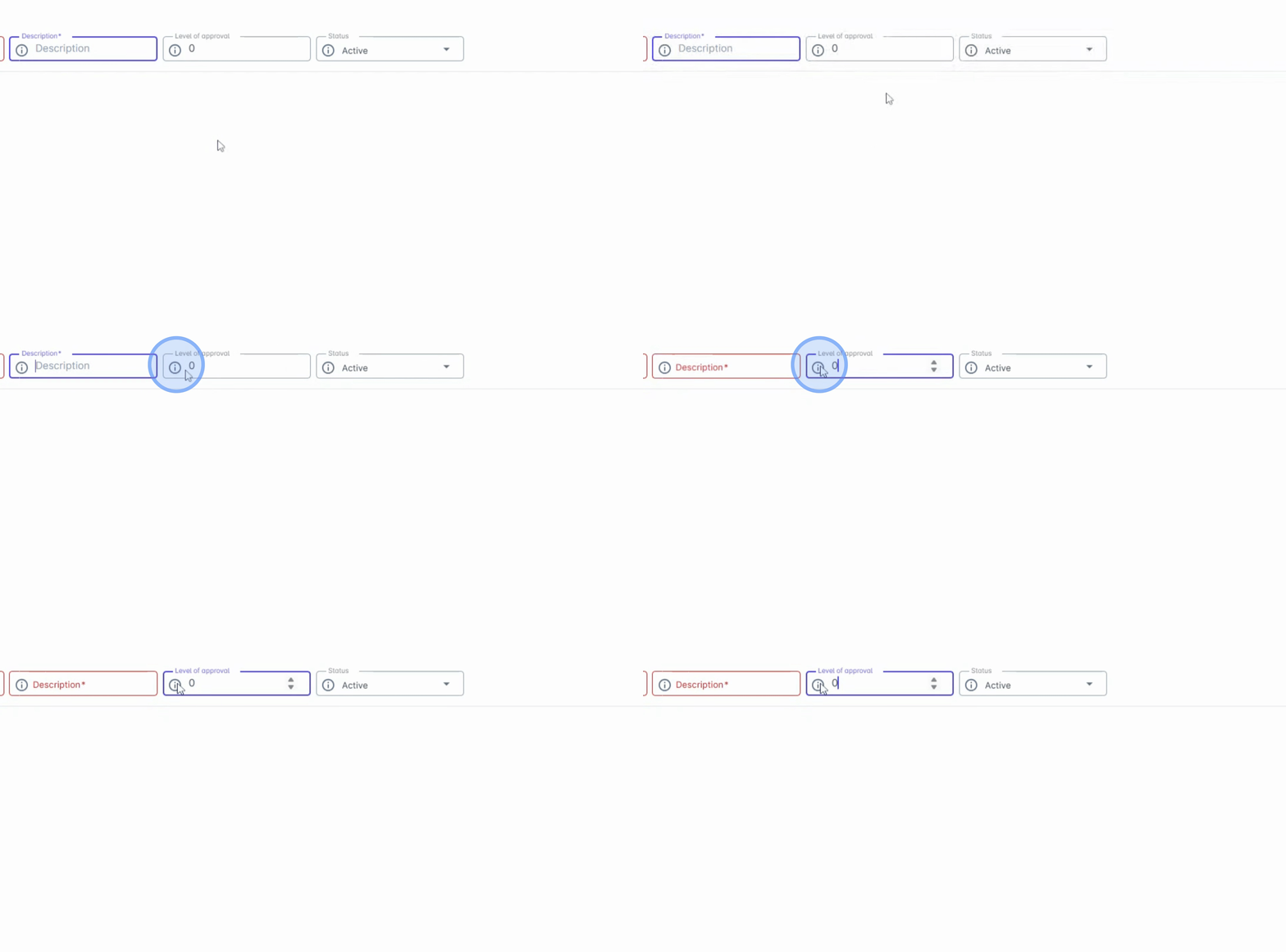
Next, set the approval levels.
7. Choosing the Tag Type
Determine whether the approval goes through a single approver or multiple levels, and choose your tag type.
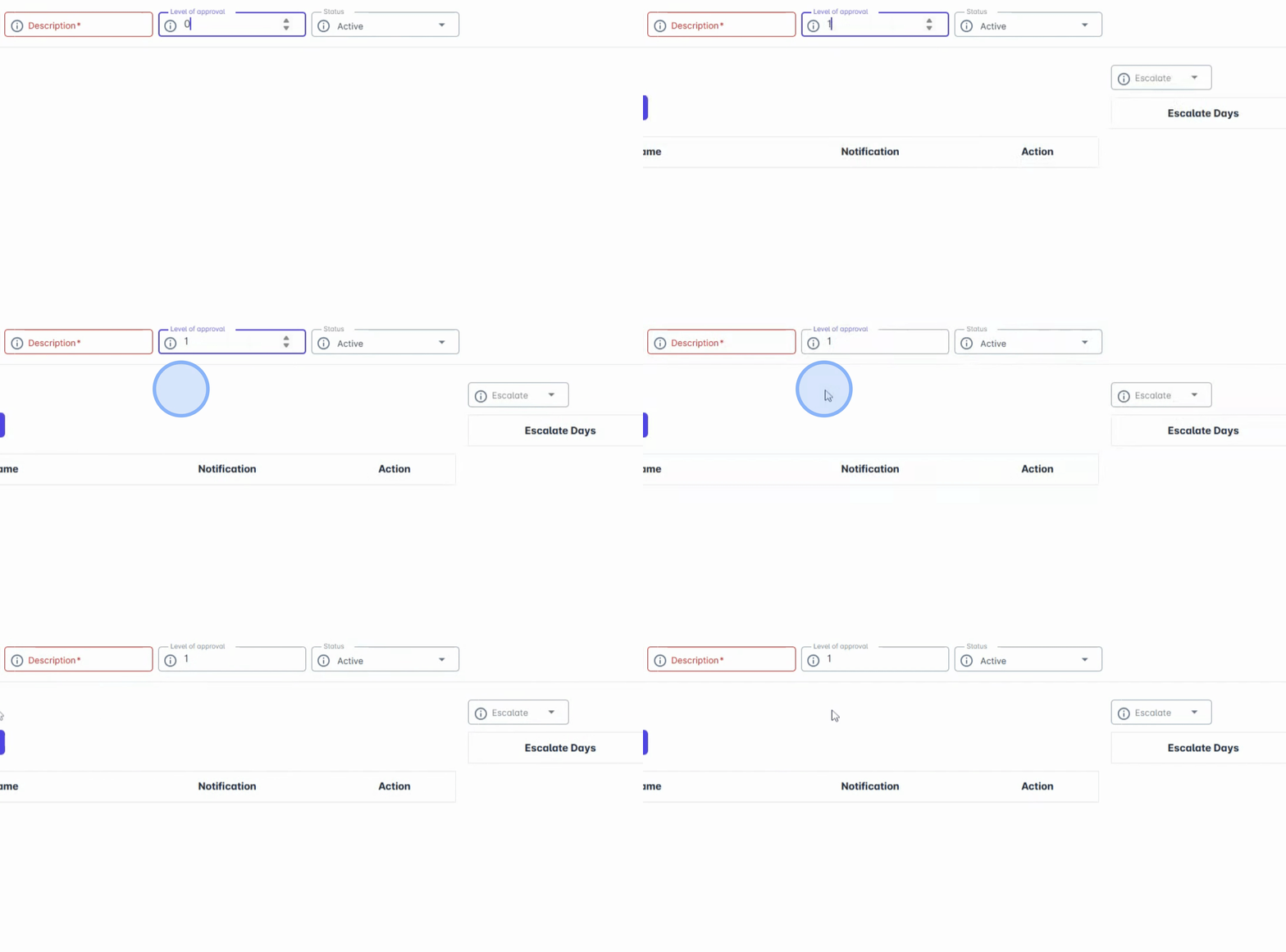
8. Assigning the Process
This helps you assign the process based on occupation, department, or specific employee names.
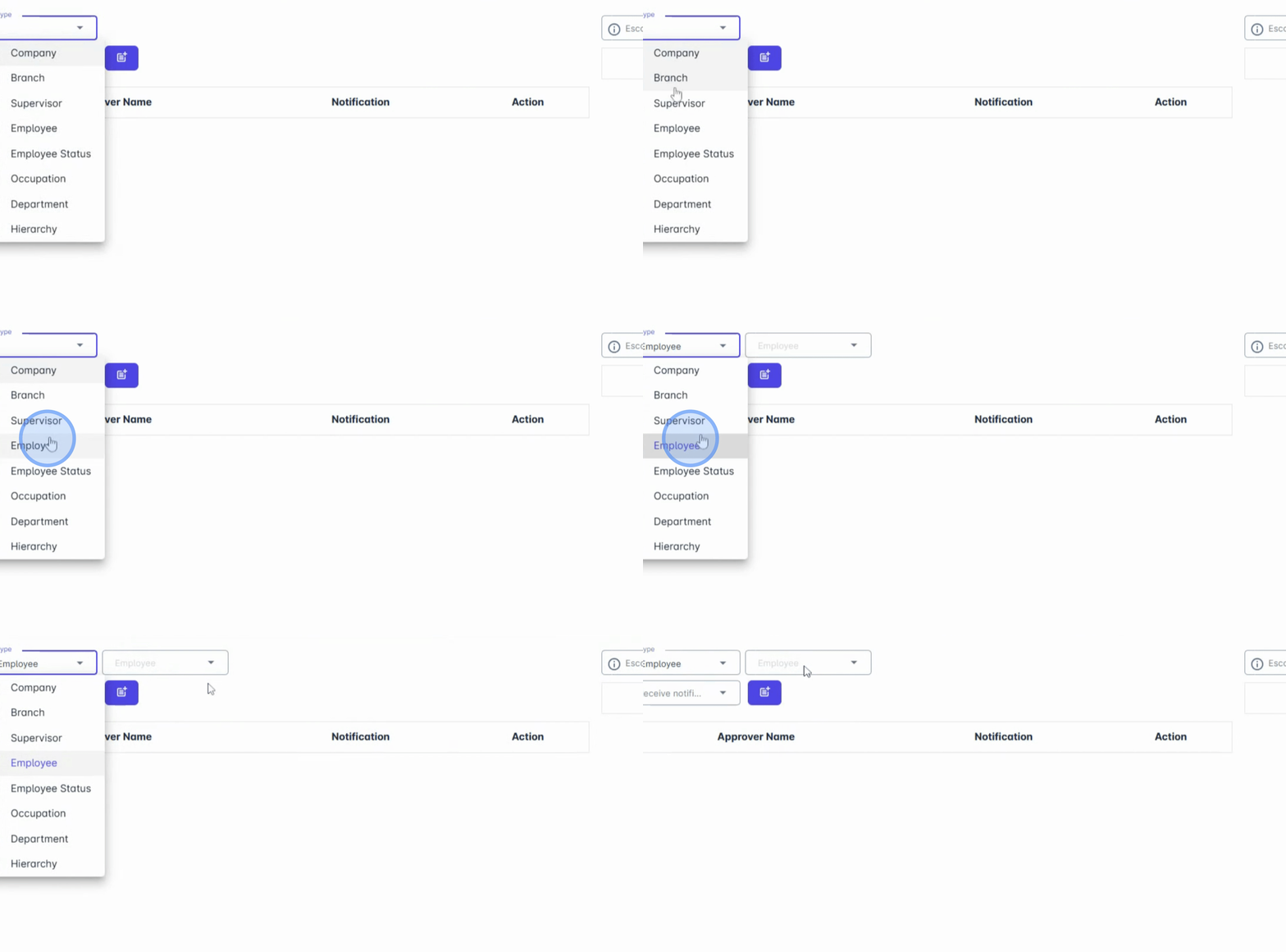
9. Utilizing the Tagging System
This flexible tagging system allows for tailored routing of requests across different teams or individuals.
10. Enabling Escalation Process
You can also enable an escalation process.
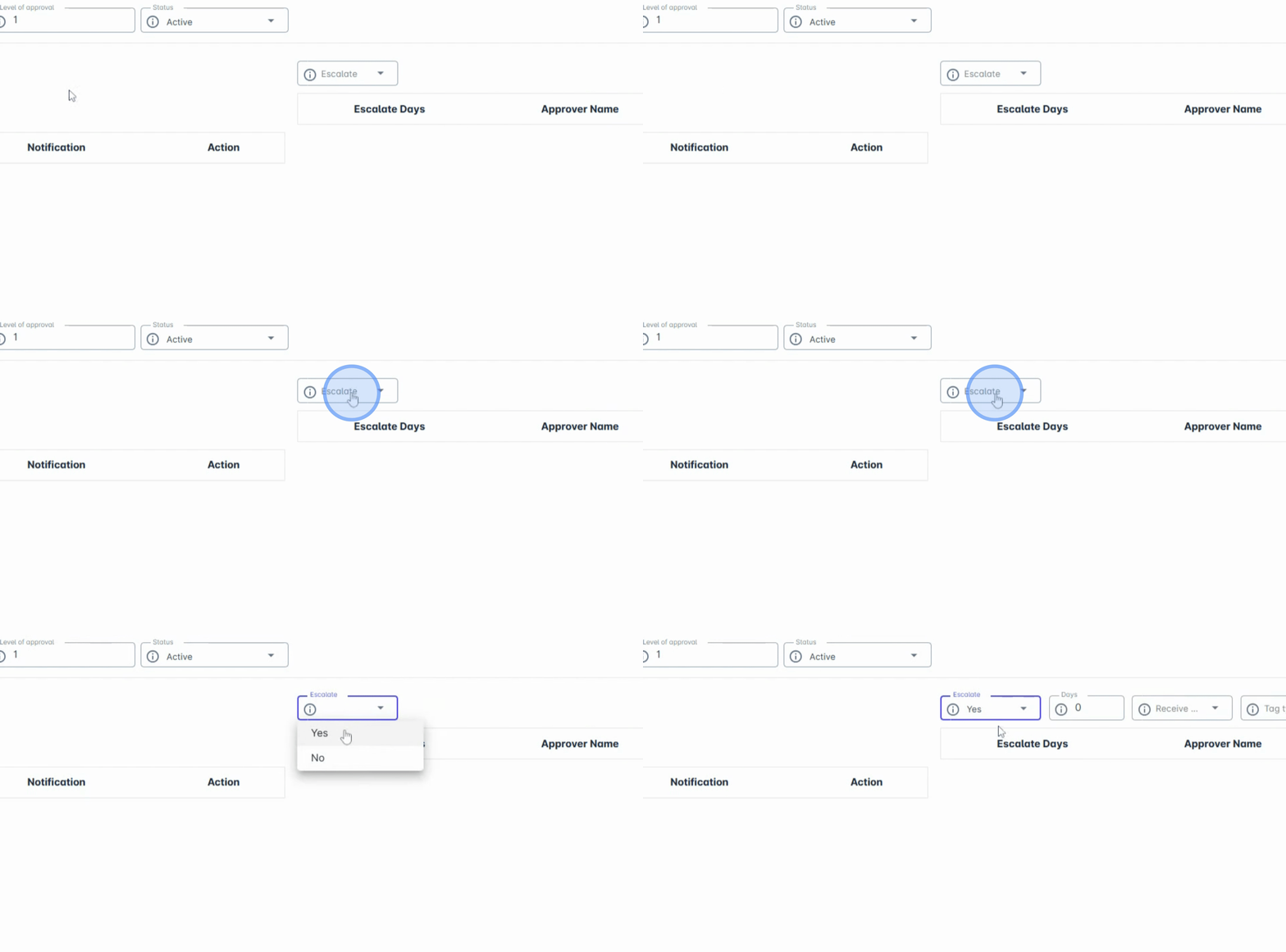
11. Understanding Escalation
This means that if a request isn't approved within a certain time frame, it will automatically escalate to the next designated approver, ensuring no pending requests are forgotten or left unattended.
12. Conclusion of Setup
That's how quick and easy it is to set up and manage the approval process in Anya HR.
13. Benefits of the System
Once configured, employees can file requests directly through the system and approvers will be notified in real time, making your processes smoother, faster, and paper-free.
Conclusion
By following these detailed steps, you can effectively manage approval processes in Anya HR, enhancing operational efficiency and ensuring timely approvals.