

Introduction
Managing multiple branches of a company can be a daunting task, but with the Branch module, you can streamline the process effortlessly. In this tutorial, we will explore how to navigate through the module, configure branch settings, and enhance security measures. By the end, you'll have the knowledge to effectively manage your company's branches with ease and precision.
How to Instructions
1. Navigating to the Branch Module
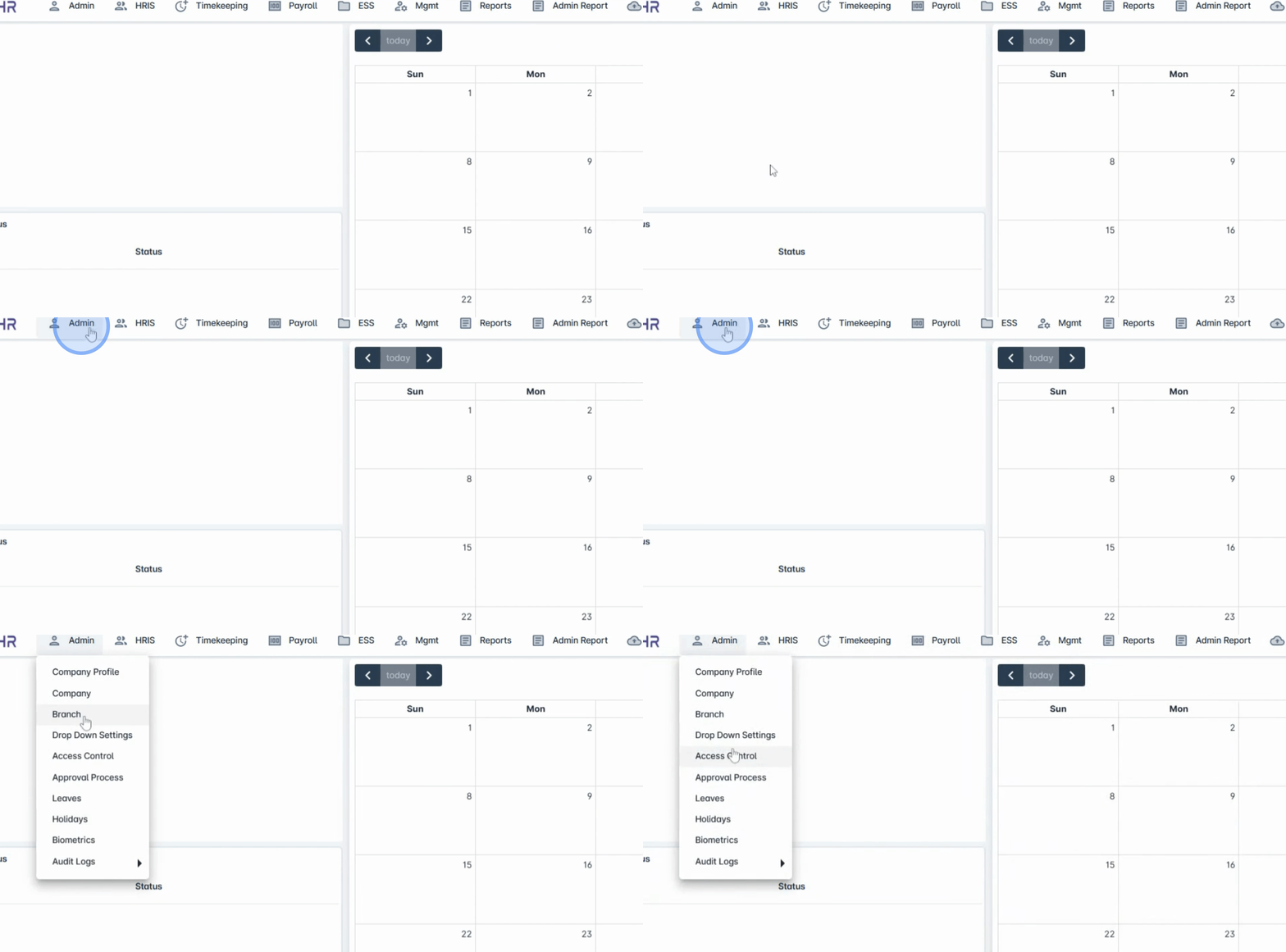
To begin, navigate to the Admin menu and click on Branch.
2. Understanding the Default Branch
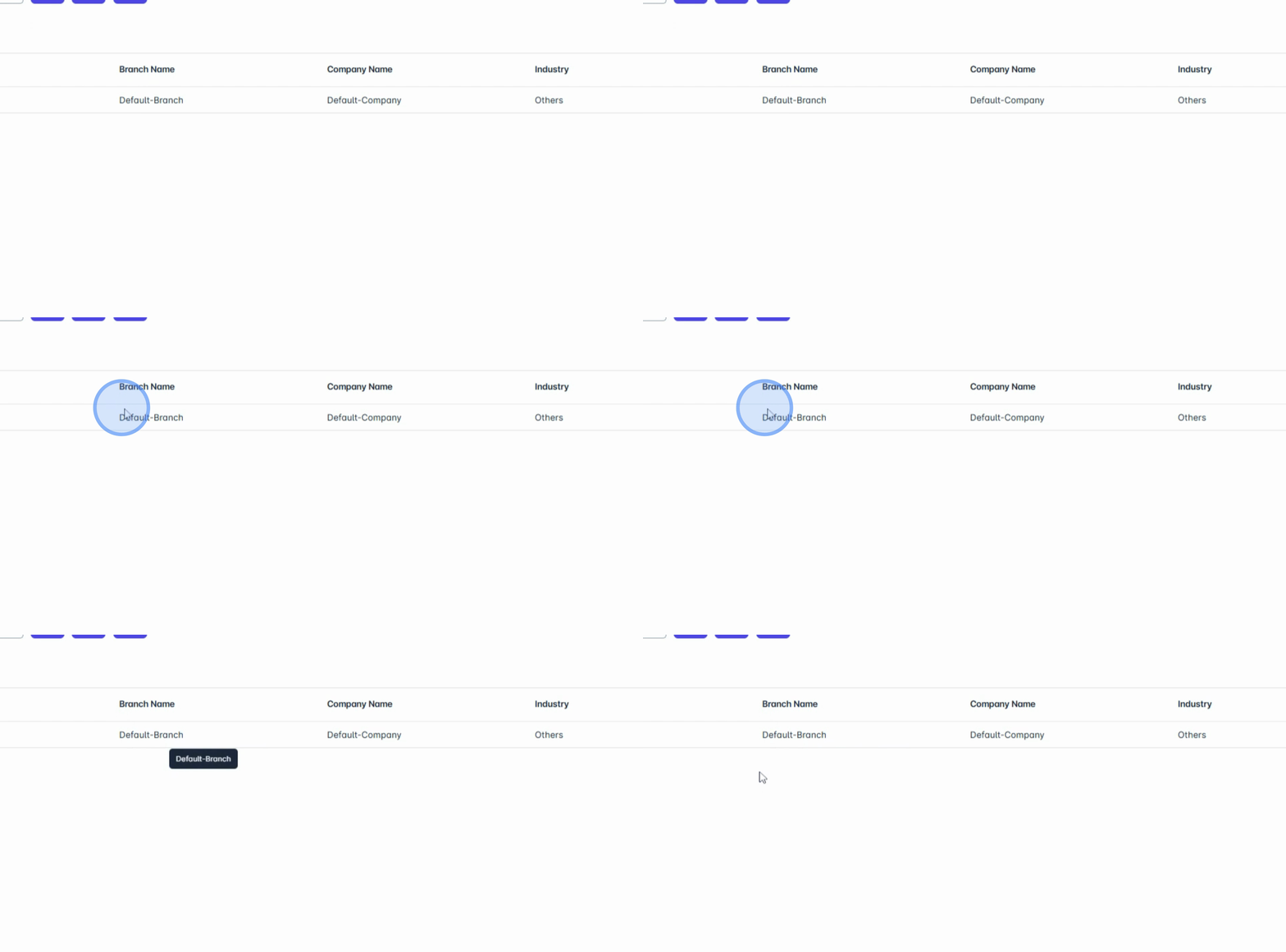
Upon accessing the module, you will notice an initially added default branch. This serves as a reference and can help guide you in setting up new branches.
3. Adding or Modifying Branch Information
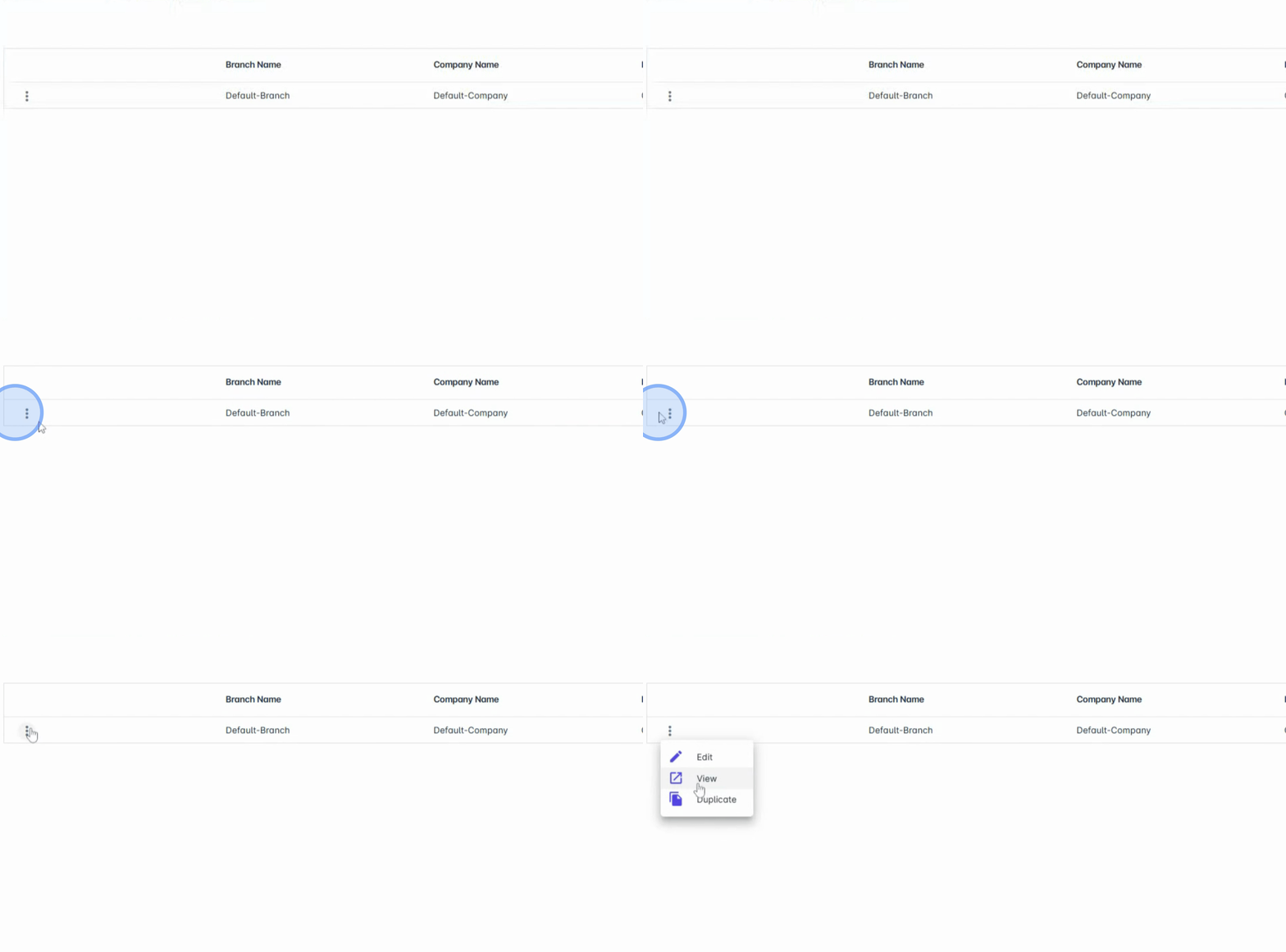
You can add or modify branch information, including the branch name, subsidiary, industry, bank details, address, government, and contact information.
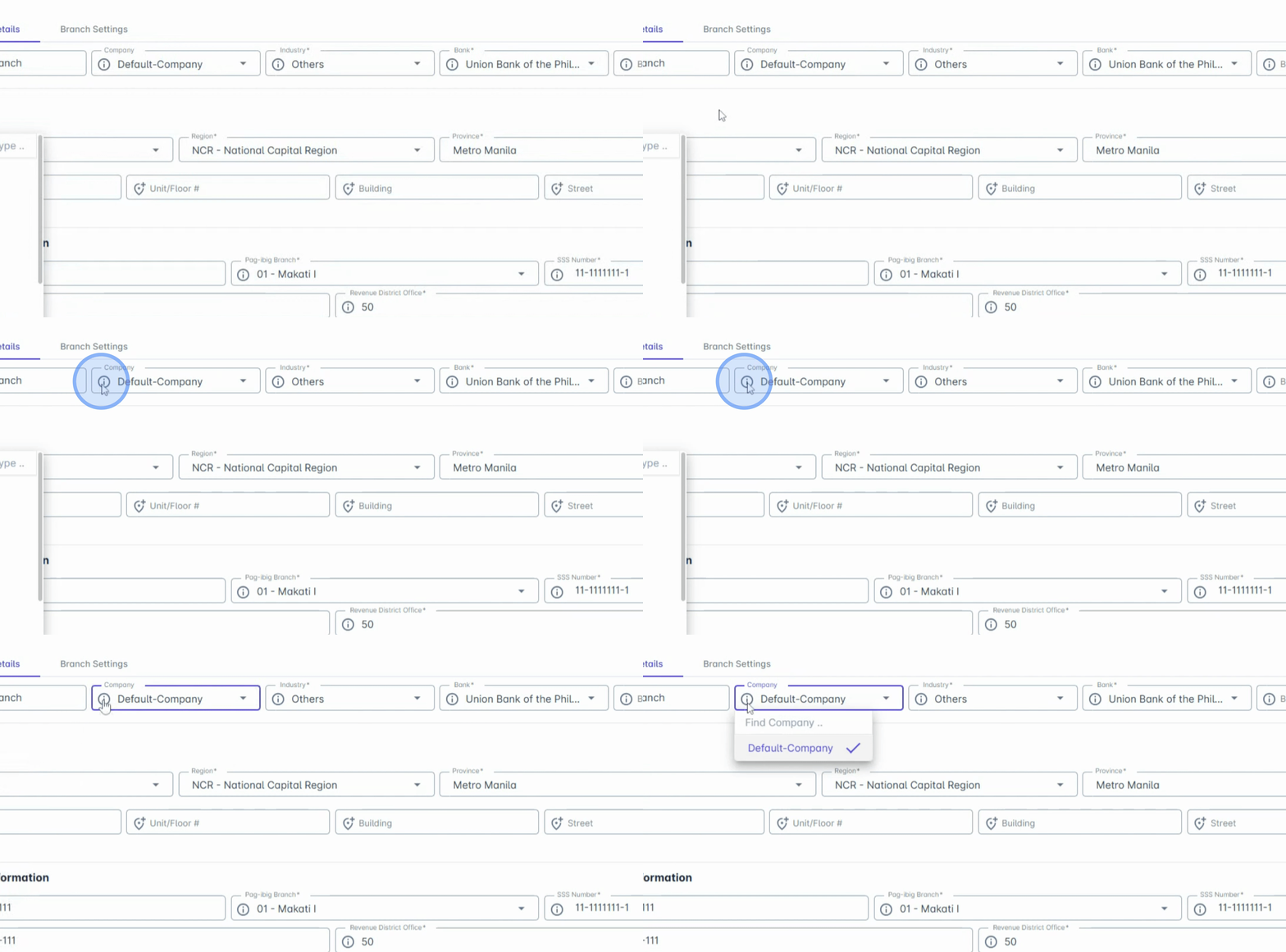
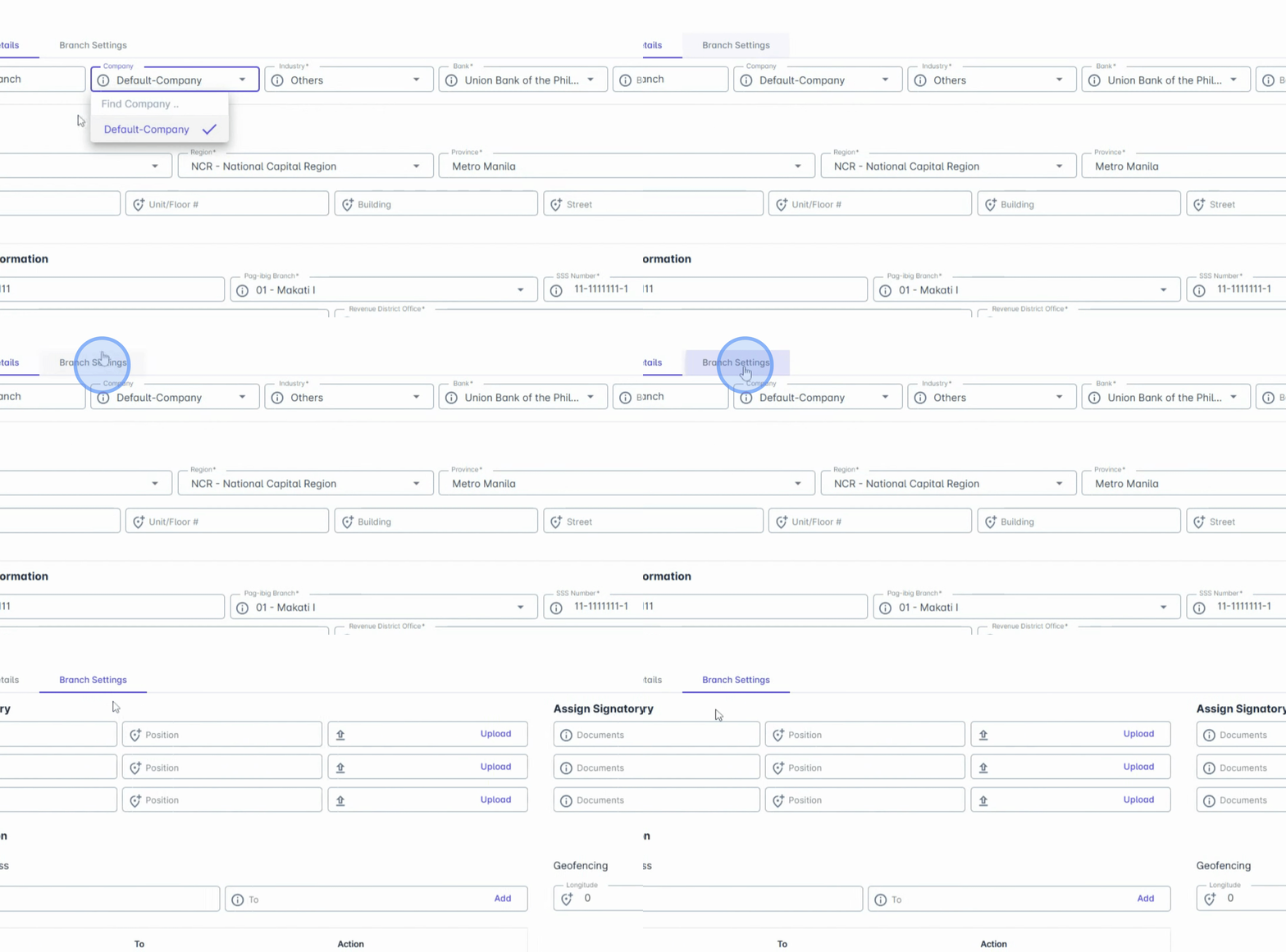
If your organization is part of a group or has multiple entities, you can create several branches and assign each one to a specific company in Anya HR.
4. Assigning Companies to Branches
To configure this, simply choose the appropriate company from the drop-down menu.
5. Configuring Signatories
Under Branch Settings, you can assign signatories for important documents such as BIR2316 pay slips and certificate of Employment requests. This is customizable per branch in this module.
6. Configuring Ticketing Access
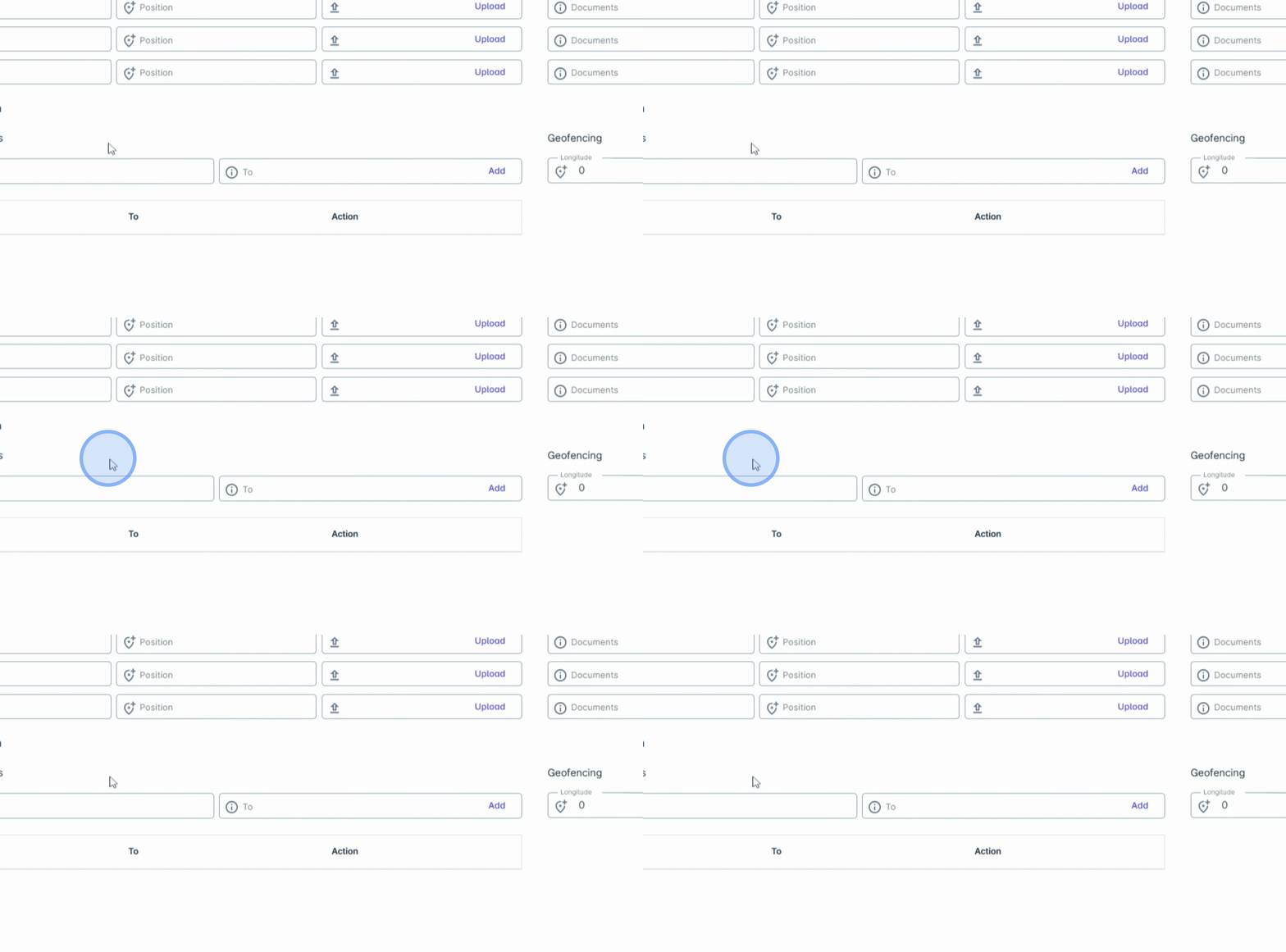
You can also configure ticketing access.
7. Implementing IP Whitelisting
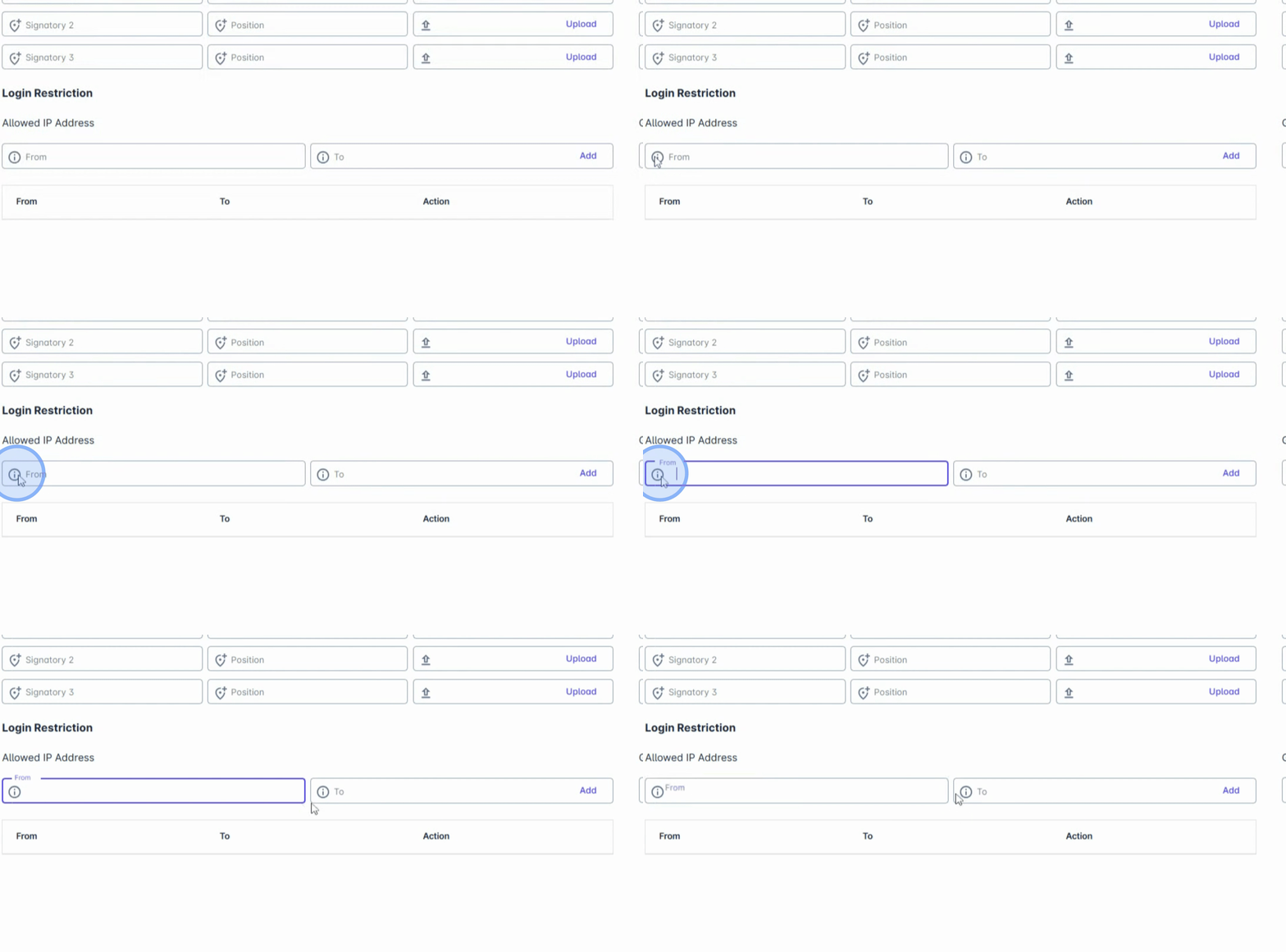
This module allows you to restrict access to Anya HR to only the approved IP address of each branch by configuring this allowed IP address or what we call IP whitelisting. This adds a layer of security and helps control where and how the system is accessed.
8. Enabling Geofencing
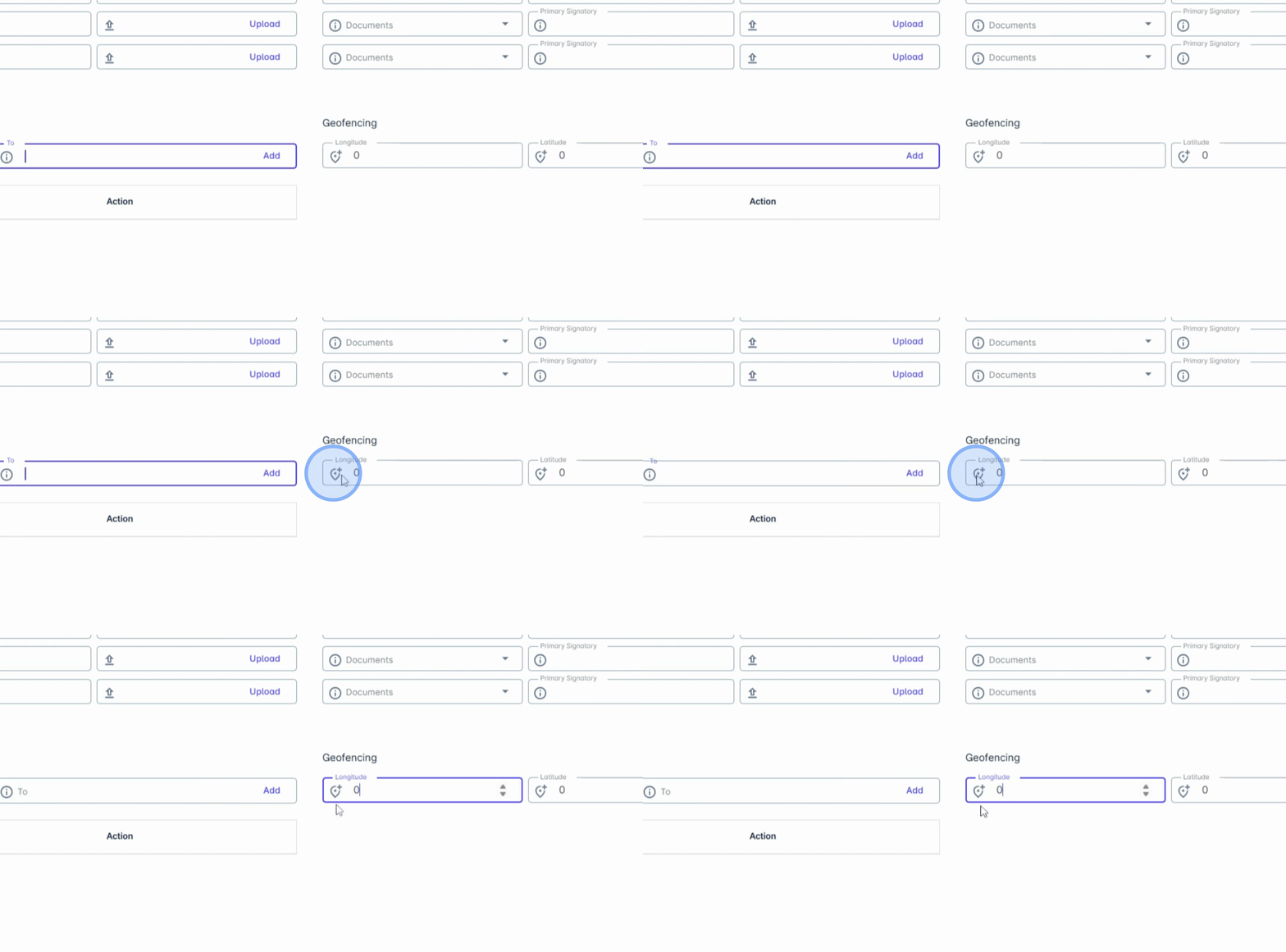
If your company uses the Anya HR mobile app, you can enable geofencing. This feature lets you set a specific location range where employees can clock in and out using their mobile devices, ideal for accurate attendance tracking.
9. Saving Your Changes
Finally, click on Save Changes to apply your modifications.
Conclusion
In conclusion, the Branch module is a powerful tool for managing decentralized operations with the same level of control and security as your main office. By following these steps, you can effectively manage your company's branches and ensure they operate seamlessly.