Today I will show you how to generate your payslip in AanyaHR. First, log into your Antihr account and go to the lower left part of your dashboard. Let's look at the steps:
Step 1: Locate Payslip
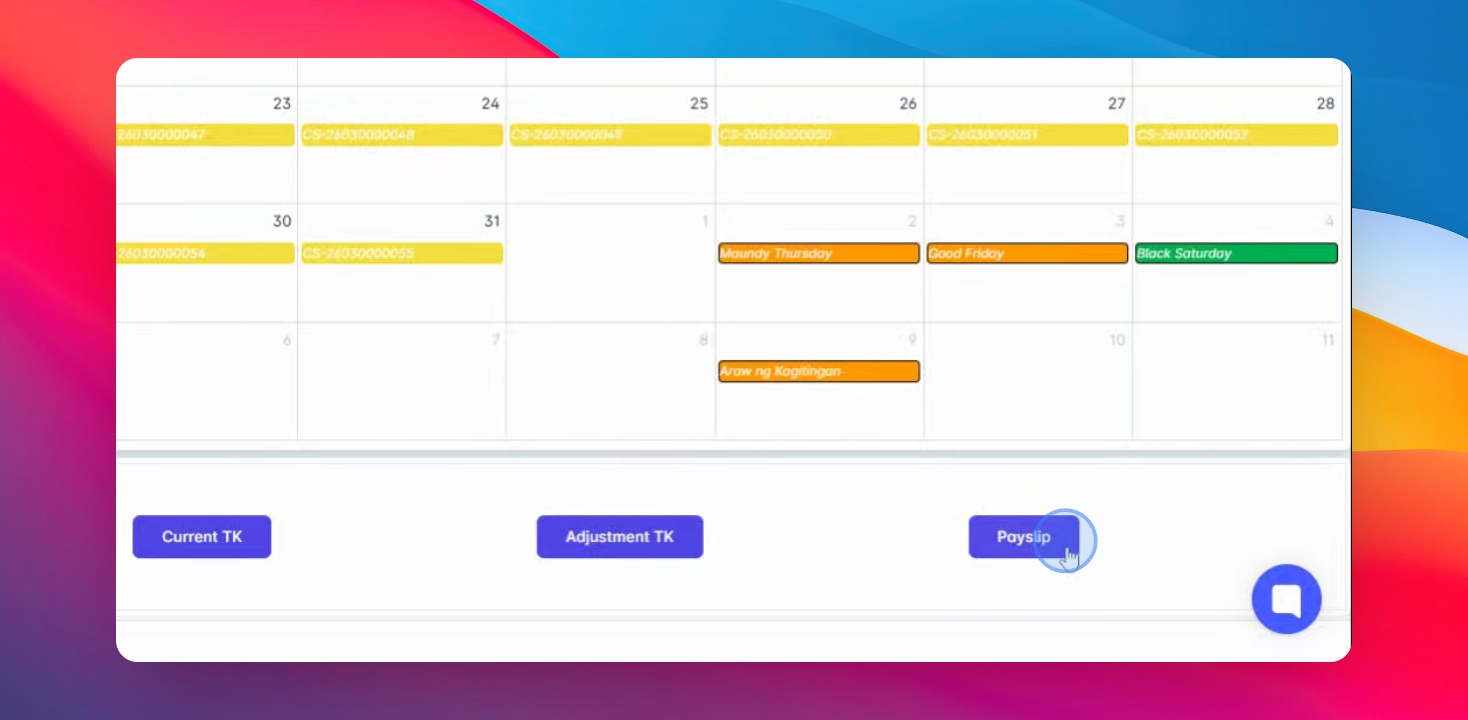
Locate the payslip button, click on it, select the payout date you wish to view, and click on the check button.
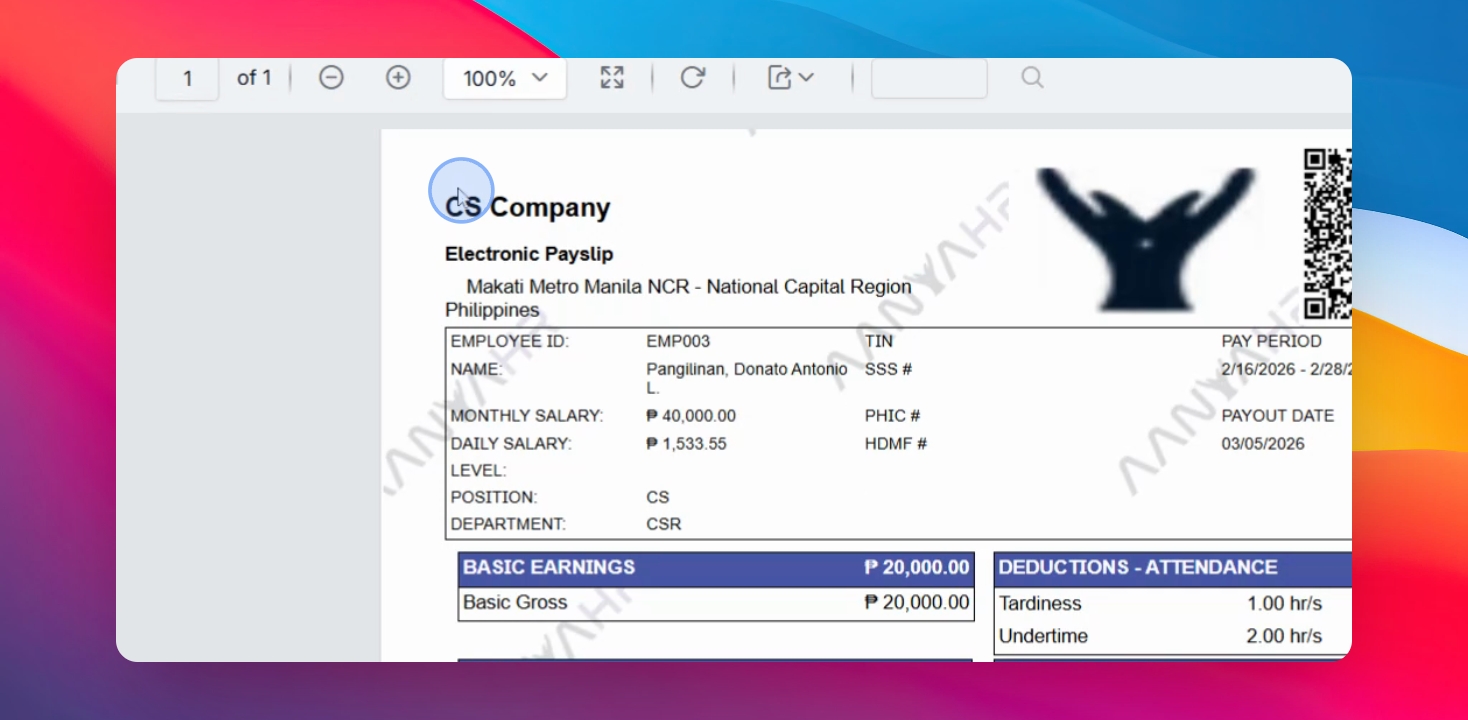
Your payslip will display your company logo, QR code for authentication, company address, ID name, salary level, position, department, team, government IDs, payroll cut-off, and pay. You can also update your basic earnings or pay leave if applicable.
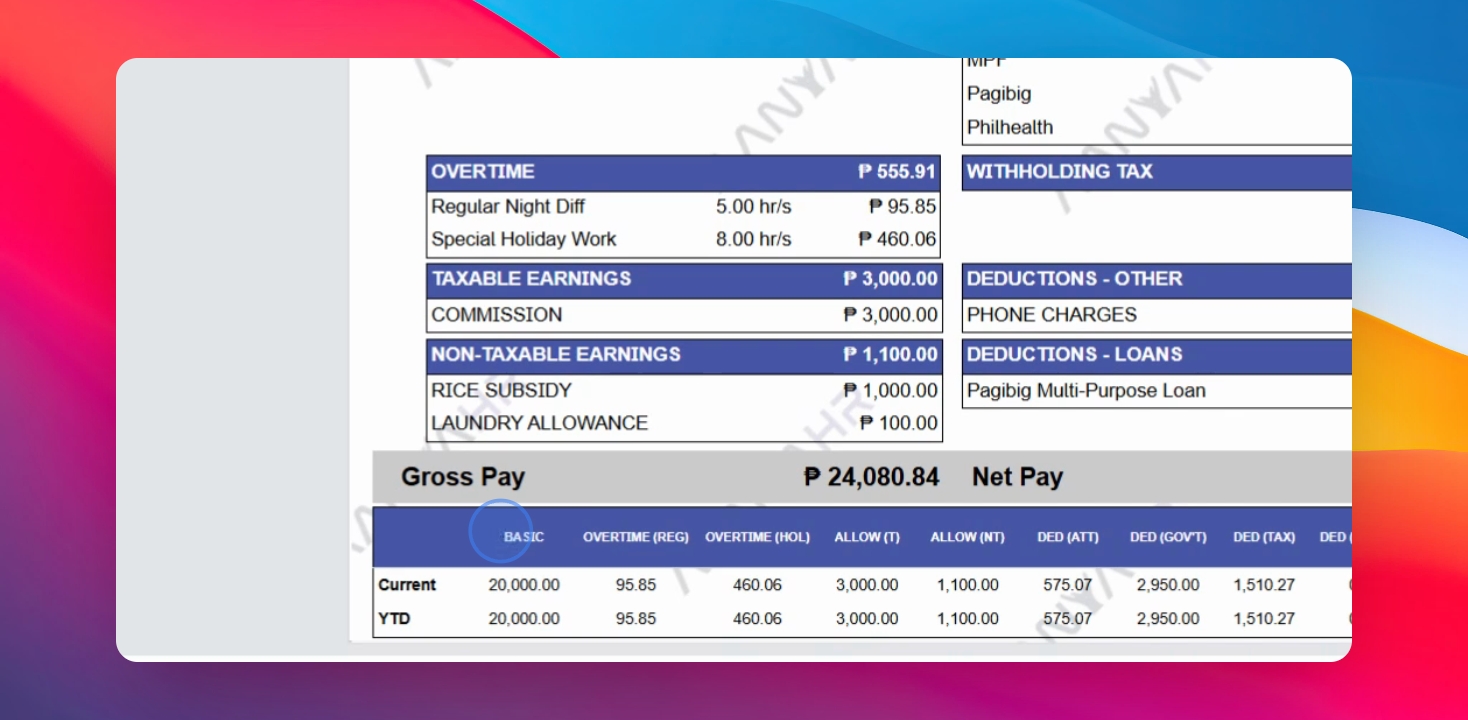
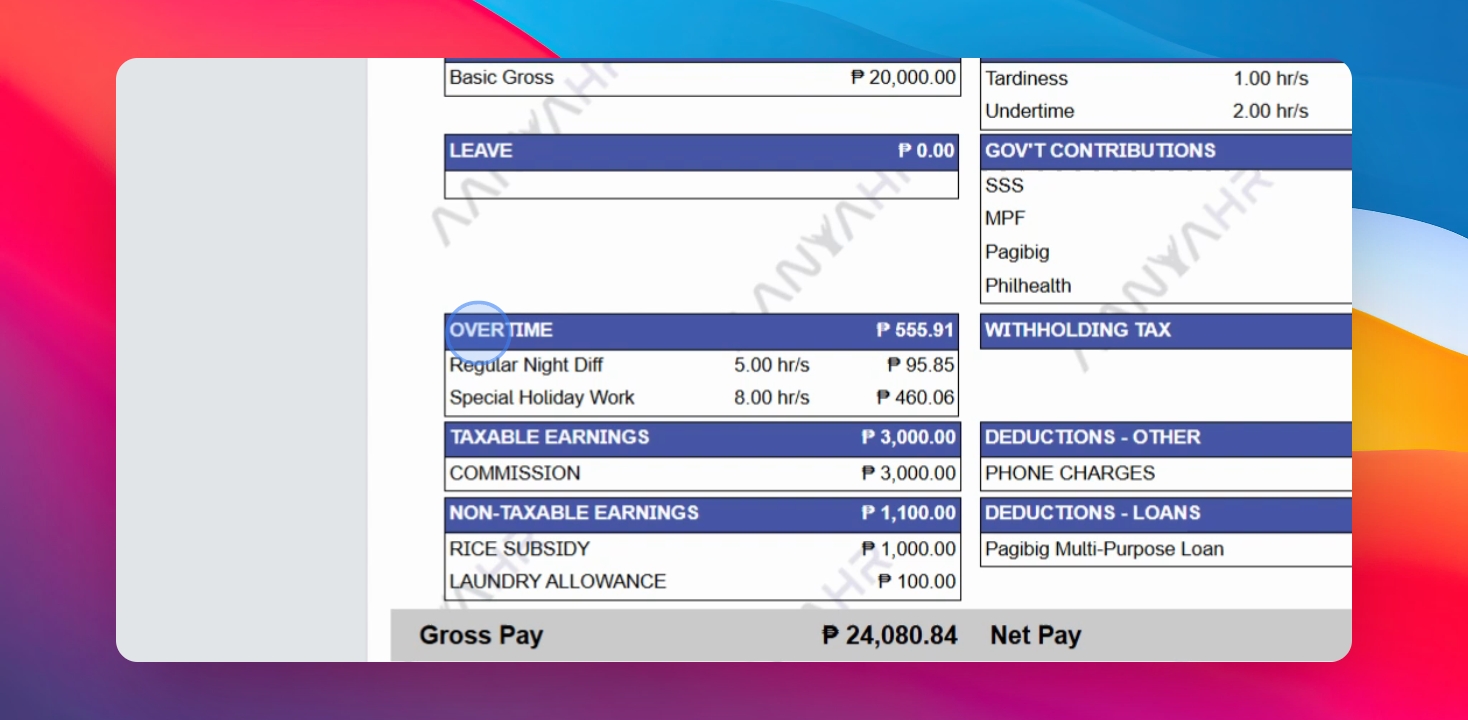
The payslip includes details on cut-off overtime, other premium pay, taxable and non-taxable earnings, deductions from attendance (including tardiness, undertime, and absences), and government contributions like withholding tax, if any.
You will also see a preview of your year-to-date report, which includes basic, part-time, premium pay, allowances, taxable and non-taxable attendance, deductions, government loans, tax, and other reductions, along with your net salary.