

Welcome to the Anya HR Affiliate Program. This guide will walk you through referring companies, tracking your referrals, and managing your earnings. Let's look at the steps:
Step 1: Identify Potential Clients
Find someone who works in or owns a company that could benefit from Anya HR. Identify the company's decision maker, such as the owner, HR manager, or someone authorized to evaluate business solutions.
Step 2: Schedule a Demo Meeting
Once you have identified the contact, use the Book a Demo feature on the platform to schedule a demo meeting for them.
Step 3: Let the Anya Team Handle the Rest
After booking the meeting, your part is done. There is no need to sell the product or follow up with the client. The Anya HR team will manage the presentation, discussions, and onboarding process.
Step 4: Track Referral Status and Earnings
You will receive updates directly in your Affiliate Dashboard. Once your referred client completes their initial payment, your commission payout cycle begins.
Step 5: Update Your Profile and Payment Details
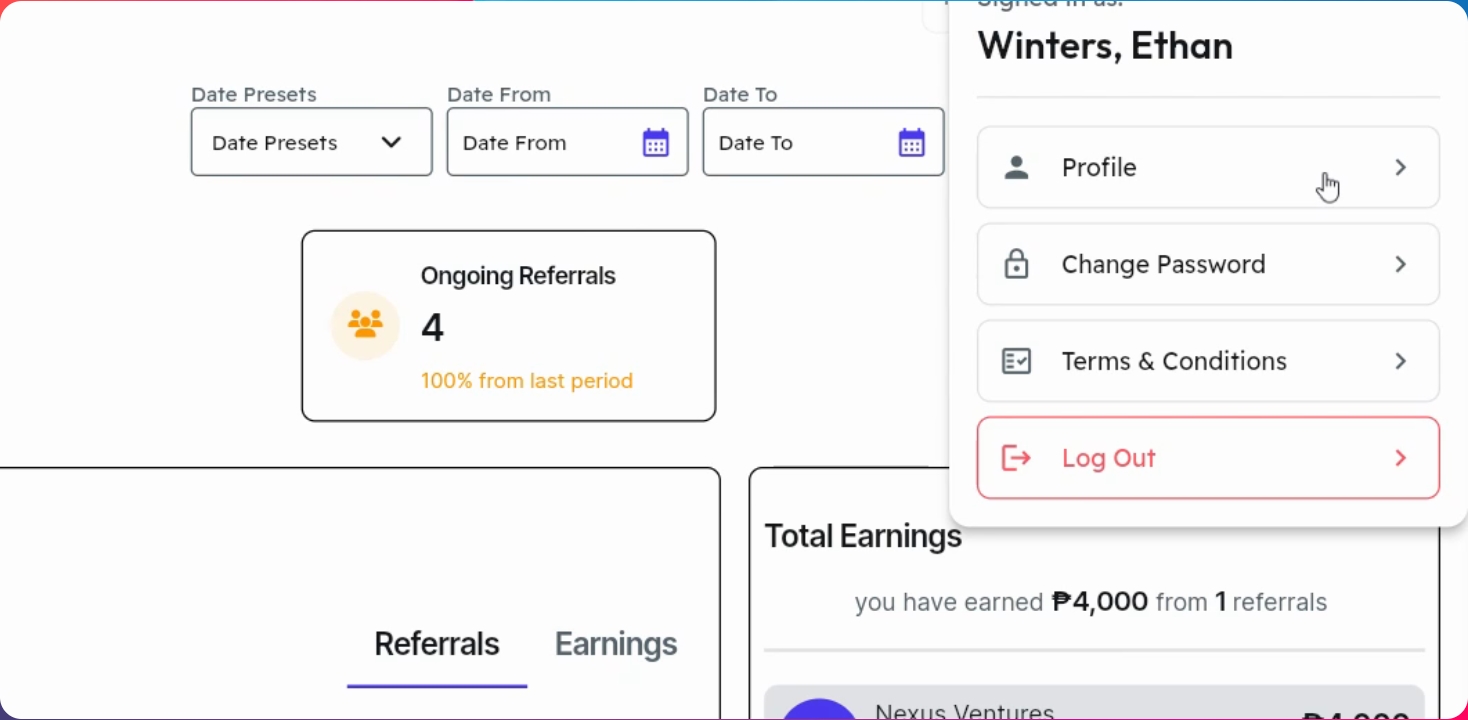
Click your account icon and select Profile. Click the pencil button to edit your details. Before saving, make sure your bank information is correct and accurate. Once done, click Save Changes to apply.
Step 6: Change Your Password
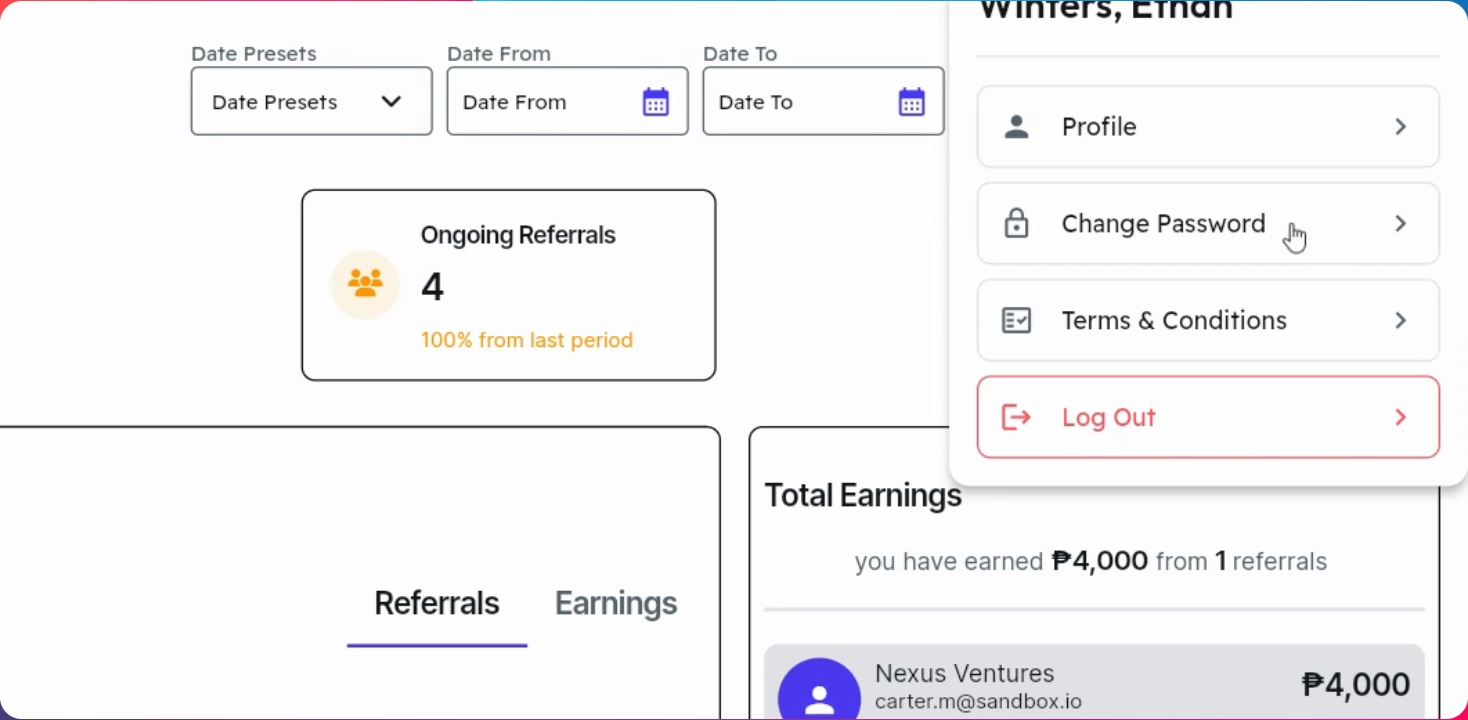
To change your password, go back to your profile and select Change Password. Click Send OTP to email and click OK. Once you receive the OTP from your registered email, enter the verification code and your new password, then click Save Changes.
Step 7: View Your Affiliate Plan
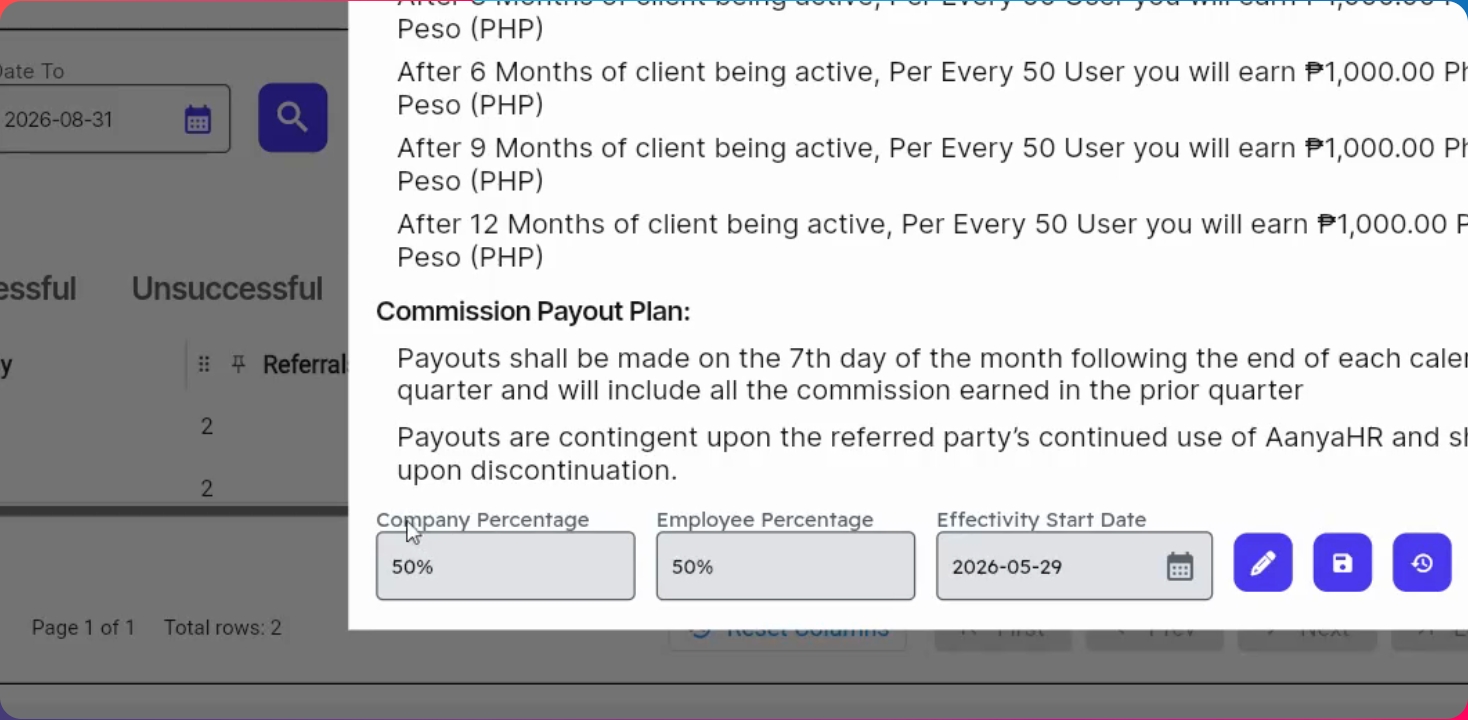
Navigate to View Plan. Here, you will find your current affiliate plan, commission per employee per company, and your payout schedule. Review this section anytime to stay updated on your earning structure.
Step 8: Submit a Referral
Go to the Book a Demo section. Fill in the required information such as schedule, date, referral's first name, address, phone number, demo platform, guests (optional), company name, and estimated number of employees. Click Confirm, then click Book a Demo now.
Step 9: View Estimated Commission
After submission, you will immediately see the estimated commission based on the employee count. This will be reflected in your potential earnings.
Step 10: Track Referrals and Commissions
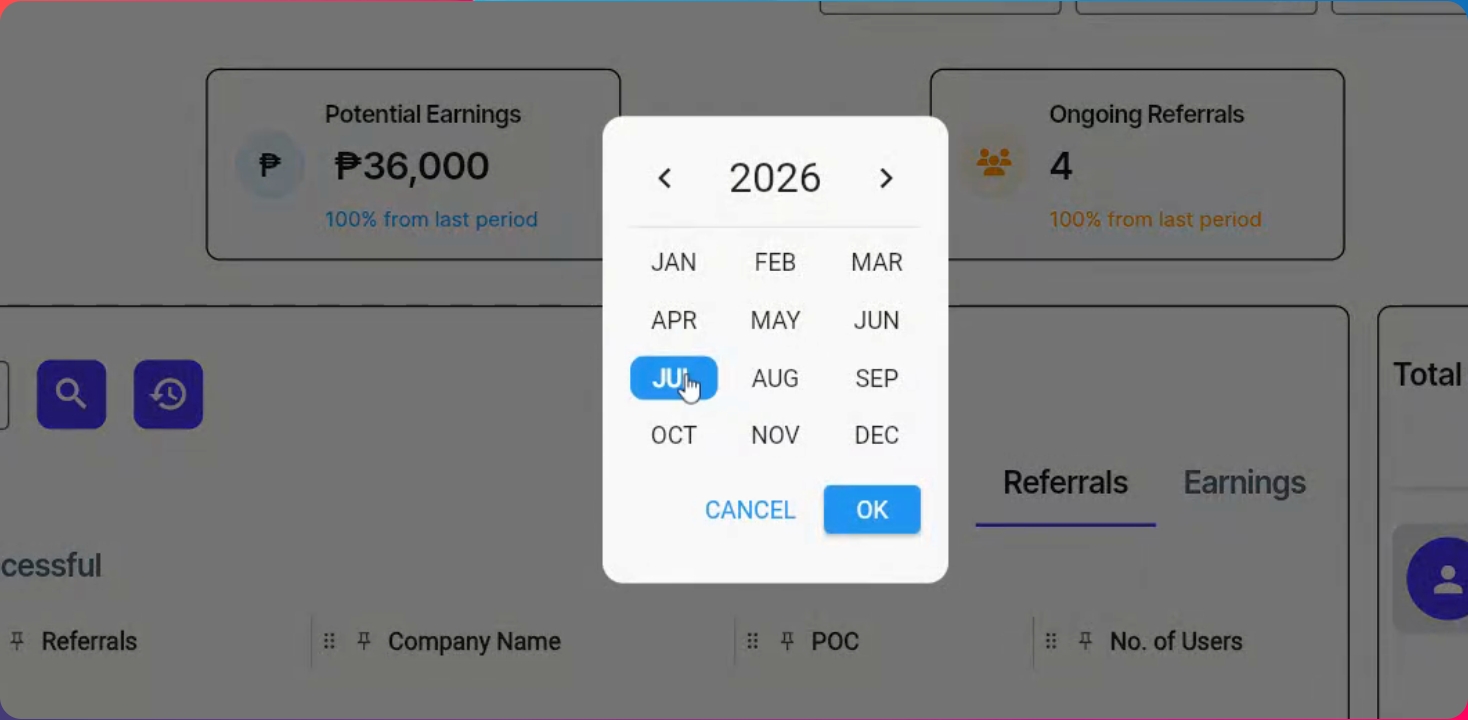
Track your referrals and earnings through your dashboard. You can view ongoing, successful, and unsuccessful referrals. Referrals are displayed per company, and you can expand for further details such as company name, point of contact, number of users, emails, and phone numbers. Use date filters or select by month to quickly find results. Your total earnings and benefiting clients are also shown here.
Step 11: Review Program Terms
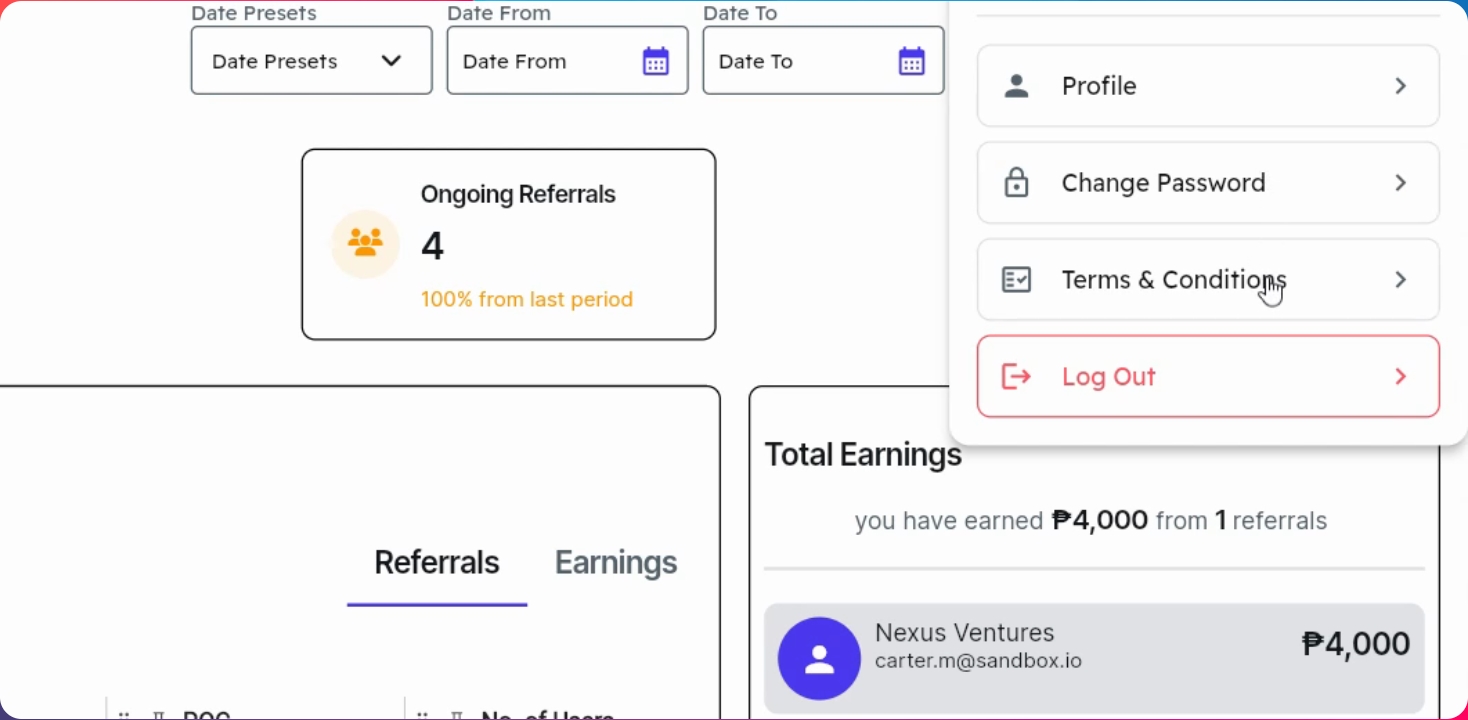
To review the affiliate program's terms and conditions, go to your profile and select Terms and Conditions. Reading this section helps you understand the program guidelines, commission structure, and payout process.
You are now ready to start referring companies and earning commissions with the Anya HR Affiliate Program. Remember to book a demo for interested companies, let the Anya team handle the rest, and track your referrals and earnings through your dashboard. Thank you for joining!