

The new features give employees a quick and clear view of all dates affected by no Schedule, incomplete logs, or no Logs. This ensures they can take timely action to maintain accurate timekeeping.
This tool empowers employees to easily determine if they need to file a change schedule or change log request.
The viewing range of the timekeeping alert extends from the previous cutoff up to the current date.
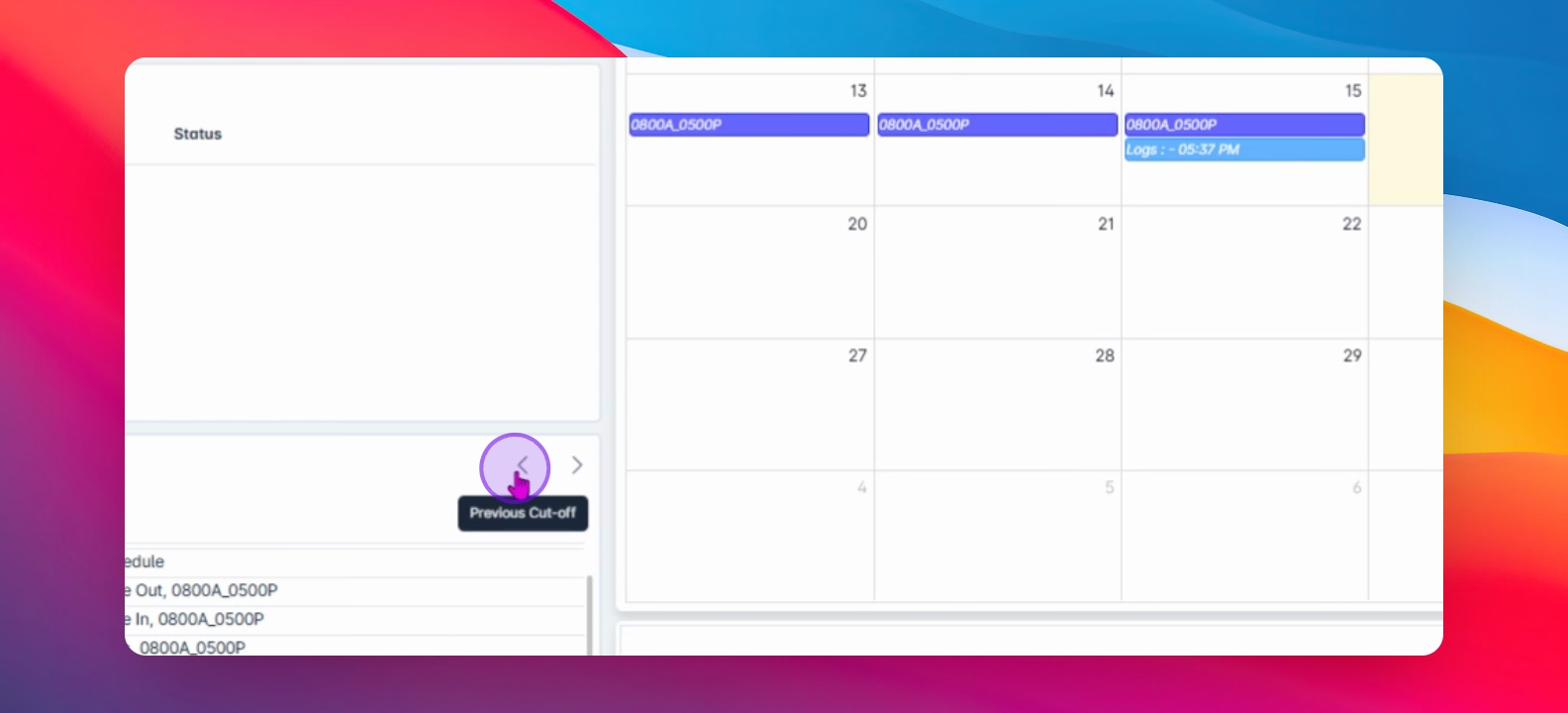
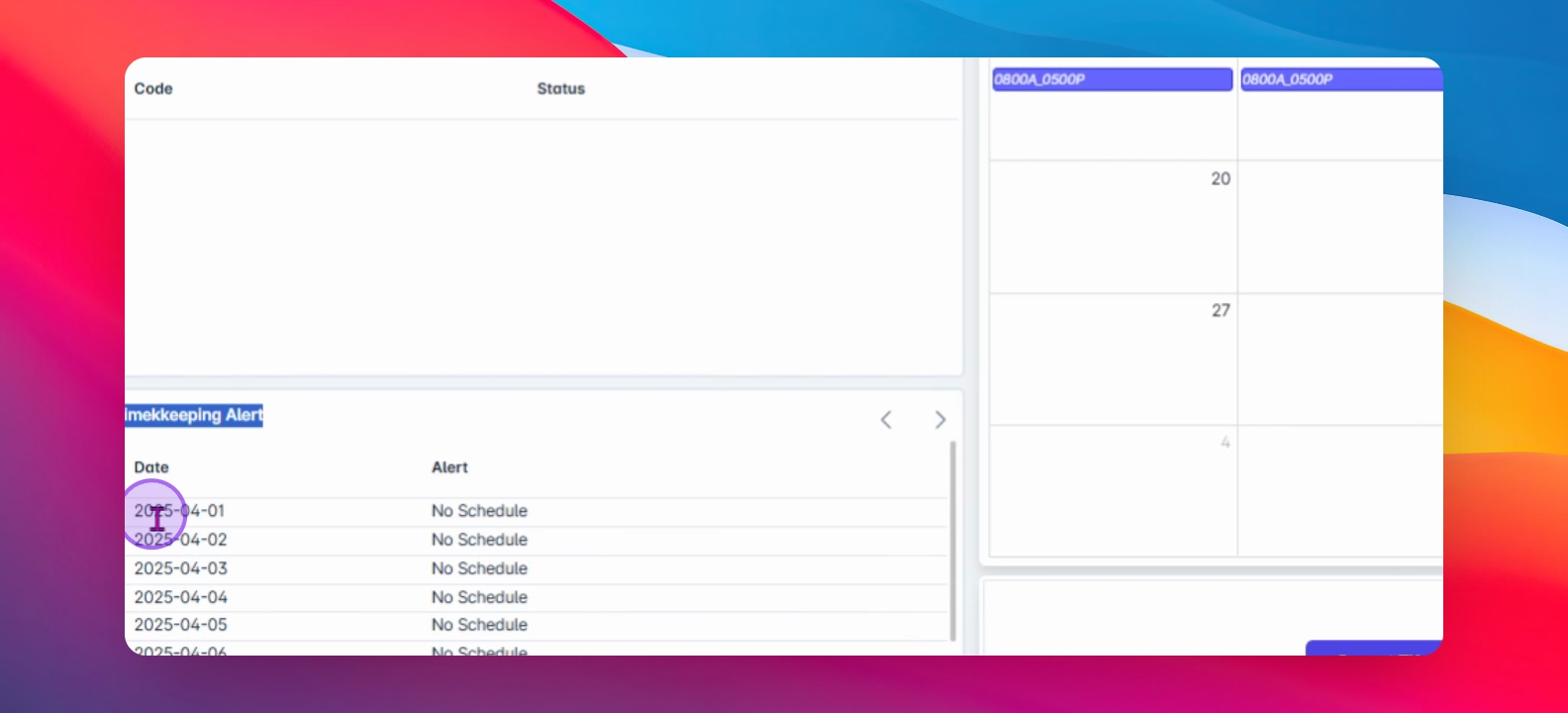
Alerts will fall into categories such as no Schedule, no Time in or Out, or no Logs.
For instance, on April 7 and April 8, the alerts were classified as no Time in or no Time Out. This condition occurs when a schedule exists but the logs are incomplete.
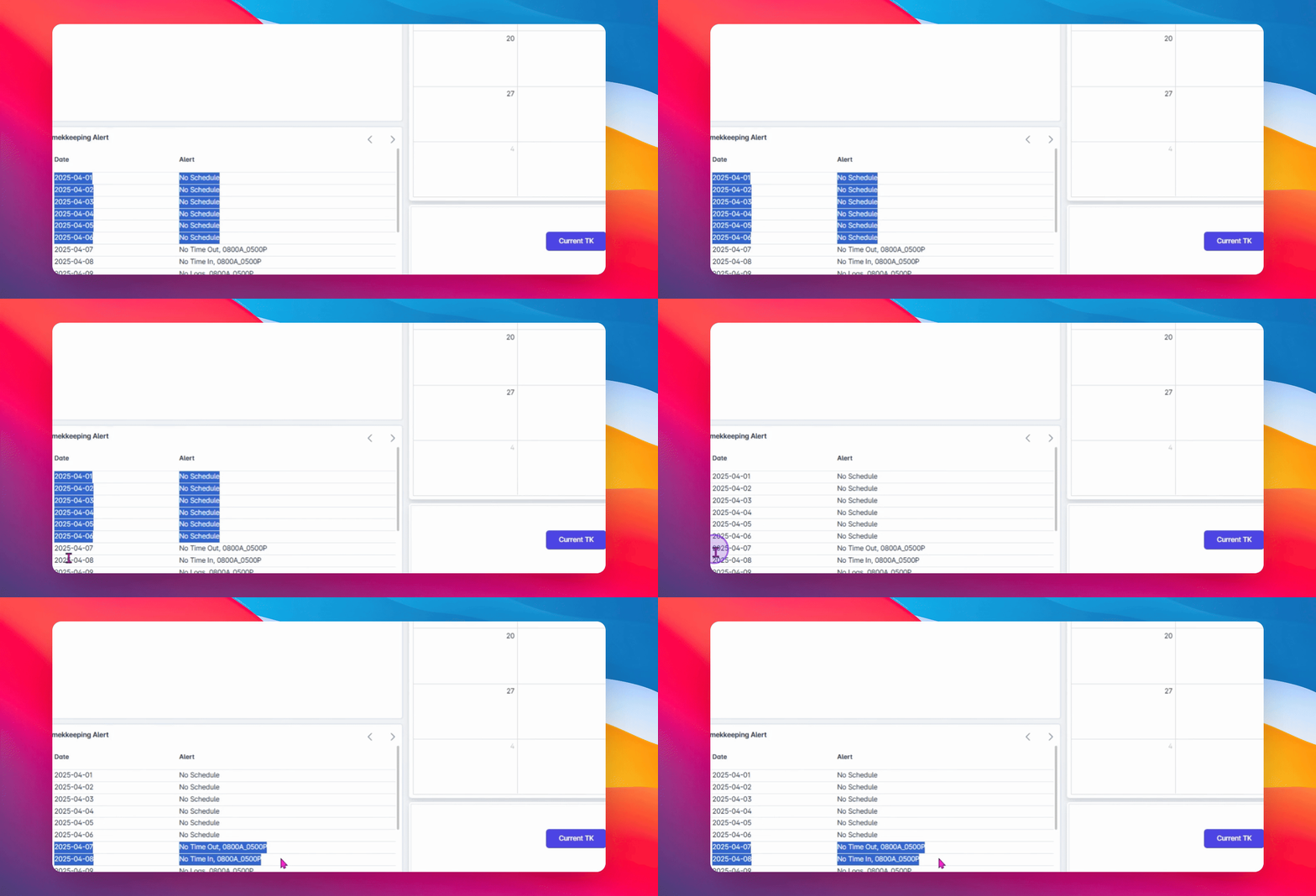
This alert assists employees in quickly recognizing the issue, prompting them to file a change log request.
On April 9, the remarks were tagged as no Logs, an indication that although the schedule was tagged, no logs were recorded.
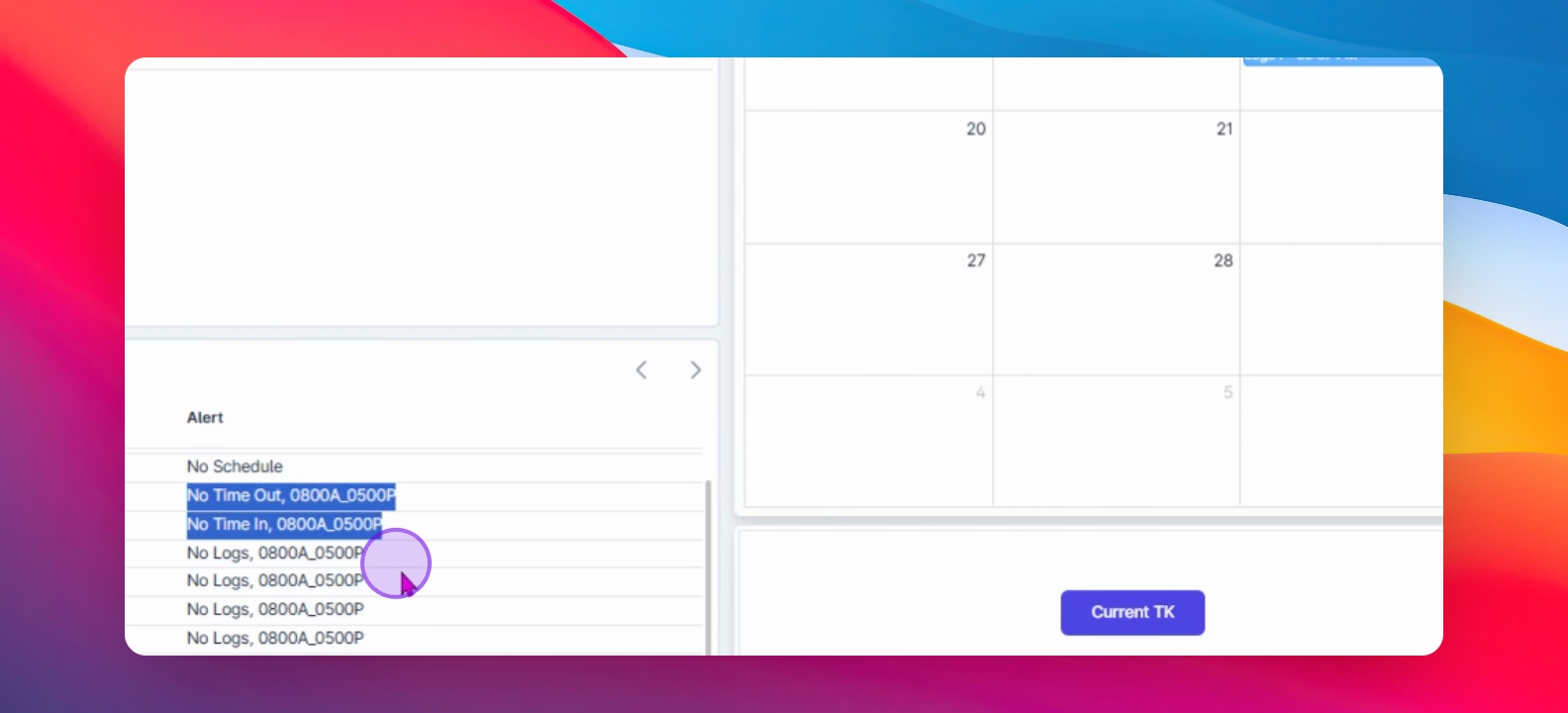
If an employee was truly absent, the alert can be disregarded. Otherwise, they are encouraged to file a change log or official business request to avoid being marked absent.
Through the implementation of Timekeeping Alerts, AanyaHR greatly enhances the accountability and efficiency of employees in managing their schedules and logs.