

Welcome to the Anya HR Channel Partner Program tutorial. This program helps organizations grow their network and rewards partners for successful referrals. By introducing companies to Anya HR's payroll solutions, you can help businesses improve operations and earn commissions. In this guide, you'll learn how to manage your account, add affiliates, refer companies, track earnings, and use the View Company feature to oversee your organization's activities. Let's look at the steps:
Step 1: Manage Your Profile
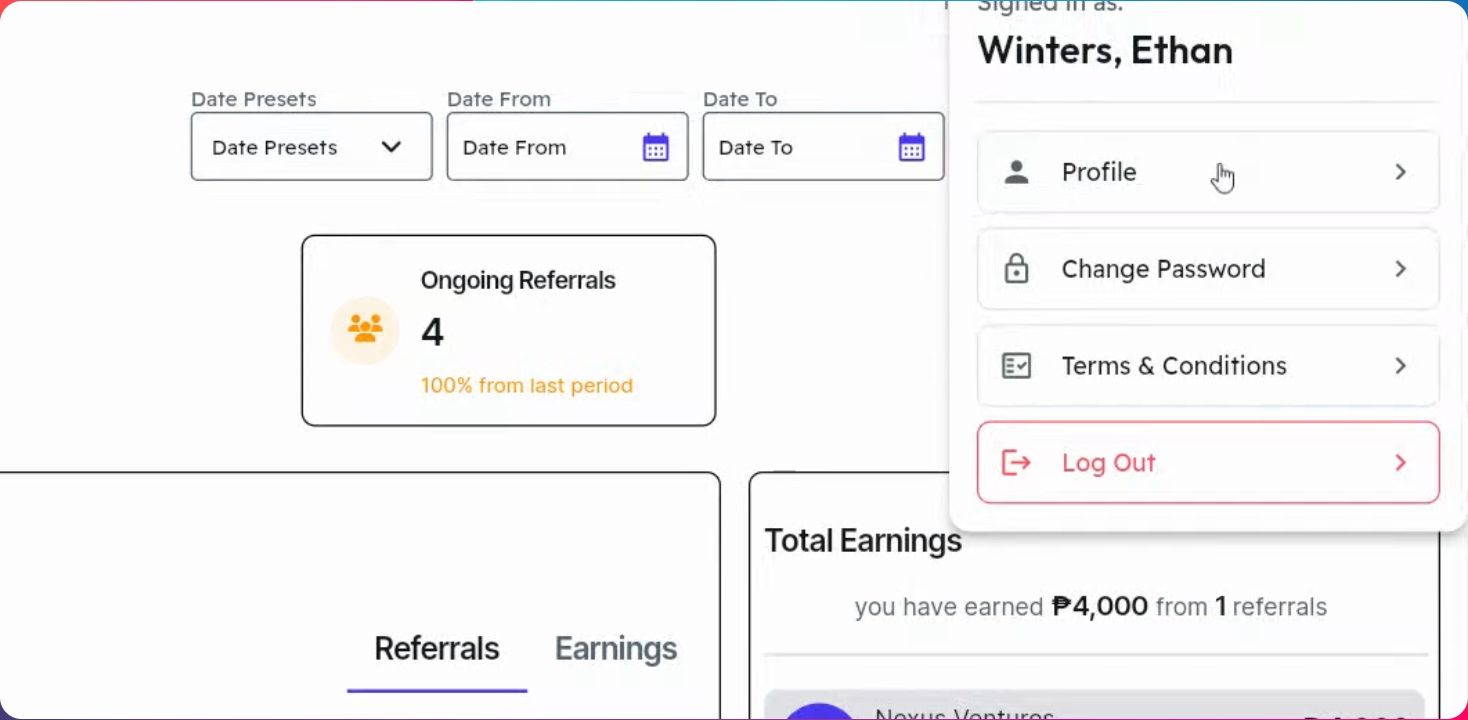
Click your account icon and select Profile. Use the Edit button to update your personal information. Ensure your bank details are accurate, as commissions are credited here. Once done, click Save Information to save changes.
Step 2: Change Your Password
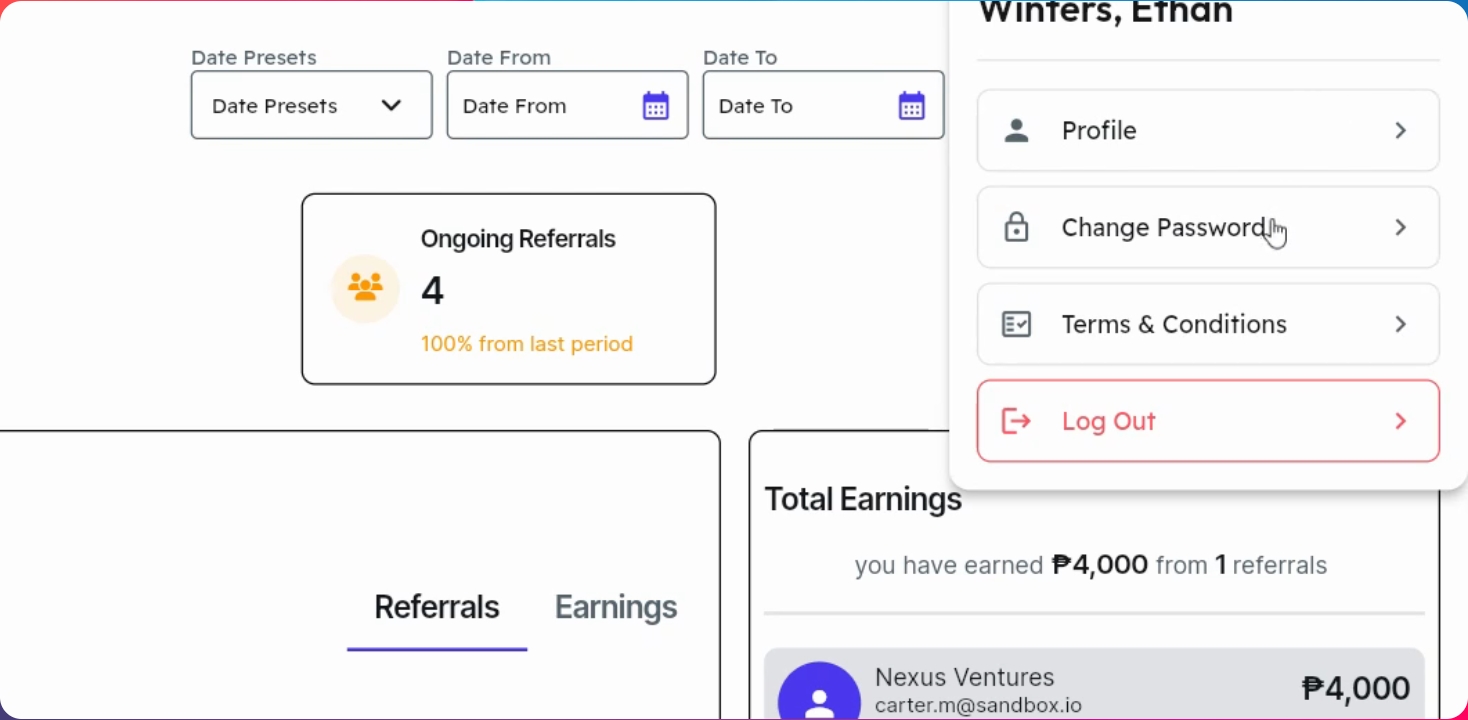
Hover over your account again and click Change Password. Send an OTP to your email, enter the verification code from your registered email, create a new password, and click Save Changes.
Step 3: Review Terms and Settings
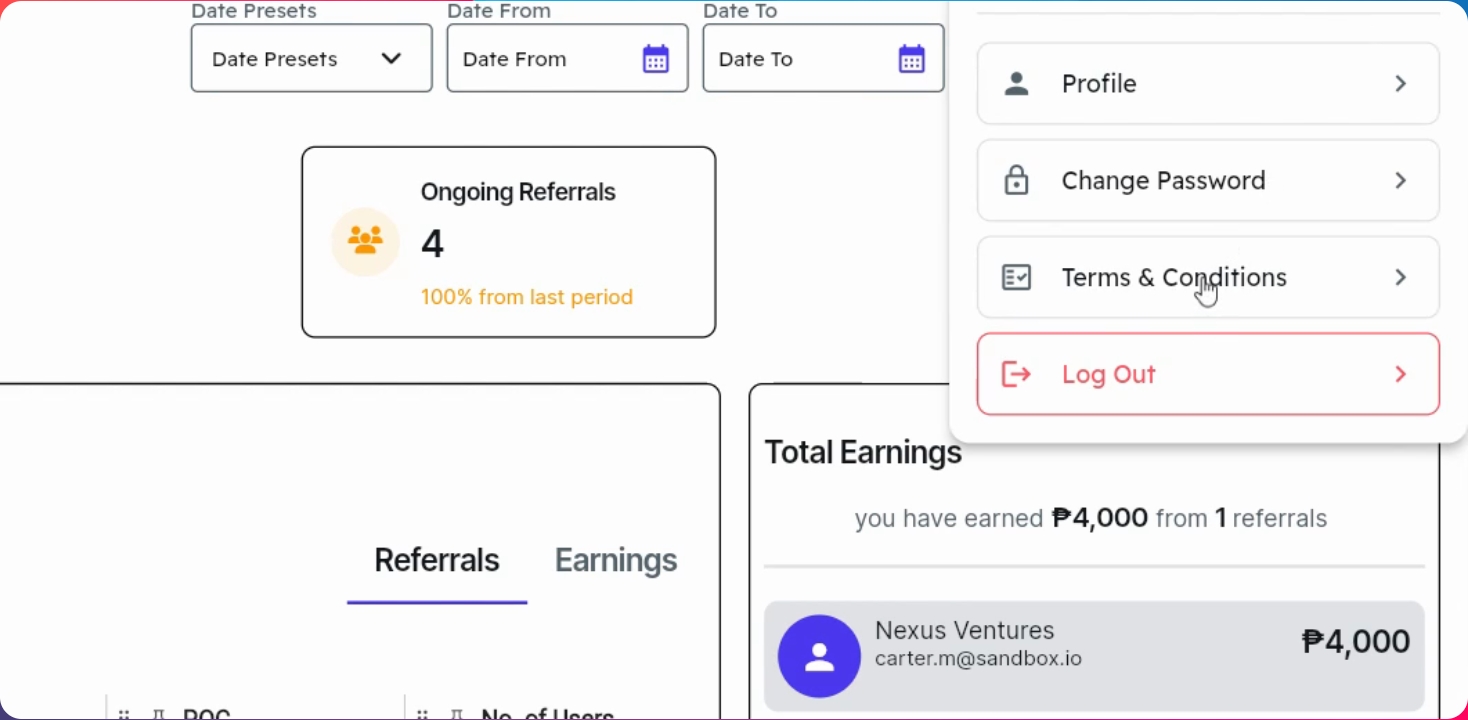
Review the Terms and Conditions in your account settings. You can also switch between Dark mode and Light mode, and check your Notification Panel for updates on referral companies.
Step 4: Add Employees and Affiliates
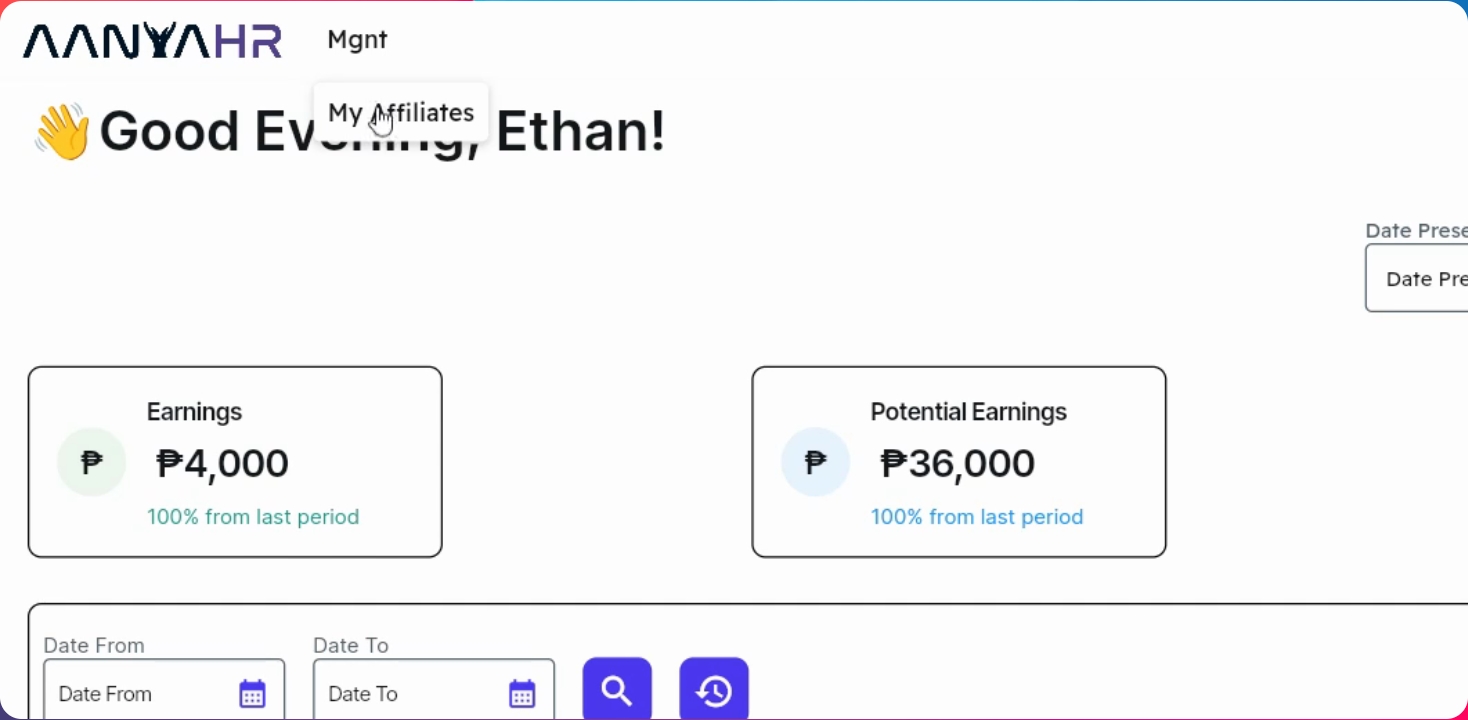
Go to the Management menu and select My Affiliates. Click the Add button. Enter required details such as name, email address, and phone number. For multiple affiliates, download the template, complete the information, and upload it for bulk registration.
Step 5: Monitor Dashboard and Referrals
Your dashboard provides an overview of referrals, activities, and business performance. From here, you can monitor referrals and potential earnings. Use features like Track Affiliate and Track Yard for detailed tracking.
Step 6: Use the View Company Feature
Switch from your personal Affiliate Dashboard to your organization's Channel Partner Dashboard using View Company. This gives a broader view of your business network and referral operations, allowing you to manage company plans, monitor activities, and oversee your company's Channel Partner performance.
Step 7: Update Company Plan
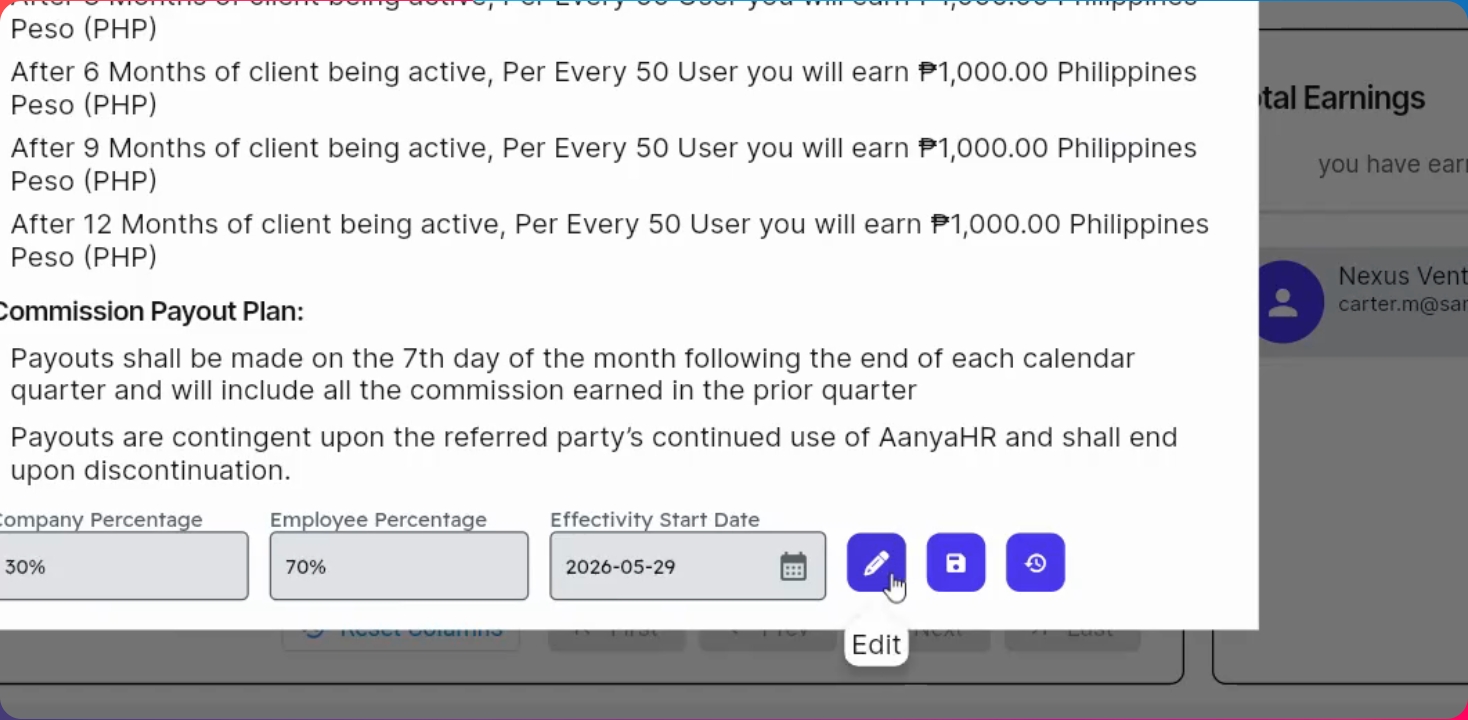
Click the View Company button to update your plan. Click View Plan, then the Edit button. Modify company percentage, user percentage, or effectivity date as needed, and click Save Changes. You can also review your current plan here.
Step 8: Refer a Potential Client
Click Book a Demo and select your preferred schedule. Enter the affiliate name, referral's name, email address, and phone number. Choose the demo platform (Microsoft Teams or Google Meet) and add guests if needed. Enter the company name and estimated number of employees. Click Confirm to complete the booking. After booking, your estimated commission appears under potential earnings based on the employee estimate.
Step 9: Track Commission and Earnings
Once the client confirms their employee count and completes the initial payment, your commission moves to total earnings. This process also applies to your partners when they book demos—their potential and total earnings are updated accordingly. Referrals and successful referrals are reflected in the dashboard.
Step 10: Filter and Track Referral Details
You can filter details by date preset (year, last year, last quarter, all time, last 60 or 90 days) or select a custom date range. Track your employees' or partners' earnings, which are divided as ongoing, successful, and other statuses. Each referral record includes company info, PoC, number of users, email, and phone number. Click the Expand button to view all details.
Step 11: Reschedule Demos and View Earnings
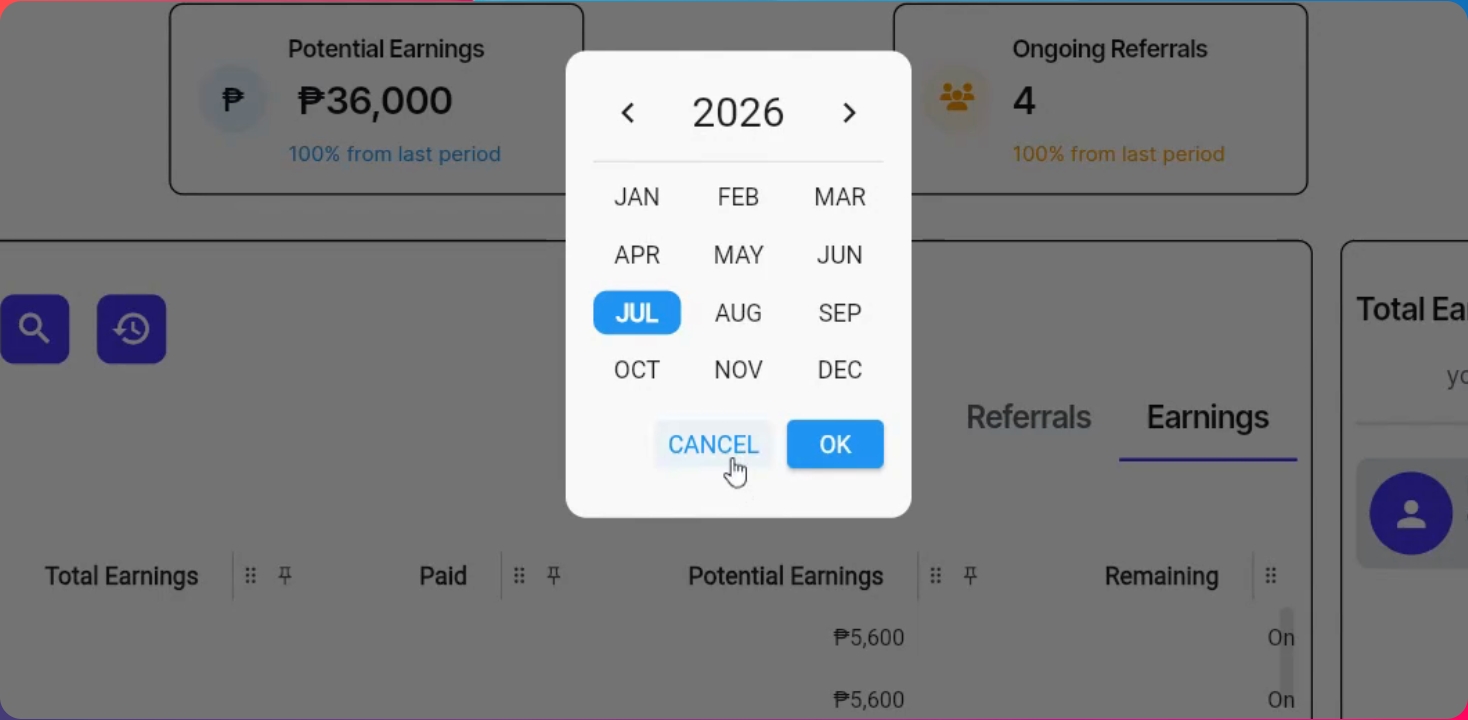
If clients need to reschedule a demo, click the Edit button and select a new date and time. See commissions earned under the earnings section and view status. You can view earnings by referrals or by month, and filter by month. Under the total earnings section, view a detailed breakdown of commissions for you and your employees.
The Anya HR Channel Partner Program is more than just a referral program. It is a business growth platform designed to help organizations expand their network, generate opportunities, and build long-term partnerships.