

Introduction
In this tutorial, we will guide you through the process of setting up Buddy authentication on your Anya Eture mobile app. This feature not only provides an alternative method for logging in but is also necessary for clocking in and out using the app. Follow the steps below to enable this important security feature.
How to Instructions
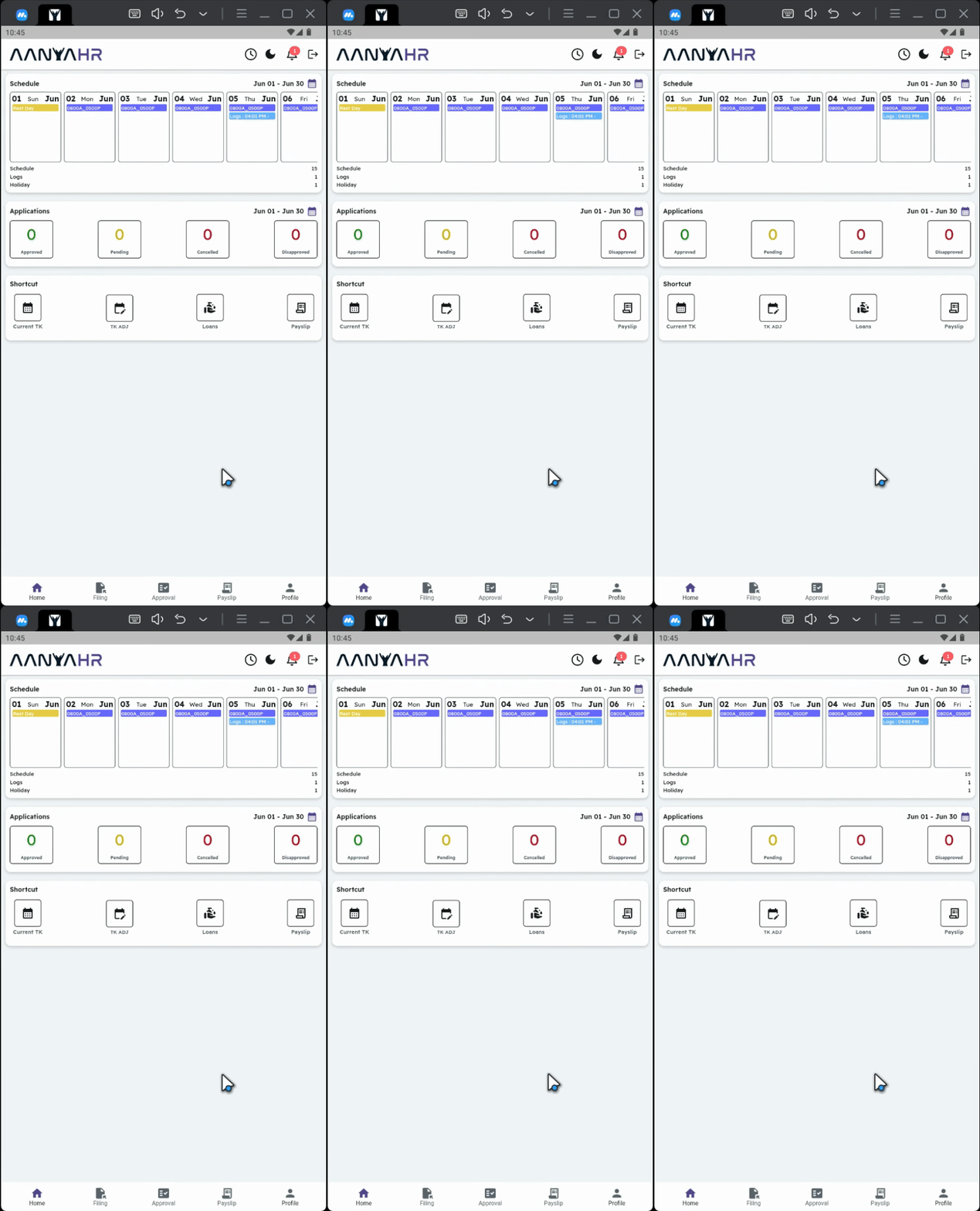
1. Access the Profile Module
At the bottom of the dashboard, tap the Profile module.
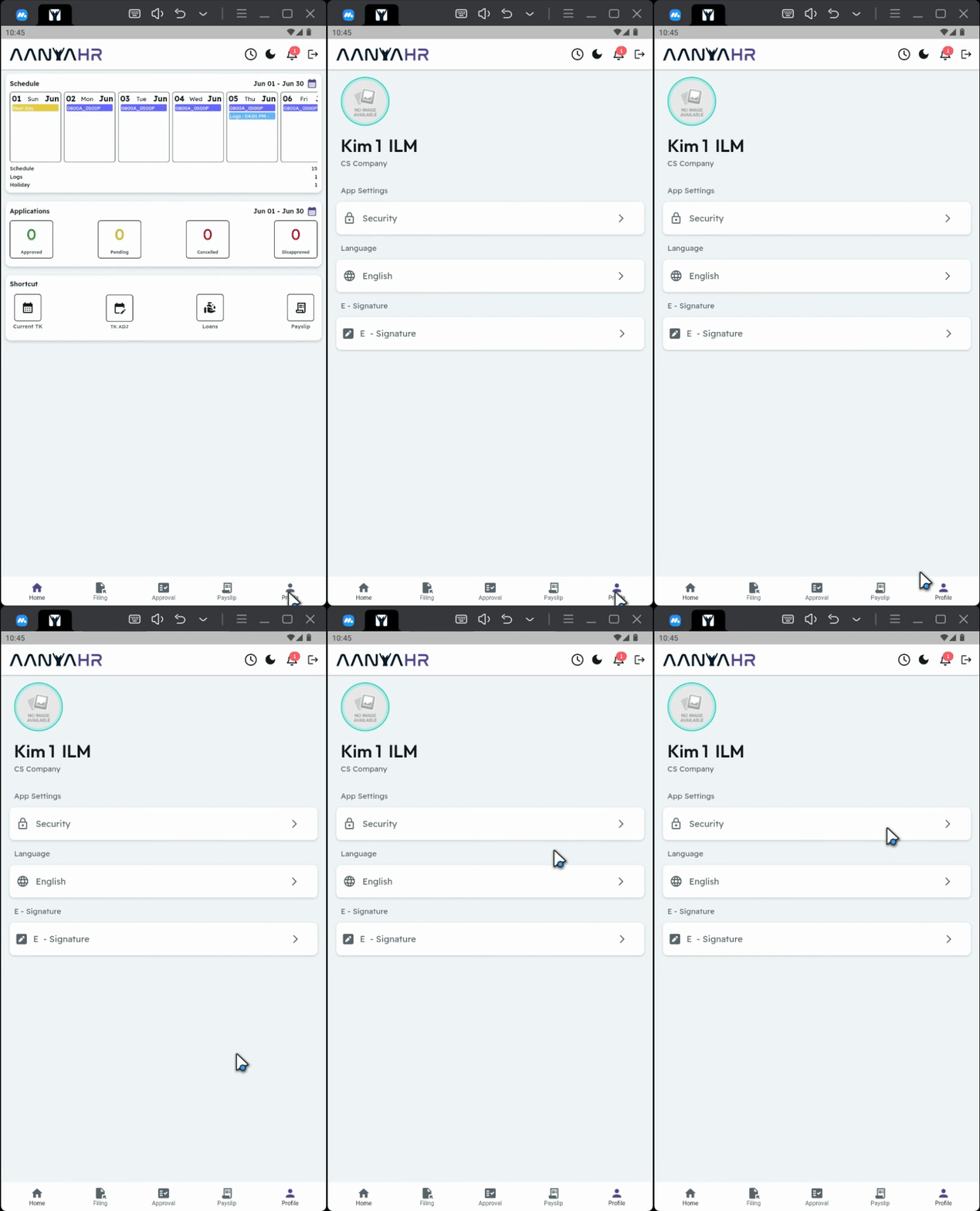
2. Navigate to Security Settings
Go to Security.
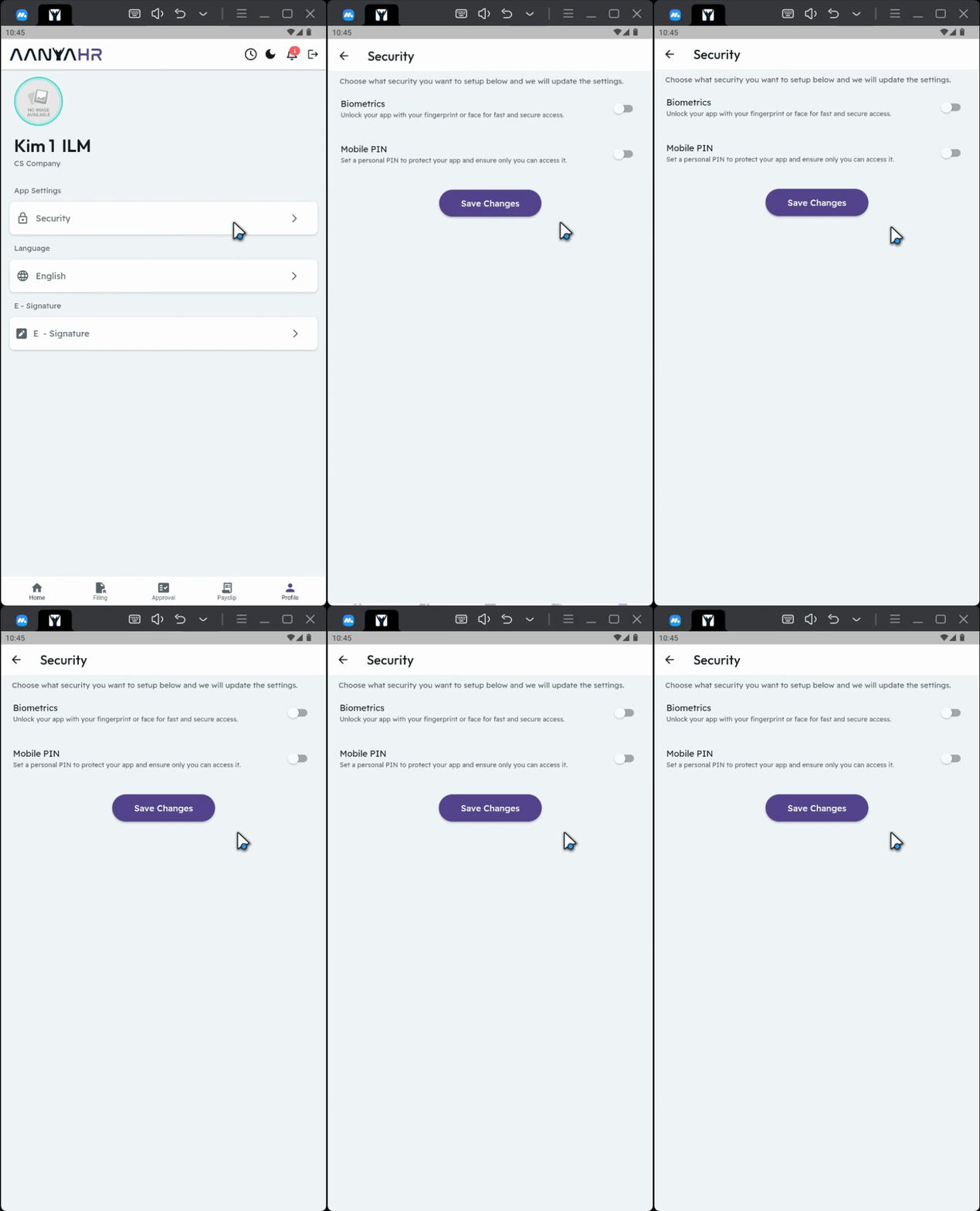
3. Enable Mobile App Setup
Enable the mobile app setup.
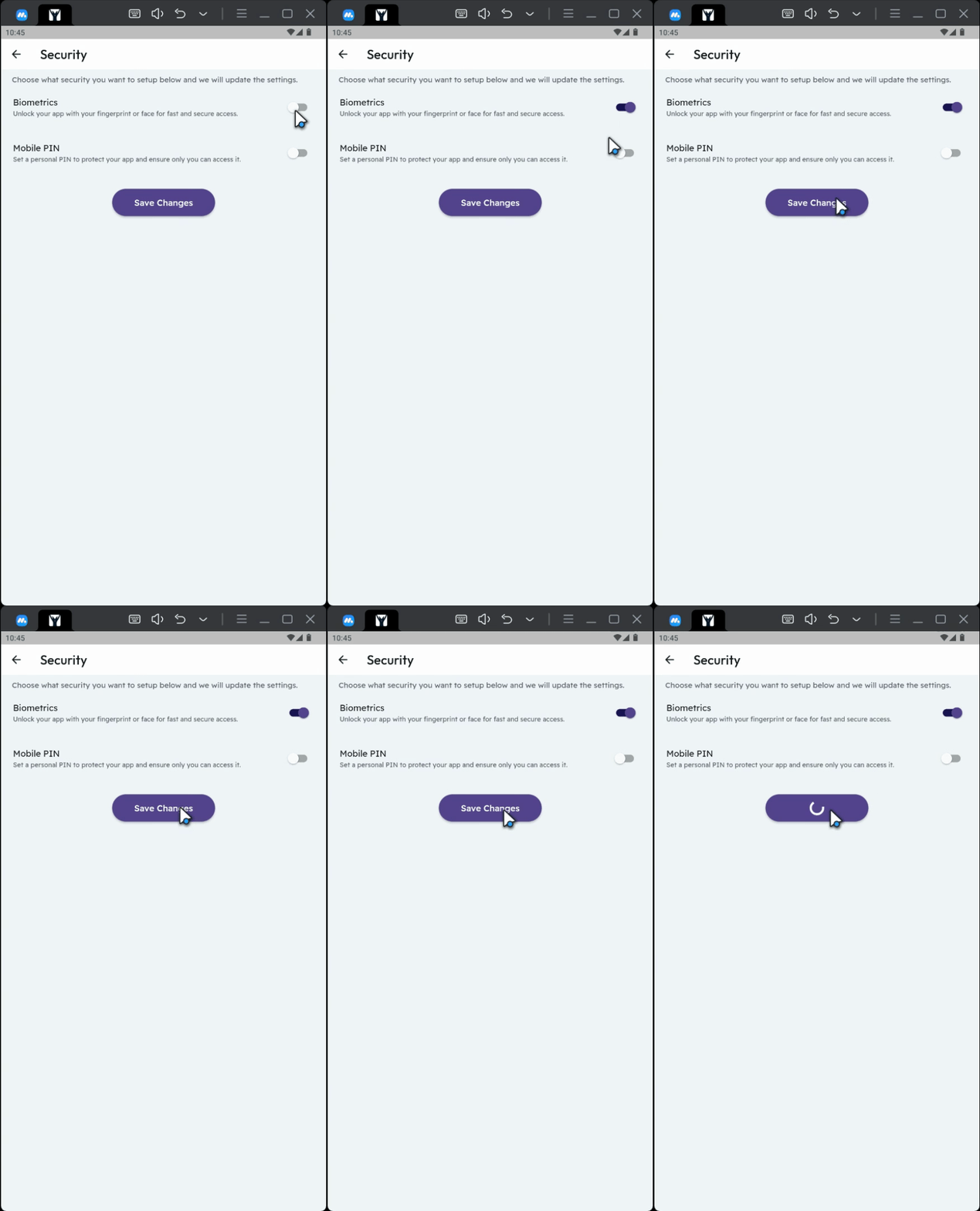
4. Save Changes
Click Save Changes.
5. Confirmation
And that's it. Your Buddy authentication is now set up!
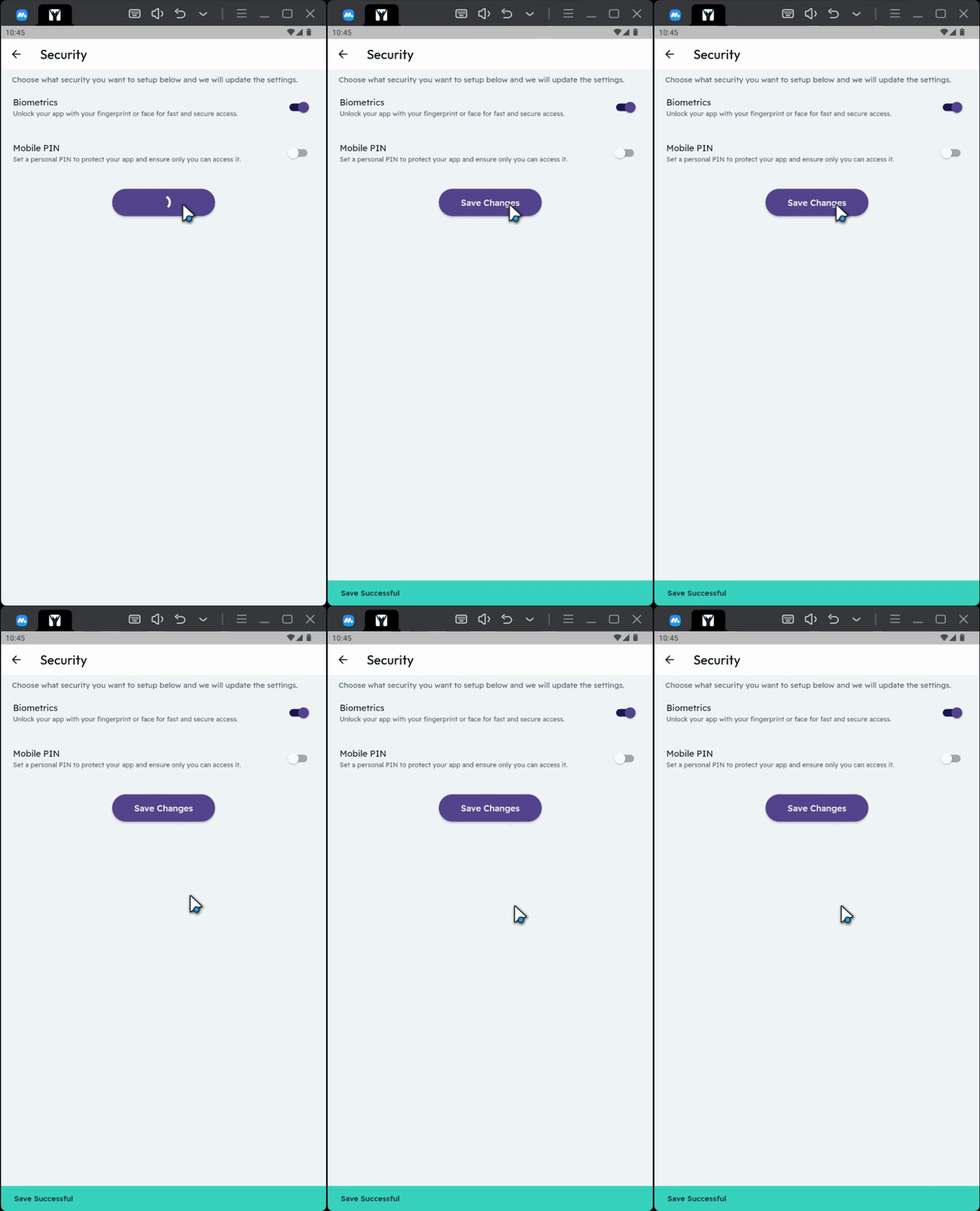
6. Ensure Biometric Setup is Enabled
Please make sure that your biometric setup is enabled to utilize Buddy authentication effectively.

Conclusion
By following these steps, you will successfully set up Buddy authentication on your mobile app, enhancing your security and enabling seamless clocking in and out.