

Introduction
Logging into your account has never been easier with the Anya HR mobile app. In this tutorial, we will walk you through the process of accessing your account using your mobile PIN (MPIN). By following these simple steps, you will be able to quickly and securely log in to your dashboard.
How to Instructions
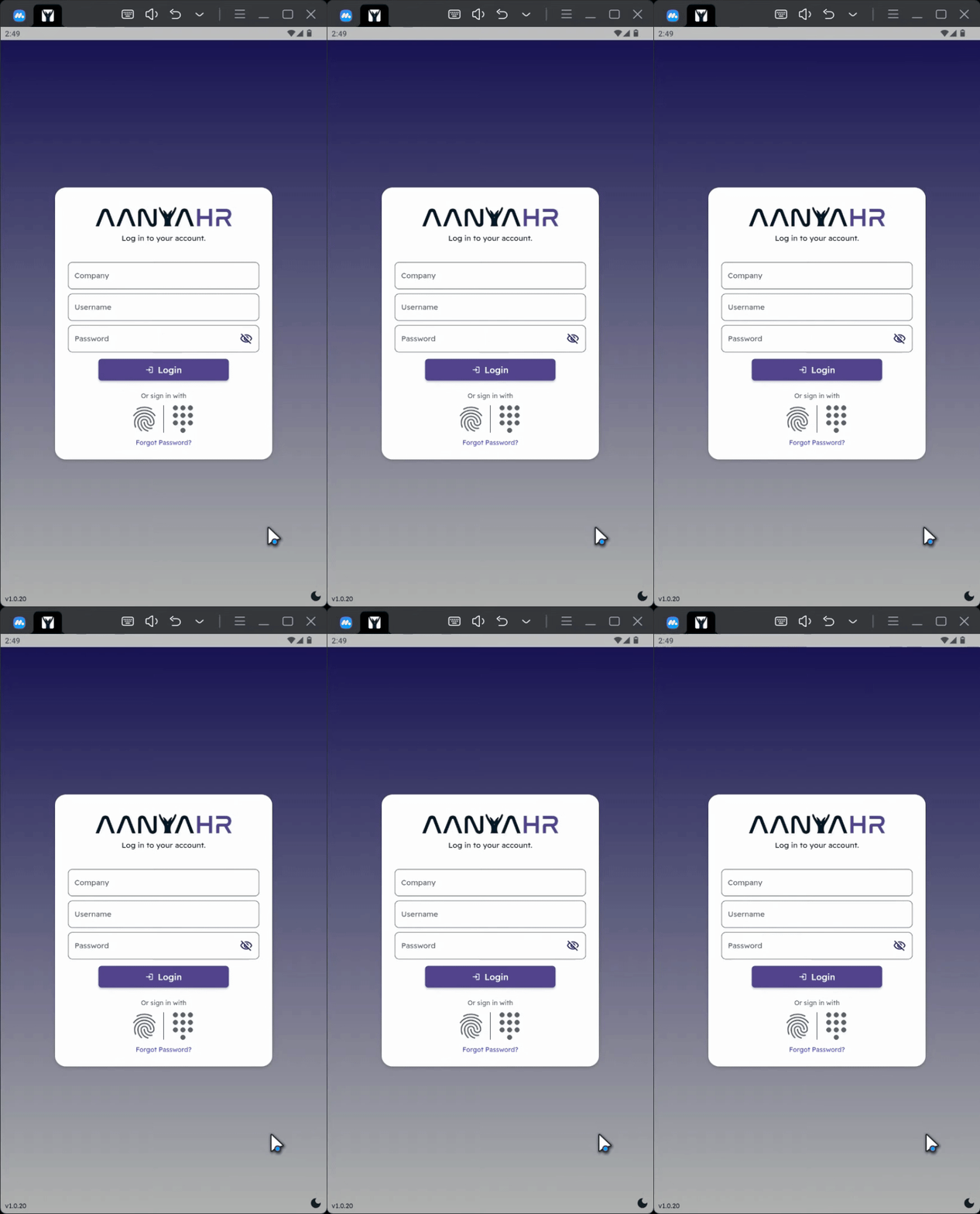
1. Open the Anya HR Mobile App
First, locate and open the Anya HR mobile app on your device.
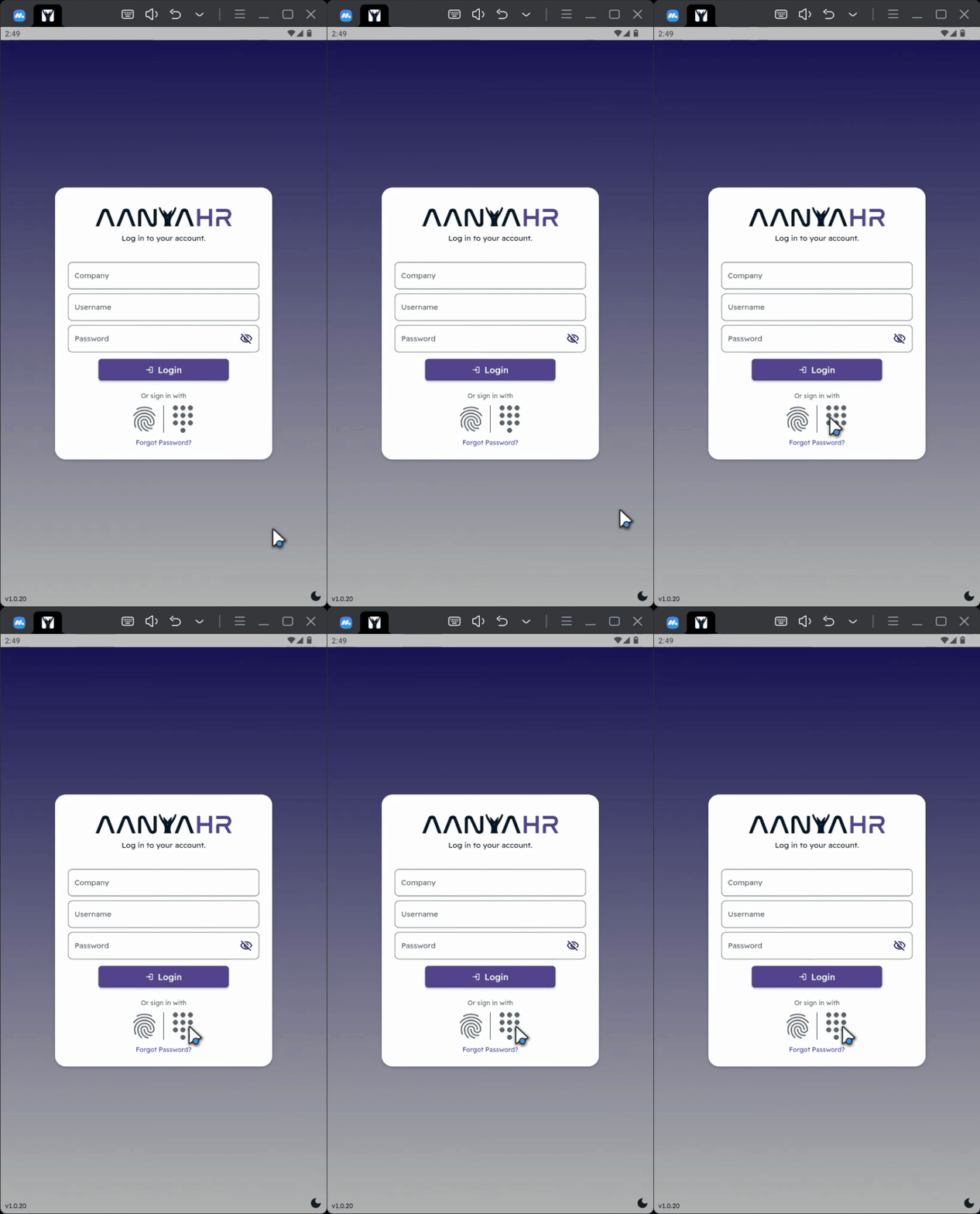
2. Access the Keypad
On the login screen, tap the keypad icon located in the center of the screen.
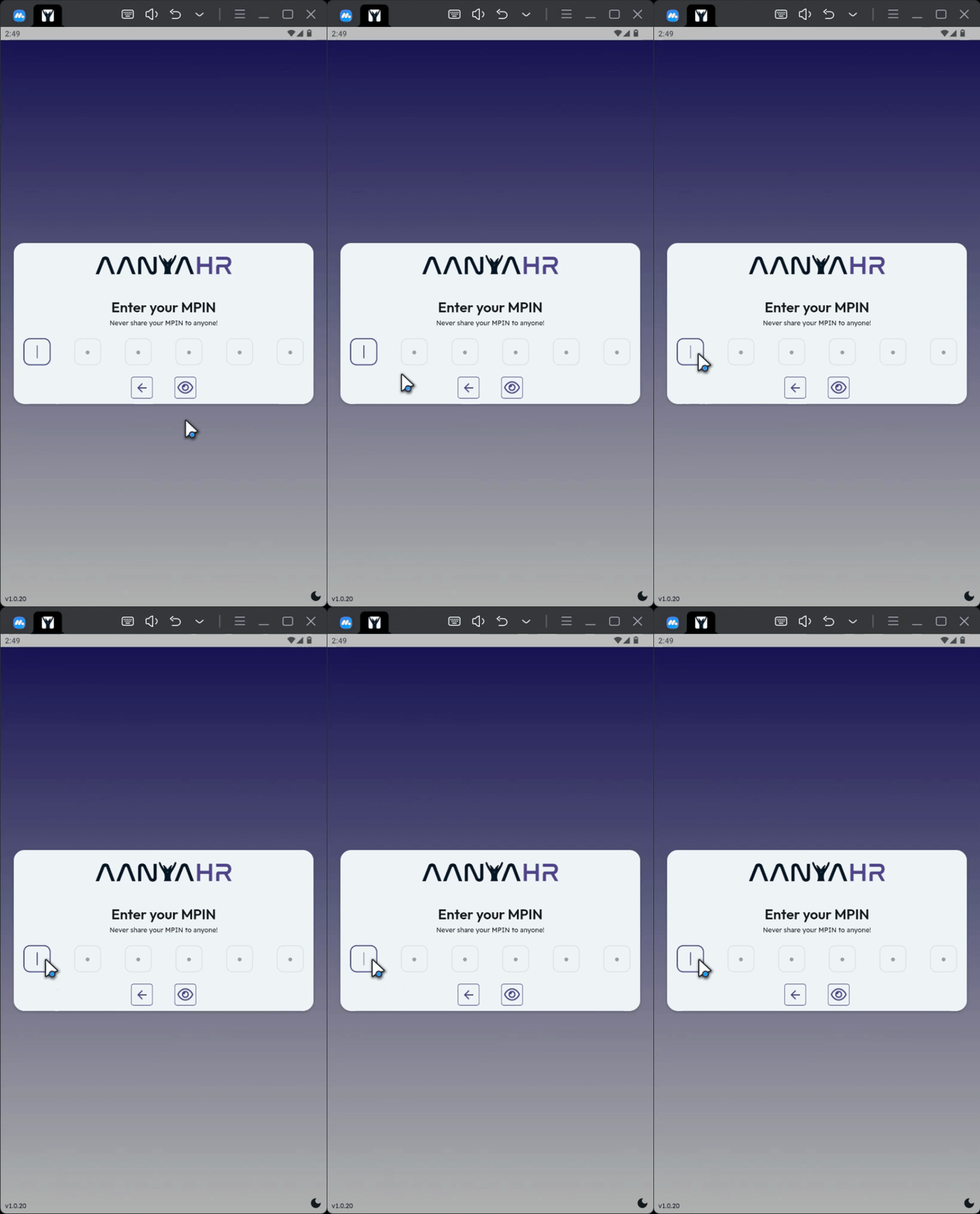
3. Enter Your MPIN
Next, enter your 6 digit MPIN carefully.
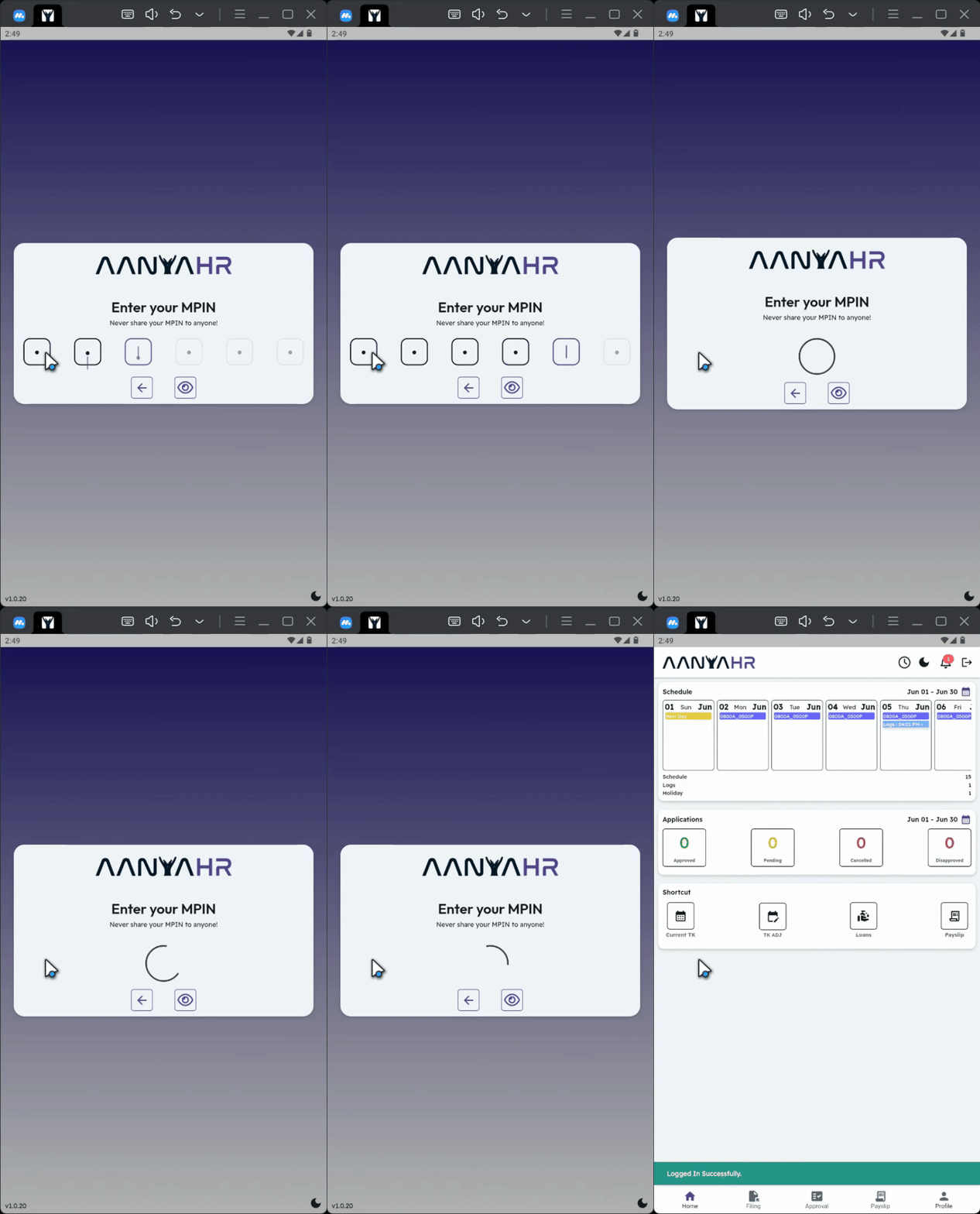
4. Automatic Login
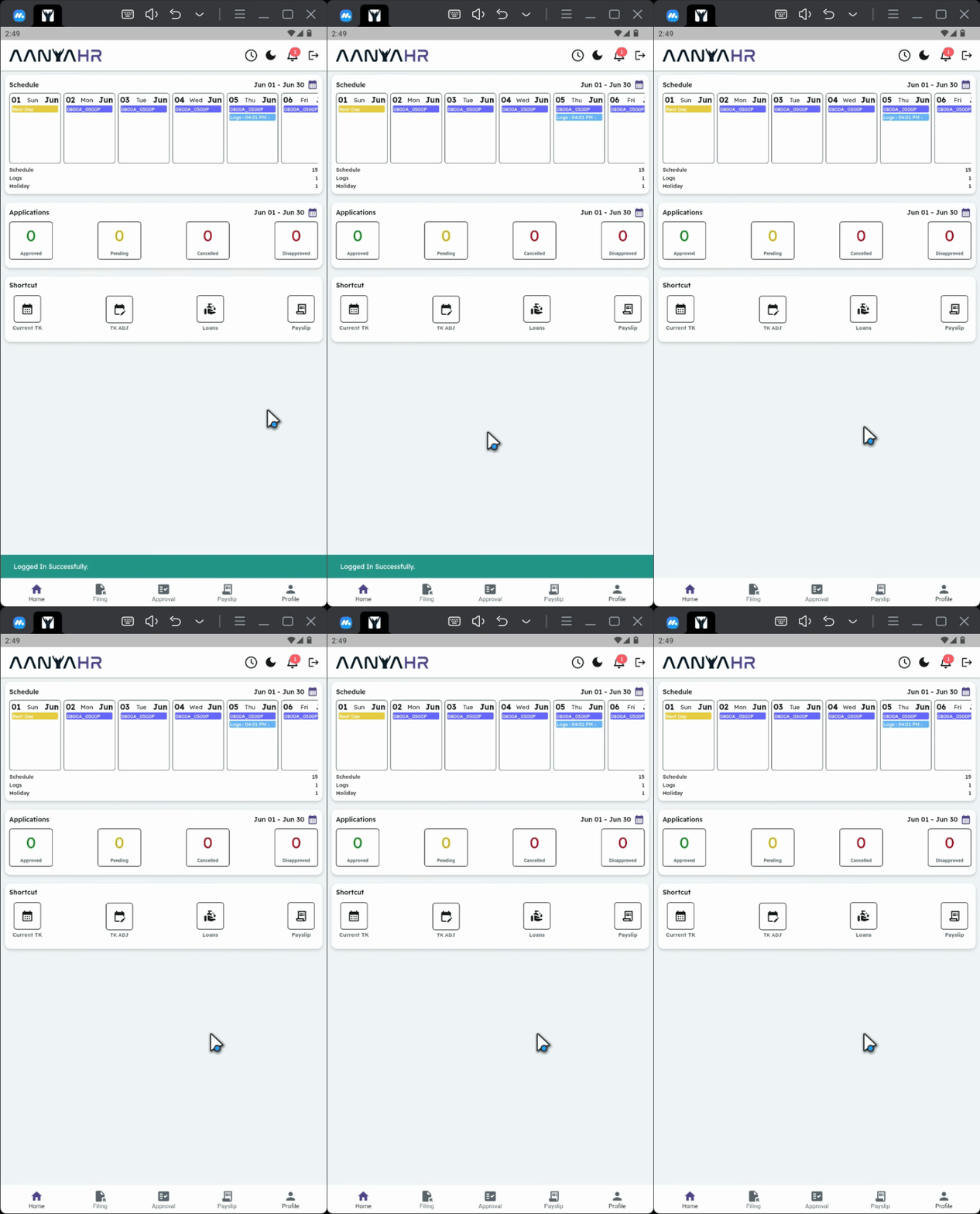
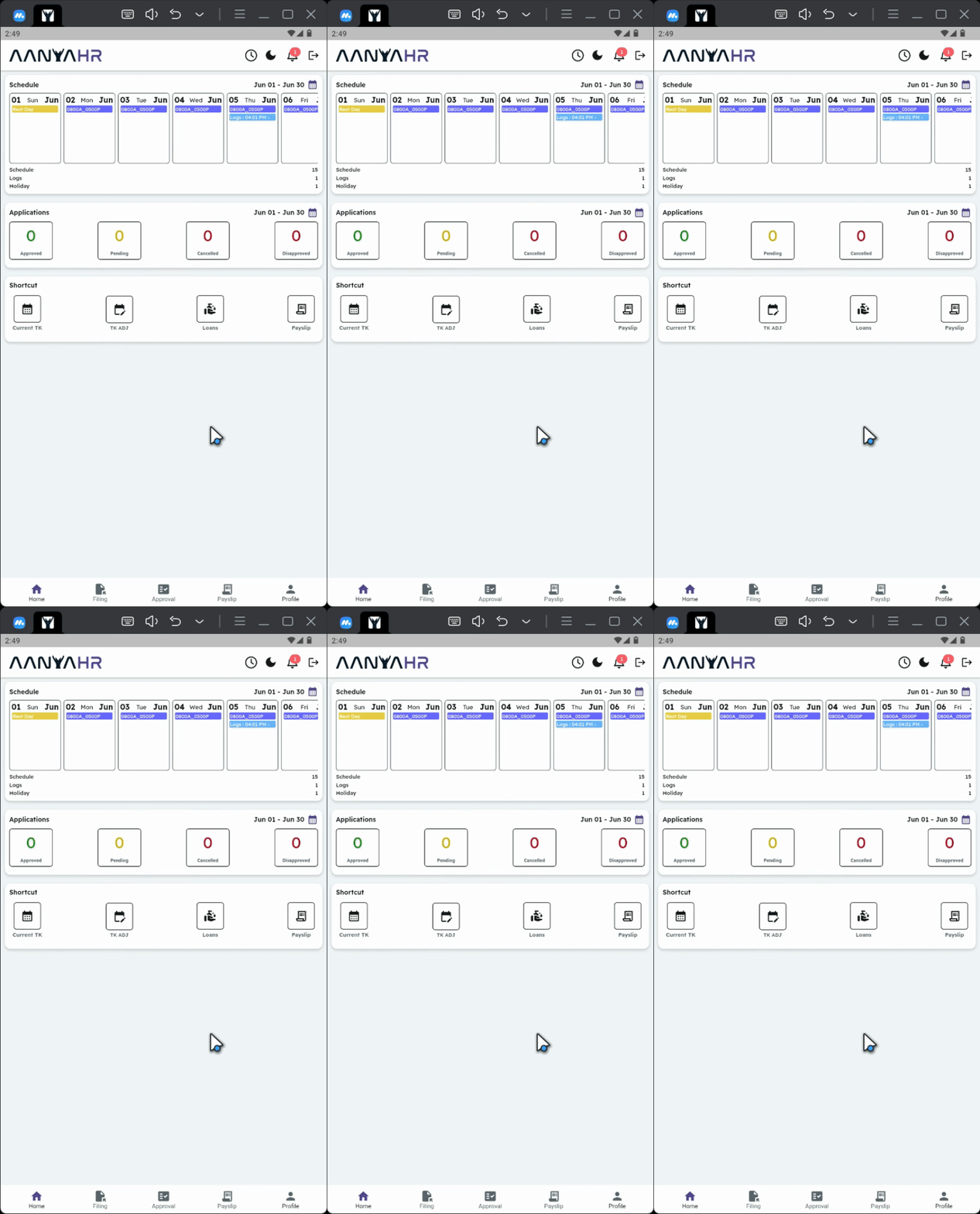
If the MPIN is correct, you will be logged in automatically and taken to the dashboard.
5. MPIN Activation Notice
Please take note: if you see a message indicating that your MPIN is not yet activated, further action may be required.
6. Setting Up Your MPIN
In case your MPIN is not activated, please refer to the article on how to set up your MPIN.
Conclusion
By following these steps, you can efficiently log into your account using your MPIN. Should you encounter any issues, ensure your MPIN is activated or consult the relevant resources for assistance.