

Introduction
In today's fast-paced work environment, staying informed is crucial. This tutorial will guide you through the simple steps to enable push notifications on the Anya HR mobile app. By following these instructions, you'll ensure that you receive timely updates regarding your requests, schedules, and more, keeping you connected and informed at all times.
How to Instructions
1. Accessing Push Notification Settings
To enable push notifications on the Anya HR mobile app, follow these steps.
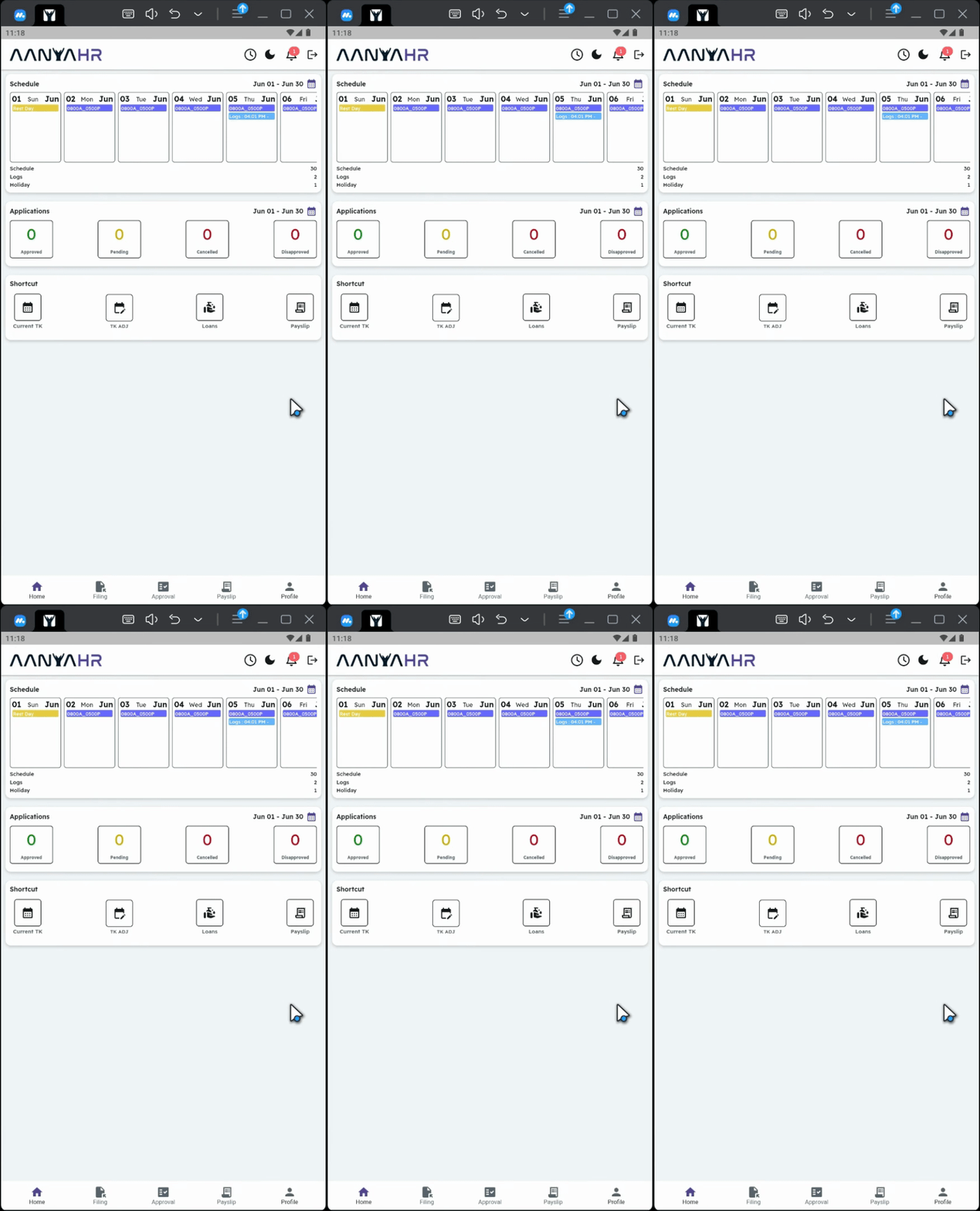
2. Open the Profile Module
At the bottom of the dashboard, tap the Profile module.
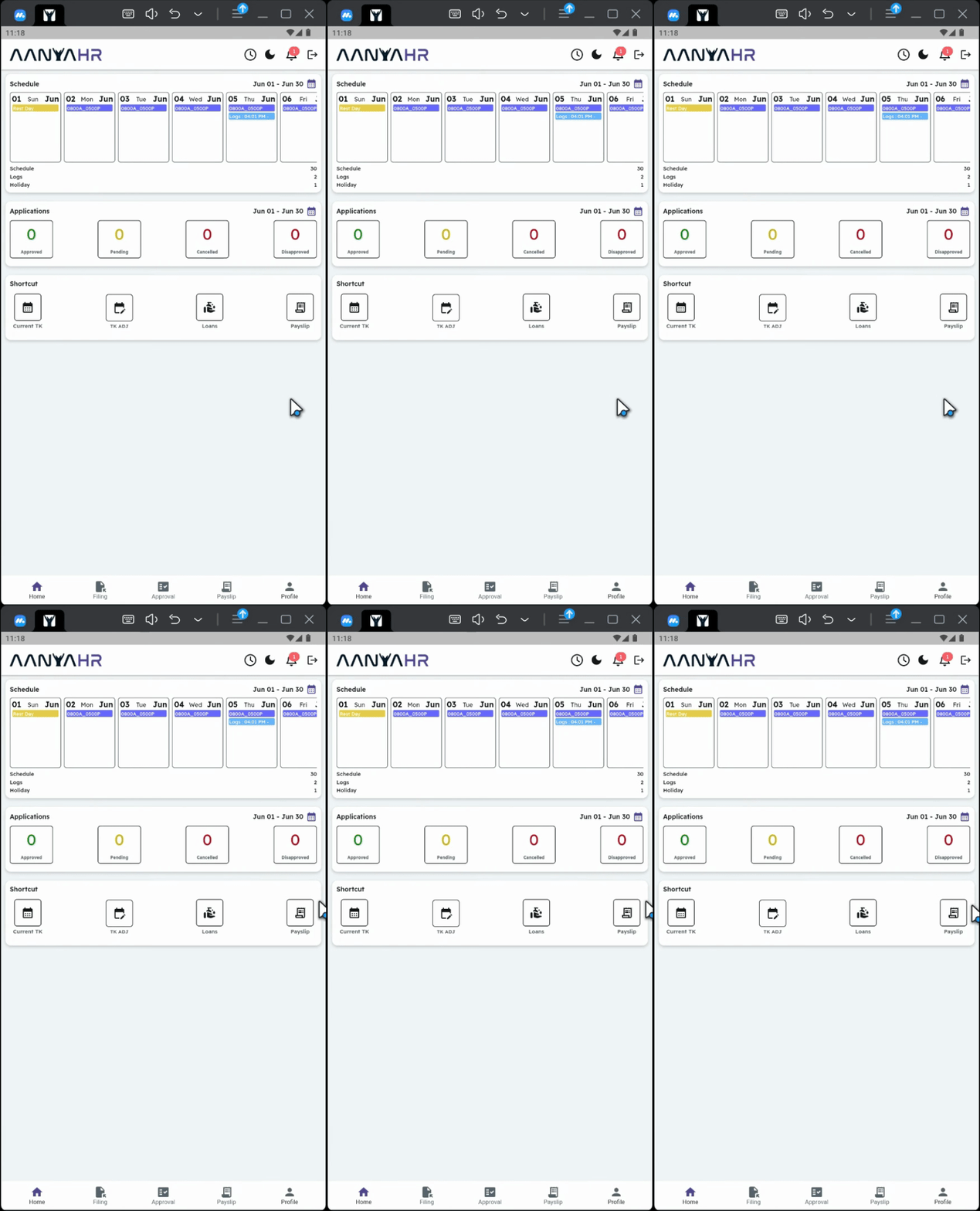
3. Navigate to Security
Go to Security.
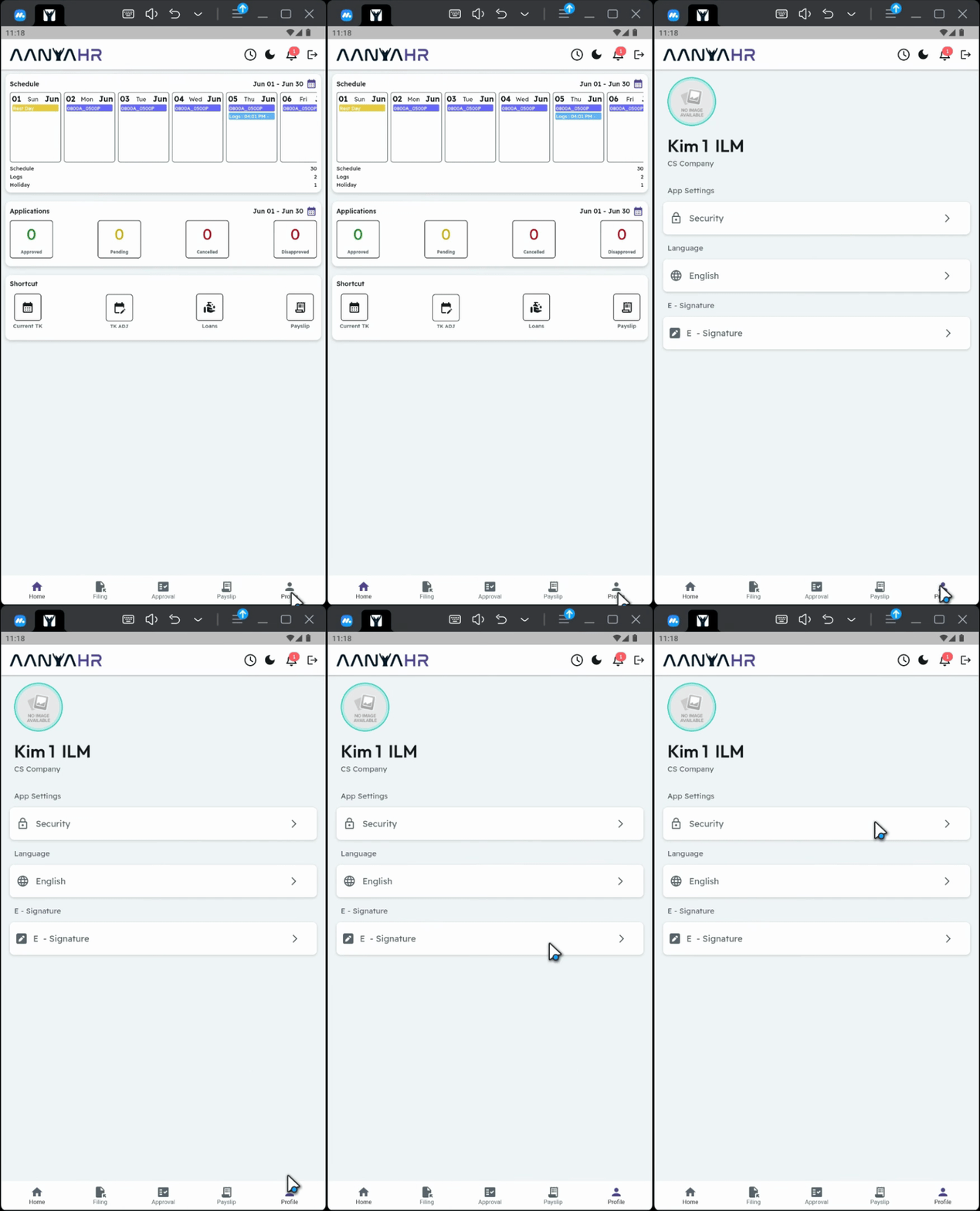
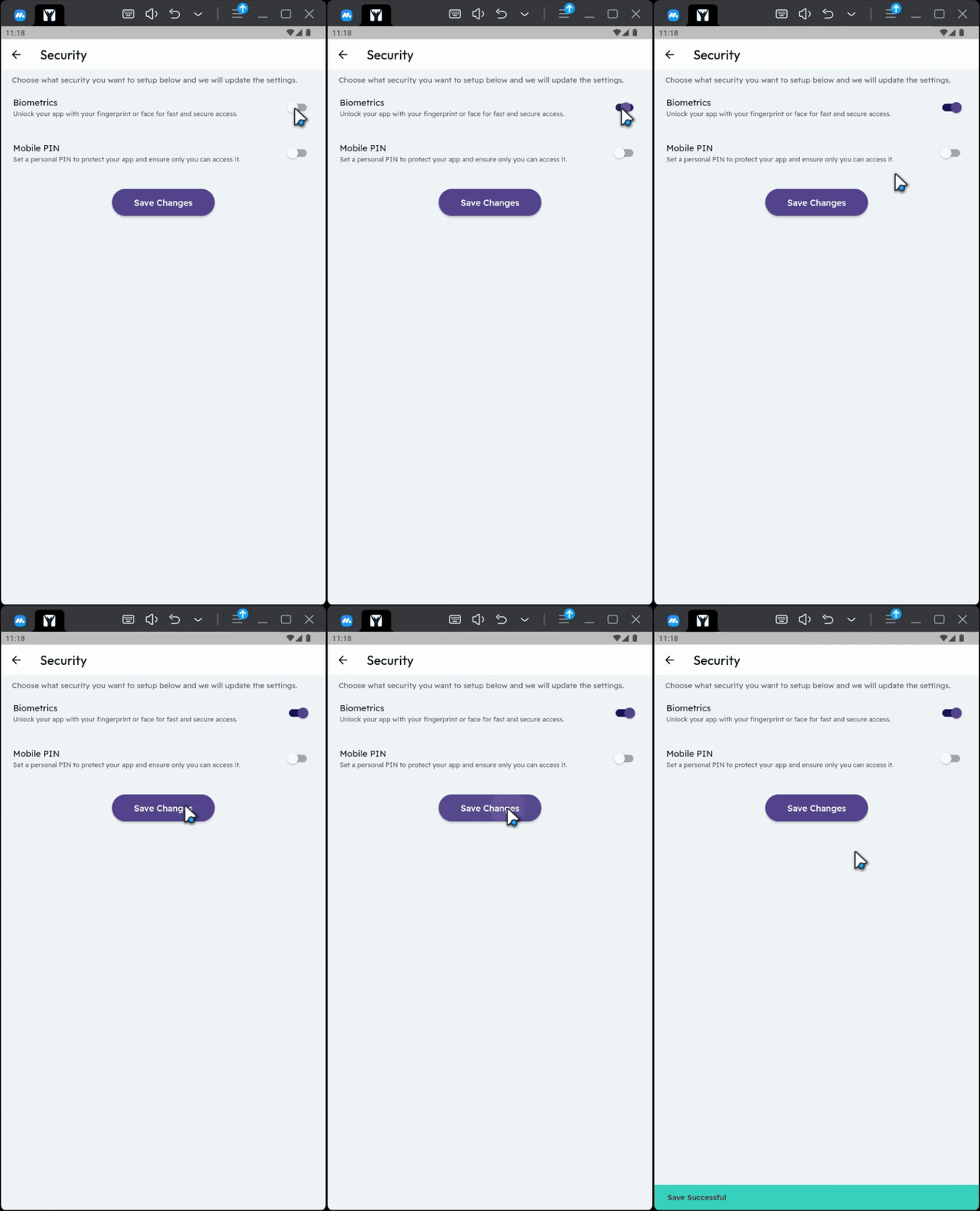
4. Enable Biometric Setup
Enable the biometric setup.
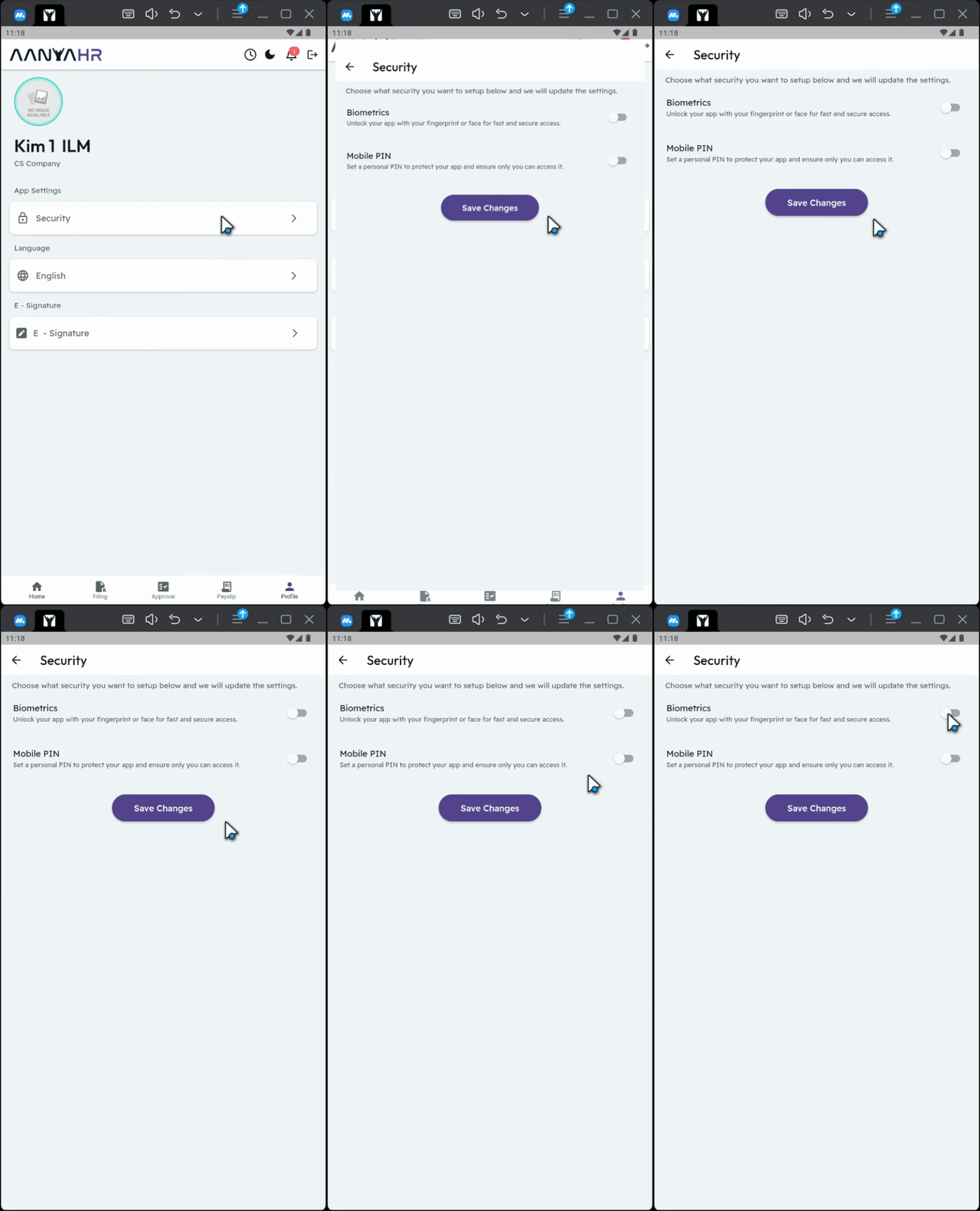
5. Save Changes
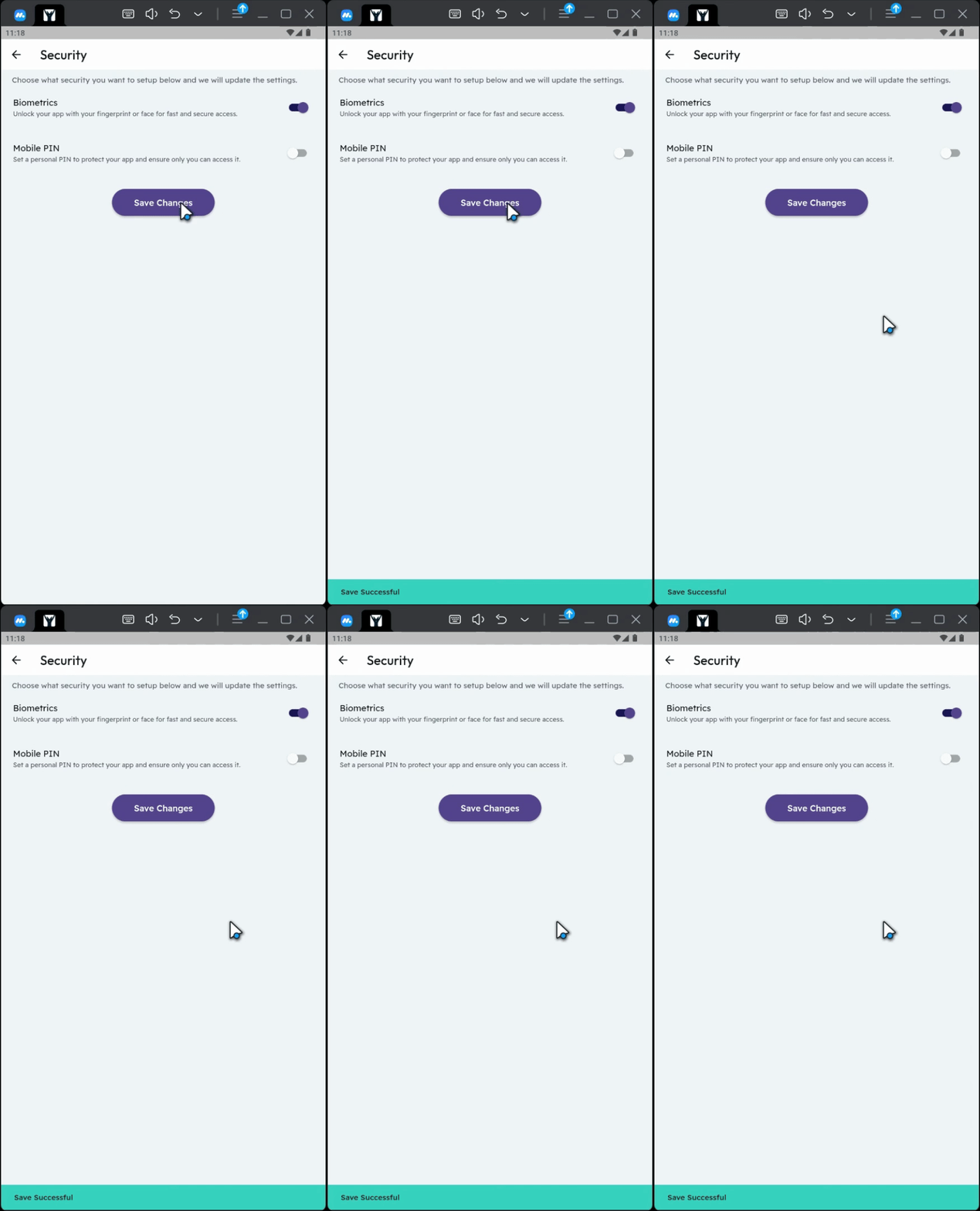
Click Save Changes.
6. Completion
And that's it!
7. Important Reminders
Please make sure that your biometric setup is enabled and your device is connected to the Internet or mobile data. These are required for push notifications to work properly in the mobile app.
Conclusion
By following these steps, you will successfully enable push notifications on the Anya HR mobile app, ensuring that you stay informed about all your important requests and updates.