

Introduction
Managing your filings has never been easier. In this tutorial, we will guide you through the process of viewing your filed requests in the ESS Module. You'll learn how to access the filing list, filter your requests, and understand the details of each filing. Whether you're checking the status of a leave request or any other filing, this step-by-step guide will equip you with the knowledge you need.
How to Instructions
1. Access Filings
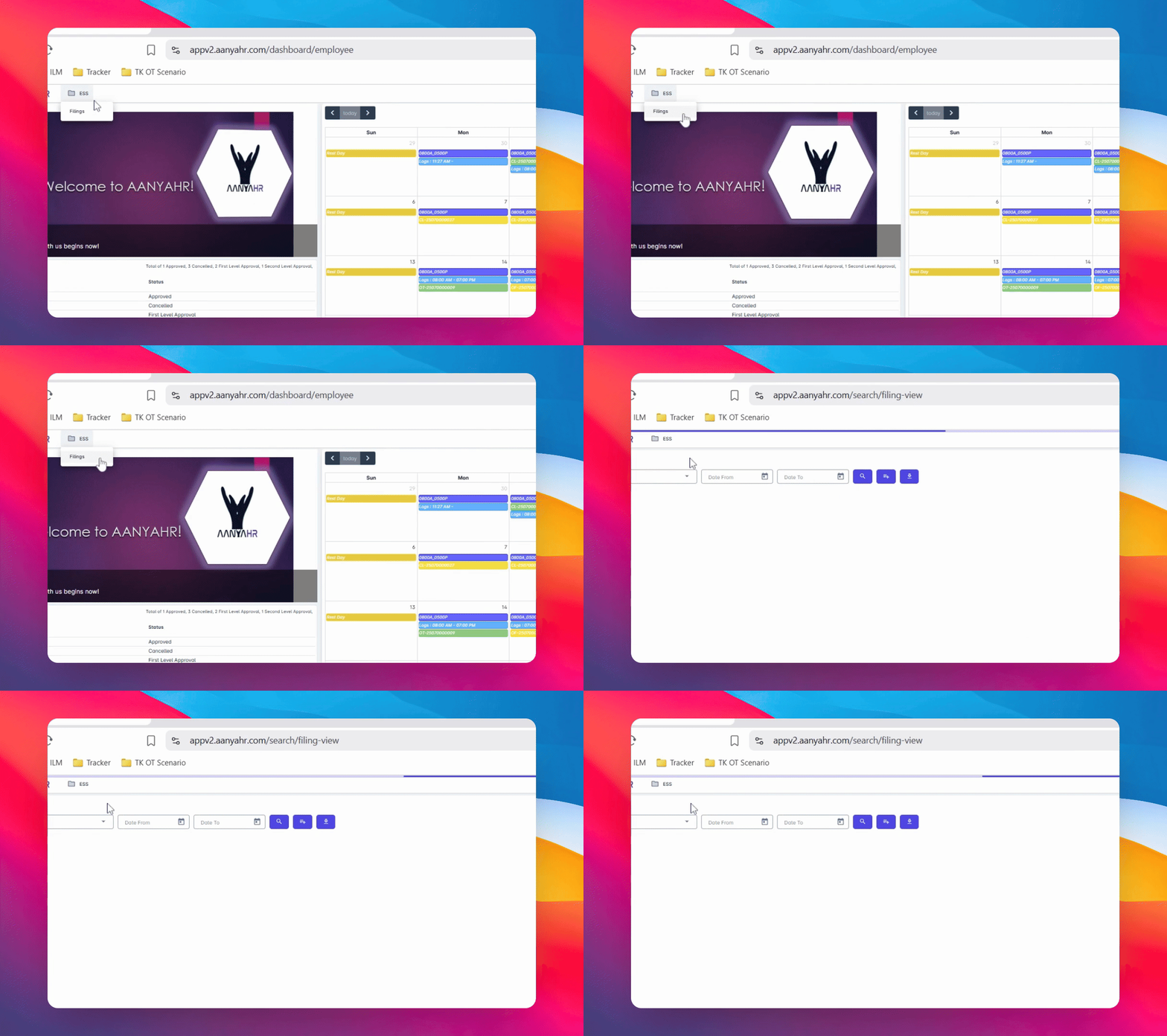
Click on Filings to begin the process.
2. Select Filing Type
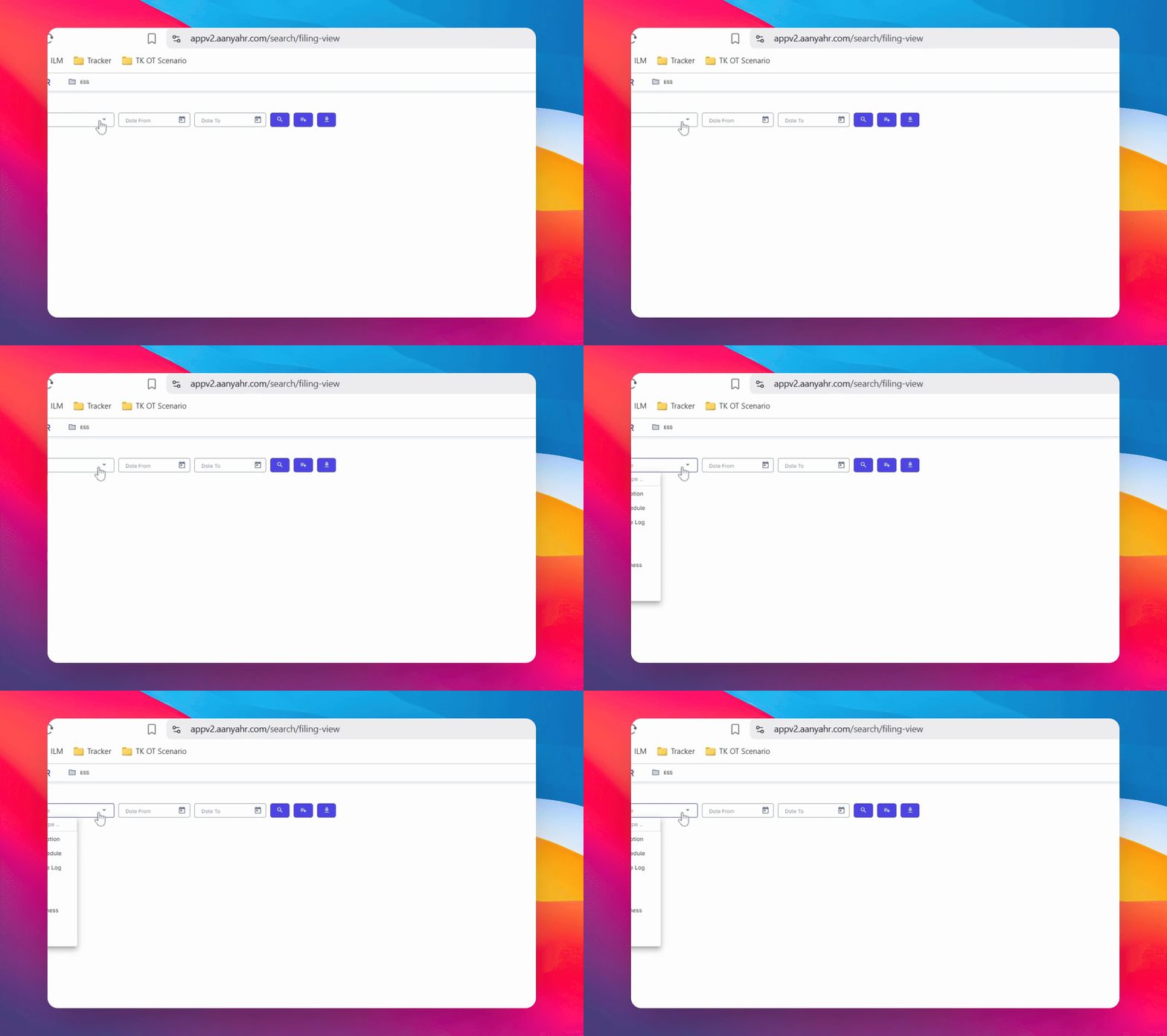
This will take you to the Filing list. In the Filing Type dropdown, select a specific type of filing you wish to view.
3. Choose Filing Type
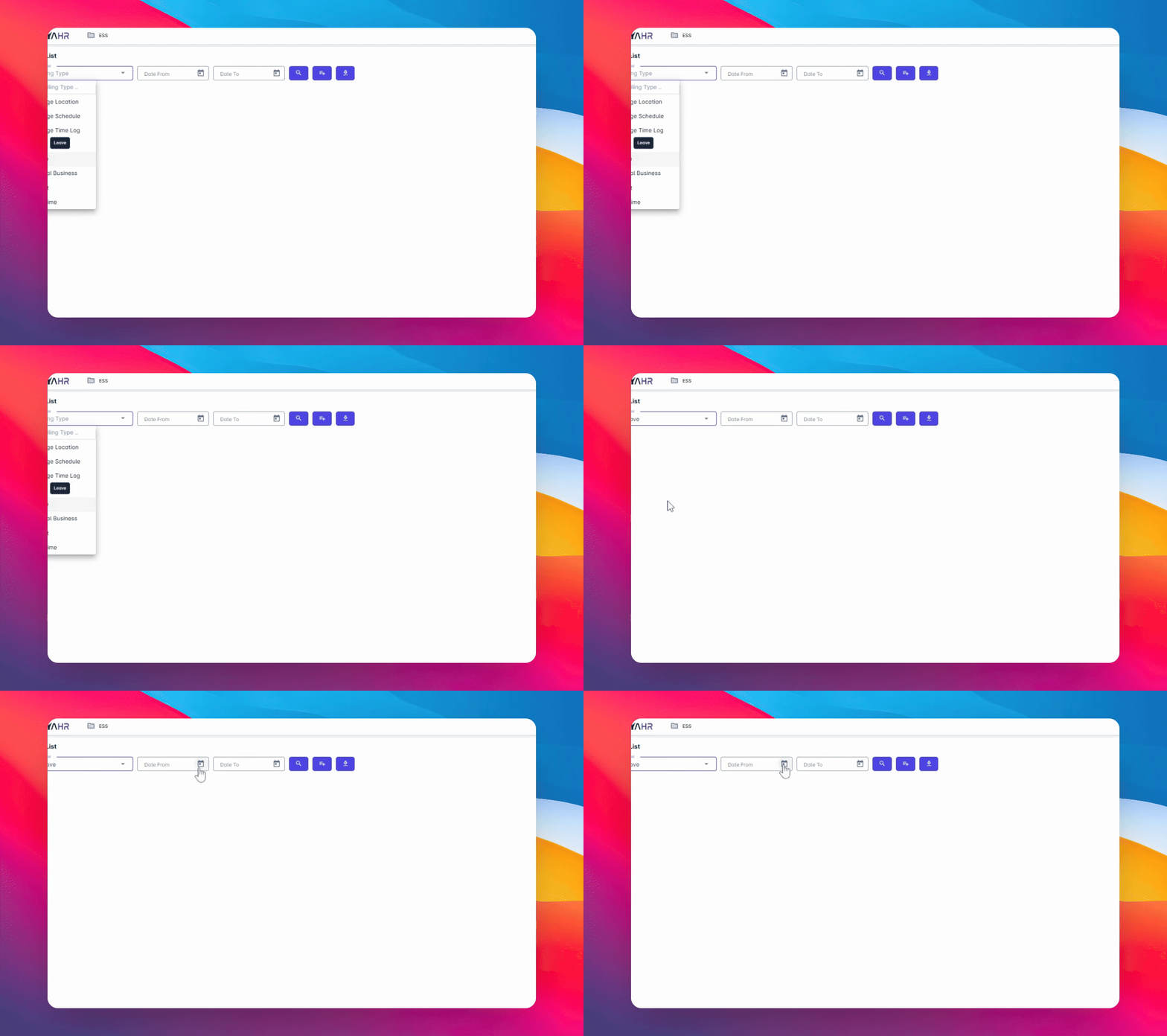
In this example, we will be searching for leave filings.
4. Set Date Filters
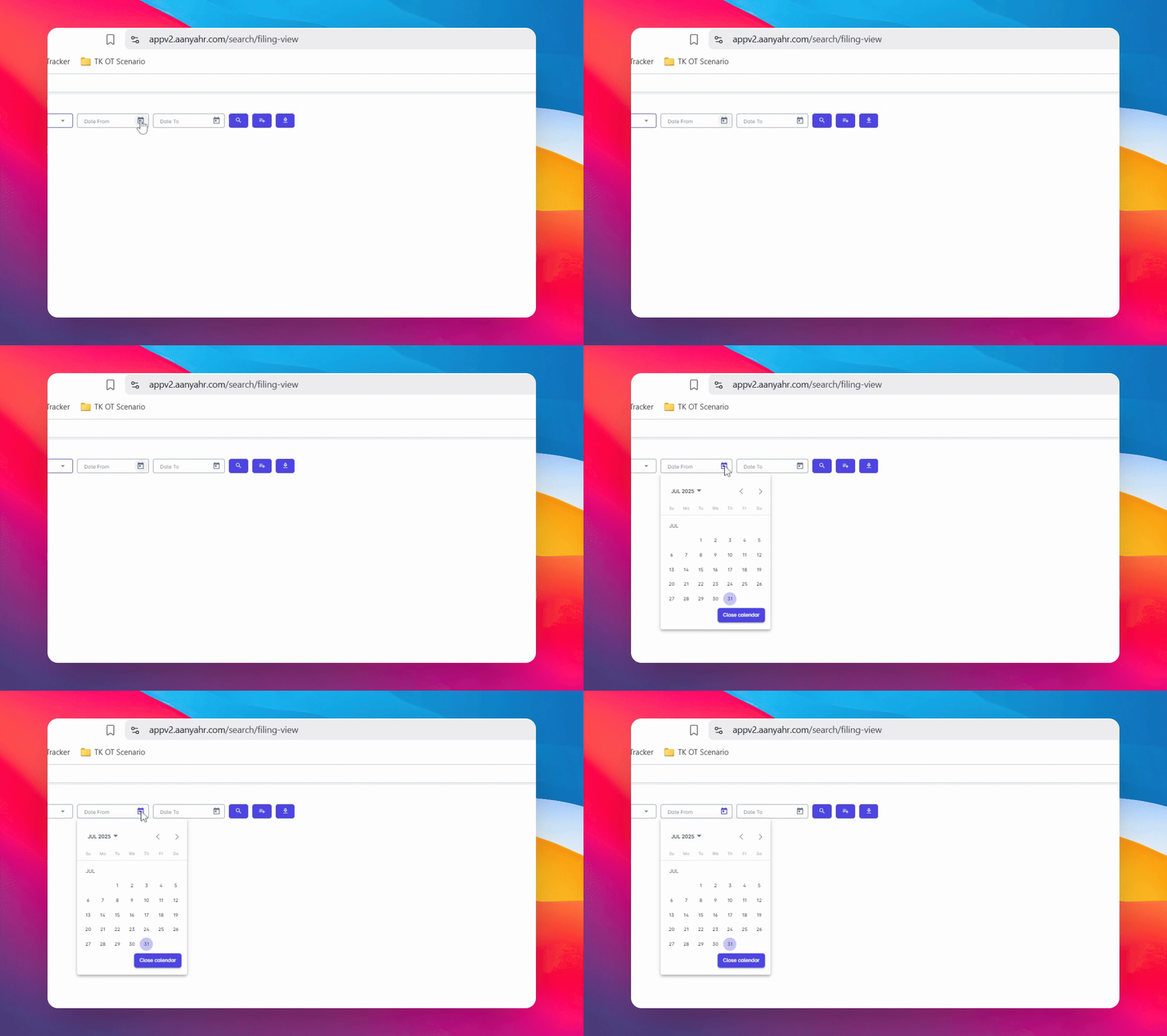
Choose a Date From and Date To to filter the filings you want to check. In this example, we will be searching starting from the beginning of the year.
5. Execute Search
Click the Search button to proceed with your filter settings.
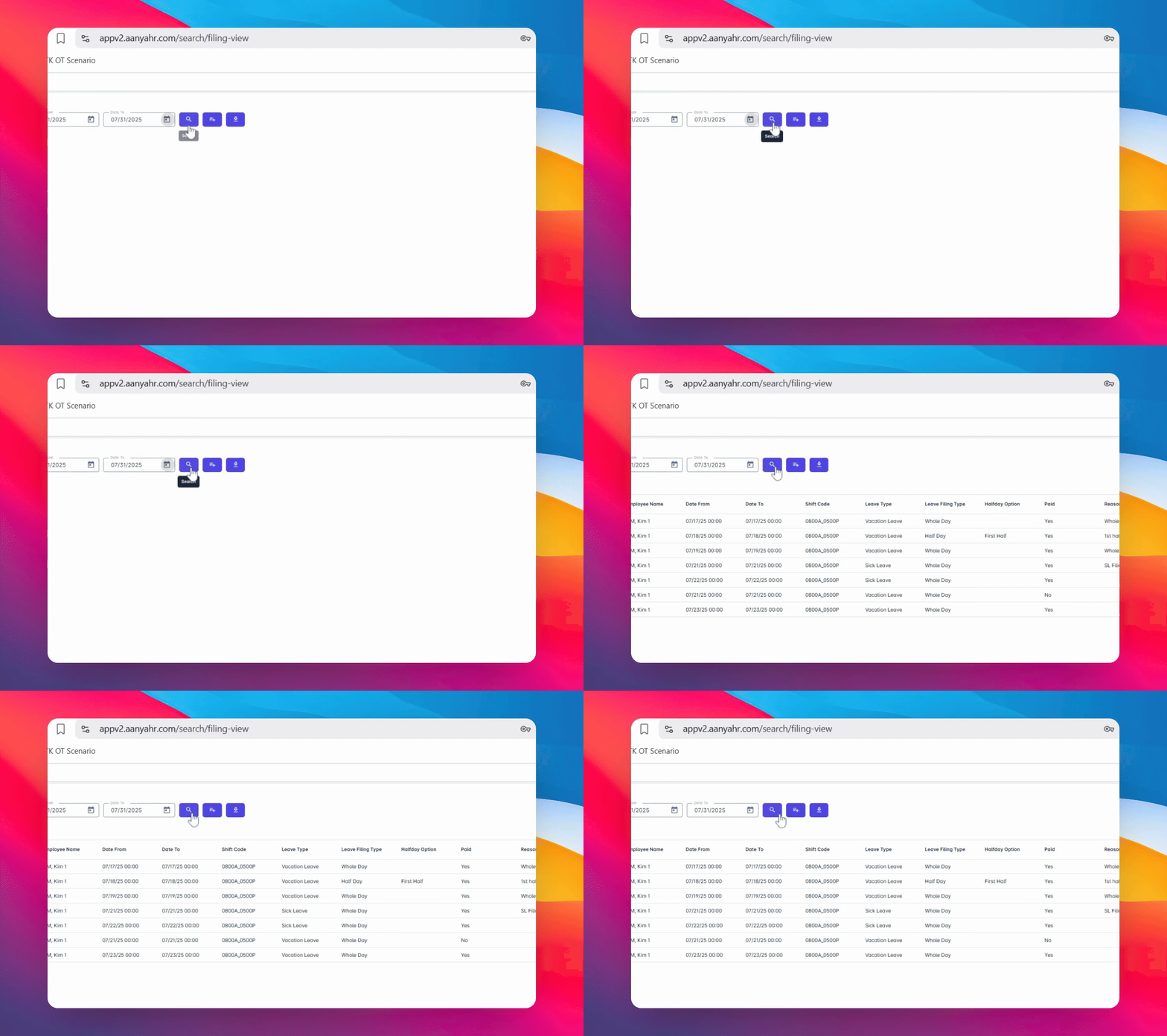
6. View Results
After clicking the Search button, a list of filings matching your selected filters will appear in the results panel.
7. Understand Filing Details
You will see the following information for each filing: the filing code for the selected type, the Date From and Date To, the scheduled dates of the filing, the reason you entered for the request, and the status, which shows whether your request is pending, approved, disapproved, or cancelled. Additional details include the name of the approver, the Approved Date, who filed the request, and the Request Date. These details serve as your personal filing report.
8. Track Your Requests
You can use this view to track the status of your request and ensure everything is up to date.
Conclusion
By following these steps, you can efficiently view and manage your filed requests in the ESS Module, ensuring you stay informed about the status of your submissions.