

ANYA hr introduces a new Field Health exam field in the Employee Profile. This supports processing field health contributions for eligible persons with disabilities and solo parent employees, following Field Health guidelines. Let's look at the steps:
Step 1: Update Employee Profile
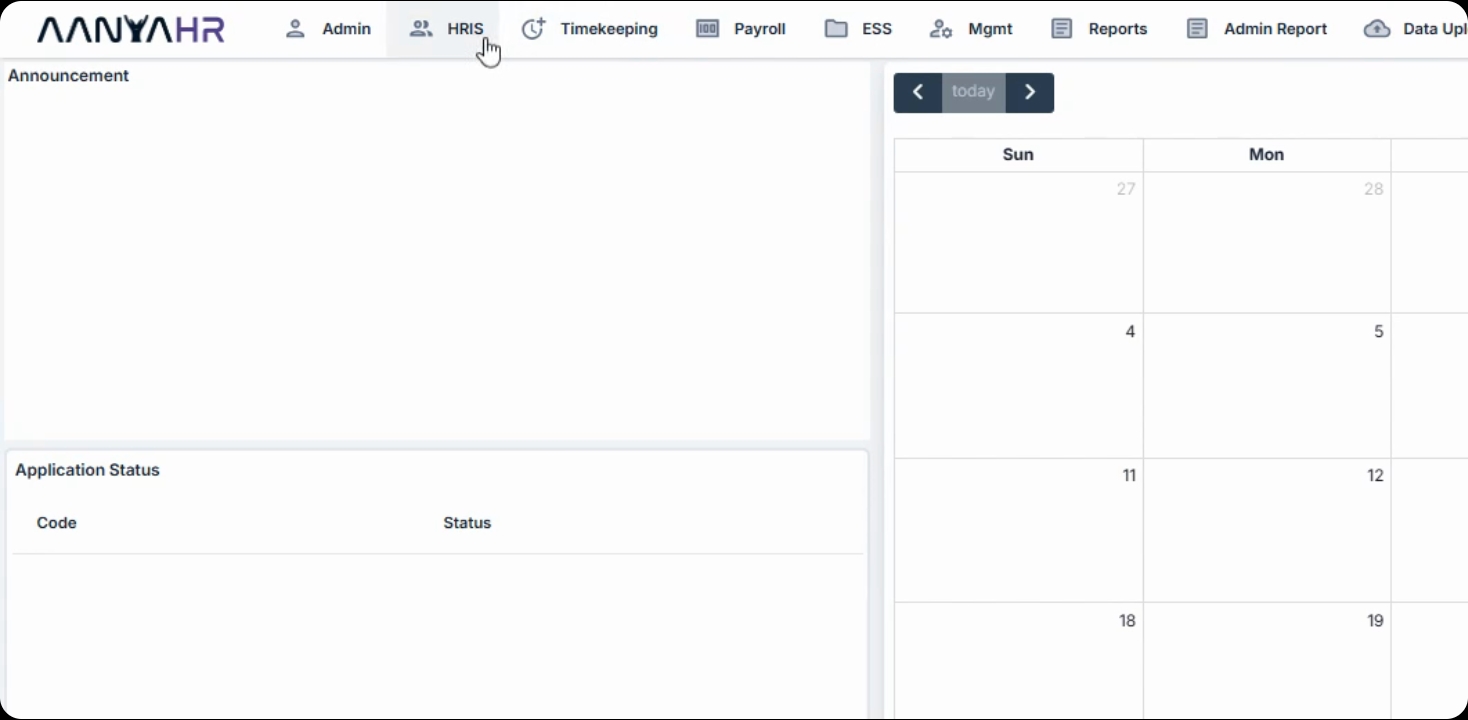
Navigate to the HRIS menu, hover over Employee, select the eligible employee, and click Edit under their personal tab. Find the telehealth Exempt field, select yes, and click Save.
When the Field Health Exempt field is set to yes, the employee's Field Health contribution share will not be deducted from their salary. The national government will shoulder this share, subject to eligibility, registration, and verification requirements.
The employer's share remains unchanged and will continue to be calculated under the existing Field Health contribution rules.
This feature helps simplify the identification and processing of eligible employees in ANYA hr, supporting compliance with Field Health requirements.