

This guide explains how to enable the Philhealth Exempt setting for an employee in your HRIS system. Let's look at the steps:
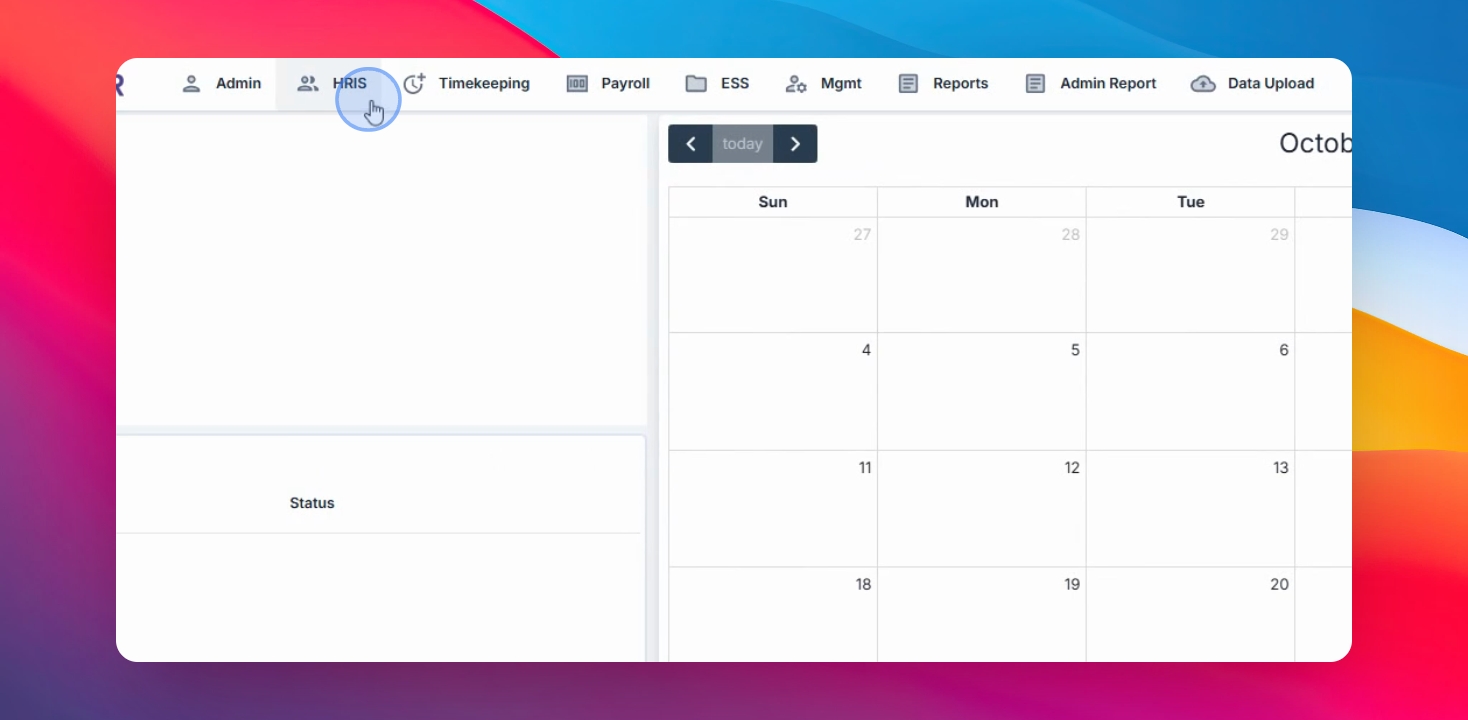
Step 1: Go to Employee in HRIS
Navigate to the HRIS menu and hover over Employee.
Step 2: Edit the Employee
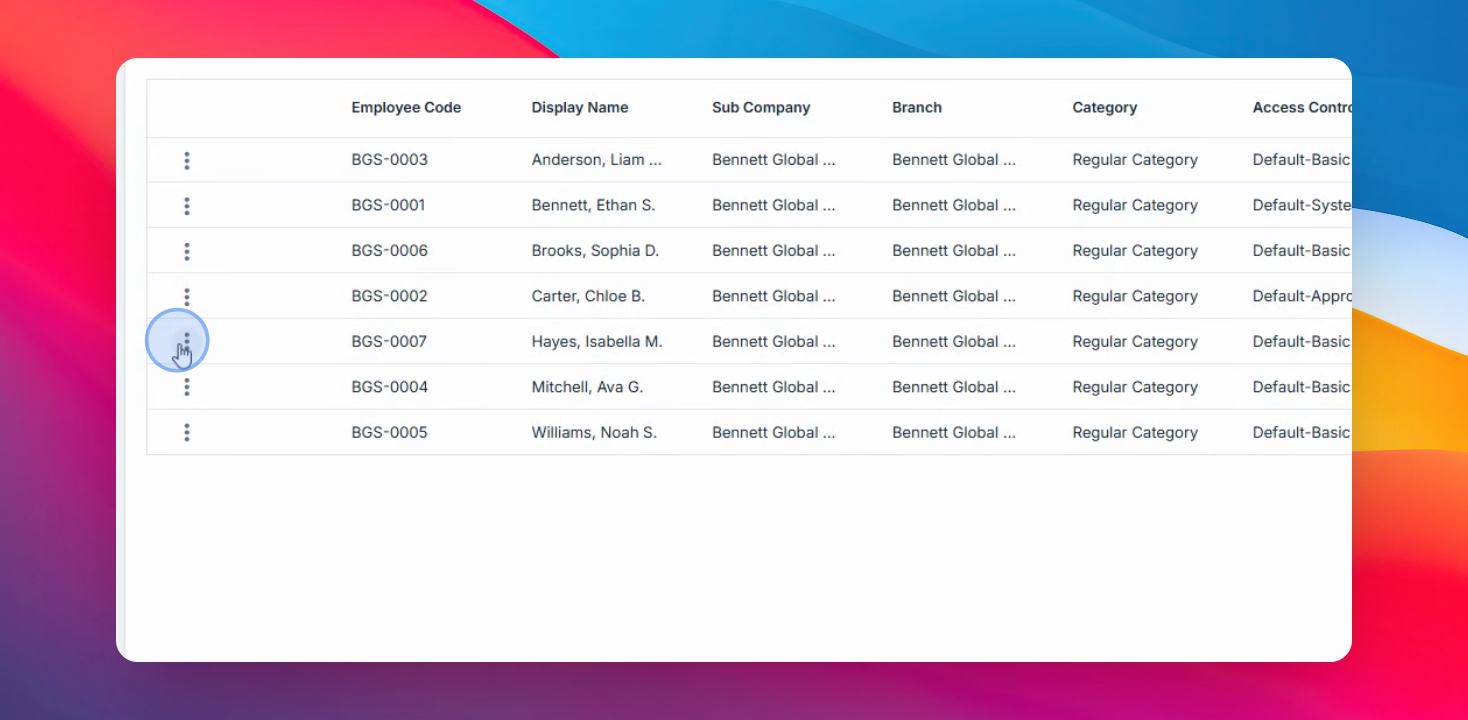
Select the eligible employee and click Edit.
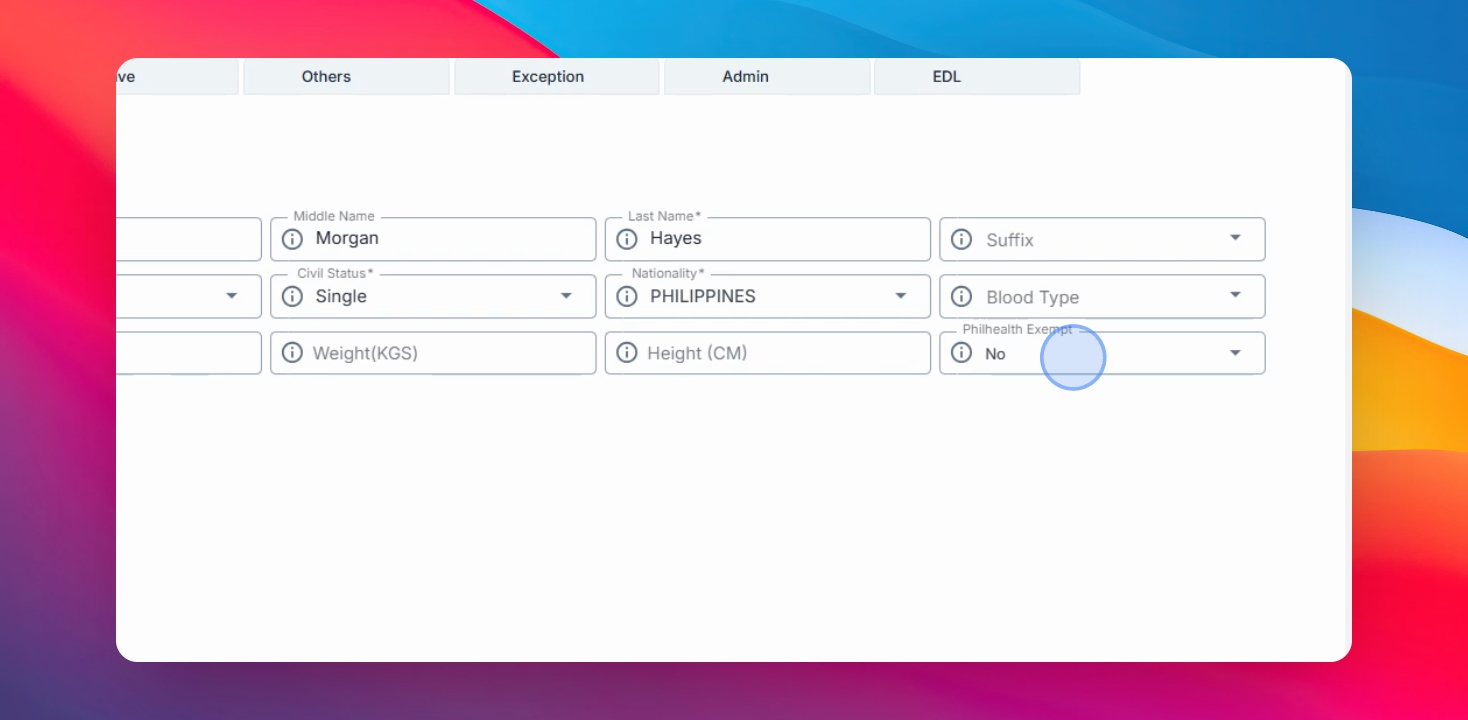
Step 3: Set Philhealth Exempt
In the Personal tab, find the Philhealth Exempt field, set it to yes, and click Save Changes to apply.
This enhancement streamlines contribution processing and supports compliance with Field Health requirements.